
iLuv TB100
iLuv TB100 Truly Wireless Bluetooth Earbuds User Manual
Modello: TB100
Introduzione
Thank you for choosing the iLuv TB100 Truly Wireless Bluetooth Earbuds. This manual provides detailed instructions to help you set up, operate, maintain, and troubleshoot your earbuds for the best audio experience. Please read this manual thoroughly before using the product.
Prodotto ufficiale finitoview video for the iLuv TB100 Truly Wireless Bluetooth Earbuds, demonstrating key features and design.
Cosa c'è nella scatola
Upon opening your iLuv TB100 package, you should find the following items:
- iLuv TB100 Truly Wireless Bluetooth Earbuds (Left and Right)
- Custodia di ricarica portatile
- Cavo di ricarica USB
- Multiple Sizes of Ear Tips (typically 4 pairs)
- Manuale dell'utente (questo documento)

Image showing the iLuv TB100 earbuds and their charging case, as typically found in the product packaging.
Guida all'installazione
1. Ricarica degli auricolari e della custodia
Before first use, fully charge both the earbuds and the charging case. The case provides additional charges for the earbuds on the go.
- Inserisci gli auricolari nella custodia di ricarica. Assicurati che siano posizionati correttamente: i contatti magnetici li terranno in posizione.
- Connect the USB charging cable to the charging port on the case and the other end to a USB power source (e.g., wall adapter, computer).
- Le spie luminose sulla custodia mostrano lo stato di carica. Una volta completata la carica, le spie indicano il completamento o si spengono.
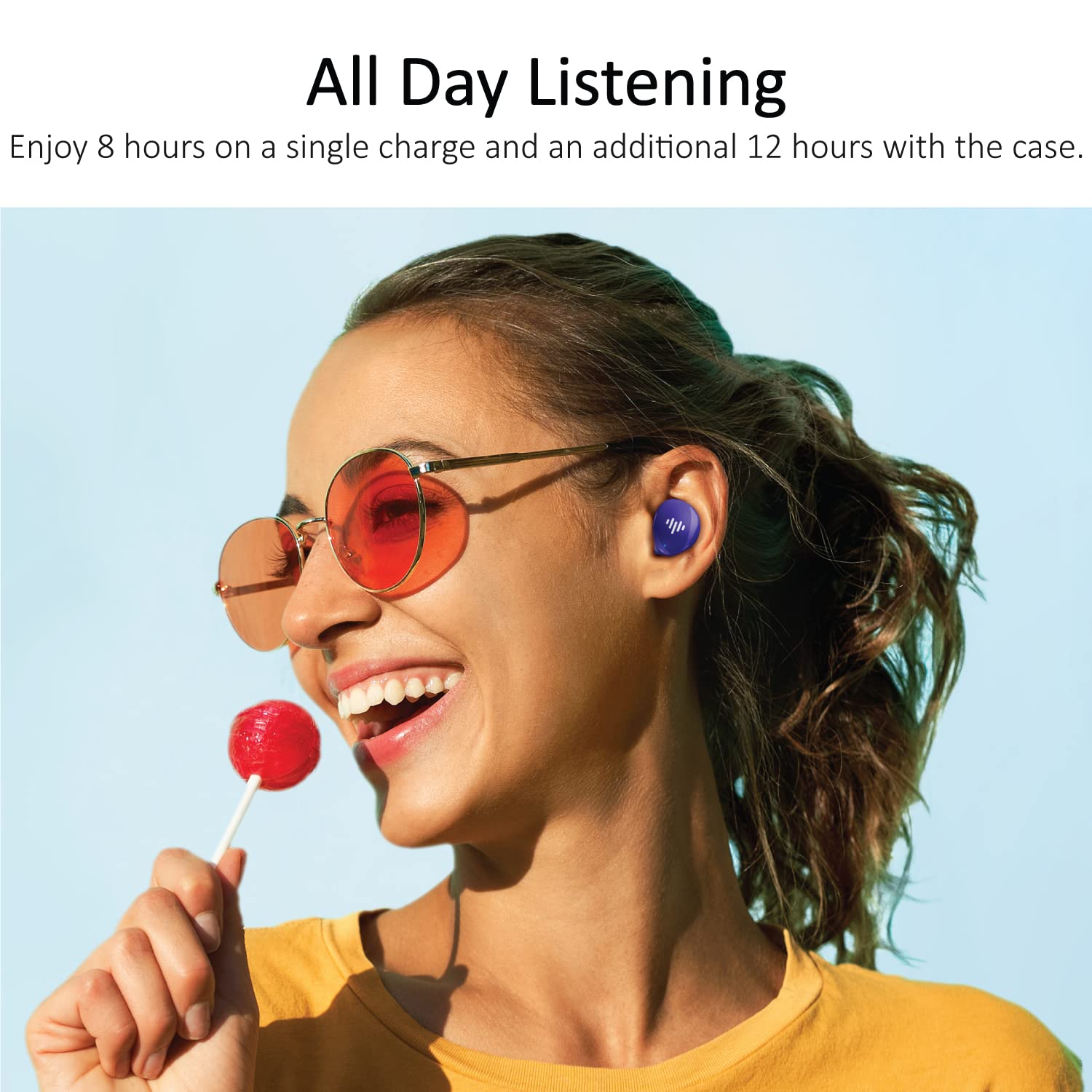
The iLuv TB100 earbuds offer extended listening time with their charging case, providing up to 20 hours of total playtime.
2. Associazione con il tuo dispositivo
The iLuv TB100 earbuds use Bluetooth 5.3 for a stable and efficient connection. They are compatible with both Apple and Android devices.
- Aprire la custodia di ricarica. Gli auricolari entreranno automaticamente in modalità di associazione, indicata dalle luci LED lampeggianti.
- Sul tuo smartphone o dispositivo abilitato Bluetooth, vai alle impostazioni Bluetooth.
- Cercare available devices and select "iLuv TB100" from the list.
- Once connected, the earbud indicator lights will stop flashing or change to a solid color.
- Per gli utilizzi successivi, gli auricolari si riconnetteranno automaticamente all'ultimo dispositivo associato quando verranno estratti dalla custodia.

The iLuv TB100 earbuds are compatible with Apple and Android devices, offering simple one-touch pairing.
3. Indossare gli auricolari
For optimal sound quality and comfort, choose the ear tips that best fit your ears. The earbuds are designed for an ergonomic in-ear fit.
- Select the appropriate size of ear tips from the provided options.
- Inserire delicatamente ciascun auricolare nel condotto uditivo.
- Twist slightly to ensure a secure and comfortable fit. A good seal is crucial for sound isolation and bass performance.
Istruzioni per l'uso
Accensione/spegnimento
- Accensione: Open the charging case, and the earbuds will automatically power on. Alternatively, press and hold the touch sensor on both earbuds for 3 seconds.
- Spegni: Place the earbuds back into the charging case and close the lid. They will automatically power off. Alternatively, press and hold the touch sensor on both earbuds for 5 seconds.
Controlli touch
The iLuv TB100 earbuds feature intuitive touch controls for managing music and calls.
- Riproduci/Pausa: Un solo tocco su uno degli auricolari.
- Traccia successiva: Tocca due volte l'auricolare destro.
- Traccia precedente: Tocca due volte l'auricolare sinistro.
- Rispondi/Termina chiamata: Un solo tocco su uno degli auricolari.
- Rifiuta chiamata: Tenere premuto uno dei due auricolari per 2 secondi.
- Attiva l'assistente vocale: Tocca tre volte uno degli auricolari.
- Nota: il controllo del volume viene solitamente gestito tramite il dispositivo connesso.

The iLuv TB100 earbuds feature buttonless tap controls for easy management of music and calls.
Effettuare e ricevere chiamate
The built-in MEMS microphones allow for clear communication during calls.
- Rispondere alle chiamate: When a call comes in, single tap either earbud to answer.
- Chiamate finali: During a call, single tap either earbud to end the conversation.
- Rifiutare le chiamate: Per rifiutare una chiamata in arrivo, tieni premuto uno dei due auricolari per 2 secondi.
The iLuv TB100 earbuds allow users to take calls effortlessly with built-in MEMS microphones.
Manutenzione e cura
Proper maintenance ensures the longevity and optimal performance of your iLuv TB100 earbuds.
Pulizia
- Pulisci regolarmente gli auricolari e la custodia di ricarica con un panno morbido, asciutto e privo di lanugine.
- Rimuovere i gommini auricolari e pulirli con acqua e sapone neutro, quindi asciugarli accuratamente prima di riapplicarli.
- Non utilizzare detergenti abrasivi, alcol o solventi chimici.
Magazzinaggio
- Quando non li usi, riponi sempre gli auricolari nella loro custodia di ricarica per proteggerli e mantenerli carichi.
- Avoid storing the earbuds in extreme temperatures or high humidity.
Resistenza all'acqua (IPX6)
The iLuv TB100 earbuds are rated IPX6 waterproof, meaning they are protected against powerful water jets. This makes them suitable for workouts and light rain.
- Non immergere gli auricolari in acqua.
- Ensure the charging port on the case is dry before charging.
- Se gli auricolari si bagnano, asciugarli prima di riporli nella custodia di ricarica.
Risoluzione dei problemi
If you encounter issues with your iLuv TB100 earbuds, try the following solutions:
| Problema | Soluzione |
|---|---|
| Gli auricolari non si associano o non si connettono |
|
| Un solo auricolare funzionante |
|
| Scarsa qualità del suono o volume basso |
|
| La custodia di ricarica non si ricarica |
|
| Earbuds slipping out of ears |
|
Specifiche
| Caratteristica | Dettaglio |
|---|---|
| Nome del modello | TB100 |
| Marca | amo |
| Connettività | Bluetooth 5.3 |
| Posizionamento dell'orecchio | Nell'orecchio |
| Tipo di controllo | Tocco |
| Controllo del rumore | Isolamento acustico |
| Microfono | Microfono MEMS integrato |
| Tempo di gioco totale | Fino a 20 ore (con custodia di ricarica) |
| Tempo di riproduzione con una singola carica | Fino a 6 ore |
| Resistenza all'acqua | IPX6 (protetto contro getti d'acqua potenti) |
| Materiale | Plastica |
| Peso | 0.1 chilogrammi |
| Dispositivi compatibili | Cellphones, Tablets (Apple & Android) |

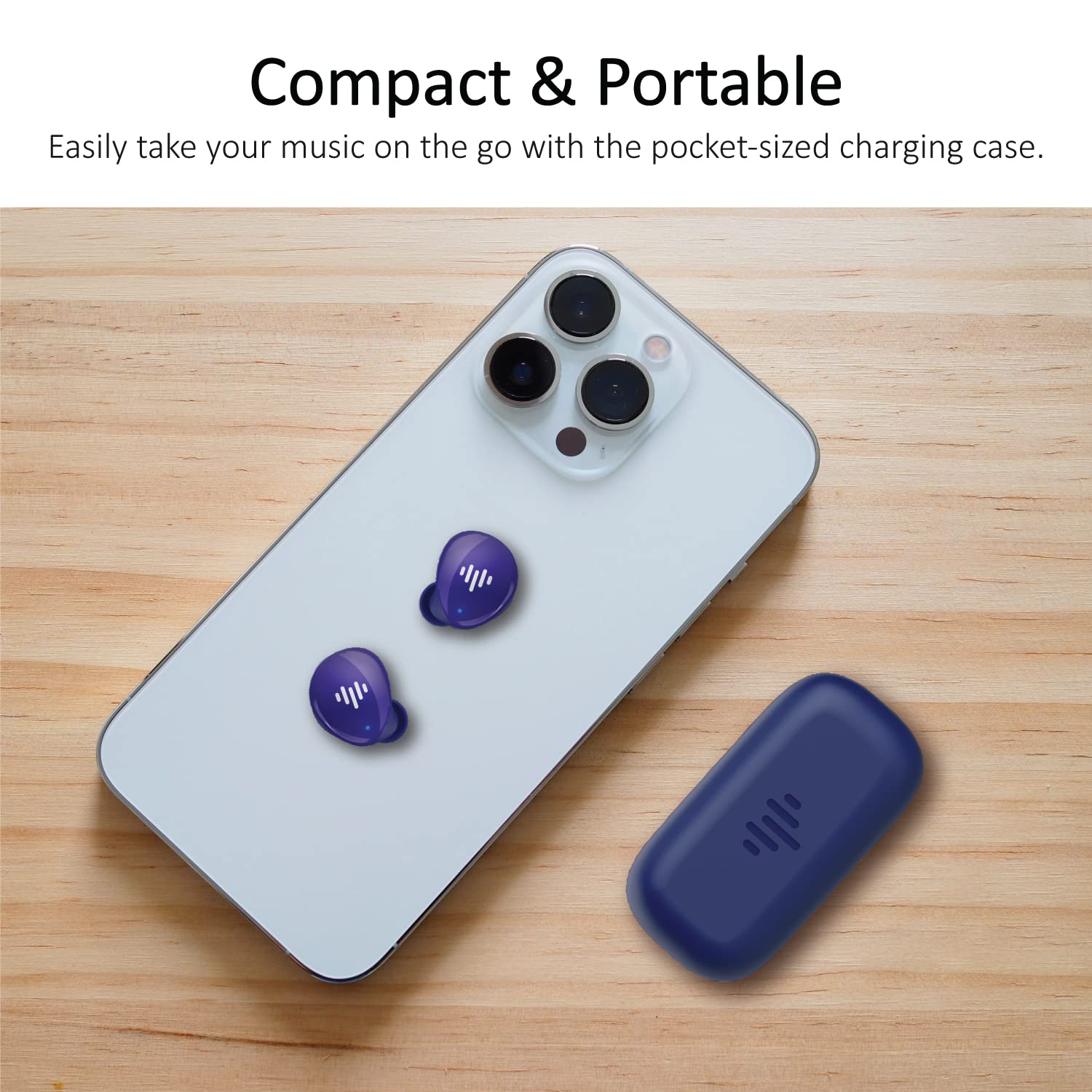
The iLuv TB100 earbuds and their compact charging case are designed for portability and convenience.
Garanzia e supporto
Informazioni sulla garanzia
The iLuv TB100 Truly Wireless Bluetooth Earbuds come with a standard manufacturer's warranty. For specific details regarding warranty coverage, duration, and terms, please refer to the warranty card included in your product packaging or visit the official iLuv websito.
Assistenza clienti
If you require further assistance, have questions not covered in this manual, or need technical support, please contact iLuv customer service through their official website or the contact information provided on your product packaging. Please have your model number (TB100) and proof of purchase ready when contacting support.
Ask a question about this manual
Ask about setup, troubleshooting, compatibility, parts, safety, or missing instructions. Manuals+ will review the question and use this page’s manual context to help answer it.