
ZAMKOL ZK202
Zamkol Wireless Bluetooth Speaker User Manual
Modello: ZK202
Introduzione
Thank you for choosing the Zamkol Wireless Bluetooth Speaker. This portable and waterproof speaker is designed to deliver powerful 30W stereo sound with enhanced bass, making it ideal for both outdoor adventures and home use. Please read this manual carefully to ensure proper use and maintenance of your device.
Informazioni sulla sicurezza
- Non esporre l'altoparlante a temperature estreme o alla luce solare diretta per periodi prolungati.
- Non smontare, riparare o modificare l'altoparlante. Ciò invaliderà la garanzia.
- Tenere l'altoparlante lontano da dispositivi medici.
- Assicurarsi che il coperchio della porta di ricarica sia ben chiuso quando si utilizza l'altoparlante vicino all'acqua, per mantenere il grado di impermeabilità IPX6.
- Utilizzare solo il cavo di ricarica fornito o un equivalente certificato.
Cosa c'è nella scatola
- Zamkol Wireless Bluetooth Speaker (Model: ZK202)
- Cavo di ricarica USB di tipo C.
- Cavo audio da 3.5 mm (AUX)
- Manuale d'uso
Prodotto finitoview

Davanti view of the Zamkol ZK202 Wireless Bluetooth Speaker, showcasing its cylindrical design, control buttons, and red fabric mesh.
Caratteristiche principali:
- Potente suono stereo da 30 W: Engineered with two power drivers for strong bass and clear midrange and treble.
- Accoppiamento True Wireless Stereo (TWS): Connect two ZK202 speakers for a combined 60W stereo sound experience.
- Portable and Unique Design: Cylindrical shape for easy portability and attachment to bicycles or backpacks. Features a rotary volume knob for convenient one-handed control.
- Tempo di riproduzione esteso: Built-in 6600mAh battery provides up to 15 hours of playtime (varies by volume level).
- Resistenza all'acqua IPX6: Suitable for use in bathrooms, by the pool, or at the beach, protected against splashing and rain.
- Connettività Bluetooth 5.0 stabile: Connects easily to devices up to 60 unobstructed feet away.
- Compatibilità versatile: Supports non-Bluetooth devices via Micro SD card slot and 3.5mm audio cable.
Impostare
1. Ricarica dell'altoparlante
Before first use, fully charge the speaker. Connect the USB Type-C charging cable to the speaker's charging port and the other end to a USB power adapter (not included) or a computer's USB port. The LED indicator will show charging status (e.g., red while charging, green when fully charged).
2. Accensione/Spegnimento
To power on the speaker, press and hold the central power button (circle icon) for a few seconds until you hear an audible prompt and the LED indicator lights up. To power off, press and hold the same button until the speaker shuts down.
3. Accoppiamento Bluetooth
- Assicurarsi che l'altoparlante sia acceso e in modalità di associazione Bluetooth (in genere l'indicatore LED lampeggia in blu).
- Sul tuo dispositivo (smartphone, tablet, laptop), attiva il Bluetooth e cerca i dispositivi disponibili.
- Select "ZK202" from the list of found devices.
- Una volta connesso, l'altoparlante emetterà un segnale acustico di conferma e l'indicatore LED diventerà blu fisso.
4. Accoppiamento True Wireless Stereo (TWS)
For an enhanced stereo experience, you can pair two ZK202 speakers together:
- Ensure both ZK202 speakers are powered on and not connected to any other Bluetooth device.
- On one of the speakers (this will be the primary speaker), double-click the central power button (circle icon). The speaker will enter TWS pairing mode.
- I due altoparlanti si cercheranno e si connetteranno automaticamente. Una volta effettuata la connessione, sentirai un segnale acustico di conferma.
- Ora collega il tuo dispositivo all'altoparlante principale tramite Bluetooth come descritto nel passaggio 3. Entrambi gli altoparlanti riprodurranno l'audio in stereo.
5. Connecting Non-Bluetooth Devices
The speaker supports audio playback from Micro SD cards and via a 3.5mm AUX cable.
- Micro SD Card: Insert a Micro SD card (with supported audio formats like WAV, MP3, WMA, FLAC in the root directory) into the Micro SD slot. The speaker will automatically switch to Micro SD mode and begin playback.
- Ingresso AUX: Connect one end of the 3.5mm audio cable to the speaker's AUX port and the other end to your audio source (e.g., MP3 player, laptop). The speaker will automatically switch to AUX mode.
Istruzioni per l'uso
Control Buttons and Rotary Knob:
Close-up of the control panel on the Zamkol ZK202 speaker, showing the volume buttons, power/play button, mode button, and Micro SD/AUX ports.
| Pulsante/Controllo | Funzione |
|---|---|
| Rotary Knob (Top) | Ruotare in senso orario per aumentare il volume, in senso antiorario per diminuirlo. |
| Pulsante '+' | Short press: Increase volume. Long press: Next track. |
| Pulsante '-' | Short press: Decrease volume. Long press: Previous track. |
| Central Circle Button (Power/Play/Pause) | Long press: Power On/Off. Short press: Play/Pause music. Single click: Activate voice assistant. Double click: Activate TWS pairing mode. |
| 'M' Button (Mode) | Short press: Play/Pause music or Answer/End calls. Long press (2s): Switch between Bluetooth, Micro SD, and AUX modes. Long press (8s): Reset speaker. |
Gestione delle chiamate:
- Rispondi/Termina chiamata: Premere brevemente il pulsante 'M'.
- Rifiuta chiamata: Tenere premuto il pulsante 'M' per 2 secondi.
Resistenza all'acqua (IPX6):

A hand holding the Zamkol ZK202 speaker under splashing water, demonstrating its IPX6 water resistance.
The ZK202 speaker is IPX6 water-resistant, meaning it can withstand powerful water jets. It is suitable for use in wet environments like bathrooms, by the pool, or at the beach. Importante: Ensure the rubber cover for the charging and AUX ports is securely sealed before exposing the speaker to water. Do not submerge the speaker completely in water.
Manutenzione
- Pulisci l'altoparlante con un panno morbido eamp panno. Non usare detergenti abrasivi o solventi.
- Mantenere la porta di ricarica libera da polvere e detriti.
- Quando non si utilizza l'altoparlante per lunghi periodi, conservarlo in un luogo fresco e asciutto.
- Evitare di far cadere l'altoparlante o di sottoporlo a forti urti.
Risoluzione dei problemi
| Problema | Possibile soluzione |
|---|---|
| L'altoparlante non si accende. | Assicurati che l'altoparlante sia carico. Collegalo a una fonte di alimentazione e riprova. |
| Impossibile effettuare l'associazione tramite Bluetooth. |
|
| Nessun suono o volume basso. |
|
| L'associazione TWS non è riuscita. |
|
Specifiche
| Caratteristica | Dettaglio |
|---|---|
| Nome del modello | Prezzo ZK202 |
| Tipo di altoparlante | All'aperto |
| Potenza massima in uscita dell'altoparlante | 30 Watt |
| Tecnologia di comunicazione wireless | Bluetooth 5.0 |
| Portata Bluetooth | 60 piedi (senza ostacoli) |
| Durata della batteria | 15 ore |
| Capacità della batteria | 6600 mAh |
| Valutazione della resistenza all'acqua | Grado di protezione IPX6 |
| Metodo di controllo | Touch, Rotary Knob |
| Modalità di uscita audio | Stereo |
| Peso dell'articolo | 660 grammi (1.46 libbre) |
| Dimensioni del prodotto | 2.83 x 2.83 x 7.28 pollici |
| Dispositivi compatibili | Smartphone, TV, Laptop, Projector, MP3 Player, Desktop, Tablet |
| Protocollo di connettività | Bluetooth, Micro SD, 3.5mm AUX |
| Codice UPC | 781360211007 |

Graphic illustrating the 15-hour battery life of the Zamkol ZK202 speaker.
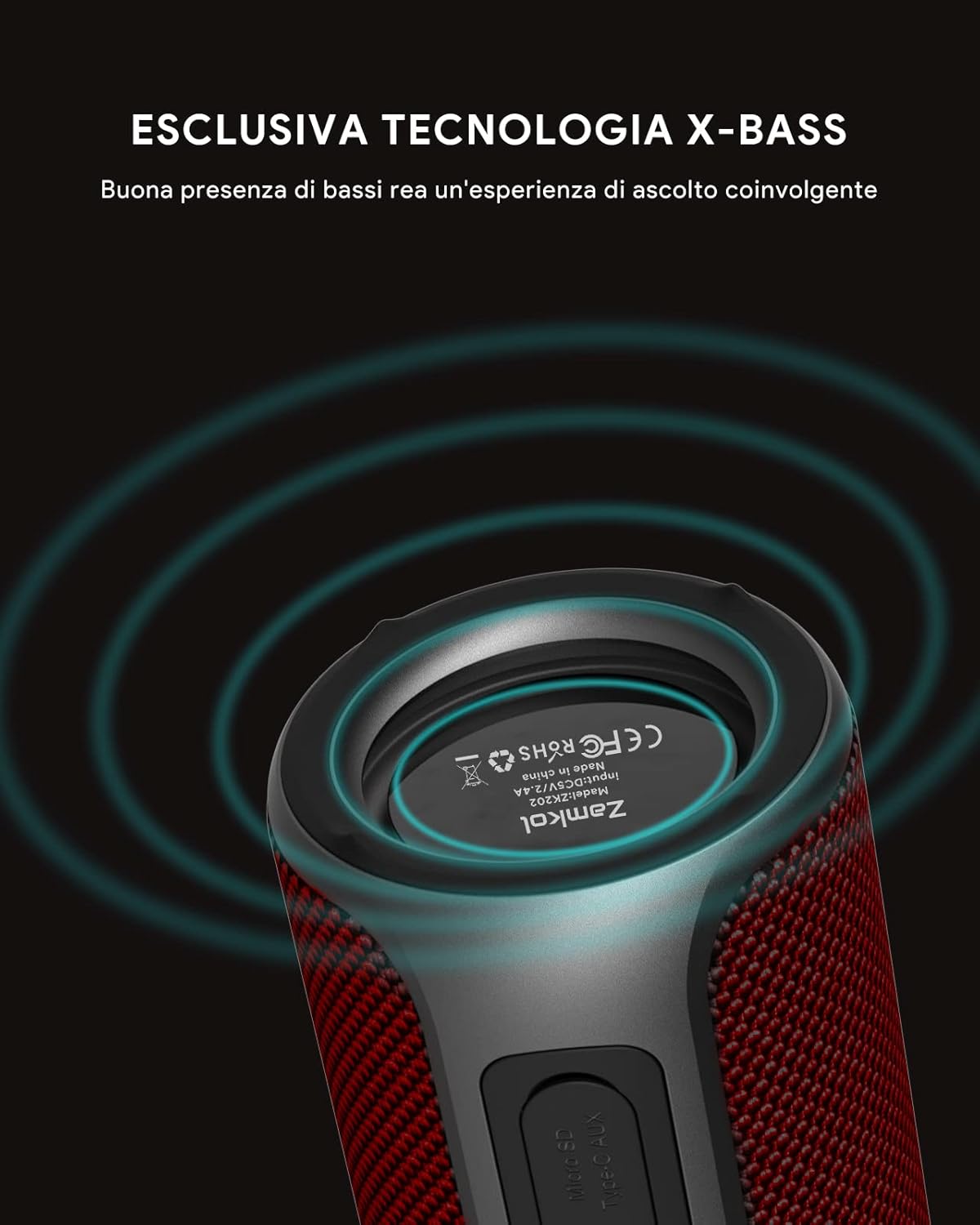
Graphic highlighting the exclusive X-Bass technology for enhanced bass performance.
Garanzia e supporto
The Zamkol ZK202 Wireless Bluetooth Speaker comes with a limited warranty. For detailed warranty information, technical support, or customer service, please refer to the contact information provided on the product packaging or visit the official ZAMKOL websito.
Produttore: Zamcol