
1. Introduzione
This manual provides comprehensive instructions for the setup, operation, and maintenance of your Portronics Timeout Smart Countdown Timer Cube. Please read this manual carefully to ensure proper use and to maximize the functionality of your device.

Figure 1: Portronics Timeout Smart Countdown Timer Cube. A blue, hexagonal timer cube with numbers '1' and '7' visible on two faces, and a small LCD display on another face showing '00:00'.
2. Prodotto finitoview
The Portronics Timeout is a smart countdown timer cube designed for efficient time management. It features a unique flip-to-start mechanism and offers both audio and visual alarm options. The timer is ideal for various activities including kitchen tasks, study sessions, games, workouts, meditation, and yoga.
Caratteristiche principali:
- Fixed Countdown Durations: Offers four preset countdown times: 1, 3, 5, and 7 minutes.
- Audio Alarm Options: Three adjustable volume levels: High, Medium, and Mute.
- Visual Alarm Options: Inbuilt LED light with three settings: High, Medium, and Off.
- Funzionamento semplice: No programming required; simply flip the desired minute side up to start the countdown.
- Visualizzazione dinamica: The LCD display automatically rotates to remain upright regardless of the cube's orientation.

Figure 2: Features and Functions. An annotated diagram of the timer cube's bottom face, highlighting the speaker, LED light, light controller (Off/Low/High), volume controller (Mute/Low/High), LCD display, and battery compartment for 2 AAA batteries. It also indicates the four fixed time durations: 1, 3, 5, 7 minutes.
3. Contenuto della confezione
- 1 x Portronics Timeout Smart Countdown Timer Cube (Model POR-653)
4. Impostazione
Installazione della batteria:
- Locate the battery compartment cover on the bottom face of the timer cube.
- Per aprire il vano, far scorrere o sganciare delicatamente il coperchio.
- Inserire 2 batterie AAA, assicurandosi che la polarità sia corretta (+/-) come indicato all'interno del vano.
- Riposizionare saldamente il coperchio del vano batteria.
5. Istruzioni per l'uso
The Portronics Timeout timer cube is designed for intuitive operation without complex settings.
Starting a Countdown:
- Assicurarsi che le batterie siano installate.
- Identify the desired countdown duration (1, 3, 5, or 7 minutes) on one of the cube's faces.
- Place the cube with the desired minute value facing upwards. The countdown will begin automatically.
- The LCD display will show the remaining time.
Pausa e ripresa:
- To pause the timer, flip the cube so that a blank (non-numbered) side is facing upwards. The display will show 'PAUSE'.
- To resume the timer, flip the cube back to the numbered side that was previously counting down. The timer will continue from where it left off.
Arresto del timer:
- When the countdown reaches zero, the alarm (audio and/or visual) will activate.
- To stop the alarm, flip the cube so that a blank (non-numbered) side is facing upwards.

Figure 3: Easy Start, Pause, and Stop Operations. A sequence of illustrations demonstrating the timer's operation: placing a numbered side up to start, flipping to a blank side to pause, flipping back to resume, and the 'Times Up' notification followed by flipping to a blank side to stop the alarm.
Dynamic Display Feature:
The LCD display is designed to automatically adjust its orientation, ensuring that the time is always shown upright, regardless of how the cube is positioned.

Figure 4: Dynamic Display. Three images of the timer cube rotated at different angles, all showing the LCD display remaining static and readable, indicating that the display adjusts to the cube's orientation.
6. Impostazioni di allarme
The Portronics Timeout offers customizable audio and visual alarm options to suit your environment and preferences.
Audio Alarm Control:
On the bottom face of the cube, locate the volume controller. You can select from three settings:
- Alto: Loudest audio alarm.
- Medio: Moderate audio alarm.
- Disattiva audio: No audio alarm.
Visual Alarm (LED Light) Control:
Also on the bottom face, locate the light controller. You can select from three settings for the inbuilt LED light:
- Alto: Brightest LED light.
- Medio: Moderate LED light.
- Spento: No LED light.
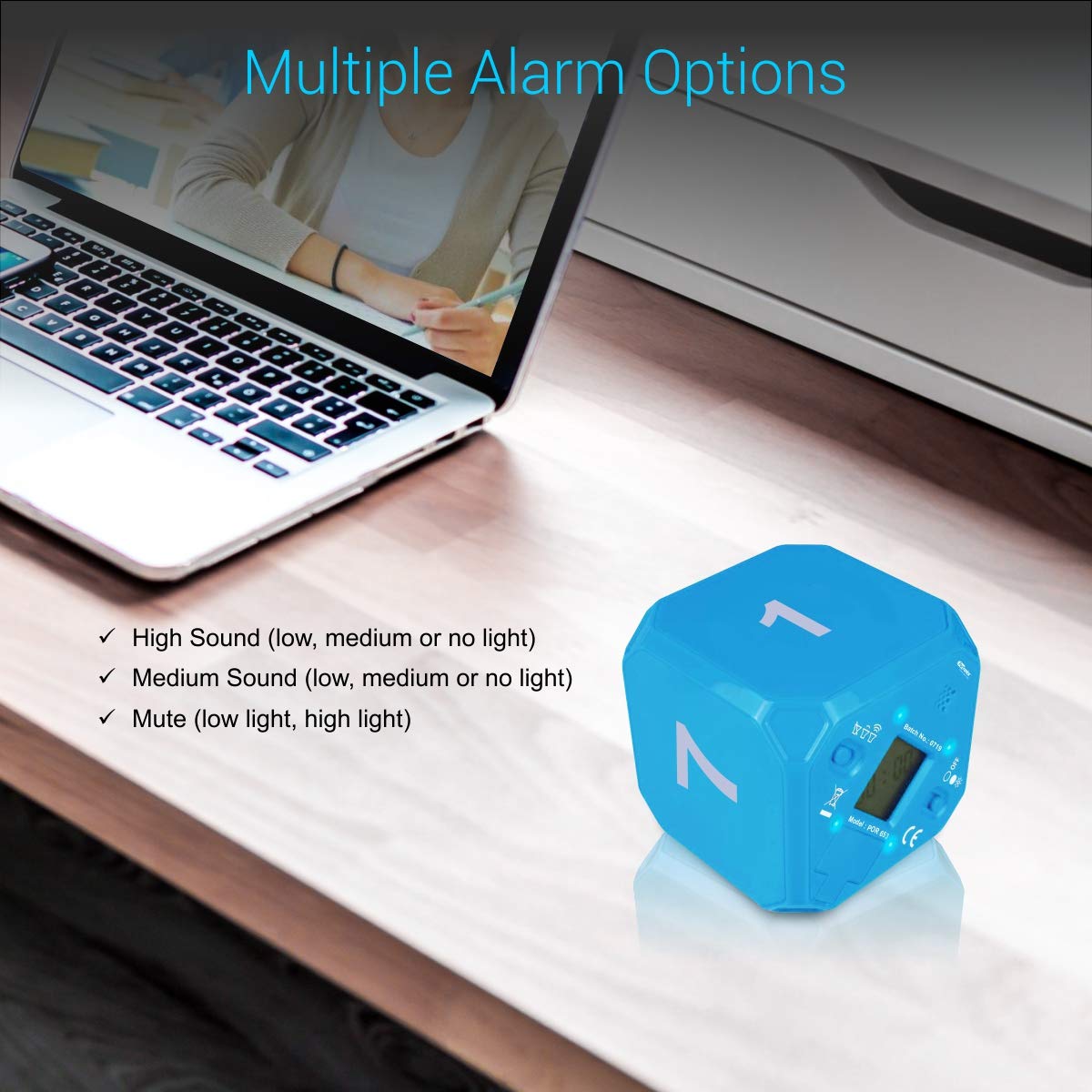
Figure 5: Multiple Alarm Options. The timer cube on a desk next to a laptop, with text listing the multiple alarm options: High Sound (low, medium or no light), Medium Sound (low, medium or no light), and Mute (low light, high light).
7. Manutenzione
Pulizia:
- Wipe the timer cube with a soft, dry cloth.
- Non utilizzare detergenti abrasivi o solventi, poiché potrebbero danneggiare la superficie.
Sostituzione della batteria:
- Replace batteries when the display becomes dim or the timer functions inconsistently.
- Always use fresh AAA batteries.
- Smaltire le vecchie batterie in modo responsabile secondo le normative locali.
Magazzinaggio:
- Conservare il timer in un luogo fresco e asciutto, lontano dalla luce solare diretta e da temperature estreme.
- Se si conserva il prodotto per un periodo prolungato, rimuovere le batterie per evitare perdite.
8. Risoluzione Dei Problemi
| Problema | Possibile causa | Soluzione |
|---|---|---|
| Il timer non si avvia. | Le batterie sono scariche o installate in modo errato. | Controllare la polarità delle batterie o sostituirle con nuove batterie AAA. |
| No audio alarm. | Audio alarm is set to 'Mute'. | Adjust the volume controller to 'Low' or 'High'. |
| No visual alarm (LED light). | LED light is set to 'Off'. | Adjust the light controller to 'Low' or 'High'. |
| Il display è scuro o tremolante. | Batteria scarica. | Sostituire le batterie con nuove batterie AAA. |
| Timer stops unexpectedly. | Cube was accidentally flipped to a blank side (pause). | Ensure the numbered side remains facing upwards during countdown. |
9. Specifiche
| Caratteristica | Dettaglio |
|---|---|
| Marca | Portonici |
| Numero di modello | PER 653 |
| Colore | Blu |
| Materiale | Plastica ABS |
| Dimensioni del prodotto | 6D x 6W x 6H centimetri |
| Peso dell'articolo | 47 grammi |
| Number of Settings (Durations) | 4 (1, 3, 5, 7 minuti) |
| Fonte di alimentazione | 2 x batterie AAA (non incluse) |

Figure 6: Compact and Lightweight Design. A hand holding the timer cube, illustrating its compact size (6cm x 6cm x 6cm) and light weight (47 grams).
10. Garanzia e supporto
Informazioni sulla garanzia:
The Portronics Timeout Smart Countdown Timer Cube comes with a 1-year limited warranty from the date of purchase. This warranty covers manufacturing defects and workmanship under normal use. It does not cover damage caused by misuse, accidents, unauthorized modifications, or normal wear and tear.
Assistenza clienti:
For technical assistance, warranty claims, or any product-related inquiries, please contact Portronics customer support. Refer to the official Portronics websito o nella documentazione di acquisto per le informazioni di contatto più aggiornate.

Figure 7: Versatile Usage. A collage depicting the timer cube being used in different environments: an office setting, a kitchen while cooking, during a workout, and during meditation, highlighting its versatility.


