
1. Introduzione
The Snooper DVR-PRO is a professional vehicle dash camera designed to provide continuous recording of your journeys. It features high-definition video capture, integrated GPS for location and speed data, Wi-Fi connectivity for smartphone app control, and a secure, lockable SD card slot. This manual provides essential information for the proper installation, operation, and maintenance of your DVR-PRO dash cam.
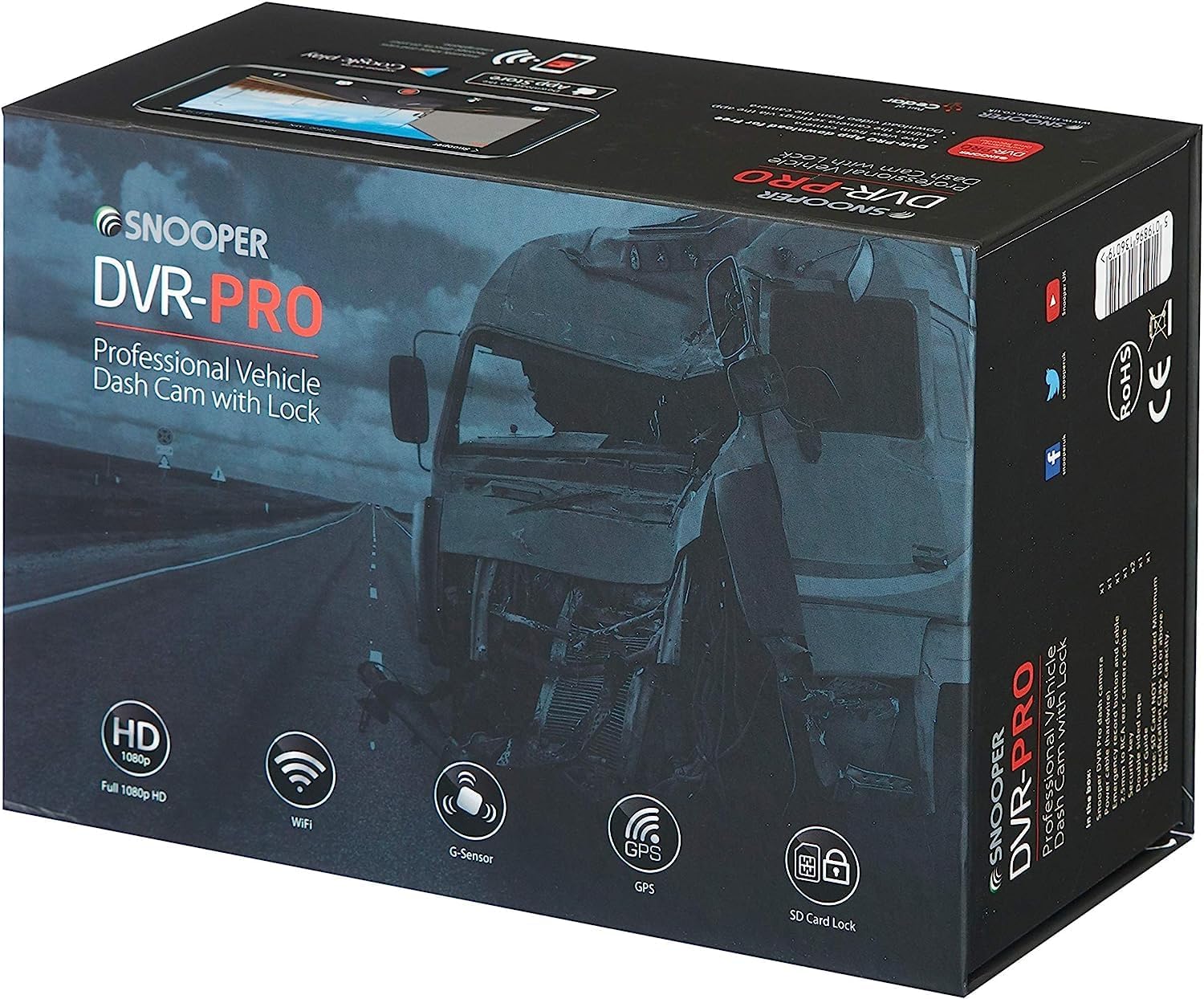
Image 1.1: Snooper DVR-PRO Dash Cam packaging, showing key features like HD 1080p, Wi-Fi, G-Sensor, GPS, and SD Card Lock.
2. Informazioni sulla sicurezza
- Assicurarsi che la dash cam sia installata in una posizione che non ostruisca la visuale del conducente view o interferire con le funzioni di sicurezza del veicolo.
- Non utilizzare il dispositivo né modificare le impostazioni durante la guida. Accostare sempre in un luogo sicuro prima di effettuare qualsiasi regolazione.
- Utilizzare solo il cavo di alimentazione e gli accessori forniti per evitare danni al dispositivo o al veicolo.
- Tenere il dispositivo lontano da temperature estreme, dalla luce solare diretta per periodi prolungati e dall'umidità.
- Non tentare di smontare o riparare il dispositivo da soli. Per qualsiasi intervento di assistenza, rivolgersi a personale qualificato.
3. Contenuto della confezione
Verificare che tutti gli articoli siano presenti nel pacco:
- Snooper DVR-PRO Vehicle Driving Recorder
- Main Power Loom (12V-24V Vehicle Power Supply)
- Emergency Recording Button and Loom
- Input Cable for 2nd Camera (optional, 2nd camera not included)
- 2 Keys for SD Card Lock
- Locking Screws and Tool
- Cavo USB
- Windscreen Mount (suction cup type)
- 8GB Micro SD Card (may vary by region/package)

Image 3.1: The emergency recording button with its connecting cable.
4. Prodotto finitoview
The DVR-PRO dash cam features a compact design with essential ports and controls for easy operation.

Immagine 4.1: Primo piano view of the DVR-PRO dash cam's side, showing the power button, A/V input, and USB port.

Image 4.2: Detail of the lockable SD card slot, demonstrating the key mechanism for secure data storage.
I componenti chiave includono:
- Obiettivo della fotocamera: Captures Full HD 1080p video with a 165-degree wide-angle view.
- Schermo LCD: Per viewing vivo footage, riproduzione e navigazione nel menu.
- Pulsante di accensione: Per accendere/spegnere manualmente il dispositivo.
- Slot per scheda SD: Secure, lockable slot for Micro SD cards up to 128GB.
- Modulo GPS: Integrated for recording location and speed data.
- Modulo Wi-Fi: For wireless connection to the smartphone app.
- Sensore G: Detects impacts and sudden movements to trigger emergency recording.
5. Impostazione
5.1 Montaggio della Dash Cam
- Clean the chosen area on your windscreen thoroughly.
- Attach the suction cup mount to the windscreen, ensuring it does not obstruct your view.
- Slide the DVR-PRO dash cam onto the mount until it clicks securely into place.
- Regolare l'angolazione della telecamera per garantire una visione chiara view della strada da percorrere.
5.2 Inserimento della scheda Micro SD
- Unlock the SD card slot using one of the provided keys.
- Insert a Micro SD card (Class 10 or higher, up to 128GB recommended) into the slot with the contacts facing the camera's screen. Push until it clicks.
- Lock the SD card slot using the key to secure the card and prevent unauthorized removal or tampring.
5.3 Collegamento dell'alimentazione
- Connect the main power loom to the dash cam's power input port.
- Route the cable neatly along the vehicle's interior to avoid interference with driving.
- Plug the other end of the power loom into your vehicle's 12V/24V power outlet.
5.4 Installing the Emergency Recording Button
- Connect the emergency recording button loom to the designated port on the dash cam.
- Mount the button in an easily accessible location within the vehicle, such as on the dashboard.
6. Istruzioni per l'uso
6.1 Registrazione automatica
The DVR-PRO is designed for automatic operation. Once connected to power and the vehicle ignition is turned on, the dash cam will automatically power on and begin continuous loop recording. When the ignition is turned off, the camera will save the current recording and power down.
6.2 Registrazione di emergenza
In the event of an incident or if you wish to manually save a specific moment, press the external emergency recording button. This action will protect the current video segment from being overwritten by loop recording.
6.3 Funzionalità GPS
The integrated GPS module automatically records your vehicle's location and speed data, embedding this information into the video footage. Questi dati possono essere viewed during playback using the dedicated PC player or smartphone app.

Image 6.1: Visual representation of the built-in GPS feature, showing a car on a road with a GPS signal icon.
6.4 Wi-Fi Connectivity and Smartphone App
The DVR-PRO features built-in Wi-Fi, allowing you to connect your smartphone via the free DVR-PRO app (available for iOS and Android). This app enables you to:
- View cibo vivotage dalla dash cam.
- Review video e immagini registrati.
- Download footage direttamente sul tuo smartphone.
- Regola le impostazioni della fotocamera.

Image 6.2: The dash cam's display showing the Wi-Fi connection status.

Image 6.3: A smartphone screen showing the DVR-PRO app, displaying live camera feed.
6.5 Modalità parcheggio
The DVR-PRO includes an anti-vandalism parking mode. When the vehicle is parked, the G-sensor can detect impacts and automatically initiate recording to capture events around your vehicle.

Image 6.4: Visual representation of the parking mode feature, showing a car in a parking garage with a person near it.
7. Manutenzione
7.1 Gestione scheda SD
Regularly format your Micro SD card (at least once a month) to ensure optimal performance and prevent data corruption. This can typically be done through the camera's menu settings or via the smartphone app. Back up any important footage prima della formattazione.
7.2 Pulizia del dispositivo
Use a soft, dry cloth to clean the camera lens and the device body. Do not use abrasive cleaners or solvents, as these can damage the device. Ensure the device is powered off before cleaning.
8. Risoluzione Dei Problemi
- La fotocamera non si accende: Check the power connection to the vehicle's 12V/24V outlet. Ensure the vehicle's ignition is on.
- Problemi di registrazione: Ensure the Micro SD card is properly inserted and locked. Format the SD card. If issues persist, try a different compatible SD card.
- Il GPS non acquisisce il segnale: Assicurarsi che la fotocamera abbia una visuale chiara view del cielo. Le pellicole metallizzate dei finestrini possono interferire con la ricezione GPS.
- Problemi di connessione Wi-Fi: Ensure Wi-Fi is enabled on the dash cam and your smartphone. Restart both devices and try connecting again.
- Scarsa qualità video: Clean the camera lens. Ensure the protective film has been removed from the lens.
9. Specifiche
| Caratteristica | Specificazione |
|---|---|
| Numero di modello | DVR-PRO |
| Risoluzione video | Risoluzione completa 1080p |
| Campo di View | 165 gradi |
| Connettività | Wifi |
| Caratteristiche speciali | Integrated GPS, 3-axis G-Sensor, Dedicated Smartphone App, Lockable SD Card Slot |
| Magazzinaggio | Scheda Micro SD (fino a 128 GB, classe 10 consigliata) |
| Fonte di alimentazione | Vehicle 12V-24V |
| Tipo di batteria | Lithium-ion (internal, non-rechargeable by user) |
| Colore | Nero |
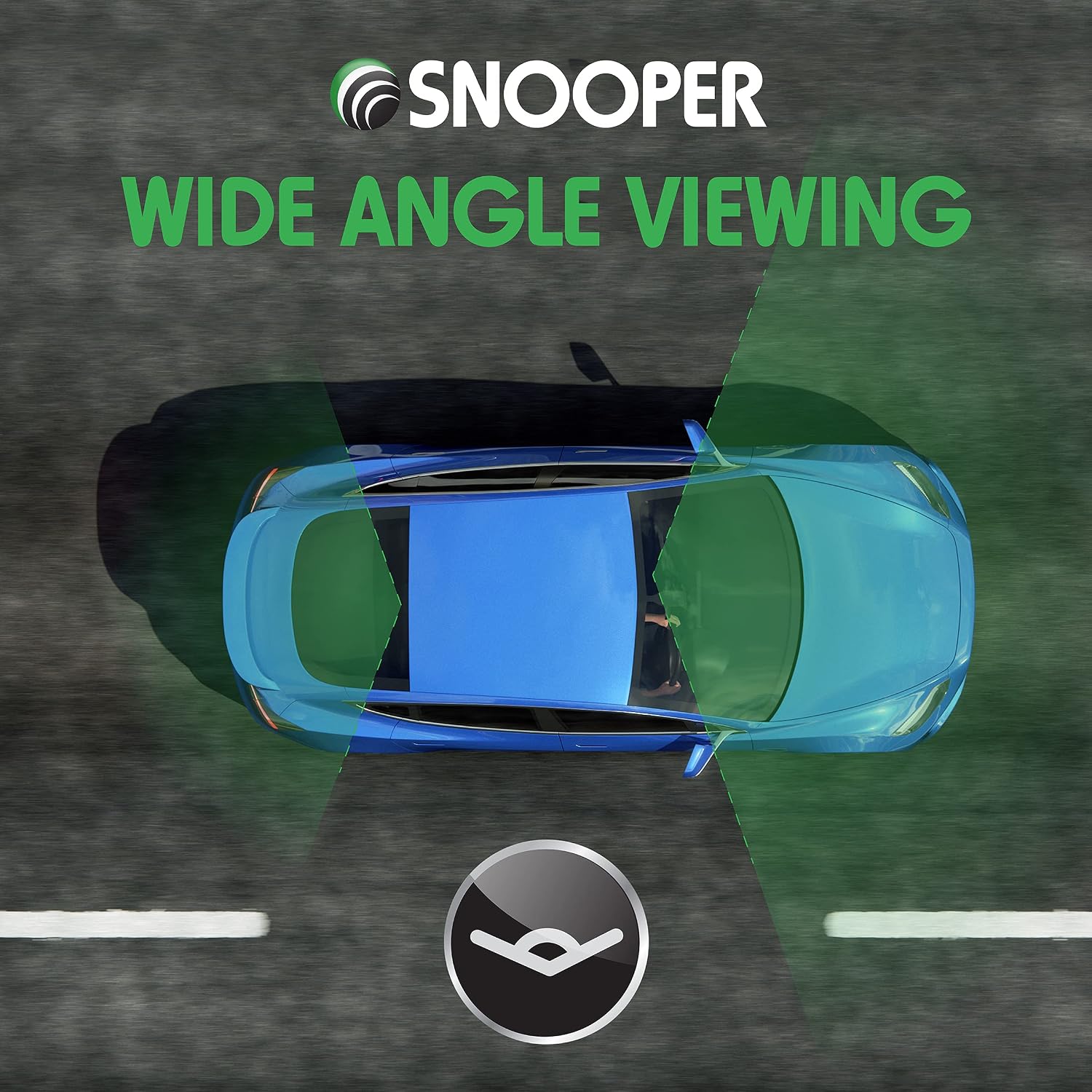
Image 9.1: Visual representation of the wide-angle viewing capability of the dash cam.
10. Garanzia e supporto
For warranty information and technical support, please refer to the documentation provided with your purchase or visit the official Snooper websito. Conservare la prova d'acquisto per eventuali reclami in garanzia.