
Introduzione
This manual provides essential instructions for the safe and efficient operation of your SYLVANIA PROSCAN Elite Portable CD Player Boombox, Model SRCD261. Please read this manual thoroughly before using the device and retain it for future reference.
Informazioni sulla sicurezza
- Non esporre questo apparecchio a pioggia o umidità.
- Non ostruire le aperture di ventilazione.
- Ensure proper power source connection (AC adapter or C batteries).
- Evitare di posizionare l'unità vicino a fonti di calore come radiatori, bocchette di riscaldamento, stufe o altri apparecchi (inclusi amplificatori) che producono calore.
- Utilizzare solo gli accessori specificati dal produttore.
- Scollegare l'apparecchio durante i temporali o quando non viene utilizzato per lunghi periodi.
- Affidare tutti gli interventi di assistenza a personale qualificato.
Contenuto della confezione
Verifica che tutti gli articoli elencati di seguito siano inclusi nel tuo pacchetto:
- PROSCAN Elite Portable CD Player Boombox (SRCD261)
- Adattatore di alimentazione CA.
- Manuale dell'utente (questo documento)
Prodotto finitoview
The SYLVANIA PROSCAN Elite Portable CD Player Boombox features a top-loading CD player, AM/FM radio tuner, and an auxiliary input for connecting external audio devices. It includes built-in stereo speakers and a clear LED display.
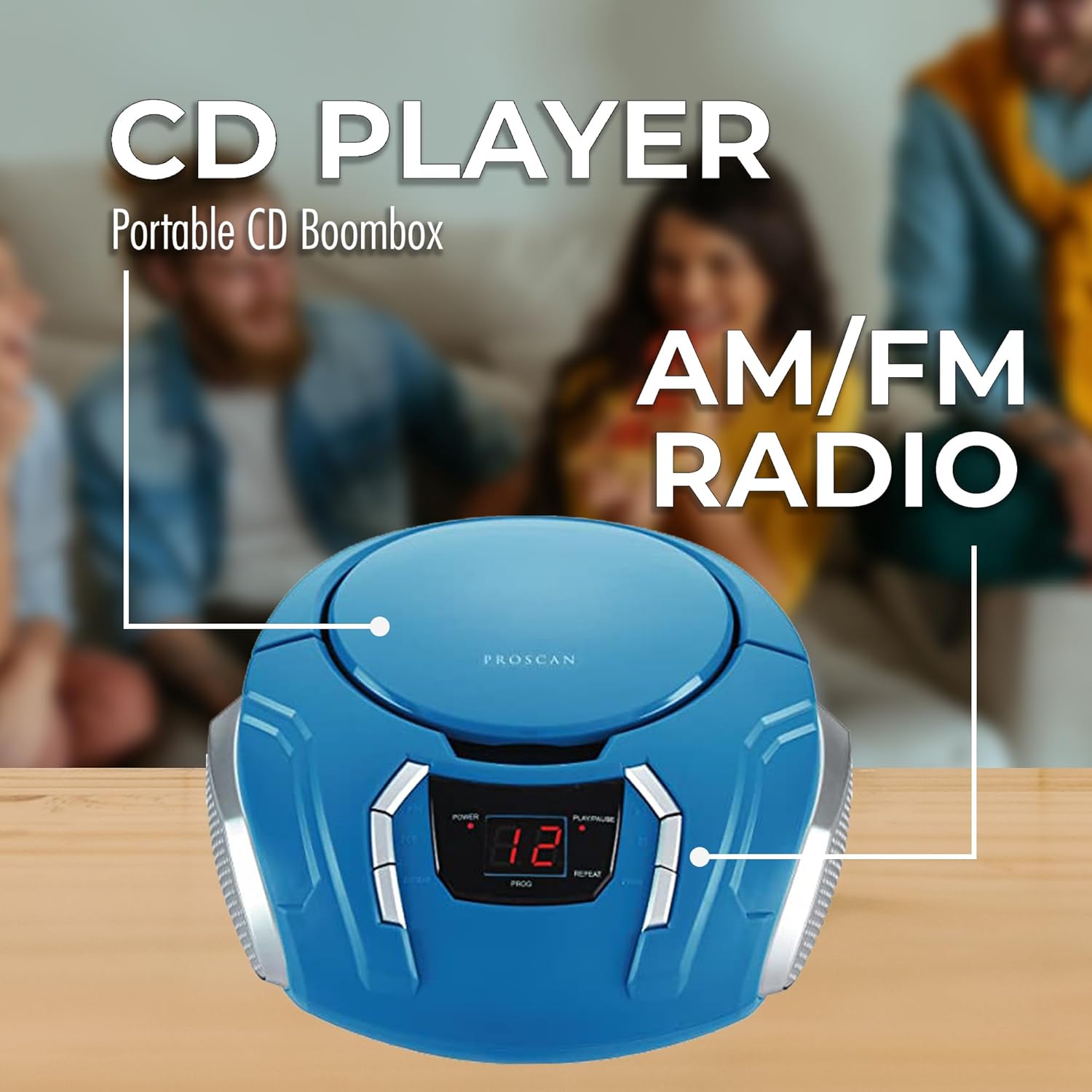
Immagine: Davanti view of the PROSCAN Elite Portable CD Player Boombox, highlighting the central LED display and control buttons for power, play/pause, skip, program, and repeat functions. The top-loading CD compartment is visible.
I componenti chiave includono:
- Scomparto CD: Top-loading for compact discs.
- Display a LED: Mostra il numero della traccia, la frequenza radio e la modalità.
- Pulsanti di controllo: Power, Play/Pause, Stop, Skip/Search, Program, Repeat.
- Selettore di funzioni: Switch between CD, AM, FM, and AUX modes.
- Manopola di sintonia: Per regolare la frequenza radio.
- Controllo del volume: Rotary knob for adjusting audio output.
- Ingresso ausiliario (AUX IN): Jack da 3.5 mm per il collegamento di sorgenti audio esterne.
- Ingresso alimentazione CA: Per collegare l'adattatore CA.
- Vano batteria: Located on the bottom for C-size batteries.
- Antenna telescopica: Per la ricezione radio FM.
Impostare
Collegamento di potenza
Your boombox can be powered by either the included AC adapter or C-size batteries.
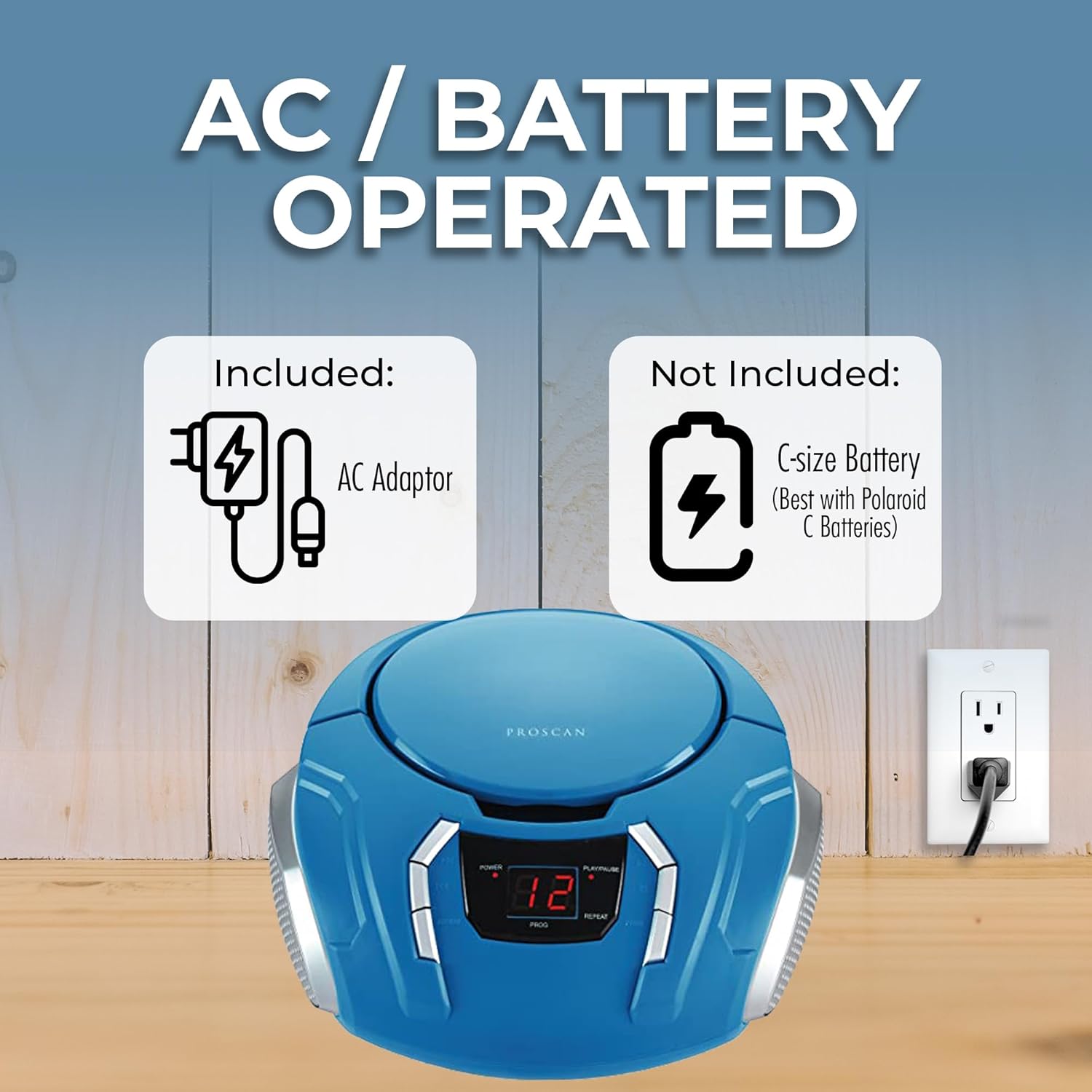
Immagine: The PROSCAN Elite Portable CD Player Boombox with illustrations of the included AC adapter and the C-size battery compartment (batteries not included). An electrical outlet is also shown, indicating AC power option.
Utilizzo dell'alimentazione CA:
- Insert the small end of the AC adapter into the DC IN jack located on the back of the boombox.
- Plug the other end of the AC adapter into a standard AC wall outlet (120V, 60Hz).
- Assicurarsi che il boombox sia posizionato su una superficie stabile e piana.
Utilizzo della batteria:
- Ensure the AC adapter is disconnected from the boombox.
- Aprire il coperchio del vano batterie situato nella parte inferiore dell'unità.
- Insert 6 x C-size batteries (not included) according to the polarity markings (+ and -) inside the compartment.
- Chiudere saldamente il coperchio del vano batterie.
Nota: When the AC adapter is connected, battery power is automatically disconnected. Remove batteries if the unit will not be used for an extended period to prevent leakage.
Istruzioni per l'uso
Riproduzione CD
- Premere il tasto ENERGIA pulsante per accendere l'unità.
- Imposta il FUNZIONE selettore su "CD".
- Aprire lo sportello del vano CD sollevandolo delicatamente.
- Place a CD (label side up) onto the center spindle and gently press down until it clicks into place.
- Close the CD compartment door. The total number of tracks will appear on the LED display.
- Premere il tasto RIPRODUCI/PAUSA pulsante (►/‖) to start playback. The current track number will be displayed.
- Per mettere in pausa la riproduzione, premere il tasto RIPRODUCI/PAUSA pulsante (►/‖) di nuovo. Premerlo ancora una volta per riprendere.
- Per interrompere la riproduzione, premere il pulsante FERMARE pulsante (■).
- Per passare alla traccia successiva, premere il tasto SALTA AVANTI pulsante (►►).
- Per saltare alla traccia precedente, premere il tasto SALTA INDIETRO pulsante (◄◄).
- To search quickly through a track, press and hold the SALTA AVANTI or SALTA INDIETRO pulsante durante la riproduzione.
- Funzione di ripetizione: Premere il tasto RIPETERE button once to repeat the current track. Press it again to repeat all tracks on the CD. Press a third time to cancel.
- Funzione del programma: While in STOP mode, press the PROGRAMMA button. "01" will flash on the display. Use the SALTA AVANTI/INDIETRO buttons to select a desired track. Press PROGRAMMA again to confirm. Repeat for up to 20 tracks. Press RIPRODUCI/PAUSA per avviare la riproduzione programmata.
Funzionamento radio (AM/FM)
- Premere il tasto ENERGIA pulsante per accendere l'unità.
- Imposta il FUNZIONE selector to "AM" or "FM".
- Estendi l'antenna telescopica per una ricezione FM ottimale. Per la ricezione AM, ruota l'unità per ottenere il segnale migliore.
- Ruotare il ACCORDATURA knob to select your desired radio station. The frequency will be displayed on the LED screen.
- Regolare il VOLUME manopola sul livello di ascolto preferito.
Ingresso ausiliario (AUX IN)
The AUX IN jack allows you to connect an external audio device (e.g., smartphone, tablet, MP3 player) to play audio through the boombox speakers.
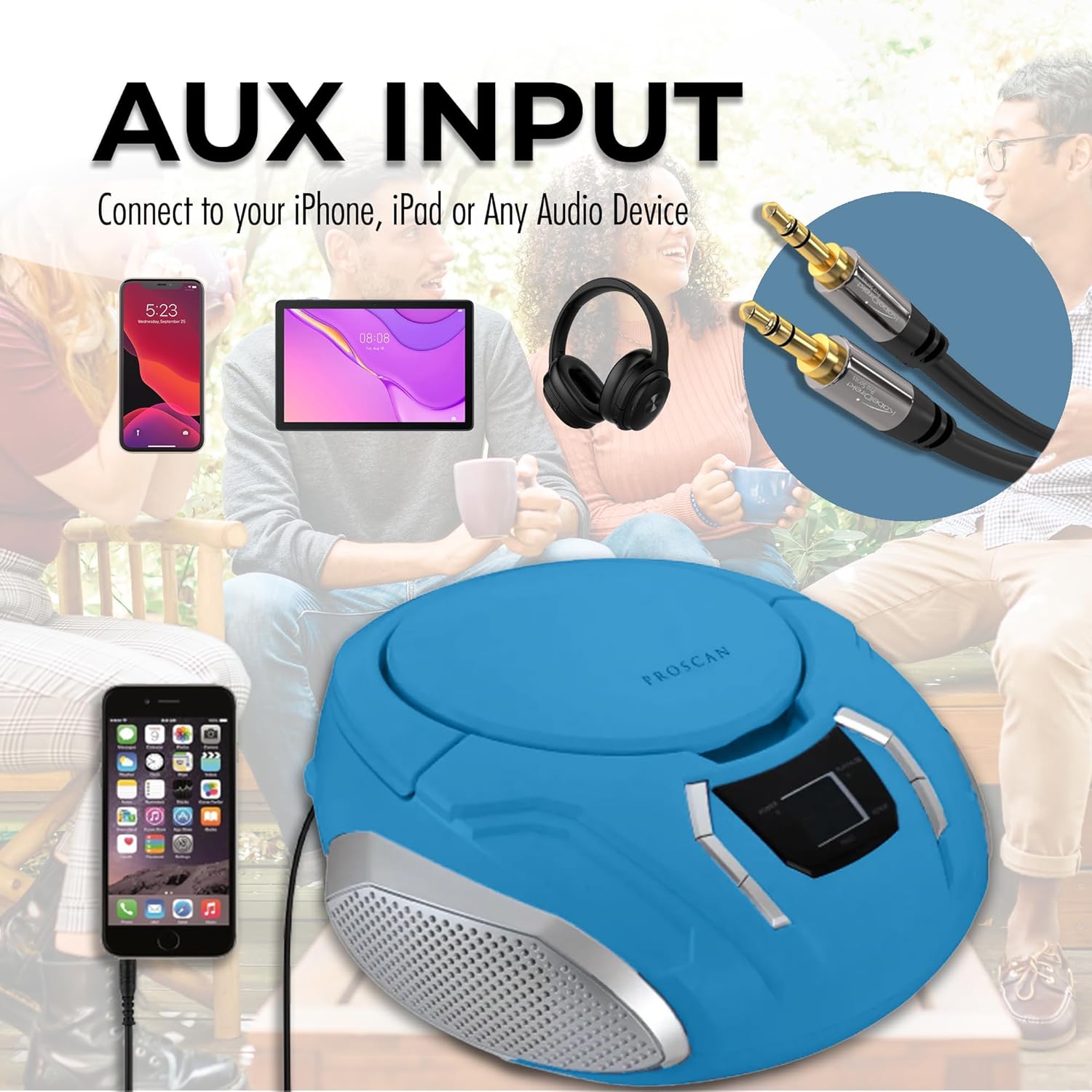
Immagine: The PROSCAN Elite Portable CD Player Boombox shown with an auxiliary input cable connected to a smartphone, demonstrating how to use the AUX IN feature. Headphones and a tablet are also depicted as compatible devices.
- Premere il tasto ENERGIA pulsante per accendere l'unità.
- Imposta il FUNZIONE selector to "AUX".
- Collegare un'estremità di un cavo audio da 3.5 mm (non incluso) alla presa AUX IN del boombox.
- Collegare l'altra estremità del cavo audio alla presa delle cuffie o all'uscita audio del dispositivo esterno.
- Avvia la riproduzione sul tuo dispositivo esterno.
- Per ottenere un suono ottimale, regola il volume sia sul dispositivo esterno che sullo stereo.
Manutenzione
Pulizia dell'unità
- Pulire l'esterno dell'unità con un panno morbido, damp panno. Non usare detergenti abrasivi o solventi.
- Per la lente del CD, utilizzare un disco detergente specifico per lenti del CD. Non toccare direttamente la lente.
Magazzinaggio
- Se si conserva l'unità per un periodo prolungato, rimuovere tutte le batterie per evitare perdite.
- Conservare l'unità in un luogo fresco e asciutto, lontano dalla luce solare diretta e da temperature estreme.
Risoluzione dei problemi
| Problema | Possibile causa | Soluzione |
|---|---|---|
| Nessun potere | Adattatore CA non collegato correttamente; batterie scariche o inserite in modo errato. | Controllare il collegamento dell'adattatore CA; sostituire le batterie o verificare la corretta polarità. |
| Nessun suono | Volume too low; Incorrect function mode selected; External device not playing (AUX mode). | Increase volume; Select correct function (CD/AM/FM/AUX); Ensure external device is playing and its volume is up. |
| CD Skips or Does Not Play | CD sporco o graffiato; CD inserito in modo errato; l'unità vibra. | Clean CD with a soft cloth; Reinsert CD label side up; Place unit on a stable surface. |
| Scarsa ricezione radio | Antenna not extended (FM); Unit position (AM); Interference. | Extend FM telescopic antenna; Rotate unit for better AM reception; Move away from other electronic devices. |
Specifiche
- Modello: SRCD261
- Fonte di energia: AC 120V ~ 60Hz or 6 x C-size batteries (DC 9V)
- Formati audio supportati: CD, CD-R/RW, MP3 (via AUX)
- Frequenze radio: AM 530 - 1710 kHz, FM 88 - 108 MHz
- Relatori: 2 built-in stereo speakers
- Connettività: Ingresso ausiliario (3.5 mm)
- Dimensioni (L x P x A): Circa 9.75 x 5.25 x 10 pollici (24.77 x 13.34 x 25.4 cm)
- Peso: Circa 2.85 libbre (1.29 kg)
Garanzia e supporto
Questo prodotto è coperto da a Garanzia di 90 giorni dalla data di acquisto. La presente garanzia copre i difetti di fabbricazione dei materiali e di lavorazione in condizioni di normale utilizzo.
For technical support, warranty claims, or service inquiries, please contact the manufacturer's customer service. Refer to your purchase documentation or the manufacturer's websito per le informazioni di contatto.
Please have your model number (SRCD261) and proof of purchase available when contacting support.