
Introduzione
This manual provides essential instructions for the setup, operation, and maintenance of your Panasonic KX-TGC384 Cordless Phone System. Please read this manual thoroughly before using the product to ensure proper and safe operation.

Image: The Panasonic KX-TGC384 Cordless Phone System, showing the main base unit with one handset and three additional charging cradles with handsets. All units are black.
Impostare
1. Disimballaggio e controllo dei componenti
Rimuovere con attenzione tutti i componenti dall'imballaggio. Assicurarsi che siano presenti tutti gli articoli elencati di seguito.
- Unità base (1)
- Ricevitori cordless (4)
- AC Adaptor for Base Unit (1)
- Cavo telefonico (1)
- Rechargeable Ni-MH AAA Batteries (8, two per handset)
- Handset Chargers (3, for additional handsets)
- AC Adaptors for Handset Chargers (3)
2. Installazione e ricarica della batteria
Install the provided rechargeable Ni-MH AAA batteries into each handset. Observe the correct polarity (+ and -) as indicated inside the battery compartment.
- Aprire il coperchio del vano batterie sul retro del portatile.
- Insert the two AAA Ni-MH batteries, matching the polarity.
- Chiudere il coperchio del vano batterie.
- Place each handset on its respective base unit or charger cradle.
- Allow the handsets to charge for at least 7 hours before initial use. The charge indicator on the handset display will show charging status.
Importante: Use only the supplied rechargeable Ni-MH batteries. Non-rechargeable batteries or other types of rechargeable batteries may damage the unit.
3. Collegamento dell'unità base
Collegare l'unità base alla linea telefonica e alla presa di corrente.
- Collegare il cavo della linea telefonica alla presa LINE sull'unità base e alla presa telefonica a muro.
- Connect the AC adaptor to the POWER jack on the base unit and then plug it into a standard AC outlet.
- For additional chargers, connect their respective AC adaptors to the charger and then to a standard AC outlet.
Ensure all connections are secure. The base unit requires continuous power to function.
Istruzioni per l'uso
Effettuare e ricevere chiamate
- Per effettuare una chiamata: Sollevare il ricevitore dalla base/caricabatterie o premere il tasto PARLARE pulsante. Componi il numero di telefono.
- Per ricevere una chiamata: Quando il telefono squilla, sollevare la cornetta o premere il tasto PARLARE pulsante.
- Per terminare una chiamata: Riposizionare il ricevitore sulla base/caricabatterie o premere il tasto SPENTO pulsante.
Regolazione del volume
Durante una chiamata, premere il tasto VOL (Volume) up or down buttons on the side of the handset to adjust the earpiece or speaker volume.
Funzione vivavoce
To use the speakerphone during a call, press the SP-PHONE pulsante. Premerlo di nuovo per tornare all'auricolare.
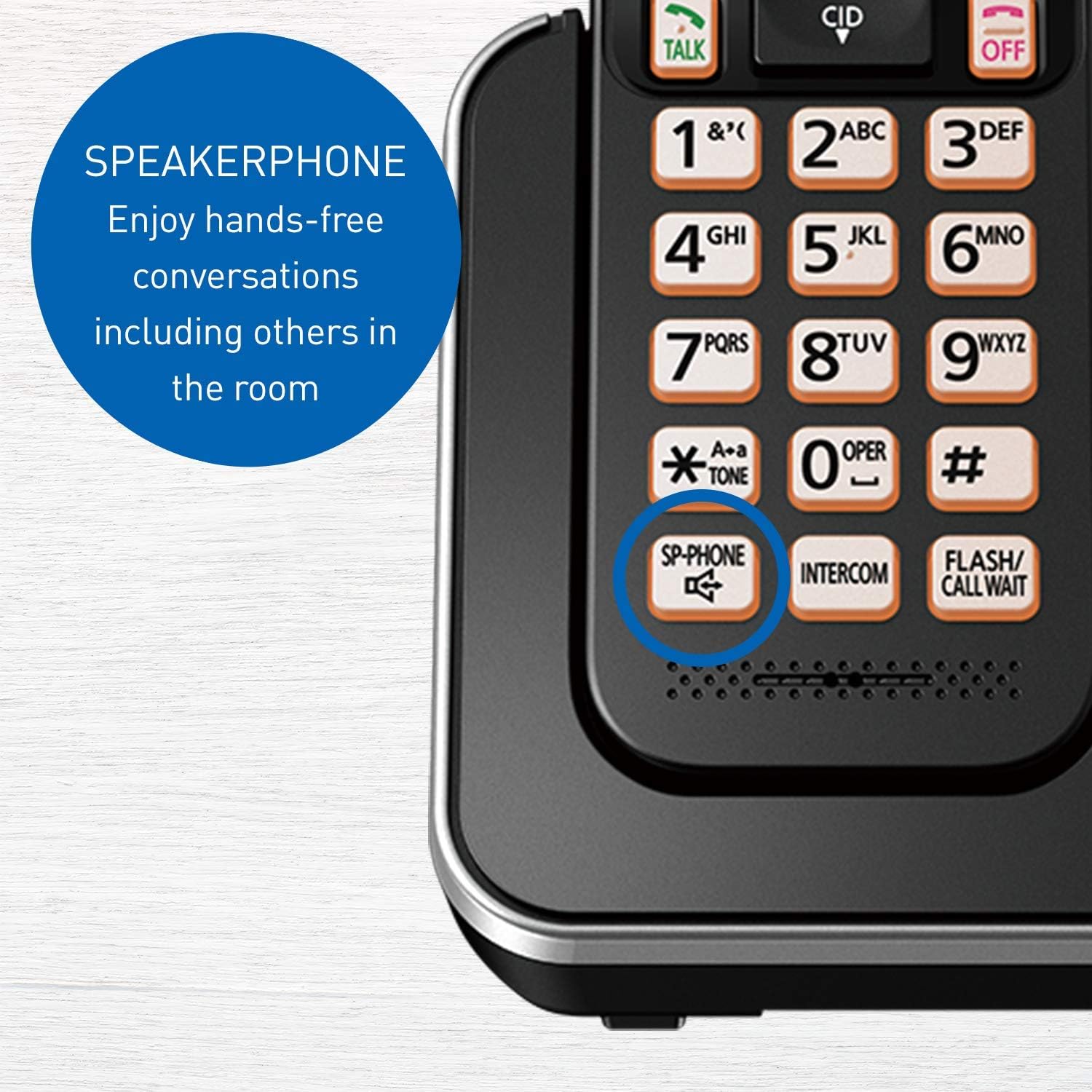
Immagine: un primo piano view of the lower part of the handset, highlighting the "SP-PHONE" button, which enables hands-free conversations.
Funzione di blocco delle chiamate
The system allows you to block unwanted calls by registering up to 30 numbers in the Call Block list. When a blocked number calls, the system will send a busy signal.
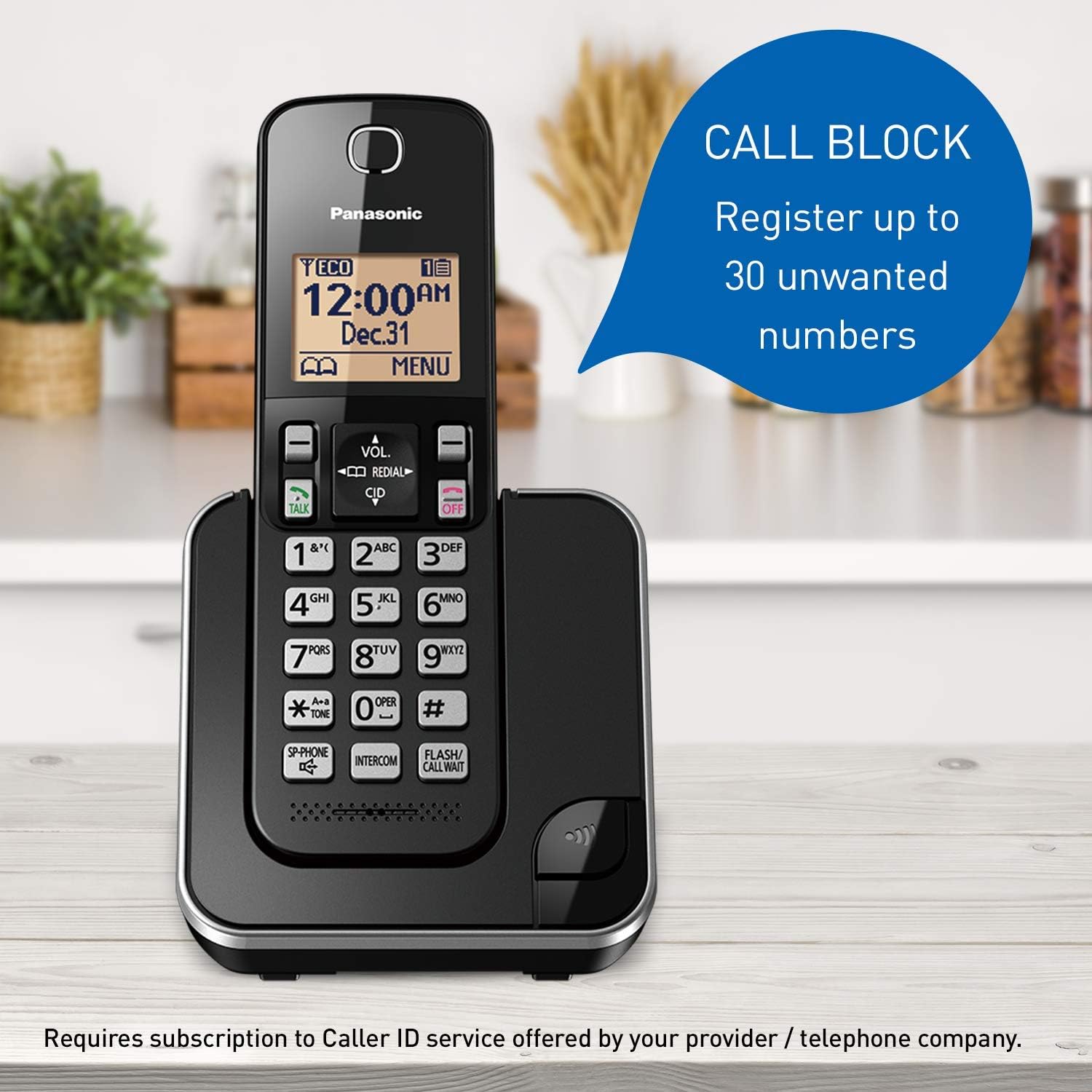
Image: A Panasonic cordless phone handset on its base, with a graphic overlay indicating the "Call Block" feature, allowing registration of up to 30 unwanted numbers. This feature requires a subscription to Caller ID service.
Nota: This feature requires a subscription to Caller ID service from your telephone service provider.
Funzione interfono
You can make calls between handsets within your home. This is useful for communicating with family members in different rooms.
- Premere il tasto CITOFONO pulsante sul portatile.
- Select the desired handset number (e.g., 1, 2, 3, 4) to call.
- The selected handset will ring. The recipient can answer by pressing PARLARE or CITOFONO.
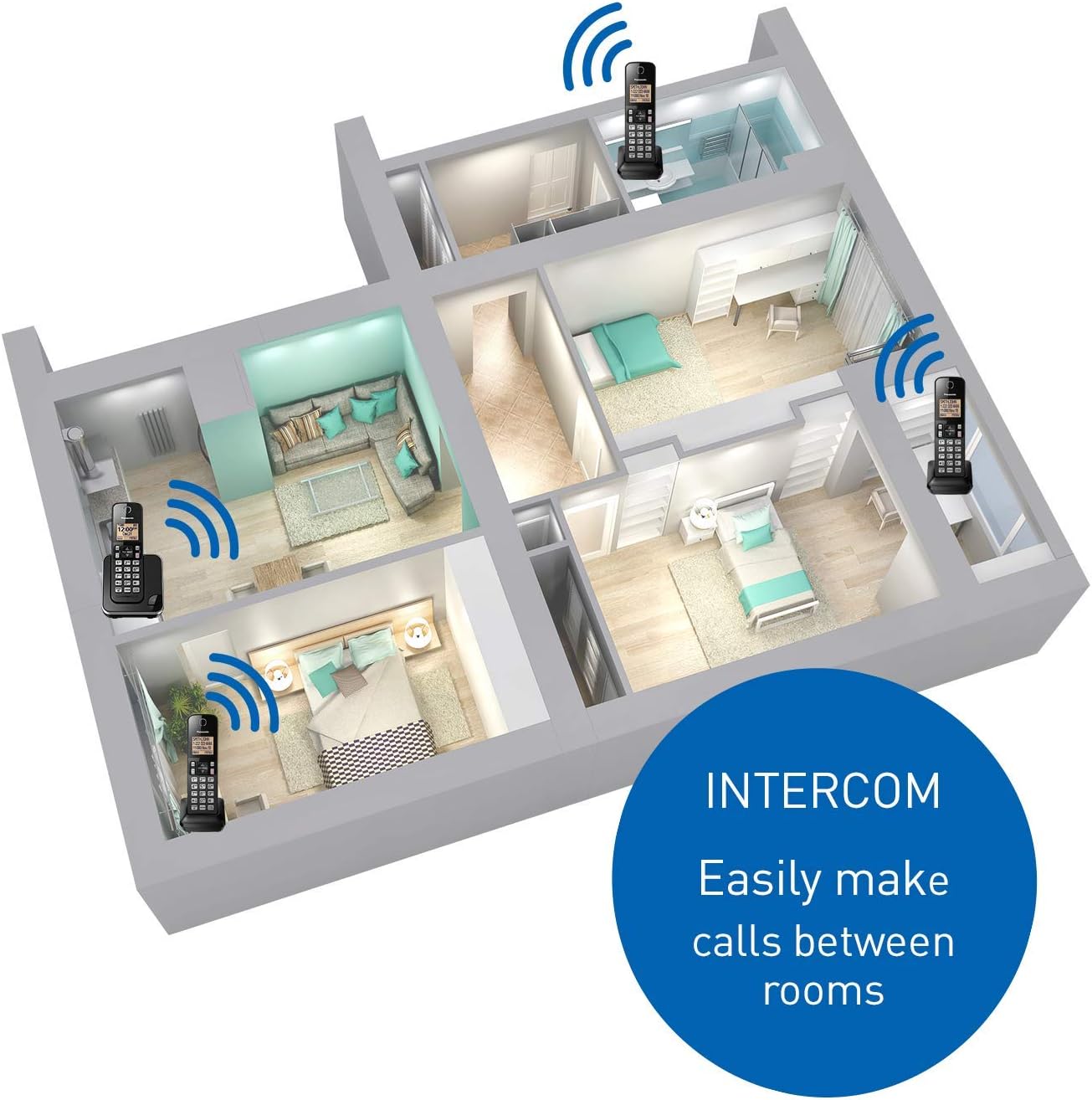
Image: An illustrative diagram of a house floor plan with multiple Panasonic cordless phones placed in different rooms, demonstrating the intercom feature for easy communication between rooms.
Modalità notturna
Night Mode allows you to silence the ringer for a set period of time, preventing disturbances during specific hours. Calls will still be received, but the handset will not ring.
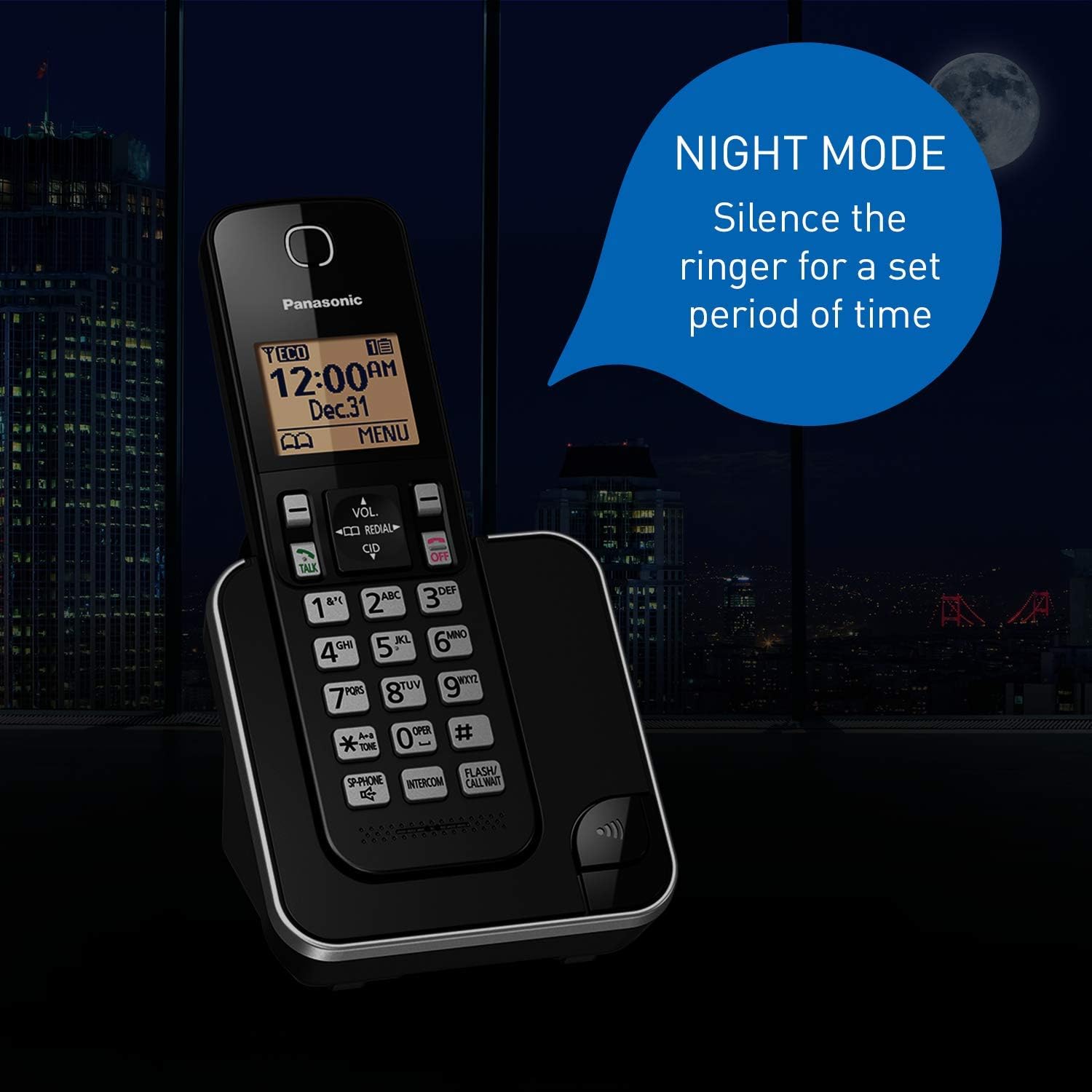
Image: A Panasonic cordless phone handset on its base, set against a nighttime backdrop with a moon icon, illustrating the "Night Mode" feature which silences the ringer for a set period.
Modalità ECO intelligente
This feature automatically reduces power consumption when the handset is close to the base unit, extending battery life for longer conversations. An "ECO" indicator will appear on the handset display when this mode is active.
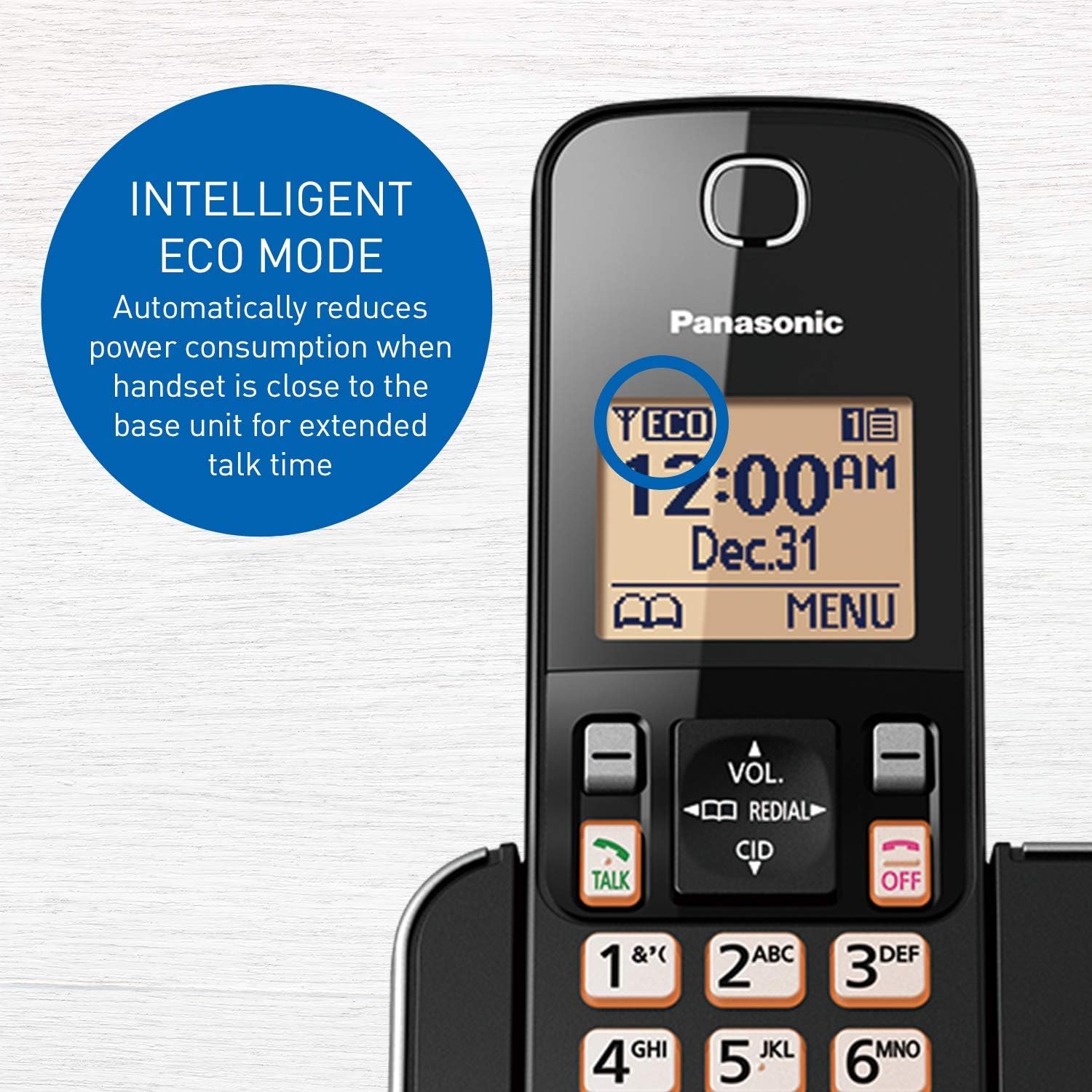
Image: A close-up of the Panasonic cordless phone's amber backlit LCD screen, showing the "ECO" icon illuminated, indicating that the Intelligent ECO Mode is active and reducing power consumption.
Compatibilità con gli apparecchi acustici
The Panasonic KX-TGC384 system is designed to work effectively with hearing aids, providing clear audio for users with hearing assistance devices.

Image: An elderly man wearing glasses and a hearing aid, holding a Panasonic cordless phone to his ear, with a graphic overlay highlighting the "Hearing Aid Compatibility" feature.
Manutenzione
Pulizia delle unità
Wipe the exterior surfaces of the base unit, handsets, and chargers with a soft, dry cloth. For stubborn dirt, use a slightly damp panno e poi asciugare accuratamente.
- Non utilizzare detergenti abrasivi, cere o solventi.
- Avoid spraying liquids directly onto the units.
Cura della batteria
Per massimizzare la durata e le prestazioni della batteria:
- Always return the handset to the base unit or charger when not in use to ensure it is fully charged.
- Se il telefono non verrà utilizzato per un periodo prolungato, rimuovere le batterie per evitare perdite.
- Replace batteries when the talk time becomes significantly shorter, even after a full charge.
Risoluzione dei problemi
If you experience issues with your phone system, refer to the following common problems and solutions.
| Problema | Soluzione |
|---|---|
| Nessun segnale di linea. |
|
| Il telefono non si carica. |
|
| Scarsa qualità del suono o rumore statico. |
|
| Il display del portatile è vuoto. |
|
Specifiche
Key technical specifications for the Panasonic KX-TGC384 Cordless Phone System.
| Caratteristica | Dettaglio |
|---|---|
| Numero di modello | KX-TGC384CB |
| Dimensioni del prodotto | 4.3 x 3.5 x 6.9 pollici (unità base) |
| Peso dell'articolo | 8.8 ounces (Handset) / 250 Grams |
| Batterie | 2 Product Specific Ni-MH AAA batteries required per handset (included) |
| Tipo di telefono | Senza fili |
| Numero di portatili | 4 (espandibili fino a 6) |
| Display | 1.6" Amber Backlit LCD |
| Colore | Nero |
| Materiale | Plastica |
| Produttore | Panasonic Canada Consumer Products |
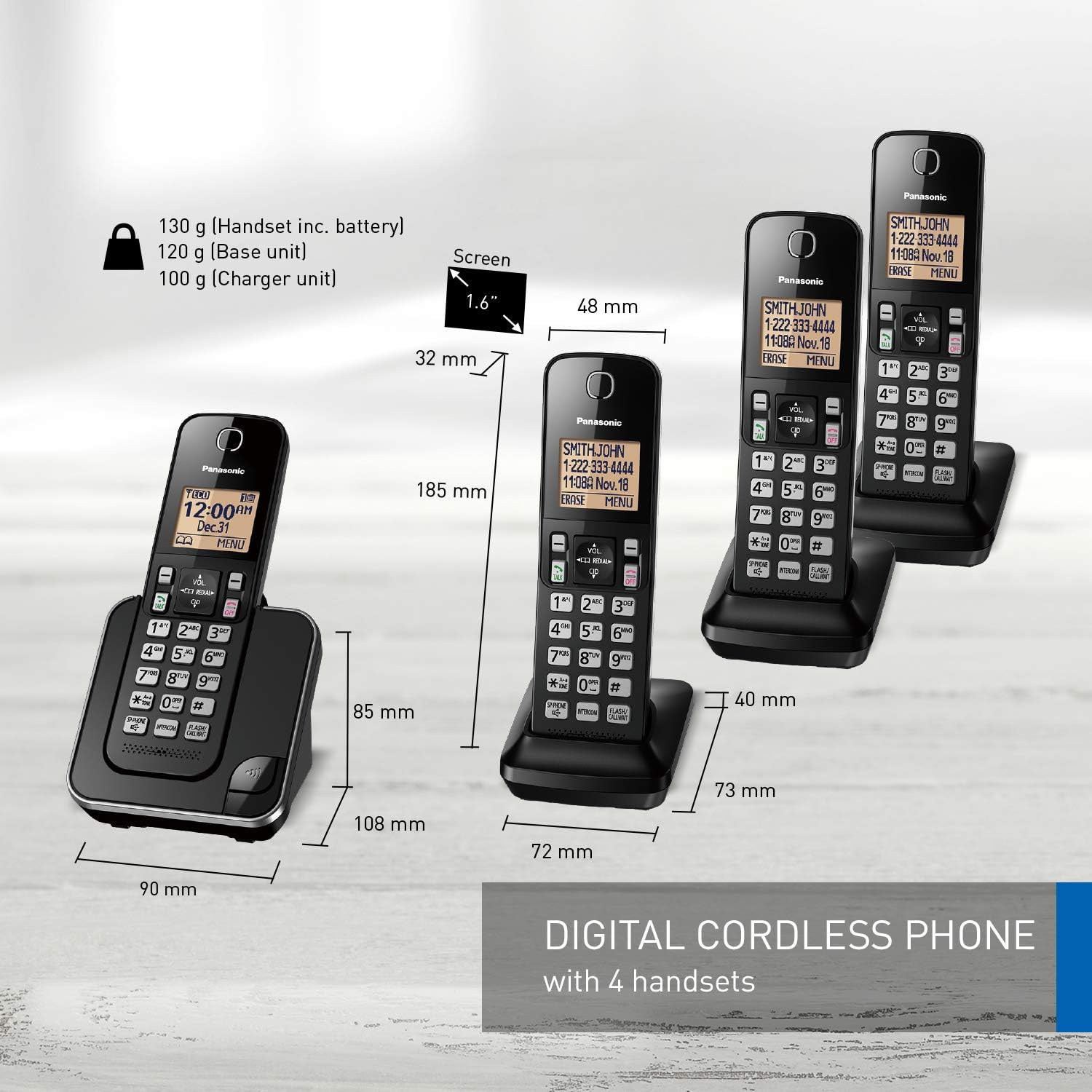
Image: A detailed diagram illustrating the dimensions (height, width, depth) and weights of the Panasonic cordless phone handset and its charger unit.
Garanzia e supporto
Informazioni sulla garanzia
Per informazioni dettagliate sulla garanzia, fare riferimento alla scheda di garanzia inclusa con il prodotto o visitare il sito ufficiale Panasonic websito. I termini e le condizioni della garanzia possono variare in base alla regione.
Assistenza clienti
If you require further assistance or have questions not covered in this manual, please visit the official Panasonic support websito o contattare il loro servizio clienti.
- Panasonic ufficiale Websito: www.panasonic.com
- For product support, navigate to the support section and search for model KX-TGC384CB.