
Introduzione
The JBL Flip 3 is a versatile and durable portable Bluetooth speaker designed to deliver powerful, room-filling stereo sound. It features a 3000mAh rechargeable Li-ion battery providing up to 10 hours of continuous playtime. With its splashproof fabric, it is an ideal companion for various environments, from indoor settings to poolside use. The Flip 3 also includes a built-in noise and echo cancelling speakerphone for clear conference calls and supports JBL Connect technology for wirelessly linking multiple compatible speakers to enhance the listening experience.
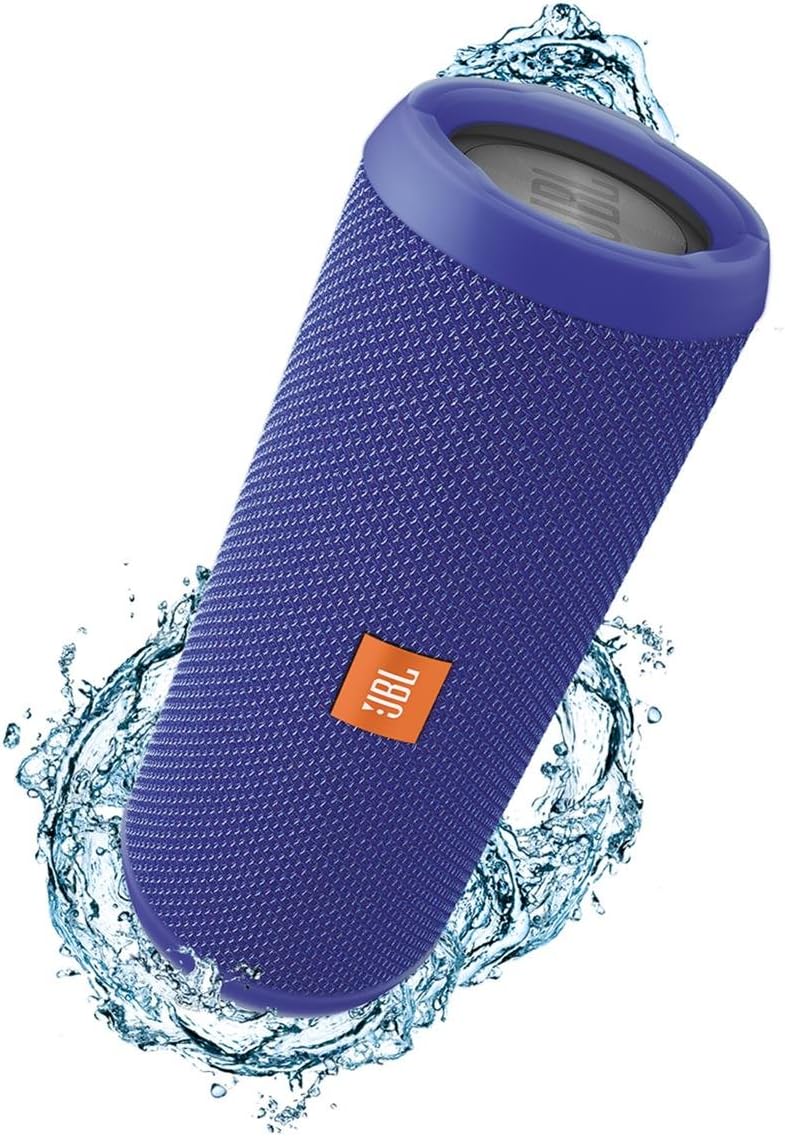
The JBL Flip 3 speaker, showcasingrazie al suo design compatto e portatile.
Cosa c'è nella scatola
- JBL Flip 3 Splashproof Portable Bluetooth Speaker (Blue)
- Cavo di ricarica USB

Contents of the JBL Flip 3 packaging, including the speaker and charging cable.
Caratteristiche del prodotto
- Streaming wireless tramite Bluetooth: Connect up to 3 smartphones or tablets wirelessly to the speaker.
- Vivavoce: Take crystal clear calls with the touch of a button, thanks to noise and echo cancelling technology.
- A prova di spruzzi: Designed to withstand splashes and rain; can even be cleaned with running tap water. Do not immerse.
- Connessione JBL: Wirelessly link multiple JBL Connect-enabled speakers together to ampmigliorare l'esperienza di ascolto.
- Radiatore per bassi JBL: Experience deep, rich bass from the dual external passive bass radiators.
Impostare
Accensione/spegnimento
To power on the JBL Flip 3, press and hold the power button located on the side of the speaker until you hear an audible tone and the indicator lights illuminate. To power off, simply press the power button again.
Accoppiamento Bluetooth
1. Power on your JBL Flip 3 speaker.
2. Press the Bluetooth button on the speaker. The Bluetooth indicator light will begin to flash, indicating it is in pairing mode.
3. On your smartphone or tablet, navigate to the Bluetooth settings.
4. Select "JBL Flip 3" from the list of available devices to connect.
5. Once connected, the Bluetooth indicator light will turn solid, and you will hear a confirmation tone.
JBL Connect
JBL Connect allows you to wirelessly link multiple JBL Connect-enabled speakers together for an amplified listening experience. To activate, simply press the JBL Connect button on all desired speakers. The speakers will automatically connect and play audio in sync.
Istruzioni per l'uso
Controlli
- Pulsante di accensione: Premere per accendere/spegnere.
- Pulsante Bluetooth: Premere per accedere alla modalità di associazione.
- Pulsanti volume su / giù: Regola il volume di riproduzione.
- Pulsante di chiamata telefonica: Answer or end calls when connected to a smartphone.
Ricarica
Connect the provided USB charging cable to the micro USB port on the speaker and to a USB power source (e.g., computer, USB wall adapter - not included). The battery indicator lights will show charging progress. A full charge takes approximately 3.5 hours and provides up to 10 hours of playtime.
Splashproof Usage
The JBL Flip 3 is splashproof, making it suitable for use near water, such as by the pool or at the beach. It can withstand splashes and light rain. However, it is not designed to be submerged in water. Ensure the charging port cover is securely closed before exposing the speaker to water.
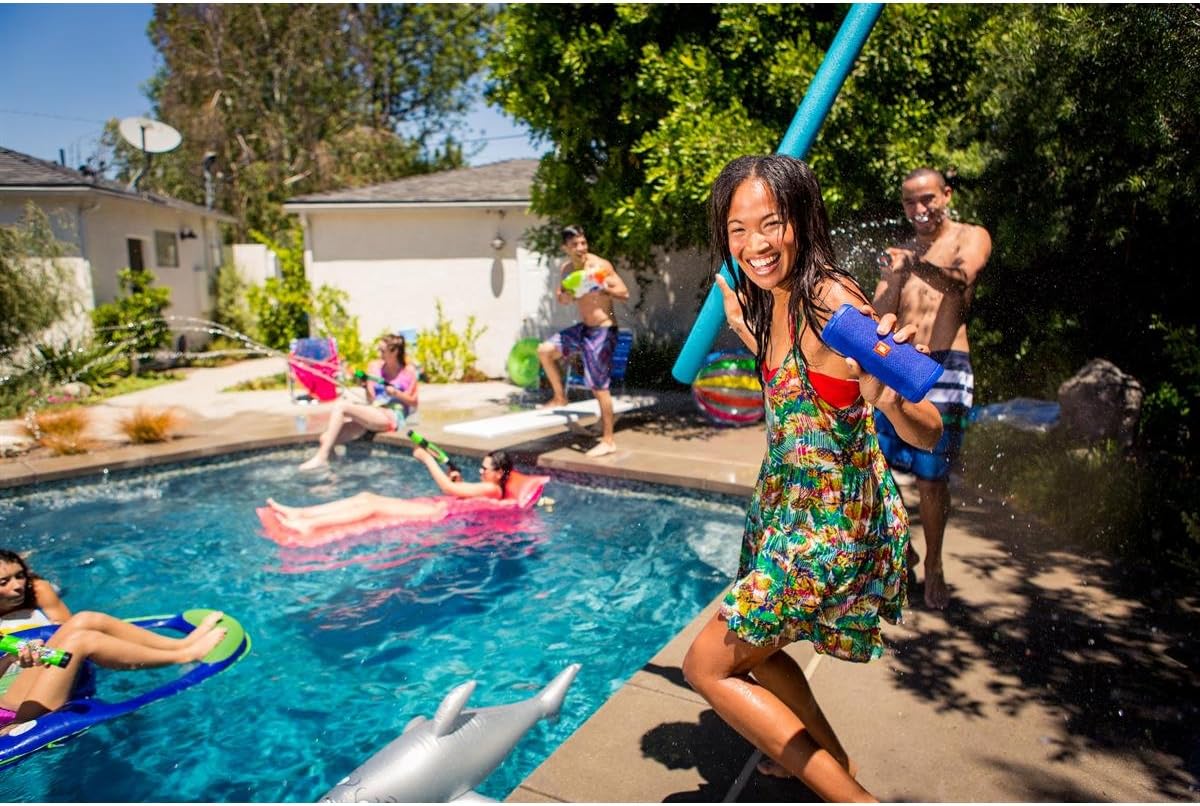
The JBL Flip 3 is designed for outdoor and poolside enjoyment.
Manutenzione
Pulizia
If the speaker gets dirty, you can clean it with running tap water. Ensure the charging port cover is closed before cleaning. Do not use harsh chemicals or abrasive materials.
Magazzinaggio
Quando non viene utilizzato per lunghi periodi, conservare l'altoparlante in un luogo fresco e asciutto, lontano dalla luce solare diretta e da temperature estreme.
Risoluzione dei problemi
L'altoparlante non si accende
- Ensure the battery is charged. Connect the speaker to a power source.
- Tieni premuto il pulsante di accensione per alcuni secondi per assicurarti che non si tratti di una pressione rapida.
Impossibile associare il dispositivo Bluetooth
- Assicurarsi che l'altoparlante sia in modalità di associazione Bluetooth (luce blu lampeggiante).
- Assicurati che il Bluetooth del tuo dispositivo sia abilitato e che si trovi nel raggio d'azione (fino a 10 metri).
- Try forgetting "JBL Flip 3" from your device's Bluetooth settings and re-pairing.
- Riavviare sia l'altoparlante che il dispositivo Bluetooth.
Nessun suono o suono distorto
- Controlla i livelli del volume sia sull'altoparlante che sul dispositivo collegato.
- Assicurati che l'altoparlante sia correttamente associato e connesso al tuo dispositivo.
- Avvicinare l'altoparlante al dispositivo per evitare interferenze.
- If using an AUX cable, ensure it is fully inserted into both the speaker and the audio source.
Specifiche
| Caratteristica | Specificazione |
|---|---|
| Nome del modello | Capovolgi 3 |
| Tipo di altoparlante | All'aperto |
| Caratteristica speciale | Portatile |
| Usi consigliati | Musica |
| Tecnologia di connettività | Bluetooth |
| Tecnologia di comunicazione wireless | Bluetooth |
| Durata della batteria | 10 ore |
| Tempo di ricarica | 3.5 ore |
| È impermeabile | TRUE (Splashproof) |
| Peso dell'articolo | 1.7 libbre |
| Dimensioni del prodotto | 3.8"P x 4.8"L x 7.4"A |
| Potenza massima in uscita dell'altoparlante | 16 Watt |
Garanzia e supporto
The JBL Flip 3 comes with a limited warranty. For detailed warranty information, product support, or service inquiries, please refer to the official JBL websito o contattare il servizio clienti. Conservare la prova d'acquisto per eventuali reclami in garanzia.