
1. Introduzione
This manual provides essential information for the safe and efficient operation of your TCL L32E3005/G 32-inch LED HD-Ready Television. Please read this manual thoroughly before using the television and retain it for future reference. It covers setup, operation, maintenance, and troubleshooting to ensure you get the best experience from your device.
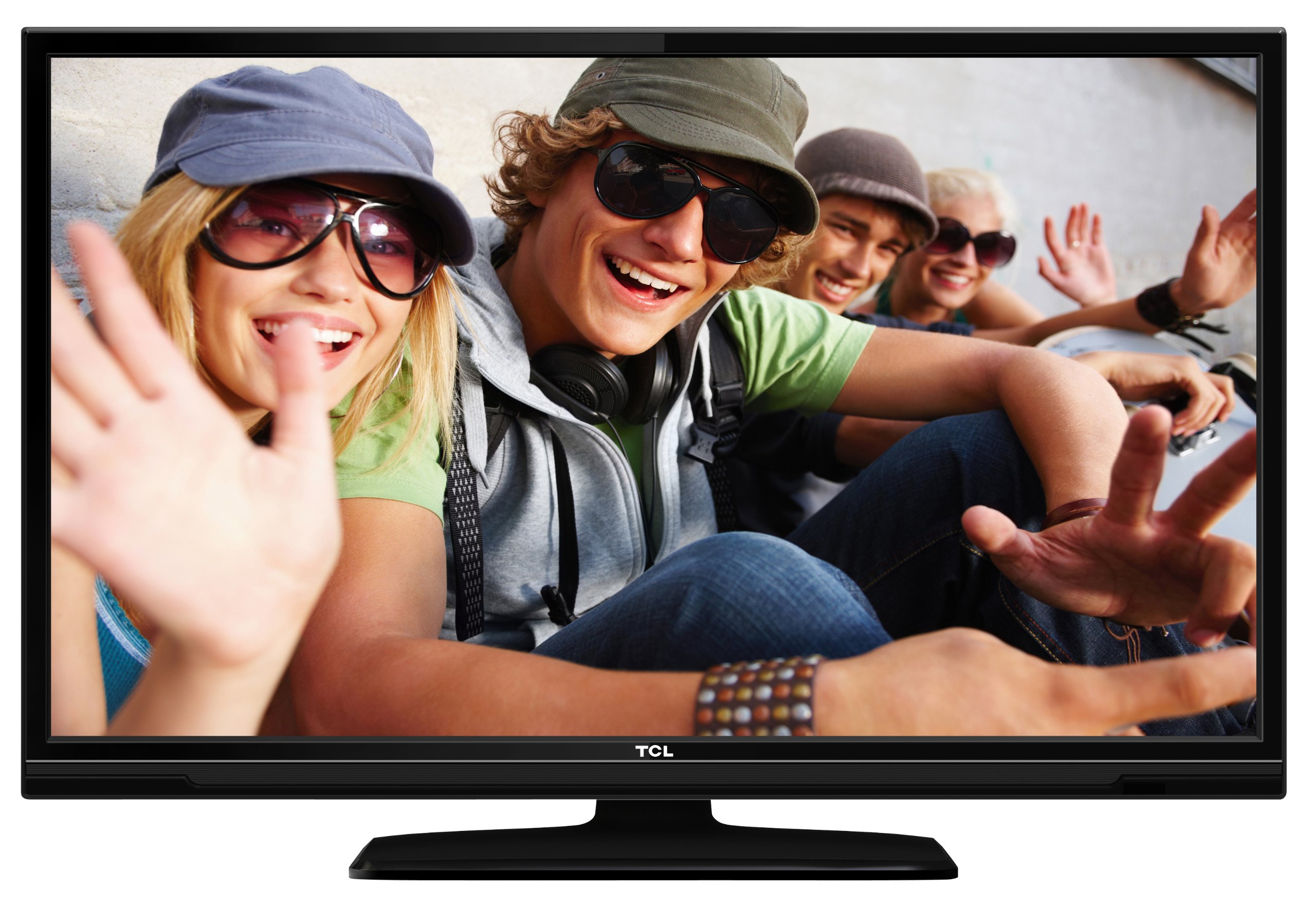
This image shows the TCL L32E3005/G television from a slight angle, highlighting its slim black bezel and the stand. The screen displays a colorful image of people, demonstrating its visual capabilities.
2. Informazioni sulla sicurezza
Per evitare scosse elettriche, incendi o danni al televisore, osservare sempre le seguenti precauzioni di sicurezza:
- Non esporre il televisore alla pioggia o all'umidità.
- Non aprire l'armadio; per qualsiasi intervento di assistenza rivolgersi a personale qualificato.
- Assicurare una ventilazione adeguata attorno al televisore.
- Evitare di posizionare il televisore vicino a fonti di calore o alla luce diretta del sole.
- Use only the power adapter supplied with the television.
- Tenere le batterie fuori dalla portata dei bambini.
3. Contenuto della confezione
Verificare che tutti gli articoli siano presenti nel pacco:
- TCL L32E3005/G LED-backlight Television
- Adattatore di alimentazione
- Base del supporto
- Telecomando (richiede 2 batterie AAA, incluse)
- Manuale dell'utente (questo documento)
4. Impostazione
4.1 Disimballaggio
Carefully remove the television and all accessories from the packaging. Retain the packaging materials for future transport or storage.
4.2 Stand Installation (Table Mounting)
Per installare la base del supporto:
- Place the television face down on a soft, flat surface to prevent screen damage.
- Align the stand base with the mounting holes on the bottom of the television.
- Secure the stand base using the provided screws. Ensure it is firmly attached.
- Carefully lift the television and place it on a stable, level surface suitable for table mounting.
4.3 Collegamento dei dispositivi
Collega i tuoi dispositivi esterni al televisore utilizzando le porte appropriate:
- HDMI: For high-definition video and audio from devices like Blu-ray players, game consoles, or set-top boxes. Your TV has 2 HDMI ports.
- USB: Per collegare dispositivi di archiviazione USB per riprodurre contenuti multimediali files. Your TV has 1 USB 2.0 port.
- Antenna/Cable (DVB-C/-S2/-T): Connect an antenna or cable for digital terrestrial (DVB-T), cable (DVB-C), or satellite (DVB-S2) broadcasts.
- VGA: Per collegare un computer.
- IC+: Per i moduli di accesso condizionale (CAM) per decifrare i canali crittografati.
4.4 Collegamento di alimentazione
After all connections are made, plug the power adapter into the television's power input, then plug the power adapter into a wall outlet.
5. Operativo
5.1 Accensione/spegnimento
Premere il tasto ENERGIA button on the remote control or on the television to turn the TV on or off.
5.2 Configurazione iniziale
The first time you turn on the television, an initial setup wizard will guide you through basic settings such as language, country, and channel scanning.
Sintonizzazione a 5.3 canali
After connecting your antenna or cable, perform an automatic channel scan through the TV's menu to find available DVB-C, DVB-S2, or DVB-T channels.
5.4 Guida elettronica ai programmi (EPG)
Accedere alla guida elettronica ai programmi (EPG). view program schedules and information for digital channels. This feature helps you plan your viewing.
5.5 Selezione dell'ingresso
Utilizzare il FONTE or INGRESSO button on your remote control to switch between connected devices (e.g., HDMI 1, HDMI 2, USB, DVB-T).
5.6 Riproduzione multimediale USB
Insert a USB storage device into the USB port. The TV will typically prompt you to access the media browser, allowing you to play photos, music, or videos stored on the device.
5.7 Modalità Hotel
This television includes a Hotel Mode feature, which allows for customization of settings suitable for hotel environments, such as limiting volume, setting a default channel, or disabling certain functions. Consult the advanced settings menu for Hotel Mode configuration.
6. Manutenzione
6.1 Pulizia dello schermo
Pulire delicatamente lo schermo con un panno morbido e privo di lanugine. Per macchie ostinate, strofinare leggermenteampPulire il panno con acqua o con un detergente specifico per schermi. Non spruzzare il liquido direttamente sullo schermo.
6.2 Pulizia del mobiletto
Utilizzare un panno morbido e asciutto per pulire il mobile del televisore. Evitare l'uso di detergenti abrasivi o solventi.
6.3 Batterie del telecomando
Replace the remote control batteries (2x AAA) when the remote's range decreases or it stops responding. Ensure correct polarity when inserting new batteries.
7. Risoluzione Dei Problemi
Se riscontri problemi con il tuo televisore, fai riferimento ai seguenti problemi comuni e alle relative soluzioni:
- Nessun potere: Check if the power adapter is securely connected to both the TV and the wall outlet. Ensure the outlet is functional.
- Nessuna immagine, ma suono: Verify the input source is correctly selected. Check cable connections to external devices.
- Nessun suono, ma immagine: Check the volume level and mute status. Ensure audio cables are correctly connected for external devices.
- Scarsa qualità dell'immagine: Controllare i collegamenti dell'antenna/cavo. Se si utilizza un dispositivo esterno, provare un cavo o una porta HDMI diversa. Regolare le impostazioni dell'immagine nel menu TV.
- Il telecomando non funziona: Ensure there are no obstructions between the remote and the TV. Replace batteries if necessary.
Se il problema persiste, contatta l'assistenza clienti.
8. Specifiche
| Modello | L32E3005/G |
| Dimensioni dello schermo | 80 cm (32 pollici) |
| Tecnologia di visualizzazione | GUIDATO |
| Risoluzione | 720p (1366 x 768 pixel) |
| Frequenza di aggiornamento | Frequenza 50 Hz |
| Tecnologia sintonizzatore | DVB-C, DVB-S2, DVB-T |
| Connettività | 2x HDMI, 1x USB 2.0, VGA, CI+ |
| Uscita audio | 8 Watt (2.0 Channel) |
| Caratteristiche speciali | Electronic Program Guide (EPG), Hotel Mode |
| Dimensioni (L x A x P) | 74 x 49.4 x 18.9 cm (con supporto) |
| Peso | 7.22 kg |
| Fonte di alimentazione | Adattatore |
| Batterie remote | 2x AAA (incluse) |
9. Garanzia e supporto
Per informazioni sulla garanzia e supporto tecnico, fare riferimento alla scheda di garanzia inclusa con il prodotto o visitare il sito ufficiale TCL websito. Conservare la ricevuta d'acquisto come prova d'acquisto per eventuali reclami in garanzia.