
1. Prodotto finitoview
The SABRENT CB-FTDI USB to Serial converter provides a connection between an available USB port and a traditional RS-232 serial port. This adapter is designed for data transfer with various devices such as PDAs, digital cameras, modems, and ISDN terminal adapters through your computer's USB port. It features an FTDI chipset for reliable performance.

Image 1.1: The SABRENT USB 2.0 to Serial (9-Pin) DB-9 RS-232 Adapter Cable.
Caratteristiche principali:
- Lunghezza cavo: piedi 6 (metri 1.8)
- Side Connectors: Male Thumbscrews for secure connection
- Supporta la riattivazione remota e la gestione dell'alimentazione
- No IRQs or IRQ conflicts
- Provides a 96-byte buffer for both upstream and downstream data transfer
- Compatible with USB Specification v1.1(0) & USB CDC v1.1, USB 2.0
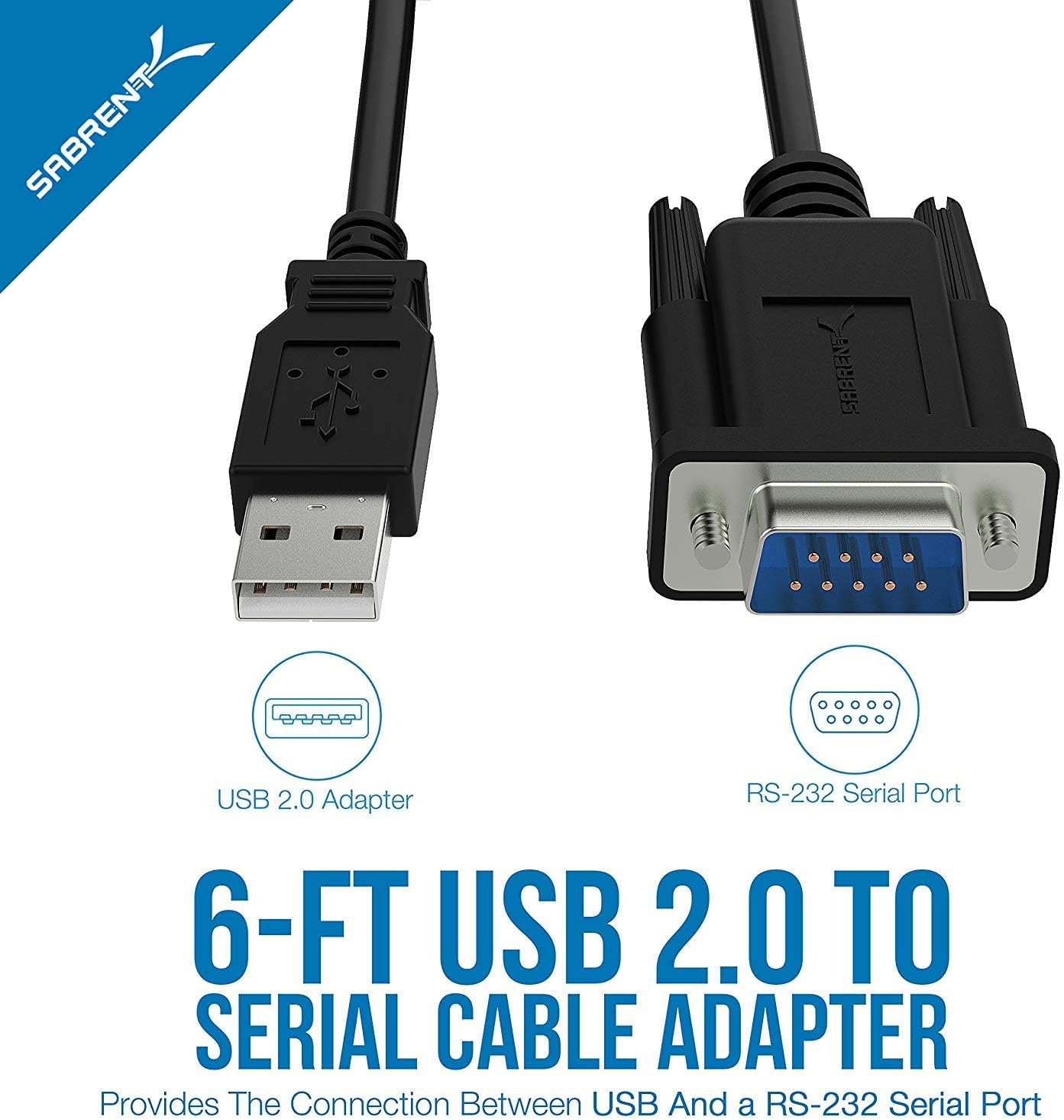
Image 1.2: Diagram illustrating the USB 2.0 and RS-232 Serial Port connectors.
2. Requisiti di sistema
To use the SABRENT CB-FTDI adapter, your system must meet the following requirements:
- Mac OS 9.1 & higher
- Windows 98SE / ME / 2000 / XP / Vista / 7 / 8 / 8.1 / 10
- Linux 2.4 o successivo
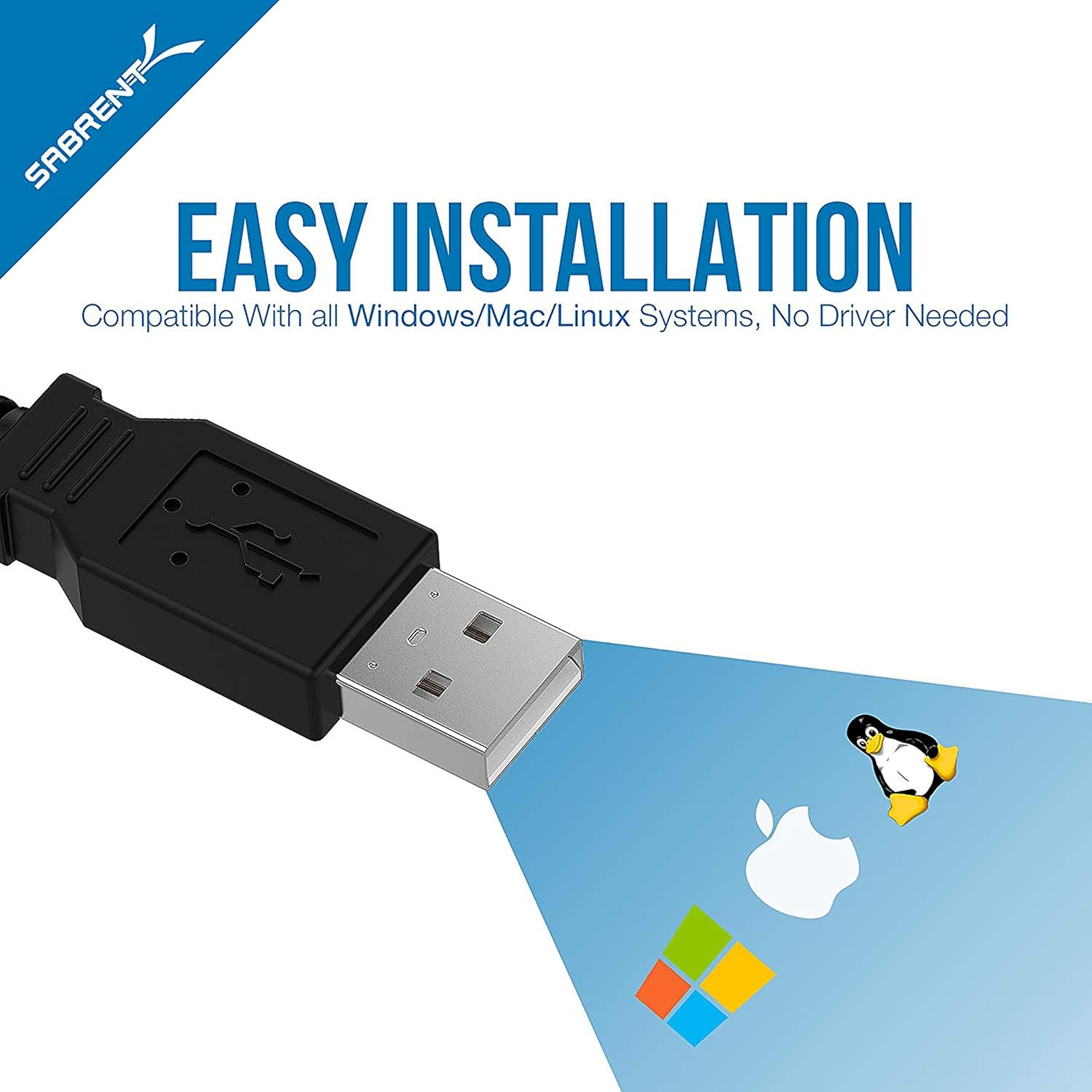
Image 2.1: The adapter is compatible with Windows, Mac, and Linux operating systems.
3. Configurazione e installazione
The SABRENT CB-FTDI adapter is designed for plug-and-play operation, often requiring no additional driver installation on modern operating systems due to its FTDI chipset. However, a driver CD is included for older systems or specific configurations.
Fasi di installazione:
- Connect the USB End: Plug the USB A-Male connector of the CB-FTDI cable into an available USB port on your computer.
- Connect the Serial End: Connect the DB-9 (RS-232) connector to the serial port of your peripheral device (e.g., PDA, modem, printer, PLC controller). Ensure the male thumbscrews are tightened for a secure fit.
- Installazione del driver (se necessario): For most modern operating systems (Windows 7/8/8.1/10, Mac OS X, Linux), drivers will install automatically. If prompted, or if the device is not recognized, insert the included driver CD and follow the on-screen instructions. Drivers can also be downloaded from the SABRENT websito.
- Verifica installazione: After installation, the device should appear in your system's Device Manager (Windows) or System Information (Mac/Linux) as a USB Serial Port. You may need to adjust COM port settings or baud rates in your device's software or system settings for optimal communication.

Image 3.1: Connecting the USB end to a laptop and the serial end to a compatible device.
4. Istruzioni per l'uso
Once the SABRENT CB-FTDI adapter is correctly installed, it functions as a standard serial port for your computer, allowing communication with RS-232 compatible devices.
Utilizzo:
- Ensure both the USB and DB-9 connectors are securely attached.
- Open the software application that requires serial communication (e.g., terminal emulator, device configuration software).
- Within the application's settings, select the appropriate COM port assigned to the USB Serial Adapter. This port number can be found in your operating system's device manager.
- Configure the serial communication parameters (baud rate, data bits, parity, stop bits, flow control) to match the requirements of your connected device.
- Initiate communication through your software. The adapter will facilitate data transfer between your computer and the serial device.

Image 4.1: The adapter supports various RS-232 devices including network switches, printers, modems, and PLC controllers.
Video 4.1: Un overview of the Sabrent USB Serial Cable's features and functionality.
5. Manutenzione
The SABRENT CB-FTDI adapter requires minimal maintenance to ensure long-term performance.
- Magazzinaggio: Quando non viene utilizzato, conservare il cavo in un luogo fresco e asciutto, lontano dalla luce solare diretta e da temperature estreme.
- Pulizia: Utilizzare un panno morbido e asciutto per pulire il cavo e i connettori. Evitare l'uso di detergenti liquidi o solventi.
- Gestione: Evitare di piegare o torcere eccessivamente il cavo, soprattutto in prossimità dei connettori, per evitare danni interni.
- Connessione: Always ensure connectors are properly aligned before pushing them in to prevent pin damage.
6. Risoluzione Dei Problemi
If you encounter issues with your SABRENT CB-FTDI adapter, refer to the following troubleshooting tips:
- Dispositivo non riconosciuto:
- Ensure the USB cable is securely plugged into both the computer and the serial device.
- Prova una porta USB diversa sul tuo computer.
- Reinstall the drivers using the provided CD or by downloading the latest drivers from the SABRENT websito.
- Riavvia il computer.
- Errori di comunicazione:
- Verify that the COM port selected in your software matches the port assigned to the adapter in your system's Device Manager.
- Check that the baud rate, data bits, parity, stop bits, and flow control settings in your software match those of the connected serial device.
- Assicurarsi che il dispositivo seriale sia acceso e funzioni correttamente.
- Confirm that the male thumbscrews on the DB-9 connector are securely fastened.
- Trasferimento dati lento:
- While the cable supports USB 2.0, actual transfer speeds depend on the connected serial device and its capabilities.
- Ensure your computer's USB port is functioning optimally.

Image 6.1: The DB-9 connector ensures a reliable connection to the RS-232 serial interface.
7. Specifiche
| Caratteristica | Dettaglio |
|---|---|
| Nome del modello | CB-FTDI |
| Lunghezza del cavo | 6 piedi (1.8 m) |
| Tipo di connettore (computer) | USB 2.0 tipo A maschio |
| Tipo di connettore (dispositivo) | DB-9 (9-Pin) RS-232 Male with Thumbscrews |
| Chipset | FTDI |
| Velocità di trasferimento dati | Up to 480 Megabits Per Second (USB 2.0) |
| Dimensione del buffer | 96 bytes (upstream and downstream) |
| Compatibilità | USB Specification v1.1(0) & USB CDC v1.1, USB 2.0 |
| Sistemi operativi | Windows (98SE to 10), Mac OS (9.1+), Linux (2.4+) |
| Caratteristiche speciali | Remote wake-up, power management, tangle-free design |
| Peso dell'articolo | 113 grammi |

Image 7.1: Internal structure of the cable, highlighting features for error-free data transmission.
8. Garanzia e supporto
Informazioni sulla garanzia:
The SABRENT CB-FTDI USB 2.0 to Serial Adapter Cable comes with a Garanzia di 1 anno dalla data di acquisto. La presente garanzia copre i difetti di fabbricazione e garantisce che il prodotto soddisfi gli standard prestazionali specificati in condizioni di utilizzo normali. Si prega di conservare la prova d'acquisto per eventuali reclami in garanzia.
Assistenza clienti:
For technical assistance, driver downloads, or further inquiries, please visit the official SABRENT website or contact their customer support team. Contact information can typically be found on the product packaging or the SABRENT official websito.