
1. Vöru lokiðview
The HP Laptop 15-fd2353la is a versatile and efficient computing device designed for everyday tasks, entertainment, and productivity. It features an Intel Core Ultra 5 processor, a vibrant 15.6-inch Full HD display, ample memory, and fast solid-state storage. This manual will guide you through the setup, operation, and maintenance of your new laptop.

Framan view of the HP Laptop 15-fd2353la, highlighting its Intel Core Ultra 5 processor, 24 GB RAM, 512 GB SSD, and 15.6-inch Full HD display.
2. Uppsetning
2.1 Upptaka
Taktu fartölvuna og allan fylgihluti varlega úr umbúðunum. Gakktu úr skugga um að eftirfarandi hlutir séu til staðar:
- HP Laptop 15-fd2353la
- Rafmagnsbreytir og kapall
- Skjölun (leiðbeiningar fyrir byrjendur, ábyrgðarupplýsingar)
2.2 Tenging við straumbreytinn
Before first use, connect the power adapter to the laptop's power port and then plug it into a wall outlet. Allow the battery to charge for a few hours, or until fully charged, before initial use.
2.3 Fyrsta ræsing og uppsetning Windows
Press the power button located on the keyboard to turn on the laptop. Follow the on-screen instructions to complete the Windows 11 Home setup process. This includes selecting your language, connecting to a Wi-Fi network, and creating a user account.
3. Notkunarleiðbeiningar
3.1 Kveikja/slökkva og svefnhamur
- Kveikt á: Ýttu á rofann.
- Lokaðu: Smelltu á Start hnappinn, síðan á Power > Shutdown.
- Svefnhamur: Lokaðu lokinu eða smelltu á Start hnappinn, síðan á Power > Sleep.
3.2 Notkun lyklaborðsins og snertiflötunnar
The laptop features a full-size Spanish QWERTY keyboard and a precision touchpad. Use the touchpad for navigation, clicking, and multi-touch gestures. Refer to Windows settings for touchpad customization.
3.3 Tengist við Wi-Fi
Til að tengjast þráðlausu neti:
- Smelltu á Wi-Fi táknið í verkefnastikunni.
- Veldu netið sem þú vilt af listanum.
- Sláðu inn lykilorðið fyrir netið ef beðið er um það og smelltu síðan á Tengjast.
4. Helstu eiginleikar
The HP Laptop 15-fd2353la offers a range of features designed to enhance your computing experience:
- Örgjörvi: Intel Core Ultra 5 225U (up to 4.8 GHz with Intel Turbo Boost Technology, 12 MB L3 Cache, 12 cores, 14 threads) for efficient multitasking.
- Geymsla: 512 GB PCIe NVMe M.2 Solid State Drive for fast boot times and application loading.
- Minni: 24 GB DDR5-5600 MT/s RAM for smooth performance across demanding applications.
- Skjár: 15.6-inch Full HD (1920 x 1080) IPS anti-glare display with 250 nits brightness and 62.5% sRGB for clear visuals.
- Stýrikerfi: Foruppsett með Windows 11 Home.
- Rafhlöðuending: Up to 9 hours and 45 minutes of AI-optimized battery life, with HP Fast Charge capable of recharging 50% in approximately 30 minutes.
- WebMyndavél og hljóð: Innbyggt webcam with a privacy shutter and a clear microphone featuring external noise reduction for improved video calls.
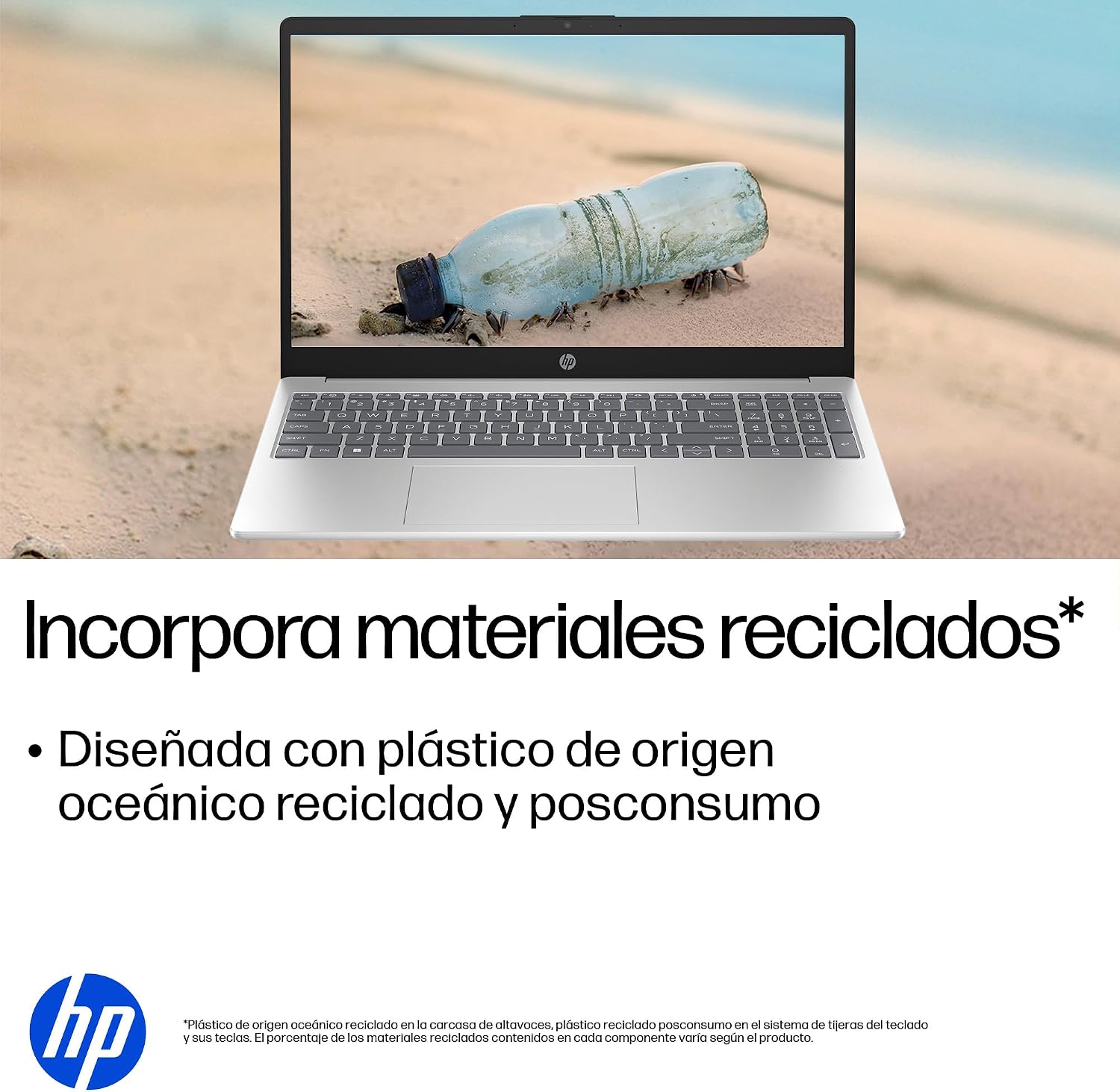
- Sjálfbær hönnun: Constructed with ocean-bound and post-consumer recycled plastics in various components.

The laptop features an integrated webcam shutter for privacy and a clear microphone with external noise reduction.

Experience an immersive visual display with an 85% screen-to-body ratio and an anti-glare Full HD screen.

Enjoy extended use with up to 9 hours and 45 minutes of AI-optimized battery life, and quickly recharge 50% in 30 minutes with HP Fast Charge.

This laptop incorporates recycled materials, including ocean-bound and post-consumer plastics, in its design.
5. Hafnir og tengingar
Your HP Laptop 15-fd2353la is equipped with various ports for connecting peripherals and external devices:

Diagram illustrating the location and type of ports on the HP Laptop 15-fd2353la.
- Vinstri hlið:
- 1 x USB Type-A 5 Gbps signaling rate port
- 1 x HDMI tengi
- 1 x USB Type-C 5 Gbps signaling rate port
- 1 x Samsett heyrnartól/hljóðnemi tengi
- Hægri hlið:
- 1 x USB Type-A 5 Gbps signaling rate port
- 1 x Rafmagnstengi
6. Tæknilýsing
| Eiginleiki | Forskrift |
|---|---|
| Vörumerki | HP |
| Nafn líkans | 15-fd2353la |
| Skjástærð | 15.6 tommur |
| Hámarks skjáupplausn | 1920 x 1080 pixlar (FHD) |
| Skjár Tegund | IPS, Anti-glare LCD |
| Litur | Silfur |
| CPU líkan | Intel Core Ultra 5 225U |
| Hraði örgjörva | Allt að 4.8 GHz |
| RAM Stærð | 24 GB |
| RAM-tækni | DDR5-5600 MT/s |
| Stærð harða disksins | 512 GB SSD (PCIe NVMe M.2) |
| Stýrikerfi | Windows 11 Home |
| Grafískur hjálpargjörvi | Intel samþætt grafík |
| USB tengi | 3 (2x USB tegund-A, 1x USB tegund-C) |
| HDMI tengi | 1 |
| Tegund rafhlöðu | Litíum jón |
| Orkuinnihald rafhlöðunnar | 41 Watt-stundir |
| Lyklaborðsuppsetning | QWERTY (Spanish) |
| Þyngd | 1.65 kíló |
| Mál (L x B x H) | 23.6 x 36 x 1.9 cm |
Visual representation of the laptop's dimensions and weight.
7. Viðhald
7.1 Þrif á fartölvunni
- Notaðu mjúkan, lólausan klút örlítið dampÞvoið með vatni eða skjáhreinsiefni til að þrífa skjáinn.
- Notið mjúkan klút fyrir lyklaborðið og undirvagninn. Forðist sterk efni eða slípiefni.
- Notið þrýstiloft til að hreinsa ryk af lyklaborðstökkum og loftræstiopum.
7.2 Umhirða rafhlöðu
- Forðastu mikinn hita.
- Ekki tæma rafhlöðuna alveg oft.
- Ef fartölvan er geymd í langan tíma, vertu viss um að rafhlaðan sé hlaðin um 50%.
7.3 Hugbúnaðaruppfærslur
Uppfærðu Windows stýrikerfið og rekla reglulega til að tryggja bestu mögulegu afköst og öryggi. Hægt er að nálgast Windows Update í gegnum Stillingar > Windows Update.
7.4 Geymslustjórnun
Reglulega umview og eyða óþarfa files to maintain sufficient free space on your 512 GB SSD, which helps in sustaining system performance.
8. Bilanagreining
8.1 Rafmagnsvandamál
- Tölvan kveikir ekki á sér: Gakktu úr skugga um að rafmagnstengið sé vel tengt bæði við fartölvuna og virka innstungu. Athugaðu hvort innstungan virki.
- Rafhlaða hleðst ekki: Verify the power adapter is correctly connected. Try a different power outlet.
8.2 Skjávandamál
- Engin mynd á skjánum: Connect an external monitor to the HDMI port to check if the issue is with the laptop's display or the graphics card.
- Dim or flickering screen: Adjust screen brightness using the keyboard function keys. Update display drivers.
8.3 Tengingarvandamál
- Þráðlaust net tengist ekki: Ensure Wi-Fi is enabled. Restart your router and modem. Check network settings in Windows.
- USB tæki þekkjast ekki: Reyndu að tengja tækið við aðra USB-tengi. Gakktu úr skugga um að reklar séu uppsettir.
8.4 Vandamál með afköst
- Hæg frammistaða: Close unnecessary applications. Check for background processes consuming high resources (Task Manager). Ensure sufficient free storage space.
- Kerfið frýs: Restart the laptop. Check for recent software installations or updates that might be causing conflicts.
9. Ábyrgð og stuðningur
9.1 Upplýsingar um ábyrgð
Your HP Laptop 15-fd2353la comes with a 1 ára takmörkuð ábyrgð. This warranty covers manufacturing defects and hardware failures under normal use conditions. Please refer to the warranty documentation included with your product for full terms and conditions.
9.2 Tæknileg aðstoð
For technical assistance, warranty claims, or service inquiries, please visit the official HP support website or contact HP customer service. Have your product model number (15-fd2353la) and serial number ready when contacting support.
You can find more information and support resources at the official HP websíða: www.hp.com/support