
1. Að byrja
This section provides instructions for the initial setup of your HP 15 Laptop.
1.1 Úrpakkning og fyrsta skoðun
Takið fartölvuna og allan fylgihluti varlega úr umbúðunum. Gakktu úr skugga um að allir íhlutir séu til staðar:
- HP 15 fartölva
- Power Adapter (45W AC adapter)
- Skjöl
Inspect the laptop for any visible damage. If any damage is found or components are missing, contact your retailer or HP support immediately.
1.2 Rafmagnstenging
Before first use, ensure the laptop is fully charged. Connect the power adapter to the laptop's AC power port and then to a wall outlet.

Image: Essential ports on the HP 15 Laptop, highlighting the AC power input.
The battery indicator light will show the charging status. Allow the laptop to charge for at least 30 minutes before initial power-on, or until fully charged.
1.3 First Power-On and Windows 11 Pro Setup
Open the laptop lid and press the power button. The laptop will boot up and guide you through the Windows 11 Pro setup process. Follow the on-screen instructions to:
- Veldu svæði og tungumál.
- Tengstu við Wi-Fi net.
- Samþykktu leyfisskilmálana.
- Stofnaðu eða skráðu þig inn með Microsoft-reikningi.
- Set up a PIN or password.
- Stilla persónuverndarstillingar.
Once Windows 11 Pro is set up, you will be presented with the desktop.
1.4 Microsoft Office 365 Activation
Your HP 15 Laptop includes Microsoft Office 365. To activate it:
- Ensure you are connected to the internet.
- Opnaðu hvaða Office forrit sem er (t.d. Word, Excel).
- Fylgdu leiðbeiningunum til að skrá þig inn með Microsoft-reikningnum þínum eða stofna nýjan.
- The Office 365 subscription will be linked to your account.
2. Notkun fartölvunnar
This section covers the basic operation and features of your HP 15 Laptop.
2.1 Lyklaborð og snertiflötur
The laptop features a full-size keyboard with a numeric keypad and a precision touchpad. Use the touchpad for navigation and gestures. Refer to Windows settings for touchpad customization.
2.2 Tengingar
Your laptop supports various connectivity options:
- Wi-Fi 5: Tengstu þráðlausum netum til að fá aðgang að internetinu.
- Bluetooth 5: Pair with compatible devices such as headphones, mice, or keyboards.
- USB tengi:
- 1 x USB Type-C (5Gbps)
- 2 x USB Type-A (5Gbps)
- HDMI 1.4b: Tengist við ytri skjái eða skjávarpa.
- SD Media Card Reader: Settu inn SD-kort til að flytja gögn.
- Samsett tengi fyrir heyrnartól/hljóðnema: Connect headphones or external microphones.
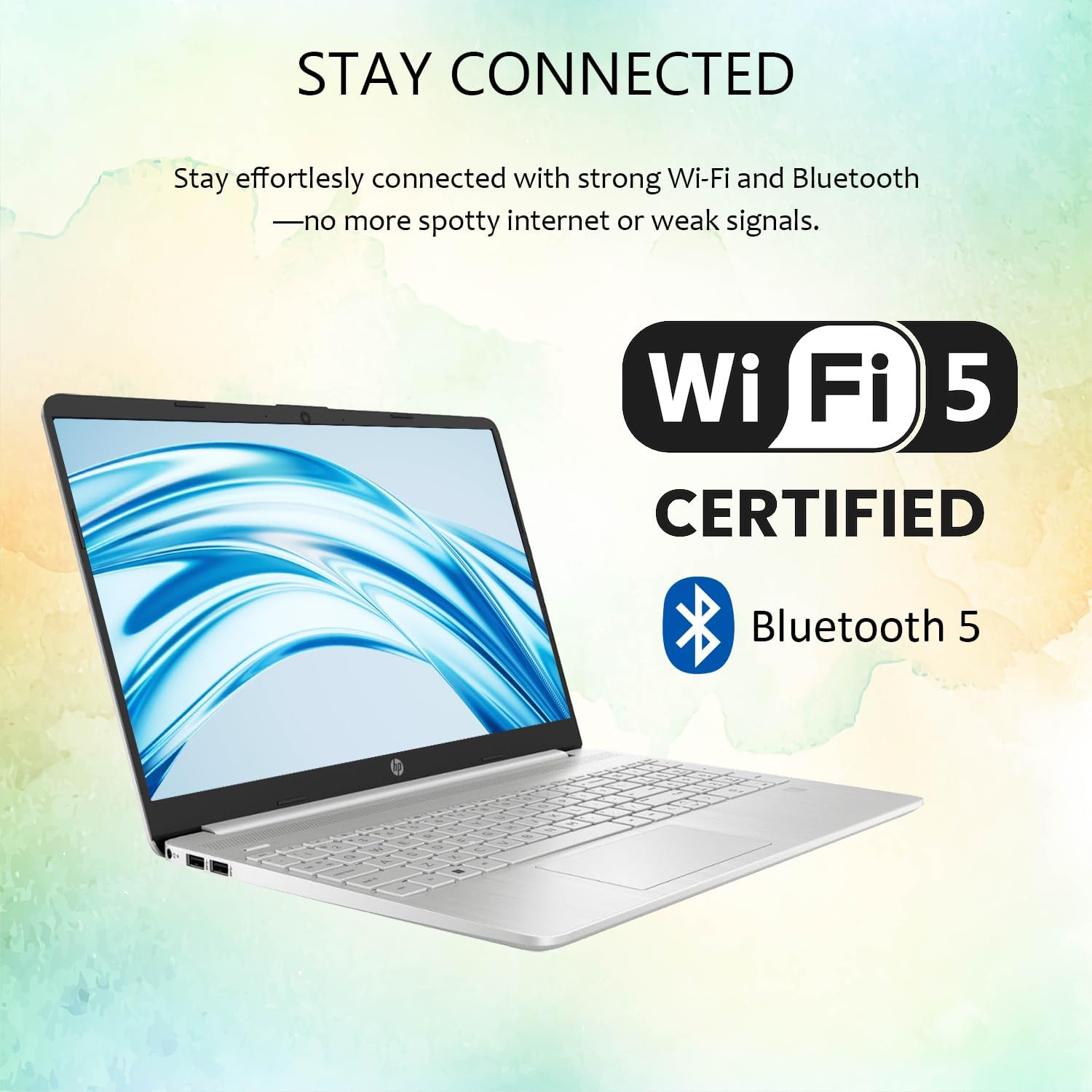
Image: Wireless connectivity features of the HP 15 Laptop.
2.3 Skjár og hljóð
The 15.6-inch Full HD (1920 x 1080) IPS display features an anti-glare coating for comfortable viewing. Dual stereo speakers provide audio output, and dual array microphones are integrated for communication.

Image: The 15.6-inch Full HD IPS display with anti-glare coating.
2.4 Using Copilot AI
Your laptop includes Copilot AI, an intelligent assistant integrated into Windows 11 Pro. Access Copilot to assist with tasks, answer questions, and enhance productivity. You can typically launch Copilot from the taskbar or by using a dedicated key if available.
3. Viðhald og umönnun
Rétt viðhald tryggir langlífi og bestu mögulegu afköst HP 15 fartölvunnar þinnar.
3.1 Þrif á fartölvunni
- Skjár: Notaðu létt mjúkan, lólausan klút dampÞvoið með vatni eða skjáhreinsiefni. Forðist sterk efni.
- Lyklaborð og undirvagn: Notið mjúkan klút. Notið þrýstiloft fyrir ryk.
- Gakktu úr skugga um að fartölvan sé slökkt og úr sambandi áður en hún er þrifin.
3.2 Hugbúnaðaruppfærslur
Athugaðu reglulega hvort Windows uppfærslur séu til staðar og settu upp þær til að tryggja að kerfið þitt hafi nýjustu öryggisuppfærslurnar og úrbætur á afköstum. Farðu á Stillingar > Windows uppfærsla til að stjórna uppfærslum.
3.3 Umhirða rafhlöðu
- Forðastu mikinn hita.
- Ekki tæma rafhlöðuna alveg oft.
- Til langtímageymslu skal hlaða rafhlöðuna í um 50-70%.
3.4 Geymslustjórnun
Reglulega umview og eyða óþarfa files to free up storage space. Windows 11 Pro includes tools like Storage Sense (in Stillingar > Kerfi > Geymsla) til að sjálfvirknivæða þetta ferli.
4. Bilanagreining
Þessi kafli fjallar um algeng vandamál sem þú gætir lent í með HP 15 fartölvuna þína.
4.1 Rafmagnsvandamál
- Tölvan kveikir ekki á sér: Gakktu úr skugga um að rafmagnstengið sé vel tengt og að innstungan virki. Prófaðu aðra innstungu.
- Rafhlaða hleðst ekki: Athugið hvort rafmagnsmillistykkið og snúran séu skemmd. Gakktu úr skugga um að hleðslutengið sé hreint.
4.2 Skjávandamál
- Enginn skjár: Connect an external monitor via HDMI to check if the issue is with the laptop screen or the system itself.
- Flikrandi skjár: Uppfærðu grafíkrekla. Stilltu endurnýjunartíðni skjásins í Windows stillingum.
4.3 Tengingarvandamál
- Þráðlaust net tengist ekki: Restart your router and laptop. Check Wi-Fi settings in Windows. Ensure Wi-Fi is enabled.
- Bluetooth tæki parast ekki: Ensure the device is in pairing mode and within range. Remove and re-add the device in Bluetooth settings.
4.4 Afköst kerfisins
- Hæg frammistaða: Close unnecessary applications. Check for background processes in Task Manager. Ensure sufficient free storage space.
- Kerfið frýs: Perform a hard reset by holding the power button until the laptop shuts down, then restart.
For more advanced troubleshooting or issues not covered here, refer to the HP support websíðuna eða hafðu samband við þjónustuver.
5. Tæknilýsing
Detailed technical specifications for the HP 15 Laptop (Model G9).

Image: Key features and specifications of the HP 15 Laptop.
| Eiginleiki | Forskrift |
|---|---|
| Nafn líkans | HP 15 Laptop (G9) |
| Stýrikerfi | Windows 11 Pro |
| Örgjörvi | Intel N4120 (4 Cores / 4 Threads, up to 2.6 GHz) |
| Grafík | Intel UHD grafík (innbyggð) |
| Skjár | 15.6" Full HD (1920 x 1080) IPS, Anti-Glare, 250 nits |
| Minni (RAM) | 4GB DDR4 (Configurable up to 16GB DDR4) |
| Geymsla | 128GB SSD (Configurable up to 512GB SSD) |
| Þráðlaus tenging | Wi-Fi 5, Bluetooth 5 |
| Hafnir | 1x USB Type-C (5Gbps), 2x USB Type-A (5Gbps), 1x HDMI 1.4b, 1x SD Media Card Reader, 1x Headphone/Microphone Combo Jack, 1x AC Power Port |
| Hljóð | Dual stereo speakers, Dual array microphones |
| Webkambur | Built-in 720p HD Camera |
| Lyklaborð | US English, Full-size with Numeric Keypad |
| Rafmagns millistykki | 45W straumbreytir |
| Mál (L x B x H) | 14.09" x 9.53" x 0.78" |
| Þyngd | 3.8 pund |
6. Ábyrgð og stuðningur
Þessi hluti veitir upplýsingar um ábyrgð vörunnar og hvernig hægt er að fá aðstoð.
6.1 Vöruábyrgð
Your HP 15 Laptop (Model G9) comes with a standard manufacturer's warranty. The warranty period is typically 1 ár frá kaupdegi, sem nær yfir galla í efni og framleiðslu við eðlilega notkun. Vinsamlegast geymið kaupkvittunina vegna ábyrgðarkröfu.
For detailed warranty terms and conditions, please refer to the documentation included with your product or visit the official HP support websíða.
6.2 Tæknileg aðstoð
If you encounter any issues that cannot be resolved using the troubleshooting steps in this manual, or require further assistance, please contact HP Technical Support.
- Stuðningur á netinu: Visit the official HP Support website for drivers, manuals, FAQs, and diagnostic tools.
- Símastuðningur: Contact HP customer service via phone. Refer to the HP websíða fyrir svæðisbundin tengiliðanúmer.
- When contacting support, have your laptop's serial number and model number (G9) ready.
Athugið: If you purchased this product through Amazon and have an Amazon Order ID, you may also contact your seller for initial assistance as indicated in the product description.