
1. Okwu mmalite
This manual provides essential information for setting up, operating, maintaining, and troubleshooting your HP 14-em 14-inch HD Laptop. Please read this guide thoroughly to ensure optimal performance and longevity of your device.
The HP 14-em laptop features an AMD Athlon Silver 7120U processor, 4GB RAM, 512GB eMMC storage, and runs on Windows 11 Pro. It is designed for everyday tasks, offering a balance of performance and portability.
2. Nhazi
2.1 Mwepu na nyocha izizi
Jiri nlezianya wepụ laptọọpụ na ihe niile dị na ngwugwu ahụ. Hụ na ihe niile dị na ya:
- HP 14-inch Laptop
- Ihe nkwụnye ọkụ
- Mytrix 2.4GHz Wireless Gaming Headset
- Akwụkwọ
Lelee laptọọpụ ahụ maka mmebi ọ bụla. Ọ bụrụ na achọpụta mmebi ọ bụla, kpọtụrụ onye na-ere ahịa gị ozugbo.
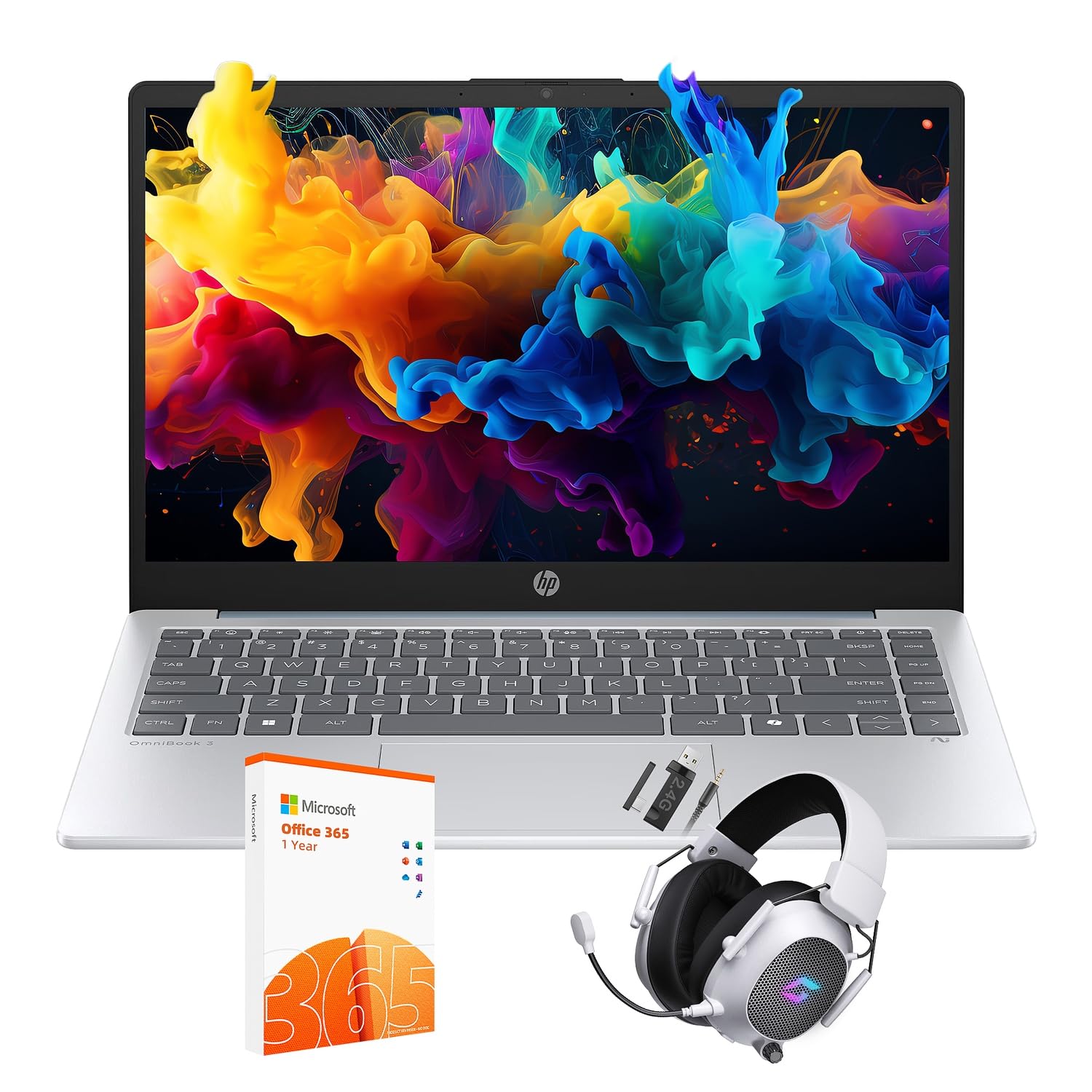
Figure 2.1: The HP 14-inch HD Laptop in Moonlight Blue, showcasing ya sleek imewe.
2.2 Ijikọ nkwụnye ọkụ
Connect the power adapter to the laptop's power port and then plug it into a wall outlet. It is recommended to fully charge the battery before initial use.
2.3 Initial Power On and Windows 11 Pro Setup
Press the power button located on the keyboard deck. The laptop will boot up and guide you through the Windows 11 Pro setup process. Follow the on-screen instructions to:
- Họrọ mpaghara na asụsụ gị.
- Jikọọ na netwọk Wi-Fi.
- Nabata usoro ikike.
- Mepụta akaụntụ onye ọrụ ma ọ bụ banye na akaụntụ Microsoft.
- Hazie ntọala nzuzo.
2.4 Setting up the Mytrix Wireless Gaming Headset
Refer to the separate instructions provided with the Mytrix 2.4GHz Wireless Gaming Headset for detailed setup. Generally, this involves:
- Ịchaji ekweisi.
- Connecting the wireless dongle to an available USB port on the laptop.
- Powering on the headset and ensuring it pairs with the dongle.
- Configuring audio input/output settings in Windows 11 Pro.
3. Ịrụ ọrụ Laptọọpụ
3.1 Njikwa ike
- Ike Na: Pịa bọtịnụ ike.
- Modera Modera: Mechie mkpuchi ahụ ma ọ bụ họrọ "Ụra" site na Mmalite Menu.
- Mechie: Select "Shut down" from the Start Menu.
- Malitegharịa: Select "Restart" from the Start Menu.
3.2 Using the Touchpad
The touchpad supports multi-touch gestures for navigation. Common gestures include:
- Kpatụ: Single finger tap for left-click.
- Pịa mkpịsị aka abụọ: Pịa aka nri.
- Mpịakọta mkpịsị aka abụọ: Pịgharịa gaa na elu ma ọ bụ ala.
- Tuo-na-mbugharị: Bugharịa ma ọ bụ pụta.
3.3 Connecting to Networks (Wi-Fi 6 and Bluetooth 5.4)
Iji jikọọ na netwọk Wi-Fi:
- Pịa akara ngosi Wi-Fi dị na taskbar.
- Họrọ netwọk nke ịchọrọ na listi ahụ.
- Tinye paswọọdụ netwọk ma ọ bụrụ na kpaliri.
Iji jikọọ ngwaọrụ Bluetooth:
- Gaa na Ntọala > Bluetooth & ngwaọrụ.
- Gbaa mbọ hụ na agbanyere Bluetooth.
- Select "Add device" and follow the pairing instructions for your device.
3.4 External Port Usage
Laptọọpụ gị nwere ọdụ ụgbọ mmiri dị iche iche maka ijikọ ngwaọrụ mpụga:

Figure 3.1: Available ports on the HP 14-inch HD Laptop.
- Ụdị USB-A: For connecting standard USB devices like mice, keyboards, and external storage.
- USB Ụdị-C: Maka mbufe data.
- HDMI: Maka ijikọ na ngosipụta mpụga ma ọ bụ ihe nrụpụta.
- Headphone/Microphone Combo: For connecting a headset or external speakers/microphone.
3.5 Atụmatụ Windows 11 Pro
Windows 11 Pro offers advanced security, management tools, and productivity features. Explore the Start Menu, Taskbar, and Settings app to customize your experience. The laptop also supports a 180-degree hinge for flexible viewakụkụ .
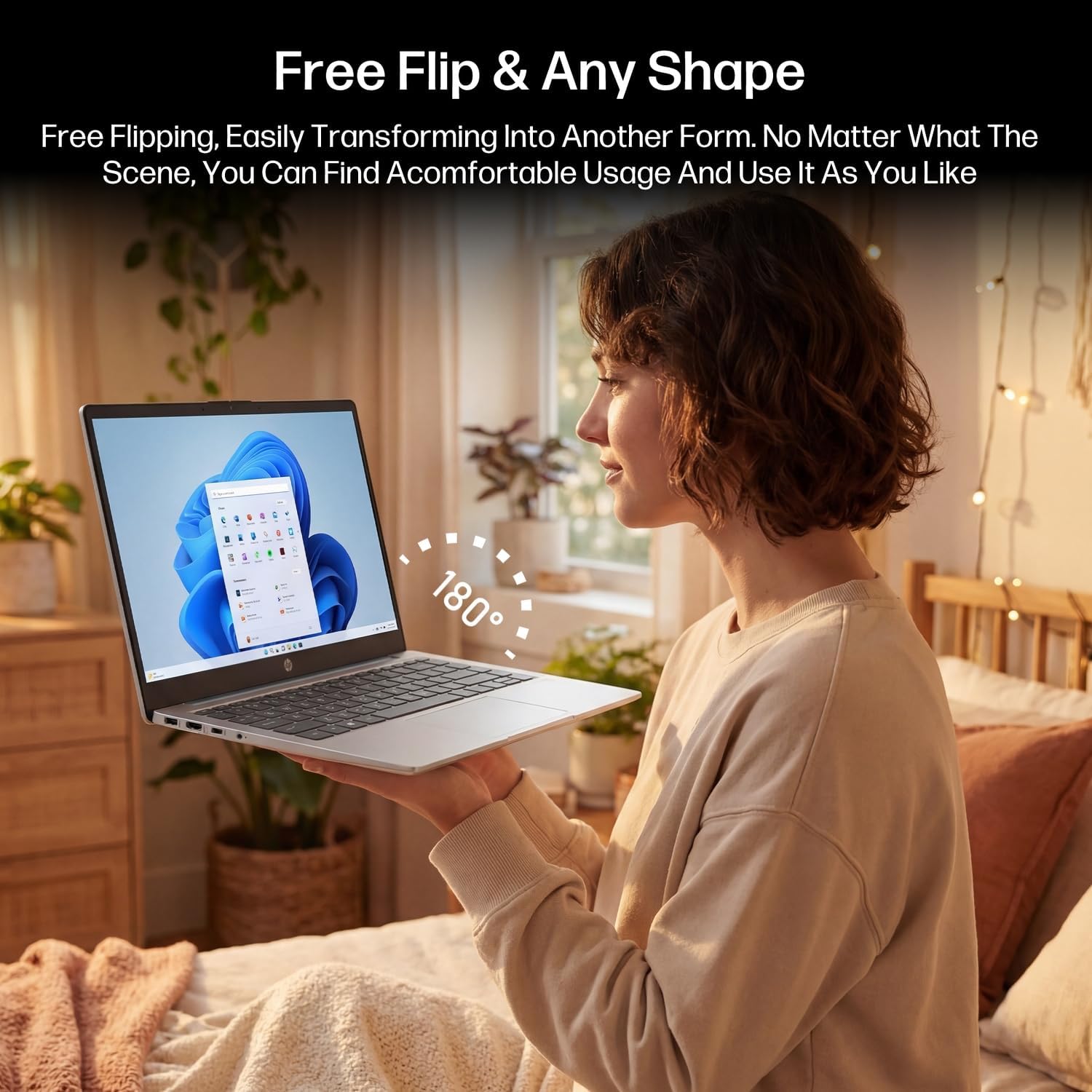
Figure 3.2: The laptop's 180-degree hinge for versatile use.

Figure 3.3: The HP laptop efficiently handles daily tasks.
4. Nlekọta
4.1 Na-ehicha laptọọpụ
- Ihuenyo: Jiri akwa dị nro na nke enweghị mmiri ọkụ dampjiri mmiri ma ọ bụ ihe nhicha ihuenyo kpuchie ya. Afesakwala ihe nhicha ozugbo na ihuenyo.
- Chassis na Keyboard: Jiri akwa dị nro ma kpọọ nkụ. Maka unyi isi ike, ntakịrị damp a pụrụ iji ákwà mee ihe. Zere oke mmiri mmiri.
- ọdụ ụgbọ mmiri: Jiri ikuku a na-eme ka ọ dị nro wepụ uzuzu n'ọdụ ụgbọ mmiri.
4.2 Nlekọta batrị
Ka iwelie ndụ batrị:
- Zere oke okpomọkụ.
- Ekwela ka batrị na-agbapụta nke ọma ugboro ugboro.
- Utilize HP Fast Charge technology for quick recharging when needed.
4.3 Mmelite ngwanrọ
Na-elele ma wụnye mmelite Windows oge niile iji hụ na sistemụ gị nwere patches nche kachasị ọhụrụ yana nkwalite arụmọrụ. Gaa na Ntọala > Mmelite Windows.
4.4 Njikwa nchekwa
The 512GB eMMC storage provides fast boot-ups and file access. To maintain performance, periodically:
- Hichapụ adịghị mkpa files.
- Wepu ngwa ejighi ya.
- Use Windows' built-in Disk Cleanup tool.
5. Nchọpụta nsogbu
This section addresses common issues you might encounter. For more complex problems, refer to HP's official support resources.
5.1 Laptọọpụ anaghị agba ọkụ
- Hụ na e jikọtara ihe nkwụnye ọkụ eletrik ahụ nke ọma na laptọọpụ ahụ na ebe ọkụ eletrik na-arụ ọrụ.
- Nyochaa na ntinye ọkụ na-arụ ọrụ site na nkwụnye na ngwaọrụ ọzọ.
- Ọ bụrụ na batrị ahụ agbanyụọla kpamkpam, hapụ ya ka ọ chajịa ruo opekata mpe nkeji iri atọ tupu ị nwaa ịgbanye ya ọzọ.
5.2 Okwu Njikọta Wi-Fi
- Lelee ma ọ bụrụ na Wi-Fi agbanyere na ntọala Windows.
- Malitegharịa ekwentị gị na modem gị.
- Chefuo netwọk ahụ ma jikọọ ọzọ, tinye paswọọdụ ọzọ.
- Ensure your laptop is within range of the Wi-Fi signal.
5.3 External Display Not Detected
- Ensure the HDMI cable is securely connected to both the laptop and the external display.
- Check the input source on your external display (e.g., HDMI 1, HDMI 2).
- Pịa Igodo Windows + P and select a display option (Duplicate, Extend, Second screen only).
5.4 Nsogbu Ọdịyo
- Check volume levels in Windows and on any connected external audio devices.
- Hụ na ahọpụtara ngwaọrụ mmepụta ọdịyo ziri ezi na ntọala ụda Windows.
- If using the Mytrix headset, ensure it is powered on and properly paired.
6. Nkọwapụta
Detailed technical specifications for your HP 14-em 14-inch HD Laptop:
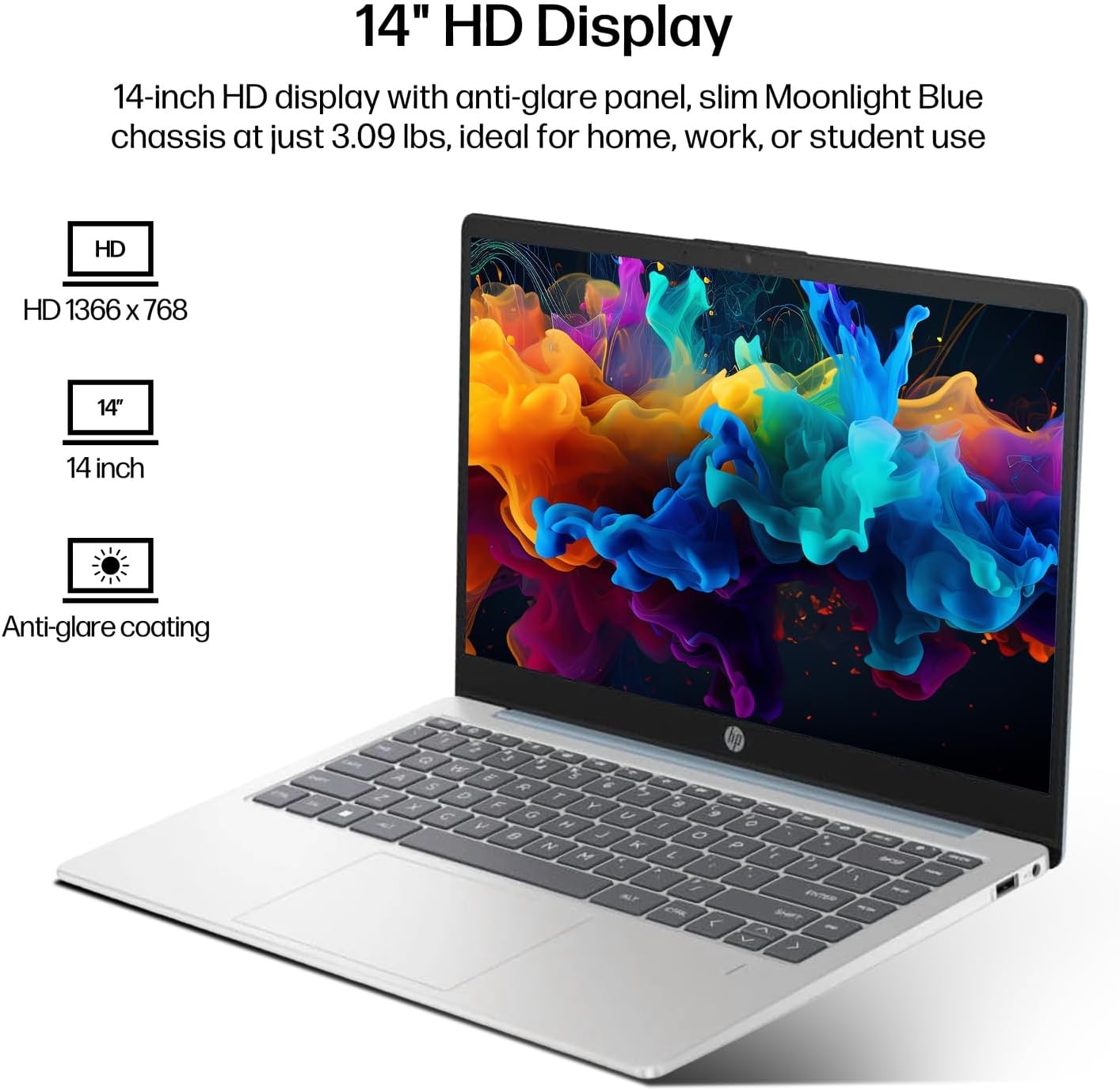
Figure 6.1: The 14-inch HD display features a resolution of 1366 x 768 pixels and an anti-glare coating.

Figure 6.2: The laptop is powered by an AMD Athlon Silver 7120U Processor with integrated AMD Radeon Graphics.
| Njirimara | Nkọwapụta |
|---|---|
| Ụdị | HP |
| Aha Nlereanya | 14-em |
| Nhazi | AMD Athlon Silver 7120U (2 Cores, 2 Threads, up to 3.5 GHz Boost Clock) |
| Eserese | AMD Radeon Graphics (Agbakwunyere) |
| RAM | 4 GB DDR4 SODIMM |
| Nchekwa | 512 GB eMMC (Ọnọdụ siri ike) |
| Ngosipụta | 14-inch HD (1366 x 768) LED, Anti-Glare |
| Sistemụ nrụọrụ | Windows 11 Pro |
| Njikọ ikuku | Wi-Fi 6 (802.11ax), Bluetooth 5.4 |
| ọdụ ụgbọ mmiri | 2x USB Type-A, 1x USB Type-C (Data Transfer), 1x HDMI, 1x Headphone/Microphone Combo |
| Igwefoto | Ihu ihu |
| Audio | HD Audio |
| Akụkụ (L x W x H) | 12.74" x 8.46" x 0.7" |
| Ibu | Ihe dịka 3.09 lbs |
| Ngwa gụnyere | Mytrix 2.4GHz Wireless Gaming Headset |

Figure 6.3: Physical dimensions of the HP 14-inch HD Laptop.
7. Akwụkwọ ikike na nkwado
7.1 Akwụkwọ ikike ngwaahịa
Your HP 14-em laptop comes with a 12-month manufacturer's warranty. This warranty covers defects in materials and workmanship under normal use. For specific terms and conditions, please refer to the warranty documentation included with your product or visit the official HP support websaịtị.
7.2 Nkwado nka na ụzụ
For technical assistance, troubleshooting beyond this manual, or warranty claims, please contact HP Customer Support. You can find contact information on the official HP websaịtị ma ọ bụ site na ngwa nkwado etinyere na laptọọpụ gị.
Additional protection plans are available for purchase, including 2-Year and 4-Year Protection Plans, and a monthly Complete Protect plan. Details can be found where you purchased the product.