
1. Okwu mmalite
This manual provides detailed instructions for the SF Xtreme Gear Analog-Digital Watch, model NP77070PP02. This timepiece features both analog and digital displays, quartz movement, and a durable plastic strap. Please read this manual thoroughly to ensure proper use and maintenance of your watch.
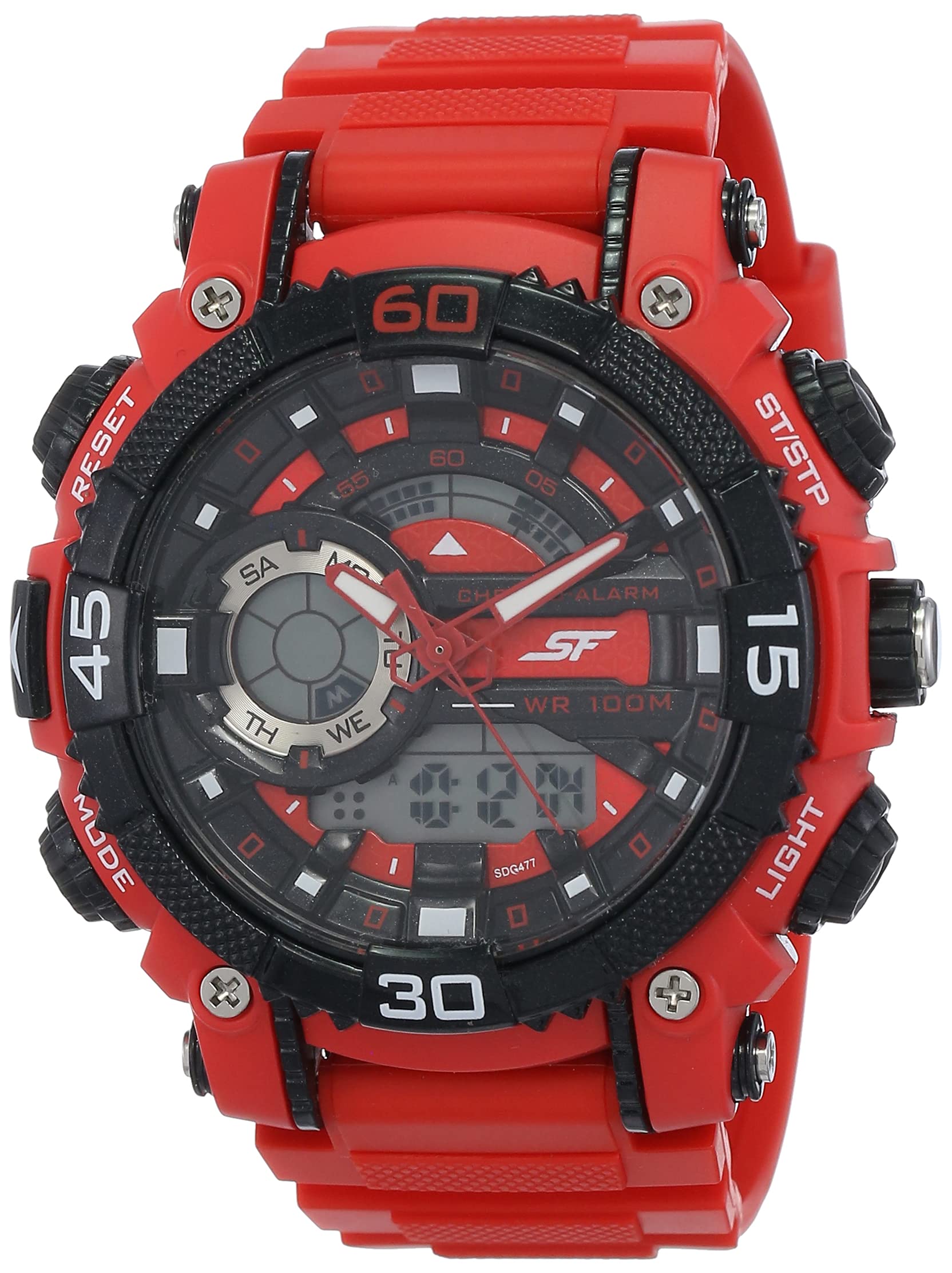
Foto 1: N'ihu view of the SF Xtreme Gear Analog-Digital Watch.
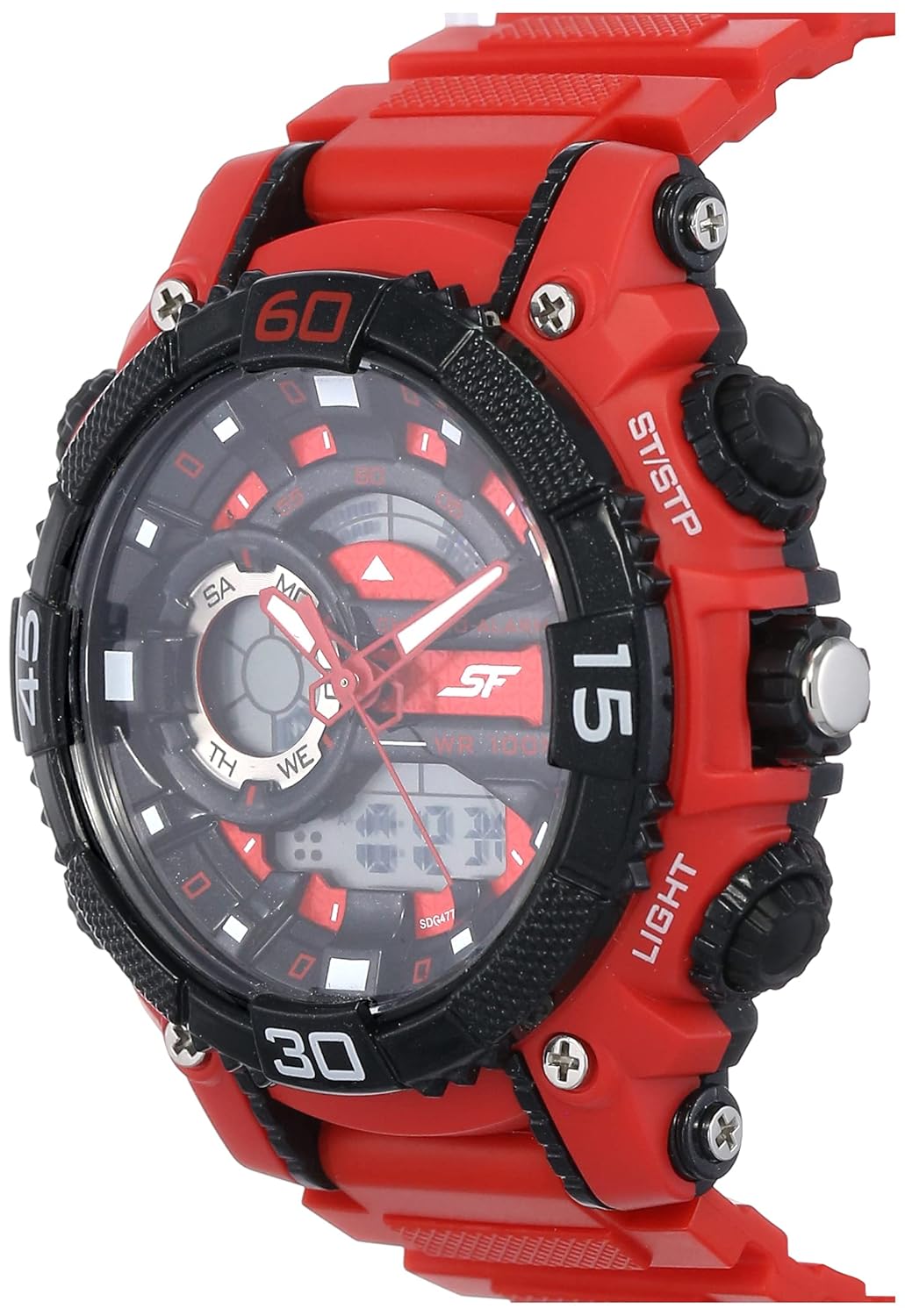
Figure 2: The SF Xtreme Gear watch as worn on a wrist.
2. Lelee akụrụngwa
Mara ihe ndị bụ isi dị na elekere gị:
- Ngosipụta analog: Aka elekere, nkeji, na aka abụọ ọdịnala.
- Ngosipụta Digital: Shows time, date, and other digital functions.
- Okpueze: Used for setting analog time.
- Buttons (Mode, Reset, ST/STP, Light): Used for operating digital functions and backlight.
- Plastic Strap: Durable and comfortable for daily wear.

Foto 3: Akụkụ view illustrating watch buttons and crown.
3. Nhazi na nhazi mbido
3.1 Ịtọ oge Analog
- Wepụ okpueze ahụ gaa n'ọnọdụ mbụ.
- Tụgharịa okpueze ka ịhazie aka elekere na nkeji n'oge ziri ezi.
- Pịa okpueze ahụ azụ n'ọnọdụ nkịtị ya iji malite nhazi oge analog.
3.2 Ịtọ Oge na Ụbọchị Dijitalụ
- Pịa MODE button repeatedly until the digital time display flashes.
- Jiri ihe Tụgharịa button to select the digit or setting you wish to change (e.g., hours, minutes, month, day).
- Jiri ihe ST/STP bọtịnụ iji gbanwee uru ahọpụtara.
- Gaa n'ihu ịpị MODE to cycle through settings (12/24-hour format, year, month, date).
- Ozugbo ntọala niile ziri ezi, pịa bọtịnụ MODE bọtịnụ ọzọ ka ịpụ na ọnọdụ ntọala.
4. Ntuziaka ọrụ
4.1 Nhọrọ ọnọdụ
Pịa MODE button to cycle through the different digital functions:
- Ngosipụta oge (Awa, Nkeji, Nkeji, Ụbọchị, Ụbọchị)
- Ọrụ mkpu
- Ọrụ elekere elekere
4.2 Using the Alarm
- Pịa MODE until the alarm display appears.
- Pịa Tụgharịa to select the hour or minute setting.
- Jiri ST/STP iji dozie oge mkpu.
- Pịa MODE iji kwado wee pụọ.
- To activate/deactivate the alarm, press ST/STP while in alarm mode. An alarm icon will indicate activation.
4.3 Iji elekere nkwụsị
- Pịa MODE until the stopwatch display appears (00:00:00).
- Pịa ST/STP imalite elekere nkwụsị.
- Pịa ST/STP ọzọ iji kwụsịtụ/maliteghachi.
- Pịa Tụgharịa iji tọgharịa elekere elekere ka ọ bụrụ efu.
4.4 Iji ọkụ azụ
Pịa ÌHÈ button to illuminate the digital display for a few seconds in low-light conditions.
4.5 Mmiri Nguzogide
This watch is rated for 30 meters (3 ATM) water resistance. It is suitable for everyday use and can withstand splashes or brief immersion in water. It is not recommended for swimming, diving, or prolonged water exposure. Do not operate buttons while the watch is wet.
5. Nlekọta
5.1 Nhicha
Hichaa akpa elekere ahụ ma jiri ákwà dị nro ma kpọọ nkụ kee ya. Maka unyi siri ike, jiri obere d hichaa ya.amp cloth can be used, followed by immediate drying. Avoid using chemical cleaners or solvents, as these can damage the watch materials.
5.2 nnọchi batrị
The watch requires one product-specific battery. When the display dims or functions become erratic, the battery may need replacement. Battery replacement should be performed by a qualified watch technician to ensure proper sealing and water resistance.
5.3 Nchekwa
Store your watch in a cool, dry place away from direct sunlight, extreme temperatures, and strong magnetic fields when not in use.
6. Nchọpụta nsogbu
- Analog hands not moving: Check if the crown is pushed in completely. If not, pull out and reset. If the issue persists, the battery may need replacement or there could be a mechanical issue.
- Ngosipụta dijitalụ enweghị oghere ma ọ bụ gbagọrọ agbagọ: Batrị ahụ nwere ike ịdị ala ma ọ bụ gwụchaa. Dochie batrị ahụ.
- Digital time is incorrect: Follow the "Setting Digital Time and Date" instructions in Section 3.2.
- Bọtịnụ anaghị anabata: Ensure the watch is dry. If wet, dry thoroughly. If the issue persists, there may be internal damage.
7. Nkọwapụta
| Njirimara | Nkọwapụta |
|---|---|
| Nọmba nlereanya | NP77070PP02 |
| Ụdị mmegharị | Quartz |
| Ụdị ngosi | Analog-Dijitalụ |
| Dayameta ikpe | 49.59 Millimita |
| Ngwa igwe | Plastic |
| Agba agba | Uhie |
| Mmiri Nguzogide | Mita 30 (ATM 3) |
| Ibu Ibu | 122 grams |
| Achọrọ batrị | 1 Batrị akọwapụtara nke ọma |
| Onye nrụpụta | Ụgwọ nke ụlọ ọrụ Titan Company Limited |
| Mba onye si | India |

Figure 4: Watch dimensions compared to common objects.
8. Akwụkwọ ikike Ozi
This SF Xtreme Gear watch comes with a Akwụkwọ ikike nwere oke. A limited warranty typically covers manufacturing defects in materials and workmanship under normal use for a specified period from the date of purchase. It generally does not cover:
- Mmebi sitere na njikwa na-ekwesịghị ekwesị, enweghị nlekọta, ihe ọghọm, ma ọ bụ akwa na akwa nkịtị.
- Water damage if the watch was used beyond its specified water resistance rating or if buttons were operated underwater.
- Ndochi batrị.
- Ndozi ma ọ bụ mgbanwe na-akwadoghị.
For specific terms and conditions of your warranty, please refer to the warranty card included with your purchase or contact customer support.
9. Nkwado ndị ahịa
If you require further assistance or have questions not covered in this manual, please contact SF customer support or visit the official brand store.
- Onye nrụpụta: Titan Company Limited, Sipcot Industrial Complex, Hosur, Tamil Nadu - 635129, India
- SF Brand Store: Visit the SF Store on Amazon
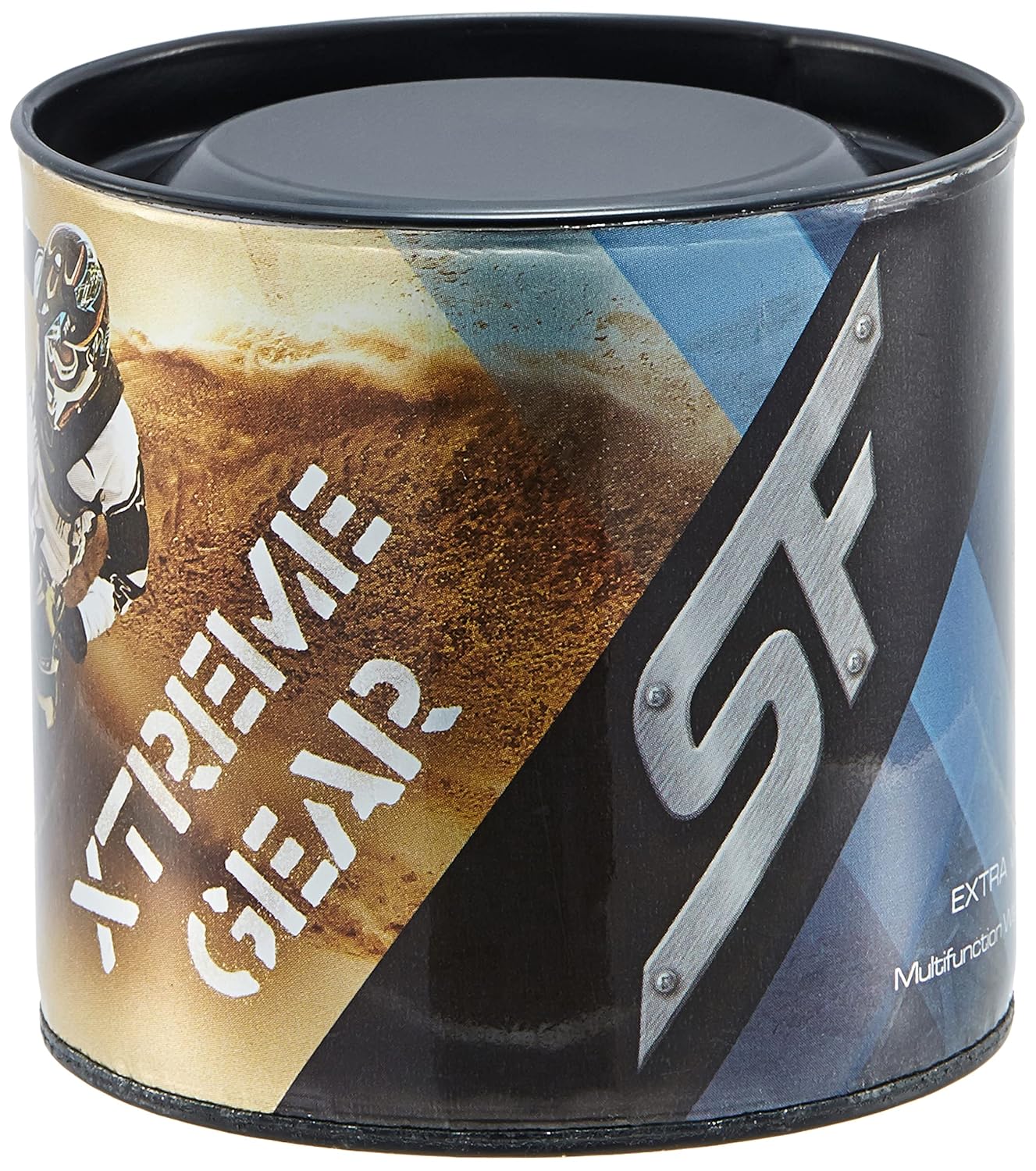
Figure 5: Product packaging for the SF Xtreme Gear watch.