
1. Pendahuluan
Welcome to the HONOR Choice Watch 2i user manual. This guide provides detailed instructions on how to set up, operate, and maintain your smartwatch, ensuring you get the most out of its features. The HONOR Choice Watch 2i is designed to enhance your daily life with smart notifications, health monitoring, and fitness tracking capabilities.
2. Produk Lebihview
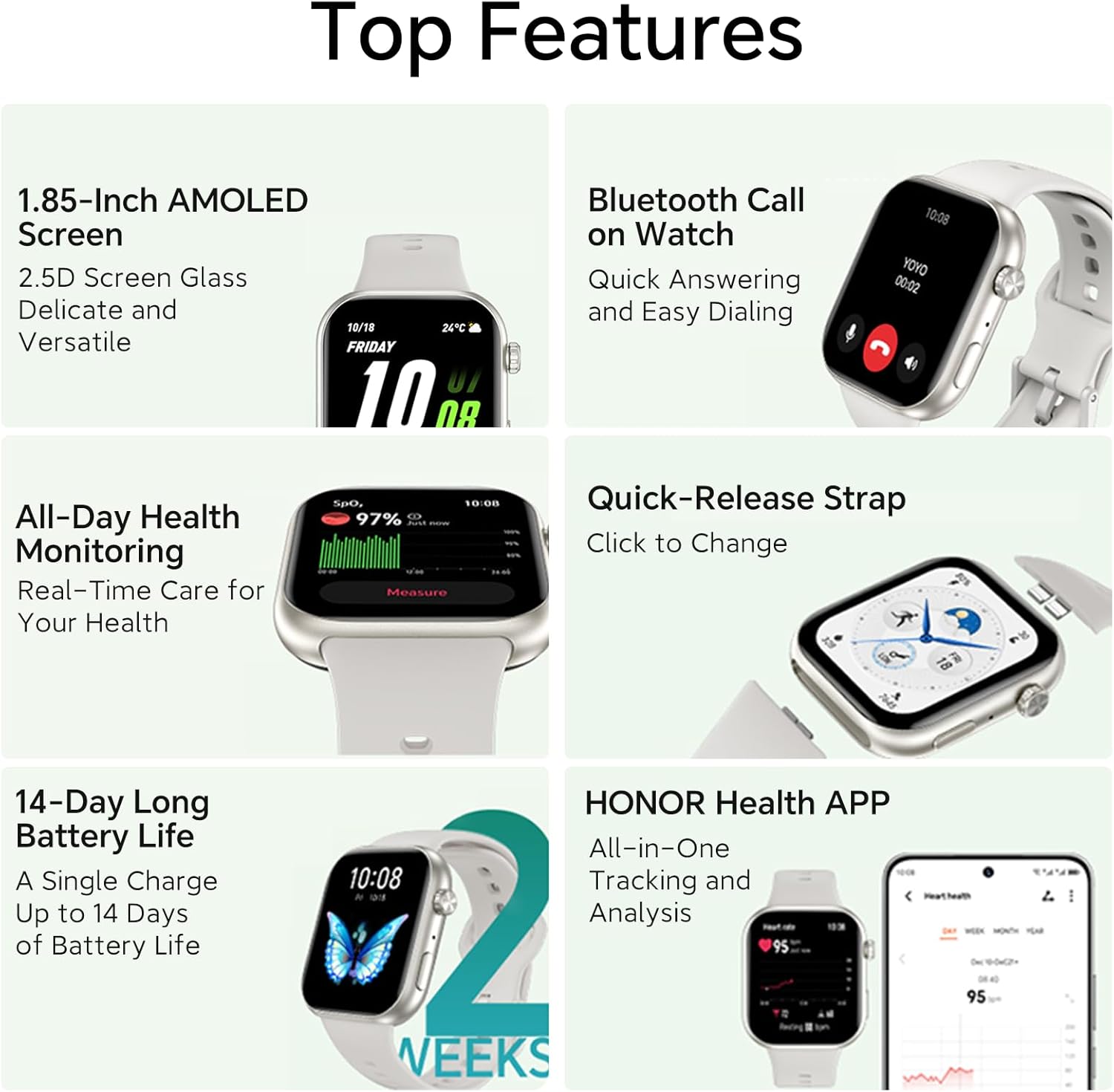
The HONOR Choice Watch 2i features a vibrant 1.85-inch AMOLED display, Bluetooth calling functionality, and robust health tracking. It boasts an impressive battery life of up to 14 days on a single charge, is water-resistant up to 1 ATM, and has an IP68 rating for dust and water resistance.
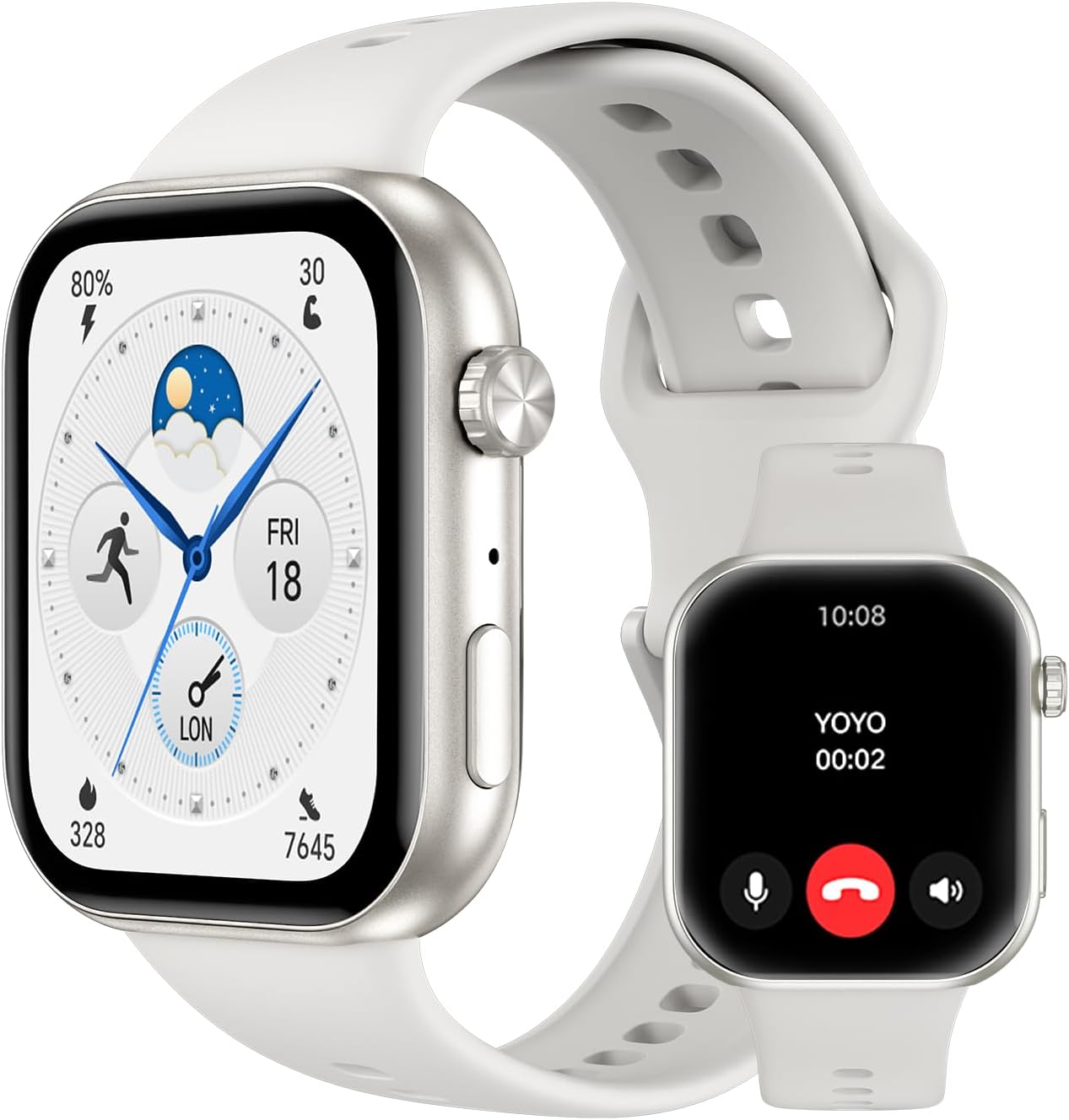
Gambar 2.1: Depan view of the HONOR Choice Watch 2i, showcasing its sleek design and bright display.
Fitur Utama:
- Layar AMOLED 1.85 inci: Provides clear and vibrant visuals.
- Panggilan Bluetooth: Lakukan dan terima panggilan langsung dari pergelangan tangan Anda.
- Daya tahan baterai 14 hari: Penggunaan lebih lama dengan sekali pengisian daya.
- Pemantauan SpO2: Pantau kadar saturasi oksigen dalam darah Anda.
- 1 ATM Water Resistance & IP68 Rating: Suitable for daily use and light water exposure.
3. Pengaturan
To begin using your HONOR Choice Watch 2i, follow these steps to pair it with your smartphone and set up the necessary application.
- Isi daya jam tangan: Before first use, fully charge your smartwatch using the provided charging cable. Connect the magnetic end of the cable to the charging contacts on the back of the watch and the USB end to a power adapter (not included).
- Download the HONOR Health App: Pencarian untuk "HONOR Health" in your smartphone's app store (Google Play Store for Android or Apple App Store for iOS) and install it.
- Pasangkan Jam Tangan:
- Open the HONOR Health app on your smartphone.
- Ikuti petunjuk di layar untuk membuat akun atau masuk.
- Navigate to the "Devices" section and select "Add Device".
- Pilih "HONOR Choice Watch 2i" dari daftar perangkat yang tersedia.
- Konfirmasikan permintaan pemasangan pada jam tangan dan telepon pintar Anda.
- Pengaturan Lengkap: Once paired, the app will guide you through initial settings, such as personal information and notification preferences.
4. Petunjuk Pengoperasian
4.1. Panggilan Bluetooth
The HONOR Choice Watch 2i allows you to make and receive calls directly from your wrist when connected to your smartphone via Bluetooth. This feature provides convenience, especially when your phone is not immediately accessible.
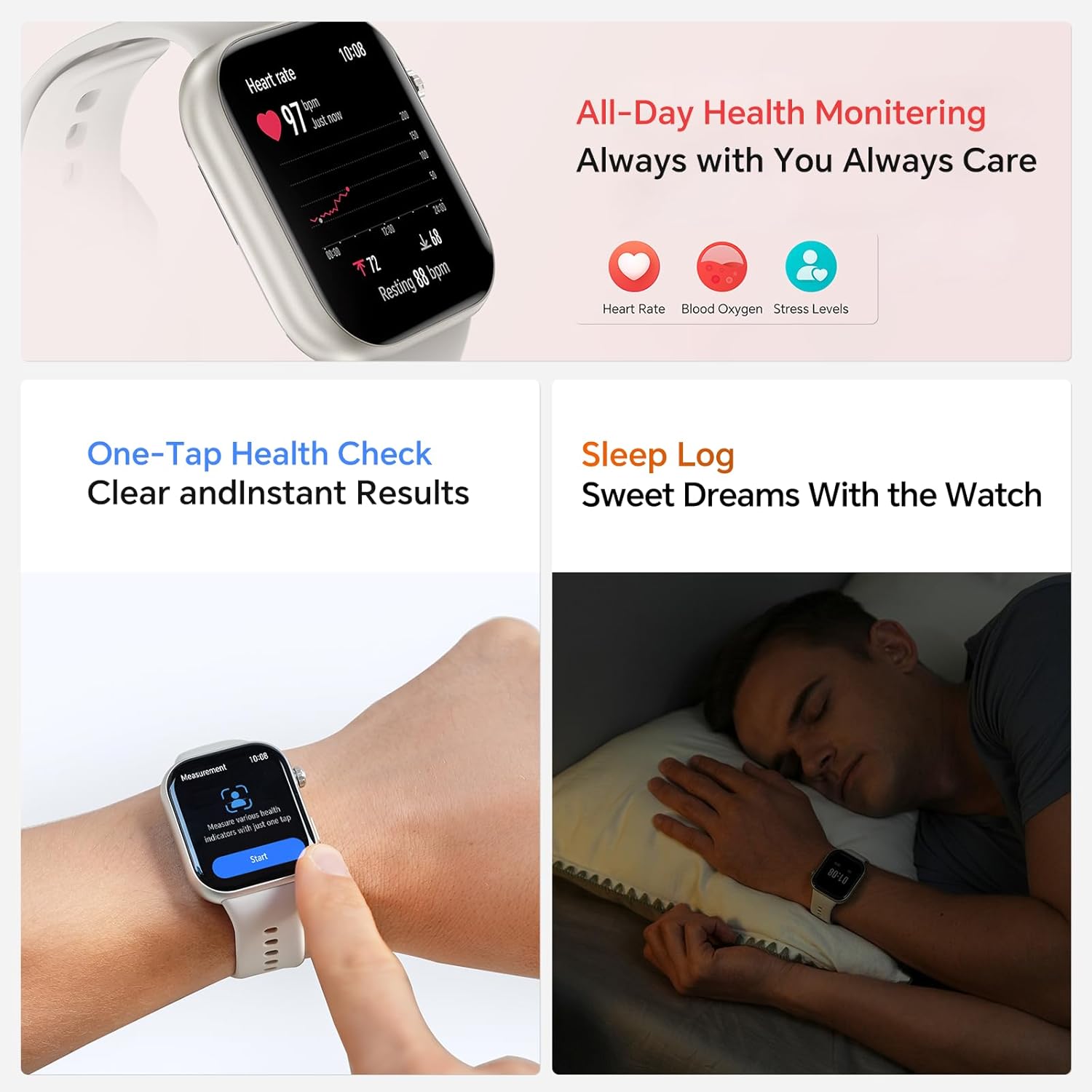
Figure 4.1: Bluetooth Call interface on the HONOR Choice Watch 2i, showing quick answering and dialing options.
- Menjawab Panggilan: When a call comes in, tap the green phone icon on your watch screen to answer.
- Membuat panggilan: Akses papan tombol atau daftar kontak di jam tangan Anda untuk memulai panggilan.
- Manajemen Panggilan: During a call, you can adjust volume, mute, or transfer the call back to your phone.
4.2. Quick Message Reply
For incoming calls you cannot answer immediately, the watch offers quick message reply options. This allows you to send a pre-set text message directly from your wrist.
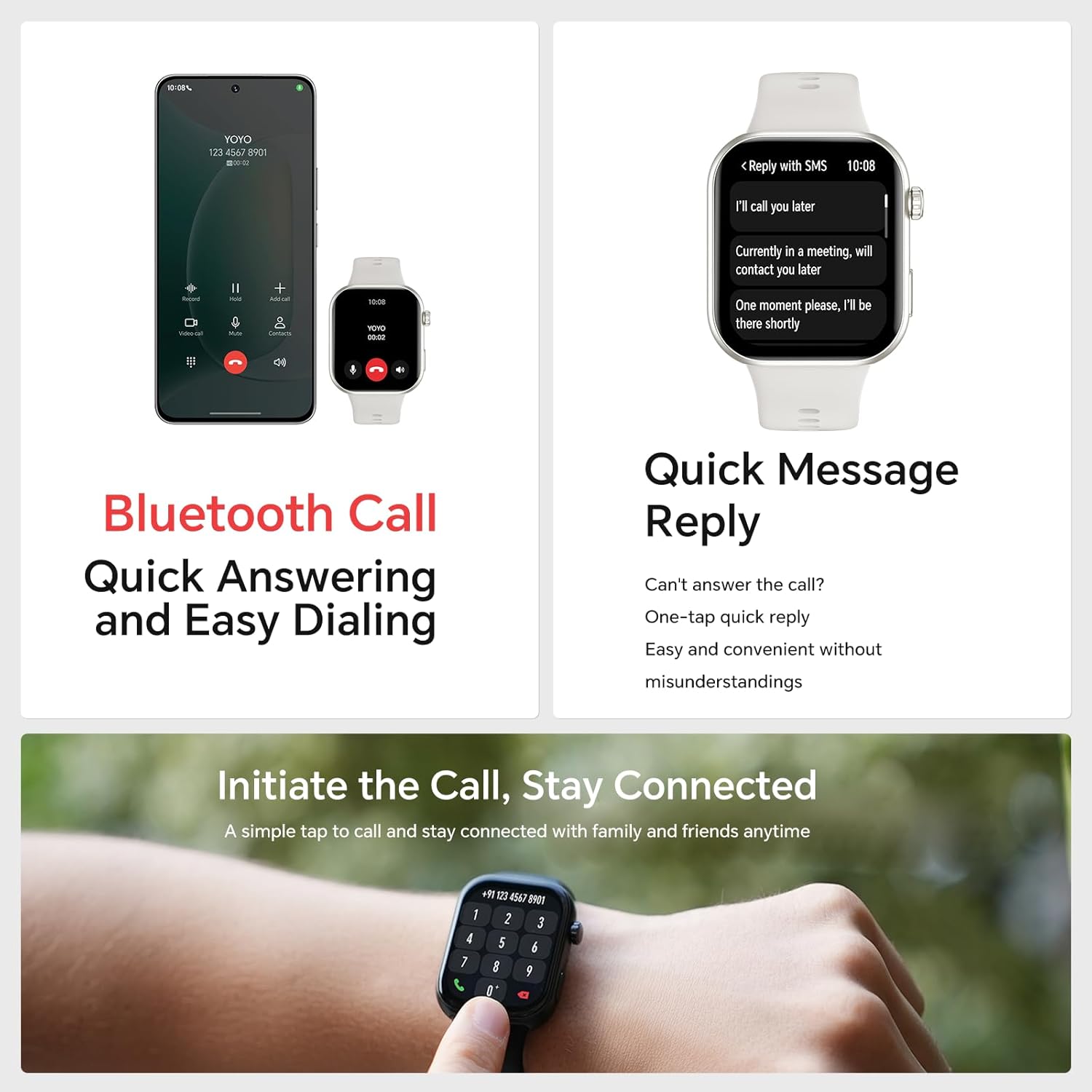
Figure 4.2: Quick Message Reply feature, providing convenient one-tap responses.
- When an incoming call is displayed, tap the message icon.
- Select from a list of pre-defined quick replies (e.g., "I'll call you later", "Currently in a meeting").
- These messages can be customized within the HONOR Health app.
5. Fitur Pemantauan Kesehatan
The HONOR Choice Watch 2i provides comprehensive health monitoring to help you stay informed about your well-being.
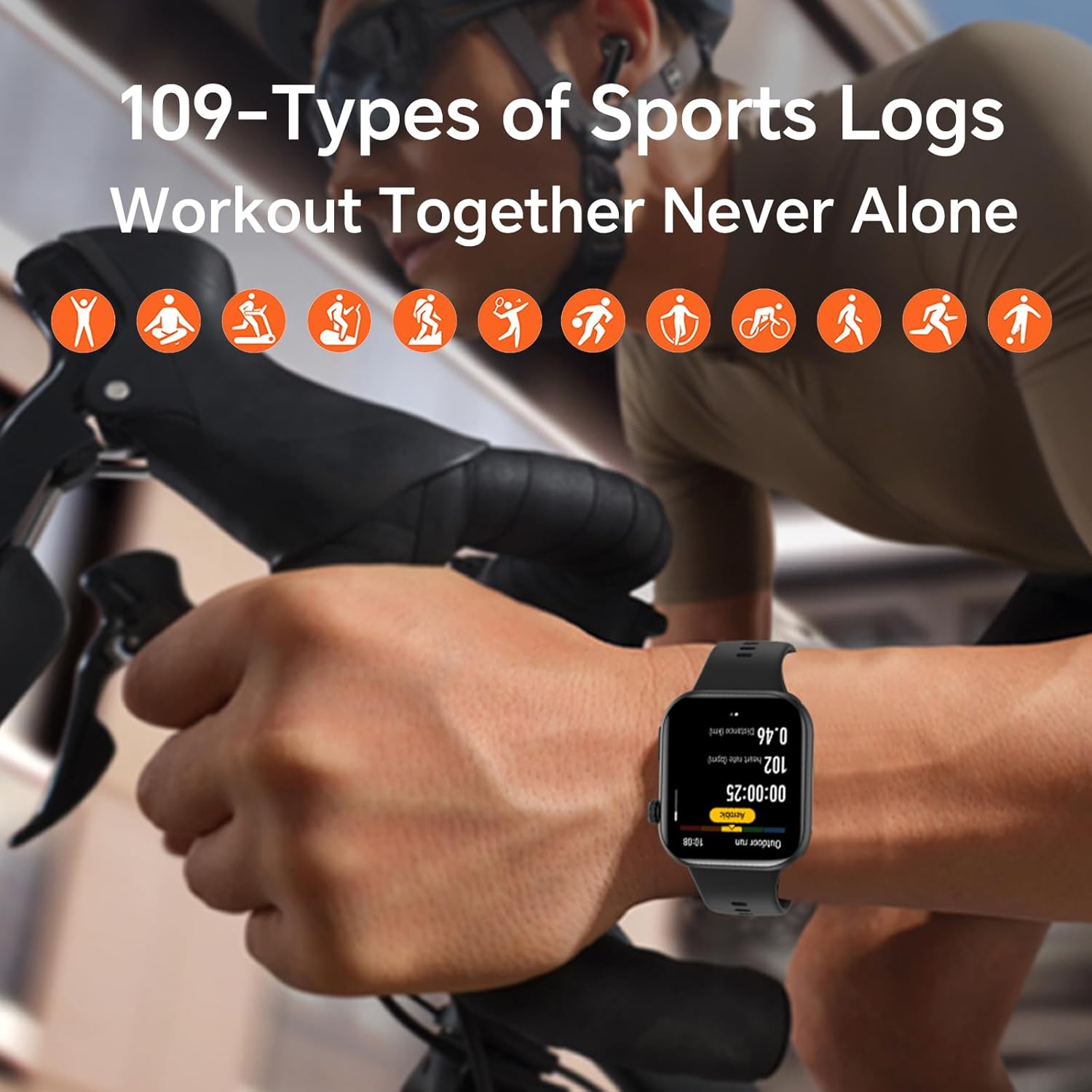
Figure 5.1: All-Day Health Monitoring interface, showing real-time health data.
- Pemantauan Denyut Jantung: Melacak detak jantung Anda secara terus-menerus sepanjang hari. View data waktu nyata dan tren historis dalam aplikasi.
- Pemantauan Oksigen Darah (SpO2): Measures your blood oxygen saturation levels, providing insights into your respiratory health.
- Pemantauan Tingkat Stres: Analyzes heart rate variability to estimate your stress levels.
- Pelacakan Tidur: Monitors your sleep patterns, including deep sleep, light sleep, and REM sleep, to help you understand and improve your sleep quality.
- Pemeriksaan Kesehatan Sekali Sentuh: Provides quick and instant results for various health metrics.
6. Mode Olahraga
The HONOR Choice Watch 2i supports over 100 types of sports modes, allowing you to accurately track your workouts and progress.
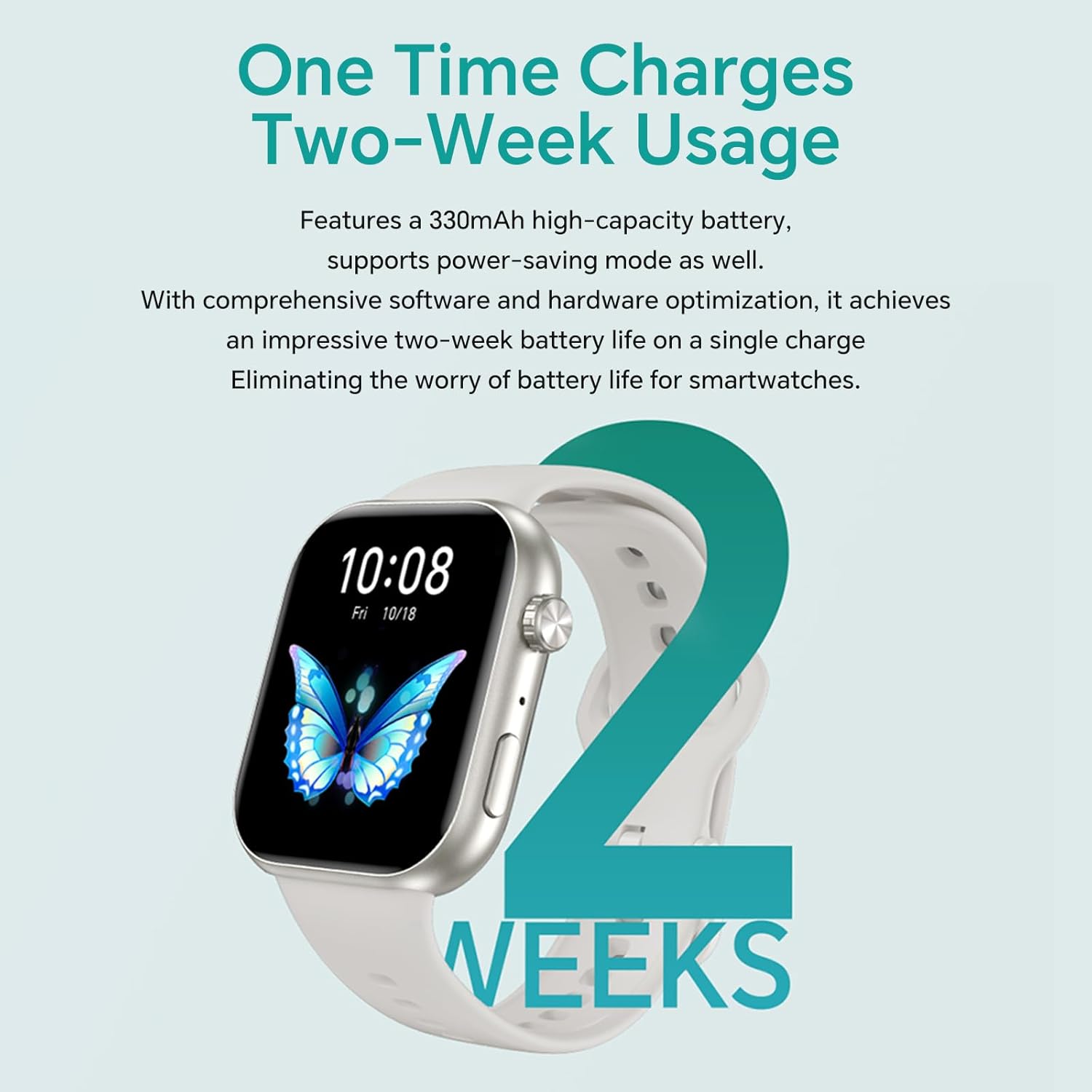
Figure 6.1: The watch tracking a cycling workout, demonstrating its multi-sport capabilities.
- Extensive Sport Modes: Choose from a wide range of activities including running, cycling, swimming, yoga, and more.
- Data Waktu Nyata: During workouts, the watch displays real-time metrics such as duration, distance, calories burned, and heart rate.
- Catatan Latihan: All your workout data is logged and synchronized with the HONOR Health app for detailed analysis and progress tracking.
7. Daya Tahan Baterai
The HONOR Choice Watch 2i is equipped with a 330mAh high-capacity battery, optimized for extended usage. With comprehensive software and hardware optimization, it achieves an impressive two-week battery life on a single charge, minimizing the need for frequent recharging.
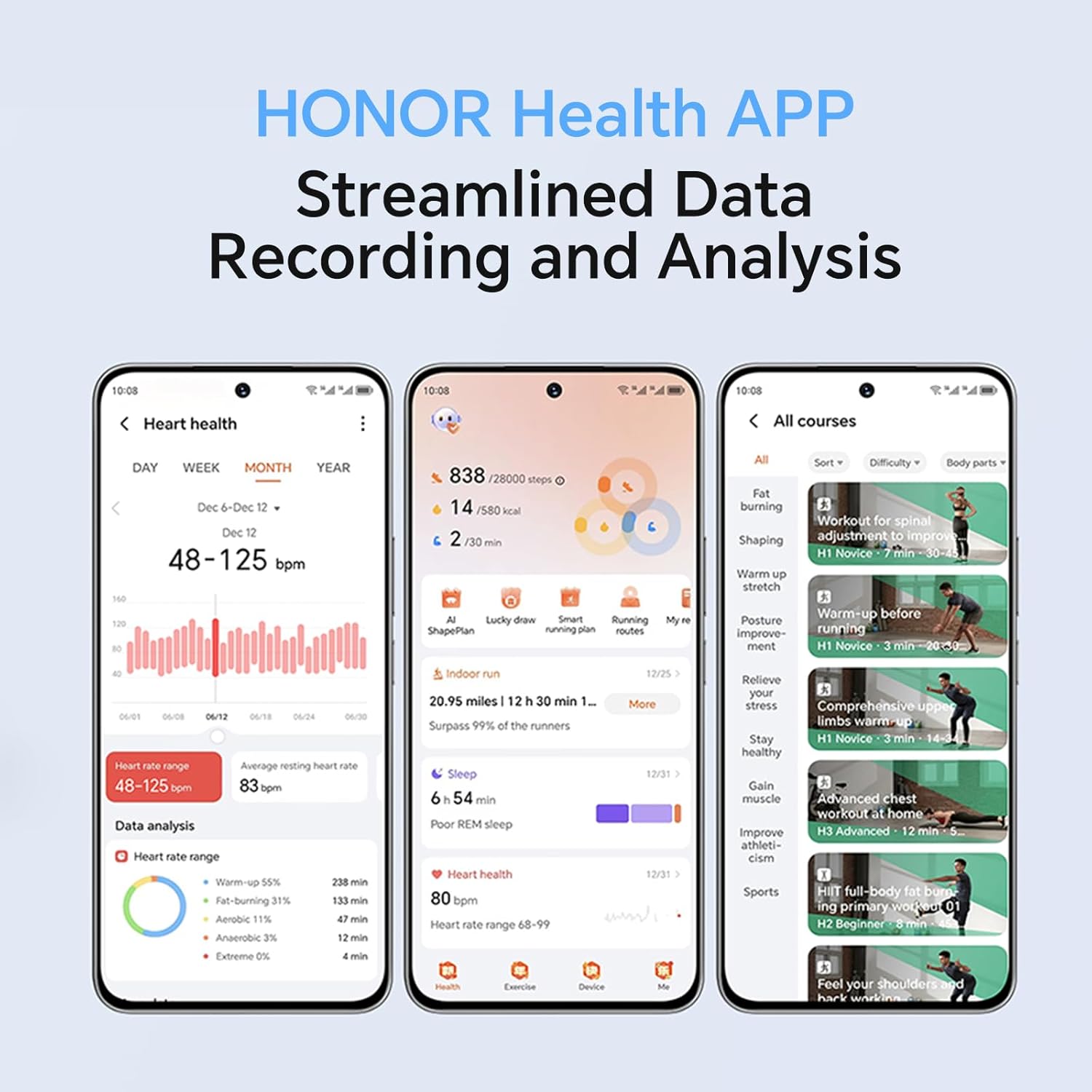
Figure 7.1: Visual representation of the watch's long-lasting battery, offering up to two weeks of usage.
- Penggunaan Umum: Hingga 14 hari.
- Penggunaan Berat: Battery life may vary depending on features used, such as continuous heart rate monitoring, frequent calls, and GPS usage (if connected to phone GPS).
- Pengisian daya: Use the provided magnetic charging cable. A full charge typically takes approximately 40 minutes.
8. HONOR Health App
The HONOR Health app is your central hub for all data collected by your HONOR Choice Watch 2i. It provides streamlined data recording and analysis, offering a comprehensive overview of your health and fitness.
Gambar 8.1: Lebihview of the HONOR Health App interface, demonstrating its data tracking and analysis capabilities.
- Dasbor: View daily summaries of steps, calories, distance, and active minutes.
- Data Kesehatan: Detailed graphs and historical data for heart rate, SpO2, stress, and sleep.
- Catatan Latihan: Access detailed reports of your past workouts, including maps (if GPS connected), pace, and performance metrics.
- Manajemen Perangkat: Customize watch faces, manage notifications, set alarms, and update firmware.
- Tujuan Pribadi: Tetapkan dan lacak tujuan kebugaran dan kesehatan pribadi.
9. Pemeliharaan
Proper maintenance ensures the longevity and optimal performance of your HONOR Choice Watch 2i.
- Pembersihan: Bersihkan jam tangan dan talinya secara teratur dengan kain lembut dan halus.amp kain. Hindari menggunakan bahan kimia keras atau bahan abrasif.
- Tahan Air: While the watch is 1 ATM water-resistant and IP68 rated, it is not suitable for diving or high-pressure water activities. Dry the watch thoroughly after exposure to water.
- Pengisian Kontak: Keep the charging contacts on the back of the watch clean and dry to ensure proper charging.
- Perawatan Tali: The quick-release strap can be easily changed. Clean the strap regularly, especially if it's exposed to sweat or dirt.
10. Penyelesaian masalah
If you encounter issues with your HONOR Choice Watch 2i, refer to the following common troubleshooting tips:
| Masalah | Solusi yang mungkin |
|---|---|
| Jam tangan tidak menyala/mengisi daya |
|
| Tidak dapat dipasangkan dengan ponsel pintar |
|
| Data kesehatan yang tidak akurat |
|
| Notifikasi tidak muncul |
|
For further assistance, please refer to the full instruction manual included with your product or contact HONOR customer support.
11. Spesifikasi
| Fitur | Detil |
|---|---|
| Nama Model | Jam Tangan HONOR Choice 2i |
| Menampilkan | Layar AMOLED 1.85 inci |
| Konektivitas | Bahasa Indonesia: Bluetooth |
| Sistem Operasi | Android 9.0 (as listed in specifications, likely referring to compatibility) |
| Tahan Air | 1 ATM, IP68 |
| Daya Tahan Baterai | Hingga 14 hari (penggunaan umum) |
| Ukuran | 4.56 x 3.94 x 1.1 cm; 100 g |
| Aksesoris yang disertakan | HONOR CHOICE Watch 2i *1, Manual de instrucciones*1, 1 cable de coche (Note: 'cable de coche' might be a translation error, likely refers to charging cable) |
12. Garansi dan Dukungan
Your HONOR Choice Watch 2i comes with a standard manufacturer's warranty. Please refer to the warranty card included in the product packaging for specific terms and conditions.
- Periode Garansi: As per local consumer laws and the manufacturer's policy.
- Dukungan Pelanggan: For technical assistance, warranty claims, or service inquiries, please visit the official HONOR support websitus atau menghubungi hotline layanan pelanggan mereka.
- Pengembalian: Products purchased from Amazon.com.mx typically have a 30-day return policy. Please check your purchase details for specific return eligibility.
Selalu simpan bukti pembelian Anda untuk keperluan garansi.


