
Perkenalan dan Selesaiview
The BoxWave Wall Charger Direct (15W) is specifically designed to provide rapid and reliable charging for your Doogee S88 Pro and other compatible USB Type-C devices. This charger integrates a 3-foot cable directly into the adapter, eliminating the need for separate cables and ensuring a secure, hassle-free connection. Its 15W power delivery allows for efficient and quick charging, making it an ideal solution for daily use at home, in the office, or while traveling.

Image: The BoxWave Wall Charger Direct with its integrated USB Type-C cable, shown alongside a Doogee S88 Pro smartphone, illustrating its primary use.
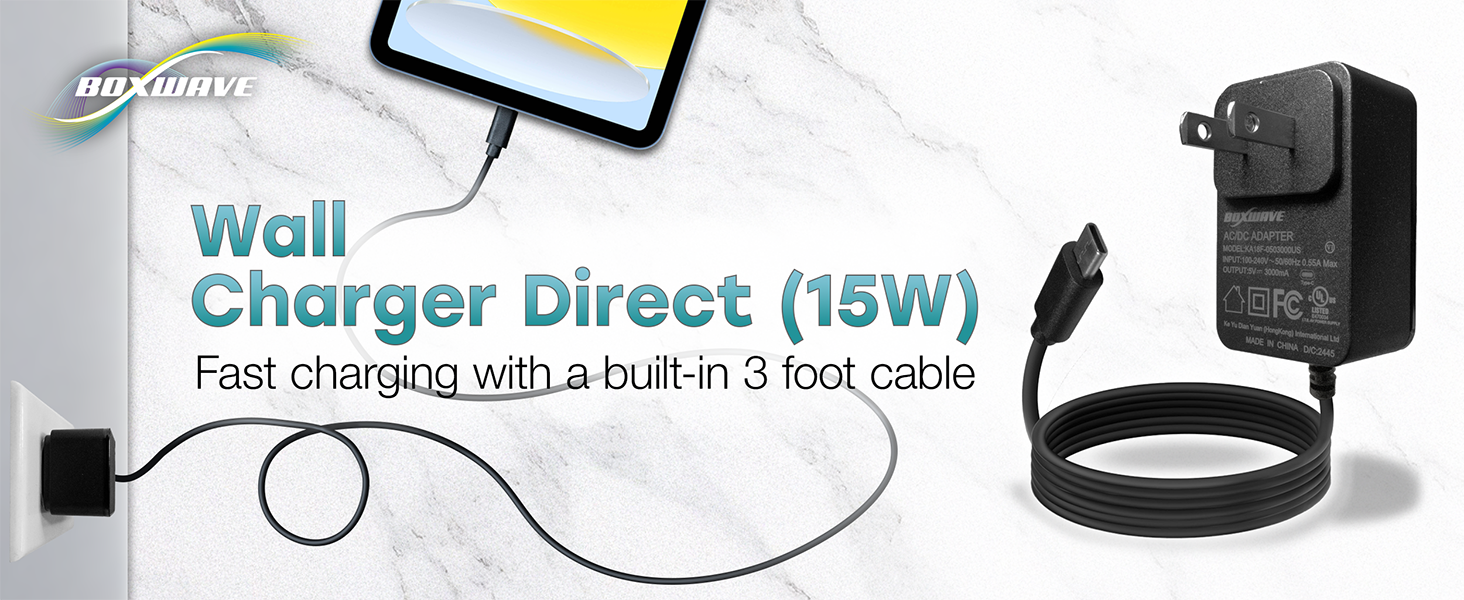
Image: A visual representation highlighting the BoxWave Wall Charger Direct's 15W fast charging capability and its convenient built-in 3-foot cable.
Petunjuk Pengaturan
Setting up your BoxWave Wall Charger Direct is straightforward. Follow these steps to begin charging your device:
- Bongkar Pengisi Daya: Carefully remove the BoxWave Wall Charger Direct from its packaging.
- Cari stopkontak: Identify a standard electrical wall outlet (compatible with 100-240V, 50/60Hz) that is easily accessible and free from obstructions.
- Colokkan ke Stopkontak: Insert the charger's prongs firmly into the wall outlet. Ensure it is fully seated.
- Hubungkan ke Perangkat: Take the USB Type-C end of the built-in 3-foot cable and insert it into the charging port of your Doogee S88 Pro or other compatible device. Ensure the connection is secure and fully inserted.
- Verifikasi Pengisian Daya: Your device should display a charging indicator (e.g., a battery icon with a lightning bolt, or a notification) confirming that it is receiving power.

Image: The BoxWave Wall Charger Direct demonstrating its simple plug-and-play functionality, ready for connection to a device.
Petunjuk Pengoperasian
Once the charger is properly set up, operation is automatic:
- Pengisian Otomatis: The charger will automatically detect your connected device and begin delivering power. The 15W output is designed for rapid charging of compatible devices.
- Biaya Pemantauan: Observe your device's screen or LED indicators to monitor the charging progress. Most devices will show a battery percentage or a charging animation.
- Memutuskan sambungan: Once your device is fully charged, or if you need to stop charging, gently disconnect the USB Type-C cable from your device. Then, carefully remove the charger from the wall outlet.
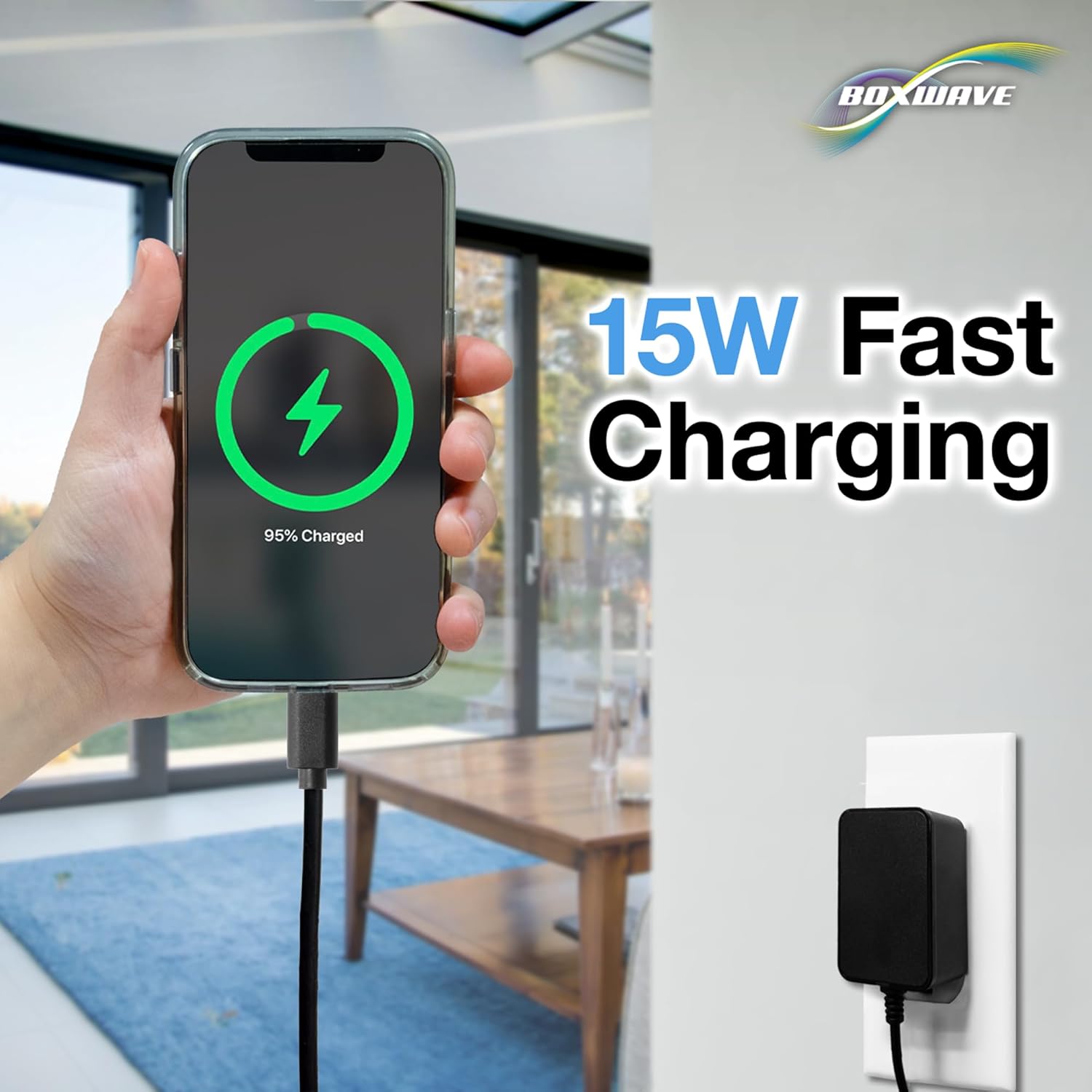
Image: A smartphone screen showing a 95% charge status, connected to the BoxWave Wall Charger Direct, illustrating the 15W fast charging in action.
Pemeliharaan
Proper care and maintenance will extend the lifespan of your BoxWave Wall Charger Direct:
- Pembersihan: Use a soft, dry cloth to wipe the exterior of the charger. Do not use liquid cleaners, aerosols, or harsh chemicals. Ensure the charger is unplugged before cleaning.
- Penyimpanan: When not in use, store the charger in a cool, dry place, away from direct sunlight and extreme temperatures. Avoid tightly coiling the cable to prevent damage.
- Penanganan: Always grasp the plug when inserting or removing the charger from an outlet. Avoid pulling on the cable. Do not bend or crimp the cable excessively, especially near the connectors.
- Inspeksi: Periodically inspect the charger and cable for any signs of damage, such as frayed wires, exposed conductors, or bent prongs. If any damage is found, discontinue use immediately and replace the charger.

Gambar: Close-up view of the reinforced strain relief on the USB Type-C connector of the BoxWave charger, designed to prevent kinking and tearing.
Penyelesaian Masalah
If you encounter issues with your BoxWave Wall Charger Direct, refer to the following common problems and solutions:
| Masalah | Kemungkinan Penyebab / Solusi |
|---|---|
| Perangkat tidak mengisi daya. |
|
| Pengisian daya lambat. |
|
| Pengisi daya terasa hangat saat digunakan. |
|
| Cable or connector is damaged. |
|
Spesifikasi Produk
Detailed specifications for the BoxWave Wall Charger Direct (15W):
| Fitur | Detil |
|---|---|
| Nomor Model | KA18F-0503000US |
| Merek | KotakGelombang |
| ASIN | B08BVZHS3F |
| Masukan Voltage | Tegangan 100-240V~ |
| Frekuensi Masukan | frekuensi 50/60Hz |
| Arus Masukan | 0.55A Maksimal |
| Volume Keluarantage | 5V |
| Arus Keluaran | 3000mA (3A) |
| Apatage | 15 watt |
| Jenis Konektor | USB Type-C (Built-in 3ft cable) |
| Bahan | Polikarbonat |
| Berat Barang | 3.3 ons |
| Tanggal Pertama Tersedia | 1 Juni 2020 |
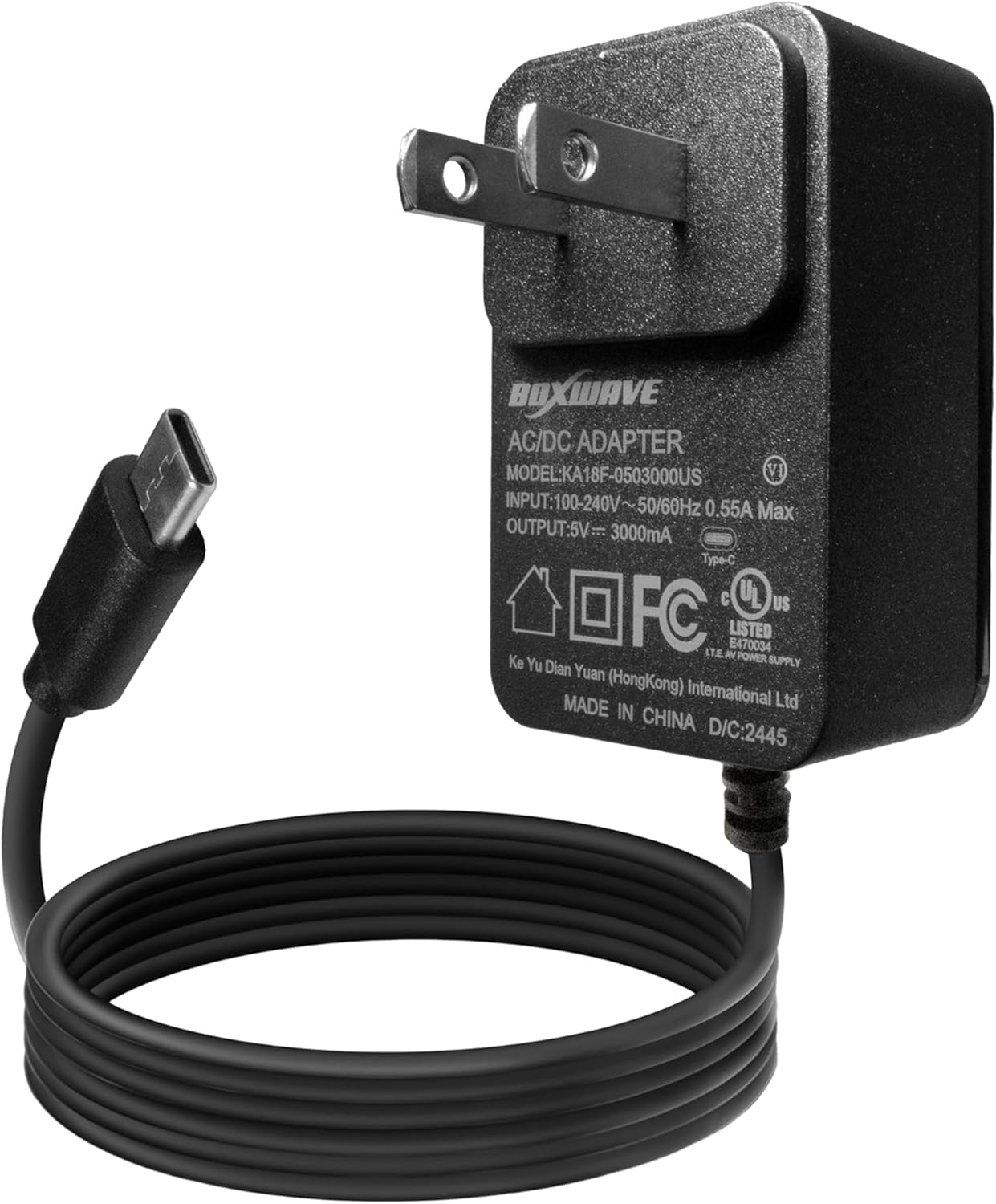
Gambar: Detail view of the BoxWave Wall Charger Direct, clearly displaying its model number (KA18F-0503000US), input voltage (100-240V), and output specifications (5V/3000mA) on its label.
Informasi Garansi
Specific warranty details for the BoxWave Wall Charger Direct are not provided within this product data. For comprehensive warranty information, please refer to the documentation included with your purchase or contact BoxWave Corporation directly through their official websitus atau saluran layanan pelanggan.
Dukungan Pelanggan
For technical assistance, product inquiries, or support regarding your BoxWave Wall Charger Direct, please contact BoxWave Corporation. While limited third-party tech support for your device (Doogee S88 Pro) may be available via messaging, it is not affiliated with or endorsed by Doogee. For product-specific support related to the charger, always reach out to the manufacturer.
You can typically find contact information for BoxWave Corporation on their official websitus atau melalui pengecer tempat Anda membeli produk tersebut.