
ARCCTV P2
Manyèl Itilizatè Kamera Sekirite ARCCTV 2K Deyò P2
Modèl: P2
1. Entwodiksyon
This manual provides detailed instructions for the installation, operation, and maintenance of your ARCCTV 2K Security Camera Outdoor P2. Please read this manual thoroughly before using the product to ensure correct usage and optimal performance. Keep this manual for future reference.

Imaj 1.1: Devan view of the ARCCTV 2K Security Camera Outdoor P2.
2. Ki sa ki nan bwat la
Verifye ke tout konpozan yo prezan nan pake a:
- Kò Kamera
- 5V1A pouvwa adaptè
- Mounting Screws (set)
- Screw Positioning Sticker
- Fichye avètisman
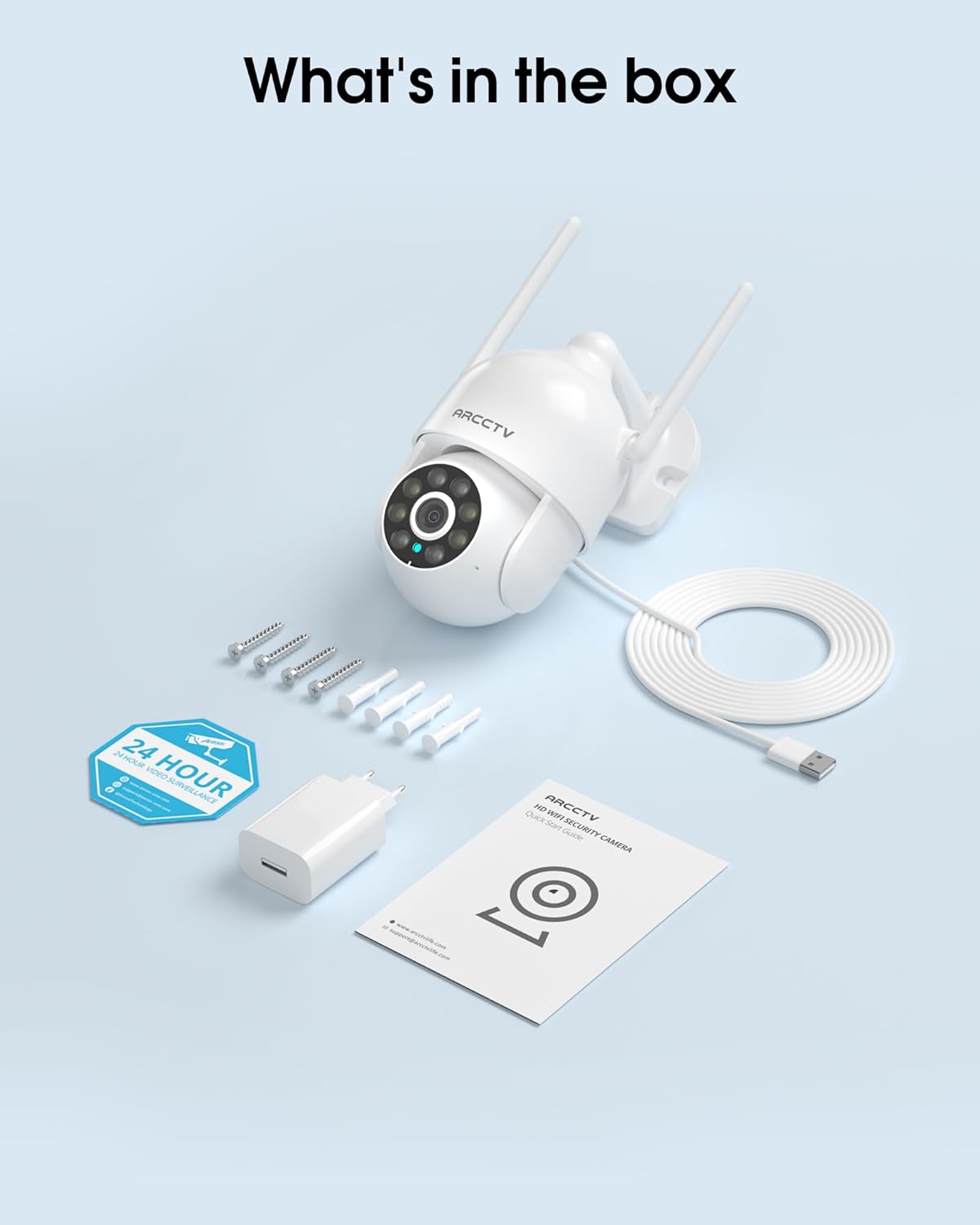
Image 2.1: All items included in the ARCCTV 2K Security Camera package.
3. Pwodwi Features
- 2K Ultra HD Rezolisyon: Provides clear 2304x1296p video.
- Vizyon lannwit tout koulè: Built-in spotlight enables vivid color monitoring in low light.
- 360° Pan-Tilt-Zoom (PTZ): Remotely control 355° horizontal and 90° vertical rotation.
- Auto Motion Tracking: Smart AI automatically follows and records detected movement.
- Doub Band WiFi: Supports both 2.4G and 5G WiFi for stable connectivity.
- De-fason Audio: Mikwofòn ak oratè entegre pou kominikasyon.
- IP66 Rezistan a move tan: Durable design for outdoor use in various weather conditions (-4°F ~ 122°F).
- Depo fleksib: Supports local microSD card storage (up to 128GB, not included) and optional cloud storage.
- Anrejistreman 24/7: Continuous recording capability with stable power supply.
4. Enstalasyon
4.1 Enstalasyon
- Chwazi yon kote: Chwazi yon kote deyò ki klè view of the area you wish to monitor. Ensure it is within range of your Wi-Fi network and a power outlet.
- Monte kamera a: Use the provided screw positioning sticker to mark drill holes. Drill holes, insert wall anchors, and secure the camera body to the wall using the mounting screws.
- Konekte pouvwa: Plug the 5V1A power adapter into the camera and then into a power outlet. The camera will power on and begin its startup sequence.
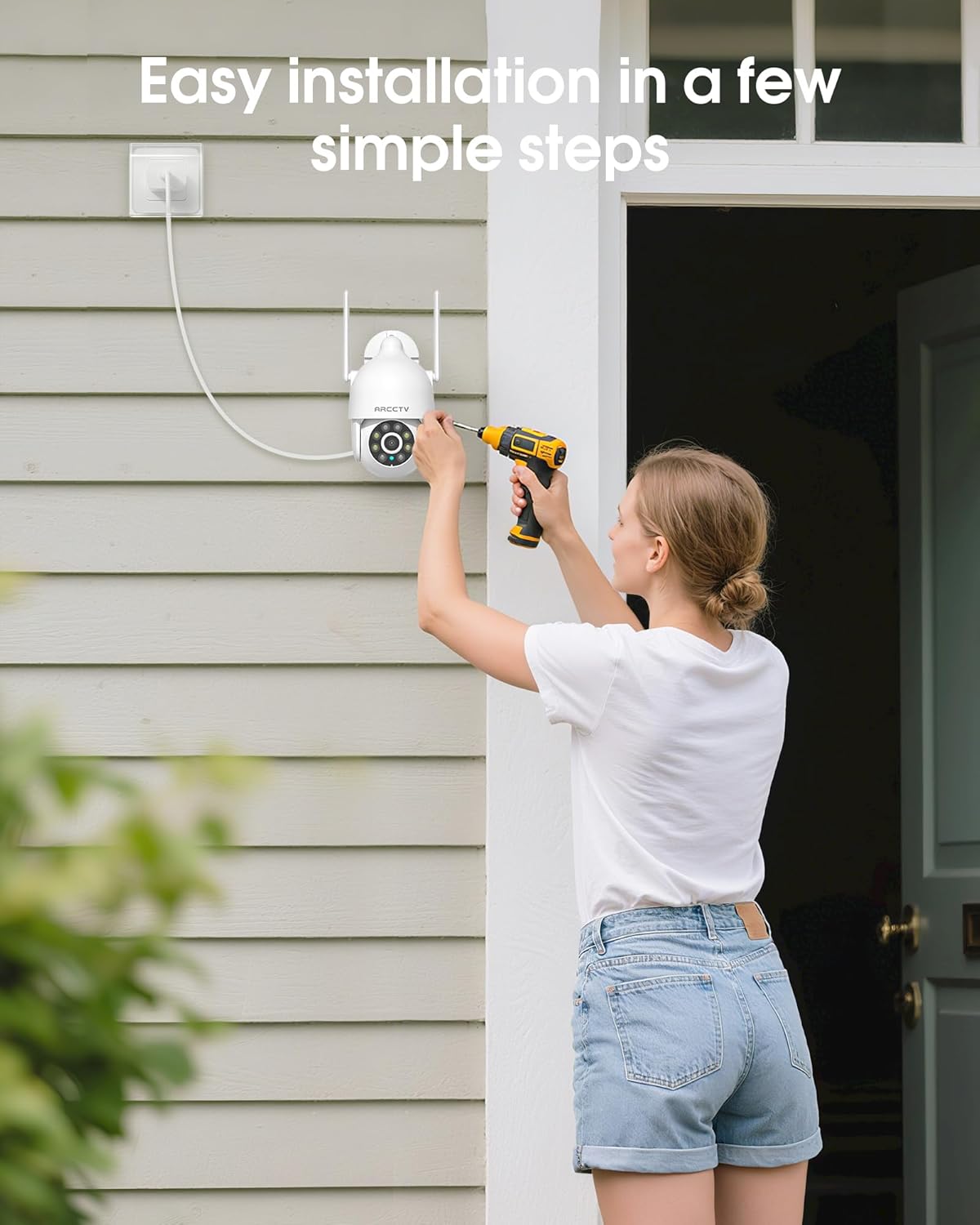
Image 4.1: Illustration of easy camera installation steps.
4.2 Telechaje Aplikasyon an ak Kreye yon Kont
- Download the official ARCCTV app from your smartphone's app store (iOS or Android).
- Louvri aplikasyon an epi swiv enstriksyon ki sou ekran an pou kreye yon nouvo kont oubyen konekte si ou deja genyen youn.
4.3 Koneksyon Wi-Fi
- In the app, tap the "Add Device" or "+" icon.
- Select your camera model and follow the prompts to connect it to your Wi-Fi network. The camera supports both 2.4GHz and 5GHz bands for stable connectivity.
- Ensure your smartphone is connected to the same Wi-Fi network during the setup process.
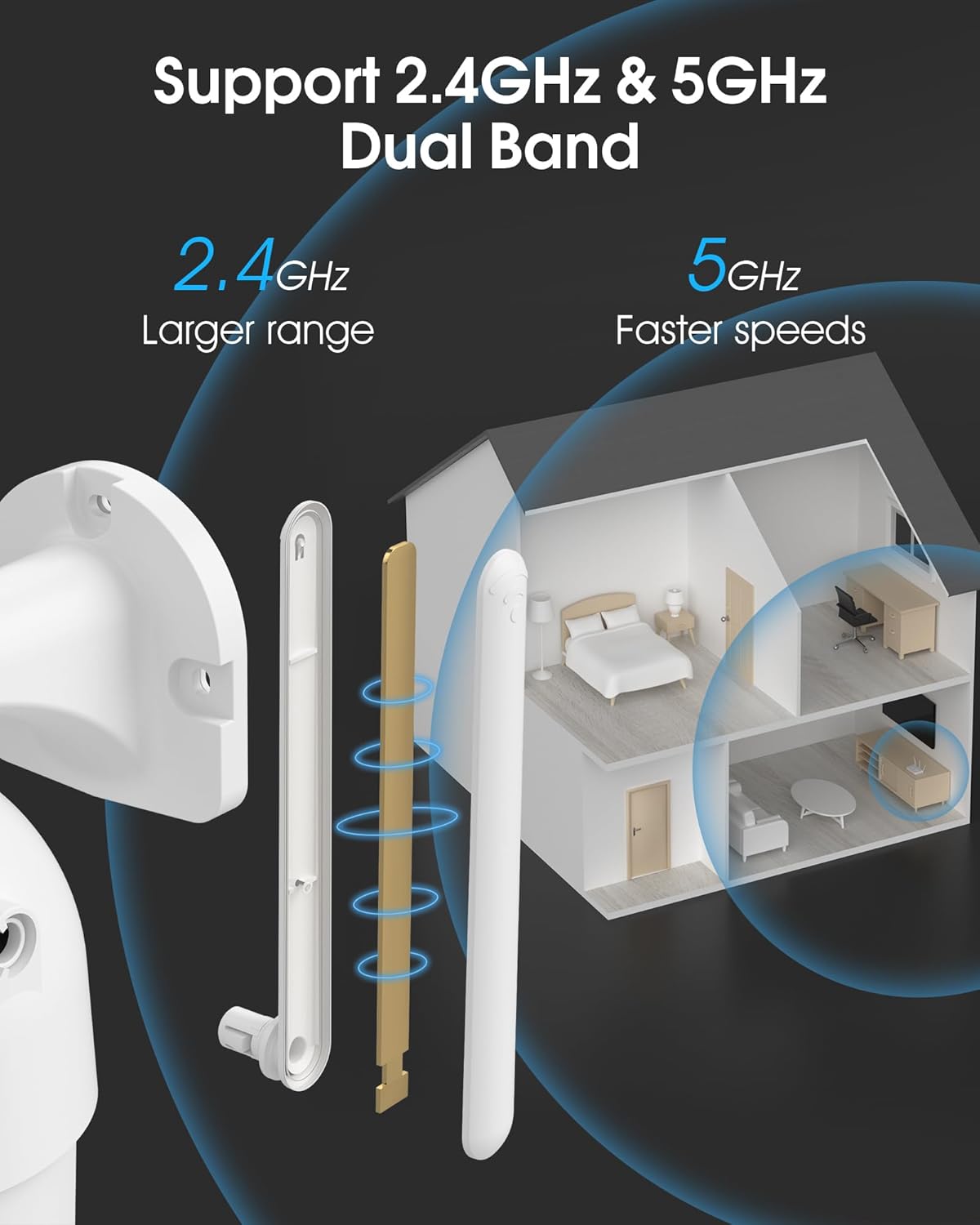
Image 4.2: The camera supports both 2.4GHz (larger range) and 5GHz (faster speeds) Wi-Fi bands.
4.4 Enstalasyon Kat MicroSD (Si ou vle)
For local storage, install a microSD card (up to 128GB, not included) into the designated slot on the camera. Ensure the camera is powered off before inserting or removing the card.
Image 4.3: Location of the microSD card slot on the camera.
5. Itilizasyon Kamera a
5.1 Viv View
Open the ARCCTV app and select your camera to view the live feed. You can monitor your property in real-time.
5.2 Kontwòl Pan-Tilt-Zoom (PTZ)
Sou ap viv la view screen, use the directional controls to rotate the camera horizontally (Pan: 355°) and vertically (Tilt: 90°) to adjust the viewing angle. You can also set preset points for quick navigation.
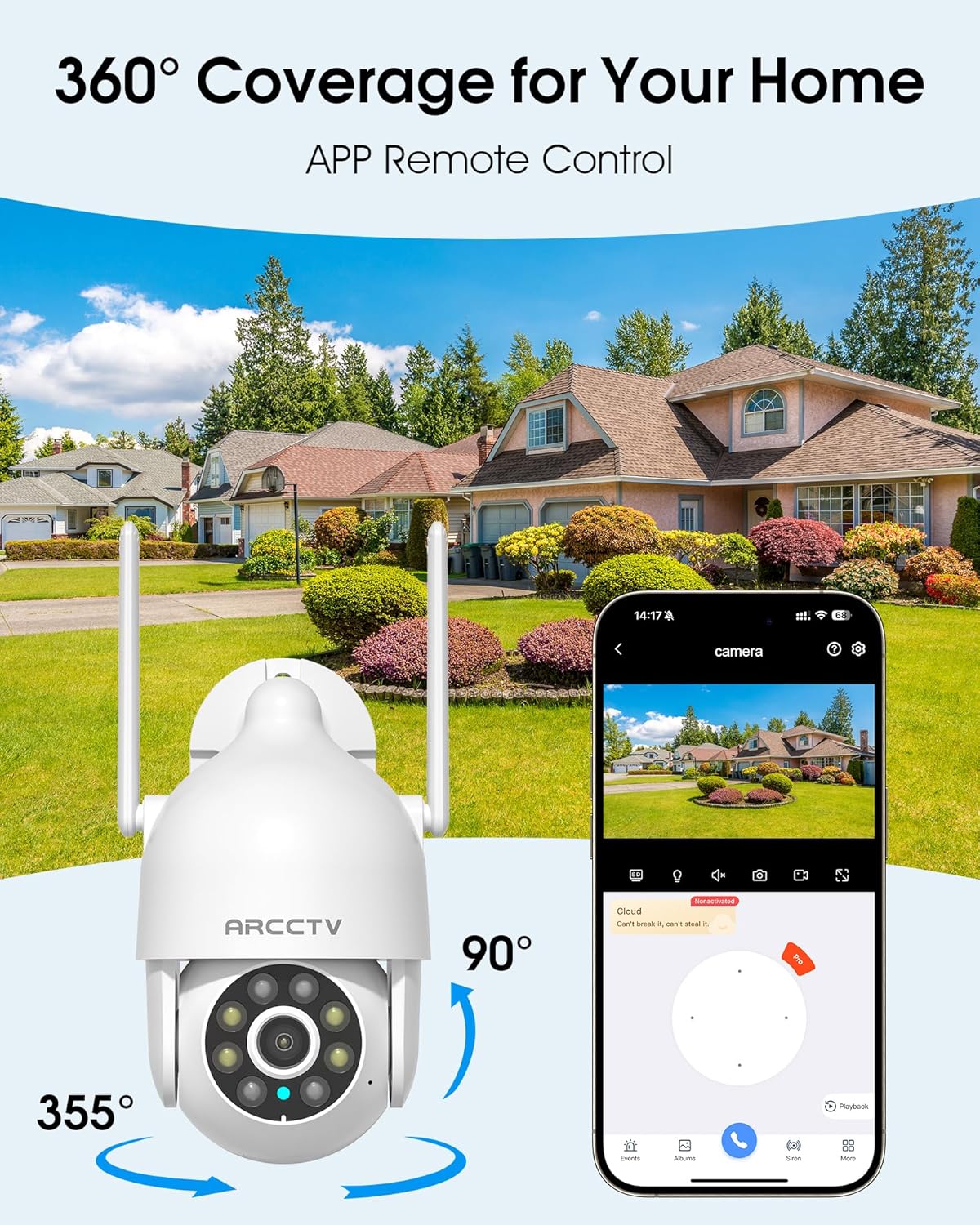
Image 5.1: The camera offers 360° coverage through remote pan and tilt controls.
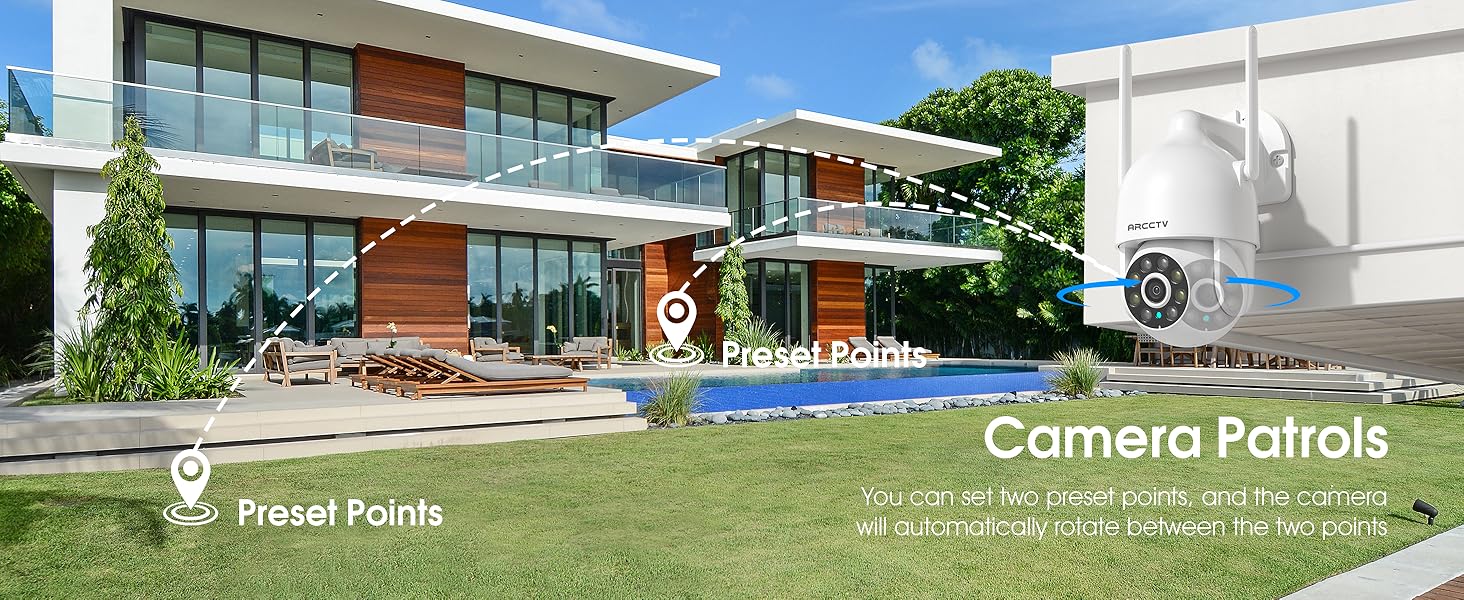
Image 5.2: Setting up camera patrol routes between preset points.
5.3 Suivi Mouvman ak Alèt
The camera features smart AI motion tracking that automatically follows detected movement. You can customize alert zones and receive instant notifications on your smartphone when motion is detected.

Image 5.3: The camera's smart motion tracking feature in action.

Image 5.4: Instant alerts with customizable settings, including spotlight, siren, and two-way audio.
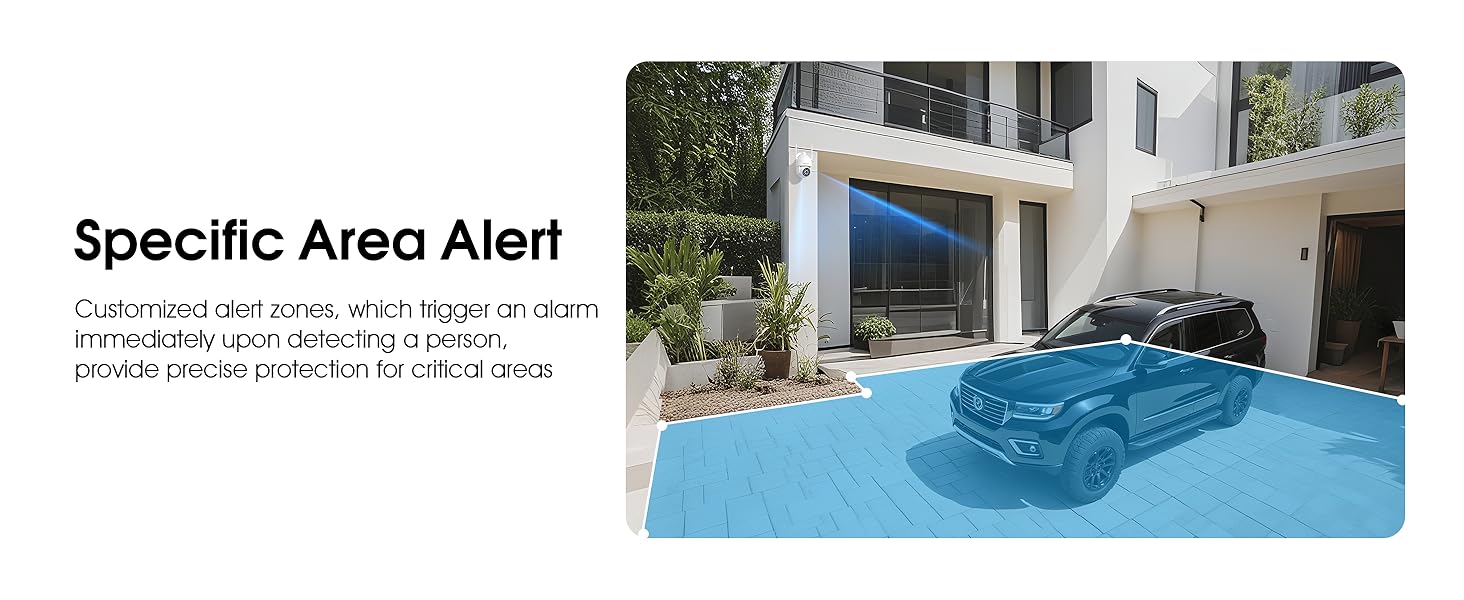
Image 5.5: Setting up specific area alerts for precise protection.
5.4 Mòd Vizyon Lannwit
The camera offers both full-color night vision (activated by the built-in spotlight) and infrared night vision for clear monitoring in various low-light conditions.

Image 5.6: Comparison of Color Night Vision and Infrared Night Vision.
5.5 Odyo De-fason
Use the two-way audio feature to communicate with visitors or deter unwanted guests directly through the camera's built-in microphone and speaker.
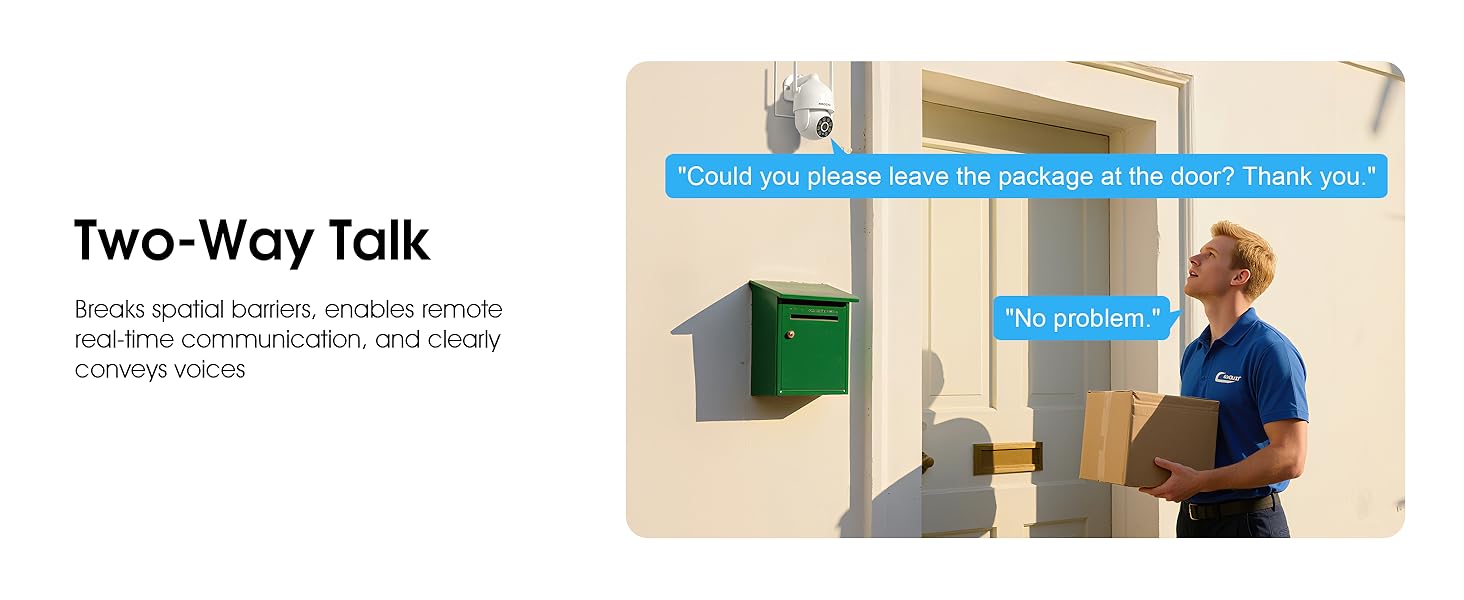
Image 5.7: Utilizing two-way talk for remote communication.
5.6 Anrejistreman ak Lektur
The camera supports 24/7 continuous recording. Footage can be saved to a local microSD card (up to 128GB) or to optional cloud storage. Access recorded videos through the app's playback function.

Image 5.8: The camera provides 24/7 recording capabilities.
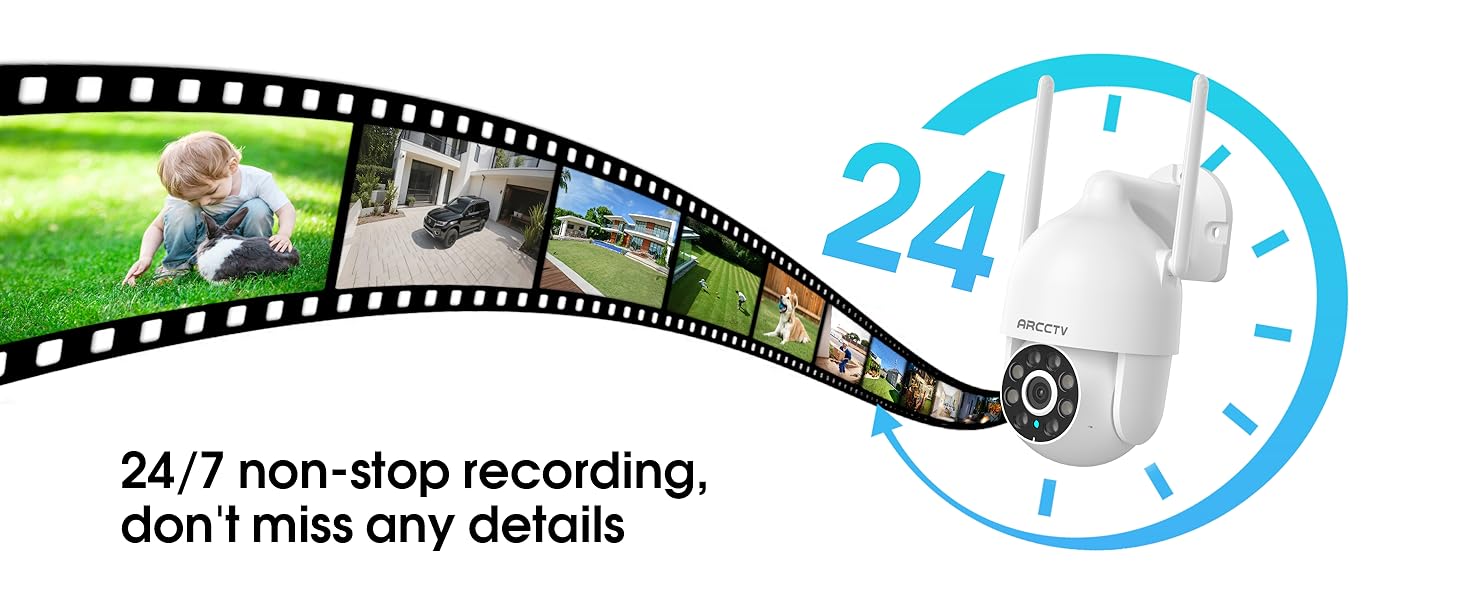
Image 5.9: Continuous 24/7 recording ensures no details are missed.
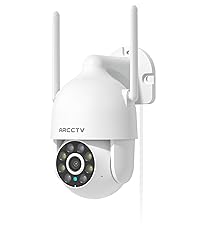
Image 5.10: Cloud storage encryption for secure and accessible recordings (subscription may apply).
5.7 Pataj Fanmi
The app supports multi-member sharing, allowing family members to view the camera feed and collaborate on security monitoring.
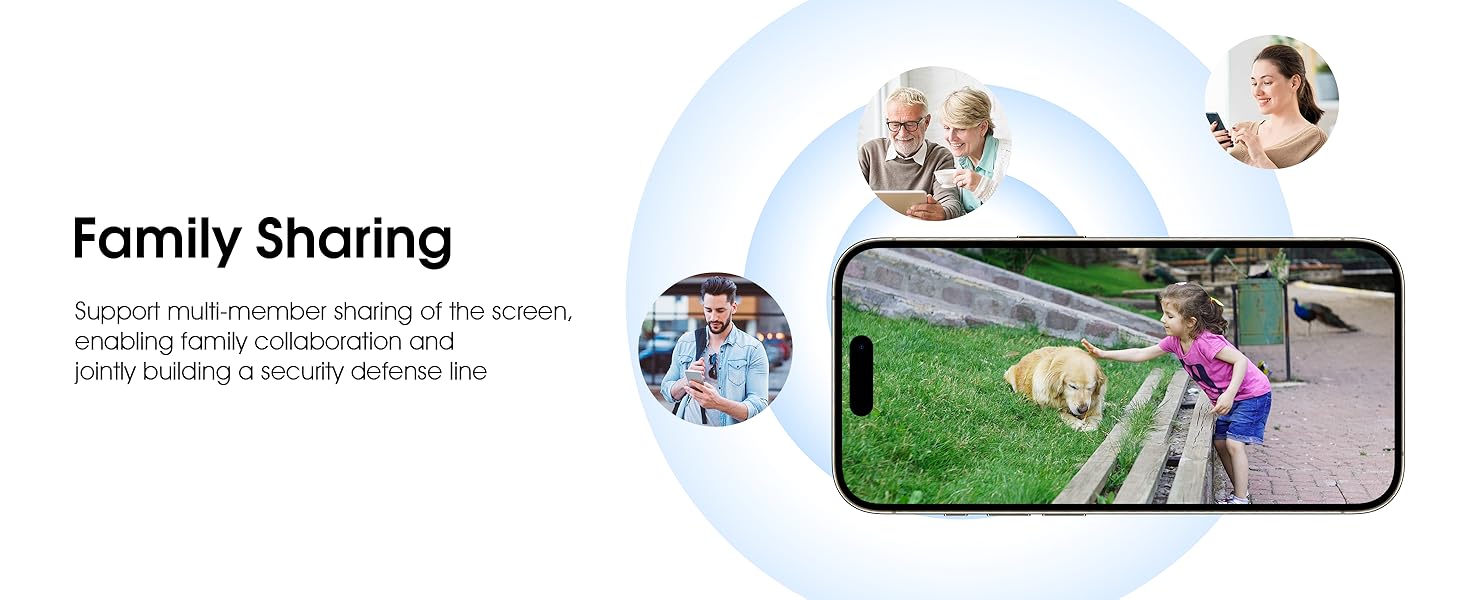
Image 5.11: The family sharing feature allows multiple users to access the camera feed.
5.8 Konpatibilite Alexa
The camera is compatible with Alexa, allowing you to check the monitoring screen using voice commands.
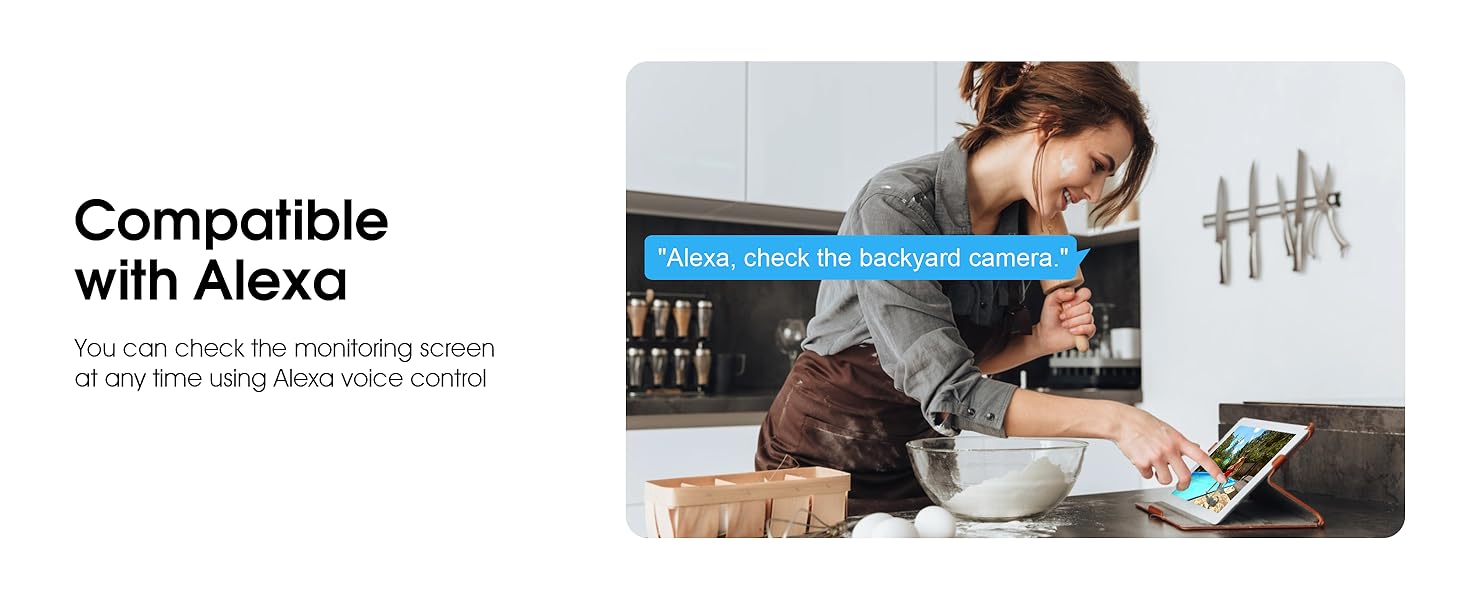
Image 5.12: Voice control via Alexa for convenient monitoring.
6. Antretyen
6.1 Netwayaj Kamera a
Netwaye lantiy kamera a ak bwat la detanzantan avèk yon twal mou,amp twal pou retire pousyè ak debri. Pa sèvi ak pwodui chimik ki agresif oswa pwodui netwayaj abrazif.
6.2 Mizajou Firmware
Ensure your camera's firmware is up to date for optimal performance and security. Check for updates within the ARCCTV app and follow the instructions to install them.
6.3 Jesyon Depo
If using a microSD card, regularly check its status in the app. Format the card periodically to maintain performance. For cloud storage, manage your subscription and storage space through the app.
NAN. Depanaj
- Kamera pa konekte ak Wi-Fi:
- Ensure your Wi-Fi network is 2.4GHz or 5GHz and has a strong signal at the camera's location.
- Verifye ke modpas Wi-Fi a byen antre.
- Rekòmanse routeur ou a ak kamera a.
- Kalite imaj pòv:
- Netwaye lantiy kamera a.
- Asire w ke gen ase ekleraj pou yon pèfòmans vizyon optimal nan mitan lannwit.
- Tcheke vitès koneksyon entènèt ou an.
- Deteksyon mouvman pa travay:
- Verifye si deteksyon mouvman an aktive nan paramèt aplikasyon an.
- Ajiste anviwònman sansiblite yo.
- Asire w pa gen okenn obstak nan chan reyon kamera a view.
- No Recording to MicroSD Card:
- Ensure a microSD card is properly inserted and formatted in the app.
- Check if the card is full; consider formatting or replacing it.
- Verifye paramèt anrejistreman yo nan aplikasyon an.
8. Espesifikasyon
| Karakteristik | Spesifikasyon |
|---|---|
| Non modèl | P2 |
| Itilizasyon Andedan kay la / Deyò | Deyò |
| Rezolisyon Capture Videyo | 2K (2304x1296p) |
| Koneksyon Teknoloji | San fil (Wi-Fi) |
| Teknoloji kominikasyon san fil | Wi-Fi (2.4G/5G Doub-Band) |
| Viewing Ang | 360 Degre (355° Panoramik, 90° Enklinasyon) |
| Vizyon lannwit Range | 50 pye |
| Nivo rezistans dlo | IP66 ki enpèmeyab |
| Sous pouvwa | 5V1A adaptè pouvwa |
| Flash memwa sipòte gwosè maksimòm | 128 GB (MicroSD) |
| Kapasite Anrejistreman Odyo-Vizyèl | Videyo & odyo |
| Karakteristik espesyal | 2-Way Audio, Motion Tracking, Full Color Night Vision |
| Dimansyon atik L x W x H | 7.8 x 6.6 x 5.3 pous |
| Pwa atik | 1.39 liv |
9. Garanti ak sipò
For warranty information and technical support, please refer to the official ARCCTV website or contact their customer service directly. Contact details are typically provided on the product packaging or within the mobile application.
Ask a question about this manual
Ask about setup, troubleshooting, compatibility, parts, safety, or missing instructions. Manuals+ will review the question and use this page’s manual context to help answer it.