
1. Uvod
Welcome to the user manual for your new IQUNIX ZX75 Dark Side RS 75% RGB Mechanical Keyboard. This manual provides detailed instructions on setting up, operating, and maintaining your keyboard to ensure optimal performance and longevity. Please read this manual thoroughly before using the product.
2. Proizvod je gotovview
The IQUNIX ZX75 Dark Side RS is a compact 75% layout mechanical keyboard featuring 81 keys, designed for both aesthetics and functionality. It offers versatile connectivity options and customizable RGB lighting.
Ključne karakteristike:
- Kompaktni 75% raspored: Streamlined 81-key design while retaining essential functions.
- TTC Speedsilver Switches: Durable switches with a long lifespan (up to 100 million hits) for fast and reliable input.
- Multimedijski gumb: Conveniently located knob for volume control and playback/pause functions.
- Detachable Magnetic Feet: Adjustable feet for ergonomic typing comfort.
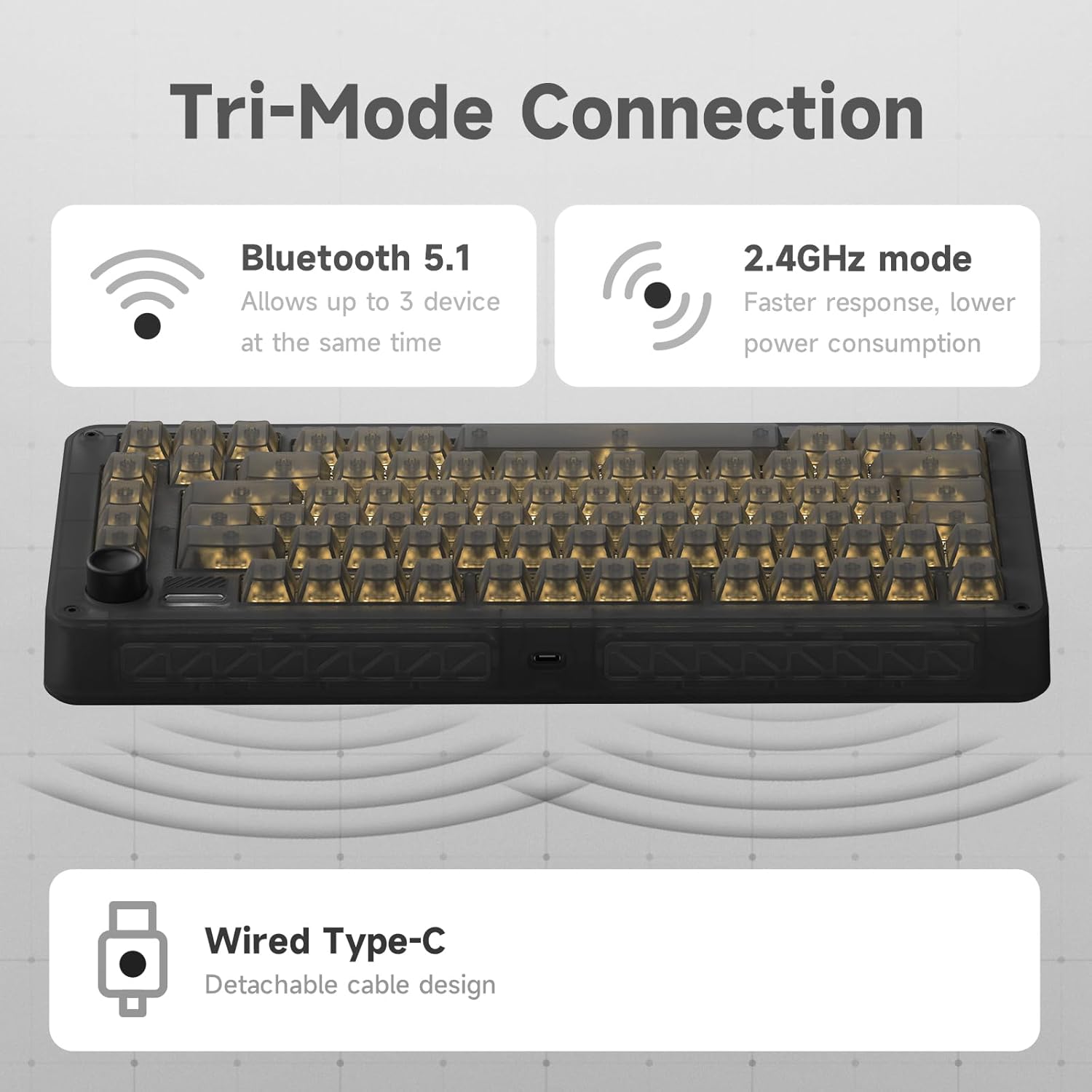
- Tromodalna povezivost: Podržava bežičnu vezu od 2.4 GHz, Bluetooth 5.1 i USB-C žičane veze.
- Podrška za više uređaja: Connect up to 3 devices simultaneously via Bluetooth with easy switching.
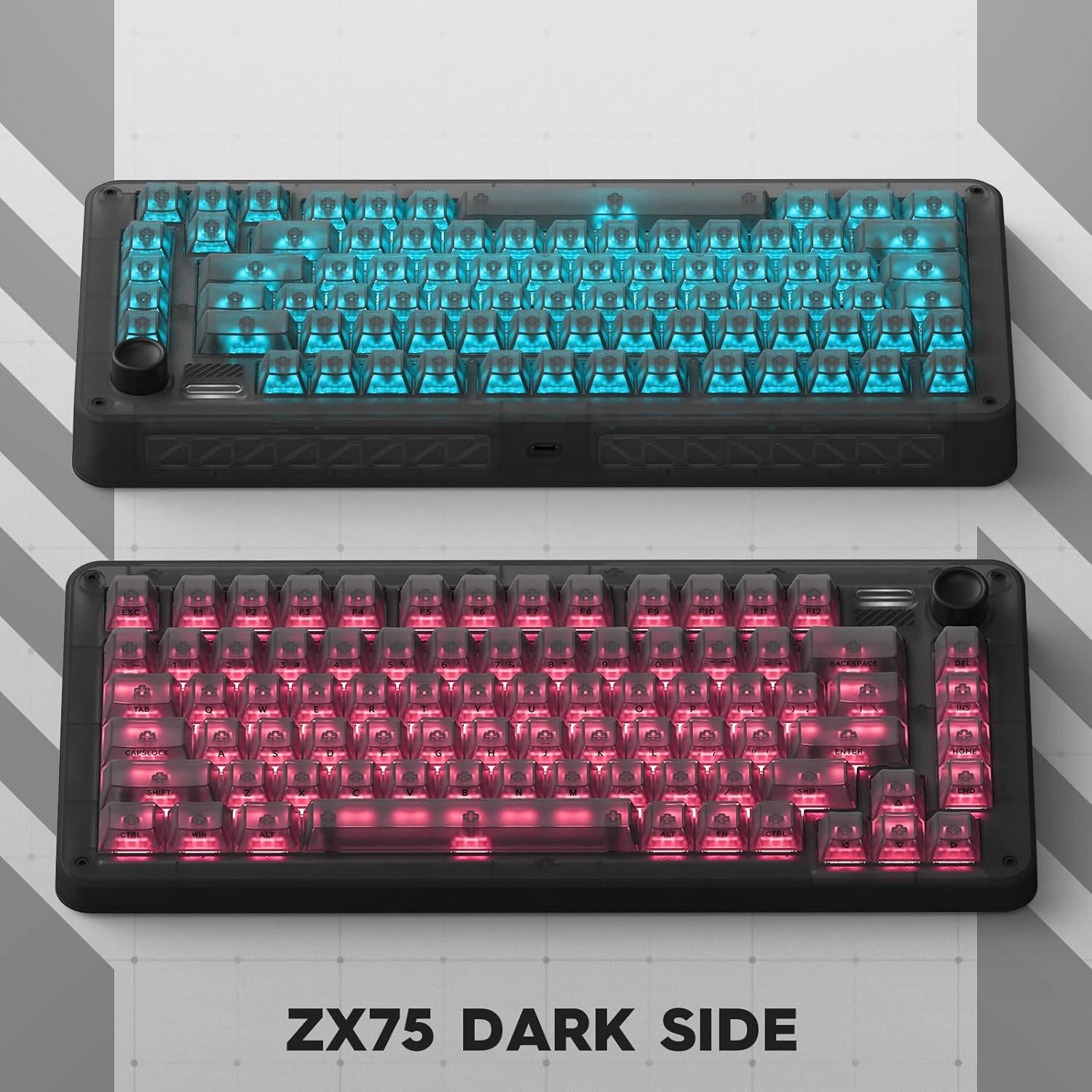
- Personalized RGB Backlit: Dynamic South-facing RGB effects with 7 modes and 16 million customizable colors.
- Dugo trajanje baterije: Rechargeable 6000 mAh battery offering extended usage.
- Kompatibilnost s više platformi: Works with Mac and Windows operating systems, including additional MAC supplementary keycaps.
- Hot-Swappable: Omogućuje jednostavnu zamjenu prekidača bez lemljenja.
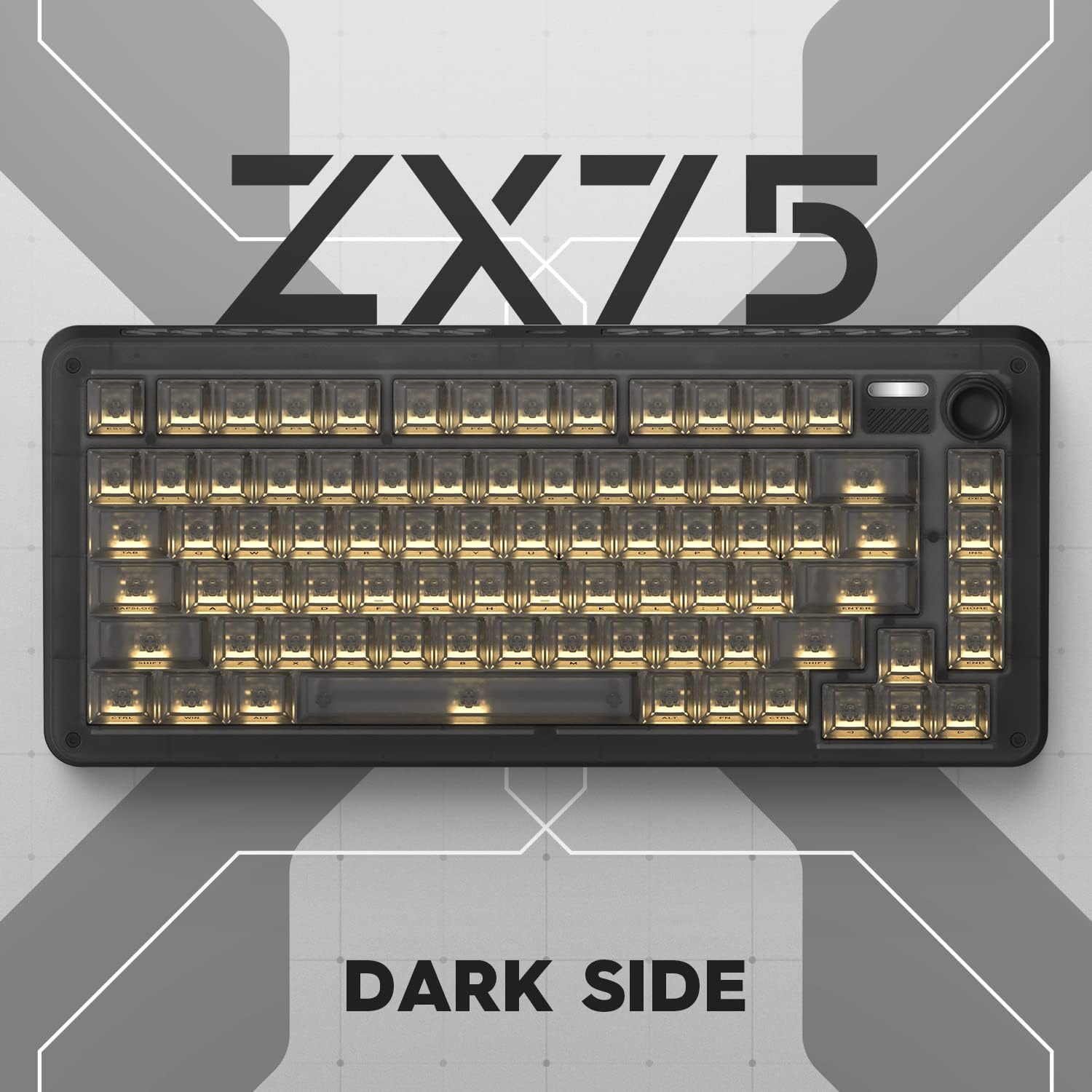
Vizualni prikazi proizvoda:





Video zapisi proizvoda:
3. Postavljanje
3.1 Sadržaj paketa:
Prije nego što započnete, provjerite jesu li svi artikli prisutni u paketu:
- IQUNIX ZX75 Dark Side RS Mechanical Keyboard
- USB-C kabel
- Izvlakač ključeva
- Skidač prekidača
- Additional MAC supplementary keycaps
- Korisnički priručnik (ovaj dokument)
3.2 Connecting Your Keyboard:
The IQUNIX ZX75 supports three connection modes:
- Žičani način rada (USB-C):
- Spojite priloženi USB-C kabel na USB-C priključak tipkovnice.
- Spojite drugi kraj kabela na slobodni USB priključak na računalu.
- Tipkovnica će biti automatski prepoznata i spremna za korištenje.
- 2.4GHz bežični način rada:
- Locate the 2.4GHz USB receiver (dongle) usually stored in a compartment on the keyboard.
- Priključite USB prijamnik u slobodni USB priključak na računalu.
- Provjerite je li prekidač za način rada tipkovnice (obično na stražnjoj ili bočnoj strani) postavljen na 2.4G.
- Tipkovnica bi se trebala automatski povezati.
- Bluetooth 5.1 način rada:
- Provjerite je li prekidač za način rada tipkovnice postavljen na BT (Bluetooth).
- Na računalu ili uređaju otvorite postavke Bluetootha.
- The keyboard can store up to 3 Bluetooth devices. Press and hold FN + 1, FN + 2, or FN + 3 to enter pairing mode for the respective slot (the indicator light will flash).
- Select "IQUNIX ZX75" from the list of available Bluetooth devices on your computer/device to pair.
- Once paired, you can switch between connected Bluetooth devices by pressing FN + 1/2/3.
3.3 Operating System Switching:
The keyboard is compatible with both Windows and macOS. To switch between operating system modes, hold FN + TAB for 5 seconds. The keyboard will adjust its key mappings accordingly. For macOS users, four additional MAC supplementary keycaps are included in the box to replace specific keys for a native Mac layout.
3.4 Punjenje baterije:
The keyboard is equipped with a 6000 mAh rechargeable battery. When the battery is low, the indicator light will signal. Connect the keyboard via USB-C cable to a power source (computer USB port or USB wall adapter) to charge. A full charge provides up to 300 days of use via Bluetooth with backlighting off, or approximately 5 hours of daily use with backlighting.
4. Upute za rad
4.1 Multimedia Knob Functions:
The multimedia rotation button located in the upper right corner of the keyboard provides quick control over audio and media playback:
- Zakreni u smjeru kazaljke na satu: Povećajte glasnoću.
- Okrenite suprotno od smjera kazaljke na satu: Smanjenje glasnoće.
- Press Vertically: Reproduciraj/pauziraj medije.
4.2 RGB Backlighting Control:
The keyboard features dynamic South-facing RGB backlighting with 7 preset modes and 16 million customizable colors. Use the dedicated software (available from the IQUNIX website) to personalize lighting effects, create custom profiles, and adjust brightness. Specific key combinations on the keyboard may also cycle through preset effects or adjust brightness (refer to the quick start guide or software manual for exact key combinations).
4.3 Hot-Swappable Switches:
The IQUNIX ZX75 keyboard supports hot-swappable switches, allowing you to change the mechanical switches without soldering. This enables customization of typing feel and sound. To replace a switch:
- Pažljivo uklonite kapicu tipki pomoću priloženog izvlakača za kapice tipki.
- Pomoću izvlakača prekidača pažljivo uhvatite prekidač za gornju i donju kopču.
- Povucite prekidač ravno prema gore kako biste ga uklonili s PCB-a.
- Poravnajte pinove novog prekidača s rupama na tiskanoj ploči.
- Čvrsto pritisnite novi prekidač na mjesto dok ne klikne. Pazite da igle nisu savijene.
- Zamijenite kapicu tipke.
5. Održavanje
Regular maintenance helps preserve the performance and appearance of your IQUNIX ZX75 keyboard.
5.1 Čišćenje:
- Generalno čišćenje: Koristite mekanu krpu koja ne ostavlja dlačice dampOperite vodom ili blagom otopinom za čišćenje kako biste obrisali površinu tipkovnice. Izbjegavajte jake kemikalije.
- Čišćenje tipki: For deeper cleaning, remove keycaps using the keycap puller and wash them with mild soap and water. Ensure they are completely dry before reattaching.
- Uklanjanje prašine: Pomoću komprimiranog zraka otpuhnite prašinu i ostatke između tipki i prekidača.
5.2 Skladištenje:
When not in use for extended periods, store the keyboard in a cool, dry place away from direct sunlight and extreme temperatures. If storing for a long time, ensure the battery is partially charged (around 50%) to prolong its lifespan.
6. Rješavanje problema
If you encounter issues with your IQUNIX ZX75 keyboard, refer to the following common troubleshooting steps:
- Tipkovnica ne reagira (žična):
- Provjerite je li USB-C kabel sigurno spojen i na tipkovnicu i na računalo.
- Pokušajte s drugim USB priključkom na računalu.
- Testirajte s drugim USB-C kabelom ako je dostupan.
- Keyboard Not Connecting (2.4GHz/Bluetooth):
- Ensure the keyboard's mode switch is set to the correct wireless mode (2.4G or BT).
- For 2.4GHz, ensure the USB receiver is properly plugged in and try a different USB port.
- For Bluetooth, ensure Bluetooth is enabled on your device and try re-pairing the keyboard (FN + 1/2/3 for pairing mode).
- Provjerite razinu napunjenosti baterije tipkovnice i po potrebi je napunite.
- Tipke se ne registriraju ili se tipkaju dvaput:
- This could indicate a faulty switch. Since the keyboard is hot-swappable, try replacing the problematic switch with a spare one or a switch from a less frequently used key (e.g., Scroll Lock).
- Provjerite je li prekidač potpuno umetnut u PCB.
- Problemi s RGB osvjetljenjem:
- Ensure the backlighting is enabled (check keyboard shortcuts or software).
- Update the keyboard firmware and software from the IQUNIX webmjesto.
- Multimedia Knob Not Working:
- Ensure the keyboard is properly connected and recognized by your system.
- Check if any software conflicts are present (e.g., other media control applications).
If the issue persists after trying these steps, please contact IQUNIX customer support for further assistance.
7. Specifikacije
| Značajka | Opis |
|---|---|
| Model | ZX75-DS-SpeedsilverRGB |
| Vrsta tipkovnice | Mehanička tipkovnica |
| Izgled | 75% raspored, 81 tipke |
| Prekidači | TTC Speedsilver Switches |
| Prebacite životni vijek | Do 100 milijuna pritisaka tipki |
| Moguće zamijeniti vruće | Da |
| Povezivost | 2.4GHz Wireless, Bluetooth 5.1, USB Type-C Wired |
| Kapacitet baterije | 6000 mAh litij-ionski |
| Pozadinsko osvjetljenje | RGB (South-facing, 7 modes, 16 million colors) |
| Kompatibilan OS | Windows, macOS, iOS, Android |
| Dimenzije proizvoda | 13.62 x 5.94 x 1.73 inča (34.6 x 15.1 x 4.4 cm) |
| Težina artikla | 4.31 funti (1.95 kg) |
| Materijal | Akrilonitril butadien stiren (ABS) |
8. Jamstvo i podrška
For warranty information and customer support, please refer to the official IQUNIX webweb-mjesto ili se izravno obratite njihovoj korisničkoj službi. Sačuvajte račun kao dokaz o kupnji.
You can also find additional resources and a downloadable PDF user manual at: IQUNIX ZX75 User Manual (PDF)