
Introdución
This manual provides comprehensive instructions for the YOSUN G25N8L Replacement Voice Remote Control. This remote is designed to replace original voice remotes for various Fire TV Stick models and Amazon Fire Smart TVs, offering voice search capabilities and customizable shortcut buttons for enhanced control and convenience.
Produto rematadoview
The YOSUN G25N8L remote control features a standard layout with dedicated buttons for navigation, media playback, voice commands, and quick access to popular streaming services. Its compact design ensures comfortable handling.

Image: YOSUN G25N8L Replacement Voice Remote Control.
Button Functions and Dimensions

Image: Detailed diagram of the YOSUN G25N8L remote control, highlighting button functions and overall dimensions (5.7 inches * 1.49 inches * 0.7 inches). Requires 2 AAA batteries (not included).
- Botón de encendido: Acende ou apaga o dispositivo conectado.
- Microphone/Alexa Voice Button: Activa os comandos de voz para a busca e o control.
- Anel de navegación: Used to move through menus and selections.
- Botón Seleccionar: Confirma as seleccións.
- Botón Atrás: Volve á pantalla anterior.
- Botón de inicio: Navigates to the home screen.
- Botón de menú: Accede a opcións ou configuracións adicionais.
- Reproducir/Pausar, Avanzar rápido, Rebobinar: Controis estándar de reprodución multimedia.
- Botón de guía: Abre a guía de televisión.
- Botón de silencio: Silencia o audio.
- Subir/Baixar o volume: Axusta o volume do son.
- Shortcut Buttons (Video, Netflix, Disney+, Hulu): Direct access to specified streaming services.
- Customization Buttons (1, 2): Programmable buttons for personalized shortcuts.
Compatibilidade
Modelos aplicables
This replacement voice remote is compatible with a wide range of streaming devices and smart TVs. Ensure your device is listed below for proper functionality.
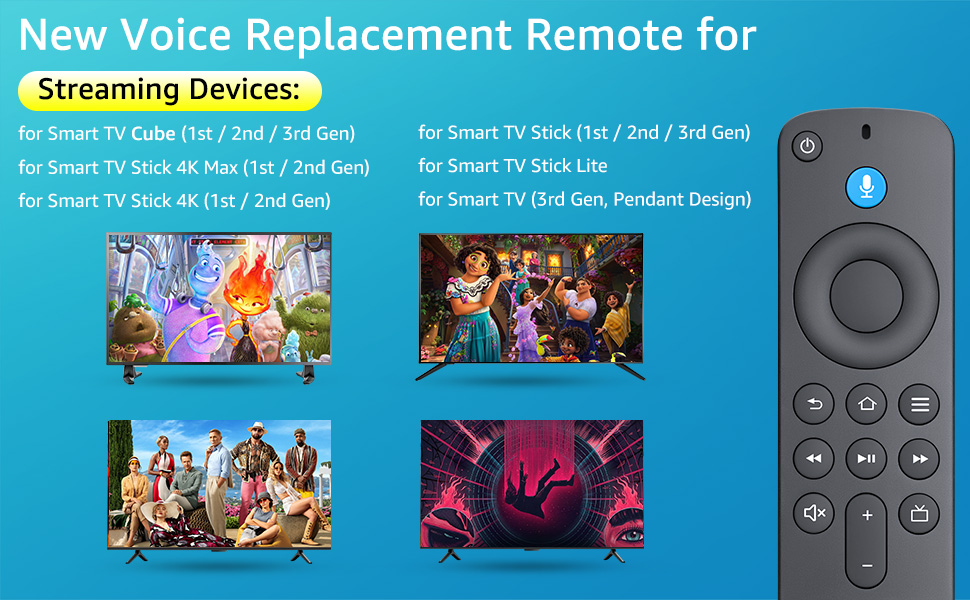
Image: Visual representation of compatible streaming devices and smart TVs.
- Smart TV Stick 4K Max (1st / 2nd Gen)
- Smart TV Stick 4K (1st / 2nd Gen)
- Smart TV Stick (1st / 2nd / 3rd Gen)
- Smart TV Cube (1st / 2nd / 3rd Gen)
- Smart TV Stick Lite
- Smart TV (3rd Gen, Pendant Design)
- For Series Smart TVs, 2/4 Series Smart TVs
- For Smart TVs: LF711/LF621U/LF421U/LF221U/C350/A810U/A710U/M550/V35 series
- For Smart TVs: F30/F20/F50/DF710/DF711/DF310/DF510/DF311/DF620 series
- For Smart TVs PN450/PN651/PN851/PN951 series
- Replacement for TV Stick Voice Remote (2nd Gen/3rd Gen/Lite/Lite 2nd Gen)
- Replacement for TV remote control (NS-RCFNA-21, CT-95018, CT-RC1US-21, NS-RCFNA-19, CT-RC1US-19)
Non compatible con
This remote control is not compatible with the following devices:
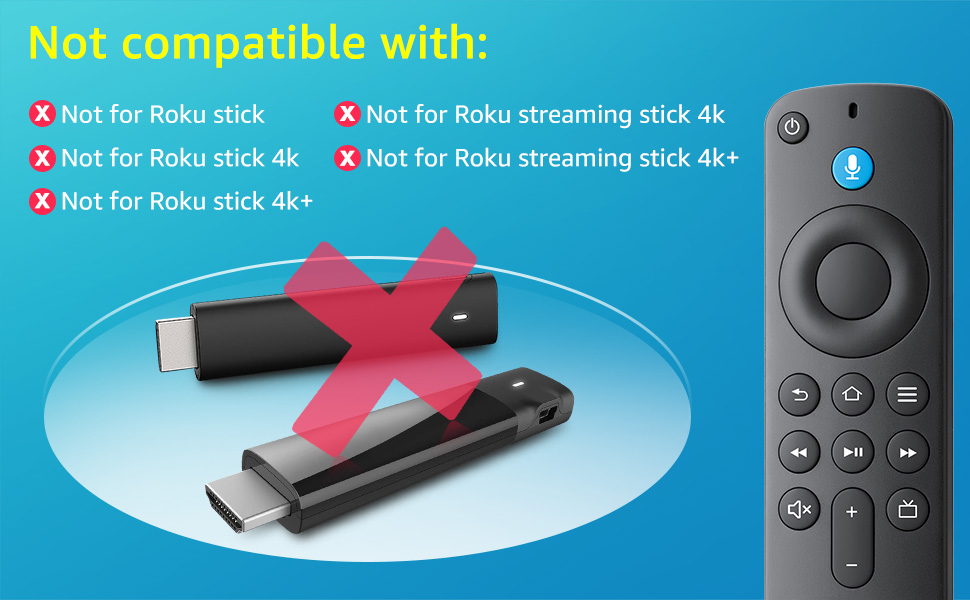
Image: Visual representation of devices not compatible with the YOSUN G25N8L remote control.
- Barra de Roku
- Roku stick 4k
- Roku stick 4k+
- Roku streaming stick 4k
- Roku streaming stick 4k+
Configuración e emparellamento
Follow these steps to pair your YOSUN G25N8L remote control with your device.
Pairing with Fire TV Stick or Fire TV Cube
- Inserir pilas: Open the battery compartment and insert two new AAA batteries (not included), ensuring correct polarity.
- Restablecer o control remoto: Manteña premido o De volta botón (), Casa botón (), e Menú botón () simultaneously for 10 seconds. This will reset the remote.
- Update TV System: Ensure your TV system has been updated to the latest version before attempting to pair. Navigate to Settings > My TV > About > System Update to check for updates.
- Power Cycle Device: Unplug the power cord of your Fire TV Stick or Fire TV Cube, wait for 5 seconds, then plug it back in.
- Iniciar emparellamento: Once your device restarts and displays the home screen, a 'Waiting for Pairing' tip should appear. Press and hold the Casa botón () on the new remote for 10 seconds. The remote should pair automatically.
Pairing with Smart TVs
- Inserir pilas: Open the battery compartment and insert two new AAA batteries (not included), ensuring correct polarity.
- Restablecer o control remoto: Manteña premido o De volta botón (), Casa botón (), e Menú botón () simultaneously for 10 seconds. This will reset the remote.
- Acceder á configuración da TV: Use your existing TV remote or the TV's physical buttons to navigate to the TV's settings menu.
- Add New Remote: In the TV settings, select Configuración > Controladores e dispositivos Bluetooth > Amazon TV Remotes > Add new remote.
- Iniciar emparellamento: Follow the on-screen prompts. When prompted, press and hold the Casa botón () on the new remote for 10 seconds. The TV will search for and pair with the remote.
Voice Function Activation
The YOSUN G25N8L remote supports voice commands for easy content search and device control. After successful pairing, the voice function should be active.
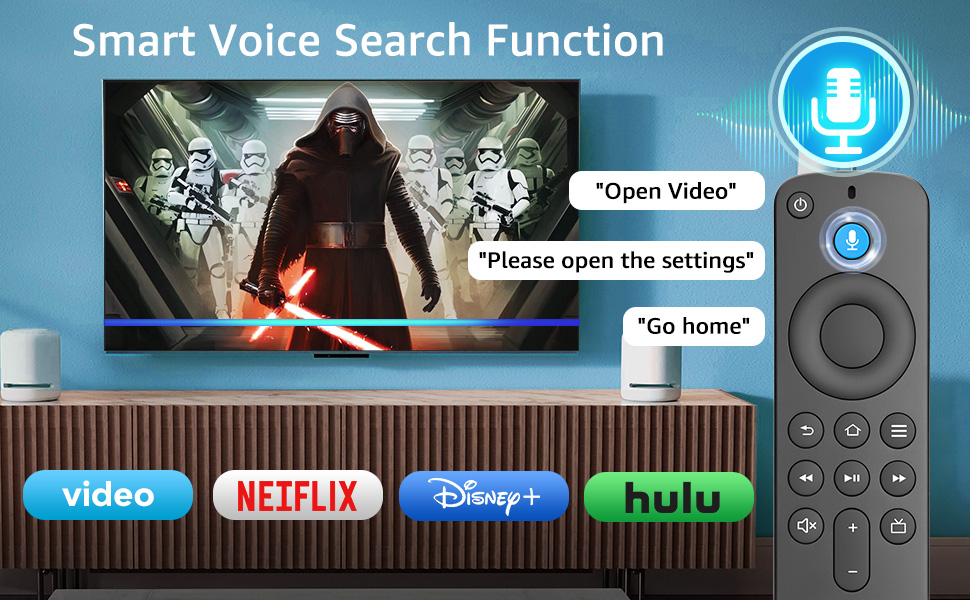
Image: The remote control's voice search function in use, showing examples like "Open Video" or "Go home".
To use the voice function, press and hold the Microphone/Alexa Voice Button () and speak your command clearly. Release the button when you are finished speaking.
Customization Buttons
The remote includes two customizable buttons (labeled 1 and 2) that allow you to program quick access to your favorite streaming services or applications.
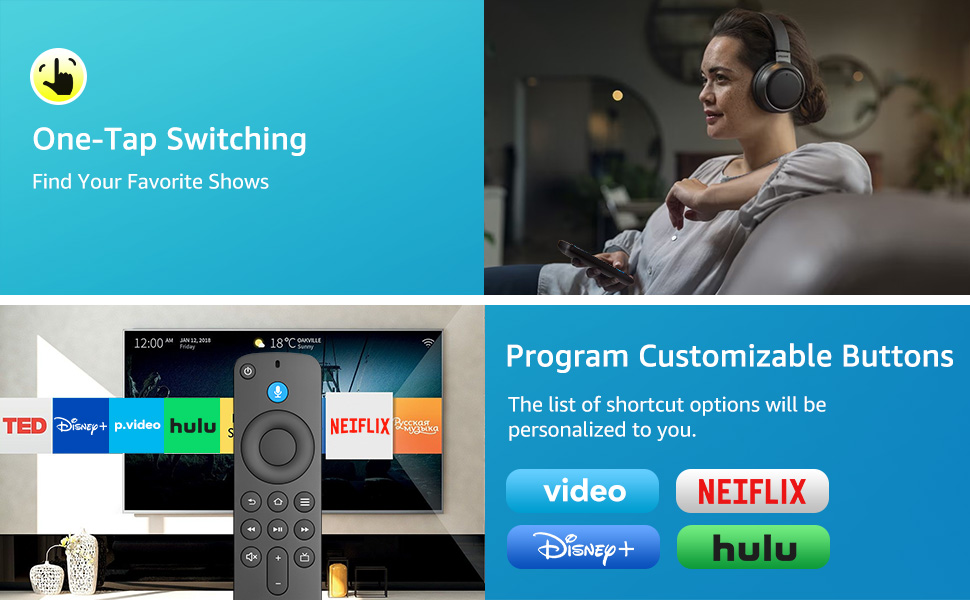
Image: The remote control demonstrating one-tap switching to various streaming services and the concept of programmable customization buttons.
To program a customization button:
- Navigate to the desired application or service on your TV.
- Manteña premido o botón 1 or 2 customization button for a few seconds until a confirmation message appears on your screen.
- The button is now programmed to launch that application directly with a single press.
Resolución de problemas
If you encounter issues with your YOSUN G25N8L remote control, refer to the following common problems and solutions:
| Problema | Solución |
|---|---|
| O mando a distancia non responde. |
|
| A función de voz non funciona. |
|
| Shortcut buttons are not working. |
|
| Remote disconnects frequently. |
|
Especificacións
Key technical specifications for the YOSUN G25N8L Replacement Voice Remote Control:
- Marca: YOSUN
- Número de modelo: G25N8L
- Característica especial: Busca por voz
- Tecnoloxía de conectividade: Infravermello
- Tipo de controlador: Control de voz
- Dispositivos compatibles: Television (Fire Stick/Amazon Toshiba Insignia Fire Smart TVs)
- Maximum Number of Supported Devices: 1
- Cantidade de botóns: 27
- Rango máximo: 30 pés
- Tipo de batería: AAA
- Número de baterías: Requírense 2 pilas AAA (non incluídas)
- Compatibilidade con Smart Home: Smart Home Compatible
Garantía e Soporte
The YOSUN G25N8L Replacement Voice Remote Control comes with a 1 ano de garantía from the manufacturer. For any support inquiries, troubleshooting assistance beyond this manual, or warranty claims, please contact YOSUN customer service through your purchase platform or the official YOSUN websitio.