
Cluvox 1200Mbps Dual Band
Cluvox 1200Mbps Dual Band WiFi Repeater User Manual
Model: 1200Mbps Dual Band
Produit terminéview
The Cluvox 1200Mbps Dual Band WiFi Repeater is designed to extend your existing wireless network coverage, eliminate Wi-Fi dead zones, and provide stable internet access throughout your home or office. It supports multiple operating modes and offers high-speed dual-band connectivity.

Image : Avant view of the Cluvox 1200Mbps Dual Band WiFi Repeater, highlighting its four external antennas.
Caractéristiques principales :
- Plusieurs modes de fonctionnement : Supports Repeater, AP, and Router modes to suit various network requirements.
- Connectivité double bande : Provides 2.4GHz and 5GHz bands for a combined speed of up to 1200Mbps, ensuring fast and stable connections.
- Couverture étendue : Equipped with 4 external antennas, extending Wi-Fi coverage up to 12880 square feet, reducing signal loss through walls.
- Large compatibilité : Compatible with Wi-Fi 4/5/6 standards (802.11n/g/b/ac/ax) and works with all standard routers and modems.
- Ports Ethernet : Includes 2 LAN ports for wired connections to devices like PCs, smart TVs, or gaming consoles.
- Installation facile : One-click WPS setup or browser-based configuration for quick installation.
- Sécurité renforcée : Supports WPA2-PSK/WPA-PSK wireless security protocols to protect your network.
Guide d'installation
1. Initial Power-On and Placement
Plug the Cluvox WiFi Repeater into an electrical outlet. Wait for the LED indicator to light up. For optimal performance, place the repeater approximately halfway between your main router and the area with weak Wi-Fi signal. Ensure there are minimal obstacles between the repeater and the router.
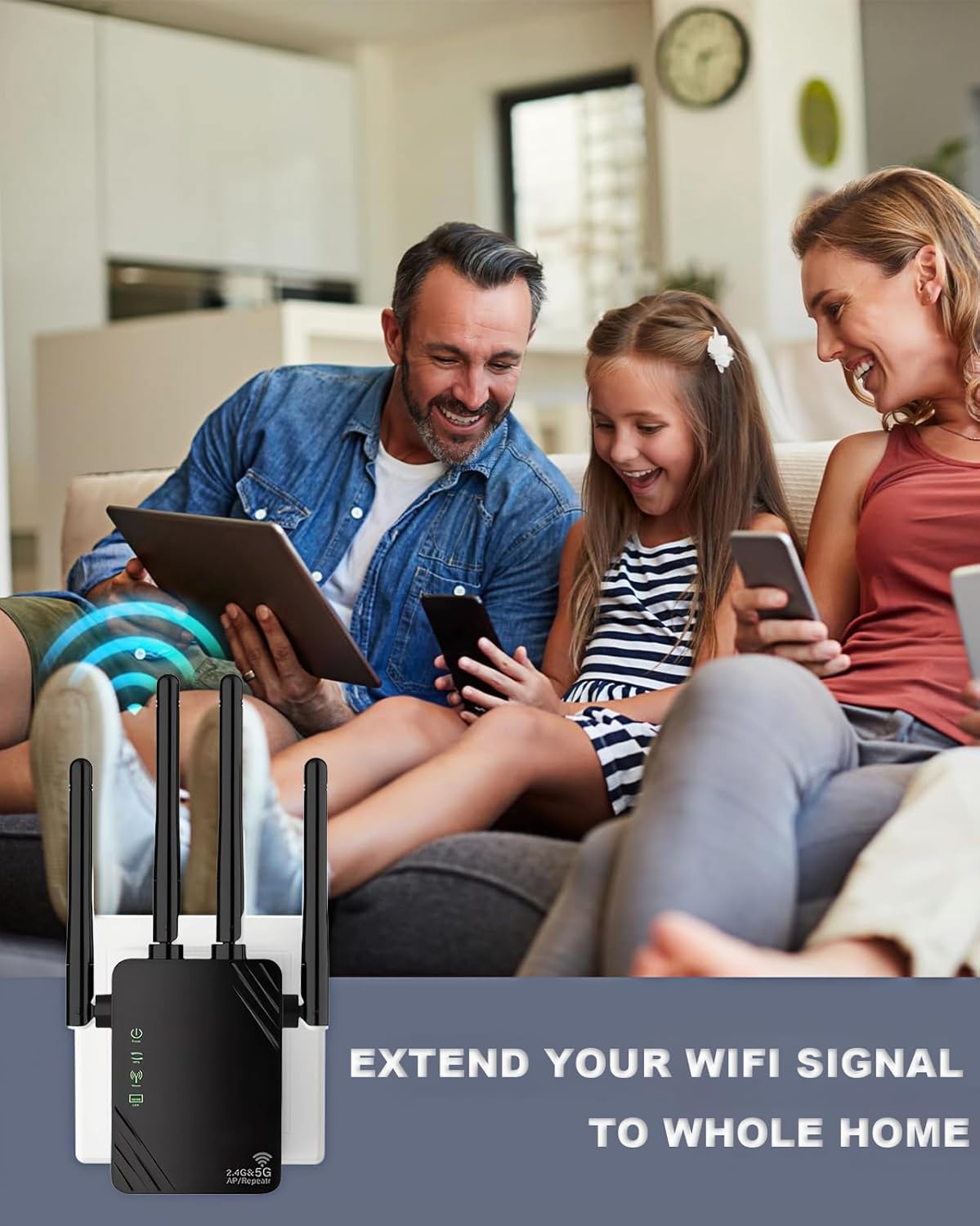
Image: Illustration demonstrating optimal placement of the WiFi repeater to extend signal coverage across multiple rooms in a home.
2. Configuration WPS (Wi-Fi Protected Setup)
WPS is the quickest way to set up your repeater if your router supports it.
- Branchez le répéteur sur une prise de courant proche de votre routeur principal.
- Appuyez sur le bouton WPS de votre routeur principal.
- Within 2 minutes, press the WPS button on the Cluvox repeater.
- The LED indicator on the repeater will flash and then turn solid green, indicating a successful connection.

Image: Visual guide for WPS setup, showing the WPS buttons on both the router and the repeater.
WPS Setup Video Guide
Video: A detailed guide on how to set up the WiFi Repeater using the WPS method. This video demonstrates the steps for quick and easy configuration.
3. Web UI Configuration (Alternative Method)
If your router does not have a WPS button or if WPS setup fails, you can configure the repeater via a web navigateur.
- Branchez le répéteur sur une prise de courant.
- Connect your computer or smartphone to the repeater's default Wi-Fi network (e.g., "Cluvox_EXT").
- Ouvrir un web dans le navigateur, entrez l'adresse IP par défaut ou URL (check the manual included in the box for specific details, usually
192.168.10.1orre.tenda.cn). - Suivez les instructions à l'écran pour sélectionner votre réseau Wi-Fi existant et saisir son mot de passe.
- Set a new Wi-Fi name and password for the extended network, or choose to keep the same as your main router.
- Enregistrez les paramètres et attendez que le répéteur redémarre.
Modes de fonctionnement
The Cluvox WiFi Repeater offers three main operating modes:

Image: Visual representation of the three available operating modes for the WiFi repeater.
1. Mode répéteur (par défaut)
Extends the Wi-Fi coverage of an existing wireless network. This is ideal for eliminating dead zones and improving signal strength in areas far from your main router.
2. Mode AP (Point d'accès)
Converts a wired network connection into a wireless one. Connect the repeater to your wired router or Ethernet port using an Ethernet cable, and it will broadcast a new Wi-Fi signal.
3. Mode routeur
Functions as a basic router, creating a new private network from a modem connection. This mode is suitable if you only have a modem and need to create a Wi-Fi network.
Connexion des appareils
Appareils sans fil
After successful setup, your extended Wi-Fi network will appear with a new name (e.g., your original Wi-Fi name + "_EXT" or "_5G_EXT"). Connect your smartphones, tablets, laptops, smart TVs, security cameras, and printers to this new network using the same password as your main router.
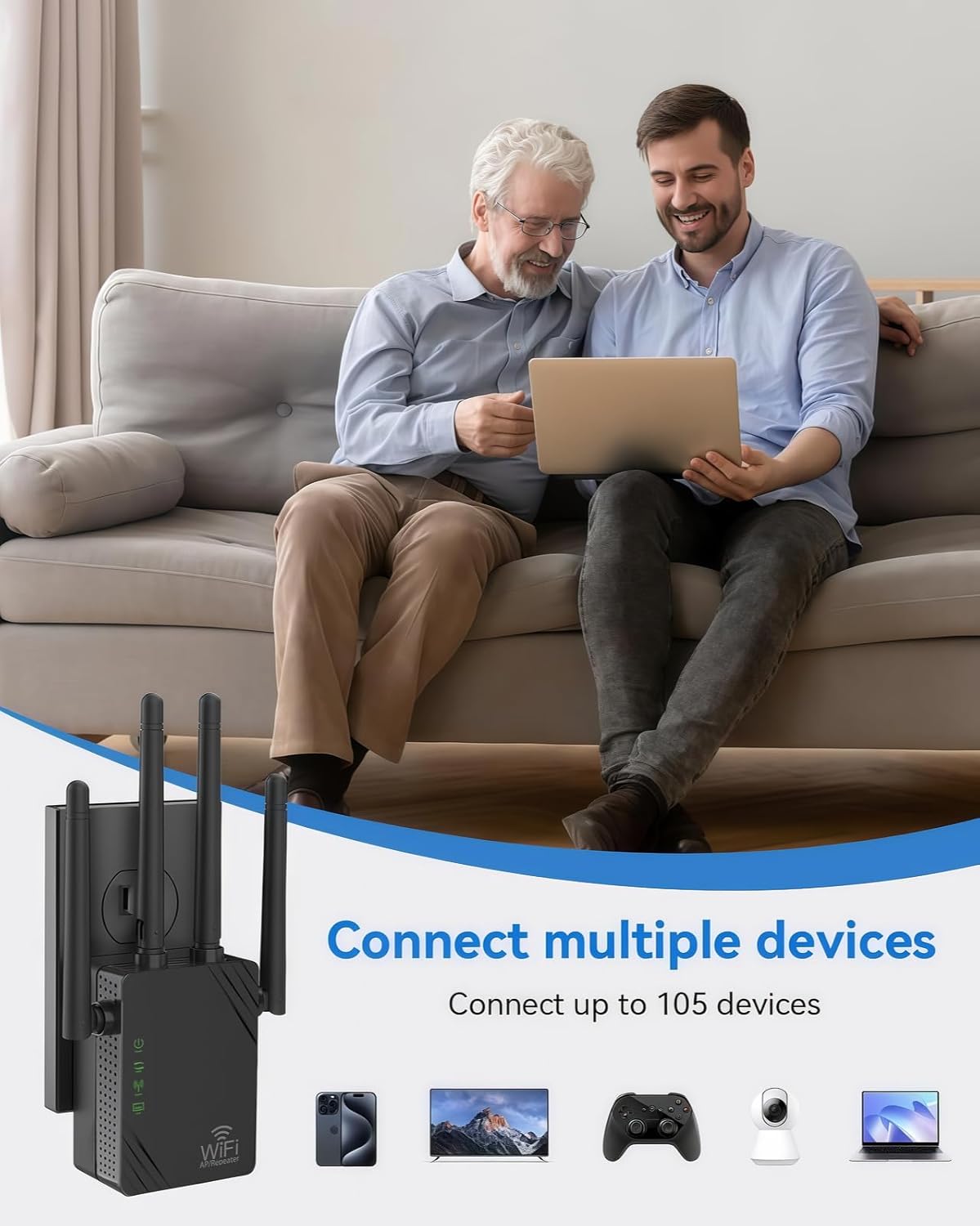
Image: Depiction of multiple devices connecting wirelessly to the extended network provided by the repeater.
Appareils câblés
The repeater includes two LAN ports. You can connect wired devices such as desktop computers, smart TVs, or gaming consoles directly to these ports using an Ethernet cable for a stable and fast connection.
Caractéristiques
- Marque: Cluvox
- Norme de communication sans fil : 802.11n, 2.4 GHz Radio Frequency, 5 GHz Radio Frequency
- Taux de transfert de données : 1200 mégabits par seconde
- Classe de bande de fréquence : Double bande (2.4 GHz, 5 GHz)
- Caractéristiques spéciales : 360-degree coverage, 1-touch setup, LED indicator, Mesh Wi-Fi capability
- Appareils compatibles : Routers, Smartphones, Tablets, Computers, Smart TVs, Security Cameras, Printers
- Couleur: Noir
- Contenu de la boîte : One 1200 Mbps WiFi Repeater and a manual
Dépannage
Repeater Stops Working or Indicator Light is Off:
This issue can occur due to several reasons:
- Too many routers in the network.
- The product has been operating continuously for too long.
- Interference from the router's signal source.
Solution: First, unplug the repeater. Wait for 3-5 minutes, then plug it back in. The repeater has a memory function and should automatically reconnect to the Wi-Fi and function normally. If it still does not work, a factory reset may be required.
Entretien
To ensure the longevity and optimal performance of your Cluvox WiFi Repeater, consider the following maintenance tips:
- Gardez-le propre : Regularly wipe the device with a soft, dry cloth to prevent dust buildup, which can affect performance.
- Assurer la ventilation : Do not block the ventilation holes on the device. Ensure it is placed in an area with good airflow to prevent overheating.
- Évitez les conditions extrêmes : Do not expose the repeater to extreme temperatures, humidity, or direct sunlight.
- Connexion ferme : Ensure the repeater is securely plugged into the power outlet.
Garantie et assistance
For warranty information, please refer to the documentation included in your product packaging or contact Cluvox customer support. If you encounter any issues or have questions not covered in this manual, please reach out to our support team for assistance.
Coordonnées: Please refer to the contact details provided with your product or visit the official Cluvox website de support.
Ask a question about this manual
Ask about setup, troubleshooting, compatibility, parts, safety, or missing instructions. Manuals+ will review the question and use this page’s manual context to help answer it.