
1. Introduction
The Kuulaa 10000mAh MagSafe Portable Charger is a compact and powerful solution for keeping your devices charged on the go. Featuring 15W wireless magnetic charging and a 20W USB-C output, this slim battery pack is designed for efficiency and convenience. It is compatible with iPhone 12 series and newer, as well as other devices that support wireless charging or can be charged via USB-C.
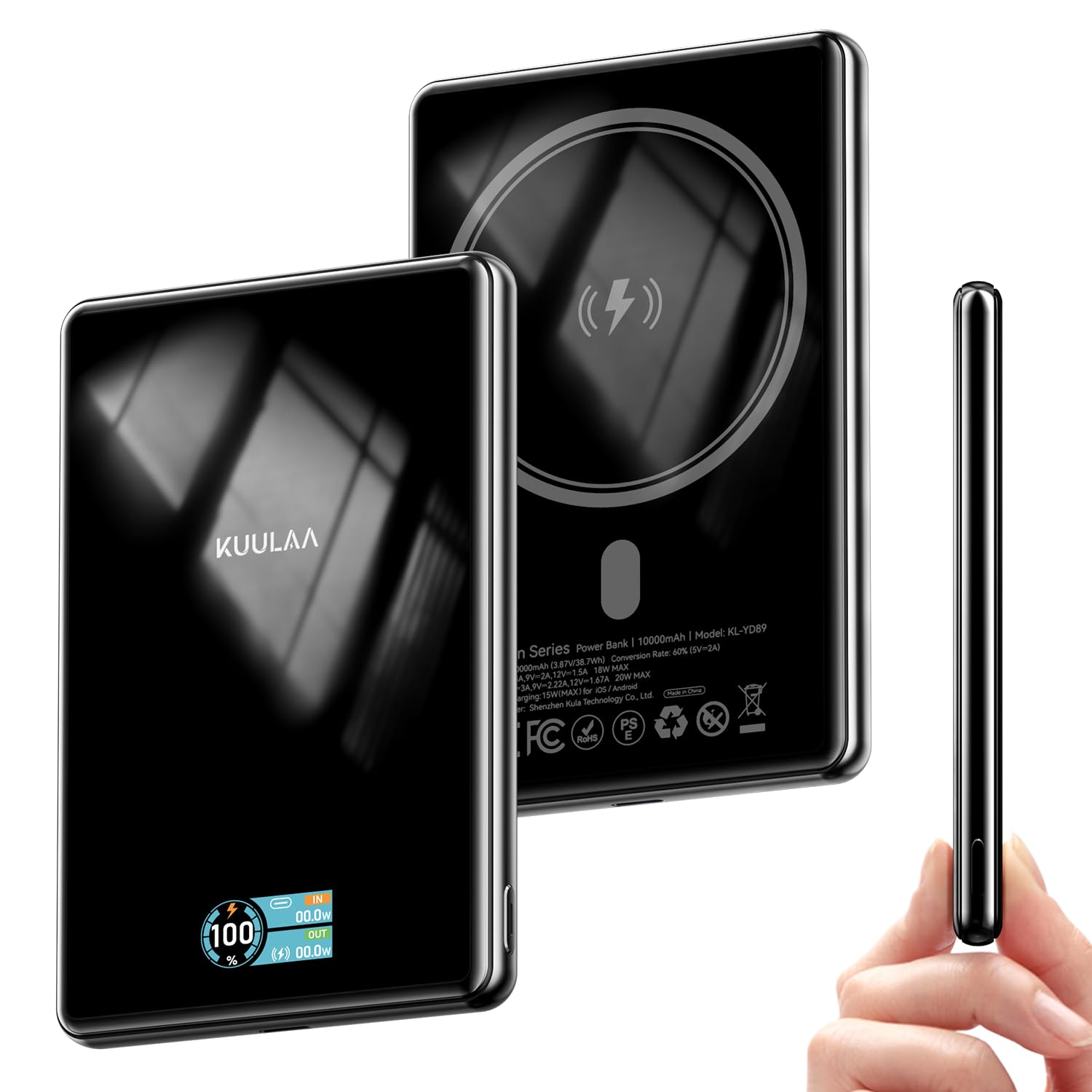
This image displays the sleek design of the Kuulaa 10000mAh MagSafe Portable Charger, highlighting its compact form factor.
2. Contenu de la boîte
- 1 x Kuulaa 10000mAh 15W Portable Charger
- 1 x câble de chargement (USB-A vers USB-C)
- 1 x Manuel d'utilisation

This image shows the Kuulaa 10000mAh Power Bank, a USB-A to USB-C charging cable, and the user manual included in the product packaging.
3. caractéristiques du produit
3.1. Dual Charging Capability
The power bank offers both wireless magnetic charging and wired USB-C charging. It supports up to 15W wireless charging for compatible devices and up to 20W wired charging via its USB-C port.

This image illustrates the two charging methods: a phone wirelessly charging via the magnetic pad and another phone charging via the USB-C port.
3.2. Haute capacité
With a 10000mAh capacity, the power bank can provide multiple charges for most smartphones, ensuring extended power throughout your day.

This image highlights the 10000mAh capacity of the power bank, showing it can charge an iPhone 16 Pro Max 1.3 times and an iPhone 16/15 Pro 1.8 times.
3.3. Secure Magnetic Attachment
Built-in strong magnets ensure a secure and effortless attachment to MagSafe-compatible iPhones (iPhone 12 series and newer) and magnetic cases.

This image demonstrates the strong magnetic attachment of the power bank to a smartphone, ensuring a secure connection for effortless charging.
3.4. Slim and Portable Design
The power bank features a sleek design with tempered glass housing and an aluminum band, making it slim (0.49 inches thick) and easy to carry. A built-in TFT display shows the digital capacity and charging status.

This image showcases the slim profile of the power bank being held in a hand, emphasizing its portability and compact dimensions (107x68x12.5mm, 206g).

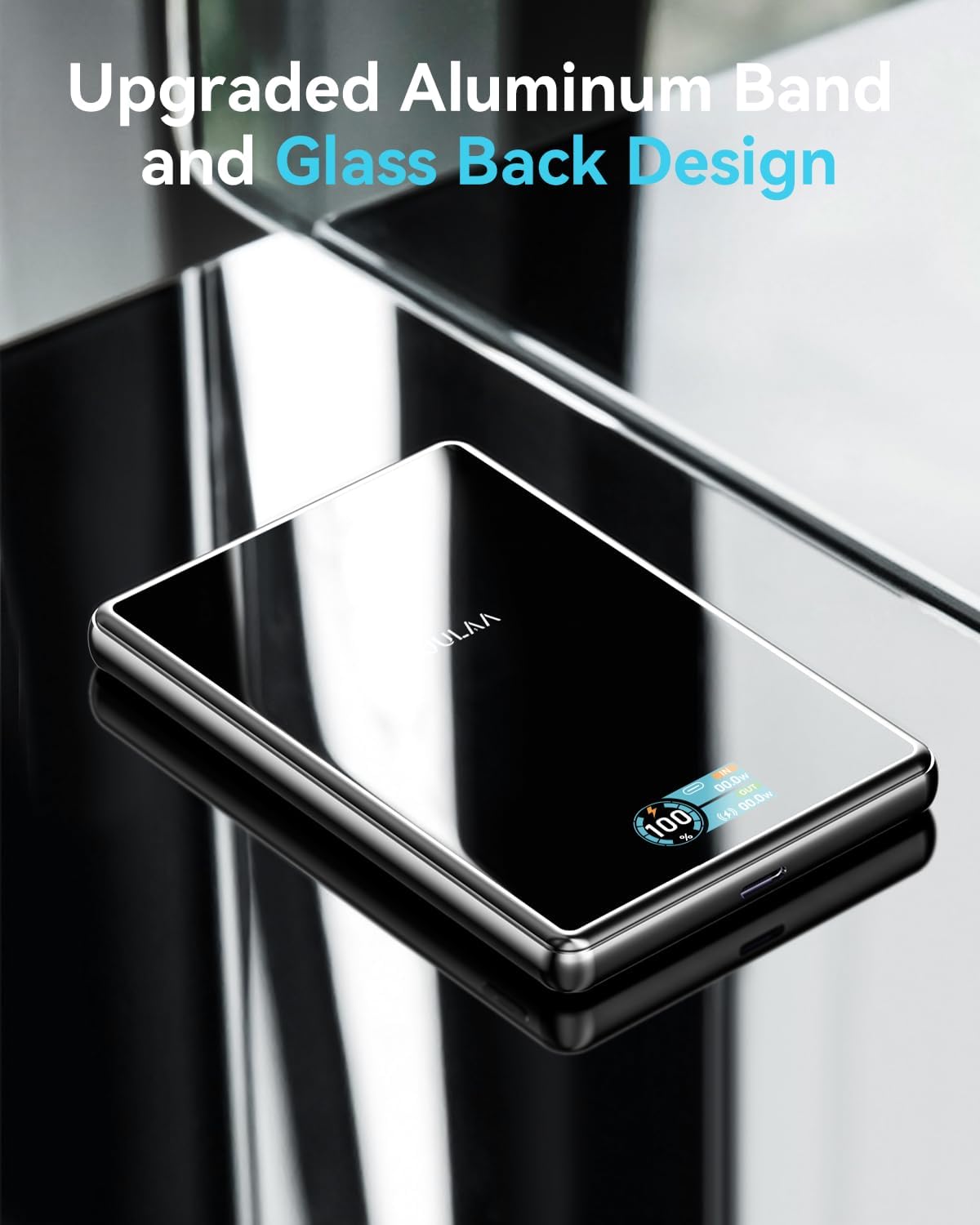
This image highlights the premium construction of the power bank, featuring an aluminum band and a glass back design for durability and aesthetics.
3.5. Comprehensive Safety Protections
The power bank incorporates multiple safety features, including over current protection, over heat protection, short circuit protection, and overcharge protection, ensuring safe charging for your devices.

This image displays the safety icons for Over Current Protection, Over Heat Protection, Short Circuit Protection, and Overcharge Protection, ensuring safe usage.
3.6. Large compatibilité
The power bank is compatible with iPhone 12/13/14/15/16/17 series and magnetic cases for wireless charging. It also supports various Android phones and other devices via USB-C.
This image shows the power bank charging various devices including iPhones, an iPad, an Apple Watch, and AirPods, demonstrating its broad compatibility.
4. Installation
4.1. Charger la banque de puissance
- Connectez le câble de charge USB-A vers USB-C fourni au port USB-C de la batterie externe.
- Plug the USB-A end of the cable into a compatible USB wall adapter (not included).
- The TFT display will show the charging status and battery percentage.
4.2. Vérification du niveau de la batterie
Press the small button on the side of the power bank to activate the TFT display, which will show the current battery percentage et l'état de charge.

This image details the TFT display, showing the battery percentage, USB-C input/output, and wireless charging output.
5. Mode d'emploi
5.1. Recharge magnétique sans fil
- Ensure your device is MagSafe compatible (iPhone 12 series or newer) or has a MagSafe-compatible case.
- Align the back of your device with the magnetic charging area on the power bank. The magnets will snap into place.
- The power bank will automatically begin wireless charging.
5.2. Wired Charging (USB-C Output)
- Connect your device to the USB-C port on the power bank using a compatible USB-C to USB-C cable (or the provided cable if your device supports USB-A input).
- The power bank will automatically begin wired charging.

This image visually explains the two charging methods: 15W Max Wireless Charger and 20W Max Wired Charging.
6. Consignes de sécurité
To ensure safe operation and prolong the life of your power bank and devices, please observe the following:
- N’exposez pas la batterie externe à des températures extrêmes, à la lumière directe du soleil ou à une forte humidité.
- Évitez de faire tomber, de heurter ou de démonter l'appareil.
- Tenir hors de portée des enfants.
- Ne pas utiliser si la batterie externe est endommagée ou gonflée.
- Utilize the provided charging cable or certified cables for optimal performance and safety.
- The power bank features built-in Over Current Protection, Over Heat Protection, Short Circuit Protection, and Overcharge Protection.
7. Entretien
- Nettoyage: Essuyez la batterie externe avec un chiffon doux et sec. Évitez d'utiliser des produits chimiques agressifs ou des matériaux abrasifs.
- Stockage: Store the power bank in a cool, dry place away from direct sunlight and extreme temperatures. If storing for an extended period, ensure it is charged to approximately 50-70% to maintain battery health.
8. Dépannage
- L'appareil ne charge pas :
- Assurez-vous que la banque d’alimentation est suffisamment chargée.
- Vérifiez que le câble de chargement est bien connecté à la fois à la batterie externe et à votre appareil.
- For wireless charging, ensure your device is correctly aligned with the magnetic charging area and is MagSafe compatible.
- Retirez toute coque épaisse susceptible d'interférer avec la recharge sans fil.
- Charge lente :
- Verify that your device supports fast charging and that you are using a compatible cable and wall adapter for wired charging.
- Pour la recharge sans fil, assurez-vous d'un alignement optimal et qu'aucun objet étranger ne se trouve entre la batterie externe et votre appareil.
9. Spécifications
| Dimensions du produit | 4.21 x 2.7 x 0.49 pouces |
| Poids de l'article | 7.4 onces |
| Numéro de modèle de l'article | KL-YD89 |
| Piles | 1 piles Lithium Polymère requises (incluses) |
| Caractéristiques spéciales | Digital Display, Over Charging Protection, Scratch Resistant, Slim, Wireless Charging |
| Autres fonctionnalités d'affichage | Sans fil |
| Couleur | Black-15W |
| Fabricant | Shenzhen KulaTechnologie Co., Ltd. |
| Type de connecteur | USB Type C |
| Capacité de la batterie | 10000 millièmeamp Heures |
10. Garantie et assistance
The Kuulaa 10000mAh MagSafe Portable Charger comes with a 24-month worry-free warranty. For any product inquiries, technical support, or warranty claims, please contact Kuulaa customer service.
You can visit the official Kuulaa Store for more information: Magasin Kuulaa
11. Vidéo produit
Cette vidéo offre un bref aperçuview and demonstration of the Kuulaa 10000mAh MagSafe Portable Charger's features and functionality.