
1. Introduction
The H96 MAX S905L3 Android 14.0 TV Box is a high-definition streaming device designed to enhance your home entertainment experience. It operates on the Android 14 system, offering a user-friendly interface and robust functionality. Powered by an Amlogic S905L3 Quad Core ARM Cortex A53 processor, 2GB DDR3 RAM, and 16GB ROM, this device ensures smooth navigation and efficient application performance.
Key features include Dual-WiFi 6 for superior wireless connectivity, a 100M Ethernet port for stable wired networking, and advanced video engine support for 4K UHD, HDR 10+, AV1, and H.265 decoding. Bluetooth 5.0 and a voice remote control provide convenient operation and peripheral connectivity. Integrated Chromecast and support for popular applications make this Android TV box a comprehensive solution for your viewing and sharing needs.
2. Contenu du colis
Veuillez vérifier que tous les articles sont présents dans le colis :
- 1 x H96 MAX S905L3 Android 14.0 TV Box
- 1 x adaptateur secteur
- 1 x télécommande
- 1 x câble HDMI
- 1 x Manuel d'utilisation

Image: The H96 MAX S905L3 Android 14.0 TV Box, remote control, power adapter, HDMI cable, and user manual as included in the package.
3. Produit terminéview
The H96 MAX S905L3 TV Box offers a compact design with essential ports for connectivity and a user-friendly remote control.
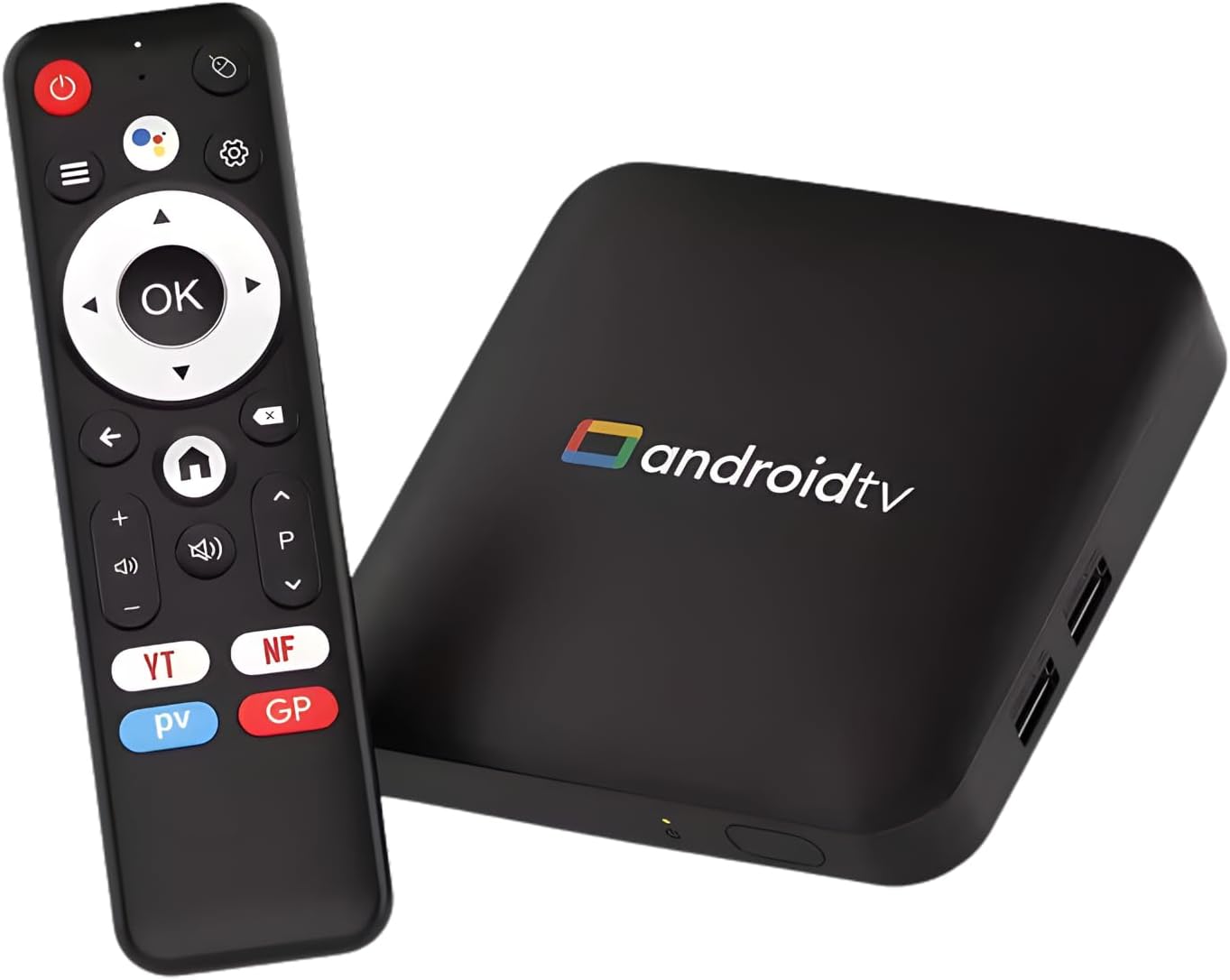
Image: The H96 MAX S905L3 Android 14.0 TV Box and its accompanying remote control, showcasing the device's compact form factor.
3.1 Principales caractéristiques
- Système d'exploitation Android 14 : Provides a stable and efficient platform for media consumption.
- Amlogic S905L3 Processor: Quad Core A53 CPU with 2GB DDR3 RAM for smooth performance.
- Résolution 4K UHD : Supports HDR 10+, H.265, and AV1 video decoding for exceptional picture quality.
- Wi-Fi double bande 6 : Ensures fast and stable wireless streaming (2.4G/5G).
- Bluetooth 5.0: For connecting external devices like headphones and game controllers.
- Télécommande vocale : Enables hands-free searching and navigation.
- Chromecast intégré : Facilitates easy screen sharing from smartphones or tablets.

Image: Visual representation of the Android 14.0 operating system's superior performance, voice search capability, and content universe, with the TV box in the foreground.

Image : Un écran de télévision montrantasing vibrant 4K Ultra HD content, emphasizing high-definition clarity, with the H96 MAX TV box and remote control positioned below.
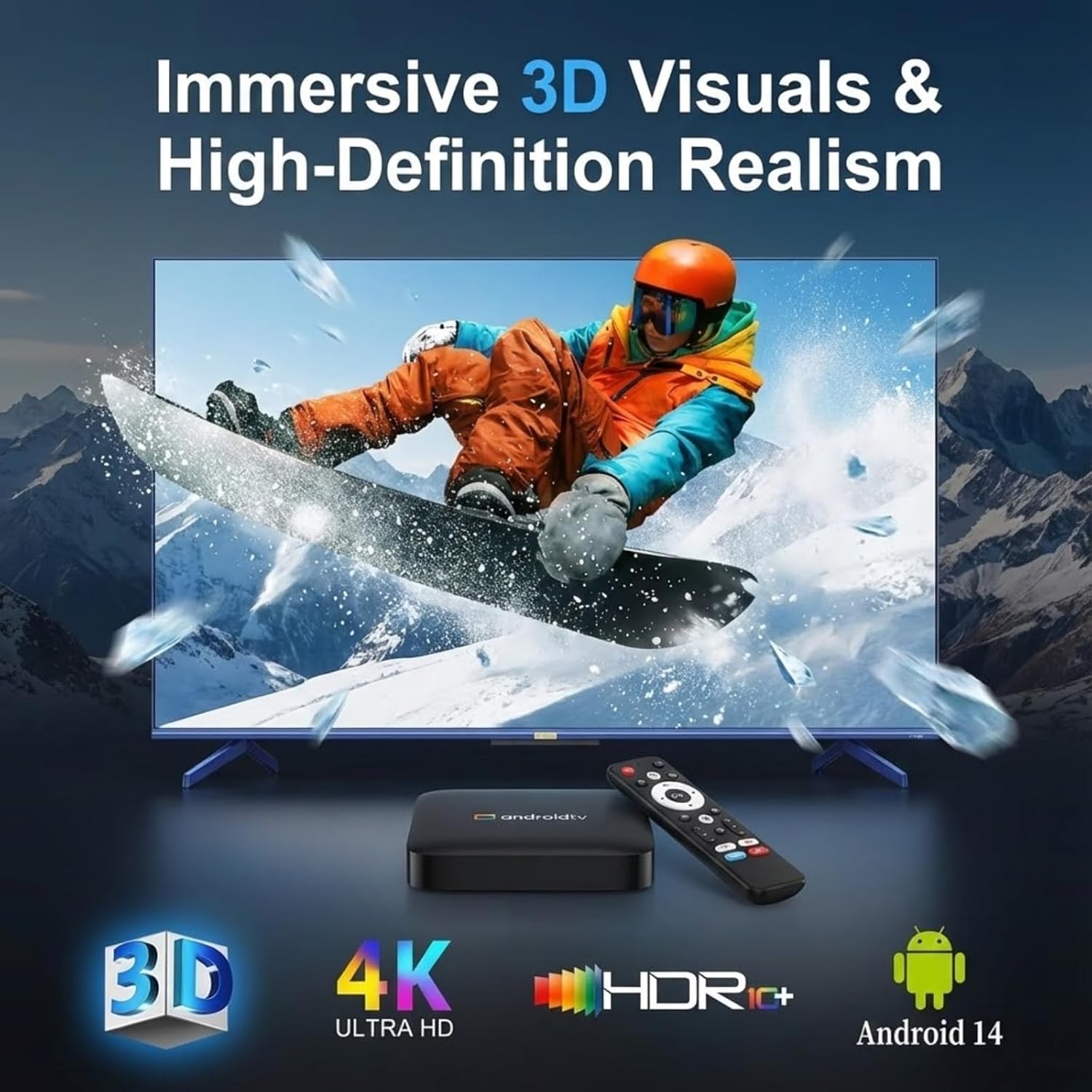
Image: A television screen displaying immersive 3D visuals, highlighting 4K Ultra HD and HDR10+ support, with the H96 MAX TV box and remote control in the foreground.

Image: A hand holding the remote control, demonstrating the smart voice control feature with a visual representation of sound waves on a television screen in the background.
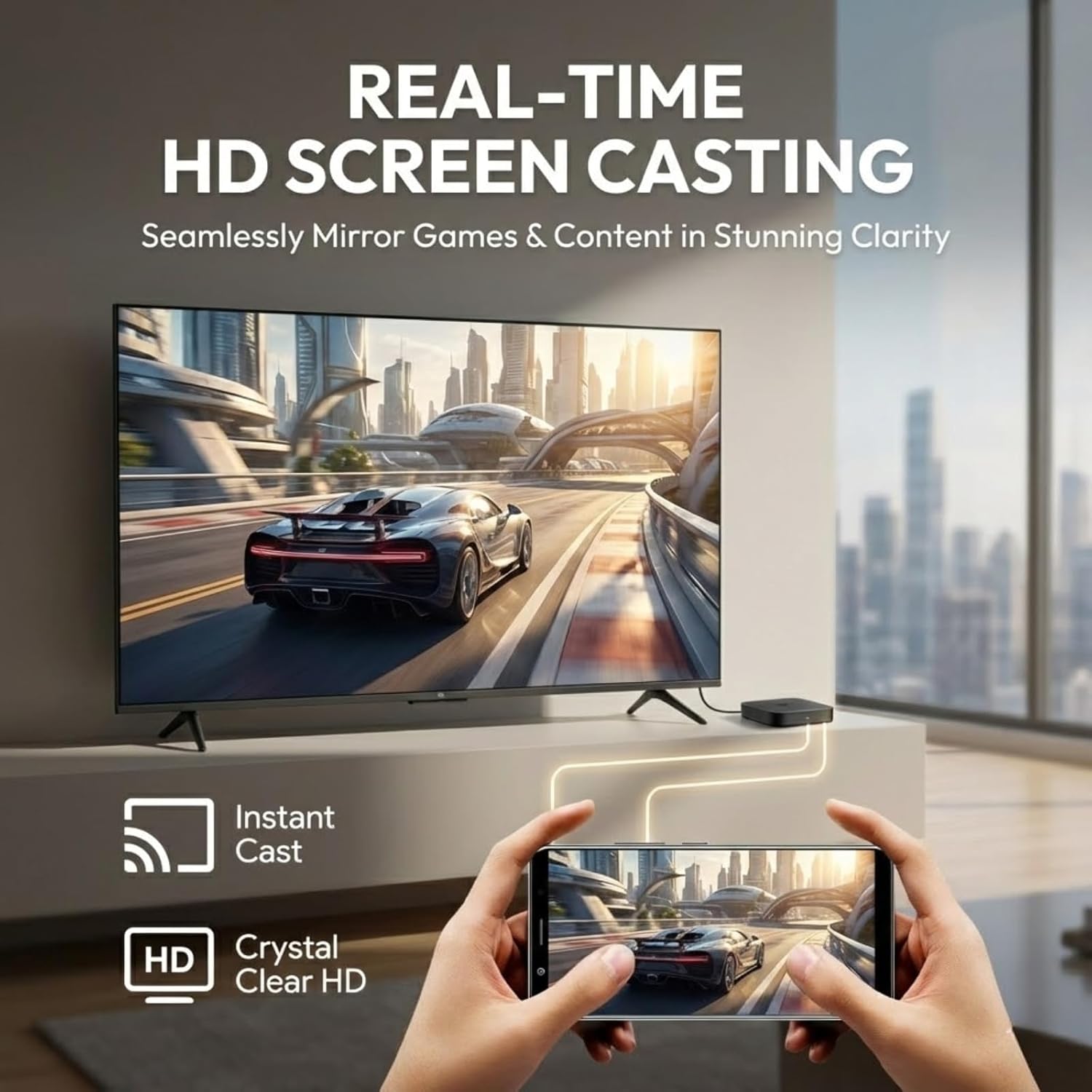
Image: A smartphone screen being cast in real-time to a television, illustrating the HD screen casting capability for mirroring games and content.
4. Guide de configuration
Follow these steps for initial setup of your H96 MAX S905L3 TV Box.
4.1 Connexion de l'appareil
- Connectez le câble HDMI : Insert one end of the HDMI cable into the HDMI port on the TV Box and the other end into an available HDMI input on your television.
- Connectez l'adaptateur secteur : Branchez l'adaptateur secteur au port CC du boîtier TV, puis branchez l'adaptateur à une prise murale.
- (Optional) Connect Ethernet Cable: If you prefer a wired network connection, connect an Ethernet cable from your router to the Ethernet port on the TV Box.
- (Optional) Connect USB Devices: You may connect USB storage devices or other peripherals to the USB 2.0 ports.

Image: A diagram illustrating the various ports on the H96 MAX S905L3 TV Box, including USB, Ethernet, HD (HDMI), AV, DC, and the ON/OFF button, along with its dimensions.
4.2 Mise sous tension et configuration initiale
- Mise sous tension : Press the power button on the TV Box or the remote control. The device will boot up.
- Sélectionnez l'entrée TV : On your television, select the correct HDMI input source corresponding to where you connected the TV Box.
- Sélection de la langue : Suivez les instructions à l'écran pour sélectionner votre langue préférée.
- Connexion réseau: Choose your Wi-Fi network from the list and enter the password, or confirm the wired Ethernet connection.
- Configuration du compte Google : Connectez-vous avec votre compte Google pour accéder au Google Play Store et aux autres services Google.
- Configuration complète : Follow any remaining on-screen instructions to finalize the initial setup.

Image: A television screen displaying the Android TV home screen interface, featuring categories like Home, Movies, Shows, Apps, and Settings, with various application icons.
5. Mode d'emploi
This section details how to navigate and use your H96 MAX S905L3 TV Box.
5.1 Navigation par télécommande
- Croix directionnelle (D-Pad) : Use the up, down, left, and right arrows to navigate through menus and select items.
- Bouton OK : Confirms selections or opens applications.
- Bouton Retour : Revient à l'écran ou au menu précédent.
- Bouton d'accueil: Retour à l'écran d'accueil principal d'Android TV.
- Boutons de volume : Ajuste le niveau de sortie audio.
- Bouton d'alimentation : Allume ou éteint l'appareil.
- Bouton de commande vocale : Active l'assistant vocal pour les commandes et les recherches.
5.2 Commande vocale
Press the dedicated voice control button on your remote and speak clearly into the remote's microphone. You can use voice commands to:
- Rechercher films, émissions de télévision ou vidéos.
- Ouvrir les candidatures.
- Control media playback (e.g., "Play," "Pause," "Fast forward").
- Ask questions or get information.
5.3 Gestion des applications
- Installer des applications : Access the Google Play Store from the home screen to browse and install new applications.
- Désinstaller des applications : Aller à Paramètres > Applications, select the desired app, and choose "Uninstall."
- Mettre à jour les applications : Apps can be updated automatically or manually through the Google Play Store.
5.4 Casting et Mirroring
The built-in Chromecast and MiraCast support allow you to cast content from compatible devices:
- Ensure your smartphone/tablet and the TV Box are connected to the same Wi-Fi network.
- Open a compatible application (e.g., YouTube, Netflix) on your mobile device.
- Appuyez sur l'icône Cast (généralement un rectangle avec un symbole Wi-Fi) au sein de l'application.
- Select your H96 MAX TV Box from the list of available devices to begin casting.
6. Spécifications
Detailed technical specifications for the H96 MAX S905L3 TV Box:
| Fonctionnalité | Spécification |
|---|---|
| Modèle | H96 MAX S905L3 |
| Système opérateur | Google Android 14.0 ATV |
| Processeur | Amlogic S905L3 Quad Core ARM Cortex A53 |
| BÉLIER | 2 Go DDR3 |
| ROM | 16 Go |
| Résolution | 4K UHD, HDR 10+, H.265, AV1, 3D |
| Wifi | Dual-WiFi 6 (2.4G/5G) |
| Ethernet | 100 millions |
| Bluetooth | BT 5.0 |
| Ports d'E/S | 2*USB 2.0, 1*HD Out, 1*Micro SD Slot, 1*AV, 1*DC, 1*Ethernet |
| Caractéristiques spéciales | Voice Control, MiraCast, Chromecast Built-in, Browser, DLNA |
| Dimensions | 4.33 x 4.24 x 1.02 pouces (110 x 108 x 26 mm) |
| Poids de l'article | 4.3 onces |
7. Dépannage
This section addresses common issues you might encounter with your TV Box.
7.1 Pas d'alimentation
- Assurez-vous que l'adaptateur secteur est correctement connecté au boîtier TV et à une prise de courant fonctionnelle.
- Vérifiez le bon fonctionnement de la prise de courant en y branchant un autre appareil.
- Appuyez sur le bouton marche/arrêt de la télécommande ou de l'appareil lui-même.
7.2 No Picture on TV
- Vérifiez que le câble HDMI est bien connecté à la fois au boîtier TV et au téléviseur.
- Assurez-vous que votre téléviseur est réglé sur la source d'entrée HDMI appropriée.
- Essayez un autre câble HDMI ou un autre port HDMI sur votre téléviseur.
- Restart the TV Box and your television.
7.3 Problèmes de connexion Wi-Fi
- Confirm that your Wi-Fi router is powered on and functioning correctly.
- Aller à Paramètres > Réseau et Internet > Wi-Fi on the TV Box and ensure Wi-Fi is enabled.
- Re-enter your Wi-Fi password to ensure it is correct.
- Rapprochez le boîtier TV de votre routeur Wi-Fi pour améliorer la puissance du signal.
- Redémarrez votre routeur Wi-Fi et votre boîtier TV.
7.4 Télécommande ne répondant pas
- Vérifiez et remplacez les piles de la télécommande.
- Assurez-vous qu'aucun obstacle ne se trouve entre la télécommande et le décodeur TV.
- For Bluetooth remotes, ensure it is properly paired with the TV Box. If not, try re-pairing it via Paramètres > Télécommandes et accessoires.
8. Entretien
Proper care and maintenance will ensure the longevity of your H96 MAX S905L3 TV Box.
- Nettoyage: Utilisez un chiffon doux et sec pour nettoyer l'extérieur de l'appareil. N'utilisez pas de nettoyants liquides ni de produits abrasifs.
- Ventilation: Veillez à placer le décodeur TV dans un endroit bien aéré afin d'éviter toute surchauffe. Ne bouchez pas les ouvertures de ventilation.
- Environnement: Évitez d'exposer l'appareil à des températures extrêmes, à l'humidité, à la poussière ou à la lumière directe du soleil.
- Éteindre: If the device will not be used for an extended period, it is recommended to power it off and unplug the power adapter.
9. Garantie et assistance
Pour toute information relative à la garantie et pour obtenir une assistance technique, veuillez consulter la documentation fournie avec votre achat ou contacter votre revendeur. Conservez votre preuve d'achat pour toute réclamation au titre de la garantie.
For further assistance, you may also visit the official H96 MAX support website (if available) or consult online resources for Android TV devices.