
1. Introduction
This manual provides essential information for the safe and efficient operation of your E GATE Duster 5X Pro Projector. Please read this manual thoroughly before using the product and retain it for future reference.
The E GATE Duster 5X Pro is a native 1080p projector featuring Android 13, certified streaming applications like Netflix and Prime Video, automatic focus and keystone correction, and advanced connectivity options including Wi-Fi 6 and Bluetooth 5.0. It is designed for home entertainment, offering a large screen experience with clear visuals and integrated smart features.
2. Consignes de sécurité
Respectez les consignes de sécurité suivantes afin d'éviter d'endommager le projecteur et d'assurer la sécurité de l'utilisateur :
- Ne pas obstruer les ouvertures de ventilation. Assurer une circulation d'air suffisante autour du projecteur.
- N’exposez pas le projecteur à la pluie, à l’humidité ou à des températures extrêmes.
- Utilisez uniquement le cordon d'alimentation fourni avec le projecteur.
- Évitez de regarder directement dans l'objectif du projecteur lorsque le lamp est allumé.
- Ne tentez pas de démonter ou de modifier le projecteur. Confiez toute réparation à un personnel qualifié.
- Tenez le projecteur éloigné des sources de chaleur et de la lumière directe du soleil.
3. Contenu du colis
Vérifiez que tous les éléments sont présents dans le colis :
- Projecteur 1
- Télécommande
- Cordon d'alimentation
- Connecteur AV
- Manual with Warranty Card
4. Produit terminéview
Familiarize yourself with the components of your E GATE Duster 5X Pro Projector.
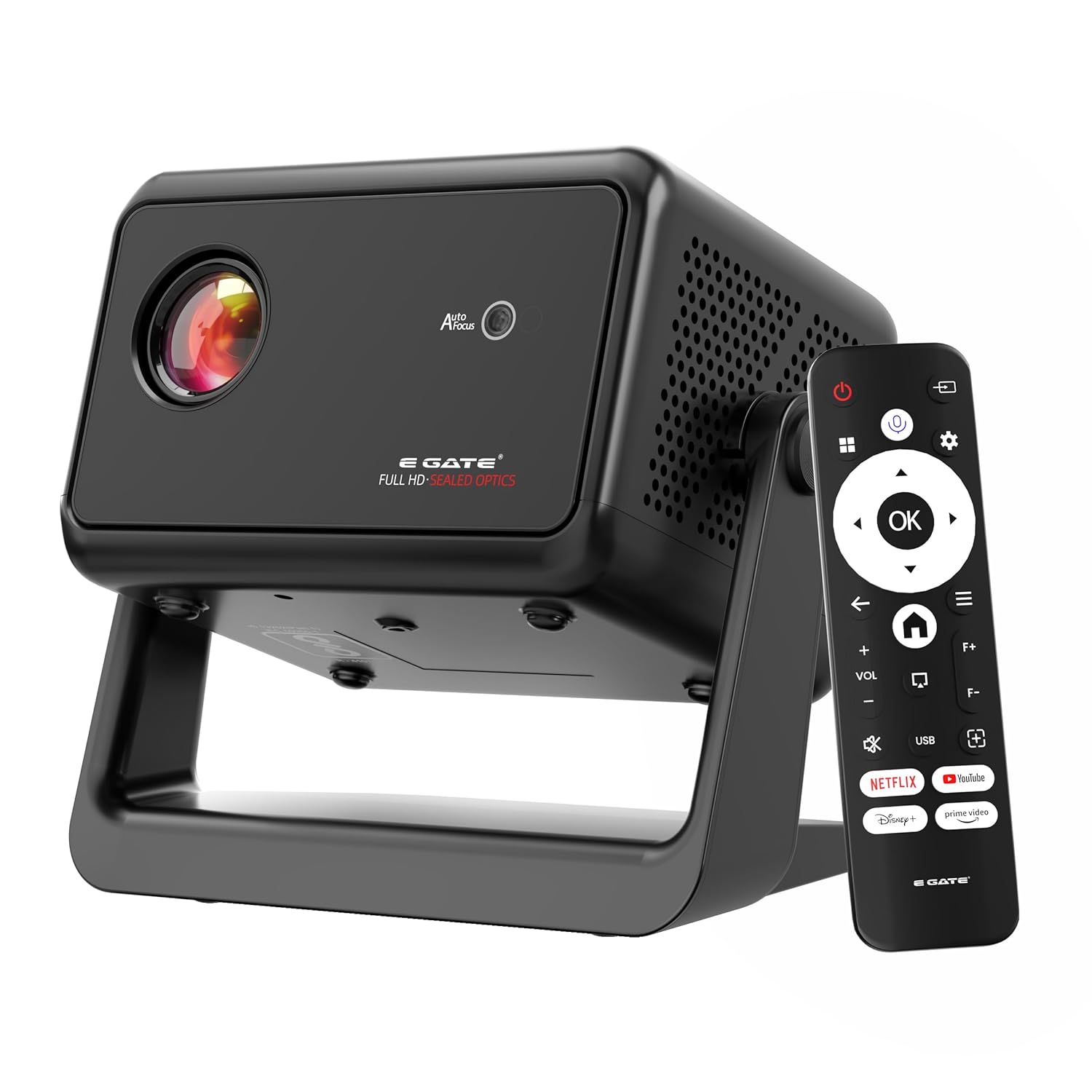
Image: The E GATE Duster 5X Pro projector in black, shown with its remote control. The projector features a lens on the front, ventilation grilles, and a sturdy base.
The projector includes a sealed optical engine for dust protection, a flexible rotating stand, and various input/output ports for versatile connectivity.

Image : Un surview of the Duster 5X Pro highlighting features such as 100% Dust Proof, 1080p Native resolution, Automatic Keystone, Flexible Rotation, Certified OTT apps, Automatic Focus, 500 ISO Lumens, Dual Wi-Fi 6, Two-way Bluetooth 5.0, Built-in WhaleOS, and AI Voice Assistant with ChatGPT.
5. Installation
5.1 Connexion d'alimentation
- Branchez le cordon d'alimentation à l'entrée d'alimentation du projecteur.
- Branchez l'autre extrémité du cordon d'alimentation dans une prise électrique appropriée.
Télécommande 5.2
Insert two AAA batteries (not included) into the remote control. The remote supports Bluetooth for voice commands.
5.3 Mise en place et ajustement initiaux
The Duster 5X Pro features a flexible rotating stand and automatic adjustment capabilities.
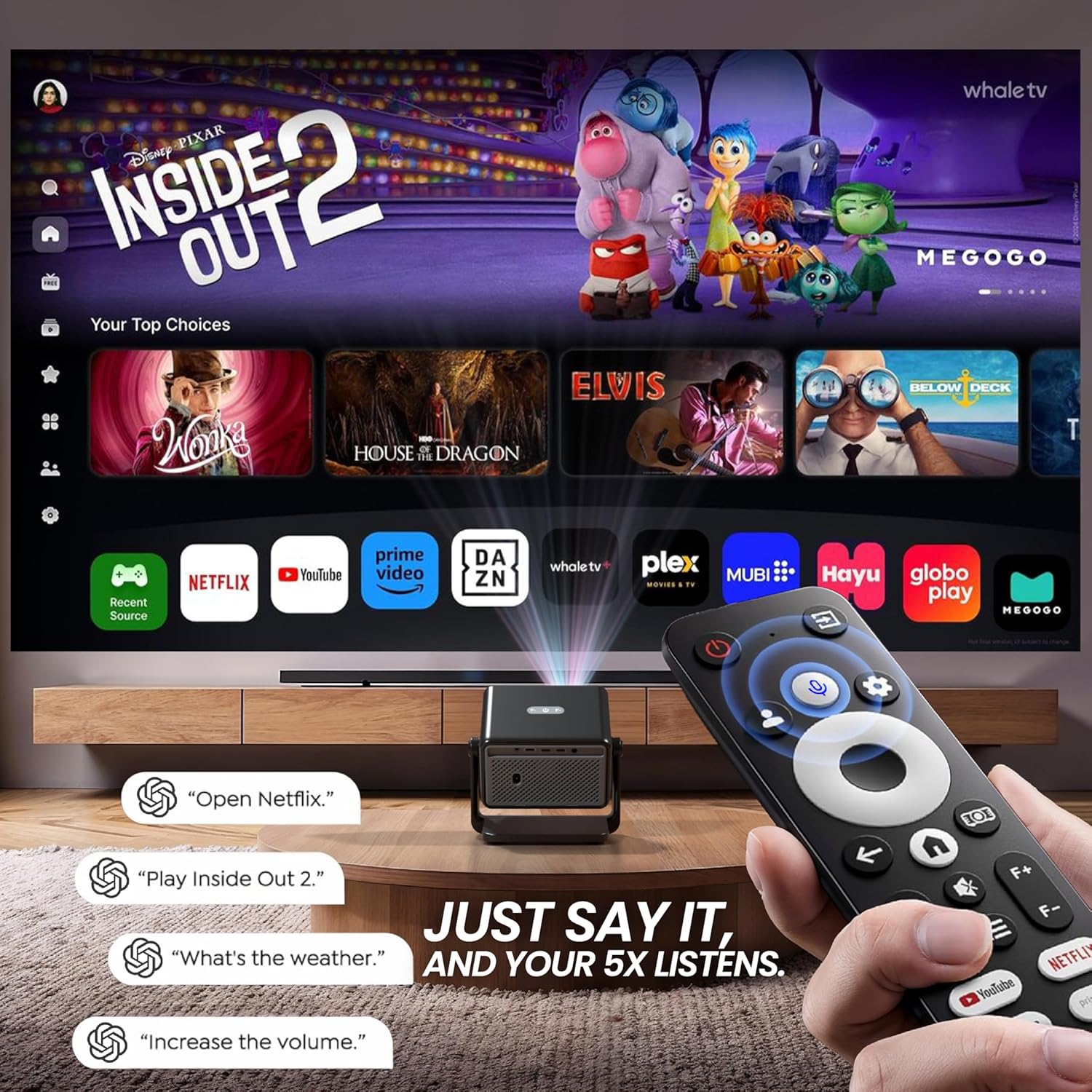
Image: Diagram illustrating the flexible rotating stand of the Duster 5X Pro, showing projection angles at 0, 45, and 90 degrees, with a total 110-degree adjustment range.
- Support flexible : Adjust the projector's angle using the integrated stand to project onto walls or ceilings. The stand allows for up to 110 degrees of rotation.
- Ajustements automatiques : The projector is equipped with AI-powered auto-focus, auto keystone correction (4P and 6D), auto screen fit, and obstacle avoidance for a clear and perfectly aligned image without manual intervention.

Image : Une coupe transversale view of the Duster 5X Pro projector highlighting its internal components and illustrating the functions of Auto Focus, Auto 4D+4P Keystone, Auto Screen Fit, and Obstacle Avoidance for precise image projection.
6. Mode d'emploi
6.1 Mise sous/hors tension
Appuyez sur le bouton d'alimentation du projecteur ou sur la télécommande pour allumer ou éteindre l'appareil.
6.2 Navigation and Smart Features
The projector runs on Whale OS (based on Android 13), providing a smart interface for applications and settings.
- Applications certifiées : Access pre-installed and certified applications such as Netflix, Prime Video, YouTube, Zee5, and SonyLIV. These apps are optimized for Full HD content playback.
- Télévision en direct : The App store provides access to two live TV services (Whale TV+ & MovieARK) offering numerous free channels.
- Contrôle vocal : Use the Bluetooth remote with its integrated microphone for voice commands. Simply press the voice button and speak your command.
Image : Un surview of the Duster 5X Pro highlighting features such as 100% Dust Proof, 1080p Native resolution, Automatic Keystone, Flexible Rotation, Certified OTT apps, Automatic Focus, 500 ISO Lumens, Dual Wi-Fi 6, Two-way Bluetooth 5.0, Built-in WhaleOS, and AI Voice Assistant with ChatGPT.
Image: Diagram illustrating the flexible rotating stand of the Duster 5X Pro, showing projection angles at 0, 45, and 90 degrees, with a total 110-degree adjustment range.
6.3 écran miroir
The projector supports screen mirroring from various devices using Dual Band Wi-Fi 6.
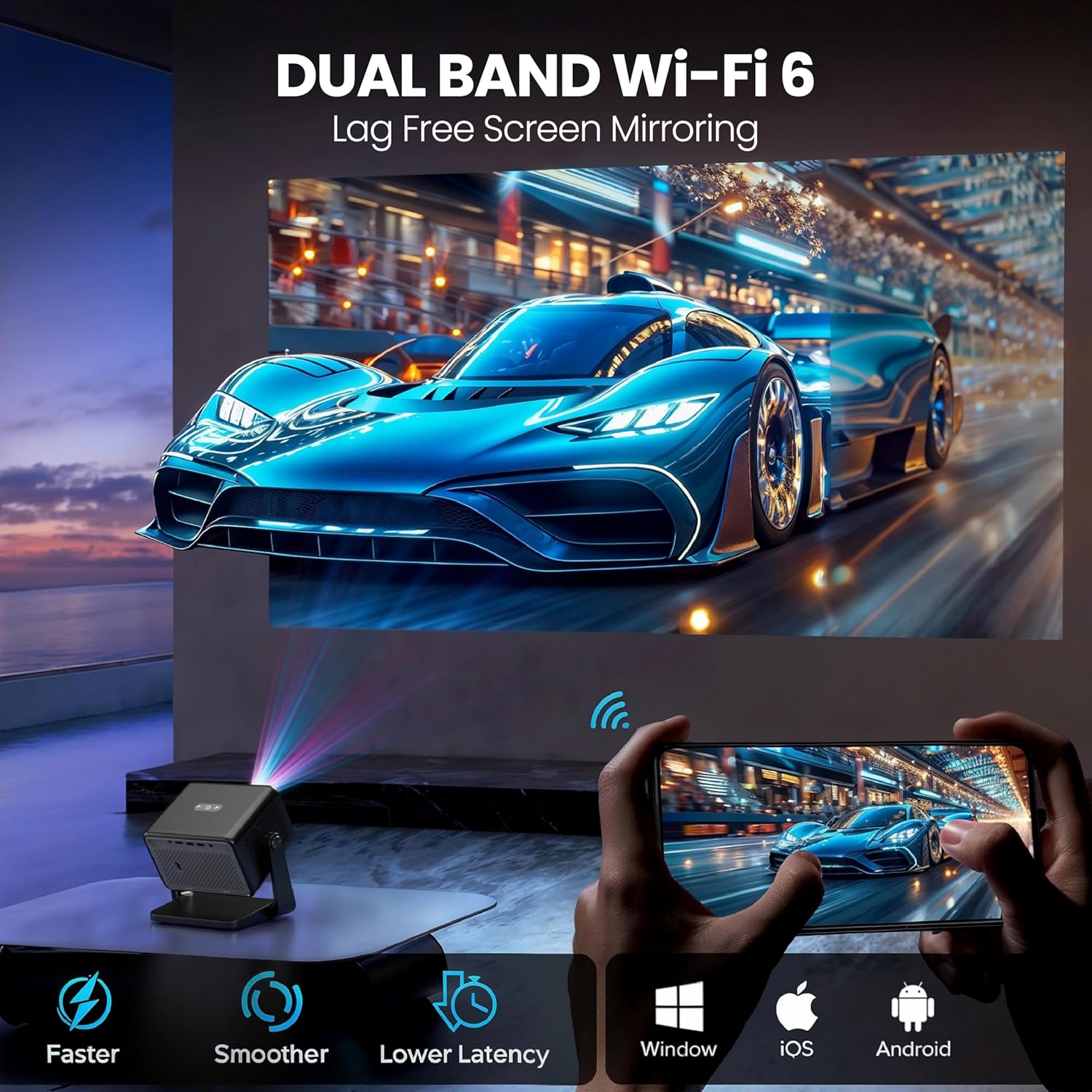
Image: Illustration of the Duster 5X Pro's Dual Band Wi-Fi 6 capability, enabling lag-free screen mirroring from Android, iOS, and Windows devices.
- Connect your smartphone, tablet, or computer to the same Wi-Fi network as the projector.
- Select the screen mirroring option on your device and choose the projector from the available devices.
6.4 Connectivité
The Duster 5X Pro offers multiple ports for connecting external devices:
- HDMI 2.1 (ARC+CEC): Connect Blu-ray players, gaming consoles, laptops, or other HDMI-enabled devices. ARC (Audio Return Channel) and CEC (Consumer Electronics Control) are supported.
- USB: Lisez des fichiers multimédias directement depuis des périphériques de stockage USB.
- Audio Out 3.5 mm: Connectez des haut-parleurs externes ou un casque.
- Bluetooth 5.0: Connect Bluetooth speakers, headphones, or other compatible accessories.
7. Image and Display Features
- Résolution native 1080p : Delivers sharp, vibrant visuals with true Full HD clarity. Supports 4K video decoding at 30 FPS.
- Luminosité: 500 ISO Lumens for clear images.
- Rapport de contraste : 6000:1 pour les noirs profonds et les blancs brillants.
- Taille de l'écran : Projects images up to 300 inches (762 cm).
- HDR+ and HLG Support: Enhances dynamic range and color for a more immersive viewexpérience de travail.
- Rapport de lancer court (1.3:1) : Allows for a larger screen size from a shorter projection distance.

Image: A visual comparison demonstrating the superior clarity of Native 1080p resolution on the Duster 5X Pro compared to 'Fake 1080p' projectors that use pixel shifting.
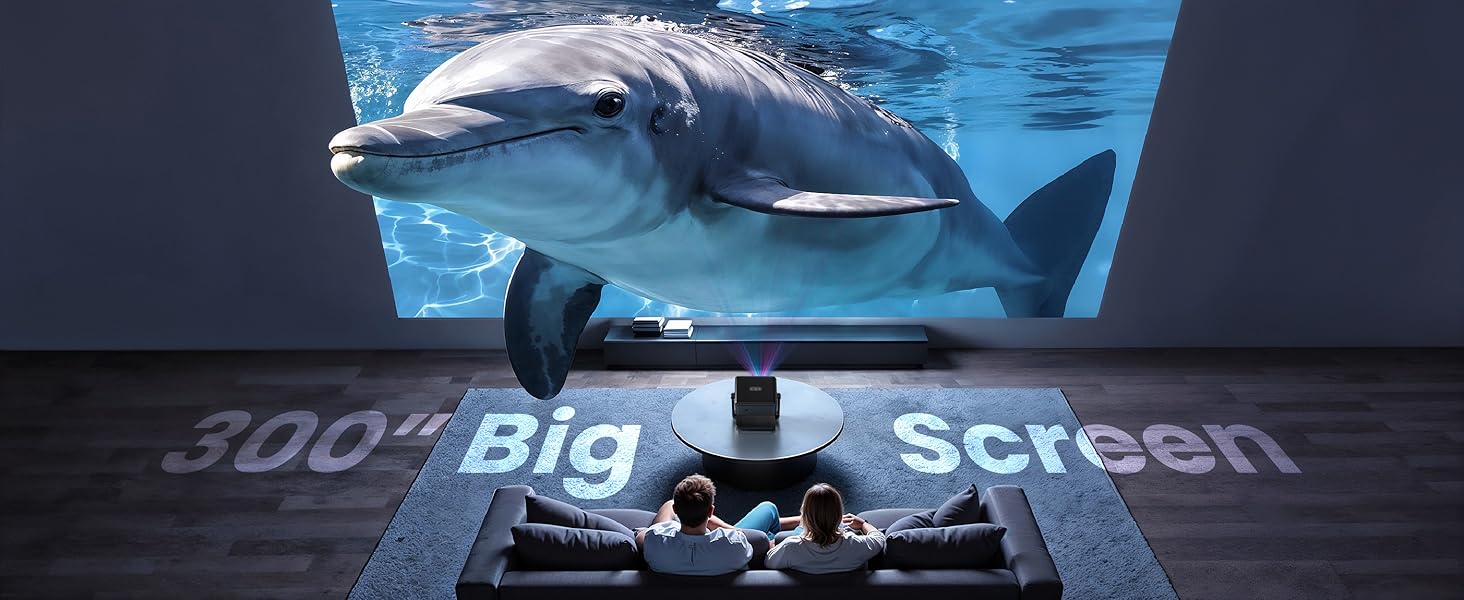
Image: An illustration showing the Duster 5X Pro's 1.3:1 short throw ratio, allowing it to project a large screen from a closer distance compared to other projectors.
8. acoustique
The projector features 10 Watt inbuilt speakers for integrated audio output. For enhanced audio, connect external speakers via the 3.5mm audio out port or Bluetooth.
9. Entretien
9.1 Conception étanche à la poussière
The E GATE Duster 5X Pro is designed with a 100% sealed optical engine, making it dust-proof. This design helps maintain image clarity and extends the lifespan of the projector by preventing dust accumulation on internal optical components.
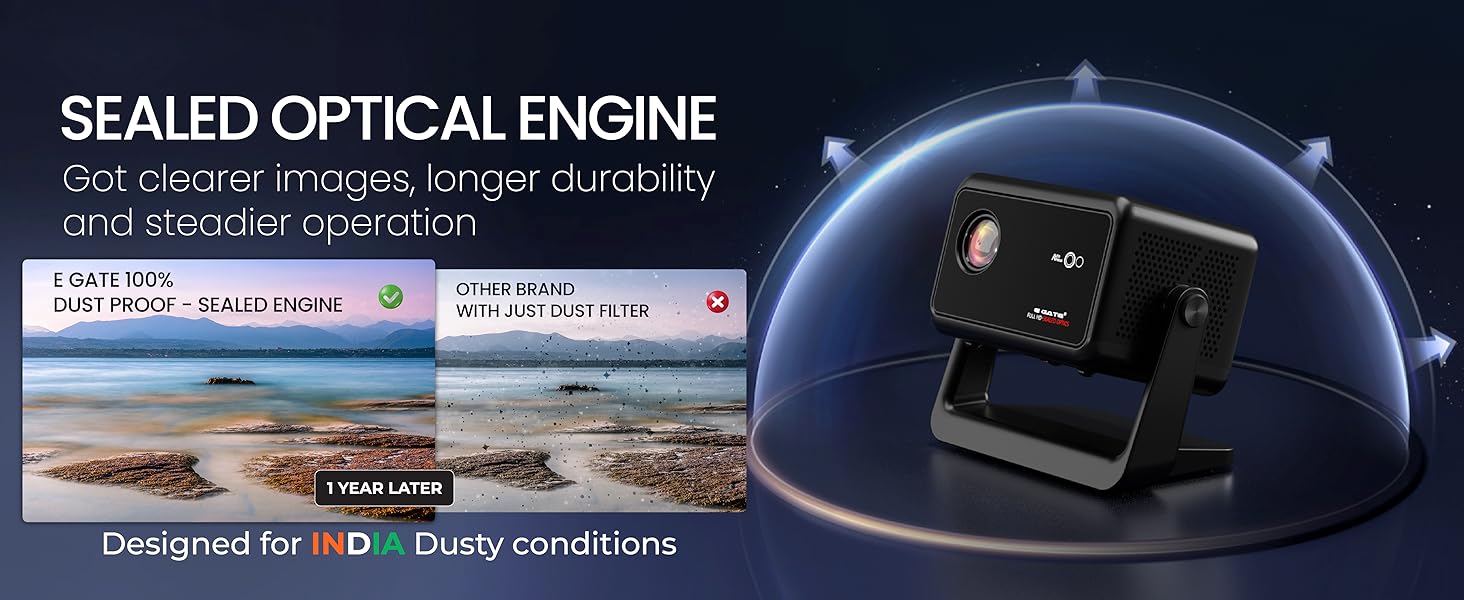
Image: A diagram illustrating the sealed optical engine of the Duster 5X Pro, highlighting its dust-proof design for clearer images and longer durability compared to projectors with only dust filters.
9.2 Nettoyage
- Utilisez un chiffon doux et sec pour nettoyer l'extérieur du projecteur.
- Pour nettoyer la lentille, utilisez un chiffon et une solution nettoyante spéciale pour lentilles. N’utilisez pas de nettoyants abrasifs.
- Assurez-vous que le projecteur est éteint et débranché avant de le nettoyer.
10. Dépannage
Si vous rencontrez des problèmes avec votre projecteur, consultez les solutions courantes suivantes :
| Problème | Cause possible | Solution |
|---|---|---|
| Pas de courant | Cordon d'alimentation non branché ; prise de courant défectueuse | Vérifiez le branchement du cordon d'alimentation ; essayez une autre prise. |
| Aucune image | Input source not selected; Cable connection loose; Lens cap on | Select correct input source; Secure cable connections; Remove lens cap |
| Image floue | Flou ; angle de trapèze incorrect | Allow auto-focus to adjust; Check auto keystone settings |
| Pas de son | Volume trop faible ; périphérique audio externe non connecté ; mode muet | Increase volume; Connect external audio; Unmute projector |
| Échec de la duplication d'écran | Not on same Wi-Fi network; Device incompatibility | Ensure both devices are on the same 2.4GHz or 5GHz Wi-Fi network; Refer to device manual for compatibility |
11. Spécifications
Detailed technical specifications for the E GATE Duster 5X Pro Projector:
| Fonctionnalité | Spécification |
|---|---|
| Marque | PORTE E |
| Modèle | DUSTER 5X PRO |
| Année modèle | 2025 |
| Dimensions du produit | 17 x 11.4 x 16 cm |
| Poids de l'article | 3.7 kg |
| Interface matérielle | Bluetooth |
| Appareils compatibles | Ordinateurs portables, smartphones, consoles de jeux, lecteurs Blu-ray, lecteurs multimédias |
| Technologie d'affichage | DIRIGÉ |
| Type d'affichage | Écran LCD |
| Rapport de contraste d'image | 6000:1 |
| Rapport hauteur/largeur | 16:9 |
| Résolution de l'écran | 1920 x 1080 Pixels (Native) |
| Quoitage | 150 watts |
| Taux de rafraîchissement | 60 Hz |
| Type de connecteur | Wi-Fi (Dual Band Wi-Fi 6) |
| Facteur de forme | Portable |
| Type de montage | Support de table |
| Caractéristiques spéciales | 100% Certified Netflix, Prime, JioHotstar & More - 100% Fully SEALED Optical Engine - Dust Proof Design - HDMI ARC, Fully Automatic, Throw Ratio 1.3:1, 10 Watt HiFi Speakers, Native 1080P and 4K HDR Support, Dual Band WiFi 6, 1GB+8GB |
12. Garantie et assistance
E GATE provides comprehensive warranty and support for your product:
- Période de garantie : Garantie 1 ans à compter de la date d'achat.
- Inscription: Product registration is mandatory to avail warranty benefits.
- Service: Free home pickup & drop service is provided during the warranty period.
- For more details, visit the company's official website.