
1. Introduction
This manual provides essential information for the proper setup, operation, and maintenance of your LG 55-Inch Class OLED AI 4K B5 Series Smart TV (Model OLED55B5PUA.AUS). Please read this manual thoroughly before using your television to ensure safe and efficient operation. Keep this manual for future reference.
The LG OLED B5 Series TV offers a premium viewing experience with Perfect Black and Perfect Color, powered by the α8 AI Processor. It features a 120Hz refresh rate, Dolby Vision, Dolby Atmos, FILMMAKER MODE, and advanced gaming capabilities.
2. Installation
2.1 Déballage et composants inclus
Retirez délicatement le téléviseur de son emballage. Assurez-vous que tous les composants sont présents :
- Téléviseur intelligent LG OLED 4K AI série B5 de 55 pouces
- Câble d'alimentation
- Remote Control (Magic Remote)
- Piles pour la télécommande (2 piles AAA)
- Composants du stand
- Manuel de l'utilisateur (ce document)
2.2 Dimensions and What's in the Box
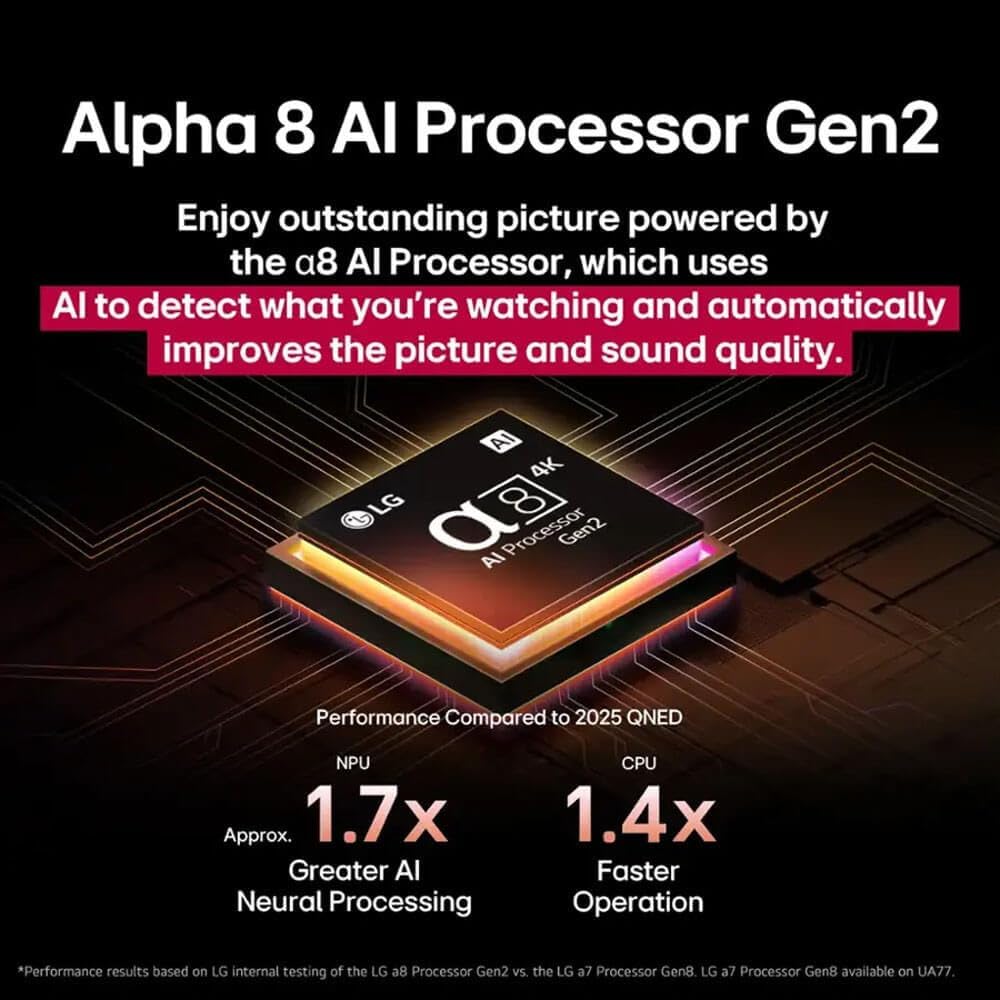
Image: This diagram illustrates the TV's dimensions (48.3"W x 27.9"H without stand, 48.3"W x 30.4"H x 9.3"D with stand) and lists the included items: Magic Remote, Remote Control Batteries, Power Cable, and Quick Start Guide.
2.3 Installation du support
If placing the TV on a surface, attach the included stand according to the separate Quick Start Guide. Ensure the stand is securely fastened to prevent tipping.
2.4 Montage mural
For wall mounting, use a VESA-compliant wall mount kit (sold separately) that supports a 400 x 400 mm pattern. Consult a professional for wall mount installation to ensure safety and proper alignment.
2.5 Connexion de périphériques externes
Connect your external devices (e.g., gaming consoles, Blu-ray players, soundbars) to the TV's ports:
- HDMI: The TV features 4 HDMI 2.1 ports for high-speed connections, ideal for gaming and 4K content.
- USB: Connect USB devices to the 2 USB 2.0 ports or 1 USB 3.0 port.
- Ethernet : Pour une connexion internet filaire stable.
- Optique: Pour la sortie audio numérique vers un système audio.
- RF: Pour le raccordement d'une antenne ou d'un câble.
2.6 Mise sous tension initiale
After connecting all necessary cables, plug the power cable into an electrical outlet. Press the power button on the remote control or the TV to turn it on. Follow the on-screen instructions for initial setup, including network connection and channel scanning.
3. Operating Your LG OLED TV
3.1 WebFonctionnalités des téléviseurs intelligents du système d'exploitation
Votre téléviseur LG OLED fonctionne sur le webOS 24 platform, offering a personalized smart TV experience. Access your favorite streaming apps like Apple TV, Disney Plus, HBO Max, Netflix, and Prime Video. LG Channels provides over 350 free channels and thousands of on-demand titles.
3.2 Améliorations de la qualité d'image
The LG OLED B5 Series delivers exceptional picture quality through several advanced technologies:
- Processeur α8 AI Gen2 : This processor uses artificial intelligence to analyze content and automatically optimize picture and sound quality.
- Noir parfait : OLED technology provides true black levels by individually controlling self-lit pixels, resulting in infinite contrast and detail.
- Perfect Color: Experience 100% color fidelity and volume for accurate, lifelike colors in various lighting conditions.
- Image AI Pro : Analyzes each frame to enhance resolution, brightness, depth, and clarity, bringing scenes to life.
- Super Upscaling 4K : Transforms lower-resolution content into 4K for sharper definition, even on large screens.
- HDR10 Pro, Dolby Vision, HLG: Supports multiple HDR formats for extraordinary color, contrast, and brightness. FILMMAKER MODE ensures content is viewed as intended by the director.

Image: A graphic highlighting the Alpha 8 AI Processor Gen2, emphasizing its role in enhancing picture and sound quality through AI detection.
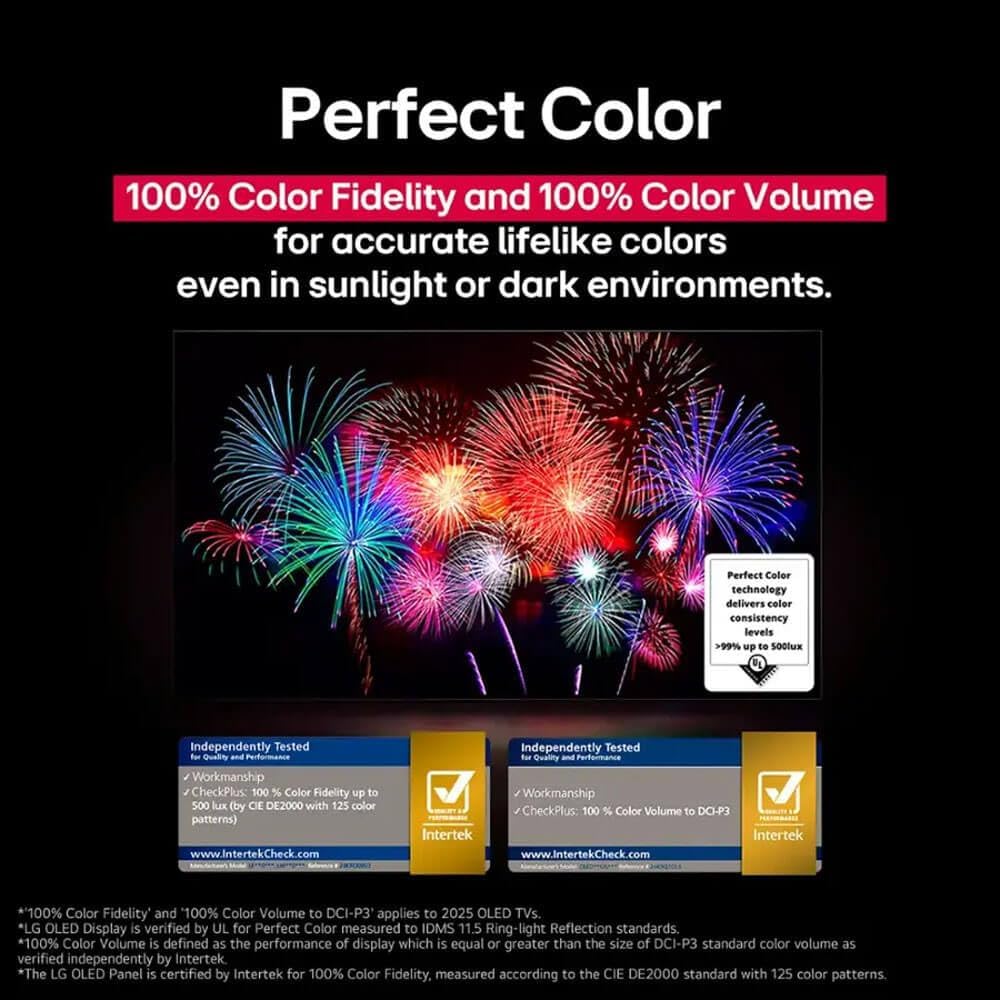
Image: A split image comparing a standard display with an OLED display, showcasing the deep, true blacks achieved by Perfect Black technology.
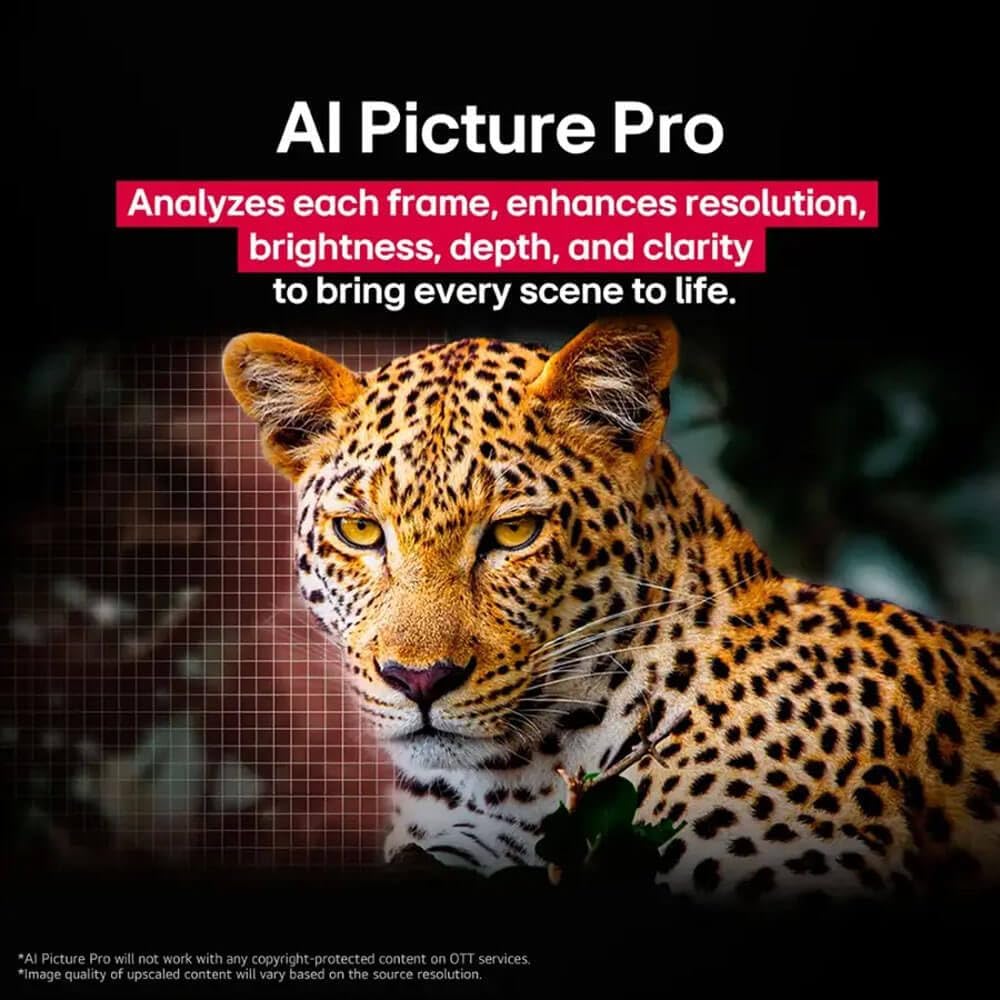
Image: A vibrant image of fireworks demonstrating the wide and accurate color reproduction of Perfect Color technology.
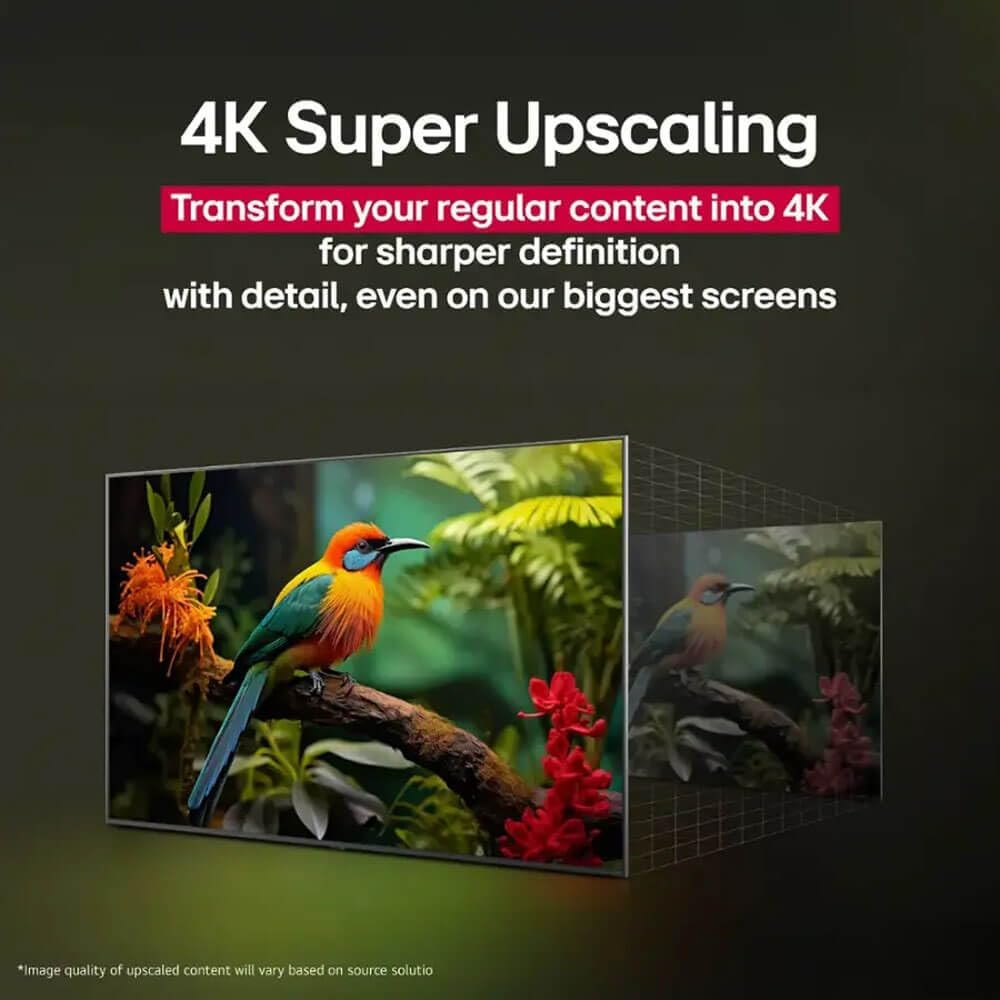
Image: A close-up of a leopard's face, with a grid overlay, illustrating how AI Picture Pro enhances image details and resolution.

Image: A split image showing a bird on a branch, comparing a standard definition image to a 4K upscaled version, highlighting improved detail.
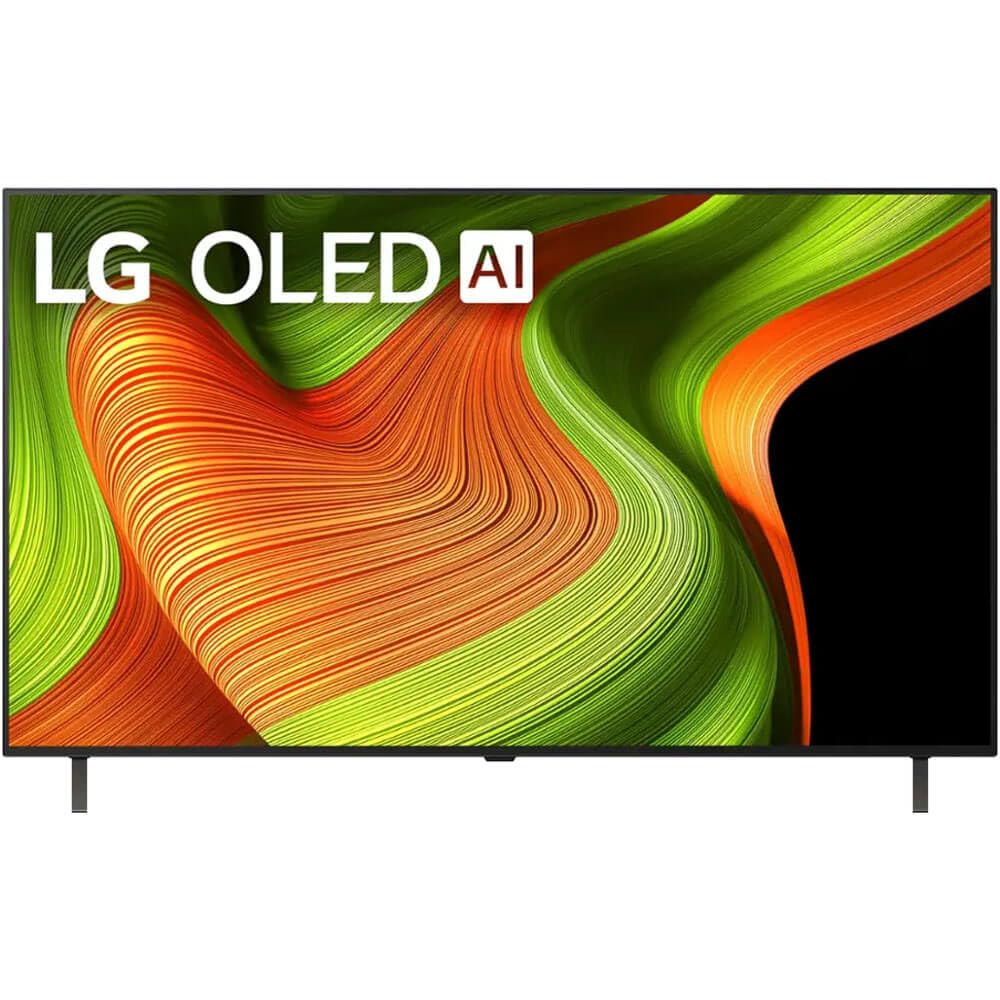
Image: A split image comparing a standard dynamic range (SDR) picture to an HDR10 Pro picture, demonstrating enhanced colors and visual impact.
3.3 Qualité sonore
The TV features 2.0 Channel Sound with Dolby Atmos, providing immersive audio. AI Sound Pro optimizes sound based on content, and WOW Orchestra integrates the TV's speakers with compatible LG soundbars for an enhanced audio experience.
3.4 Fonctionnalités de jeu
Designed for gamers, the LG OLED B5 Series offers:
- Fréquence de rafraîchissement de 120 Hz et temps de réponse de 0.1 ms : Garantit des images nettes et fluides, sans flou ni déchirure.
- NVIDIA G-Sync, AMD FreeSync Premium et VRR : Adaptive sync technologies for tear-free gaming.
- 4 entrées HDMI 2.1 : Connect multiple next-gen gaming devices.
- LG Game Dashboard & Game Optimizer: Contrôle centralisé pour tous vos paramètres de jeu.
Méthodes de contrôle 3.5
Control your TV using the included Magic Remote, the LG ThinQ app on your smartphone, or voice commands through built-in voice assistants like Alexa.
4. Entretien
4.1 Pixel Refresh
Your LG OLED TV is equipped with an automatic pixel refresh feature to maintain optimal picture quality and prevent image retention. The TV will periodically prompt you to run this process, or it may run automatically during standby. Follow the on-screen instructions when prompted.
4.2 Nettoyage de l'écran
Pour nettoyer l'écran, essuyez-le délicatement avec un chiffon doux et sec en microfibre. Pour les taches tenaces, frottez légèrement.ampNettoyez le chiffon avec de l'eau distillée. Évitez d'utiliser des produits chimiques agressifs, des nettoyants abrasifs ou de pulvériser directement des liquides sur l'écran.
5. Dépannage
If you encounter issues with your LG OLED TV, refer to the following common solutions:
- Pas d'alimentation : Vérifiez que le câble d'alimentation est bien branché à la fois au téléviseur et à une prise électrique fonctionnelle. Essayez une autre prise.
- Pas d'image/Pas de signal : Check all HDMI and other input cables to ensure they are firmly connected. Verify that the correct input source is selected on the TV. Ensure external devices are powered on.
- La télécommande ne fonctionne pas : Replace the AAA batteries in the remote control. Ensure there are no obstructions between the remote and the TV.
- Mauvaise qualité d'image : Check the source content's resolution. Ensure all cables are high-quality and properly connected. Adjust picture settings in the TV menu.
- Pas de son : Check the TV's volume and mute settings. Ensure external audio devices (soundbars, receivers) are powered on and correctly connected.
- Problèmes de connexion réseau : Restart your router and modem. Reconnect the TV to your Wi-Fi network or ensure the Ethernet cable is secure.
For more detailed troubleshooting, consult the comprehensive e-manual accessible through your TV's settings menu or visit the LG support website.
6. Spécifications
| Fonctionnalité | Spécification |
|---|---|
| Marque | LG |
| Nom du modèle | OLED55B5PUA.AUS |
| Taille de l'écran | 55 pouces |
| Technologie d'affichage | OLED |
| Résolution | 4K |
| Taux de rafraîchissement | 120 Hz |
| Temps de réponse | 0.1 millisecondes |
| Processeur | Processeur α8 AI 4K Gen2 |
| Format HDR pris en charge | Dolby Vision, HDR10, HLG |
| Integrated Surround Sound Format | Dolby Atmos |
| Système opérateur | WebOS |
| Technologie de connectivité | Bluetooth (5.3), Ethernet, HDMI (4 ports), USB (2x 2.0, 1x 3.0), Wi-Fi |
| Caractéristiques spéciales | AMD FreeSync, Built-In Speaker, Chromecast, Multiple Voice Assistance, NVIDIA G-Sync |
| Dimensions du produit (avec support) | 9.3"P x 48.3"L x 30.4"H |
| Poids de l'article (avec support) | 32 livres |
| Norme de montage VESA | 400 x 400 mm |
| Consommation annuelle d'énergie | 205 kilowattheures par an |
7. Garantie et assistance
7.1 Informations sur la garantie
Your LG OLED55B5PUA.AUS TV comes with a 1 Year Parts & Labor Limited Warranty. Please retain your proof of purchase for warranty claims. For full terms and conditions, refer to the warranty card included with your product or visit the official LG website.
7.2 Assistance clientèle
For technical assistance, product registration, or service inquiries, please visit the official LG support website or contact LG customer service. Contact details can typically be found on the LG website ou dans le Guide de démarrage rapide.