1. Introduction
Welcome to your new AROEVE DH-CS17 Compact Dehumidifier. This manual provides essential information for safe and efficient operation of your device. Please read it thoroughly before first use and keep it for future reference.
2. Consignes de sécurité
Pour garantir un fonctionnement en toute sécurité, veuillez respecter les précautions suivantes :
- Lisez attentivement toutes les instructions avant d’utiliser l’appareil.
- Ne plongez pas l'appareil, le cordon d'alimentation ou la fiche dans l'eau ou tout autre liquide.
- Gardez le déshumidificateur hors de portée des enfants et des animaux domestiques.
- Operate the device only within the recommended temperature range of 15°C to 40°C (59°F to 104°F).
- Ensure there is adequate air circulation around the unit (at least 10 cm clearance on all sides).
- Always unplug the dehumidifier from the power outlet before cleaning or performing any maintenance.
- Do not block the air inlets or outlets of the device.
- Do not stand the product upside down during operation or storage.
- Si le cordon d'alimentation est endommagé, il doit être remplacé par le fabricant, son agent de service ou des personnes de qualification similaire pour éviter tout danger.
3. Produit terminéview
3.1 Composants

This image displays the main components of the AROEVE DH-CS17 dehumidifier, including the touch screen, display panel, air outlet, handle, air inlet, and water tank.
- Écran tactile
- Panneau d'affichage
- Sortie d'air
- Poignée
- Entrée d'air
- Réservoir d'eau
3.2 Panneau de contrôle
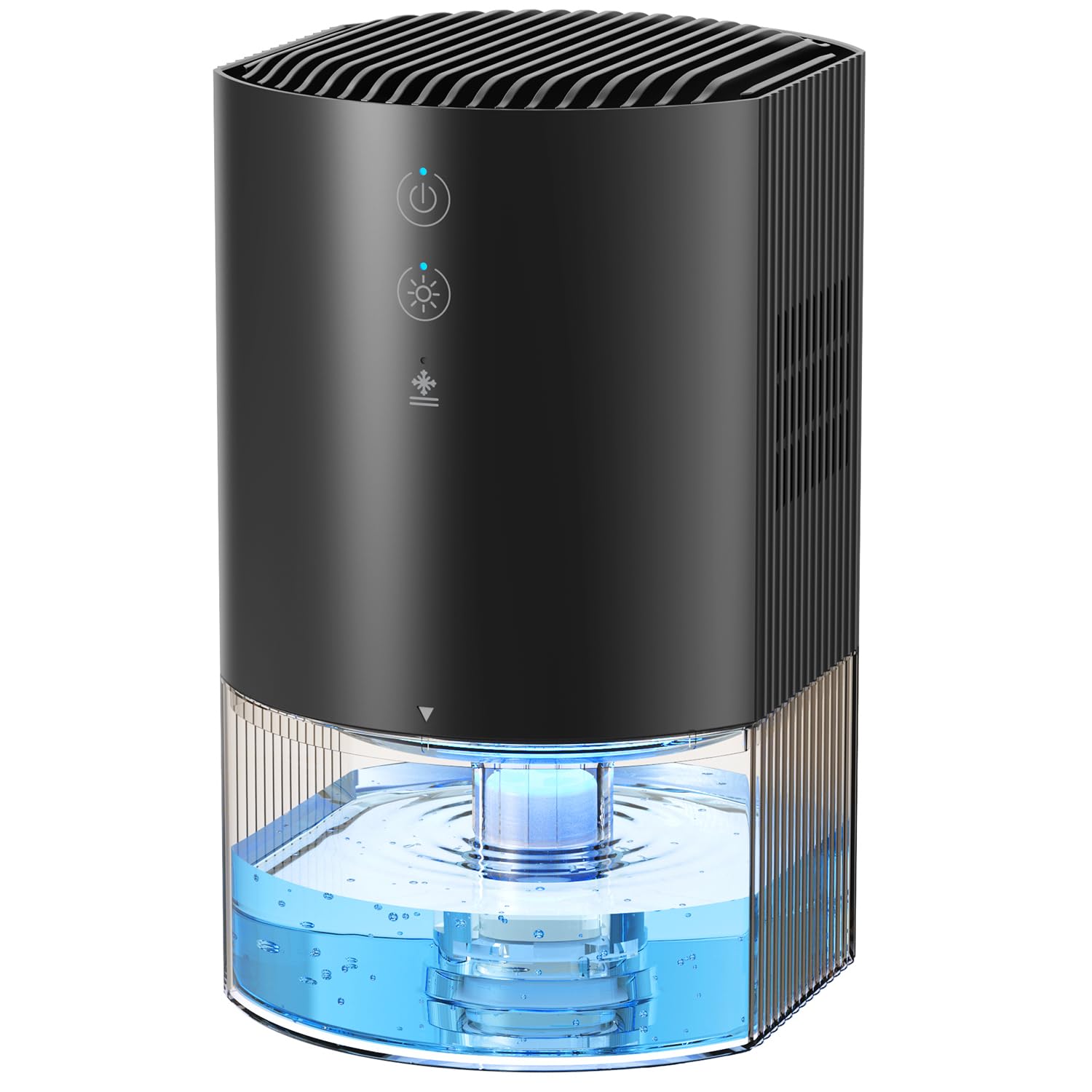
The control panel features touch-sensitive buttons for Sleep Mode, Timer settings, Ambient Light control, and Power.
- Bouton d'alimentation : Appuyez brièvement pour allumer ou éteindre l'appareil.
- Bouton lumineux : Short press to cycle through 7 ambient light colors or turn off the light.
- Bouton de minuterie : Short press to set the timer for 8 hours, 12 hours, or 24 hours.
- Bouton de veille : Short press to activate sleep mode, which reduces fan speed and dims lights.
4. Installation
Suivez ces étapes pour la configuration initiale :
- Unpack the dehumidifier and all its accessories from the packaging.
- Place the dehumidifier on a flat, stable surface. Ensure there is adequate space (at least 10 cm) around the unit for proper air circulation.
- Connect the power adapter to the dehumidifier's power interface and then plug it into a suitable electrical outlet.
- Ensure the water tank is correctly inserted into the base of the unit.

The AROEVE DH-CS17 dehumidifier is shown in various room settings, illustrating its compact size and placement flexibility in areas like closets, kitchens, bathrooms, and RVs.
5. Mode d'emploi
5.1 Mise sous/hors tension
Appuyez sur le Pouvoir button once to turn on the dehumidifier. The ambient light will gradually illuminate, and the dehumidification indicator will light up. Press the Pouvoir à nouveau pour éteindre l'appareil.
5.2 Contrôle de la lumière ambiante
Appuyez sur le Lumière button to cycle through the 7 available ambient light colors. Each press will change the color. To turn off the ambient light, continue pressing the button until the light is off.

The dehumidifier displays its 7-color ambient light feature, enhancing the room's atmosphere.
5.3 Réglage de la minuterie
Appuyez sur le Minuteur button to set the operating time. Each press cycles through 8 hours, 12 hours, and 24 hours. The corresponding indicator (8H, 12H, or 24H) will light up. Pressing it a fourth time will turn off the timer function.
5.4 Mode veille
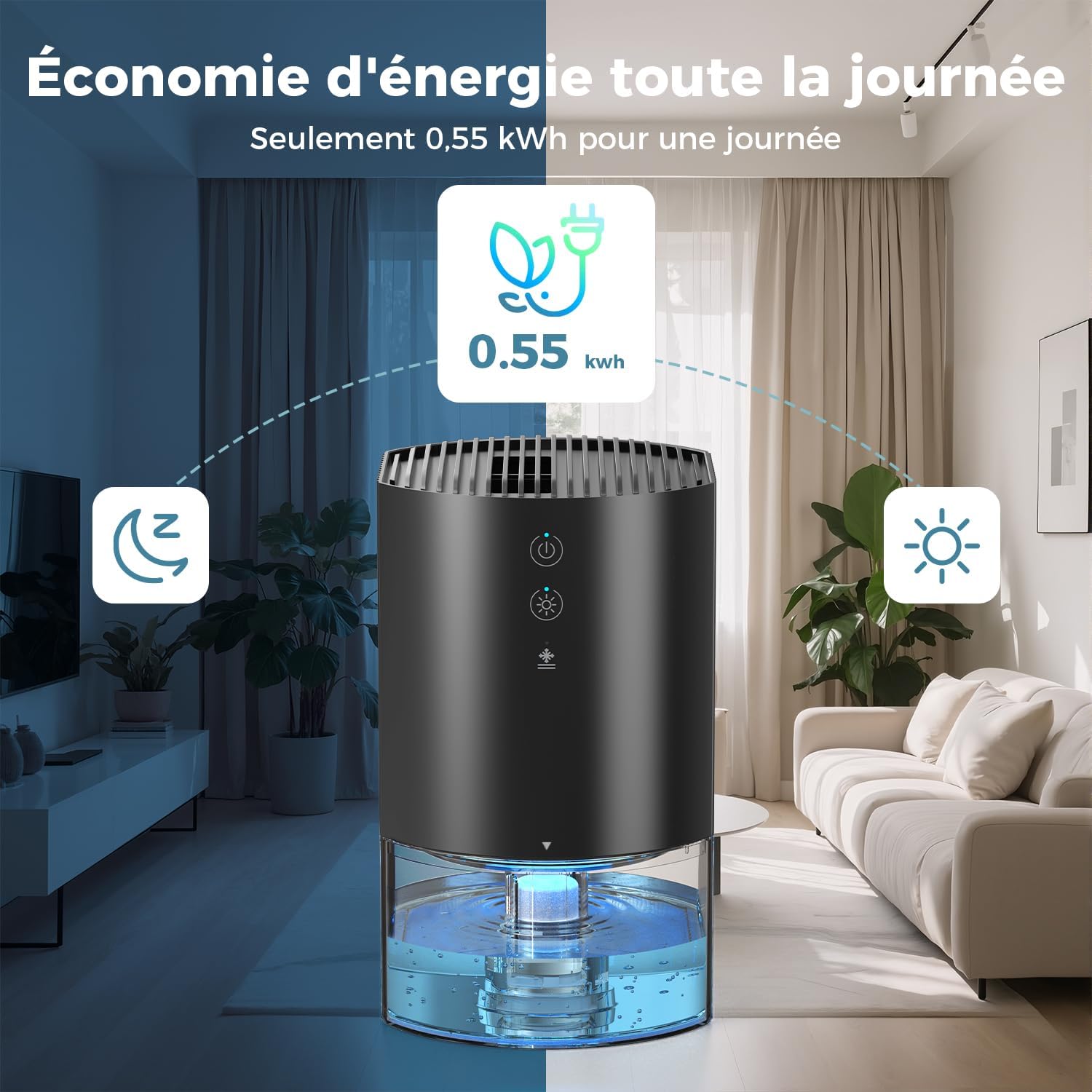
Appuyez sur le Dormir button to activate sleep mode. In this mode, the fan speed is reduced for quieter operation (approx. 28 dB), and the display lights are dimmed to avoid disturbance during sleep.

The dehumidifier is shown in a bedroom, emphasizing its ultra-quiet operation (28 dB) suitable for undisturbed sleep.
5.5 Automatic Shut-off and Defrost
The dehumidifier is equipped with an automatic shut-off feature. When the water tank is full (990ml capacity), a red indicator light will illuminate, and the device will automatically turn off to prevent overflow.

The dehumidifier shows a red light, signaling that the water tank is full and the automatic shut-off function has activated.
It also features intelligent automatic defrosting. In cold conditions, the unit will automatically defrost to maintain optimal performance and prevent damage.
5.6 Video Instructions
Produit terminéview et déballage
Cette vidéo présente un aperçu détaillé.view and unboxing of the AROEVE DH-CS17 dehumidifier, demonstrating its components and initial setup.
Produit terminéview and Unboxing (Detailed)
A more in-depth video showcasing the product's features and the unboxing experience for the AROEVE DH-CS17 dehumidifier.
6. Entretien
6.1 Vidange du réservoir d'eau
When the water tank is full, the unit will automatically shut off and a red indicator light will appear. Follow these steps to empty it:
- Gently pull out the water tank from the base of the dehumidifier.
- Carefully pour out the collected water into a sink or drain.
- Reinsert the empty water tank back into the unit until it clicks securely into place.
The image illustrates the easy removal and emptying process of the water tank for the AROEVE DH-CS17 dehumidifier.
6.2 Nettoyage
Regular cleaning helps maintain the performance and longevity of your dehumidifier:
- Clean the exterior of the dehumidifier with a soft, damp chiffon. Ne pas utiliser de nettoyants abrasifs, de solvants ou de produits chimiques agressifs.
- Clean the water tank periodically to prevent mold or bacterial growth. Rinse with clean water and dry thoroughly before reinserting it into the unit.
7. Dépannage
If you encounter any issues with your AROEVE DH-CS17 dehumidifier, please refer to the following table for common problems and solutions:
| Problème | Cause possible | Solution |
|---|---|---|
| Le déshumidificateur ne s'allume pas | No power supply; Water tank not correctly inserted. | Check power connection and ensure the adapter is securely plugged in; Ensure water tank is securely in place. |
| Aucune eau n'a été collectée. | Le taux d'humidité est trop bas ; la température ambiante est trop basse ; les entrées/sorties d'air sont obstruées. | Ensure room humidity is above 60% and temperature is above 15°C; Clear any obstructions around the unit. |
| Voyant rouge allumé | Le réservoir d'eau est plein. | Videz le réservoir d'eau et réinsérez-le correctement. |
| L'appareil est bruyant | L'appareil n'est pas posé sur une surface plane ; le ventilateur est obstrué. | Place on a stable, flat surface; Check for and remove any obstructions. |
8. Spécifications
- Marque: AROEVE
- Numéro de modèle : DH-CS17
- Couleur: Noir
- Dimensions du produit (L x l x H) : 14.5 x 12.6 x 21.35 cm (5.7 x 5.0 x 8.4 pouces)
- Capacité du réservoir d'eau : 990 millilitres
- Daily Humidity Extraction: Jusqu'à 450 ml/jour (à 30 °C, 80 % HR)
- Caractéristiques spéciales : Automatic Defrost, 7-Color Ambient Light, Automatic Shut-off (full tank)
- Poids de l'article : 1.13 kilogrammes (2.49 livres)
- Zone de couverture recommandée : 5-15 m² (54-161 pi²)
- Niveau de bruit : Environ 28 dB
- Consommation d'énergie : 23 W (approx. 0.55 kWh/day)
9. Garantie et assistance
For detailed warranty information, product registration, or customer support, please refer to the documentation included with your purchase or visit the official AROEVE webConsultez le site. Conservez votre reçu d'achat comme preuve d'achat pour toute réclamation au titre de la garantie.