
Introduction
This manual provides detailed instructions for the installation, operation, and maintenance of your ANJIELO SMART WiFi Video Intercom System. Please read this manual thoroughly before using the product to ensure proper functionality and safety.

Figure 1 : Composants du systèmeview
Contenu du colis
- 1x 1080P Video Doorbell (Outdoor Unit)
- 1x 7-inch TFT-LCD Touch Screen Monitor (Indoor Unit)
- 5x IC Cards for unlocking
- 1x 32GB MicroSD Card (pre-installed in indoor unit)
- Accessoires de montage (vis, chevilles)
- Power adapter for indoor monitor
- Faisceau de câbles
Configuration et installation
1. Outdoor Doorbell Installation
The outdoor doorbell is designed for surface or flush mounting. Ensure the installation location provides a clear view of the entrance and is protected from direct heavy rain, although the unit is IP65 waterproof.
- Choose a suitable mounting height, typically 1.2 to 1.5 meters (4 to 5 feet) from the ground.
- Use the provided mounting bracket to mark drilling points on the wall.
- Percez des trous et insérez des chevilles murales.
- Connect the power and signal wires to the doorbell unit. Refer to the wiring diagram for correct connections.
- Secure the doorbell unit to the wall using the screws.

Figure 2: Outdoor Doorbell Unit with Night Vision Capability
2. Installation du moniteur intérieur
The indoor monitor connects to the outdoor unit via a 4-wire connection and requires a power supply.
- Select a central location within your home for the monitor, ensuring it is within reach of a power outlet.
- Mount the monitor bracket to the wall.
- Raccordez le câble à 4 fils de l'unité extérieure au moniteur intérieur.
- Connectez l'adaptateur secteur au moniteur et branchez-le sur une prise de courant.
- Secure the monitor onto its bracket.
3. Wi-Fi and App Configuration
The system supports Wi-Fi connectivity via the Tuya Smart app for remote access and control.
- Téléchargez l'application « Tuya Smart » depuis la boutique d'applications de votre smartphone (iOS ou Android).
- Inscrivez-vous ou connectez-vous à votre compte Tuya Smart.
- On the indoor monitor, navigate to the Wi-Fi settings and enable Wi-Fi.
- Follow the on-screen instructions on the monitor and in the Tuya Smart app to pair the system with your home Wi-Fi network.
- Once connected, you will receive notifications and can interact with the doorbell remotely via the app.
Mode d'emploi
1. Interphone bidirectionnel
When a visitor presses the doorbell button, the indoor monitor will ring, and a notification will be sent to your paired smartphone via the Tuya app. You can then initiate a two-way conversation.
- Depuis le moniteur intérieur : Tap the "Answer" icon on the screen to speak with the visitor.
- Depuis l'application pour smartphone : Accept the incoming call notification from the Tuya app to speak with the visitor remotely.

Figure 3 : Communication audio bidirectionnelle
2. Méthodes de déverrouillage
The system offers three methods to unlock a connected 12V electronic lock (not included).
- Déverrouillage de carte à puce : Present one of the provided IC cards to the sensor on the outdoor doorbell unit.
- Déverrouillage du moniteur : Tap the "Unlock" icon on the indoor monitor screen during an active call or monitoring session.
- Déverrouillage à distance de l'application : Tap the "Unlock" icon within the Tuya Smart app during an active call or monitoring session.

Figure 4: 3-in-1 Unlocking Options
3. Détection et enregistrement des mouvements
The doorbell features PIR motion detection. When motion is detected, the camera will automatically record video or capture snapshots and save them to the indoor monitor's microSD card.
- Activation : Motion detection can be enabled or disabled via the indoor monitor settings or the Tuya Smart app.
- Notifications: Vous recevrez des notifications push sur votre smartphone lorsqu'un mouvement sera détecté.
- Review Enregistrements: Access recorded videos and snapshots from the indoor monitor or through the Tuya Smart app.
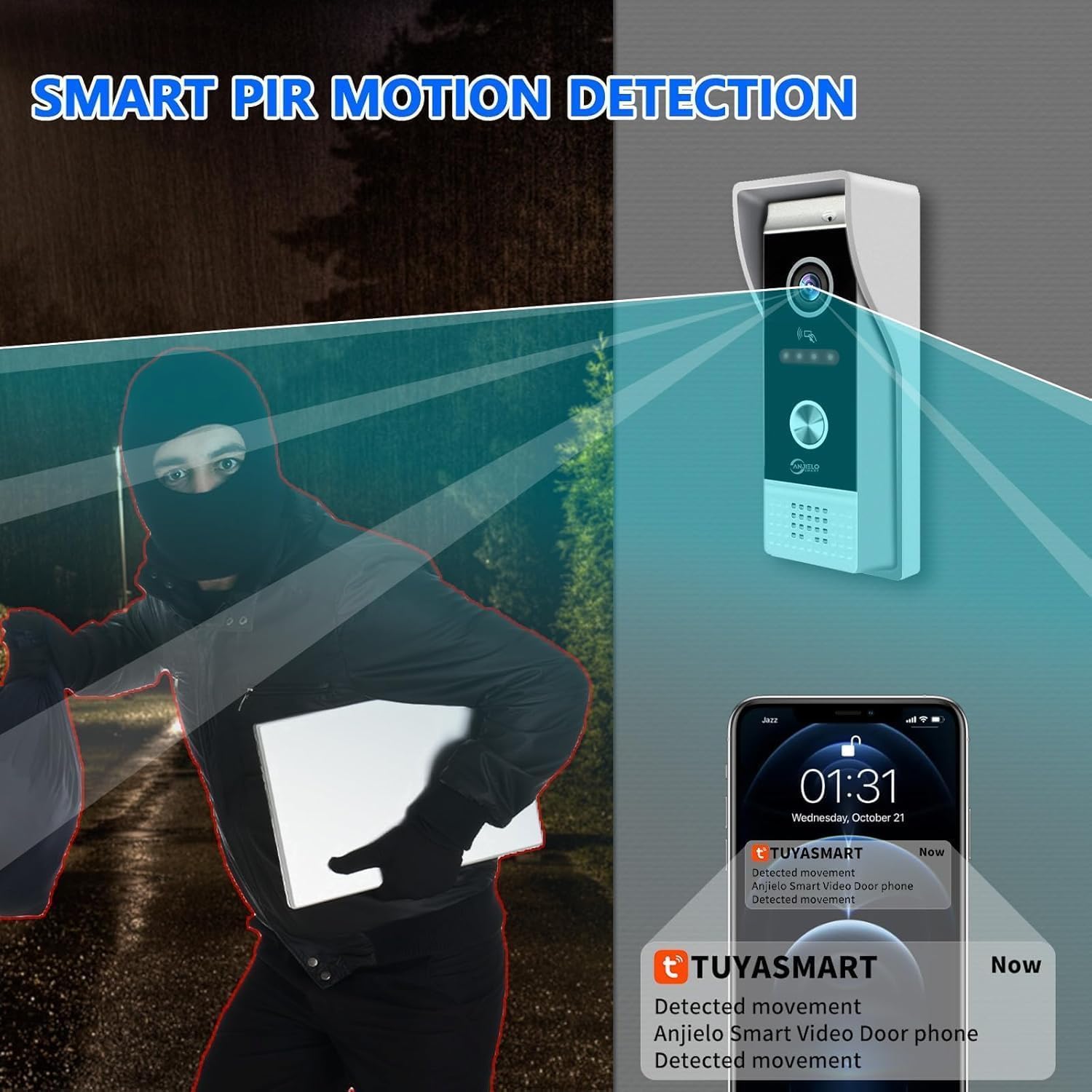
Figure 5: Smart PIR Motion Detection
4. Vision nocturne
The outdoor doorbell is equipped with infrared (IR) LEDs, providing clear visibility up to 120 degrees in low-light or complete darkness conditions.
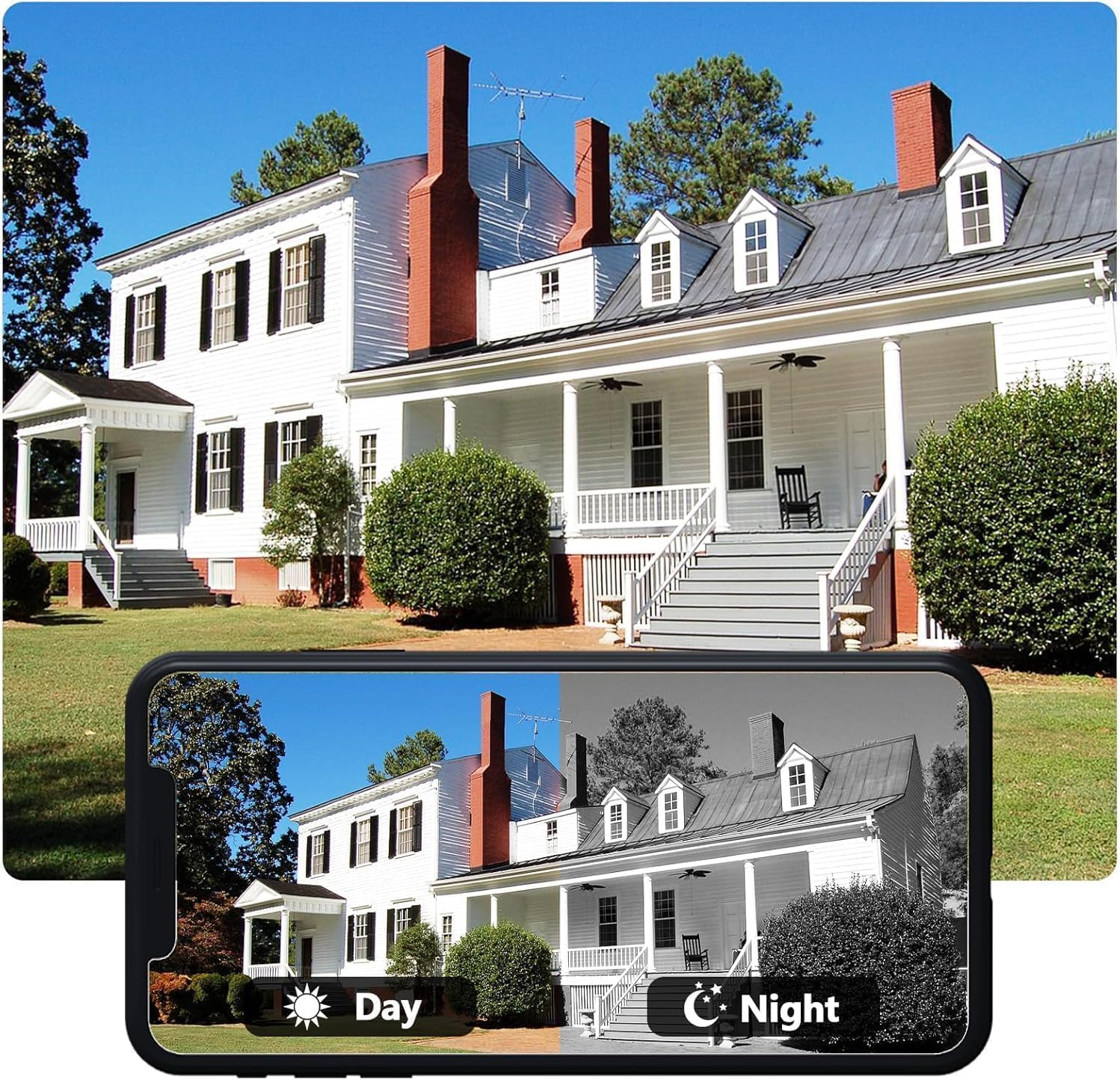
Figure 6 : Comparaison de la vision de jour et de nuit
5. Call Forwarding
If multiple indoor monitors are connected (not applicable for this 1 doorbell + 1 monitor configuration, but a general feature of the system), calls can be forwarded between them. For a single monitor setup, this feature allows the monitor to ring and notify the app simultaneously.
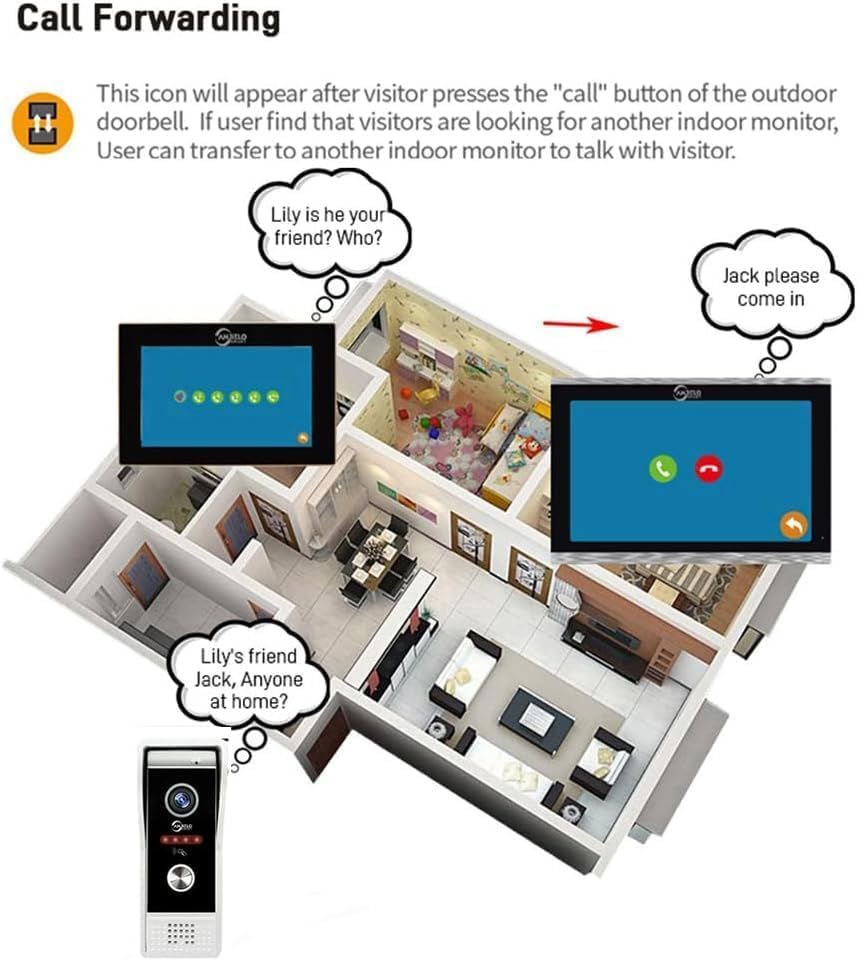
Figure 7: Call Forwarding Example (Multi-Monitor Setup)
Entretien
- Nettoyage: Utilisez un chiffon doux et sec.amp cloth to clean the outdoor doorbell and indoor monitor. Avoid abrasive cleaners or solvents.
- Entretien des lentilles : Ensure the camera lens on the outdoor unit is clean for optimal image quality.
- Mises à jour du micrologiciel : Periodically check for firmware updates via the Tuya Smart app or the indoor monitor settings to ensure optimal performance and security.
- Gestion de la carte SD: Regularly back up important recordings and format the microSD card to maintain storage efficiency.
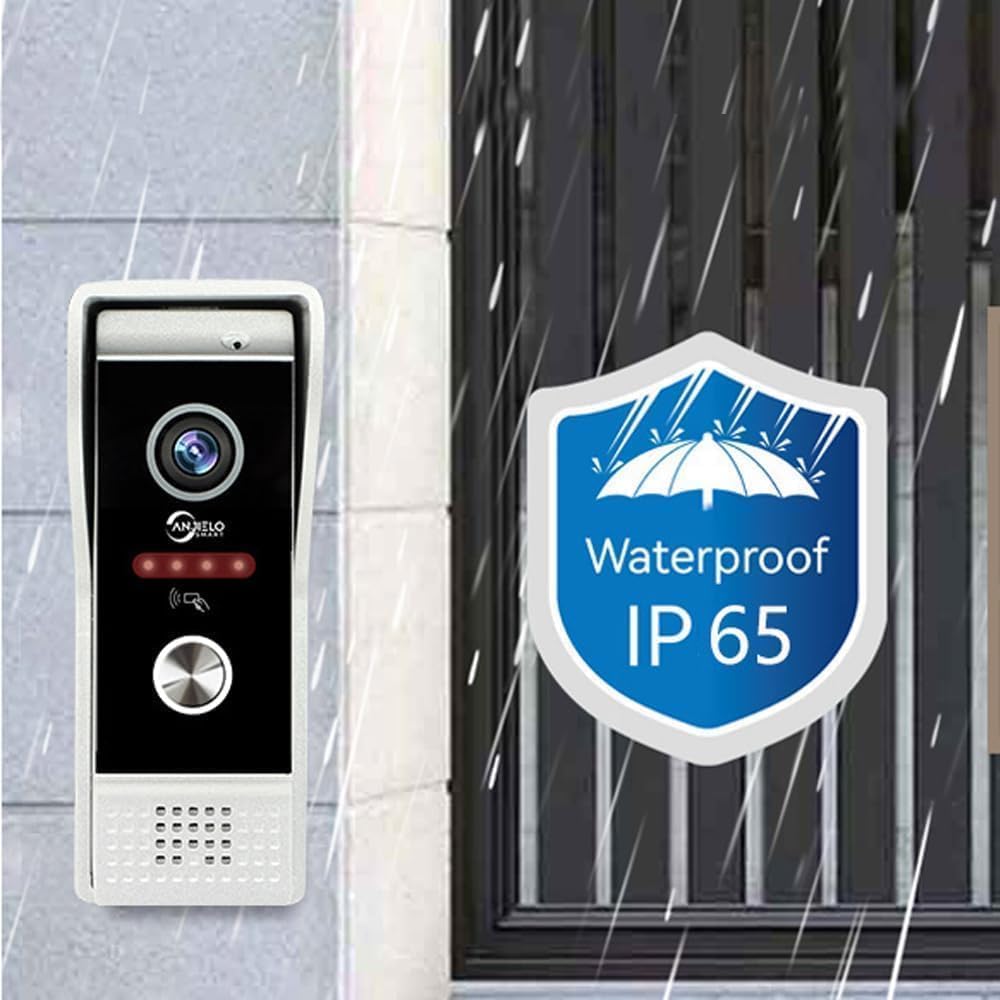
Figure 8: IP65 Waterproof Rating for Outdoor Unit
Dépannage
| Problème | Cause possible | Solution |
|---|---|---|
| Aucune image sur l'écran intérieur. | Loose wiring, power issue, faulty unit. | Check all cable connections. Ensure the monitor is powered on. Contact support if the issue persists. |
| No sound during intercom. | Microphone/haut-parleur coupé, volume trop faible, problème de câblage. | Check volume settings on monitor and app. Ensure microphone is not muted. Verify wiring. |
| Impossible de se connecter au Wi-Fi. | Mot de passe Wi-Fi incorrect, signal faible, problème de routeur. | Double-check Wi-Fi password. Move monitor closer to router. Restart router. Ensure 2.4GHz Wi-Fi is used. |
| La détection de mouvement ne fonctionne pas. | Feature disabled, incorrect sensitivity settings, obstruction. | Enable motion detection in settings. Adjust sensitivity. Clear any obstructions from the camera's view. |
| Notifications de l'application non reçues. | App permissions, phone settings, network issues. | Ensure Tuya Smart app has notification permissions. Check phone's 'Do Not Disturb' settings. Verify internet connection. |
Caractéristiques
| Fonctionnalité | Détail |
|---|---|
| Caméra de sonnette extérieure | CMOS, 1080P/720P/CVBS |
| Grand angle | 148° (1/2.7") |
| Vision nocturne | IR LEDs (120°) |
| Consommation d'énergie | 200mA max. (9V~15V DC) |
| Température de fonctionnement | -40°C à +50°C |
| Installation | Montage en surface/encastré |
| Écran de surveillance intérieur | Écran tactile TFT-LCD de 7 pouce |
| Résolution du moniteur | 1024 x 680 |
| Sonnerie | anneaux mélodiques à 7 accords |
| Chemin de connexion | 4-wires, WIFI Tuya solution |
| Matériau du panneau | Couvercle en acrylique/ABS |
| Stockage | External 32GB SD card (included) |
| Protocole de connectivité | Wifi |
| Appareils compatibles | Smartphone (iOS & Android with Tuya Smart APP) |
| Dimensions (Moniteur) | 7 x 5 x 0.7 pouces |
| Numéro de modèle | 94202BC+KXTW |
Informations sur la garantie
Specific warranty details are not provided in this manual. Please refer to the product packaging or contact ANJIELO SMART customer support for warranty terms and conditions.
Assistance clientèle
For technical assistance, troubleshooting, or further inquiries, please contact ANJIELO SMART customer support through the contact information provided on the official website ou emballage du produit.
Vous pouvez également visiter le Boutique ANJIELO SMART sur Amazon pour des informations et des ressources supplémentaires sur les produits.