
1. Introduction
The Awei H15 Smartwatch is designed to integrate seamlessly into your daily life, offering health monitoring, communication features, and smart notifications. This manual provides essential information for setting up, operating, and maintaining your device.
2. Contenu de la boîte
- 1 x Awei H15 Smartwatch
- 1 x câble de chargement
- 1 x Manuel d'utilisation (ce document)
3. Produit terminéview
Familiarize yourself with the key components of your Awei H15 Smartwatch.
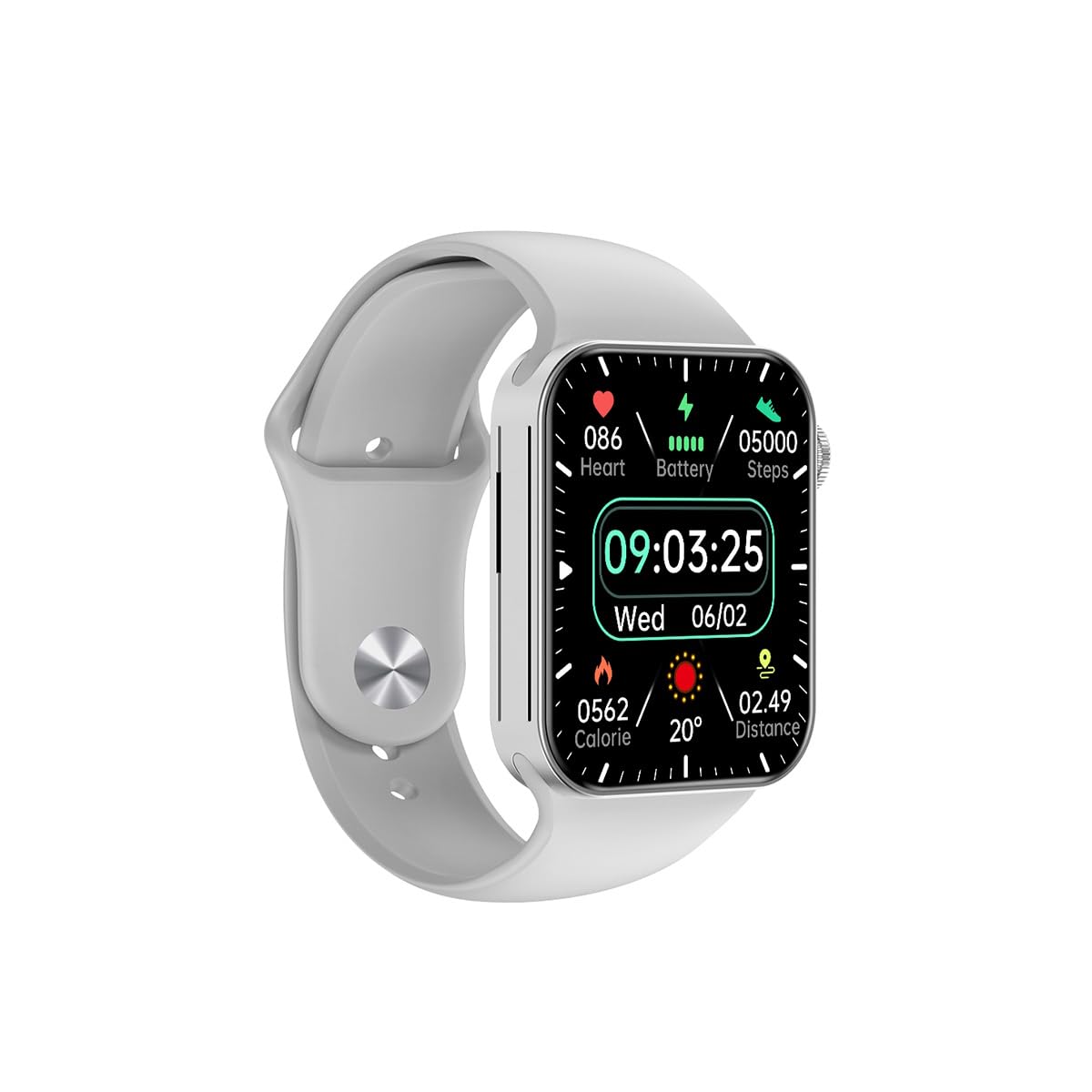
Figure 3.1 : Devant view of the Awei H15 Smartwatch display, illustrating various health metrics and time.

Figure 3.2 : Côté view of the smartwatch, highlighting the rotary crown for navigation and an additional button.
4. Installation
4.1 Chargement de la montre connectée
Before first use, fully charge your Awei H15 Smartwatch. Connect the provided charging cable to the charging port on the back of the watch and to a standard USB power adapter (not included).
- Temps de charge : environ 2 à 3 heures pour une charge complète.
- Battery Life: Up to 7 days with calls, up to 15 days without calls.
4.2 Mise sous/hors tension
- Pour allumer : Press and hold the side button until the Awei logo appears.
- Pour éteindre : Maintenez le bouton latéral enfoncé, puis sélectionnez « Éteindre » à l'écran.
4.3 Appairage avec votre smartphone
The Awei H15 Smartwatch uses Dual Bluetooth 3.0/5.0 for stable connectivity. To unlock full features, download the companion app (refer to the packaging or quick start guide for app name) from your smartphone's app store.
- Assurez-vous que votre montre connectée est allumée et complètement chargée.
- Activez le Bluetooth sur votre smartphone.
- Open the companion app and follow the on-screen instructions to search for and connect to your Awei H15 Smartwatch.
- Confirmez la demande de jumelage sur votre smartphone et votre montre connectée.
5. Mode d'emploi
5.1 Navigation de base
- Écran tactile : Balayez l'écran vers la gauche, la droite, le haut ou le bas pour naviguer dans les menus et les écrans. Appuyez pour sélectionner des éléments.
- Couronne rotative : Rotate the crown to scroll through lists or zoom in/out (where applicable). Press the crown to return to the home screen or confirm selections.
5.2 Multi-Dial Switching
Customize your smartwatch's appearance by switching between various watch faces.

Figure 5.1 : Examples of different watch faces available on the Awei H15 Smartwatch.
Pour changer le cadran de la montre:
- From the home screen, press and hold the display.
- Balayez vers la gauche ou la droite pour parcourir les cadrans de montre disponibles.
- Tap on a watch face to select it.
5.3 Surveillance de la santé
The Awei H15 Smartwatch tracks various health metrics to support your active lifestyle.
- Fréquence cardiaque : Surveillez votre fréquence cardiaque tout au long de la journée.
- Suivi des activités : The built-in G-Sensor (MSA311) accurately tracks steps, distance, and calories burned.
- Surveillance du sommeil : Track your sleep patterns (light sleep, deep sleep, wake-up times).
Access detailed health data through the companion app on your smartphone.
5.4 Fonctionnalités intelligentes
- Appels: Make and receive calls directly from your smartwatch when connected to your phone via Bluetooth.
- Notifications: Receive alerts for messages, emails, and app notifications.
- Mises à jour météo : Obtenez des informations météorologiques en temps réel.
- Contrôle de la musique : Contrôlez la lecture de musique sur votre smartphone.
6. Entretien
6.1 Nettoyage
Nettoyez régulièrement votre montre connectée pour garantir des performances et une hygiène optimales.
- Essuyez l'écran et le boîtier avec un chiffon doux non pelucheux.
- Pour les saletés tenaces, appliquez légèrementampNettoyez le chiffon avec de l'eau. Évitez les produits chimiques agressifs.
- Nettoyez régulièrement les contacts de charge pour assurer une bonne connexion.
6.2 Résistance à l'eau (IP67)
The Awei H15 Smartwatch is IP67 water-resistant, meaning it is protected against dust and can withstand immersion in water up to 1 meter for 30 minutes.
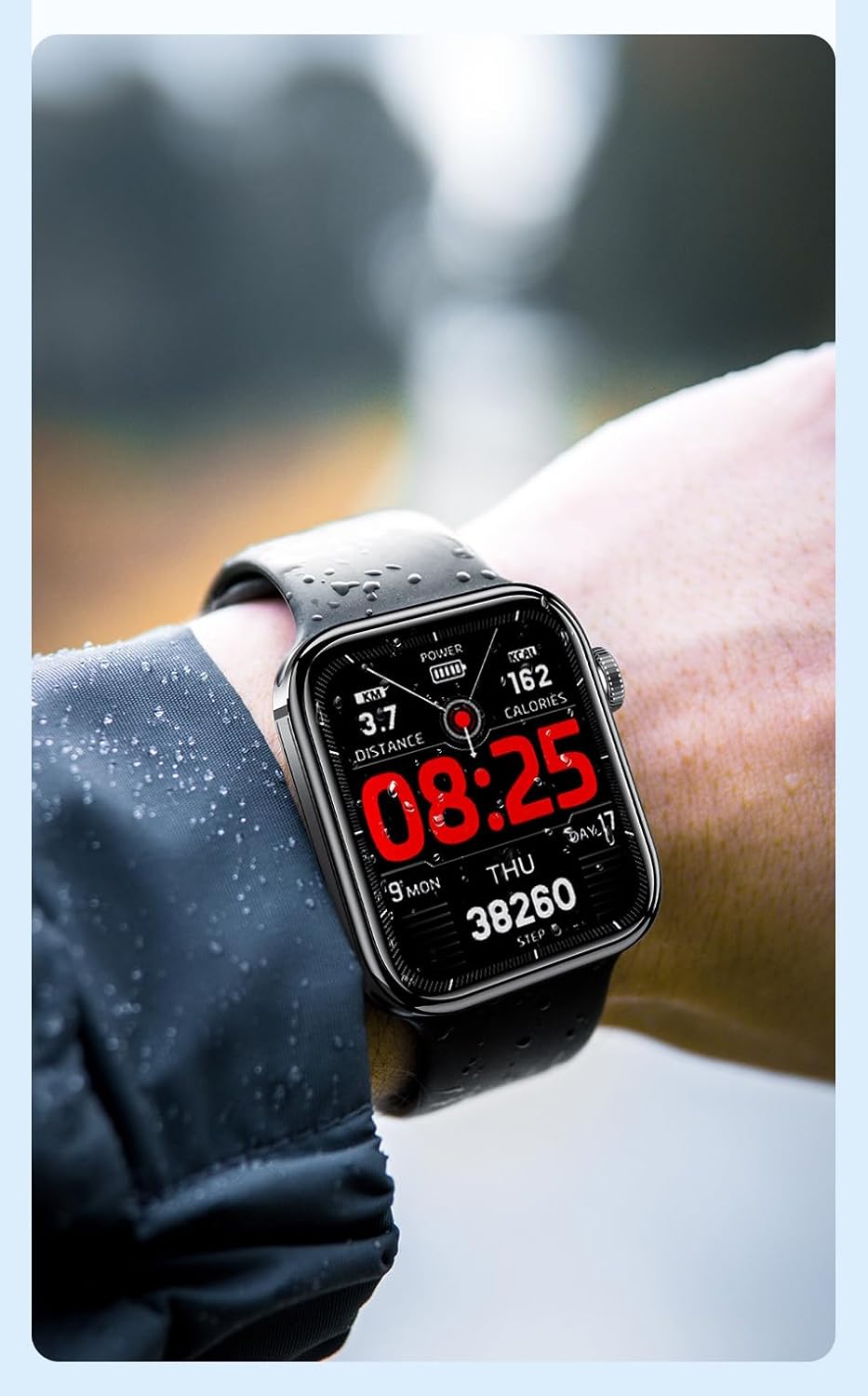
Figure 6.1 : The Awei H15 Smartwatch is designed to withstand splashes and dust.
Important: IP67 rating does not mean the watch is suitable for swimming, showering, or diving. Avoid exposing the watch to hot water, steam, or high-velocity water.
7. Dépannage
- La montre ne s'allume pas : Assurez-vous que la montre est complètement chargée. Branchez-la au chargeur pendant au moins 30 minutes.
- Impossible de connecter le smartphone :
- Assurez-vous que le Bluetooth est activé sur votre téléphone et votre montre.
- Assurez-vous que la montre se trouve à portée de votre téléphone.
- Redémarrez à la fois la montre et votre téléphone.
- Vérifiez si l'application compagnon est mise à jour vers la dernière version.
- Données sanitaires inexactes : Assurez-vous que la montre est bien ajustée à votre poignet, ni trop serrée ni trop lâche. Nettoyez le capteur situé au dos de la montre.
- Autonomie courte de la batterie : Réduisez la luminosité de l'écran, désactivez les notifications inutiles et limitez la surveillance continue de la fréquence cardiaque.
8. Spécifications
| Fonctionnalité | Spécification |
|---|---|
| Modèle | H15 |
| Technologie de connectivité | Bluetooth 3.0/5.0 |
| Résistance à l'eau | IP67 |
| Capacité de la batterie | 260mAh |
| Temps de charge | 2-3 heures |
| Durée d'utilisation | Up to 7 days (with calls), 15 days (without calls) |
| Capteur G | MSA311 |
| Dimensions | 36.8 × 42.5 × 13.2 mm |
| Longueur du bracelet | 270 mm |
| Fabricant | Awei |
9. Garantie et assistance
Your Awei H15 Smartwatch comes with a Garantie de 6 mois À compter de la date d'achat, cette garantie couvre les défauts de fabrication dans des conditions normales d'utilisation.
For warranty claims or technical support, please contact your retailer or the official Awei customer service. Keep your proof of purchase for warranty validation.