
1. Produit terminéview
The BOIFUN Baby Monitor (Model Baby 7SM-2) provides comprehensive surveillance for your baby with its dual 1080P cameras and a 4.3-inch split screen monitor. It offers both mobile app and monitor control, ensuring you can keep an eye on your little one from anywhere. Key features include motion and sound detection, 4X digital zoom, invisible infrared night vision, and a customizable zone alarm.
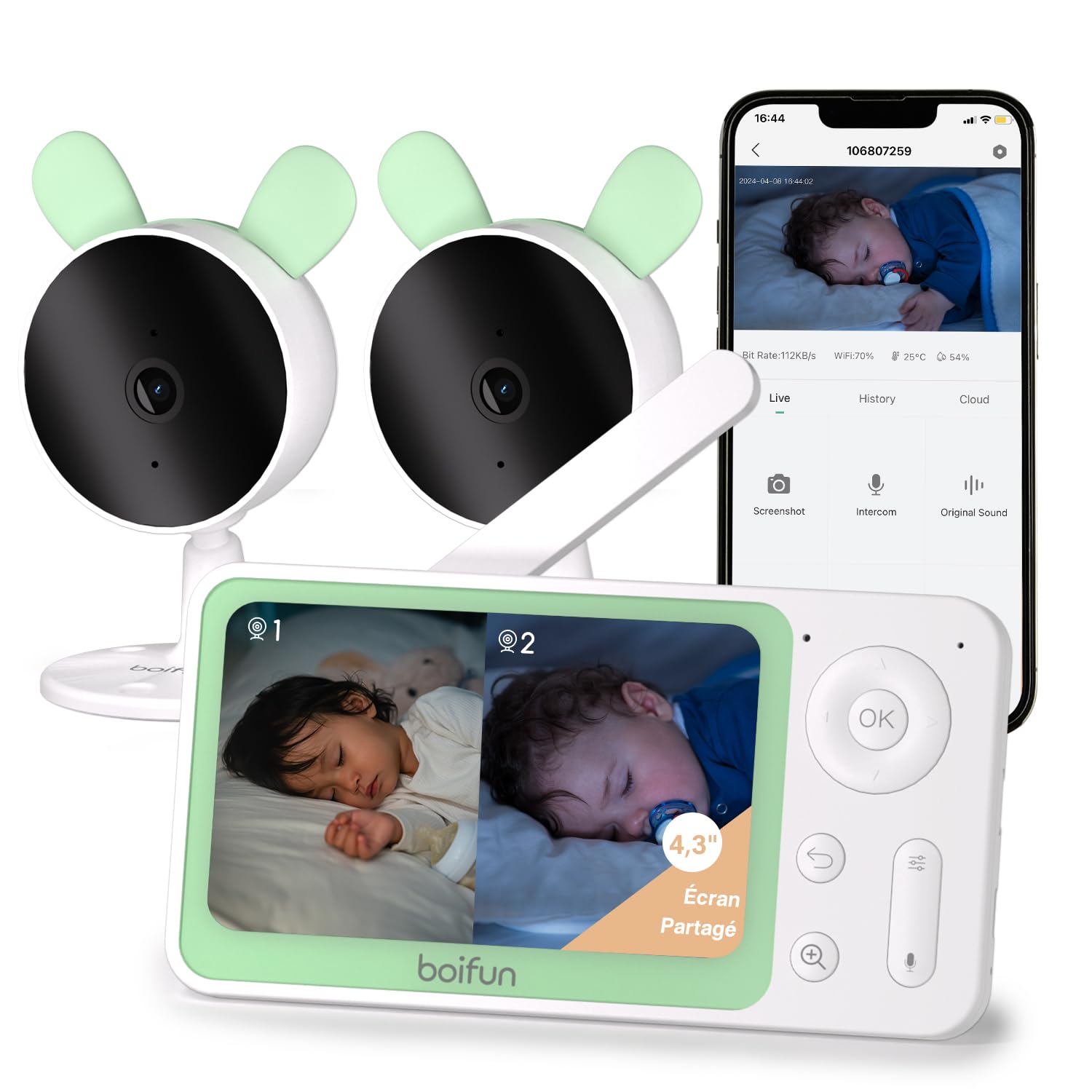
Image 1: The BOIFUN Baby Monitor system, including the parent unit and two baby cameras.
2. Contenu du colis
Veuillez vérifier que le colis contient les éléments suivants :
- 1 x unité parentale (moniteur)
- 2 x Unités bébé (caméras)
- 3 adaptateurs secteur (pour moniteur et caméras)
- 1 x Manuel d'utilisation
3. Instructions de configuration
3.1 Mise sous tension
- Connect the power adapter to the parent unit and plug it into a power outlet.
- Connect the power adapters to each baby unit and plug them into power outlets.
- The devices will power on automatically.
3.2 Appairage des caméras avec le moniteur
The cameras are usually pre-paired with the monitor. If re-pairing is needed or to add a new camera:
- Sur l'unité principale, appuyez sur Menu bouton et accédez au Caméra section de gestion.
- Select an empty camera slot or the camera you wish to re-pair.
- On the baby unit, press and hold the bouton d'appairage (usually a small button on the back or bottom) until you hear a "BOOGU" beep.
- Sur l'unité principale, appuyez sur OK button to initiate pairing. The monitor will display "Device is linked" upon successful pairing.
Description de la vidéo : This video demonstrates how to connect the BOIFUN baby monitor to the screen. It shows pressing the menu button, selecting the camera option, holding the pairing button on the camera until a beep is heard, and then pressing OK on the monitor to complete the pairing process. The video confirms successful linking of the device.
3.3 Connecting Cameras to the Mobile App (Wi-Fi 2.4 GHz)
To use the mobile app for monitoring, ensure your Wi-Fi network is 2.4 GHz. The camera does not support 5 GHz Wi-Fi.
- Téléchargez le BoifunCam application depuis la boutique d'applications de votre smartphone.
- Register or log in to your BoifunCam account.
- In the app, select to add a new device (e.g., "Baby Monitor Wi-Fi").
- On the baby unit, press and hold the bouton de réinitialisation (often located in a small hole, requiring a pin) for five seconds until you hear a "BOOGU" prompt. After 5-10 seconds, another beep will sound, and the red indicator light will flash.
- Follow the in-app instructions to connect to your 2.4 GHz Wi-Fi network and enter the password.
- The app will then prompt you to scan a QR code with your camera. Position your smartphone 5-8 inches from the camera lens. A tone will be heard upon successful scanning.
- The app will then connect the camera to your Wi-Fi network. Once connected, you can name the camera and assign it to a room.
Description de la vidéo : This video illustrates how to connect the BOIFUN baby monitor to a mobile phone. It shows pressing the reset button on the camera, then using the BoifunCam app to scan a QR code displayed on the phone with the camera. The video emphasizes that the camera only supports 2.4 GHz Wi-Fi and guides the user through the app's connection process.
4. Utilisation du moniteur
4.1 Fonctionnalité d'écran partagé
Avec deux caméras, vous pouvez view both feeds simultaneously on the 4.3-inch split screen.
- In split screen mode, press the Zoom (+) button to select which camera feed to view in full screen. The selected camera icon will flash.
- Appuyez sur le OK button to switch to full screen view for the selected camera.
- Appuyez sur le Retour button to go back to split screen mode.

Image 2: L'écran de 4.3 pouces affiche un écran partagé. view from two separate cameras, showing babies in different rooms.
4.2 Mobile App and Monitor Control
You can control and monitor your baby using either the dedicated parent unit or the BoifunCam mobile application.
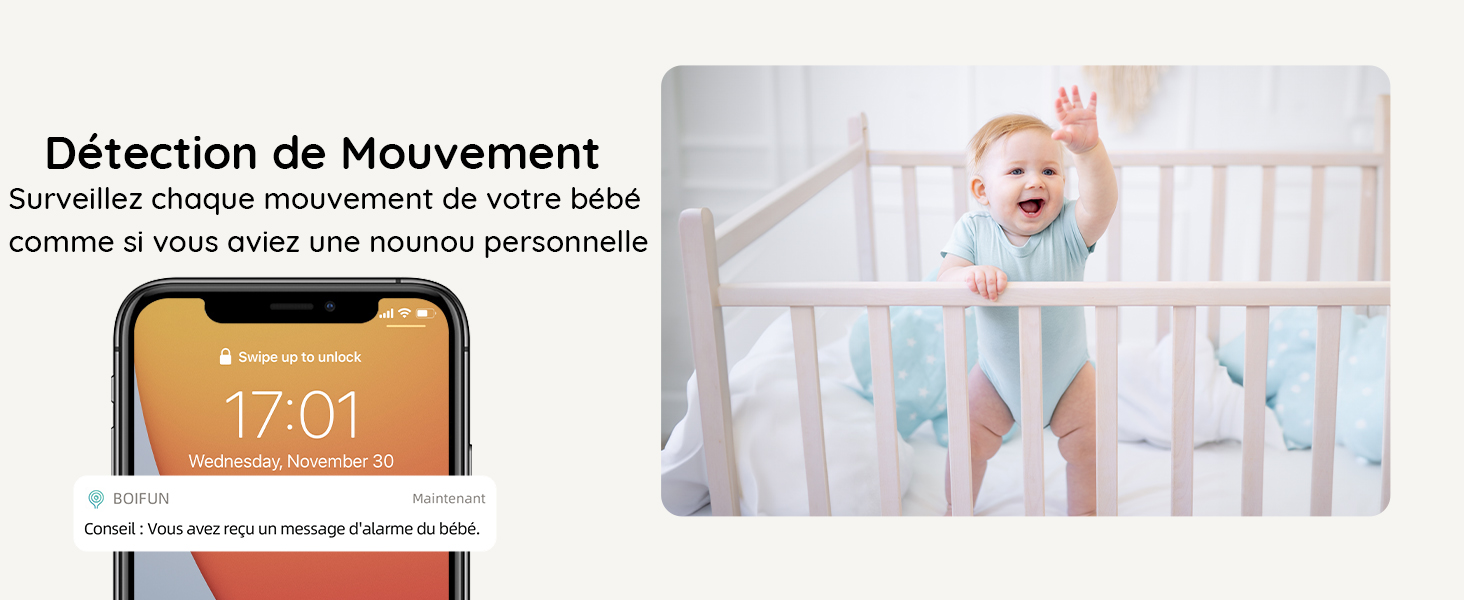
Image 3: The baby monitor can be controlled via both the dedicated parent unit and a smartphone application, offering flexibility for monitoring.
4.3 Détection de mouvement et de son
The monitor is equipped with advanced detection features to alert you to your baby's activity.
- Détection de mouvement : Receive immediate alerts on your phone when movement is detected in the camera's view.
- Détection du son : Get notified when your baby makes sounds, indicating they might need attention.
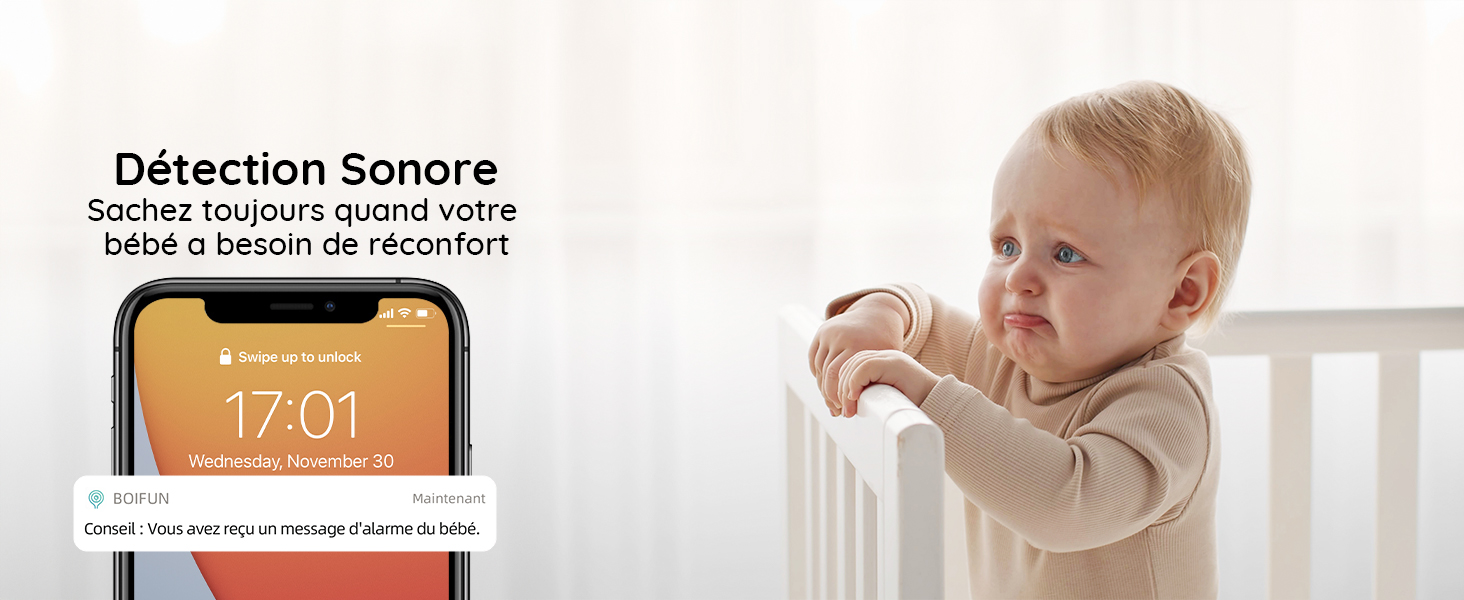
Image 4: A smartphone displaying a notification for detected movement, with a baby in a crib in the background.
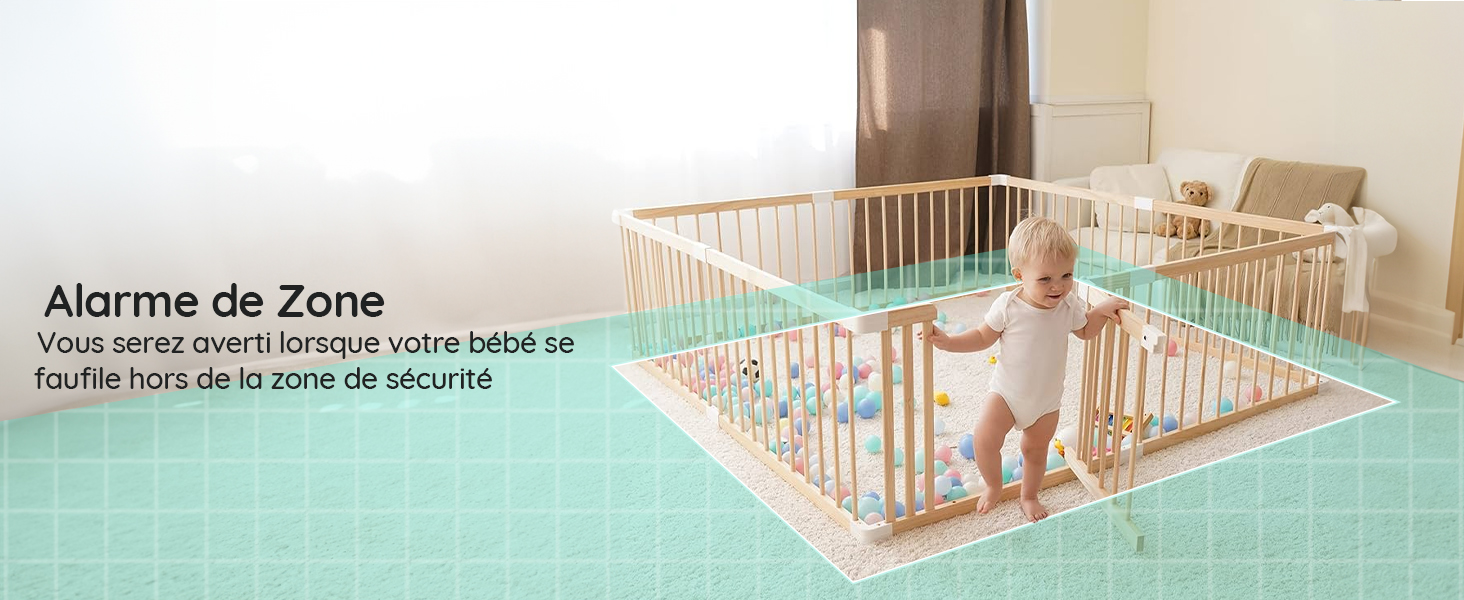
Image 5: A smartphone displaying a notification for detected sound, with a crying baby in the background.
4.4 Customizable Zone Alarm
Définir des zones spécifiques dans le champ de vision de la caméra view to trigger an alarm if your baby enters or exits them.
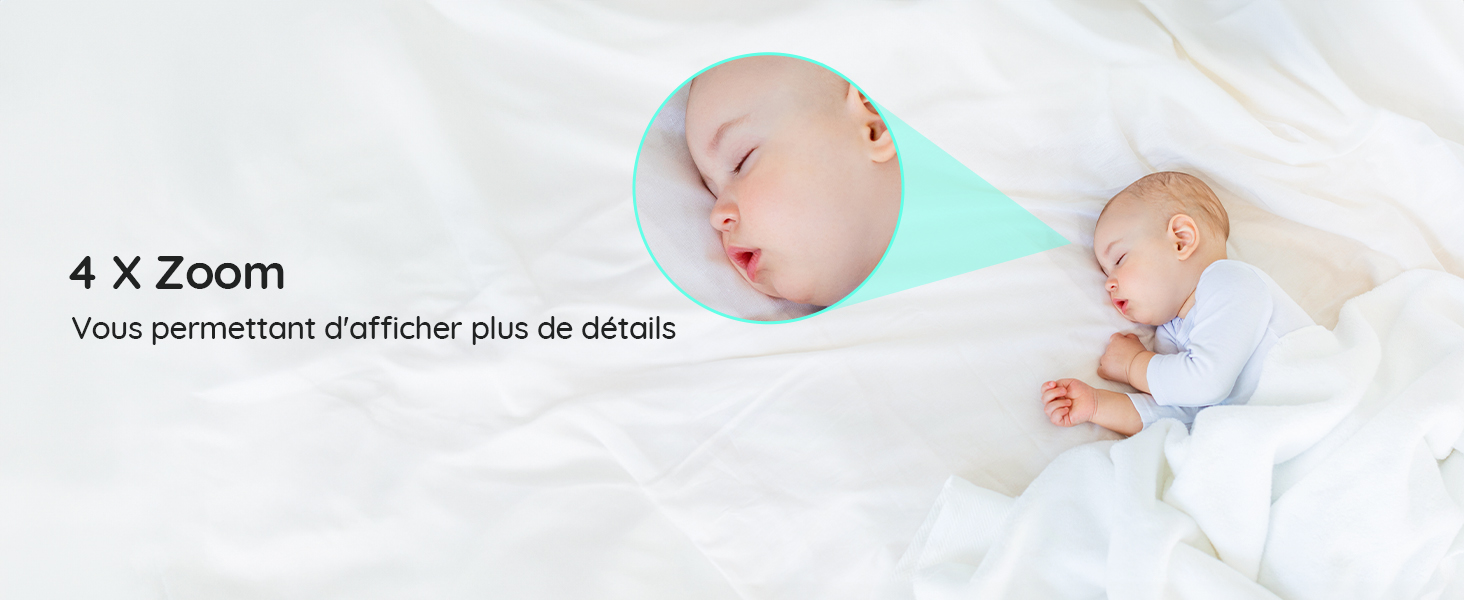
Image 6: A baby playing in a playpen, with a visual overlay indicating a configured zone alarm area.
4.5 4X Digital Zoom
Zoom in on your baby to see more details without disturbing them.
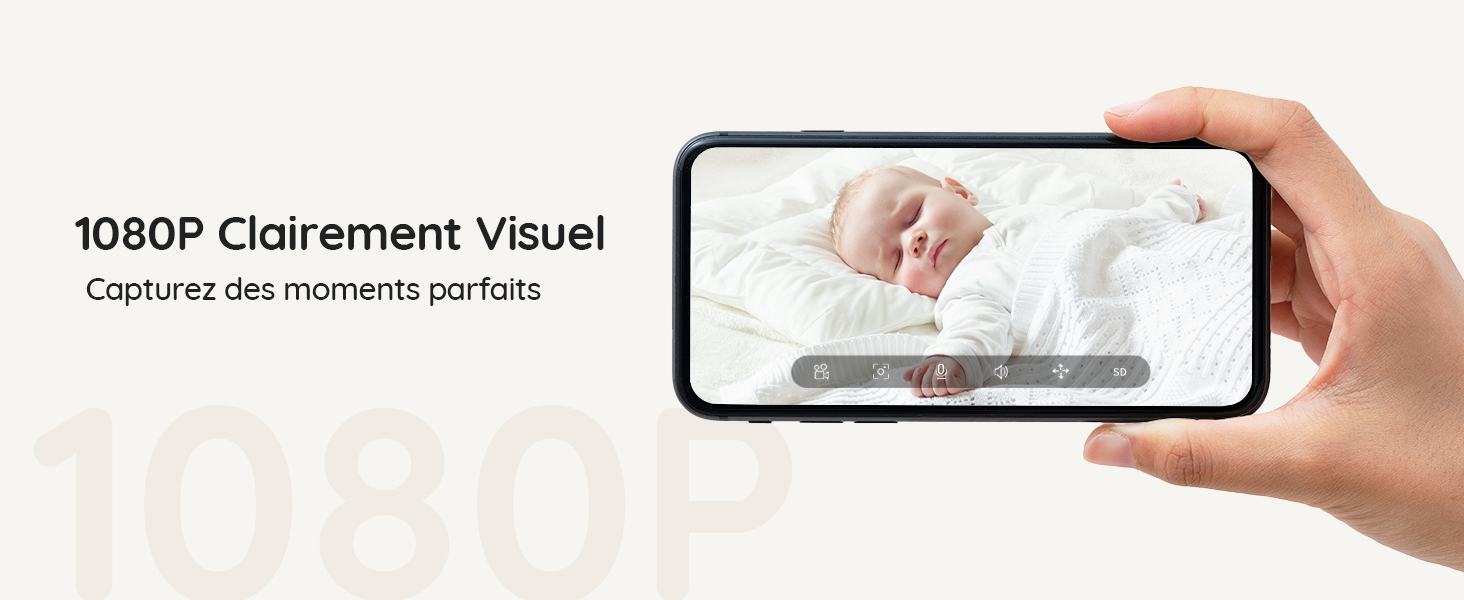
Image 7: A sleeping baby, with a magnified inset showing the baby's face in detail, demonstrating the 4X zoom feature.
4.6 Invisible Infrared Night Vision
Monitor your baby clearly in low-light conditions without disturbing their sleep with visible red lights.
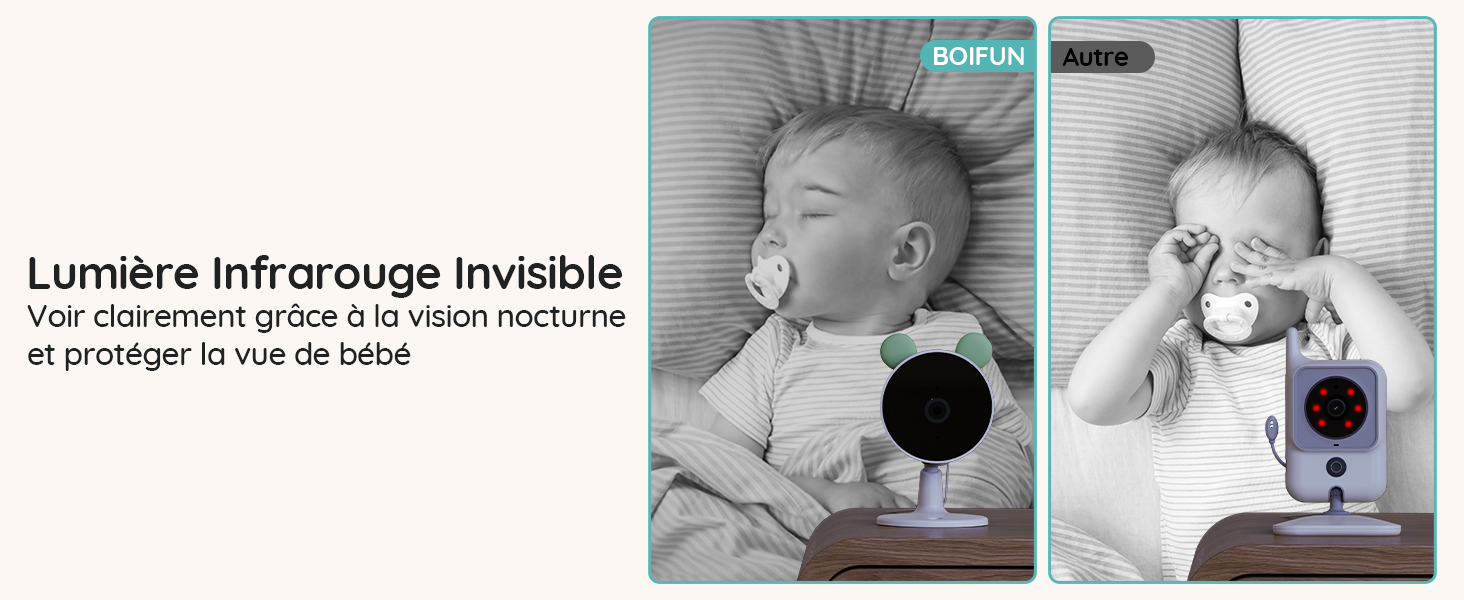
Image 8: A comparison showing the BOIFUN camera's invisible infrared night vision on the left, and a standard camera with visible red IR lights on the right, both monitoring a sleeping baby.
4.7 voyants d'état
The camera's status lights can be turned off to ensure a peaceful sleeping environment for your baby.
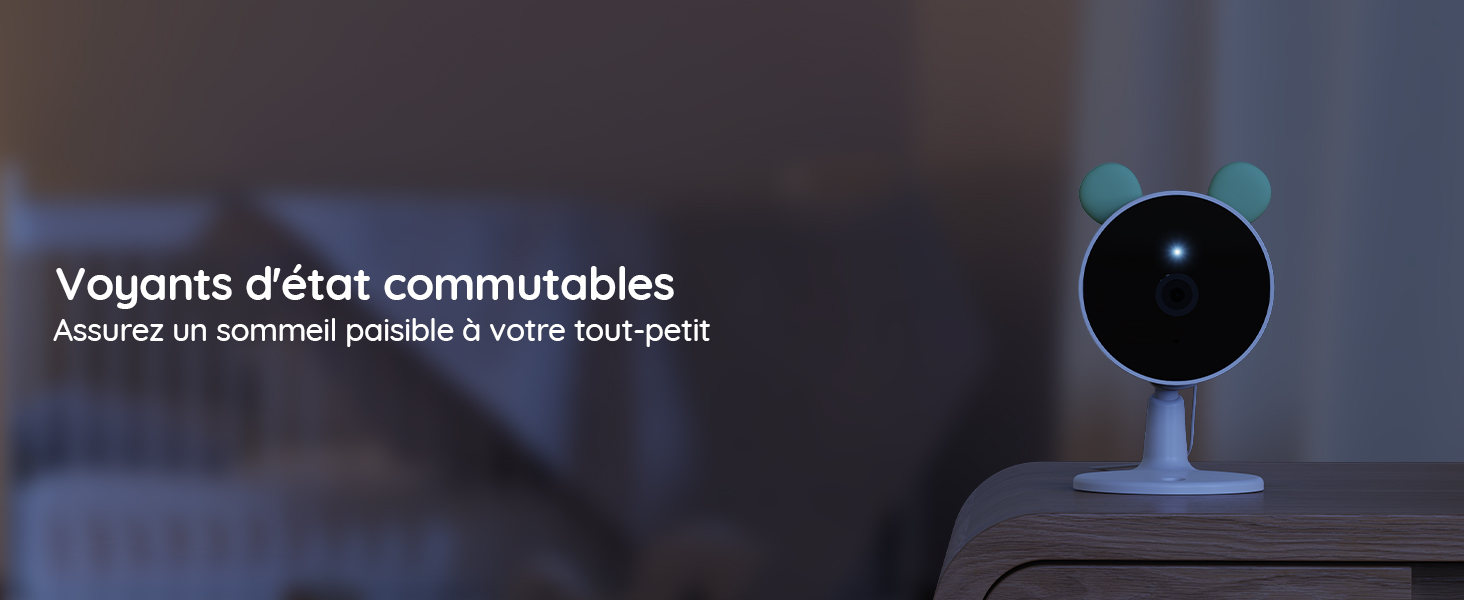
Image 9: A baby camera monitoring a sleeping baby in a dark room, with its status light turned off to avoid disturbance.
4.8 berceuses
Play soothing lullabies directly from the camera to help your baby fall asleep.
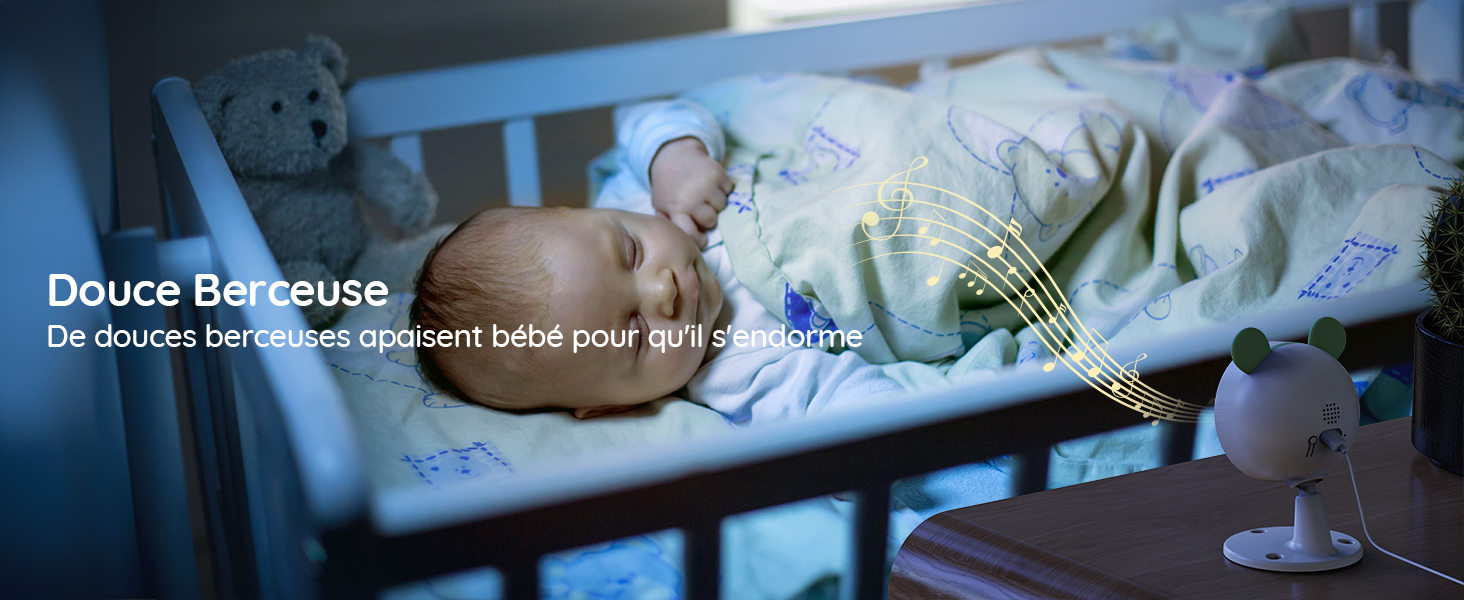
Image 10: A baby sleeping peacefully in a crib, with musical notes emanating from the baby camera, indicating the lullaby feature.
4.9 Audio bidirectionnel
Communicate with your baby through the monitor or app using the two-way audio feature.

Image 11: A woman in a kitchen speaking into the baby monitor, with speech bubbles illustrating the two-way audio communication feature.
4.10 Feeding Reminders
Set up feeding reminders to help maintain your baby's feeding schedule.
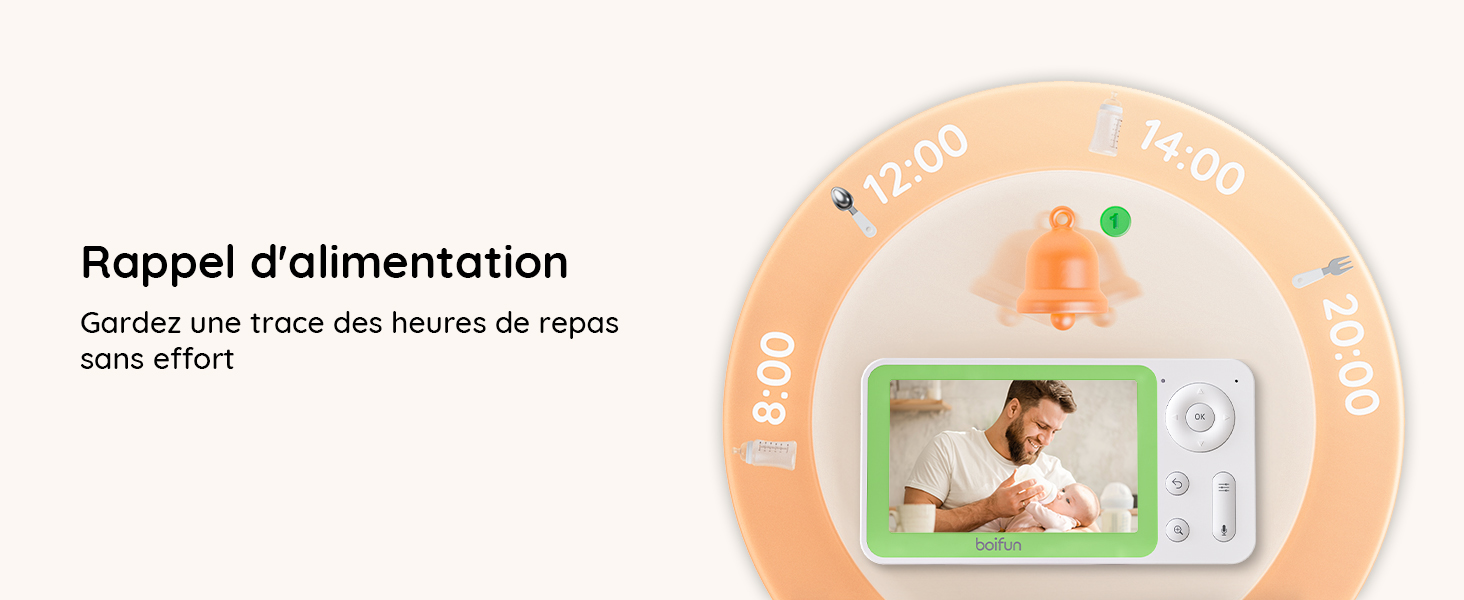
Image 12: The baby monitor screen showing a visual representation of a feeding reminder schedule, with times and icons.
4.11 Manual Angle Adjustment
The camera's angle can be manually adjusted to achieve the desired viewzone de travail.
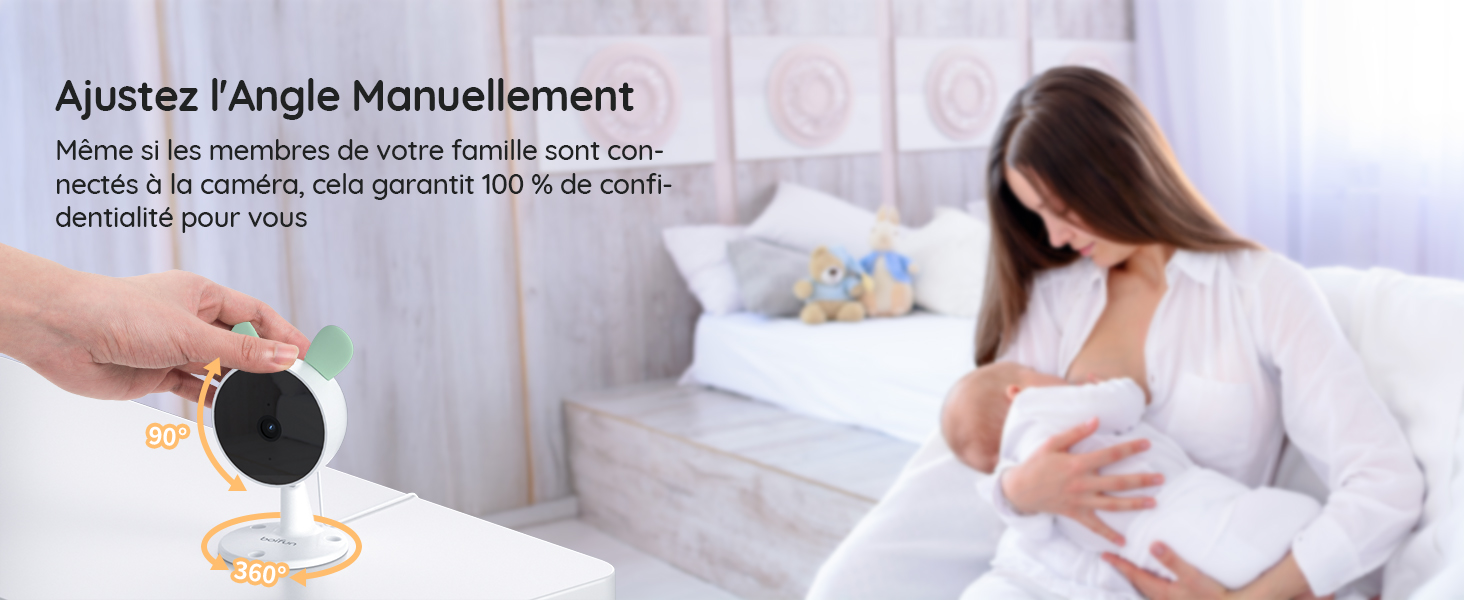
Image 13: A hand manually adjusting the camera lens, demonstrating the camera's flexible positioning.
5. Entretien
5.1 Nettoyage
To clean the monitor and cameras, use a soft, dry cloth. Do not use liquid cleaners or aerosols. Ensure devices are powered off before cleaning.
5.2 Autonomie de la batterie
The parent unit features a long-lasting battery, providing approximately 6 hours of active monitoring and up to 4 days in standby mode.

Image 14: The monitor displaying a full battery icon, indicating extended battery life for continuous monitoring.
6. Dépannage
6.1 Problèmes de connexion
- No signal on monitor: Ensure both cameras and the monitor are powered on and within range. Try re-pairing the cameras as described in Section 3.2.
- App connection failure: Verify your Wi-Fi network is 2.4 GHz. Ensure the camera is properly reset and follow the app pairing steps in Section 3.3 carefully. Check your Wi-Fi signal strength.
6.2 Qualité de l'image
- Image floue : Clean the camera lens with a soft cloth. Ensure there is adequate lighting (for day mode) or that night vision is active (for night mode).
- La vision nocturne ne fonctionne pas : Ensure the room is dark enough for night vision to activate automatically. Check for any obstructions blocking the infrared sensors.
6.3 Problèmes audio
- Pas de son : Check the volume settings on the parent unit and your mobile app. Ensure the camera's microphone is not obstructed.
- Feedback/Static: Move the monitor further away from the camera to reduce interference.
7. Spécifications
| Fonctionnalité | Détail |
|---|---|
| Marque | BOIFUN |
| Nom du modèle | Baby 7SM-2 |
| Protocole de connectivité | Wi-Fi 2.4 GHz |
| Caractéristiques spéciales | Détecteur de mouvement, vision nocturne |
| Appareils compatibles | Monitor, Smartphones and Tablets |
| Couleur | Noir |
| Nombre d'articles | 1 (Le système comprend 2 caméras) |
| Facteur de forme | Dôme |
| Matériau interne | Acrylonitrile butadiène styrène (ABS) |
| Méthode de contrôle | Application |
| Piles requises | Oui |
| Alimentation par batterie | 2500 millièmeampavant-heure (mAh) |
| Type de zoom | Zoom numérique |
| Rapport de zoom | 4X |
| Dimensions de l'article | 12.5 x 7.1 x 6.5 centimètres |
| Gamme de vision nocturne | 5 mètres |
| Type de vision nocturne | Invisible Infrared (940 nm) |
8. Garantie et assistance
BOIFUN is committed to providing high-quality products and excellent customer service.
- Garantie: This product comes with a 3-year quality guarantee.
- Retours : Bénéficiez d'une politique de retour gratuit de 90 jours.
- Assistance clientèle : Individual after-sales assistance and quick responses are available 24 hours a day.
Pour toute demande de renseignements ou d'assistance, veuillez nous contacter à : admin@boifun.net


Image 15: Icons representing professional after-sales support, 90-day free return policy, and a 3-year quality guarantee.