
1. Introduction
This user manual provides detailed instructions for the safe and efficient operation of your JUOVI J2621 Power Bank Portable Charger. This high-capacity 20000mAh power bank features 45W Power Delivery (PD 3.0) and Quick Charge (QC 4.0) technology, designed to provide fast and reliable charging for a wide range of electronic devices.
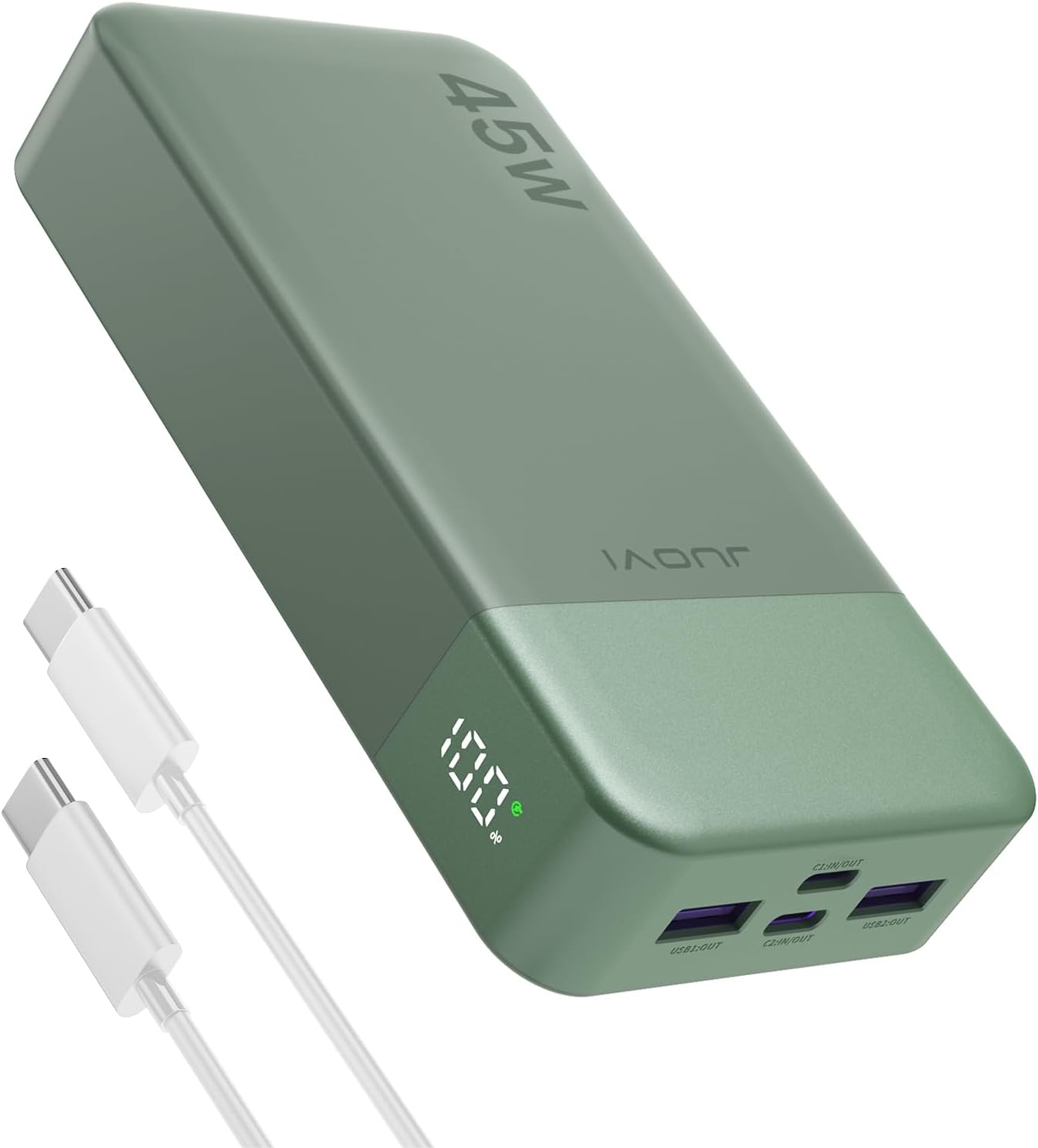
Figure 1: JUOVI J2621 Power Bank Portable Charger and USB-C cables.
2. caractéristiques du produit
- Charge rapide PD 45 W : Offers 45W fast charge output and 30W rapid recharge input, significantly reducing charging times for compatible devices. For example, an iPhone 15 Pro can charge from 0% to 60% in approximately 30 minutes.
- Chargement multi-appareils : Equipped with two USB-A ports and two USB-C ports, allowing simultaneous charging of up to four devices.
- Recharge rapide bidirectionnelle : Supports fast charging for both output and input. The power bank can be fully recharged in approximately 2 hours using a 45W PD charger (not included).
- Affichage numérique intelligent : An integrated LED digital display shows the remaining power level from 0% to 100%, providing clear status at a glance.
- Powerful 20000mAh Capacity: Provides substantial power, capable of charging a MacBook 14 (1.05 times), iPhone 15 (3.96 times), Samsung S22 Ultra (2.6 times), or iPad mini (3.83 times). The 74Wh capacity meets airline requirements for carry-on luggage.
- Large compatibilité : Compatible with a broad range of devices including Samsung, Android smartphones, tablets, laptops, mini speakers, Bluetooth headsets, cameras, handheld game consoles, and small current devices like AirPods.
- Caractéristiques de sécurité : Includes Auto Shut-Off, Short Circuit Protection, and Over Charging Protection to ensure safe operation.
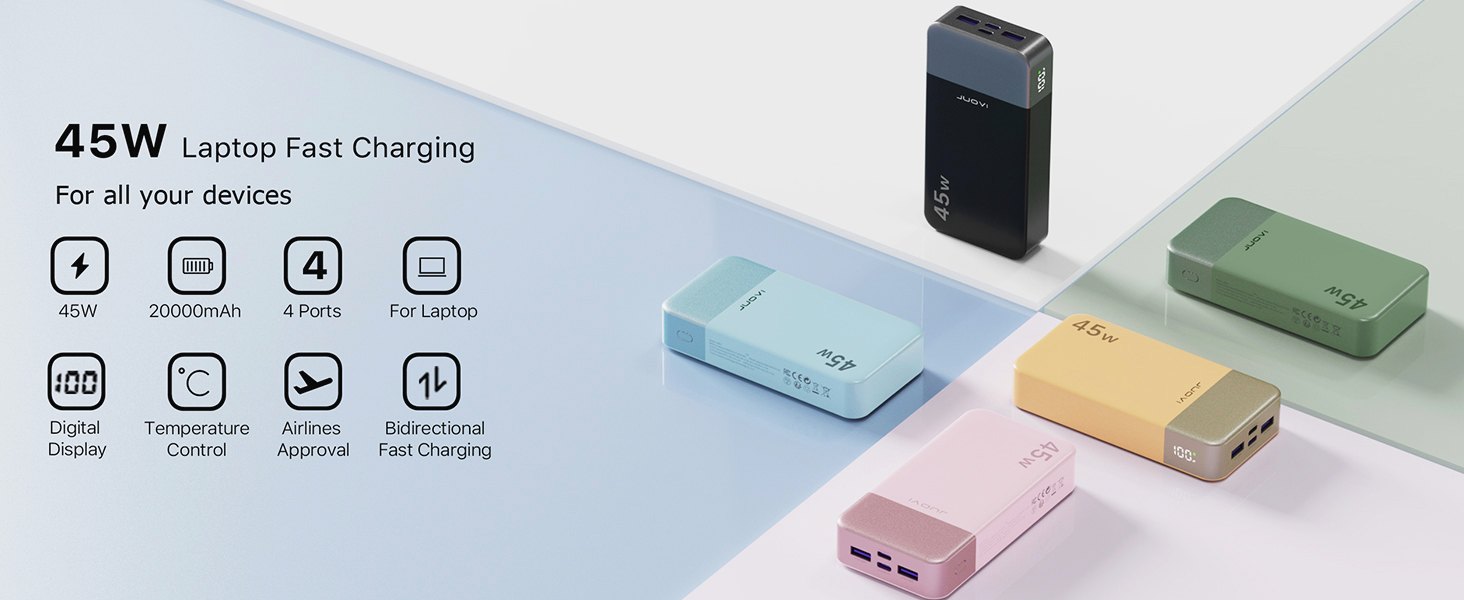
Figure 2: The power bank supports 45W fast charging for various devices, including laptops.
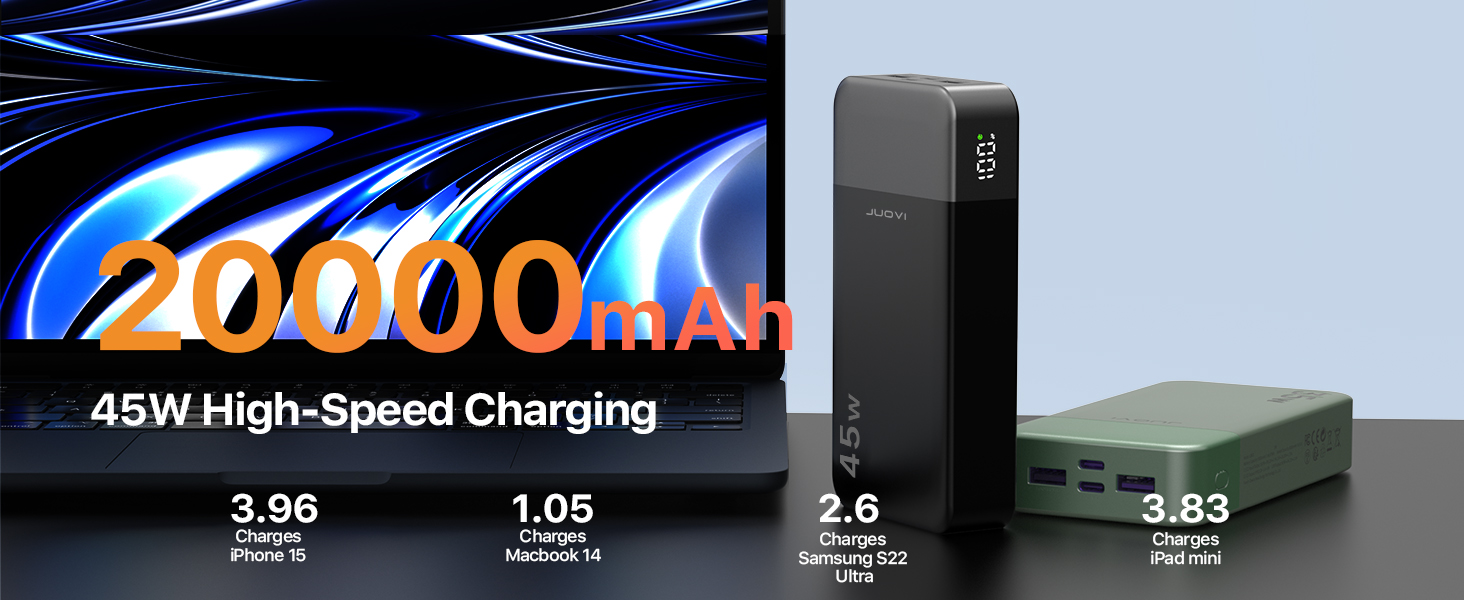
Figure 3: High capacity and fast charging capabilities for multiple devices.
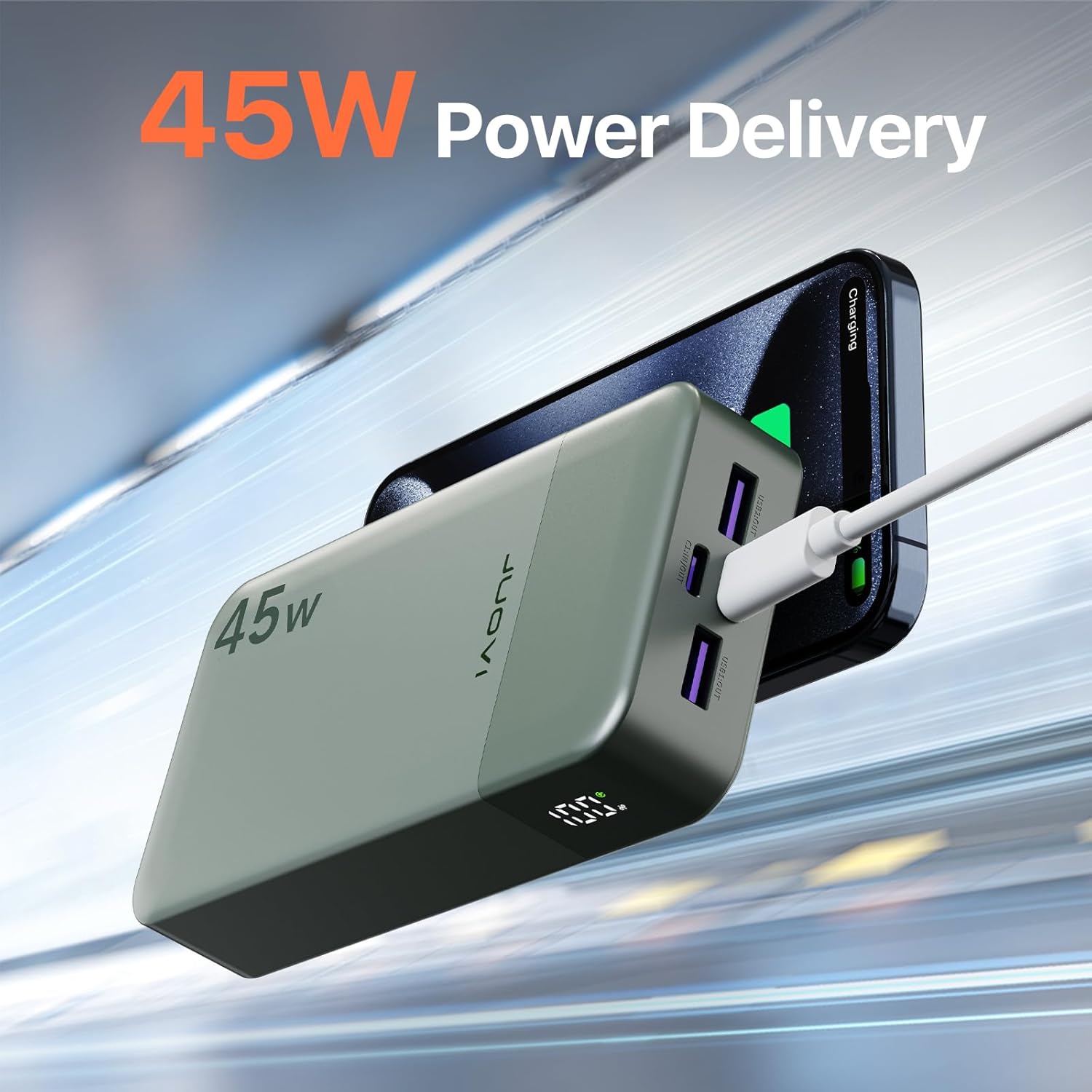
Figure 4: The power bank supports 45W Power Delivery for efficient charging.
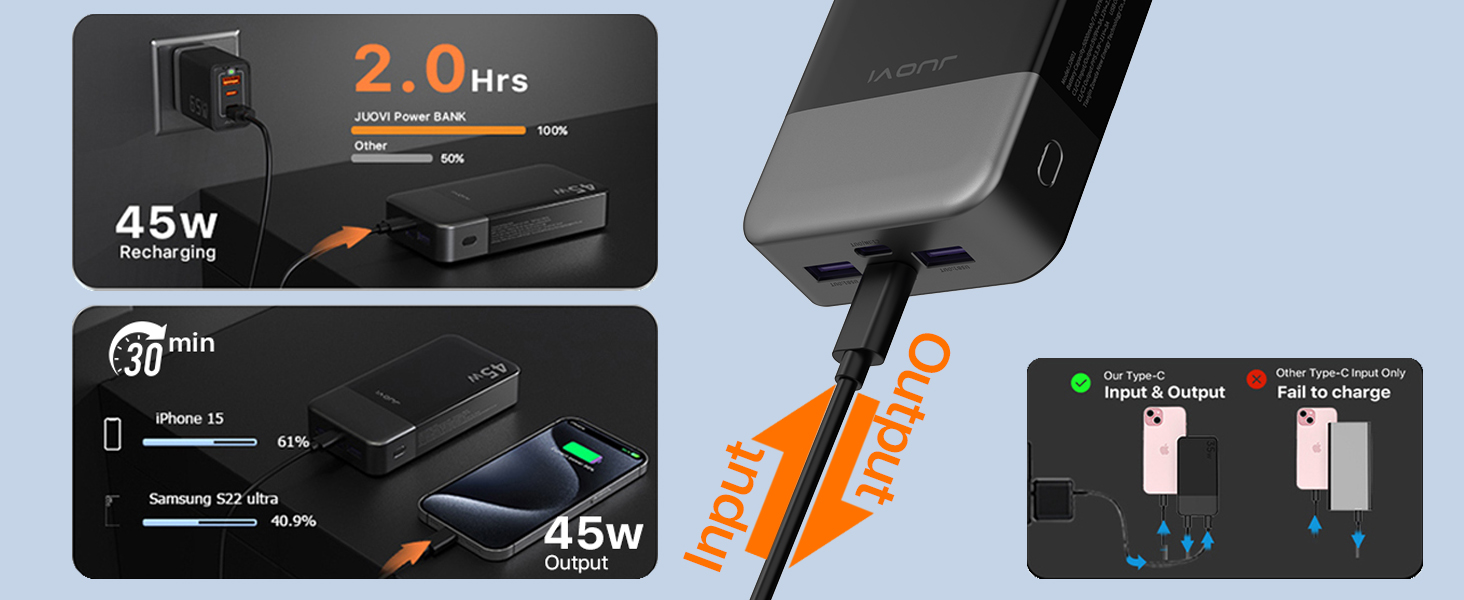
Figure 5: Fast recharging of the power bank and rapid charging for connected devices.

Figure 6: Fast charging capability, reaching 60% on an iPhone 15 in 30 minutes.

Figure 7: High-speed Type-C input and output ports.

Figure 8: The 20000mAh capacity provides power for extended use and is airline-ready.

Figure 9: The massive 20000mAh capacity can charge an iPhone 15 nearly 4 times.
3. Installation
3.1 Charge initiale de la batterie externe
Before first use, it is recommended to fully charge your JUOVI J2621 Power Bank. Connect a compatible USB-C cable to one of the power bank's USB-C input/output ports and connect the other end to a 45W Power Delivery (PD) wall charger. The digital display will show the charging progress.

Figure 10: Recharging the power bank using a Type-C input port.
3.2 Vérification du niveau de la batterie
Press the power button located on the side of the power bank. The LED digital display will illuminate, showing the current battery percentage de 0% à 100%.
4. Mode d'emploi
4.1 Charger vos appareils
The JUOVI J2621 Power Bank features two USB-A output ports and two USB-C input/output ports. You can charge up to four devices simultaneously.
- Identify the correct cable for your device (USB-A to device or USB-C to device).
- Connectez une extrémité du câble de chargement à votre appareil.
- Connect the other end of the charging cable to an available output port on the power bank.
- La batterie externe commencera automatiquement à recharger votre appareil. L'écran numérique affichera le niveau de charge restant.
For optimal fast charging, use the USB-C PD ports with compatible devices and cables.
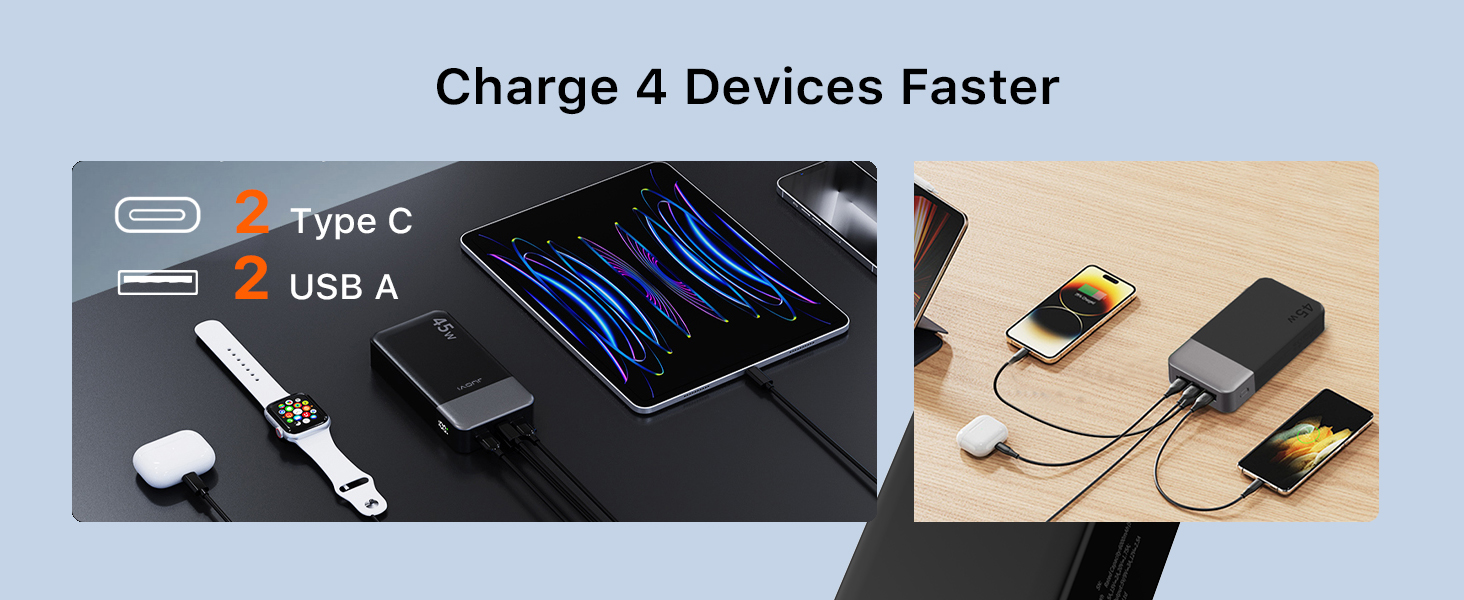
Figure 11: The power bank can charge up to four devices at once.
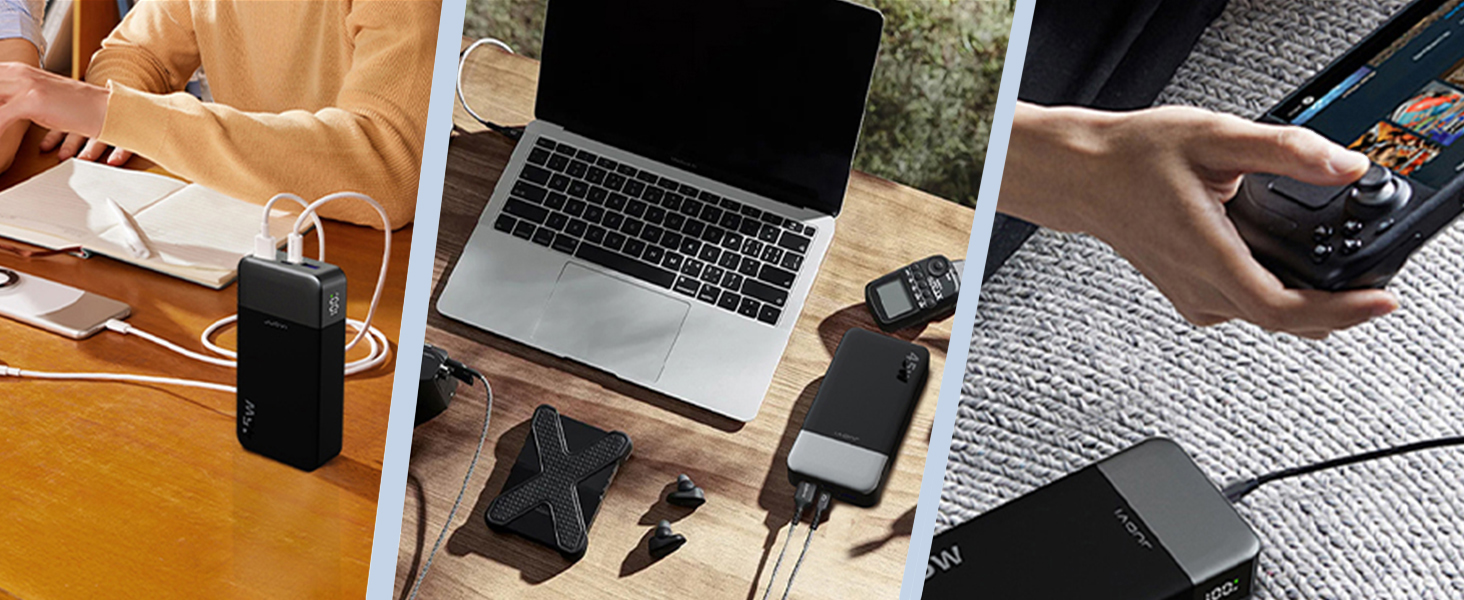
Figure 12: Versatile charging for various devices including laptops and gaming consoles.
5. Entretien
- Tenez la batterie externe à l'écart de l'eau, du feu et des températures extrêmes.
- Évitez de laisser tomber ou de soumettre l'appareil à des impacts violents.
- Nettoyez la surface avec un chiffon doux et sec. N’utilisez pas de produits chimiques agressifs ni de matériaux abrasifs.
- Rangez la batterie externe dans un endroit frais et sec lorsqu'elle n'est pas utilisée pendant une période prolongée.
- Rechargez la batterie externe au moins une fois tous les trois mois pour préserver sa durée de vie.
6. Dépannage
| Problème | Cause possible | Solution |
|---|---|---|
| La banque d'alimentation ne charge pas | Problème de câble ou d'adaptateur ; batterie externe complètement déchargée ; port défectueux. | Try a different cable and wall adapter. Ensure the adapter is 45W PD for optimal charging. Allow a few minutes for the display to activate if fully discharged. Try a different input port. |
| L'appareil ne se charge pas depuis la banque d'alimentation | Power bank low on charge; incorrect cable; device not compatible; power bank in auto shut-off. | Recharge the power bank. Ensure the cable is securely connected and compatible with your device. Press the power button to reactivate output. |
| Chargement lent | Câble/adaptateur de charge non rapide ; appareil ne prenant pas en charge la charge rapide ; charge de plusieurs appareils. | Use a fast-charging compatible cable and ensure your device supports PD/QC. Charging multiple devices simultaneously may reduce individual charging speeds. |
| L'affichage numérique ne fonctionne pas | Batterie externe hors service ; problème interne. | Appuyez sur le bouton d'alimentation pour activer l'écran. Si le problème persiste, contactez le service client. |
7. Spécifications
| Fonctionnalité | Détail |
|---|---|
| Numéro de modèle | J2621 |
| Capacité de la batterie | 20000 mAh (74 Wh) |
| Dimensions du produit | 5.39 x 2.76 x 1.04 pouces |
| Poids de l'article | 13.2 onces |
| Entrée (USB-C) | Jusqu'à 30 W (PD) |
| Sortie (USB-C) | Jusqu'à 45 W (PD) |
| Sortie (USB-A) | Standard USB-A output (QC 4.0 compatible) |
| Ports | 2 x USB-A, 2 x USB-C (Input/Output) |
| Caractéristiques spéciales | Digital Display, Auto Shut-Off, Short Circuit Protection, Over Charging Protection |
| Fabricant | Tianjin Zowda New Energy Technology Co., Ltd. |
| Date de première disponibilité | 27 avril 2024 |

Figure 13: Product packaging with detailed specifications and certifications.
Additional information can be found on the product packaging, including the UPC/barcode: X0020I9TR3.
8. Garantie et assistance
For warranty information and customer support, please refer to the contact details provided on the product packaging or visit the official JUOVI webConsultez le site. Conservez votre reçu d'achat pour toute réclamation au titre de la garantie.

Figure 14: Front of the product packaging.

Figure 15: Side of the product packaging highlighting key features.