
THE G-LAB KEYZ-HYDRO-BKWO/SP
Manuel d'utilisation du clavier de jeu G-Lab Keyz Hydrogen
Model: KEYZ-HYDRO-BKWO/SP
1. Introduction
Thank you for choosing the G-Lab Keyz Hydrogen Gaming Keyboard. This manual provides essential information for setting up, operating, and maintaining your new keyboard. The Keyz Hydrogen is a compact 60% membrane keyboard designed for gaming, featuring multi-colored backlighting, anti-ghosting technology, and broad compatibility.
2. Produit terminéview et fonctionnalités
The Keyz Hydrogen keyboard is engineered for performance and durability in a compact form factor.
- Conception compacte à 60 % : Optimizes desk space and allows for greater mouse movement, ideal for gaming setups.
- Multi-colored Backlight: Features a fixed multi-colored RGB backlight for an immersive gaming atmosphere and improved visibility in low-light conditions.
- Reactive & Quiet Keys: High-quality membrane keys provide precise and responsive keystrokes while maintaining a quiet operation, suitable for extended gaming sessions without disturbing others.
- Technologie anti-ghosting : Supports up to 19 simultaneous key presses without conflict, ensuring accuracy and responsiveness during intense gameplay.
- Large compatibilité: Compatible with PC, PlayStation 4 (PS4), and PlayStation 5 (PS5) systems.
- Durabilité: Keys are rated for 12 million keystrokes, and the keyboard features a reinforced braided cable for long-term reliability.

Image 2.1: The G-Lab Keyz Hydrogen Gaming Keyboard, showcasing its compact design and vibrant multi-colored backlighting.

Image 2.2: Ultra-Compact Format. The keyboard's small footprint allows for more desk space and freedom of movement for the mouse.

Image 2.3: Rainbow Backlighting. Each key is illuminated with vibrant, fixed multi-colored RGB lighting, enhancing visibility and aesthetics.
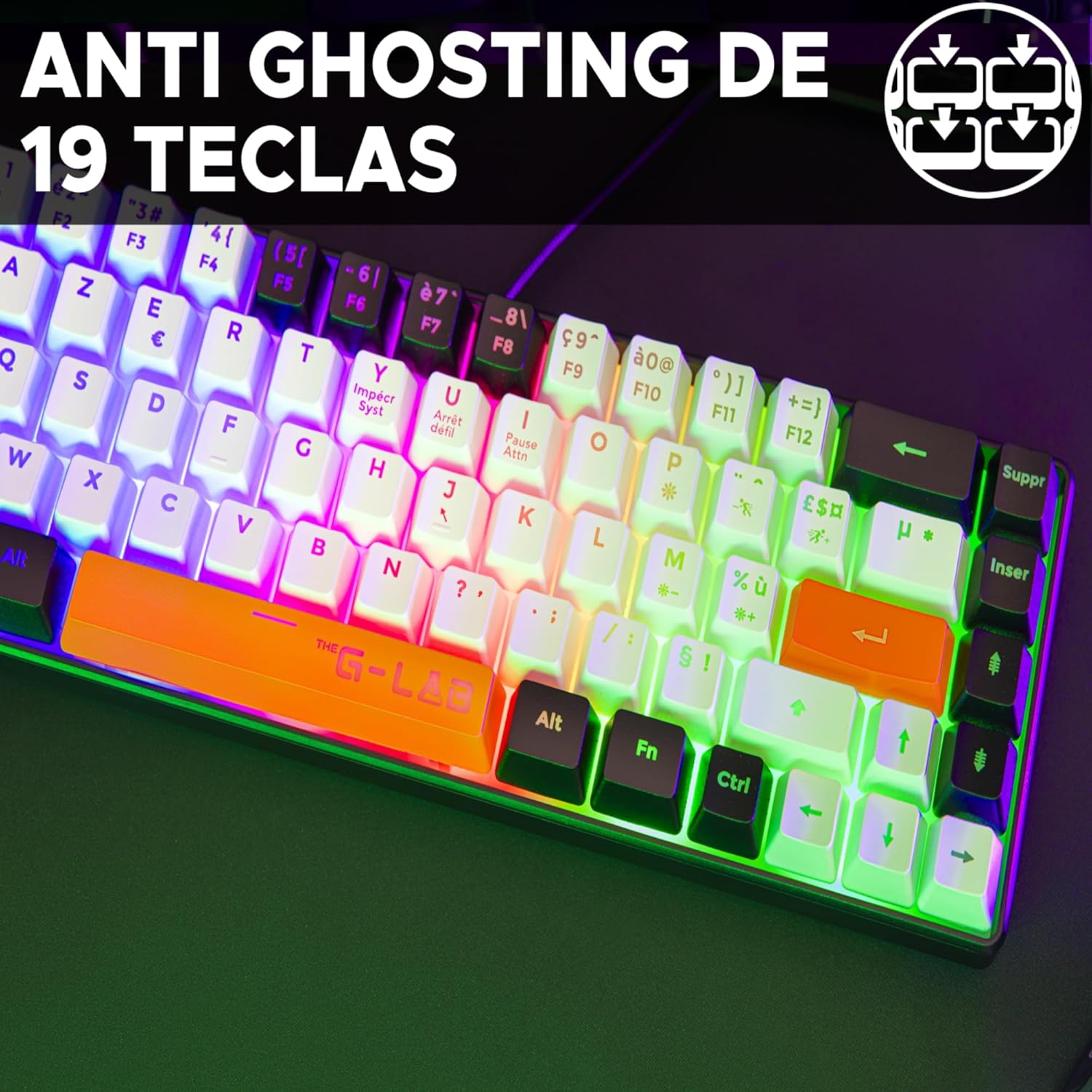
Image 2.4: 19-Key Anti-Ghosting. This technology ensures that up to 19 keys can be pressed simultaneously without any input conflicts, crucial for complex gaming commands.

Image 2.5: Precise and Silent Keystrokes. The membrane keys are designed for accurate and quiet operation, providing a comfortable typing and gaming experience.
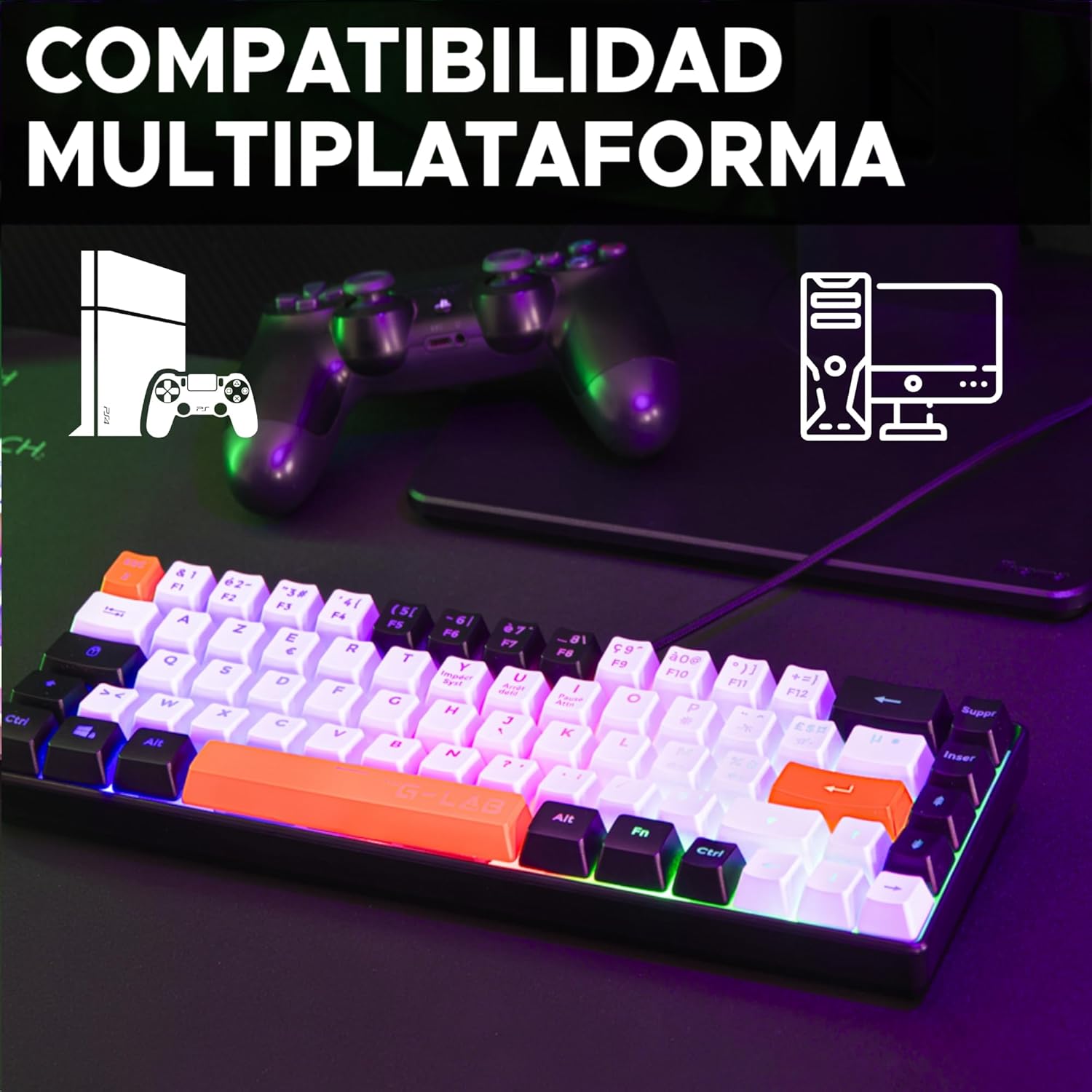
Image 2.6: Multiplatform Compatibility. The keyboard is compatible with PC, PS4, and PS5, offering versatility for different gaming setups.
3. Instructions de configuration
The G-Lab Keyz Hydrogen keyboard is designed for simple plug-and-play functionality. No additional drivers or software are required for basic operation.
- Déballer le clavier : Retirez délicatement le clavier de son emballage.
- Connectez-vous à l'appareil : Plug the USB connector of the keyboard into an available USB port on your PC, PlayStation 4, or PlayStation 5 console.
- Reconnaissance du système : Your operating system or console should automatically detect and install the necessary drivers. This process usually takes a few seconds.
- Prêt à l'emploi : Once recognized, the keyboard's backlight will illuminate, and it will be ready for immediate use.
4. Mode d'emploi
The Keyz Hydrogen keyboard offers straightforward operation with its standard QWERTY layout and gaming-specific features.
4.1 Fonctions clés de base
- Saisie standard : Use the alphanumeric keys for typing text and commands.
- Touches de fonction (F1-F12) : Access standard system functions. On a 60% keyboard, these are typically accessed via a combination with the Fn key. Refer to your device's operating system for specific Fn key combinations if not marked on the keycaps.
- Anti-fantôme: The keyboard's anti-ghosting feature allows for up to 19 simultaneous key presses, ensuring all your commands are registered during fast-paced gaming.
Contrôle du rétroéclairage 4.2
The Keyz Hydrogen features a fixed multi-colored RGB backlight. While the specific control keys are not detailed, typically, backlight brightness or modes can be adjusted using Fn key combinations, often with arrow keys or dedicated lighting keys if present. Experiment with Fn + Flèche haut/bas for brightness or Fn + touches spécifiques (e.g., PrtSc, Scroll Lock, Pause Break) for mode changes.
5. Entretien
Un entretien approprié garantit la longévité et les performances optimales de votre clavier.
- Nettoyage: Regularly clean the keyboard to prevent dust and debris buildup. Use a soft, dry cloth for general cleaning. For stubborn dirt, a slightly damp On peut utiliser un chiffon imbibé de savon doux, en veillant à ce qu'aucun liquide ne pénètre dans le clavier.
- Élimination de la poussière : Use compressed air to remove dust and crumbs from between the keycaps.
- Évitez les liquides : Do not spill liquids on the keyboard. In case of accidental spills, immediately unplug the keyboard and allow it to dry completely before reconnecting.
- Stockage: Lorsqu'il n'est pas utilisé pendant une période prolongée, rangez le clavier dans un endroit frais et sec, à l'abri de la lumière directe du soleil.
6. Dépannage
If you encounter issues with your G-Lab Keyz Hydrogen keyboard, refer to the following common troubleshooting steps:
- Le clavier ne répond pas :
- Assurez-vous que le câble USB est correctement branché à la fois au clavier et à l'ordinateur/console.
- Essayez de brancher le clavier sur un autre port USB.
- Redémarrez votre ordinateur ou votre console.
- Test the keyboard on another computer/console to determine if the issue is with the keyboard or the original device.
- Le rétroéclairage ne fonctionne pas :
- Vérifiez que le clavier est correctement connecté et alimenté.
- Check if any backlight control keys (often Fn combinations) have been pressed to turn off the lighting.
- Touches non enregistrées ou saisie en double :
- Clean the affected keys and the area around them to remove any debris that might be obstructing the key mechanism.
- Ensure the anti-ghosting feature is not being overloaded by pressing too many keys simultaneously beyond its 19-key limit.
Si ces étapes ne résolvent pas le problème, veuillez contacter le service client comme indiqué dans la section Garantie et assistance.
7. Spécifications
| Marque | LE G-LABORATOIRE |
| Numéro de modèle | KEYZ-HYDRO-BKWO/SP |
| Dimensions du produit | 31.6 x 4 x 10.4 cm |
| Poids de l'article | 433 g |
| Couleur | Black/White/Orange |
| Source d'énergie | Électrique filaire (USB) |
| Technologie de connectivité | USB |
| Description du clavier | Gaming (60% Membrane) |
| Appareils compatibles | PC, PlayStation 4, PlayStation 5 |
| Caractéristiques spéciales | 3 colors, Backlit, Compact 60%, Lightweight, Portable |
| Keyboard Backlight Color Support | RGB (Fixed Multi-colored) |
| Durabilité clé | 12 millions de frappes |
8. Garantie et assistance
The G-Lab Keyz Hydrogen Gaming Keyboard comes with a Garantie de 2 ans À compter de la date d'achat, cette garantie couvre les défauts de fabrication et assure que le produit répond à ses normes de performance spécifiées dans des conditions normales d'utilisation.
For any questions, technical assistance, or warranty claims, please contact G-Lab customer service. Our support team aims to respond to inquiries within 24 hours to provide assistance.
Veuillez conserver votre preuve d'achat pour la validation de la garantie.
Documents connexes - KEYZ-HYDRO-BKWO/SP
 |
Guide d'utilisation du clavier de jeu G-Lab Keyz Rubidium Guide d'utilisation du clavier de jeu G-Lab Keyz Rubidium, détaillant ses fonctionnalités, ses raccourcis multimédias et les informations de téléchargement du logiciel. |
 |
The G-Lab Keyz Carbon E Mechanical Gaming Keyboard User Guide Comprehensive user guide for The G-Lab Keyz Carbon E mechanical gaming keyboard, covering plug and play setup, multimedia shortcuts, technical specifications, game mode functions, and backlight customization. |
 |
Guide d'utilisation du clavier de jeu mécanique Keyz Rubidium E Guide d'utilisation complet du clavier de jeu mécanique G-LAB Keyz Rubidium E, détaillant la configuration, les fonctionnalités, les spécifications techniques, l'entretien des commutateurs et les informations de sécurité. |
 |
Guide d'utilisation et spécifications du clavier de jeu G-LAB KEYZ THORIUM Guide d'utilisation officiel et spécifications techniques du clavier de jeu G-LAB KEYZ THORIUM. Découvrez ses fonctionnalités, son installation, les consignes de sécurité, la garantie et les informations environnementales. |
 |
Clavier de jeu G-LAB KEYZ ELITE 300 TKL - Manuel d'utilisation et spécifications Manuel d'utilisation complet et spécifications techniques du clavier de jeu G-LAB KEYZ ELITE 300 TKL, couvrant les fonctionnalités, la connectivité, les commandes, la sécurité et la conformité. |
 |
Clavier de jeu sans fil haut de gamme G-LAB KEYZ ELITE 400 - Manuel d'utilisation et spécifications Guide complet du clavier de jeu sans fil haut de gamme G-LAB KEYZ ELITE 400, couvrant la configuration, les raccourcis multimédias, les commandes d'éclairage, les spécifications techniques, les précautions de sécurité, la garantie et les informations environnementales. |
Ask a question about this manual
Ask about setup, troubleshooting, compatibility, parts, safety, or missing instructions. Manuals+ will review the question and use this page’s manual context to help answer it.