
1. Introduction et plusview
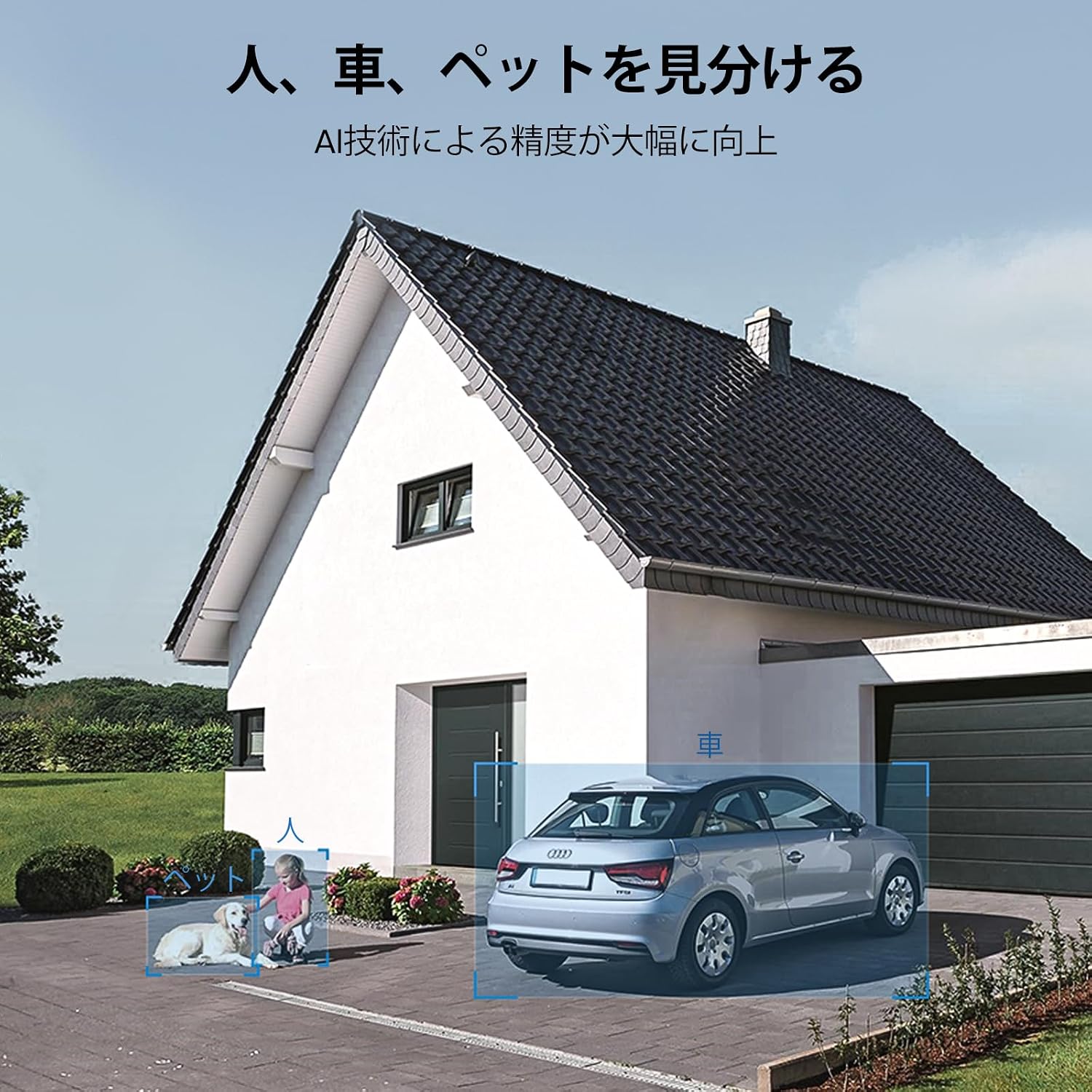
Thank you for choosing the aosu 5MP Outdoor Security Camera, Model C5E2CH11. This advanced security camera is designed to provide comprehensive surveillance for your outdoor spaces. It features 5-megapixel high-resolution video, 24/7 continuous recording, intelligent auto-tracking, and precise human, pet, and vehicle detection. With its full-color night vision, 360-degree panoramic view, IP65 waterproof rating, and 2.4GHz WiFi connectivity, the C5E2CH11 offers reliable and smart protection. This manual will guide you through the setup, operation, and maintenance of your new security camera.
2. caractéristiques du produit
2.1 High-Resolution Imaging with Enhanced Night Vision
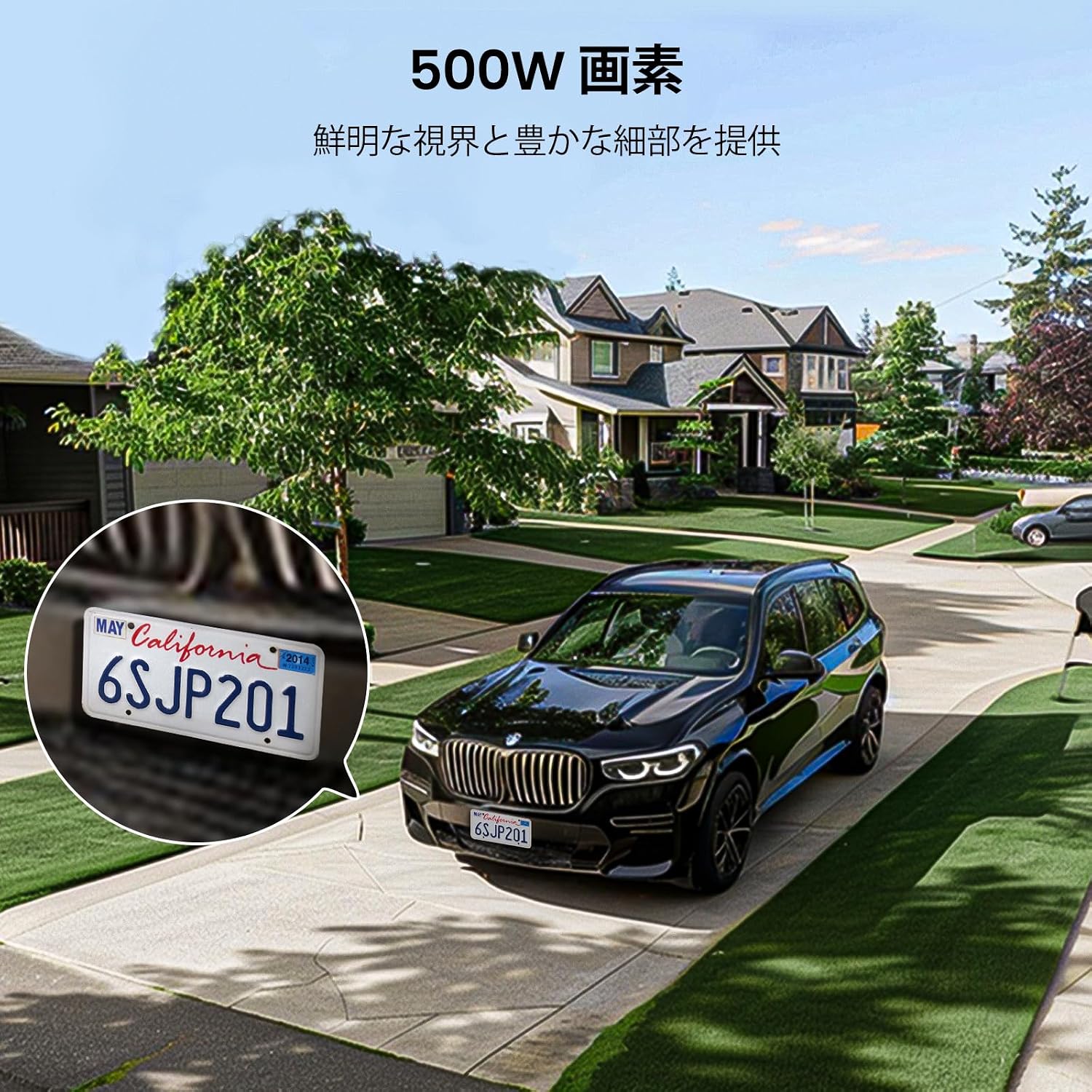
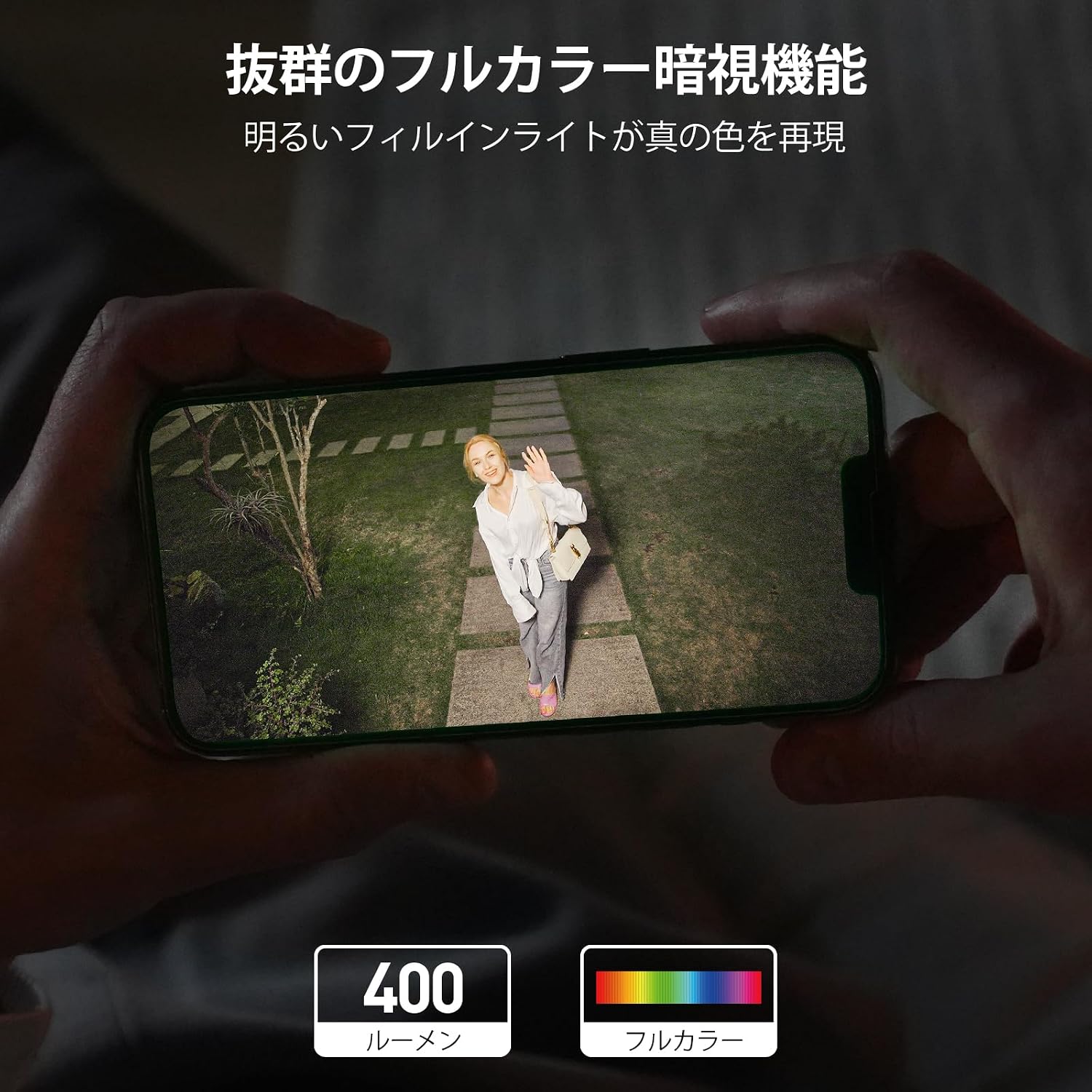
The camera features a 5-megapixel sensor and high-transparency optics, providing ultra-high resolution for clear and detailed images with accurate colors. Equipped with a full LED light strip, it delivers 400 lumens of brightness, extending the illuminated area and enabling full-color night vision that appears as bright as daytime.
2.2 Continuous Recording, Automatic Patrol, and Weatherproof Design
This Wi-Fi security camera operates with a single power cable, simplifying installation. It supports 24-hour continuous recording with stable signal transmission. The camera can be set to automatically patrol 360 degrees hourly for a week, monitoring all surrounding changes. Its IP65 waterproof rating ensures reliable outdoor performance.
2.3 Intelligent Human Detection and 360-Degree Auto-Tracking
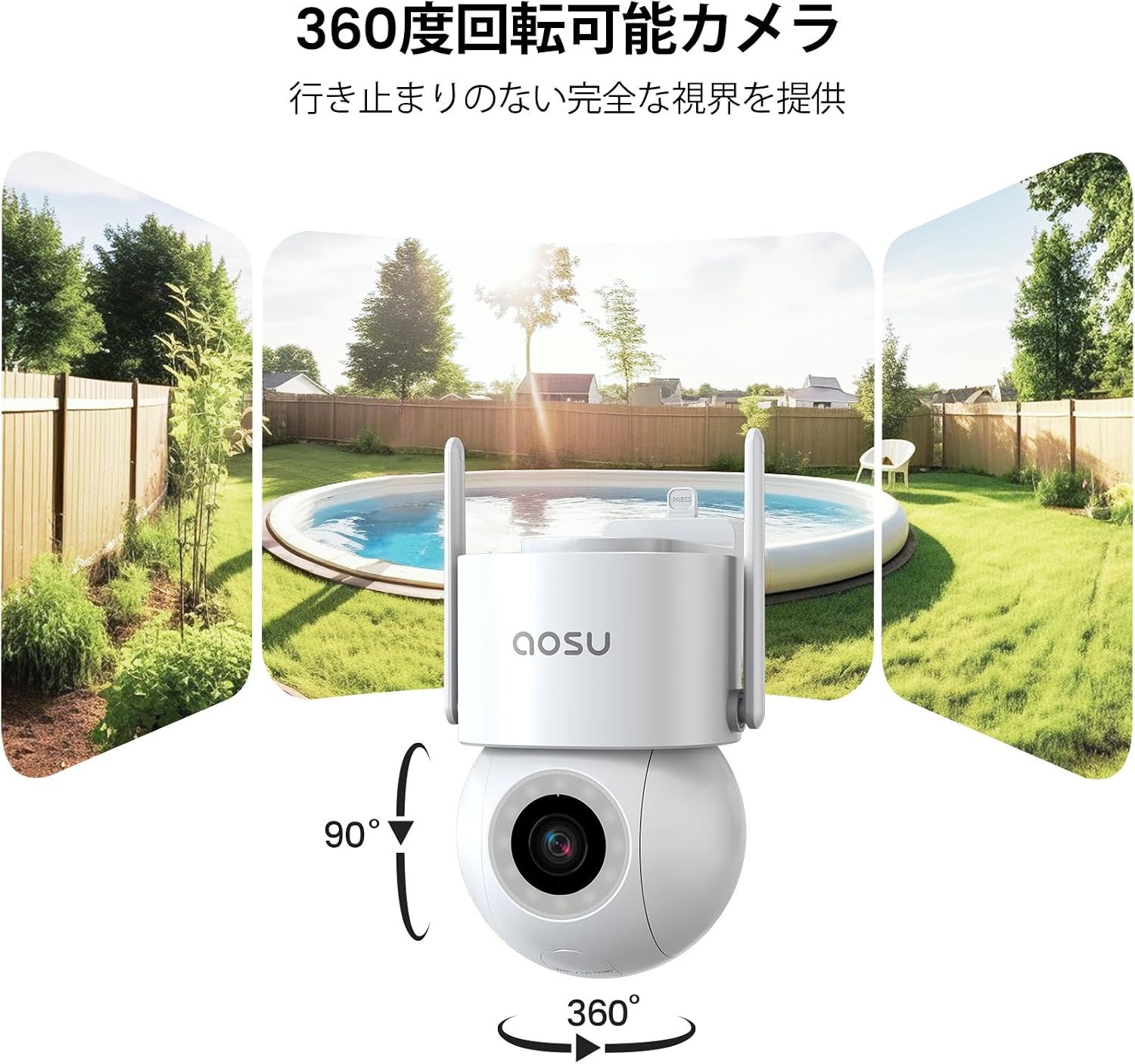
The camera automatically detects and tracks human subjects as they approach, continuing until they leave the monitored area. With 360-degree horizontal and 90-degree vertical rotation, it eliminates blind spots, ensuring complete event capture. Manual rotation and angle adjustment are also available via the app.
2.4 Audible and Visual Alarms with Instant Notifications
The security camera offers multiple deterrents against unauthorized access. During active protection periods, if an intruder is detected, the camera activates a bright light and an audible alarm. Simultaneously, it sends immediate notifications to your smartphone app and saves the video footage comme preuve.


2.5 Flexible Recording Storage and Dedicated App Support
Gérez votre caméra et view recordings using the dedicated "aosu" app. Videos are stored chronologically for easy searching and playback. Storage options include cloud storage and local microSD card storage (up to 128GB, sold separately). For any inquiries before or during use, please contact customer support via Amazon's "Order History" -> "Purchase History" -> "Question" section. Support is available weekdays from 10:30 AM to 7:30 PM JST, with responses typically within one business day.
3. Guide de configuration
Follow these steps to set up your aosu 5MP Outdoor Security Camera. Ensure you have downloaded the "aosu" app and created an account before proceeding.
- Déballage : Carefully remove all components from the packaging. Verify that all included accessories (screws, expansion pipes, mounting sheet, power adapter, manual) are present.
- Mise sous tension : Connect the camera to a power source using the provided power adapter. The camera will perform a self-test, indicated by its lights and automatic rotation. This is normal.
- Installation de l'application : Download the "aosu" app from your smartphone's app store (iOS or Android). Register for an account if you haven't already.
- Ajouter un appareil : Open the aosu app and follow the on-screen instructions to add a new device. You will typically scan a QR code on the camera or in the app to initiate pairing.
- Connexion Wifi: Connect the camera to your 2.4GHz WiFi network. Ensure your smartphone is also connected to the same 2.4GHz network during setup.
- Montage: Choose a suitable outdoor location for installation. Use the mounting sheet to mark drill holes, then secure the camera using the screws and expansion pipes. Ensure the camera has a clear field of view and is within WiFi range.
Vidéos d'installation :
4. Mode d'emploi
The aosu security camera is primarily controlled via the dedicated "aosu" smartphone application. Ensure your camera is powered on and connected to your WiFi network.
4.1 En direct View et lecture
- Open the aosu app and select your camera from the device list to access the live view.
- Pour review enregistré footage, navigate to the playback section within the app. Videos are organized chronologically for easy access.
4.2 Commande panoramique, d'inclinaison et de zoom (PTZ)
- En direct view, use the on-screen controls to manually adjust the camera's horizontal (pan) and vertical (tilt) angles.
- The camera supports digital zoom. Pinch to zoom in or out on the live or recorded video.
- Set up automatic patrol routes within the app to have the camera periodically scan predefined areas.
4.3 Détection de mouvement et alarmes
- Configure motion detection sensitivity and detection zones in the app settings.
- Enable human, pet, and vehicle detection for more precise alerts.
- Customize alarm settings to activate the built-in light and siren when an intruder is detected.
- Assurez-vous que les notifications de l'application sont activées sur votre smartphone pour recevoir des alertes instantanées.
4.4 Audio bidirectionnel
- Utilisez l'icône du microphone en direct view Parler via le haut-parleur de la caméra.
- Le microphone intégré de la caméra vous permet d'entendre le son provenant de l'emplacement de la caméra.
4.5 Gestion du stockage
- Access cloud storage options and manage your subscription through the aosu app.
- If using a microSD card (up to 128GB, sold separately), insert it into the designated slot. The app will allow you to format and manage the card.
4.6 Partage familial et intégration à la maison connectée
- Share camera access with family members through the app's sharing features.
- La caméra est compatible avec Alexa, permettant ainsi le contrôle vocal et l'intégration dans votre écosystème domotique.
5. Entretien
To ensure optimal performance and longevity of your aosu security camera, follow these maintenance guidelines:
- Nettoyage des lentilles : Regularly clean the camera lens with a soft, lint-free cloth to remove dust, dirt, or smudges that may affect image clarity. Avoid abrasive cleaners.
- Nettoyage des logements : Essuyez le boîtier extérieur de la caméra avec un produit nettoyant pour appareils photo.amp cloth as needed to keep it clean.
- Vérification de la connexion : Periodically inspect the power cable and mounting hardware to ensure they are securely connected and free from damage.
- Mises à jour logicielles : Keep the aosu app and camera firmware updated to the latest versions to benefit from new features, improvements, and security patches. Check the app regularly for update notifications.
- Considérations environnementales : Bien que la caméra soit étanche IP65, évitez de diriger des jets d'eau à haute pression directement sur l'appareil. Assurez-vous d'un bon drainage autour de la zone d'installation.
6. Dépannage
If you encounter issues with your aosu security camera, please refer to the following common troubleshooting steps:
- La caméra ne se connecte pas au Wi-Fi :
- Assurez-vous que votre réseau Wi-Fi fonctionne sur la fréquence 2.4 GHz. La caméra n'est pas compatible avec les réseaux 5 GHz.
- Check the WiFi signal strength at the camera's location. Move the camera closer to the router if necessary.
- Vérifiez que le mot de passe Wi-Fi saisi dans l'application est correct.
- Redémarrez votre routeur et votre caméra.
- Mauvaise qualité d'image :
- Nettoyez l'objectif de l'appareil photo.
- Assurez-vous qu'aucun obstacle ne se trouve dans le champ de vision de la caméra. view.
- Check your internet connection speed. A slow connection can affect live stream quality.
- La détection de mouvement ne fonctionne pas :
- Vérifiez que la détection de mouvement est activée dans les paramètres de l'application.
- Ajustez la sensibilité et les zones de détection.
- Assurez-vous que le micrologiciel de l'appareil photo est à jour.
- Aucune notification :
- Check your smartphone's notification settings for the aosu app.
- Ensure the camera has an active internet connection.
- Verify that alarm settings are correctly configured in the app.
- MicroSD Card Not Recording/Recognized:
- Vérifiez que la carte microSD est correctement insérée.
- Formatez la carte microSD via l'application.
- Check if the microSD card is faulty or exceeds the maximum supported capacity (128GB).
Remarque importante : According to aosu statistics, only about 3% of all after-sales cases are due to hardware defects. The majority are software-related issues that can be resolved by adjusting software settings. If you are unable to resolve an issue, please contact customer support.
7. Spécifications
| Fonctionnalité | Spécification |
|---|---|
| Utilisation recommandée | Sécurité extérieure |
| Marque | aosu |
| Nom du modèle | C5E2CH11 |
| Technologie de connectivité | Wi-Fi 2.4 GHz uniquement |
| Caractéristiques spéciales | PTZ Technology, Two-Way Audio, Night Vision |
| Utilisation intérieure/extérieure | Intérieur, extérieur |
| Appareils compatibles | Smartphone |
| Source d'énergie | Cordon d'alimentation |
| Protocole de connexion | Wifi |
| Type de montage | Support mural, à visser |
| Couleur | Blanc |
| Matériau extérieur | Plastique |
| Waterproof Type | Résistant à l'eau (IP65) |
| Type de chambre | Office, Kids Room, Hallway, Classroom |
| Type de source lumineuse | DIRIGÉ |
| Still Image Effective Resolution | 5 MP |
| Indice d'étanchéité | IP65 |
| Résolution du capteur photo | 3 MP |
| Méthode de contrôle | Application |
| Type sans fil | Wifi |
| Video Pixels | 5 MP |
| Domaine de View | 360 degrés |
| Type de moteur | Zoom numérique |
| Zoom Magnification (Digital) | 6x |
| Dimensions du produit | 13.4 x 16.8 x 19.8 cm |
| Nombre d'unités | 1.00 Nombre |
| Nom du fabricant | aosu |
| Composants inclus | Screws and Expansion Pipes, Mounting Sheet, Instruction Manual, Security Camera Body, Power Adapter |
| Pays d'origine | Chine |
| Special Purpose | Surveillance |
| Code UPC | 783970046079 |
| Voltage | 100 volts |
| Piles requises | Non |
| Format de capture vidéo | MPEG-4 |
| Gamme de vision nocturne | 20 mètres |
| Vision nocturne | Vision nocturne en couleur |
| Nombre de LED infrarouges | 4 |
| Type de mémoire interne | microSD |
| Max Flash Memory Supported Size | 128 Go |
8. Garantie et assistance
aosu provides dedicated customer support to ensure your satisfaction with the product.
8.1 Informations sur la garantie
The aosu 5MP Outdoor Security Camera comes with a Garantie d'un an from the date of purchase. This warranty covers hardware issues that are confirmed by our online customer service as irreparable through software adjustments.
8.2 Assistance clientèle
For any questions or issues regarding your camera, whether before or during use, please contact aosu customer support through Amazon:
- Accédez à votre "Order History" sur Amazon.
- Select the relevant purchase from your "Purchase History".
- Cliquez sur le "Question" option to send a message to our support team.
Heures d'assistance : Weekdays, 10:30 AM to 7:30 PM (Japan Standard Time).
We aim to respond to all inquiries within one business day.