
1. Introduction
The Evolux Smart Light Bulb (E26) is designed to transform your home lighting experience. This smart bulb offers a wide range of color options, dimmable brightness, and warm to cool white light settings, all controllable via your smartphone or voice commands through compatible smart assistants like Amazon Alexa.
This manual provides essential information for the safe and efficient use of your Evolux Smart Light Bulb, including setup instructions, operating procedures, maintenance tips, troubleshooting, and product specifications.

Image: Evolux Smart Light Bulb (E26) and its retail packaging, highlighting key features like Wi-Fi connectivity, multicolor, cool and warm white light, and Alexa compatibility.
2. Consignes de sécurité
- Assurez-vous que l'alimentation est coupée avant d'installer ou de retirer l'ampoule.
- Do not use with standard dimmers; dimming is controlled via the app or voice commands.
- Convient uniquement à une utilisation en intérieur.
- Avoid exposing the bulb to water or excessive moisture.
- Opérer dans le volume spécifiétagLa plage (120 V).
3. Contenu du colis
Your Evolux Smart Light Bulb package includes:
- 1 x Evolux Smart Light Bulb (E26)
- 1 x English Installation Manual (this document)
4. Spécifications
| Fonctionnalité | Détail |
|---|---|
| Numéro de modèle | EA-9000 |
| Culot de l'ampoule | E26 |
| Quoitage | 9 watts (équivalent à une ampoule à incandescence de 60 W) |
| Flux lumineux | 806 lumens |
| Température de couleur | 2700K (Warm White) to 6500K (Cool White) + Multicolor |
| Durée de vie | 25,000 heures |
| Connectivité | 2.4 GHz Wi-Fi (No Hub Required) |
| Compatibilité | Amazon Alexa, Google Assistant, Siri |
| Voltage | 120.0V |
| Dimensions | 6 x 6 x 11.4 cm |
| Poids | 39 g |

Image : Gros plan view of the Evolux Smart Light Bulb, showing printed technical specifications such as wattage, lumens, and certifications.
5. Guide de configuration
Follow these steps to set up your Evolux Smart Light Bulb and connect it to the Lloyd's Smart App and your smart assistant.
- Installez l'ampoule : Screw the Evolux Smart Light Bulb into a standard E26 light socket. Ensure the power is off before installation.
- Téléchargez l'application : Téléchargez le Lloyd's Smart application disponible sur l'App Store (pour iOS) ou sur le Google Play Store (pour Android).
- S'inscrire/Se connecter : Ouvrez l'application et créez un nouveau compte ou connectez-vous si vous en avez déjà un.
- Ajouter un appareil :
- In the app, select the '+' icon (usually in the upper right corner) to add a new device.
- Choose "Lighting" from the device categories, then select "Smart Bulb".
- Se connecter au Wi-Fi :
- Enter your 2.4 GHz Wi-Fi network information (SSID and password). Note: The bulb only supports 2.4 GHz Wi-Fi networks.
- Turn the light bulb on and off twice (on-off-on-off-on) until the bulb flashes rapidly. This indicates it's in pairing mode.
- Confirm in the app that the light is flashing rapidly, then click "Next".
- Configuration: Wait for the app to configure the device. This may take a few moments.
- Name the Bulb: Once configured, you can rename the bulb to something easily recognizable (e.g., "Living Room Light"). Click "Done".
- Connect to Smart Assistant (e.g., Alexa):
- Open your Amazon Alexa app.
- Go to "Devices" and tap the '+' icon to add a new device.
- Select "Light" and follow the on-screen instructions to discover your new Evolux Smart Light Bulb. Alexa should instantly pair with the smart bulb upon installation if your Alexa device is connected to your 2.4 GHz Wi-Fi channel.
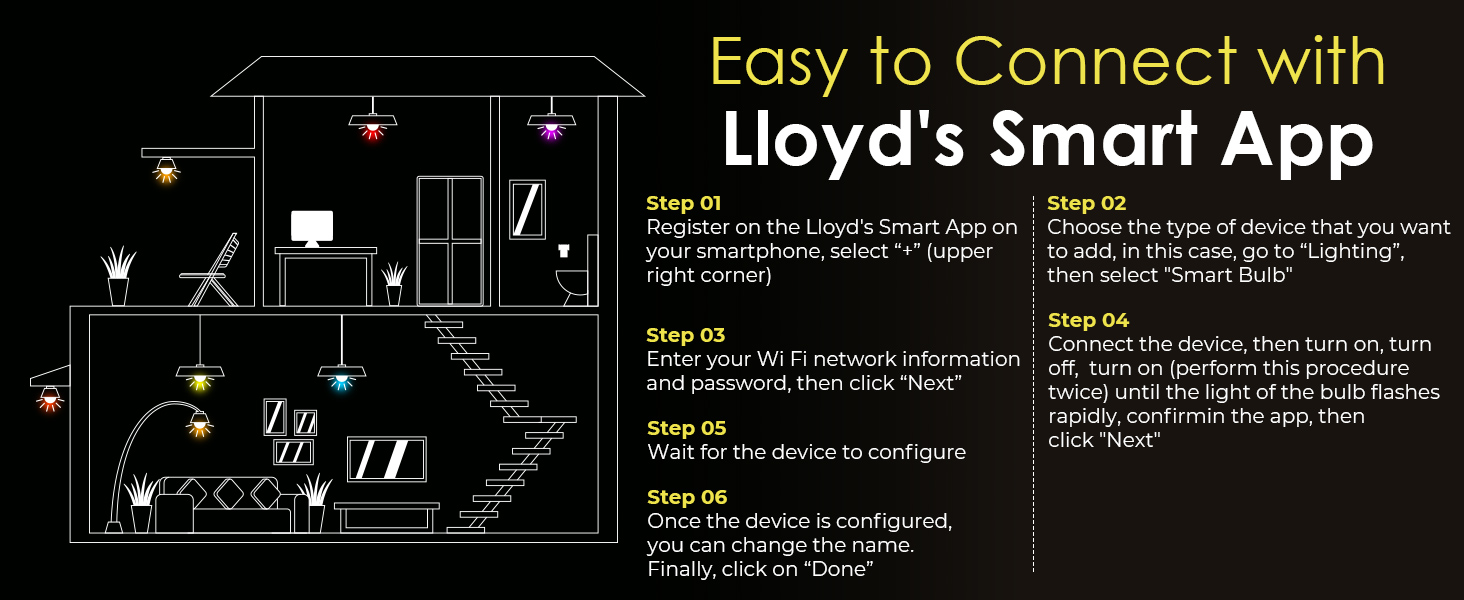
Image: Step-by-step diagram illustrating how to connect the Evolux Smart Light Bulb to the Lloyd's Smart App, including registration, device selection, Wi-Fi input, and pairing mode activation.
6. Mode d'emploi
Once your Evolux Smart Light Bulb is set up, you can control it using the Lloyd's Smart App or your preferred smart assistant.
6.1. Contrôle des applications
- Marche/Arrêt : Tap the power icon next to the bulb's name in the app.
- Luminosité: Utilisez le curseur de l'application pour régler la luminosité de 1 % à 100 %.
- Sélection de couleur : Choose from millions of colors using the color wheel or preset color options.
- Réglage de la lumière blanche : Adjust the white light from warm (2700K) to cool (6500K) to suit your preference.
- Scènes : Select from pre-programmed scenes or create custom scenes for different moods or activities.
- Programmation: Set schedules for the bulb to turn on/off or change settings at specific times.
- Regroupement: Group multiple Evolux Smart Light Bulbs together to control them simultaneously with a single command.
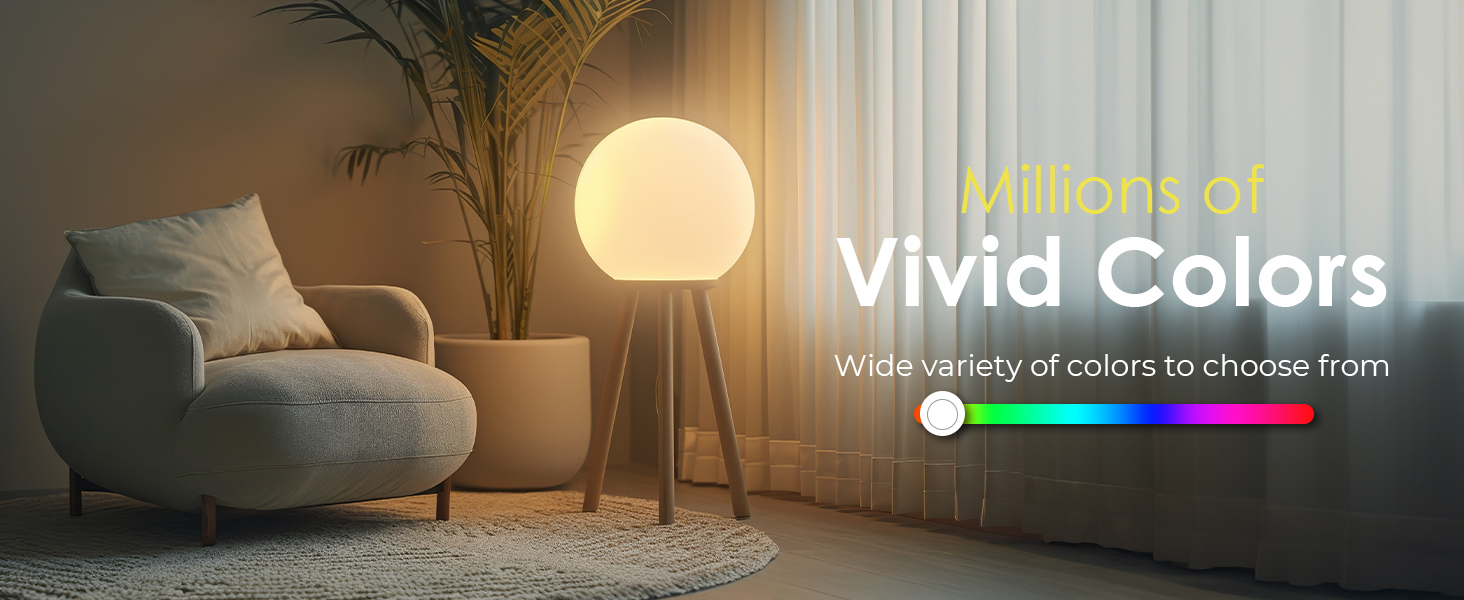
Image: Illustration demonstrating the wide spectrum of millions of vivid colors available for the Evolux Smart Light Bulb.
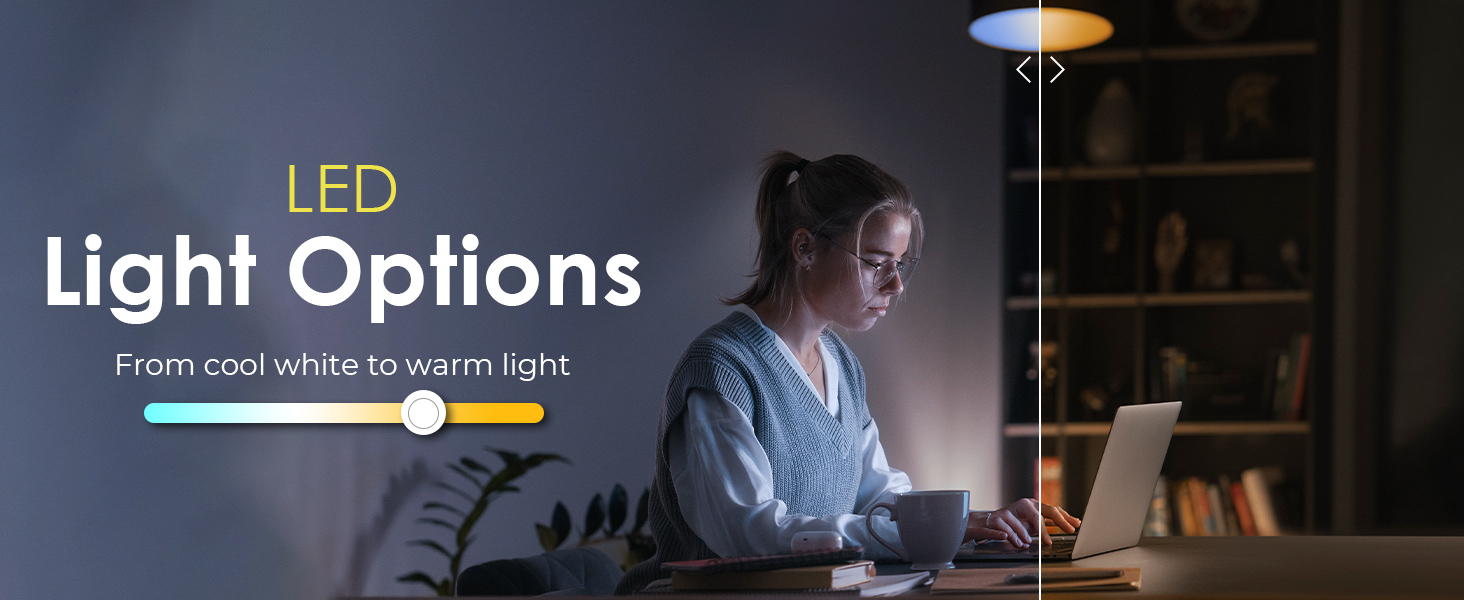
Image: Visual representation of the LED light options, allowing adjustment from cool white to warm light.
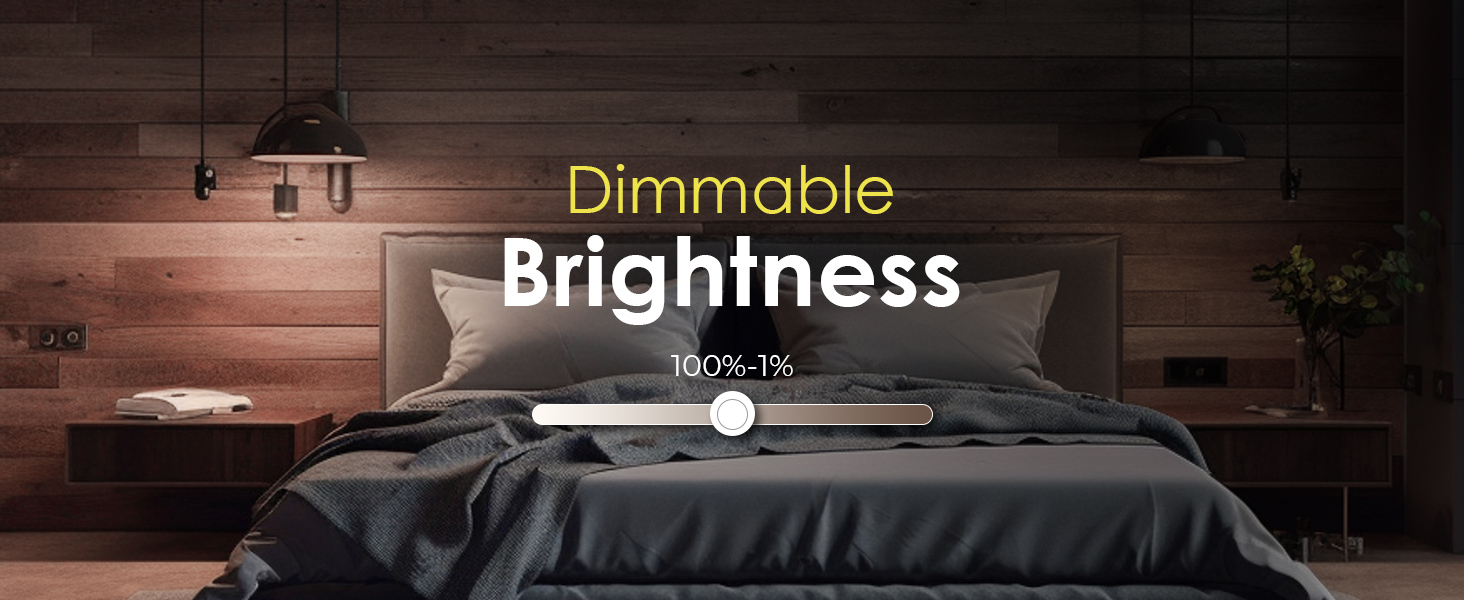
Image: Graphic illustrating the dimmable brightness feature, adjustable from 100% down to 1%.
6.2. Voice Control (Alexa, Google Assistant)
After linking your Lloyd's Smart account to your smart assistant, you can use voice commands to control your bulb.
- Activer/désactiver : "Alexa, turn on [Bulb Name]" or "Hey Google, turn off [Bulb Name]".
- Régler la luminosité : "Alexa, set [Bulb Name] to 50%" or "Hey Google, dim [Bulb Name]".
- Changer de couleur : "Alexa, set [Bulb Name] to blue" or "Hey Google, change [Bulb Name] to red".
- Change White Tone: "Alexa, set [Bulb Name] to warm white" or "Hey Google, make [Bulb Name] cool white".
- Activate Scenes: "Alexa, enable party mode" (if you have a scene named "Party Mode").
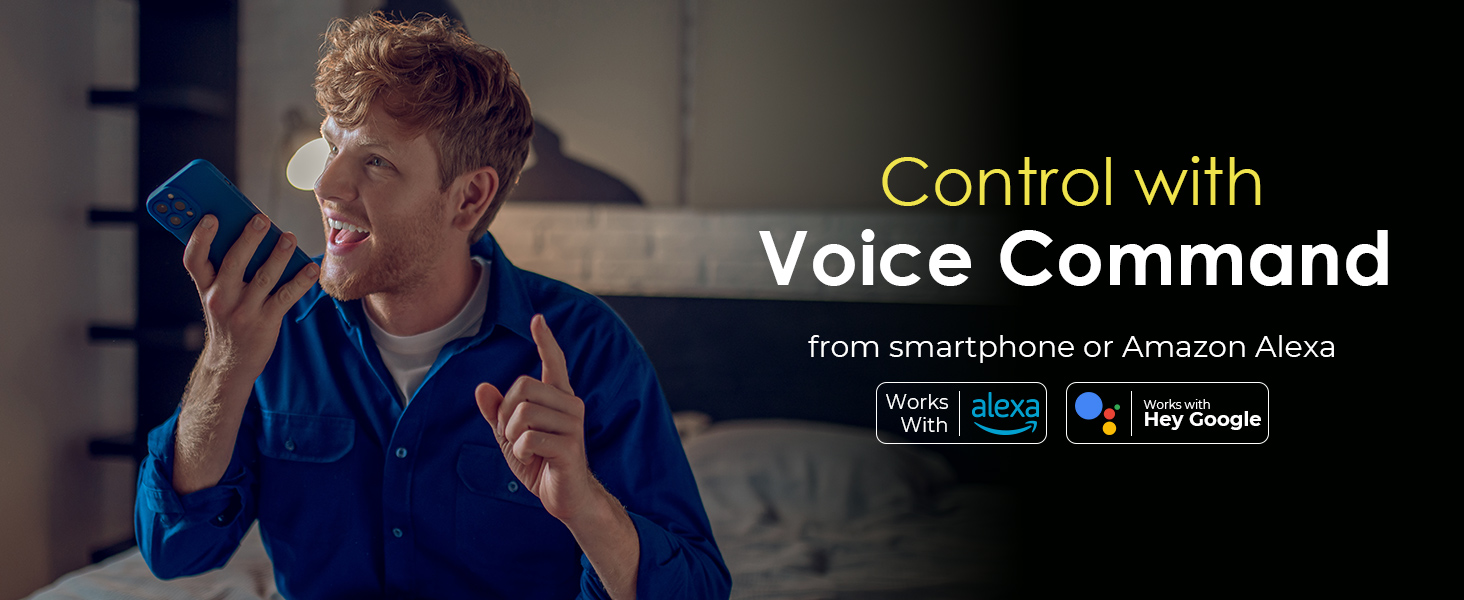
Image: A person using voice commands to control their smart lighting, with logos indicating compatibility with Amazon Alexa and Google Assistant.
7. Entretien
- Nettoyage: Assurez-vous que l'ampoule est éteinte et froide avant de la nettoyer. Essuyez-la avec un chiffon doux et sec. N'utilisez pas de nettoyants liquides.
- Stockage: Si vous conservez l'ampoule pendant une période prolongée, gardez-la dans un endroit frais et sec, à l'abri de la lumière directe du soleil.
- Mises à jour du micrologiciel : Periodically check the Lloyd's Smart App for firmware updates to ensure optimal performance and security.
8. Dépannage
| Problème | Cause possible | Solution |
|---|---|---|
| L'ampoule ne s'allume pas. | Pas d'alimentation, connexion défectueuse, ampoule défectueuse. | Vérifiez l'interrupteur. Assurez-vous que l'ampoule est bien vissée. Testez l'ampoule dans un autre luminaire. |
| L'ampoule ne se connecte pas au Wi-Fi. | Incorrect Wi-Fi password, 5 GHz network, bulb not in pairing mode, weak signal. | Ensure you are connecting to a 2.4 GHz Wi-Fi network. Double-check password. Reset bulb to pairing mode (on-off-on-off-on). Move closer to router. |
| Bulb unresponsive via app/voice. | Wi-Fi disconnected, app issue, smart assistant link lost. | Check Wi-Fi connection. Restart the app. Relink the Lloyd's Smart account with your smart assistant. Power cycle the bulb. |
| Color/brightness issues. | App settings, firmware issue. | Verify settings in the app. Check for and apply any available firmware updates. |
| L'ampoule se déconnecte fréquemment. | Signal Wi-Fi faible, interférences réseau. | Ensure strong 2.4 GHz Wi-Fi signal. Reduce interference from other devices. Consider a Wi-Fi extender. |
Si les problèmes persistent après avoir essayé ces solutions, veuillez contacter le service client.
9. Garantie et assistance
The Evolux Smart Light Bulb (EA-9000) comes with a Garantie de 1 ans à compter de la date d'achat, couvrant les défauts de fabrication et les dysfonctionnements dans des conditions normales d'utilisation.
For warranty claims, technical support, or any inquiries, please refer to the contact information provided on the product packaging or visit the official Evolux website. Please have your proof of purchase and model number (EA-9000) ready when contacting support.
Certifications: Our smart light bulbs are ETL, FCC AC7Z-ESP868505 & ISED 32592-EA-9000 certified, ensuring quality, safety compliance, and efficiency.