
Logitech 910-004916
Manuel d'utilisation de la souris sans fil Logitech M331 SILENT PLUS
Modèle: 910-004916
Introduction
Thank you for choosing the Logitech M331 SILENT PLUS Wireless Mouse. This manual provides detailed instructions for setting up, operating, maintaining, and troubleshooting your new wireless mouse. Designed for comfort and quiet operation, the M331 SILENT PLUS offers a reliable and precise navigation experience.
Contenu du colis
- Souris sans fil Logitech M331 SILENT PLUS
- Récepteur nano
- 1 pile AA (préinstallée)
- Documentation utilisateur

Image: The Logitech M331 SILENT PLUS Wireless Mouse in red, showing its top view with the scroll wheel and Logitech logo.
Guide d'installation
1. Installation de la batterie
The Logitech M331 SILENT PLUS mouse comes with one AA battery pre-installed. If you need to replace it:
- Repérez le couvercle du compartiment à piles sur la face inférieure de la souris.
- Faites glisser le couvercle pour l'ouvrir.
- Insert a new AA battery, ensuring the positive (+) and negative (-) terminals align correctly with the indicators inside the compartment.
- Fermez soigneusement le couvercle du compartiment à piles.
2. Connexion du nano-récepteur
The Nano Receiver provides the wireless connection between your mouse and computer.
- Locate the Nano Receiver. It is typically stored inside the battery compartment of the mouse for safekeeping during transport.
- Branchez le nano-récepteur sur un port USB disponible de votre ordinateur.
- Votre ordinateur devrait détecter et installer automatiquement les pilotes nécessaires. Cela peut prendre quelques instants.
3. Turning the Mouse On/Off
To conserve battery life, the mouse features an on/off switch.
- Localisez l’interrupteur d’alimentation situé sous la souris.
- Slide the switch to the "ON" position to use the mouse.
- Slide the switch to the "OFF" position when not in use for extended periods, such as overnight or during travel.

Image: A diagram highlighting key features of the Logitech M331 mouse, including silent clicks, wide rubber scroll wheel, contoured grips, high precision tracking, the storage location for the unifying receiver, and its 10-meter wireless range.
Mode d'emploi
Fonctions de base de la souris
- Click gauche: Appuyez sur le bouton gauche de la souris pour sélectionner des éléments, ouvrir files, ou activer des fonctions.
- Clic-droit: Appuyez sur le bouton droit de la souris pour ouvrir les menus contextuels ou accéder à des options supplémentaires.
- Molette: Faites défiler la molette de la souris vers le haut ou vers le bas pour naviguer dans les documents et web pages. La molette de défilement sert également de bouton de clic central.
Fonctionnement silencieux
The M331 SILENT PLUS mouse is engineered for quiet operation, offering over 90% noise reduction on click sounds compared to standard Logitech mice. This feature ensures a quiet environment for you and those around you.
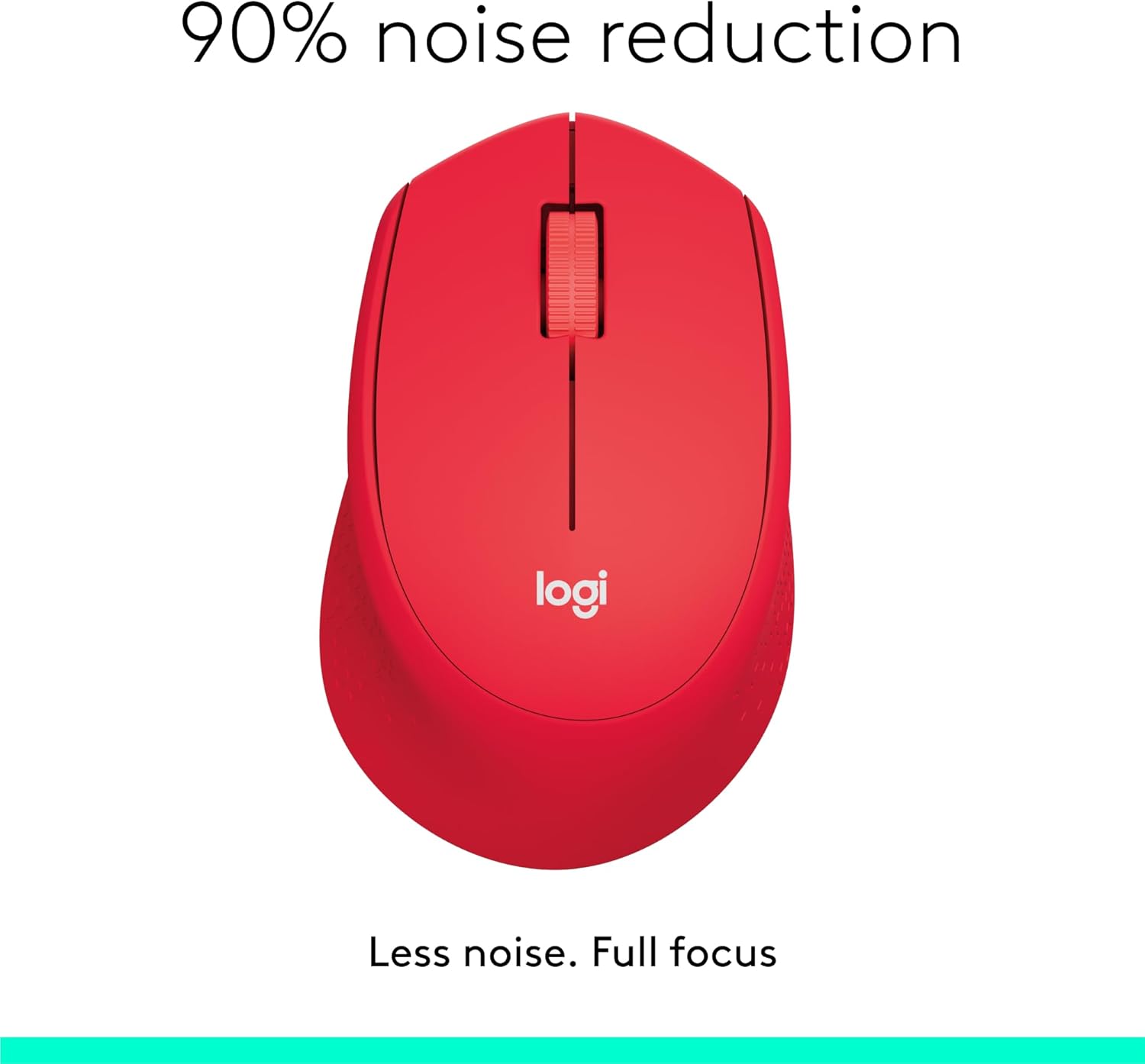
Image: The Logitech M331 mouse illustrating its 90% noise reduction capability, promoting a focused work environment.
Conception ergonomique
The mouse is crafted with contoured grips and a curved shape to fit comfortably in your right hand, providing improved control and reducing strain during extended use.

Image: A hand demonstrating the comfortable grip on the Logitech M331 mouse, highlighting its contoured side grips designed for right-hand use.
Entretien
Nettoyer votre souris
Pour maintenir des performances et une hygiène optimales, nettoyez régulièrement votre souris :
- Turn off the mouse and unplug the Nano Receiver from your computer.
- Utilisez légèrement un chiffon doux et non pelucheux.ampened with water or an electronics-safe cleaning solution to wipe the surface of the mouse.
- Évitez de laisser pénétrer l’humidité dans les ouvertures.
- Pour le capteur optique situé sur la face inférieure, utilisez un coton-tige sec pour enlever délicatement toute poussière ou débris.
Remplacement de la batterie
The M331 SILENT PLUS mouse boasts an impressive battery life of up to 24 months. When the battery is low, you may notice erratic behavior or the mouse becoming unresponsive. Refer to the "Installing the Battery" section under Setup Guide for replacement instructions.
Dépannage
| Problème | Cause possible | Solution |
|---|---|---|
| La souris ne répond pas ou ne bouge pas. |
|
|
| Mouvements saccadés ou irréguliers du curseur. |
|
|
| Clicks are not registering. |
|
|
Caractéristiques
| Fonctionnalité | Détail |
|---|---|
| Modèle | 910-004916 |
| Dimensions (Souris) | 105.4 mm (hauteur) x 67.9 mm (largeur) x 38.4 mm (profondeur) |
| Weight (Mouse) | 91.0 g (with battery: 78 g / 2.75 oz) |
| Nano Receiver Dimensions | 14.4 mm x 18.7 mm x 6.1 mm |
| Nano Receiver Weight | 1.8 g |
| Type de connexion | 2.4GHz Wireless connection |
| Portée sans fil | 10 mètres (33 pieds) |
| Techniques de détection | Suivi optique avancé de Logitech |
| Résolution du Capteur | 1000 ppp |
| Nombre de boutons | 3 (Left/Right-click, Middle click/Scroll wheel) |
| Molette de défilement | Yes, 2D, optical, wide rubber wheel |
| Type de batterie | 1 piles AA |
| Autonomie de la batterie | Jusqu'à 24 mois (peut varier en fonction de l'utilisateur et des conditions informatiques) |
| Interrupteur marche/arrêt | Oui |
| Configuration requise | Windows 10 or later, Windows 8, Windows RT, Windows 7, Mac OS X 10.5 or later, Chrome OS, Linux Kernel 2.6+2, USB connection (available USB port required) |
| Orientation de la main | Droite |
| Type de matériau | Plastic (58% Recycled Plastic) |

Image: Detailed dimensions of the Logitech M331 mouse, showing its length, width, height, and weight with batteries.
Garantie et assistance
For warranty information and technical support, please refer to the user documentation included in your package or visit the official Logitech support website. Logitech products typically come with a limited hardware warranty. Please retain your proof of purchase for warranty claims.
Pour obtenir de l'aide supplémentaire, vous pouvez consulter la page d'assistance de Logitech : support.logi.com
Ask a question about this manual
Ask about setup, troubleshooting, compatibility, parts, safety, or missing instructions. Manuals+ will review the question and use this page’s manual context to help answer it.