
1. Introduction
This manual provides essential information for the proper installation, operation, and maintenance of your HPE NVIDIA Tesla M60 Dual GPU Module. Please read this manual thoroughly before attempting to install or use the product. Retain this manual for future reference.
2. Consignes de sécurité
Always observe the following safety precautions to prevent injury and damage to the product or other components:
- Précautions contre les décharges électrostatiques (ESD) : Always wear an anti-static wrist strap and work on an anti-static mat when handling the GPU module. ESD can severely damage electronic components.
- Coupure de courant : Ensure the system is completely powered off and disconnected from the power source before installing or removing the GPU module.
- Manipulation appropriée : Hold the GPU module by its edges. Avoid touching the gold connector pins or any surface-mounted components.
- Ventilation: Ensure adequate airflow within the system chassis to prevent overheating.
- Installation professionnelle : En cas de doute sur une étape de l'installation, consultez un technicien qualifié.
3. Contenu du colis
Vérifiez que tous les éléments sont présents dans votre colis :
- HPE NVIDIA Tesla M60 Dual GPU Module
- Documentation (this manual, if provided in print)

Figure 3.1: The HPE NVIDIA Tesla M60 GPU module as typically packaged in an anti-static bag within a protective box.
4. Produit terminéview
The HPE NVIDIA Tesla M60 is a dual-GPU accelerator designed for server environments, providing high-performance computing and virtual desktop infrastructure capabilities. It features two NVIDIA Tesla M60 GPUs with 16 GB of GDDR5 memory.

Figure 4.1 : Face avant view of the HPE NVIDIA Tesla M60 Dual GPU Module, showcasing its cooling shroud and the PCI Express connector.
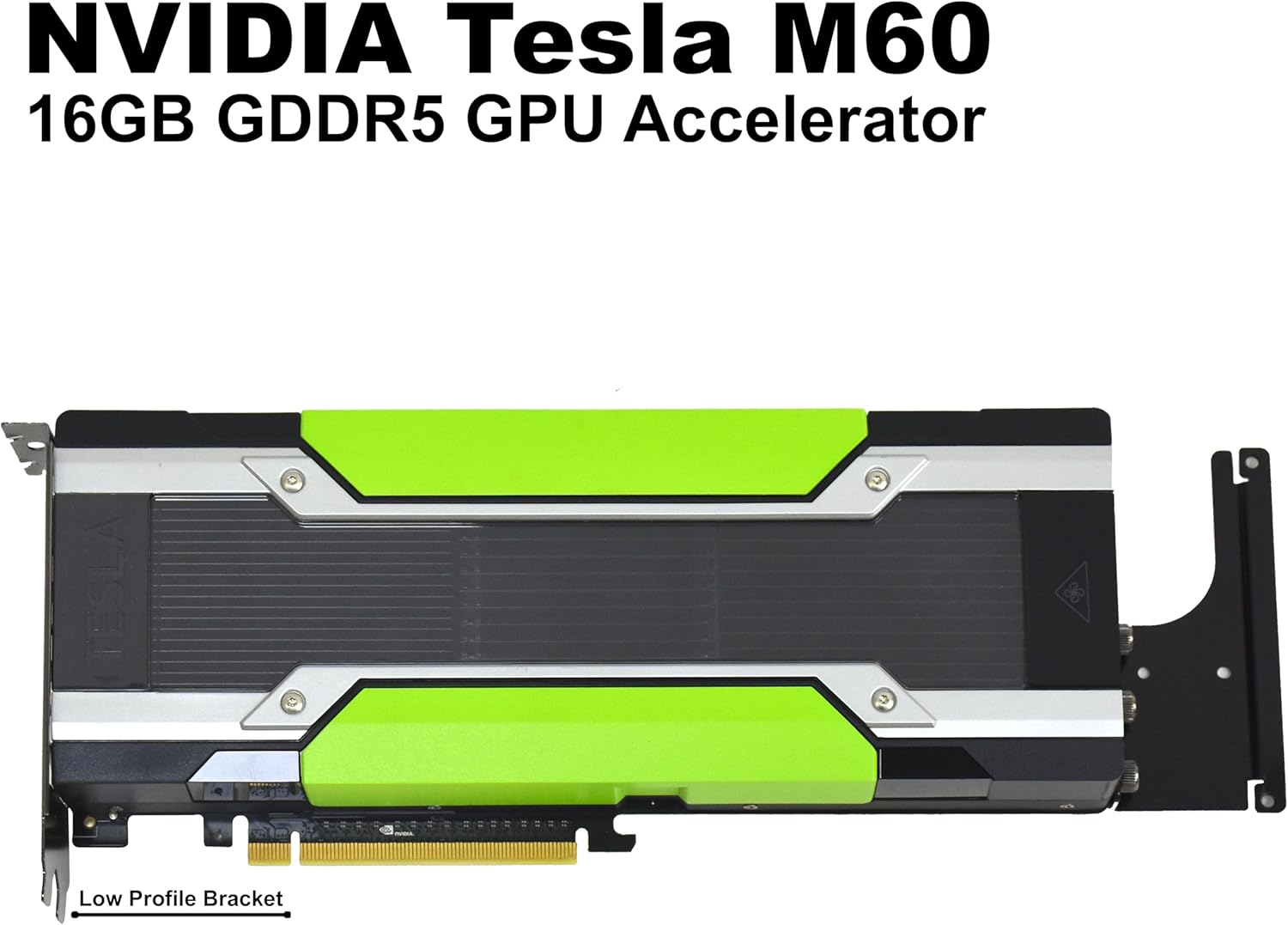
Figure 4.2 : Un autre front view of the module, highlighting its model and memory specifications.

Figure 4.3 : Arrière view of the GPU module's printed circuit board (PCB), displaying the memory modules and other electronic components.

Figure 4.4 : Fin view of the GPU module, illustrating the required power input connectors for operation.
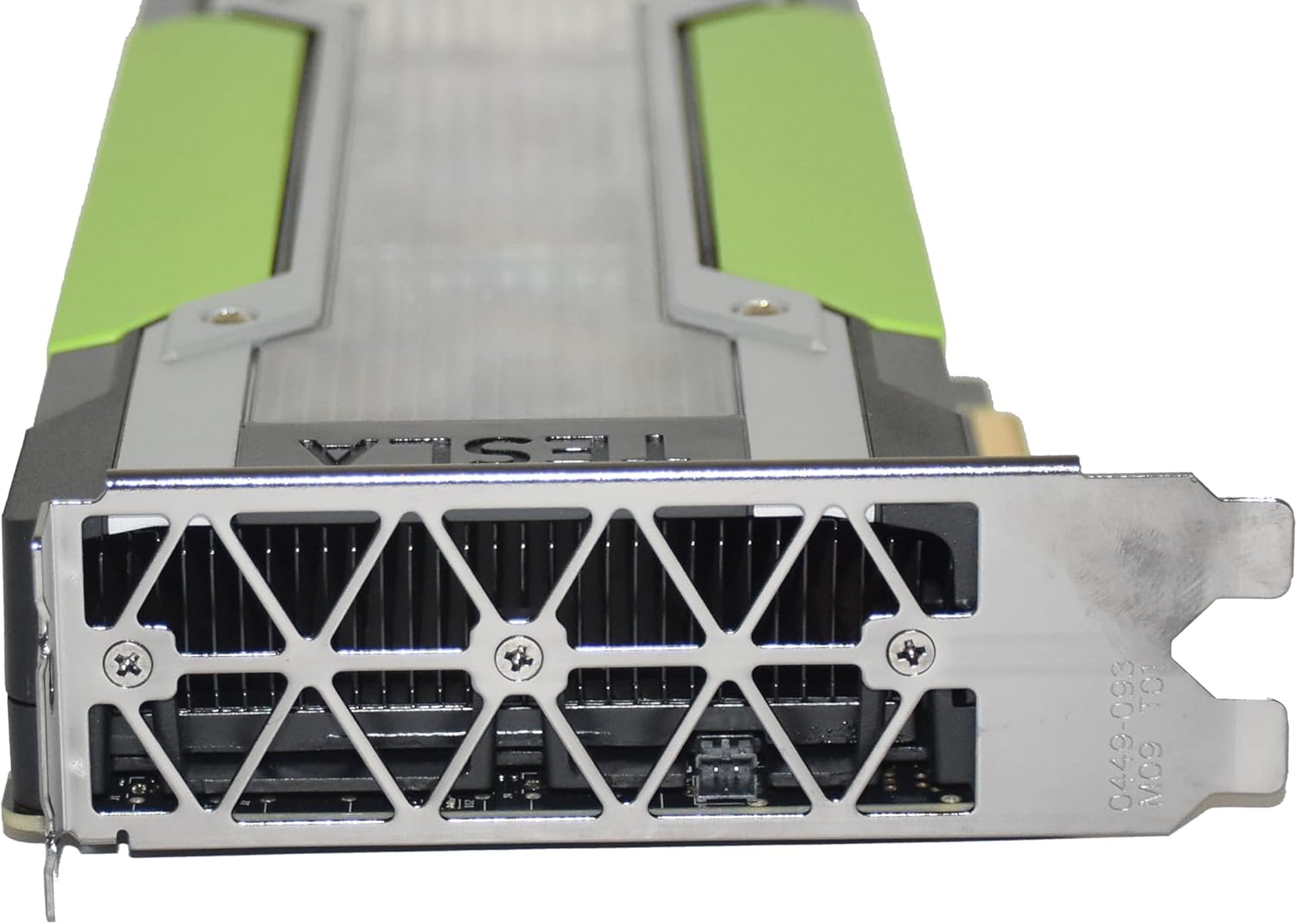
Figure 4.5 : Fin view of the GPU module, showing the standard mounting bracket for securing it within a server chassis.
5. Configuration et installation
Follow these steps carefully to install your HPE NVIDIA Tesla M60 GPU module:
5.1 Vérifications préalables à l'installation
- Compatibilité du système : Ensure your server system has available PCI Express x16 slots and sufficient physical space for the dual-slot GPU module.
- Alimentation: Verify that your server's power supply unit (PSU) has adequate wattage and the necessary 6-pin and/or 8-pin PCIe power connectors to support the Tesla M60. Refer to your server's documentation for PSU specifications.
- Refroidissement: Confirm your server's cooling system can handle the additional heat generated by the GPU module.
5.2 Installation physique
- Éteindre: Shut down your server completely and disconnect all power cables.
- Châssis ouvert : Open the server chassis according to the manufacturer's instructions.
- Localisez l'emplacement PCIe : Identify an available PCI Express x16 slot. Remove any slot covers.
- Install GPU Module: Carefully align the GPU module with the PCIe slot. Apply even pressure to both ends of the module until it is fully seated in the slot. Ensure the retention clip or locking mechanism engages.
- Module sécurisé : Secure the GPU module to the server chassis using the provided screws or retention clips on the mounting bracket.
- Connecter l'alimentation : Connect the appropriate PCIe power cables from your server's PSU to the power connectors on the GPU module (refer to Figure 4.4). Ensure a secure connection.
- Châssis fermé : Close the server chassis and reconnect all power cables.
5.3 Installation du pilote
- Mise sous tension : Power on your server.
- Système opérateur: Boot into your operating system (e.g., Windows Server, Linux).
- Télécharger les pilotes : Download the latest NVIDIA drivers for the Tesla M60 from the official NVIDIA website. Ensure you select the correct operating system and architecture.
- Installer les pilotes : Follow the on-screen instructions to install the drivers. A system reboot may be required.
- Vérification: After rebooting, verify that the GPU module is recognized by the system and the drivers are correctly installed using the NVIDIA control panel or system device manager.
6. Mode d'emploi
Once installed and drivers are configured, the HPE NVIDIA Tesla M60 module operates as a dedicated GPU accelerator. Its primary functions include:
- Virtual Desktop Infrastructure (VDI): Enabling multiple virtual desktops with GPU acceleration for enhanced user experience.
- High-Performance Computing (HPC): Accelerating scientific, engineering, and data analytics workloads.
- Deep Learning/AI: Providing computational power for training and inference of neural networks.
Specific software configurations and usage will depend on your application and server environment. Refer to NVIDIA's documentation for detailed guidance on utilizing the Tesla M60 with various software platforms and APIs (e.g., CUDA, NVIDIA GRID).
7. Entretien
Proper maintenance ensures the longevity and optimal performance of your GPU module.
- Élimination de la poussière : Periodically inspect the GPU module and server chassis for dust accumulation. Use compressed air to gently clean dust from the heatsinks and fans. Ensure the system is powered off and unplugged before cleaning.
- Contrôle de l'environnement : Operate the server in a clean, temperature-controlled environment with proper humidity levels. Avoid extreme temperatures and direct sunlight.
- Mises à jour du pilote: Keep your NVIDIA drivers updated to benefit from performance improvements, bug fixes, and new features.
8. Dépannage
If you encounter issues with your HPE NVIDIA Tesla M60 GPU module, consider the following troubleshooting steps:
- No Display/System Not Recognizing Card:
- Ensure the GPU module is fully seated in the PCIe slot.
- Verify all power cables are securely connected to the GPU module.
- Check if the PCIe slot is enabled in the server's BIOS/UEFI settings.
- Try installing the GPU module in a different PCIe slot, if available.
- Ensure your server's PSU meets the power requirements.
- Problèmes de performance :
- Ensure the latest NVIDIA drivers are installed.
- Monitor GPU temperatures to rule out thermal throttling. Improve airflow if necessary.
- Check for background processes consuming GPU resources.
- Verify that your application is configured to utilize the NVIDIA GPU.
- Instabilité/Pannes du système :
- Ensure system memory (RAM) is stable and sufficient.
- Check for conflicts with other installed hardware or drivers.
- Run diagnostic tools provided by NVIDIA or your server manufacturer.
If problems persist, contact HPE or NVIDIA technical support for further assistance.
9. Spécifications
| Fonctionnalité | Spécification |
|---|---|
| Nom du modèle | J0X21A |
| Coprocesseur graphique | NVIDIA Tesla M60 (Dual GPU) |
| Taille de la mémoire RAM graphique | 16 GB GDDR5 (8 GB per GPU) |
| Fabricant de processeurs graphiques | NVIDIA |
| Interface de la carte graphique | PCI Express |
| Interface de sortie vidéo | DisplayPort (for management/diagnostics, not primary display output for server GPUs) |
| Appareils compatibles | Desktop (Server-class systems) |
| Résolution d'affichage maximale | 3840x2160 |
| Poids de l'article | 2000 gramme |
| Code UPC | 888793010839 |
10. Garantie et assistance
The HPE NVIDIA Tesla M60 Dual GPU Module comes with a Garantie limitée. Please refer to the warranty documentation provided with your purchase or visit the official HPE website pour les termes et conditions détaillés.
For technical support, driver downloads, and additional resources, please visit the official NVIDIA and HPE support websites. When contacting support, have your product model (J0X21A) and serial number ready.