
مقدمه
The Jabra Evolve3 75 is an on-ear wireless Bluetooth headset designed for modern work environments. It features advanced active noise cancellation, AI-powered voice call technology, and a lightweight, comfortable design. This manual provides detailed instructions for setting up, operating, maintaining, and troubleshooting your headset.
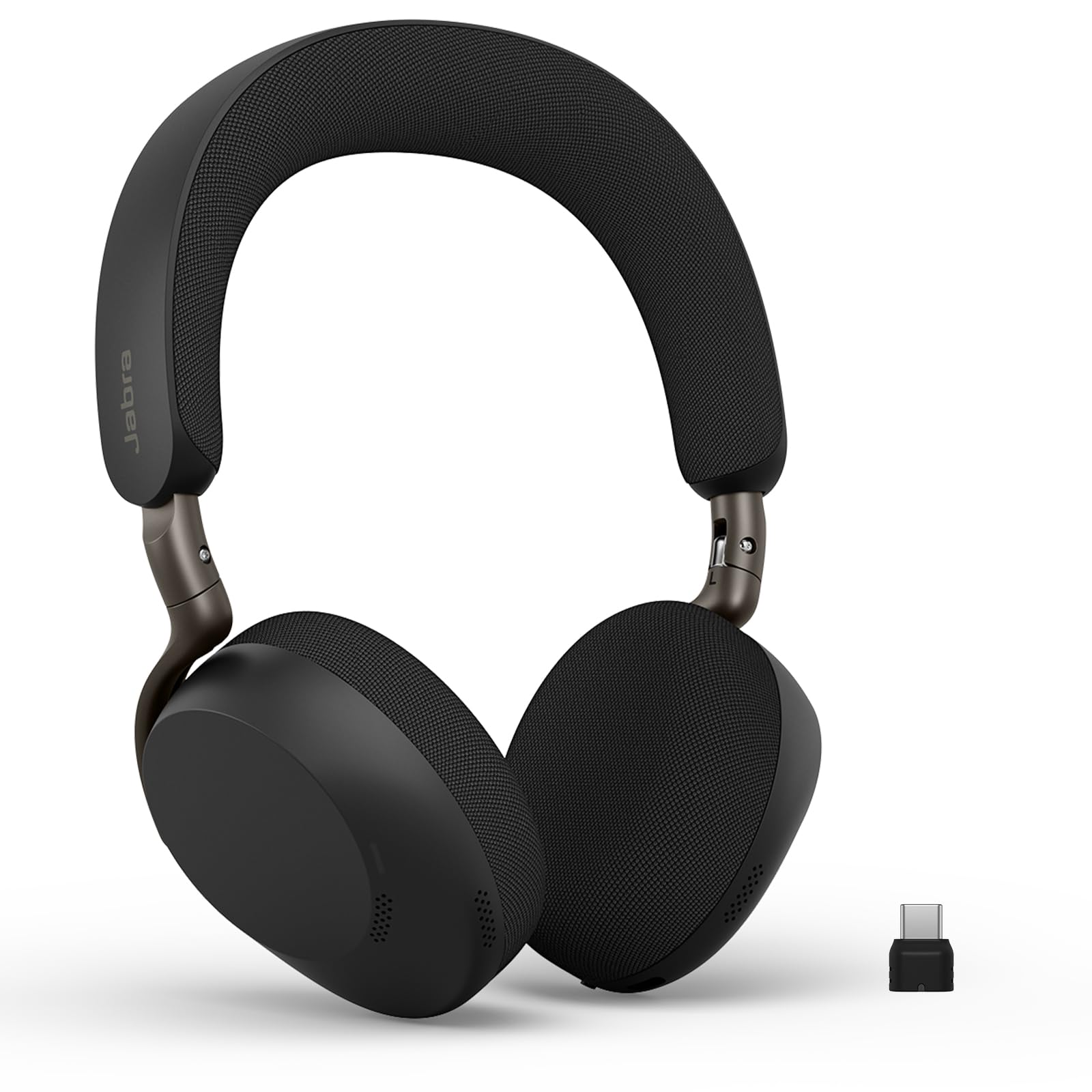
Image: Jabra Evolve3 75 Wireless Headset, showcasinطراحی شیک آن.
آنچه در جعبه است
Your Jabra Evolve3 75 package includes the following items:
- Jabra Evolve3 75 Headset
- کیس محافظ
- کابل شارژ USB-C به USB-C
- USB-C Dongle (Link390c)
- اطلاعات و اعلامیه های ایمنی

Image: All components included in the Jabra Evolve3 75 package, neatly arranged.
راه اندازی
1. شارژ هدست
Before first use, fully charge your headset. The Jabra Evolve3 75 offers two charging methods:
- کابل USB-C: Connect the provided USB-C to USB-C cable to the headset's USB-C port and to a power source.
- شارژ بی سیم (در صورت وجود): Place the right ear cup onto a compatible wireless charging pad. Note that not all SKUs include a wireless charger.
A 5-minute rapid charge provides up to 5 hours of power. A full charge offers up to 22 hours of talk time or 110 hours of music playback.

Image: Jabra Evolve3 75 headset on a charging stand, illustrating its battery life and rapid charge capability.
۴.۲ اتصال به دستگاهها
Your headset can connect to your devices via Bluetooth or the included USB-C dongle.
- اتصال بلوتوث: Slide the Power/Bluetooth pairing switch to the Bluetooth position and hold until the LED indicator flashes blue. Select 'Jabra Evolve3 75' from your device's Bluetooth menu.
- دانگل USB-C: Plug the USB-C dongle (Jabra Link390c) into your computer's USB-C port. The headset will automatically connect to the dongle. This provides enhanced connectivity and mute status synchronization with online meeting applications.
The headset supports Fast Pair for quick connection and dual connectivity, allowing simultaneous connection to your laptop and phone.
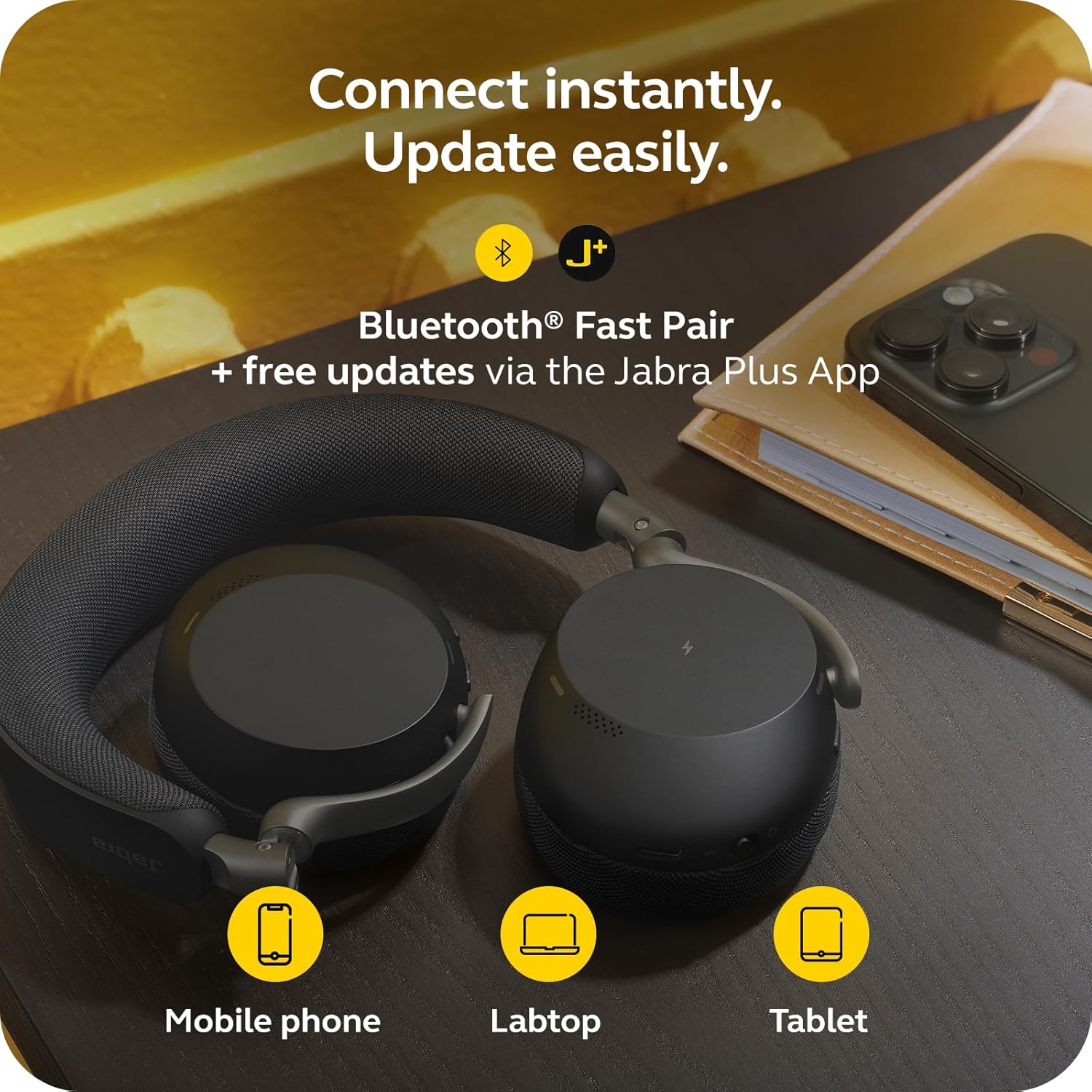
Image: Jabra Evolve3 75 headset alongside a mobile phone, laptop, and tablet, demonstrating its versatile connectivity options and the Jabra Plus App.
3. Jabra Plus App
Download the Jabra Plus App for mobile or Jabra Direct for desktop to manage settings, personalize your sound, and receive firmware updates to keep your headset current and optimized.
کار با هدست
کنترل ها به پایان رسیدview
The Jabra Evolve3 75 features intuitive physical buttons for easy control. Refer to the diagram below for button locations and functions.

Image: A collage highlighting key features of the Jabra Evolve3 75, including ClearVoice, ANC, fast charge, and 360° busylight.
- Power On/Off & Bluetooth Pairing: Slide switch on the right ear cup.
- افزایش/کاهش صدا: Buttons on the right ear cup.
- پخش/مکث موسیقی: دکمه چند منظوره را یکبار فشار دهید.
- پاسخ/پایان تماس: دکمه چند منظوره را یکبار فشار دهید.
- رد تماس: دکمه چند منظوره را دو بار فشار دهید.
- بیصدا/باصدا کردن میکروفون: Dedicated button on the left ear cup.
- دستیار صوتی: Press the dedicated button to activate your device's voice assistant.
- ANC/HearThrough Toggle: Button on the left ear cup to cycle between Active Noise Cancellation, HearThrough, and Off modes.
ویژگی های کلیدی
- Jabra ClearVoice™: AI-powered technology isolates your speech and reduces background noise for clear communication.
- Jabra Advanced ANC™: Dynamically adjusts to your surroundings to block distractions and maintain focus.
- Enhanced Spatial Sound: Provides a more immersive audio experience for calls and music.
- 360° Busylight: Integrated light indicates when you are on a call or busy, minimizing interruptions.
ویدیو: محصول رسمی تمام شدview of the Jabra Evolve3 75, highlighting its key features and benefits for modern work environments.
تعمیر و نگهداری
Proper maintenance ensures the longevity and optimal performance of your Jabra Evolve3 75 headset.
- تمیز کردن: Gently wipe the ear cushions and headband with a soft, dry cloth. For deeper cleaning, use a slightly damp cloth with mild soap, ensuring no moisture enters the speaker grilles or ports.
- مراقبت از باتری: The headset features a replaceable battery. To maximize battery life, avoid extreme temperatures and store the headset with a partial charge if not used for extended periods.
- ذخیره سازی: Store the headset in its protective case when not in use to prevent damage.
عیب یابی
If you encounter issues with your Jabra Evolve3 75, try the following solutions:
- بدون برق: Ensure the headset is fully charged using the USB-C cable or wireless charging pad.
- جفتسازی امکانپذیر نیست: Make sure the headset is in Bluetooth pairing mode (flashing blue LED). Turn off and on your device's Bluetooth, then try pairing again. For PC, ensure the USB-C dongle is properly connected.
- کیفیت ضعیف صدا: Check the connection. If using Bluetooth, try moving closer to your device. If using the dongle, ensure it's securely plugged in. Update firmware via the Jabra Plus App.
- مشکلات میکروفون: Ensure the microphone is not muted. Check your device's audio settings to confirm the Jabra Evolve3 75 is selected as the input device.
- حذف نویز فعال کار نمیکند: Ensure ANC is enabled via the dedicated button or Jabra Plus App. Adjust the headset fit for optimal seal.
For further assistance, consult the Jabra Plus App or visit the official Jabra support webسایت
مشخصات
| ویژگی | مشخصات |
|---|---|
| نام تجاری | جبرا |
| نام مدل | تکامل 3 75 |
| شماره مدل | 37599-989-899 |
| قرار دادن گوش | در گوش |
| فناوری اتصال | بیسیم (بلوتوث ۵.۳) |
| محدوده بلوتوث | 100 فوت |
| کنترل نویز | حذف نویز فعال |
| عمر باتری (زمان مکالمه) | تا 22 ساعت |
| عمر باتری (موسیقی) | تا 110 ساعت |
| زمان شارژ باتری | دقیقه 180 |
| وزن مورد | 180 گرم |
| اندازه درایور صوتی | 32 میلیمتر |
| گارانتی | تولید کننده 2 ساله |
گارانتی و پشتیبانی
اطلاعات گارانتی
The Jabra Evolve3 75 headset comes with a ۱ سال گارانتی سازندهلطفاً فاکتور خرید خود را برای موارد گارانتی نگه دارید.
پشتیبانی مشتری
For technical support, product registration, or to access FAQs and additional resources, please:
- Visit the official Jabra support webسایت: www.jabra.com/support
- Use the Jabra Plus App for personalized assistance and device management.