
1. محصول تمام شدview
The KeenPlus 16GB MP3 Player is a versatile portable media device running on Android 13. It features a 4-inch touch screen, Bluetooth 5.3, and Wi-Fi connectivity, allowing for music playback, video viewing, and access to various applications. The device offers 16GB of internal storage, expandable up to 1TB via a TF card.
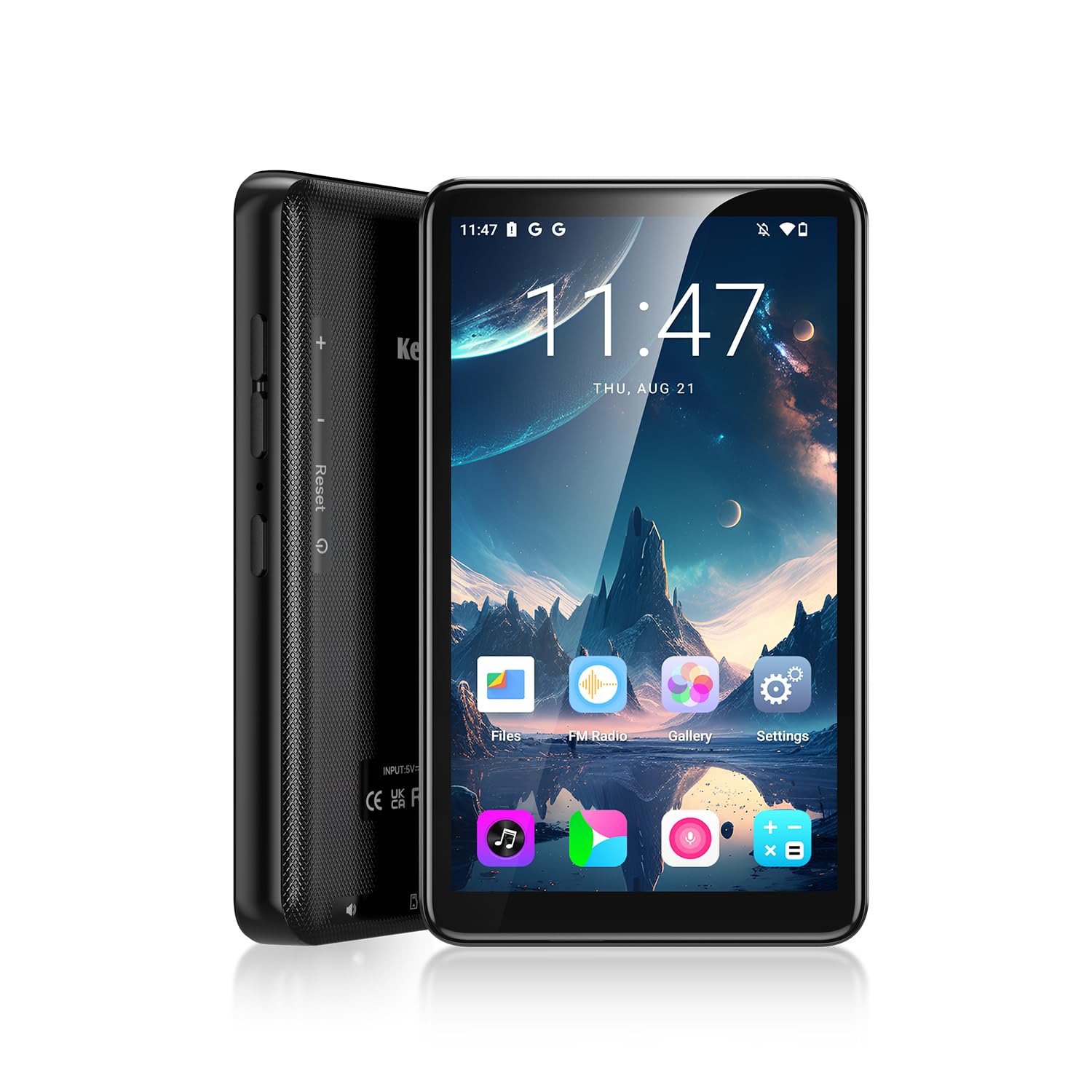
تصویر: جلو view of the KeenPlus 16GB MP3 Player, highlighting its wireless and Wi-Fi capabilities.
ویژگی های کلیدی:
- سیستم عامل: اندروید 13
- نمایش: 4-inch HD Touch Screen (720*1080px IPS)
- ذخیره سازی: 16GB Internal, expandable up to 1TB via TF card
- قابلیت اتصال: Bluetooth 5.3, Dual Band Wi-Fi (2.4G/5G)
- پردازنده: MTK هشت هستهای
- RAM: 3 گیگابایت
- باتری: 2000mAh (approx. 15 hours music, 5 hours video, 3 hours gaming)
- فرمت های صوتی: MP3، OGG، FLAC، AAC، WMA، WAV، APE
- پخش فیلم: Supports HD MP4 video

Image: Diagram illustrating the key features and specifications of the KeenPlus MP3 Player, including its 4.02-inch display, 2.4GHz & 5GHz WiFi, 3GB RAM, 16GB ROM, 2000mAh battery, MTK 8-core processor, and 128GB TF card expansion.
۲. چه چیزهایی در جعبه است؟
لطفاً هنگام باز کردن جعبه، محتویات بسته را بررسی کنید تا از وجود همه موارد اطمینان حاصل کنید:
- 1 x KeenPlus Music Player
- 1 x محافظ صفحه
- 1 عدد کابل USB C
- 1 عدد قاب محافظ
- 1 عدد هدفون سیمی
- 1 x دفترچه راهنمای کاربر

Image: Contents of the KeenPlus MP3 Player package, including the player, protective case, screen protector, USB-C cable, wired earphones, and user manual.
3. طرح بندی دستگاه
Familiarize yourself with the physical components of your KeenPlus MP3 Player.
جلو View:
- صفحه نمایش لمسی 4 اینچی اچدی: رابط اصلی برای تعامل.

Image: Close-up of the KeenPlus MP3 Player's 4-inch HD touch screen, displaying a vibrant image.
Side and Bottom Views:
- دکمه پاور: در کنار دستگاه قرار دارد و برای روشن/خاموش کردن دستگاه یا بیدار/خواباندن صفحه نمایش استفاده میشود.
- دکمه های صدا: در کنار قرار دارد و برای تنظیم میزان صدا استفاده میشود.
- پورت USB-C: در پایین، برای شارژ و انتقال داده قرار دارد.
- جک هدفون 3.5 میلی متری: Located at the bottom, for wired audio output.
- درگاه کارت حافظه microSD/TF: Located on the side, for expandable storage.
- بازنشانی پین هول: Small hole for factory reset if needed.
4. راهنمای راه اندازی
4.1 شارژ کردن دستگاه
Before first use, fully charge your MP3 player. Connect the included USB-C cable to the device's USB-C port and the other end to a compatible USB power adapter (not included) or a computer's USB port. The charging indicator will show the charging status.
4.2 روشن شدن اولیه
Press and hold the Power button on the side of the device until the KeenPlus logo appears on the screen. The device will boot up to the Android home screen.
4.3 تنظیمات زبان
If the device's language is not set to your preference, you can change it in the settings. Follow these steps:
- از صفحه اصلی، روی نماد «تنظیمات» ضربه بزنید.
- Scroll down to the bottom and tap 'System'.
- Tap 'Languages & input'.
- Tap 'Languages' (the first option).
- If your desired language is not listed, tap '+ Add a language' and select it.
- Once added, drag your preferred language to the top of the list to set it as the primary language.
Video: A demonstration of how to change the language settings on the KeenPlus MP3 Player.
4.4 اتصال به Wi-Fi
To access online features and download apps, connect your device to a Wi-Fi network:
- به «تنظیمات» > «شبکه و اینترنت» > «وایفای» بروید.
- وایفای را «روشن» کنید.
- شبکه وایفای مورد نظر خود را از لیست انتخاب کنید.
- در صورت درخواست، رمز عبور را وارد کنید و روی «اتصال» ضربه بزنید.

Image: The KeenPlus MP3 Player displaying Wi-Fi connectivity, indicating support for both 2.4G and 5G networks.
۳.۲ قرار دادن کارت TF
To expand storage, insert a TF (MicroSD) card:
- شیار کارت TF را در کنار دستگاه پیدا کنید.
- Gently insert the TF card into the slot until it clicks into place.
- The device will recognize the new storage.

Image: Visual representation of the KeenPlus MP3 Player's 16GB ROM and 3GB RAM, with an inserted TF card demonstrating 1TB expansion capability.
5. دستورالعمل های عملیاتی
5.1 ناوبری اولیه
The device uses a touch screen for navigation. Swipe left/right to switch between home screens, tap icons to open apps, and swipe down from the top for notifications and quick settings.
5.2 پخش موسیقی
Use the pre-installed music player app or download a third-party app from the Google Play Store. The device supports various audio formats including MP3, OGG, FLAC, AAC, WMA, WAV, and APE.
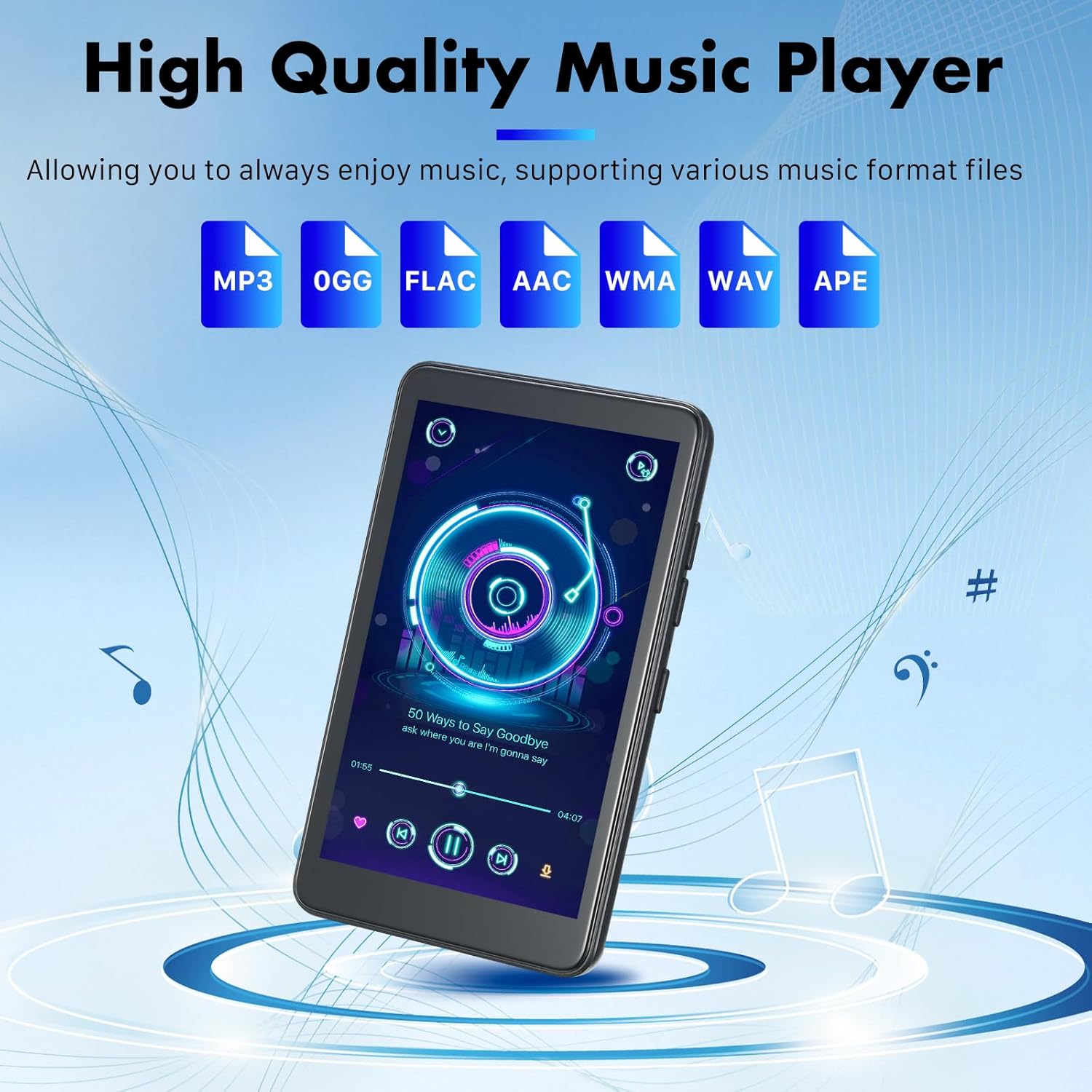
Image: The KeenPlus MP3 Player displaying a music playback interface, with icons for supported audio formats (MP3, OGG, FLAC, AAC, WMA, WAV, APE) above.
5.3 پخش فیلم
The 4-inch HD screen is suitable for video playback. Use the default video player or download alternatives. The device supports HD MP4 video formats.
5.4 مدیریت برنامه
As an Android 13 device, you can download, update, and uninstall applications via the Google Play Store.
- دانلود کنید: Open the 'Play Store' app, search for your desired app, and tap 'Install'.
- به روز رسانی: In the Play Store, go to 'Manage apps & device' to check for and install updates.
- حذف نصب: Long-press the app icon on the home screen or app drawer, then drag it to 'Uninstall', or go to 'Settings' > 'Apps' > select the app > 'Uninstall'.

Image: The KeenPlus MP3 Player displaying various popular apps like Spotify, TikTok, and YouTube, indicating its app support capabilities.
ویدئو: تمام شدview of the U1 Smart MP3 Player with Android 13, demonstrating its features and app functionality.
5.5 جفت شدن بلوتوث
Connect your MP3 player to Bluetooth headphones, speakers, or other devices:
- به «تنظیمات» > «دستگاههای متصل» > «بلوتوث» بروید.
- بلوتوث را روی «روشن» قرار دهید.
- مطمئن شوید که دستگاه بلوتوثی شما در حالت جفت شدن (pairing mode) قرار دارد.
- از لیست دستگاههای موجود، دستگاه جانبی مورد نظر برای جفتسازی را انتخاب کنید.

Image: The KeenPlus MP3 Player connected wirelessly to headphones via Bluetooth, illustrating its two-way Bluetooth 5.3 capability.
5.6 Connecting to a Computer (Mac)
برای انتقال files between your MP3 player and a Mac computer, you may need to install a specific application:
- On your Mac, open the Apple App Store.
- جستجو برای و نصب کنید