
Machenike G3V2PE
Machenike G3V2 Bluetooth Controller User Manual
Model: G3V2PE
مقدمه
This manual provides detailed instructions for the setup, operation, maintenance, and troubleshooting of your Machenike G3V2 Bluetooth Controller. Please read this manual thoroughly to ensure proper use and to maximize your gaming experience across PC, Switch, iOS, and Android platforms.
آنچه در جعبه است
- Machenike G3V2 Bluetooth Controller
- داک شارژ
- کابل USB-C
- دانگل بی سیم 2.4 گیگاهرتز
- راهنمای کاربر (این سند)
محصول تمام شده استview
The Machenike G3V2 is a versatile gaming controller designed for high-performance gameplay. It features Hall Effect joysticks and triggers for precision, customizable RGB lighting, and multiple connectivity options.

Image: The Machenike G3V2 Bluetooth Controller in black, resting on its dedicated charging dock. The controller features RGB lighting around the joysticks and a translucent design.

Image: A collage highlighting key features including Dual 1000Hz Polling Rate, Dual Customizable Back Buttons, 1000mAh High-Capacity Battery, Dual-Core Receiver, Native Vibration Feedback, APP-Keylinker2.0 support, and Tri-Mode Connectivity.
راه اندازی
۳.۱ شارژ کنترلر
The controller comes with a 1000mAh battery. For optimal performance, fully charge the controller before first use.
- استفاده از داک شارژ: Place the controller onto the magnetic charging dock. The RGB lighting on the dock will indicate the charging status. A full charge takes approximately 1.8 hours.
- اتصال مستقیم USB-C: Connect the controller directly to a USB power source using the provided USB-C cable.
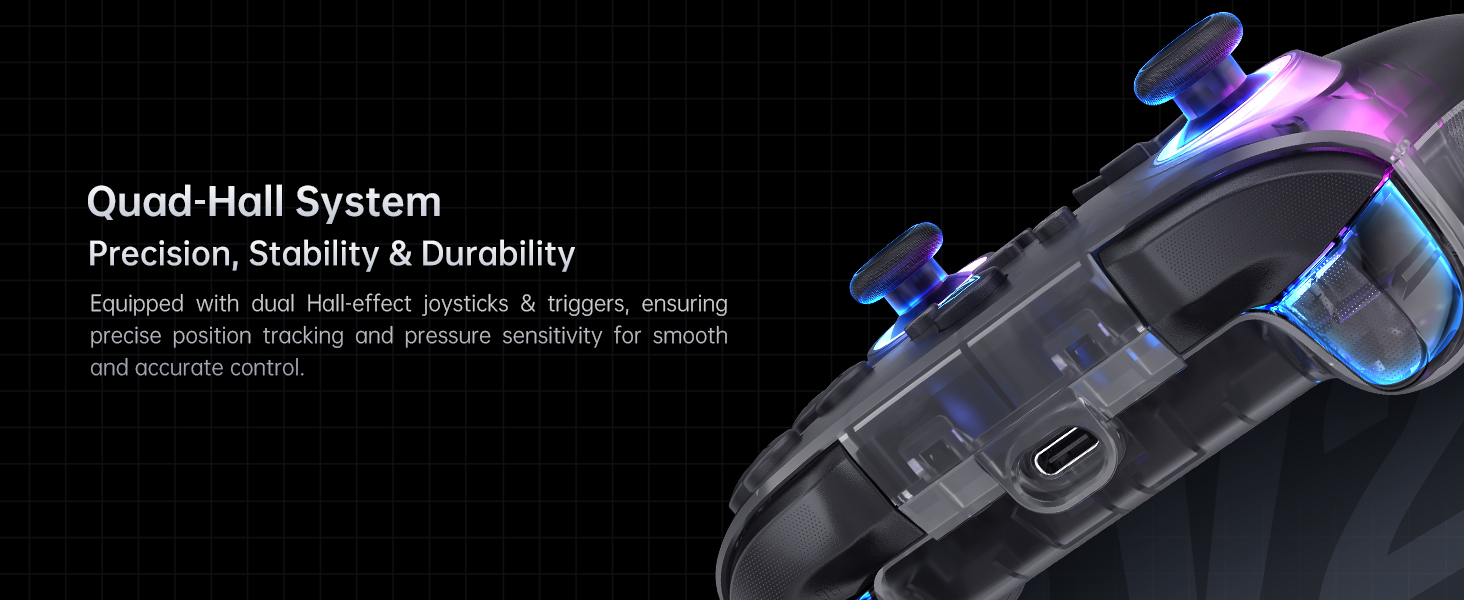
Image: The Machenike G3V2 controller resting on its charging dock, illustrating the instant power boost feature. The dock also features an integrated USB extension port.
۴.۲ اتصال به دستگاهها
The G3V2 controller supports three connection modes: Wired, 2.4GHz Wireless, and Bluetooth.
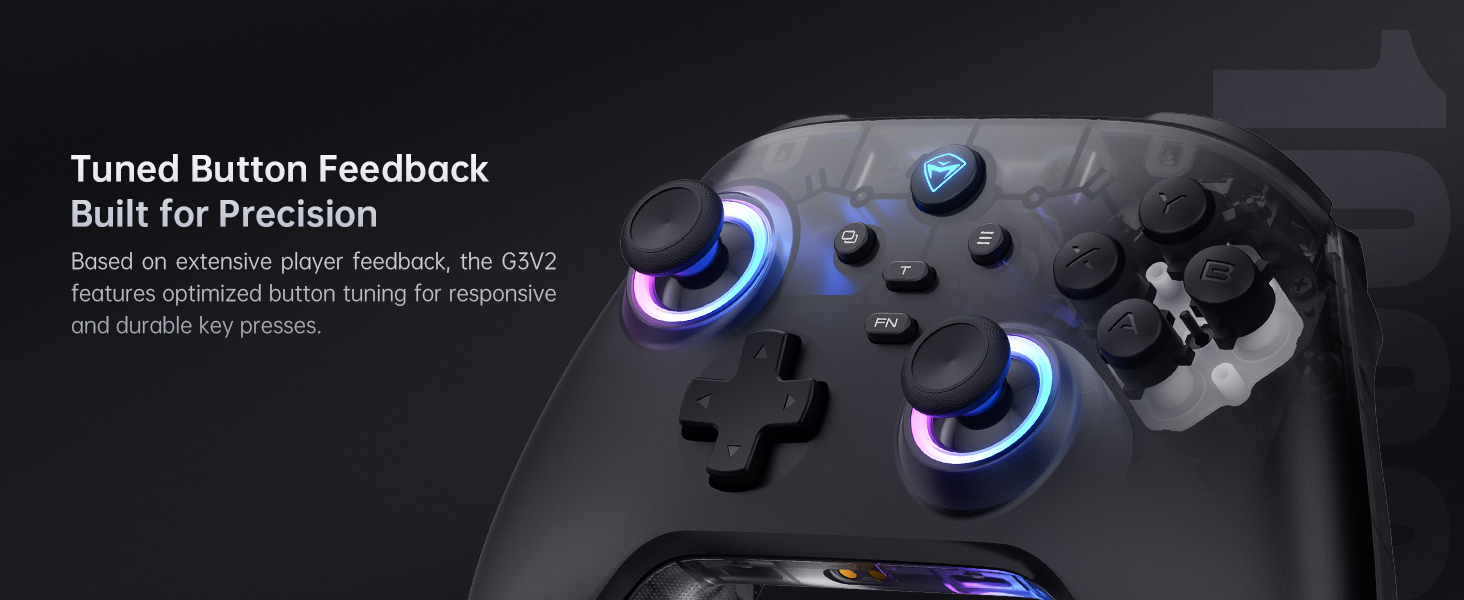
Image: Diagram showing the three connection modes: 2.4G (for PC, Android TV Box, Steam Deck, Raspberry Pi 3B), Bluetooth (for PC, MacOS, Phone/Tablet Android/iOS, Nintendo Switch, Tesla), and Wired (for PC, Android TV).
Wired Connection (PC)
Connect the controller directly to your PC using the provided USB-C cable. The controller will be automatically recognized.
2.4GHz Wireless Connection (PC, Android TV Box, Steam Deck, Raspberry Pi 3B)
- Insert the 2.4GHz wireless dongle into an available USB port on your device.
- Turn on the controller. It should automatically connect to the dongle.
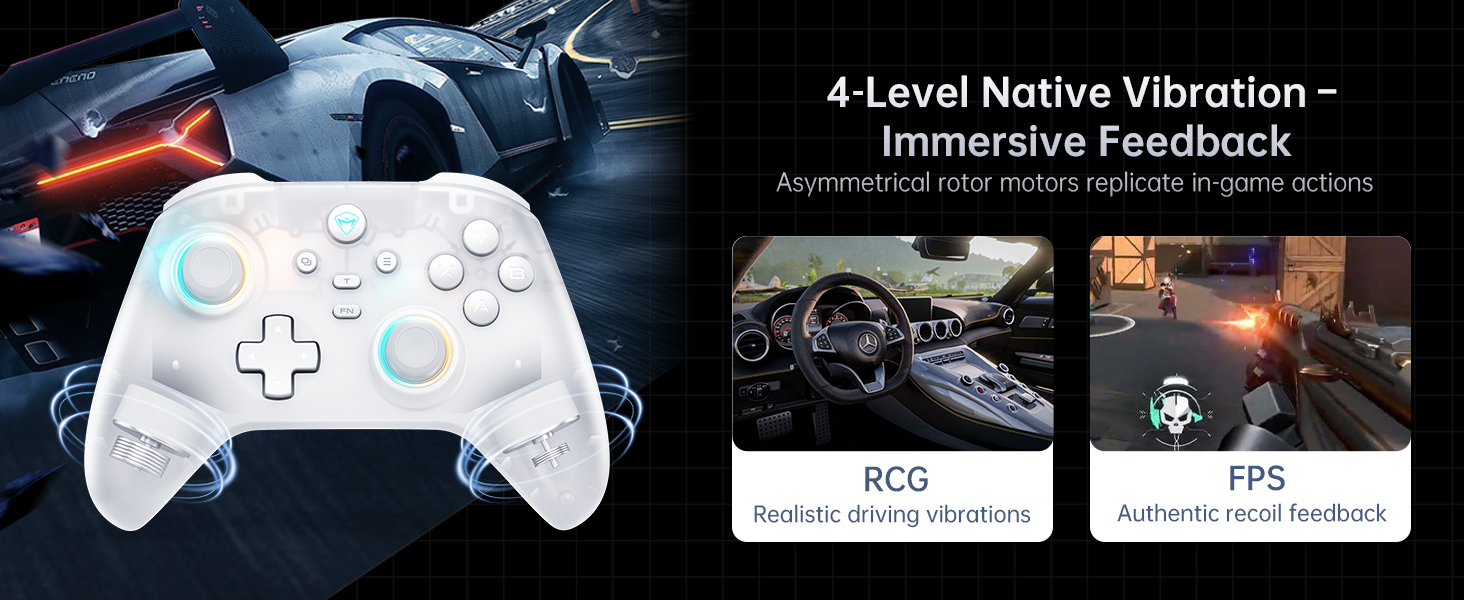
Image: The dual-core receiver dongle inserted into the charging dock, illustrating how one receiver can support simultaneous connection of two controllers (Controller A: G3 V2, Controller B: G3 V2 or other Wireless Controllers).
Bluetooth Connection (PC, MacOS, iOS, Android, Nintendo Switch, Tesla)
- اطمینان حاصل کنید که بلوتوث در دستگاه شما فعال است.
- Put the controller into Bluetooth pairing mode (refer to the controller's specific button combination for Bluetooth pairing, usually holding a specific button like 'FN' + 'Bluetooth icon button').
- On your device, search for and select 'Machenike G3V2' from the list of available Bluetooth devices to pair.
دستورالعمل های عملیاتی
۶.۱ کنترلهای پایه
The Machenike G3V2 features standard controller layouts with additional customizable buttons.
- جویاستیکهای اثر هال: کنترل دقیق و بدون لغزش را فراهم کنید.
- محرکهای اثر هال: Offer contactless, millisecond-precision actuation for rapid response.
- Programmable Back Buttons (M1, M2): Located on the rear grips, these buttons can be customized for up to 32 programmable actions, including macro recording and remapping.
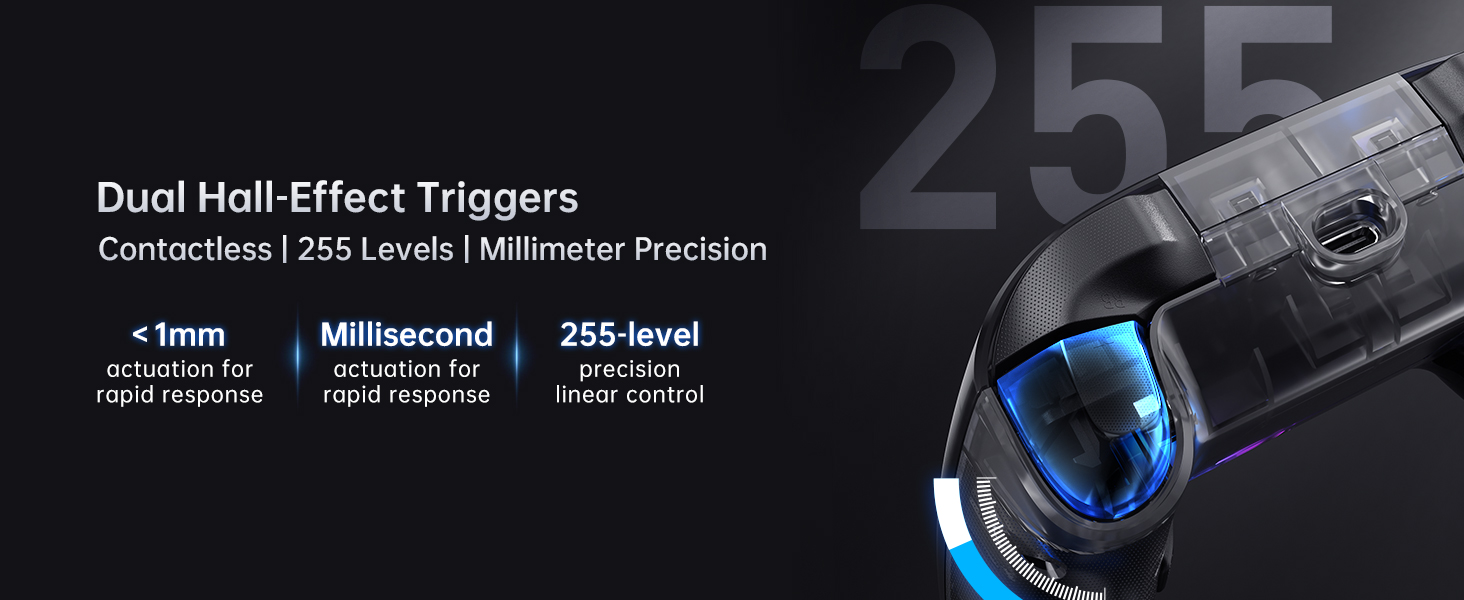
Image: Close-up of the dual Hall-Effect Joysticks, highlighting their 5M+ times cycle lifespan, wear-resistant ring for smooth motion, and electromagnetic sensing to eliminate drift.
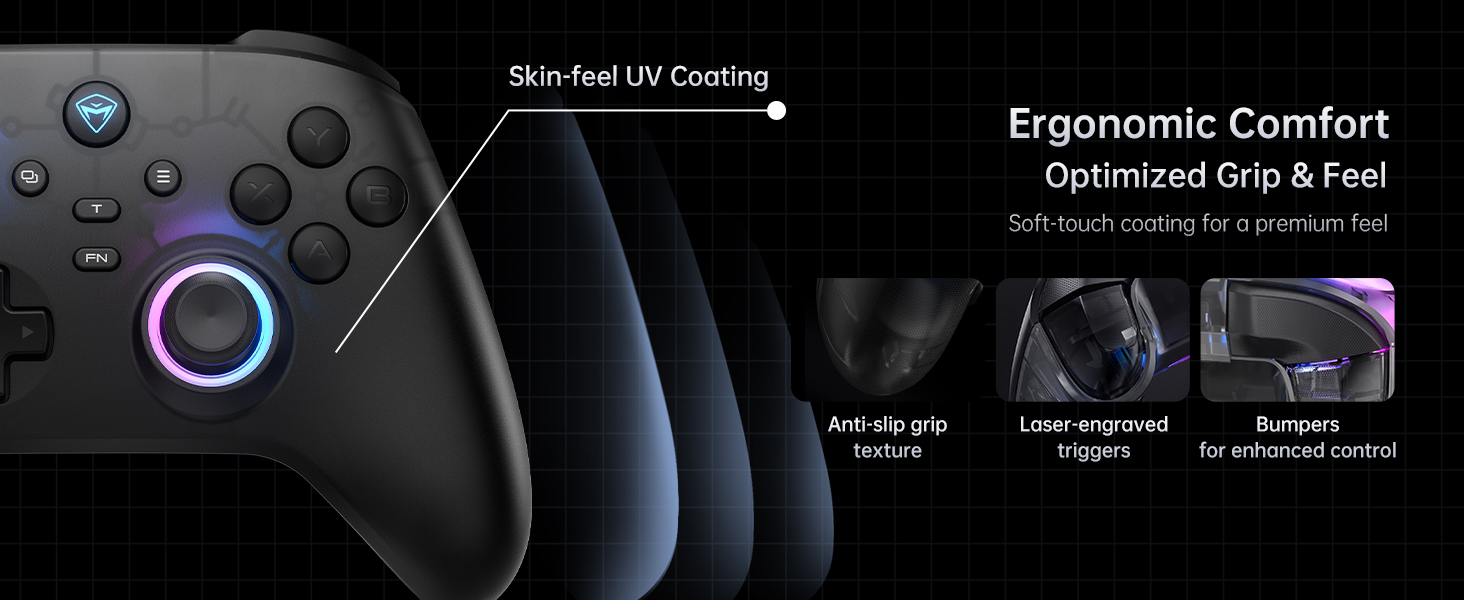
Image: Close-up of the dual Hall-Effect Triggers, emphasizing their contactless design, less than 1mm actuation for rapid response, millisecond precision, and 255-level linear control.
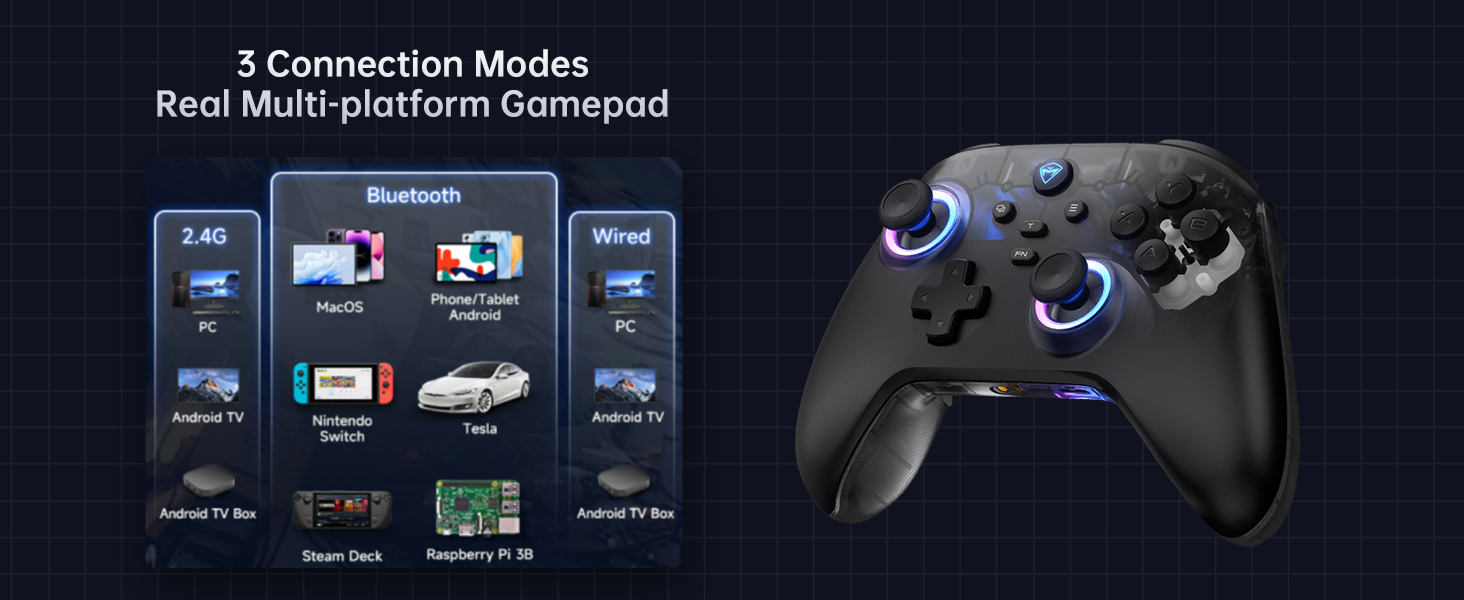
Image: Illustration showing the M1 and M2 dual customizable back buttons on the controller, capable of macro recording and remapping for up to 32 programmable actions.
۳.۳. سفارشیسازی نورپردازی RGB
The controller features customizable RGB lighting. Refer to the controller's quick start guide or the Keylinker 2.0 app for specific button combinations to change lighting modes, colors, and brightness.
۴.۳ بازخورد ارتعاش
The G3V2 includes 4-level native vibration with asymmetrical rotor motors for immersive feedback, replicating in-game actions like realistic driving vibrations in racing games (RCG) and authentic recoil feedback in first-person shooters (FPS).

Image: A white Machenike G3V2 controller with visual cues indicating vibration, alongside examples of realistic driving vibrations (RCG) and authentic recoil feedback (FPS).
4. Keylinker 2.0 App Support
For advanced customization and fine-tuning of your controller, download the Keylinker 2.0 app. The app allows for smart, hassle-free quick setup without manual pairing.
- Customize button mappings.
- Adjust joystick dead zones and curves.
- Configure trigger sensitivity.
- Manage RGB lighting effects.
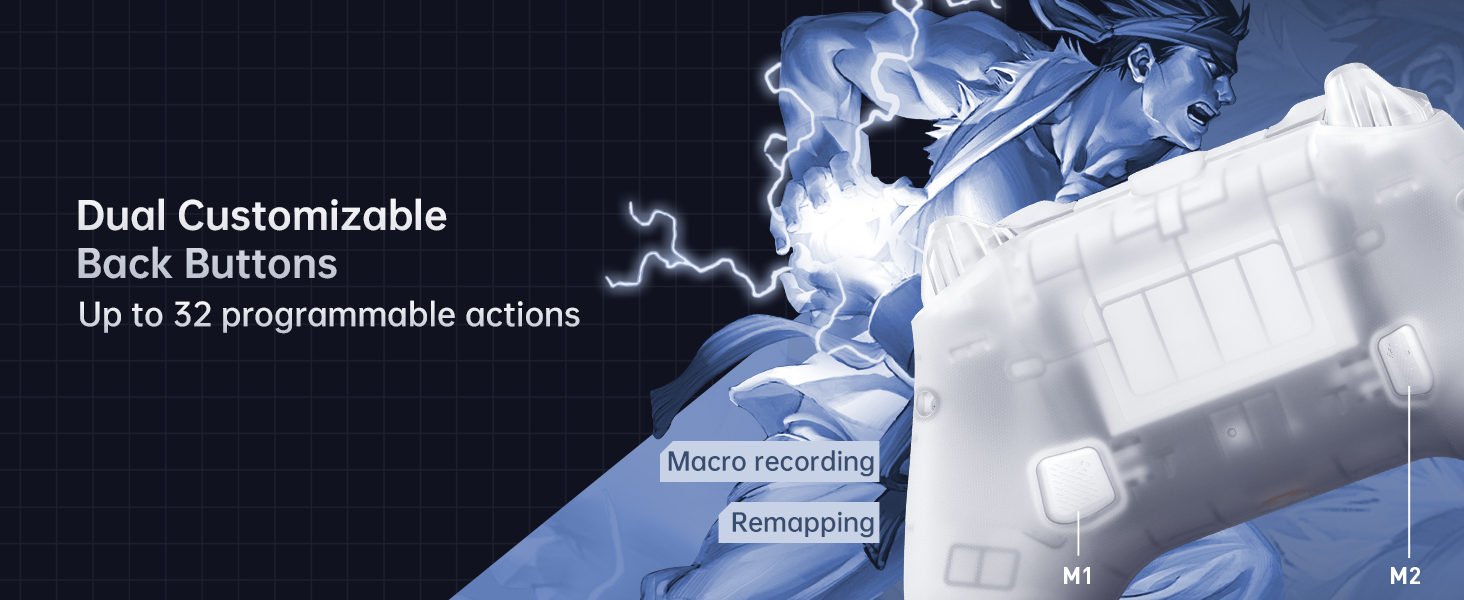
Image: Screenshots of the Keylinker 2.0 app interface, demonstrating various customization options for button mapping, joystick settings, and trigger adjustments.
۹. ویدیوی رسمی محصول
Watch the official product video for a visual guide on the Machenike G3V2 controller's features and usage.
ویدئو: یک نمایش ویدئویی رسمیasing the Machenike G3V2 game controller, its RGB lighting, Hall Effect features, and usage in various gaming scenarios.
تعمیر و نگهداری
1. تمیز کردن
- برای پاک کردن سطح کنترلر از یک پارچه نرم و خشک استفاده کنید.
- برای کثیفیهای سرسخت، کمی dampپارچه را با آب یا یک محلول تمیزکننده ملایم بپوشانید. از مواد شیمیایی قوی خودداری کنید.
- اجازه ندهید مایعات وارد منافذ کنترلر شوند.
2. مراقبت از باتری
- از خالی شدن کامل باتری به طور مکرر خودداری کنید.
- وقتی برای مدت طولانی از کنترلر استفاده نمیکنید، آن را در جای خشک و خنک نگهداری کنید.
- Charge the controller at least once every three months to maintain battery health.
عیب یابی
| مشکل | علت احتمالی | راه حل |
|---|---|---|
| روشن نشدن کنترلر | باتری ضعیف؛ دکمه پاور به درستی فشرده نشده است | Charge the controller; Press and hold the power button for a few seconds |
| کنترلر وصل نمی شود | Incorrect pairing mode; Bluetooth interference; Dongle not recognized | Ensure correct pairing mode for your device; Move closer to the device; Re-insert dongle or try a different USB port |
| Joystick drift or inaccurate input | Software calibration needed; Minor debris | Use the Keylinker 2.0 app to recalibrate joysticks; Clean around the joystick base |
| لرزش کار نمی کند | Vibration disabled in game or app; Low battery | Check in-game settings; Verify vibration settings in Keylinker 2.0 app; Charge the controller |
مشخصات
- شماره مدل: G3V2PE
- قابلیت اتصال: سیمی (USB-C)، بیسیم ۲.۴ گیگاهرتز، بلوتوث
- نرخ نظرسنجی: 1000Hz (Wired & 2.4GHz Wireless), 150Hz (Bluetooth)
- Joysticks & Triggers: جلوه هال
- باتری: باتری لیتیوم پلیمری ۵۰۰۰ میلیآمپرساعت (شامل میشود)
- عمر باتری: Up to 18 hours (without vibration)
- زمان شارژ: تقریباً ۱.۵ تا ۲ ساعت
- دکمه های قابل برنامه ریزی: 2 (M1, M2)
- لرزش: 4-level adjustable force feedback with asymmetrical motors
- ابعاد: 6.69 x 2.76 x 5.12 اینچ
- وزن: 0.53 اونس
- سازنده: ماچنیکه
- کشور مبدا: چین
- اولین موجود: 24 سپتامبر 2024
گارانتی و پشتیبانی
For warranty information and technical support, please refer to the official Machenike website or contact Machenike customer service directly. Keep your purchase receipt as proof of purchase.
اسناد مرتبط - G3V2PE
 |
دفترچه راهنمای کاربر دسته بازی GameSir G8+ MFi - راهنمای راهاندازی و کار دفترچه راهنمای کاربر برای دسته بازی GameSir G8+ MFi، که جزئیات ویژگیهای آن مانند جویاستیکها و تریگرهای اثر هال، گواهینامه MFi، اتصال سیمی و دکمههای قابل برنامهریزی را شرح میدهد. در مورد طرحبندی دستگاه، عملیات اولیه، عملکردهای پیشرفته، ترکیب دکمهها، کالیبراسیون استیک/تریگر و سفارشیسازی از طریق برنامه GameSir اطلاعات کسب کنید. شامل اقدامات احتیاطی ایمنی و اطلاعات انطباق است. |
 |
دفترچه راهنمای دسته بازی GameSir T4 Cyclone راهنمای جامع دسته بازی GameSir T4 Cyclone، جزئیات ویژگیها، تنظیمات، گزینههای اتصال (بلوتوث و سیمی)، عملکرد دکمهها، نورپردازی RGB و طراحی ارگونومیک آن برای بازیهای کامپیوتری و موبایل. |
 |
دسته بازی بیسیم GameSir T4 Cyclone Pro - دفترچه راهنما و مشخصات راهنمای جامع دسته بازی بیسیم حرفهای GameSir T4 Cyclone Pro، شامل جویاستیکهای Hall Effect، موتورهای دوگانه، ژیروسکوپ ۶ محوره، سازگاری با چند پلتفرم (PC، Switch، Android، iOS) و نورپردازی RGB قابل تنظیم. شامل تنظیمات، ویژگیها و مشخصات. |
 |
MACHENIKE G5PRO Wireless Gaming Controller Operation Manual Comprehensive operation instructions and technical specifications for the MACHENIKE G5PRO wireless gaming controller. Covers setup, connection modes for PC, Switch, Android, and iOS, key functions, expanded features like lighting and vibration, calibration, and product parameters. |
 |
دسته بازی بیسیم GameSir T4 Cyclone - دفترچه راهنما و ویژگیها راهنمای جامع دسته بازی بیسیم GameSir T4 Cyclone، که به تفصیل به جویاستیکهای اثر هال، D-pad مغناطیسی، سازگاری با چند پلتفرم (سوئیچ، کامپیوتر، موبایل) و طراحی ارگونومیک برای بهبود بازی میپردازد. |
 |
دفترچه راهنمای دسته بازی بیسیم BEITONG BTP-KP20 دفترچه راهنمای جامع برای دسته بازی بیسیم BEITONG BTP-KP20، که جزئیات ویژگیها، تنظیمات، اتصال به کامپیوتر، سوییچ، iOS و اندروید و عیبیابی را شرح میدهد. |
Ask a question about this manual
Ask about setup, troubleshooting, compatibility, parts, safety, or missing instructions. Manuals+ will review the question and use this page’s manual context to help answer it.