
1. مقدمه
Thank you for choosing amazon basics True Wireless Earbuds. These earbuds are designed to provide an immersive audio experience with comfort and convenience. Featuring advanced Bluetooth 5.3 technology, smart touch controls, and IPX5 water resistance, they are ideal for daily use, whether for music, calls, or workouts. This manual provides detailed instructions to help you get the most out of your earbuds.

Image: amazon basics True Wireless Earbuds in their charging case, showcasing the blue color and compact design.
2. ویژگی های کلیدی
- پخش گسترده: Enjoy up to 55 hours of music playback with the charging case.
- شارژ سریع: Get 100 minutes of playtime with just 10 minutes of charging.
- صدای پیشرفته: Dual 10 mm dynamic drivers deliver immersive sound and clearer calls.
- IPX5 مقاومت در برابر آب: Protection against water splashes and perspiration, suitable for workouts.
- کنترل های لمسی هوشمند: Manage music, calls, and voice assistant with intuitive touch gestures.
- اتصال بلوتوث 5.3: اتصال بیسیم پایدار و کارآمد را تضمین میکند.
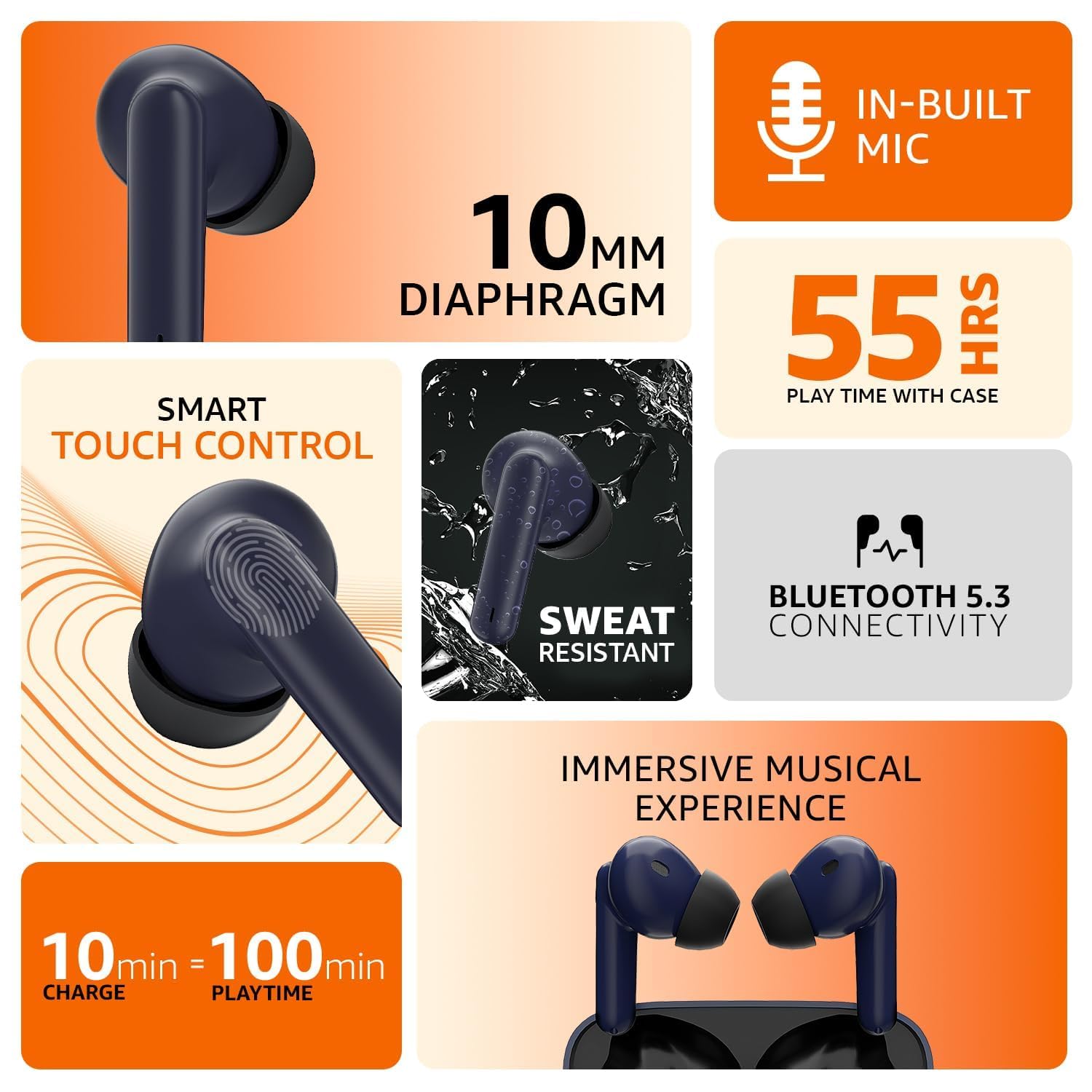
Image: An infographic illustrating the key features including in-built mic, 10mm diaphragm, 55 hours play time, smart touch control, sweat resistance, Bluetooth 5.3, and fast charging.
3. راهنمای راه اندازی
۴.۱ شارژ کردن ایربادها و قاب آنها
Before first use, fully charge the earbuds and the charging case. Connect the provided USB cable to the charging port on the case and a compatible USB power source. The indicator light on the case will show the charging status. A full charge provides up to 55 hours of combined playtime with the case.
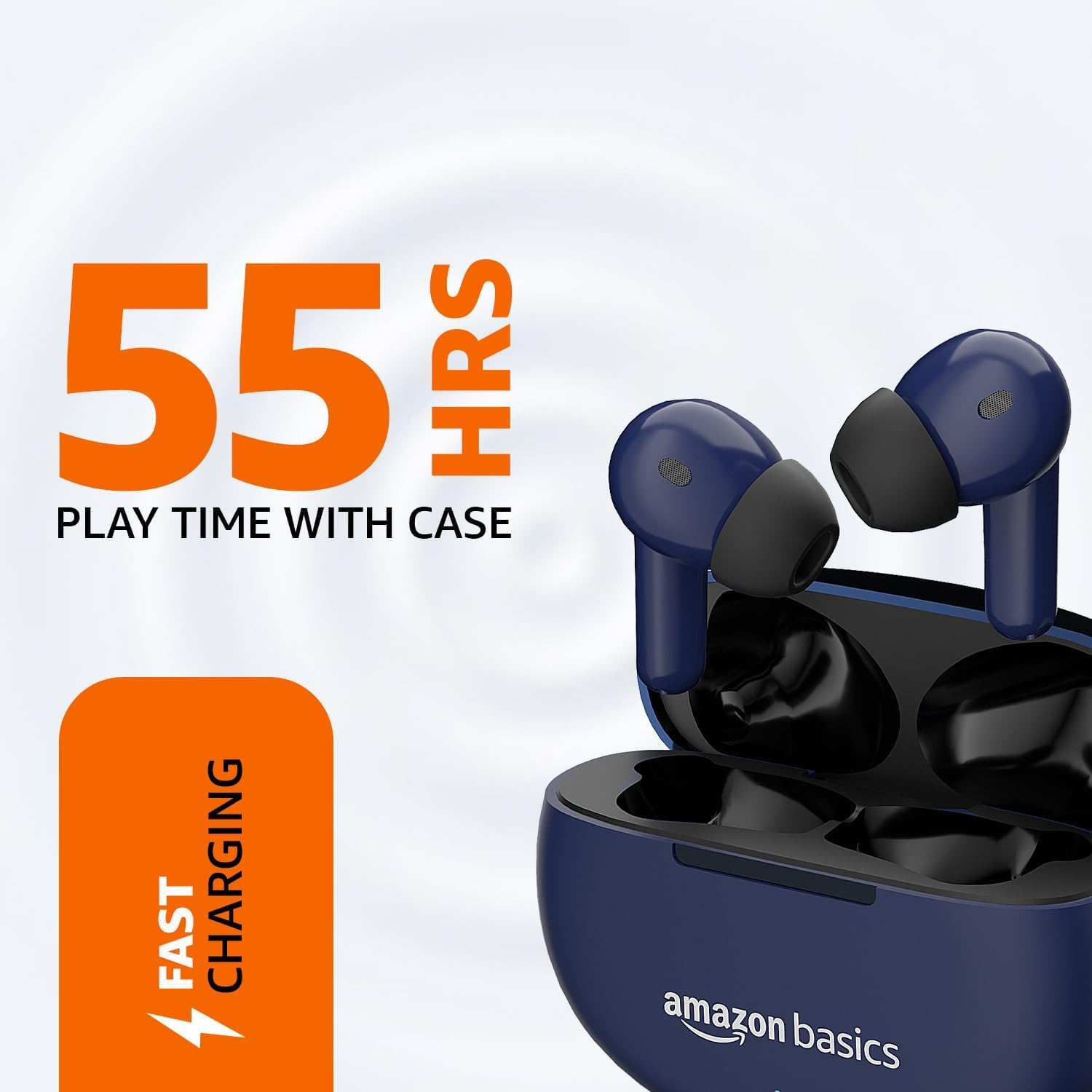
Image: The earbuds resting in their charging case, with visual cues indicating 55 hours of play time and fast charging capability.
۴.۲ جفت شدن با دستگاه شما
- مطمئن شوید که هدفون شارژ می شود.
- محفظه شارژ را باز کنید. ایربادها به طور خودکار وارد حالت جفت شدن میشوند که با یک چراغ چشمکزن روی ایربادها نشان داده میشود.
- در دستگاه خود (گوشی هوشمند، تبلت و غیره)، به تنظیمات بلوتوث بروید.
- جستجو برای available devices and select "amazon basics Earbuds" from the list.
- Once connected, the indicator light on the earbuds will stop flashing, and you will hear a confirmation tone.
- برای استفادههای بعدی، ایربادها هنگام خارج کردن از محفظه، بهطور خودکار به آخرین دستگاه جفتشده متصل میشوند.
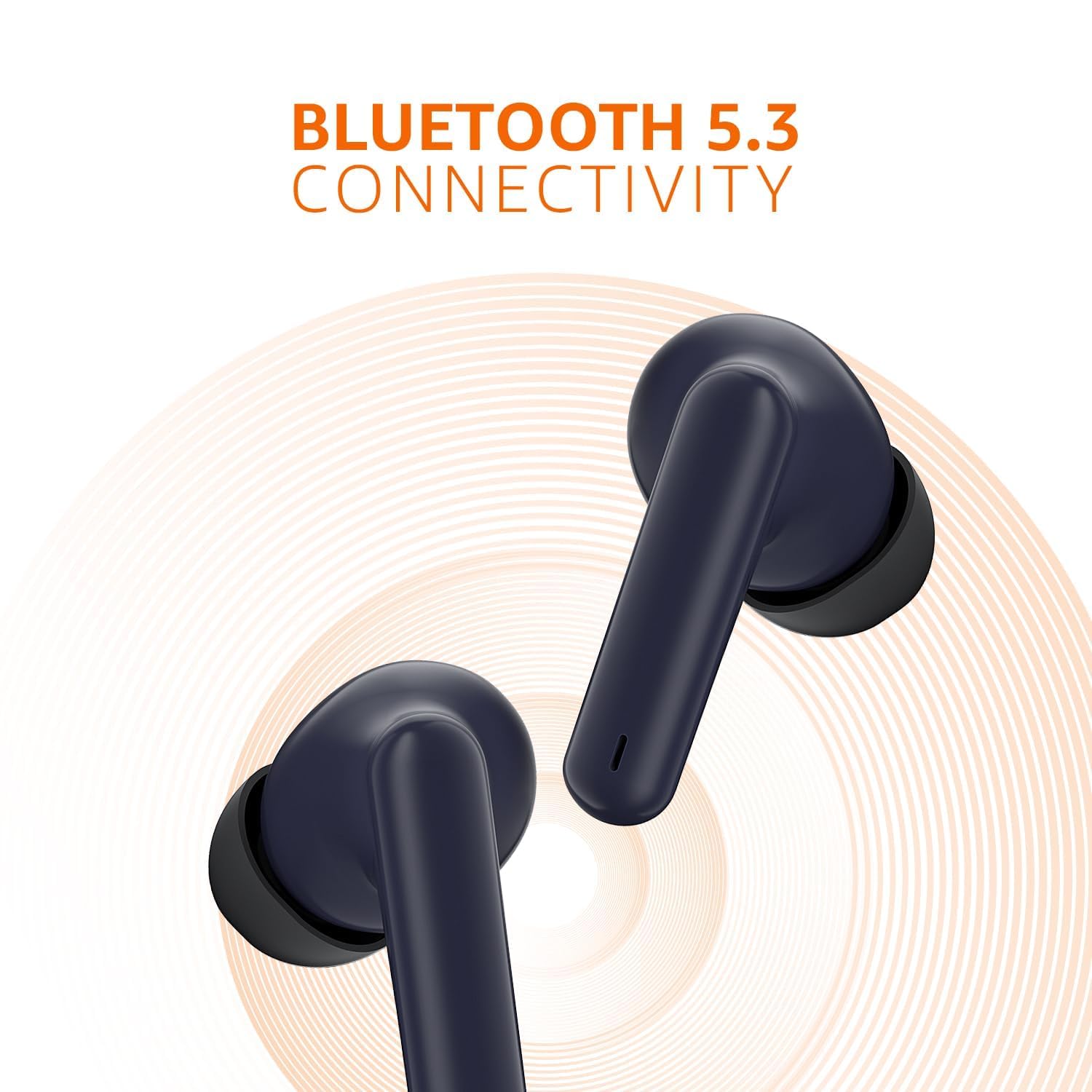
Image: A close-up of the earbuds, emphasizing their Bluetooth 5.3 connectivity feature with a radiating signal graphic.
4. دستورالعمل های عملیاتی
۴.۱ کنترلهای لمسی هوشمند
The earbuds feature intuitive touch controls on their outer surface. Refer to the table below for common functions:
| اقدام | تابع |
|---|---|
| تک ضربه (گوشی چپ/راست) | پخش/توقف موسیقی، پاسخ/قطع تماس |
| دو ضربه سریع (ایرباد راست) | آهنگ بعدی |
| دو ضربه سریع (ایرباد چپ) | آهنگ قبلی |
| Hold (Right Earbud) | افزایش صدا |
| Hold (Left Earbud) | کاهش حجم |
| سه ضربه (گوشی چپ/راست) | دستیار صوتی را فعال کنید |
| Hold (during incoming call) | رد تماس |

تصویر: جزئیات view of an earbud highlighting the smart touch control area and its IPX5 sweat resistant capability, along with quick tap voice assistant function.
4.2 دستیار صوتی
To activate your device's voice assistant (e.g., Siri, Google Assistant), simply triple tap either earbud. This allows you to control your device hands-free.
5. تعمیر و نگهداری
5.1 تمیز کردن
Regular cleaning helps maintain optimal performance and hygiene. Use a soft, dry, lint-free cloth to wipe the earbuds and charging case. For ear tips, you may gently remove them and clean with a damp قبل از اتصال مجدد، از خشک بودن کامل آنها اطمینان حاصل کنید. از مواد شیمیایی قوی یا ساینده استفاده نکنید.
۵.۳ مقاومت در برابر آب (IPX5)
The earbuds are rated IPX5, meaning they are resistant to water splashes from any direction. This makes them suitable for workouts and light rain. However, they are not designed for submersion in water. Avoid exposing them to high-pressure water jets or prolonged immersion.
6 عیب یابی
اگر با هدفونهایتان مشکل دارید، لطفاً به راهحلهای رایج زیر مراجعه کنید:
- جفت نشدن هدفون ها:
- مطمئن شوید که هر دو ایرباد در جعبه شارژ قرار دارند و شارژ کافی دارند.
- بلوتوث دستگاه خود را خاموش و سپس دوباره روشن کنید.
- Forget the device from your Bluetooth settings and attempt to pair again.
- برای بررسی مشکلات مربوط به دستگاه، با دستگاه دیگری جفتسازی کنید.
- بدون صدا از یک هدفون:
- هر دو ایرباد را دوباره داخل محفظه شارژ قرار دهید، درب آن را ببندید، چند ثانیه صبر کنید، سپس دوباره آنها را بیرون بیاورید.
- مطمئن شوید که هر دو هدفون شارژ هستند.
- اتصالات شارژ روی ایربادها و داخل قاب را تمیز کنید.
- مشکلات شارژ:
- مطمئن شوید که کابل شارژ به طور محکم به کیس و منبع تغذیه متصل شده است.
- کابل USB و آداپتور برق دیگری را امتحان کنید.
- Clean the charging port on the case to remove any debris.
- کیفیت صدای ضعیف:
- مطمئن شوید که هدفونها به درستی در گوشهایتان قرار گرفتهاند تا به خوبی در گوش قرار بگیرند.
- هرگونه جرم گوش یا آلودگی را از نازلهای هدفون پاک کنید.
- برای جلوگیری از تداخل، به دستگاه متصل خود نزدیکتر شوید.
7. مشخصات
| ویژگی | جزئیات |
|---|---|
| نام مدل | هدفون |
| شماره مدل | AB-TWS-J68-BLU-CT |
| فناوری اتصال | بیسیم (بلوتوث ۵.۳) |
| شکل گوشی | داخل گوش |
| روش کنترل | کنترل را لمس کنید |
| رتبه بندی IP | IPX5 (Water and Perspiration Resistant) |
| عمر باتری | تا ۴۲ ساعت (با جعبه شارژ) |
| شارژ سریع | ۱۰ دقیقه شارژ = ۱۰۰ دقیقه پخش |
| اندازه درایور | درایورهای دینامیک 10 میلی متری |
| مواد | پلاستیک |
| وزن مورد | 35 گرم |
| ابعاد محصول | 4.7 × 6 × 2.3 سانتی متر |
| اجزای شامل | کابل |
| سازنده | DONGGUAN ARCHER TECHNOLOGY LIMITED |
| کشور مبدا | چین |
8. گارانتی و پشتیبانی
amazon basics products are designed for reliability and performance. For information regarding warranty coverage and customer support, please refer to the warranty card included with your product or visit the official amazon basics support page. You may also contact the manufacturer directly:
سازنده: DONGGUAN ARCHER TECHNOLOGY LIMITED
وارد کننده: IRIS TECH G-1/G-2, DHARAM COMPLEX, PHASE-1, ANJUR MANKOLI ROAD, BHIWANDI, MAHARASHTRA - 421302
برای کمک بیشتر، لطفاً به amazon basics Store on Amazon.in.