
1. مقدمه
This manual provides comprehensive instructions for the setup, operation, and maintenance of your TruVoice BT85 Bluetooth Wireless Headset. Designed for clear communication and extended use, the BT85 features noise suppression technology, a noise-canceling microphone, and multi-device connectivity.
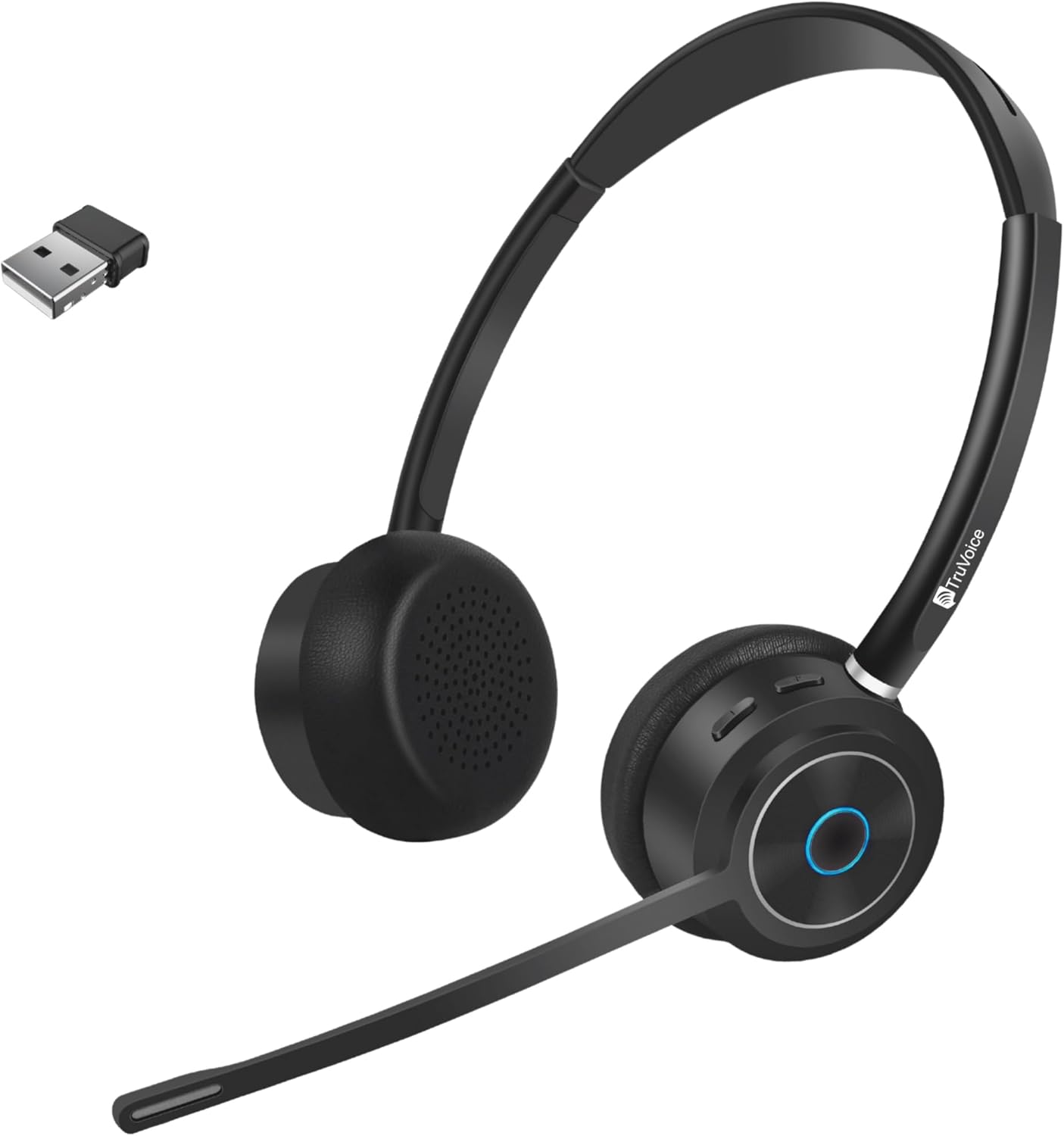
Image 1.1: TruVoice BT85 Bluetooth Wireless Headset with included USB dongle.
۲. چه چیزهایی در جعبه است؟
Upon unboxing your TruVoice BT85 headset, please verify that all the following components are included:
- TruVoice BT85 Bluetooth Wireless Headset
- V5.2 USB Dongle
- کابل شارژ USB
- Ear Cushions (pre-installed or spare)
- هدبند (یکپارچه)
- کیس محافظ
- راهنمای کاربر (این سند)
3. راهنمای راه اندازی
۱. شارژ اولیه
Before first use, fully charge your headset. Connect the provided USB charging cable to the headset's charging port and to a USB power source (e.g., computer USB port or wall adapter). A full charge typically takes approximately 90 minutes. The LED indicator on the headset will change to indicate charging status (refer to LED indicator section for details).
3.2. جفت شدن با دستگاه ها
The BT85 headset supports simultaneous connection with two Bluetooth devices (multipoint connectivity).
- Using the USB Dongle (Recommended for Computers):
Insert the V5.2 USB Dongle into an available USB port on your computer. The dongle will automatically pair with the headset. Ensure the headset is powered on and in pairing mode if it doesn't connect automatically. The headset is designed for plug-and-play functionality with most operating systems.
- Direct Bluetooth Pairing (for Smartphones, Tablets, or other Bluetooth-enabled devices):
- از خاموش بودن هدست اطمینان حاصل کنید.
- Press and hold the Multi-functional Key (usually the main button on the earcup) until the LED indicator flashes blue and red, indicating pairing mode.
- در دستگاه خود، به تنظیمات بلوتوث بروید و دستگاههای جدید را جستجو کنید.
- Select "TruVoice BT85" from the list of available devices.
- Once connected, the LED indicator will turn solid blue or flash blue periodically.
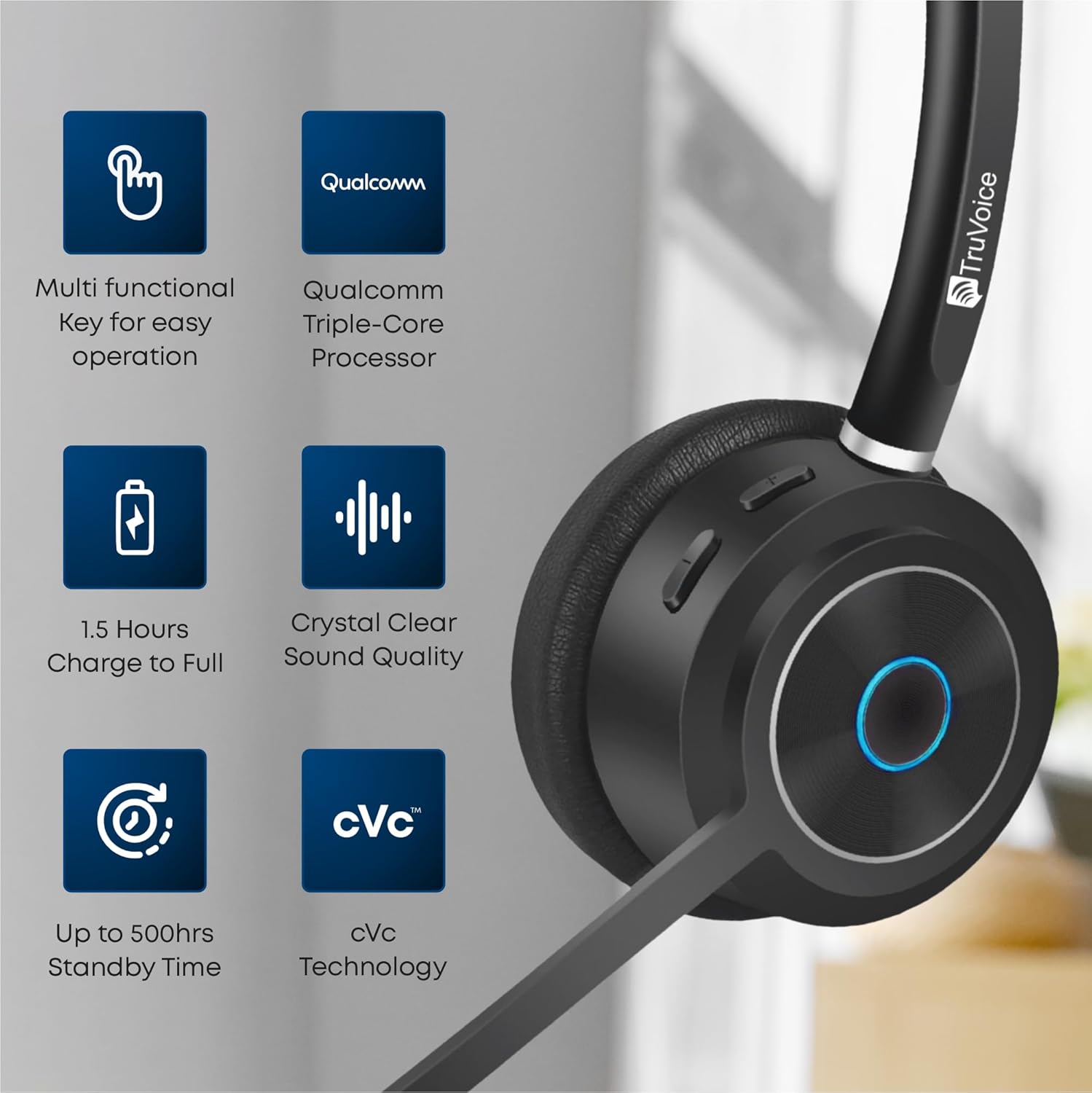
Image 3.1: Key features of the BT85 headset, including the multi-functional key and charging indicators.
4. دستورالعمل های عملیاتی
4.1. روشن/خاموش
- روشن کردن: Press and hold the Power button (or Multi-functional Key) for approximately 3 seconds until you hear an audible prompt or see the LED indicator light up.
- خاموش: Press and hold the Power button (or Multi-functional Key) for approximately 5 seconds until you hear an audible prompt or the LED indicator turns off.
4.2. مدیریت تماس
The BT85 headset is equipped with a Uni-Directional Noise Cancellation Microphone and Qualcomm cVc Echo Canceling Noise Suppression Technology for clear calls.
- پاسخ/پایان تماس: Press the Multi-functional Key once.
- رد تماس: Press and hold the Multi-functional Key for 2 seconds.
- بیصدا/باصدا کردن میکروفون: Locate the dedicated mute button on the headset (refer to product diagram if available). Press it once to mute, and again to unmute.

Image 4.1: The BT85 headset provides crystal clear voice calls with advanced noise suppression.
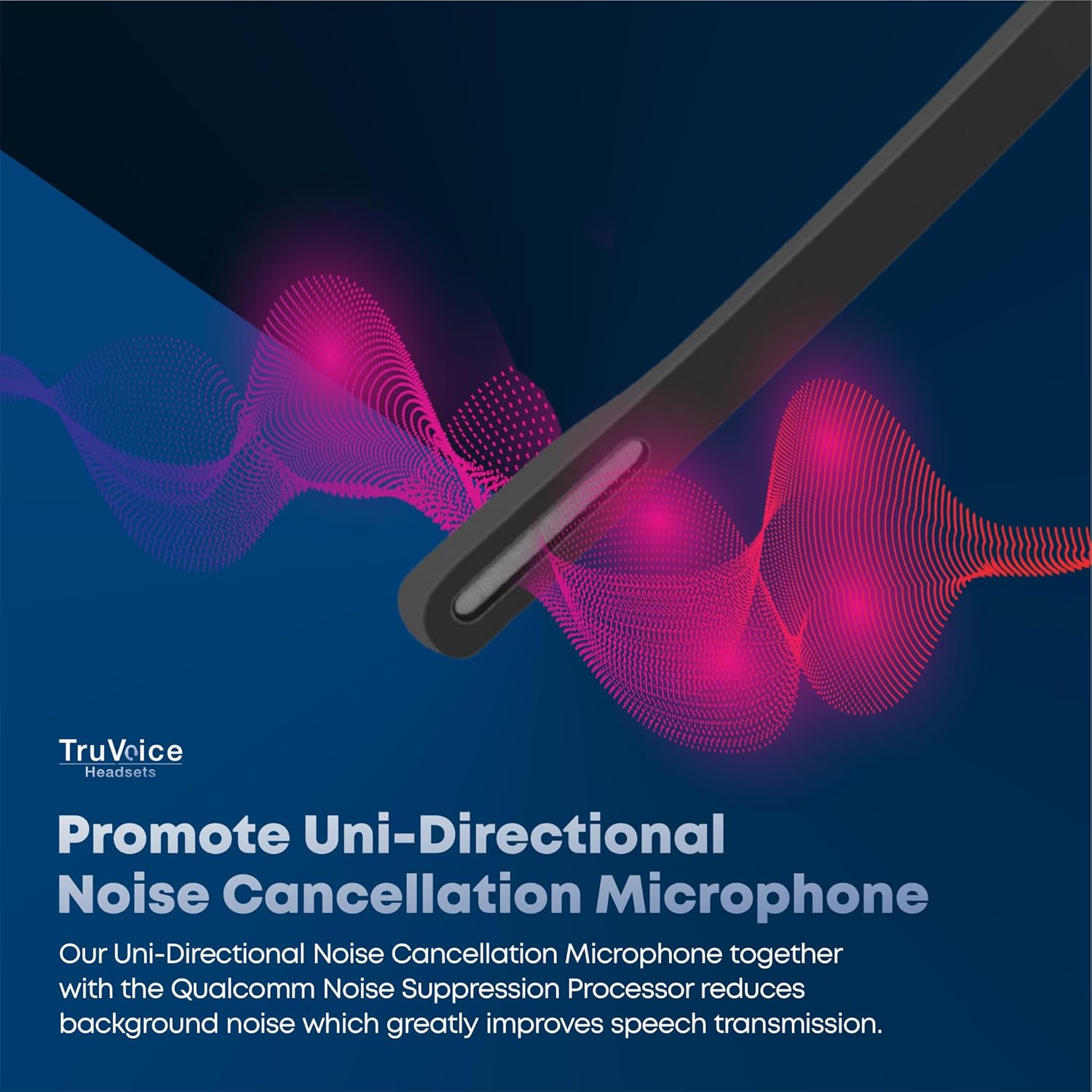
Image 4.2: The uni-directional noise cancellation microphone reduces background noise for improved speech transmission.
4.3. کنترل صدا
Adjust the listening volume using the dedicated volume buttons on the headset. These are typically marked with '+' and '-' symbols.
4.4. عمر باتری
The BT85 headset offers extended battery performance:
- زمان آماده به کار: تا 500 ساعت
- زمان مکالمه مداوم: تا 22 ساعت
- Media Playing Time: تا 19 ساعت
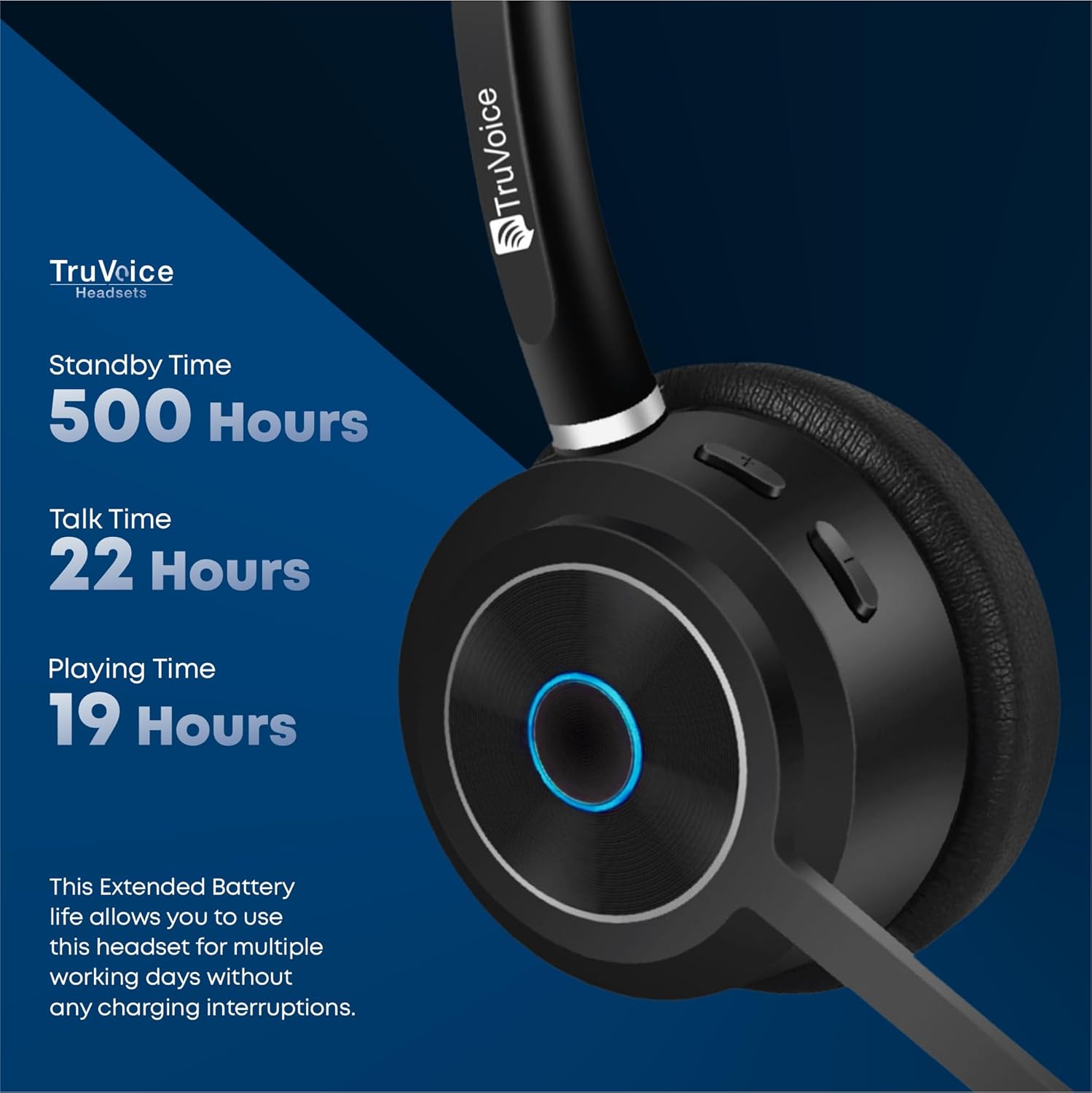
Image 4.3: Detailed battery performance of the BT85 headset.
4.5. سازگاری جهانی
The BT85 headset is compatible with a wide range of UC (Unified Communications) computer voice platforms and devices, including:
- Microsoft Teams (includes remote call answer)
- اسکایپ
- بزرگنمایی ضربه بزنید؛
- آوایا
- سیسکو
- Ring Central
- Vonage Nextiva
- 3CX
- And many more UC platforms.
It also connects with computers, cell phones, and desk phones that have Bluetooth headset capabilities.

Image 4.4: The BT85 headset offers universal compatibility with leading UC platforms.
5. تعمیر و نگهداری
Proper maintenance ensures the longevity and optimal performance of your TruVoice BT85 headset.
- تمیز کردن: Use a soft, dry, lint-free cloth to clean the headset. For ear cushions, gently wipe with a slightly damp قبل از استفاده، پارچه را تمیز کنید و اجازه دهید کاملاً در معرض هوا خشک شود. از مواد شیمیایی قوی یا مواد ساینده استفاده نکنید.
- ذخیره سازی: When not in use, store the headset in its protective case to prevent dust accumulation and physical damage. Avoid exposing the headset to extreme temperatures, humidity, or direct sunlight.
- شارژ کردن: Always use the provided USB charging cable. Avoid overcharging by disconnecting the headset once fully charged.
6 عیب یابی
If you encounter issues with your TruVoice BT85 headset, please refer to the following common solutions:
| مشکل | علت احتمالی | راه حل |
|---|---|---|
| هدست روشن نمیشود. | باتری کم. | Charge the headset fully (approx. 90 minutes). |
| نمیتوان با دستگاه جفتسازی کرد. | Headset not in pairing mode; device Bluetooth off; too many Bluetooth signals. | Ensure headset is in pairing mode (flashing blue/red). Turn on Bluetooth on your device. Try disabling other nearby Bluetooth devices if interference is suspected. |
| Poor audio quality / Microphone not working. | Microphone muted; headset out of range; incorrect audio settings on device. | Ensure microphone is not muted. Stay within 50 feet of the connected device. Check your computer/phone's audio input/output settings to ensure the BT85 is selected. |
| Headset is uncomfortable after extended use. | تناسب نامناسب. | Adjust the headband and microphone boom for optimal comfort. The headset features a soft silicone headband and premium leather plush ear cushions for ergonomic fit. |
| Mute function is difficult to use or unresponsive. | User unfamiliarity with button location/function. | Familiarize yourself with the dedicated mute button on the headset. Ensure a single, firm press for activation/deactivation. |
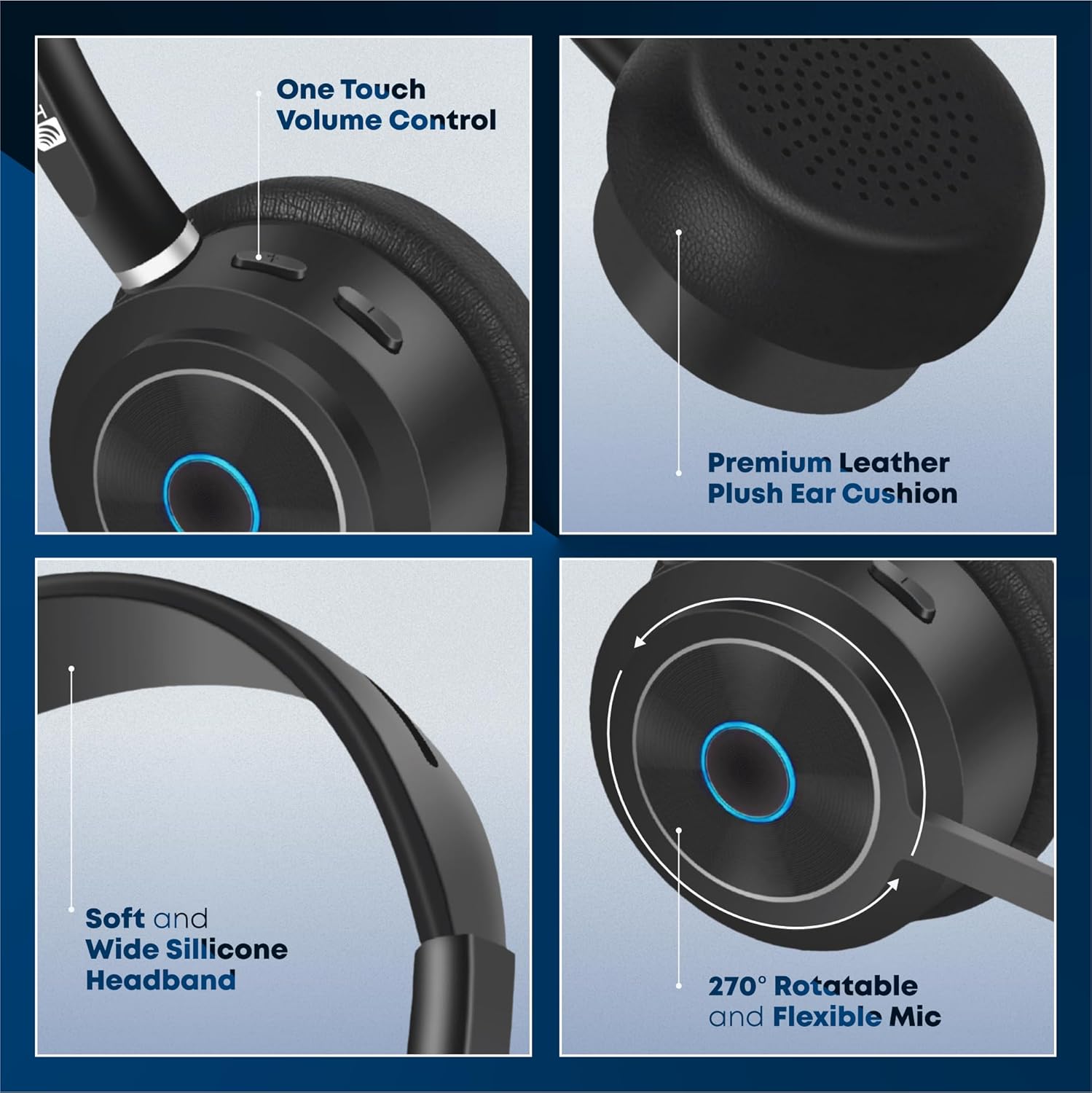
Image 6.1: Ergonomic design features of the BT85 headset for all-day comfort.
7. مشخصات
Detailed technical specifications for the TruVoice BT85 Headset:
| نام مدل | هدست های بی سیم بلوتوث |
| فناوری اتصال | بی سیم |
| فناوری ارتباطات بی سیم | بلوتوث |
| نسخه بلوتوث | 5.2 |
| محدوده بلوتوث | 50 فوت |
| عمر باتری (زمان مکالمه) | 22 ساعت |
| عمر باتری (استاندبای) | 500 ساعت |
| زمان شارژ | 90 Minutes (Full Charge) |
| نوع درایور صوتی | درایور پویا |
| محدوده فرکانس | ۲۰ هرتز - ۲۰۰۰۰ هرتز |
| نوع میکروفون | Uni-Directional Noise Cancellation |
| نوع کنترل | کنترل رسانه، لمسی |
| قرار دادن گوش | در گوش |
| شکل گوشی | کاپ دور گوش |
| فاکتور فرم | در گوش |
| رنگ | مشکی |
| وزن مورد | 9.6 اونس |
| سازنده | TruVoice |
| شماره مدل مورد | BT75 and BT85 |
| UPC | 643781593073 |
8. گارانتی و پشتیبانی
TruVoice stands behind the quality of its products. For warranty information and technical support, please refer to the official TruVoice webسایت یا مستقیماً با خدمات مشتریان آنها تماس بگیرید.
ممکن است طرحهای حفاظتی بیشتری برای افزایش پوشش فراتر از دوره گارانتی استاندارد، قابل خریداری باشند. لطفاً برای جزئیات بیشتر در مورد طرحهای حفاظتی موجود، با فروشنده خود مشورت کنید.
For direct inquiries, you may contact TruVoice Telecom, the seller of this product.