
TruVoice BT75
TruVoice BT75 Premium Wireless Headset User Manual
مدل: BT75
1. مقدمه
The TruVoice BT75 Premium Wireless Headset is designed for clear communication and comfort in various working environments. Featuring Bluetooth V5.2 connectivity, noise suppression, and extended battery life, it offers a reliable audio solution for professionals.
۲. چه چیزهایی در جعبه است؟
- TruVoice BT75 Wireless Headset
- دانگل USB
- کابل شارژ USB
- راهنمای کاربر
- کیس محافظ
- کوسن های گوش

The image above displays the TruVoice BT75 headset along with its accompanying USB dongle, which is essential for wireless connectivity with computers.
3. محصول تمام شدview
The BT75 headset is engineered for optimal performance and user comfort. Key features include a multi-functional key for easy operation, a Qualcomm Triple-Core Processor for enhanced performance, and cVc Technology for clear voice communication.
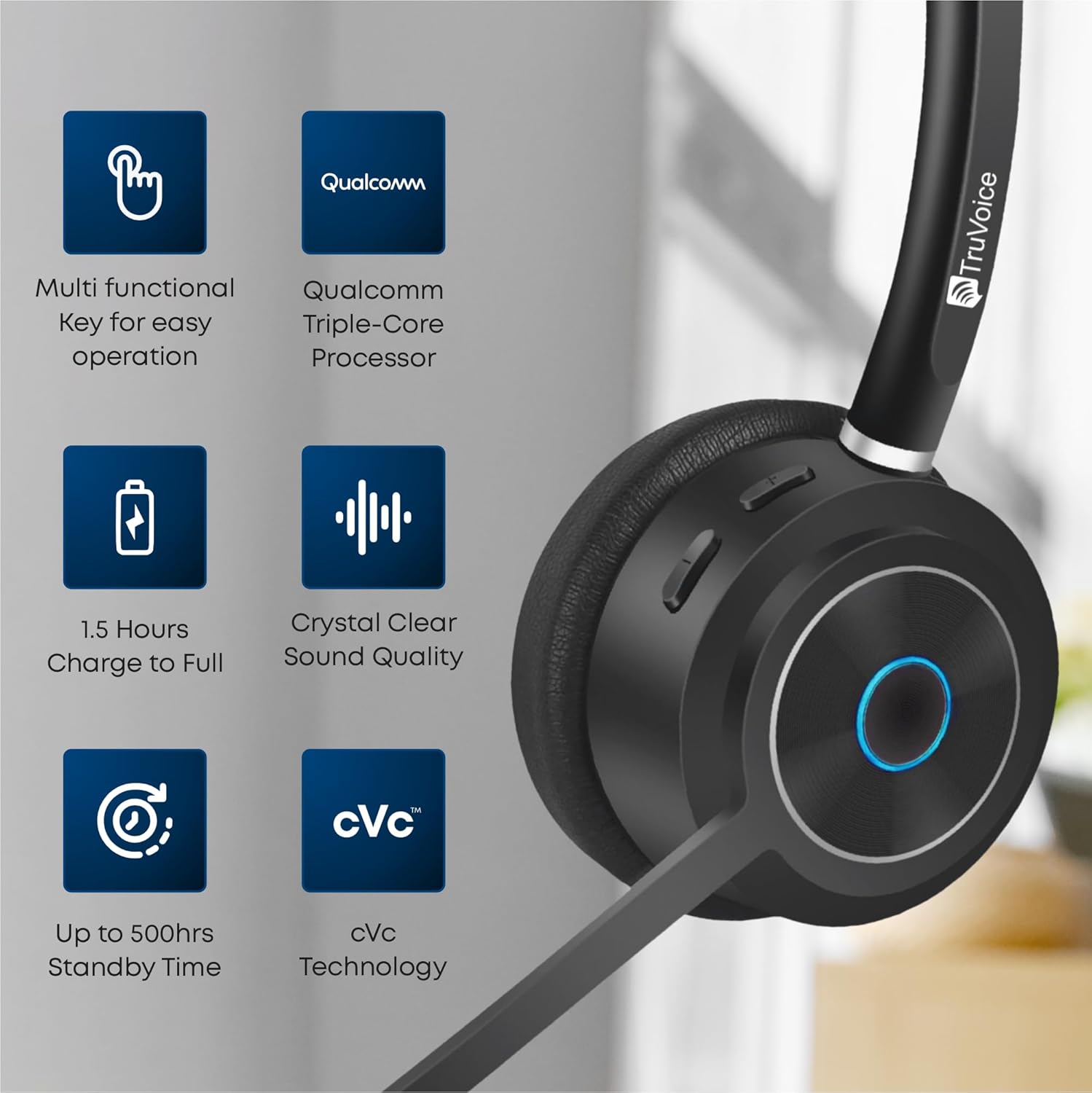
This image highlights the main features of the BT75 headset, including its multi-functional key, Qualcomm processor, fast charging capability, crystal clear sound quality, long standby time, and cVc technology.
راحتی و طراحی
Designed for all-day wear, the BT75 features premium leather plush ear cushions, a soft and wide silicone headband, and a 270° rotatable and flexible microphone for personalized fit and comfort.
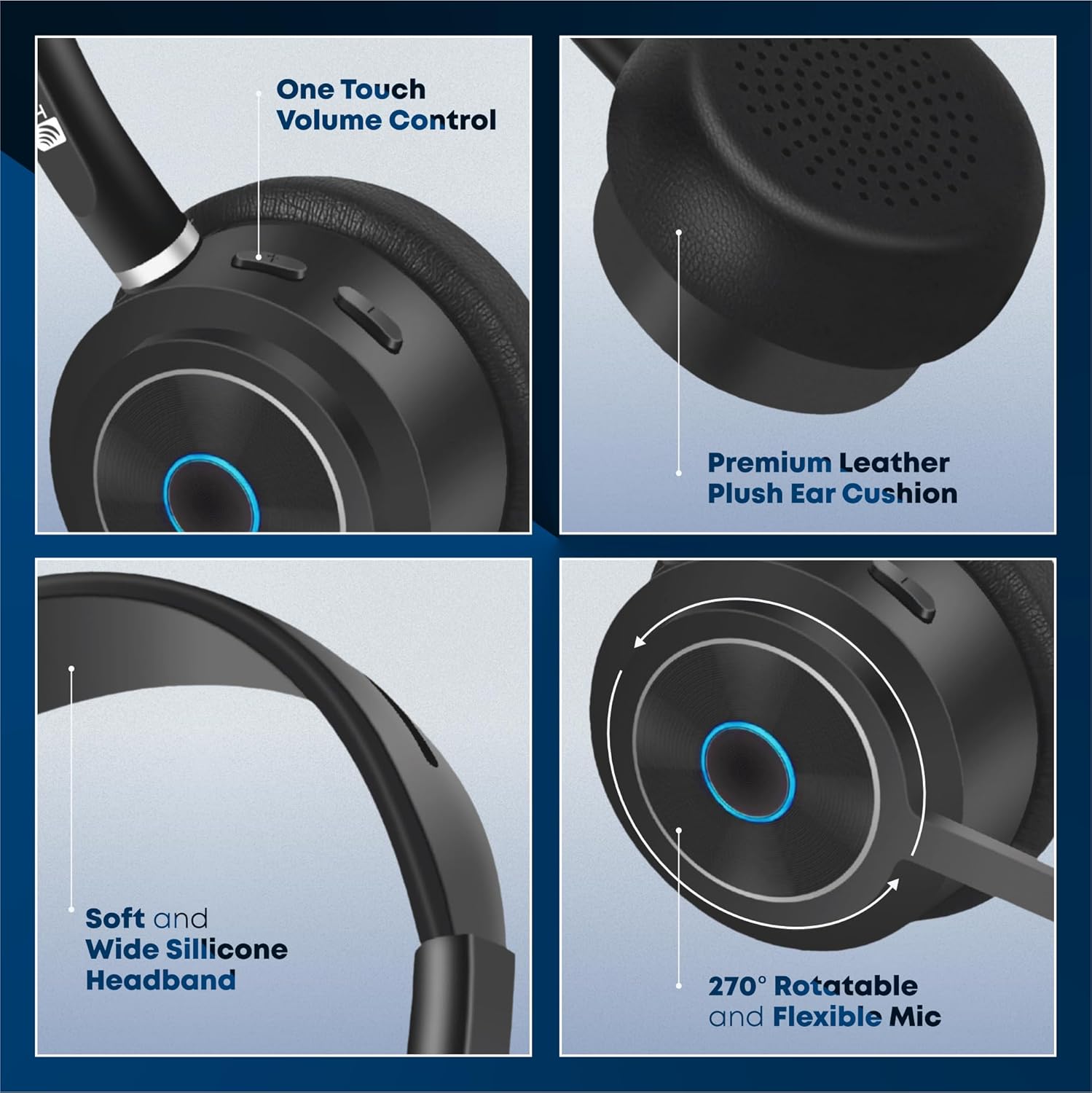
The image illustrates the ergonomic design elements of the headset, such as the one-touch volume control, premium leather ear cushion, soft silicone headband, and the highly adjustable microphone.
ویدیوی ویژه
این ویدیو تصویری از این موضوع ارائه میدهدview of the key features and benefits of the TruVoice BT75 Wireless Headset, demonstrating its design and functionality.
4. راه اندازی و اتصال
4.1. جفت شدن اولیه
To pair your BT75 headset with a device, ensure the headset is in pairing mode (refer to the LED indicator for status). For computer connectivity, insert the included USB dongle into an available USB port. The headset will automatically connect to the dongle, providing a Bluetooth wireless range of up to 50 feet.
۲. اتصال چند نقطهای
The BT75 headset supports multi-point connectivity, allowing it to connect and work with two Bluetooth devices simultaneously. This feature is ideal for seamless switching between a computer and a mobile phone or desk phone with Bluetooth capabilities.
4.3. سازگاری جهانی
The BT75 headset is compatible with all major UC (Unified Communications) Computer Voice Platforms, including Microsoft Teams, Skype, Zoom, Avaya, Cisco, Ring Central, Vonage, Nextiva, and 3CX.

This image demonstrates the broad compatibility of the BT75 headset with leading communication platforms, ensuring versatile use across different software environments.
5. دستورالعمل های عملیاتی
5.1. روشن/خاموش
- To power on: Press and hold the Multi-functional Key until the LED indicator lights up.
- To power off: Press and hold the Multi-functional Key until the LED indicator turns off.
5.2. مدیریت تماس
- Answer/End Call: Short press the Multi-functional Key.
- Reject Call: Press and hold the Multi-functional Key for 2 seconds.
- Redial Last Number: Double-press the Multi-functional Key.
5.3. کنترل صدا
- افزایش صدا: دکمه افزایش صدا را فشار دهید.
- کاهش صدا: دکمه کاهش صدا را فشار دهید.
5.4. میکروفون را قطع کنید
- To mute/unmute the microphone: Press the Mute button on the microphone boom.
۶. حذف نویز
The BT75 utilizes Qualcomm cVc Echo Canceling Noise Suppression Technology and a Uni-Directional Noise Cancellation Microphone. This technology works to reduce background noise, ensuring crystal clear voice quality during calls.
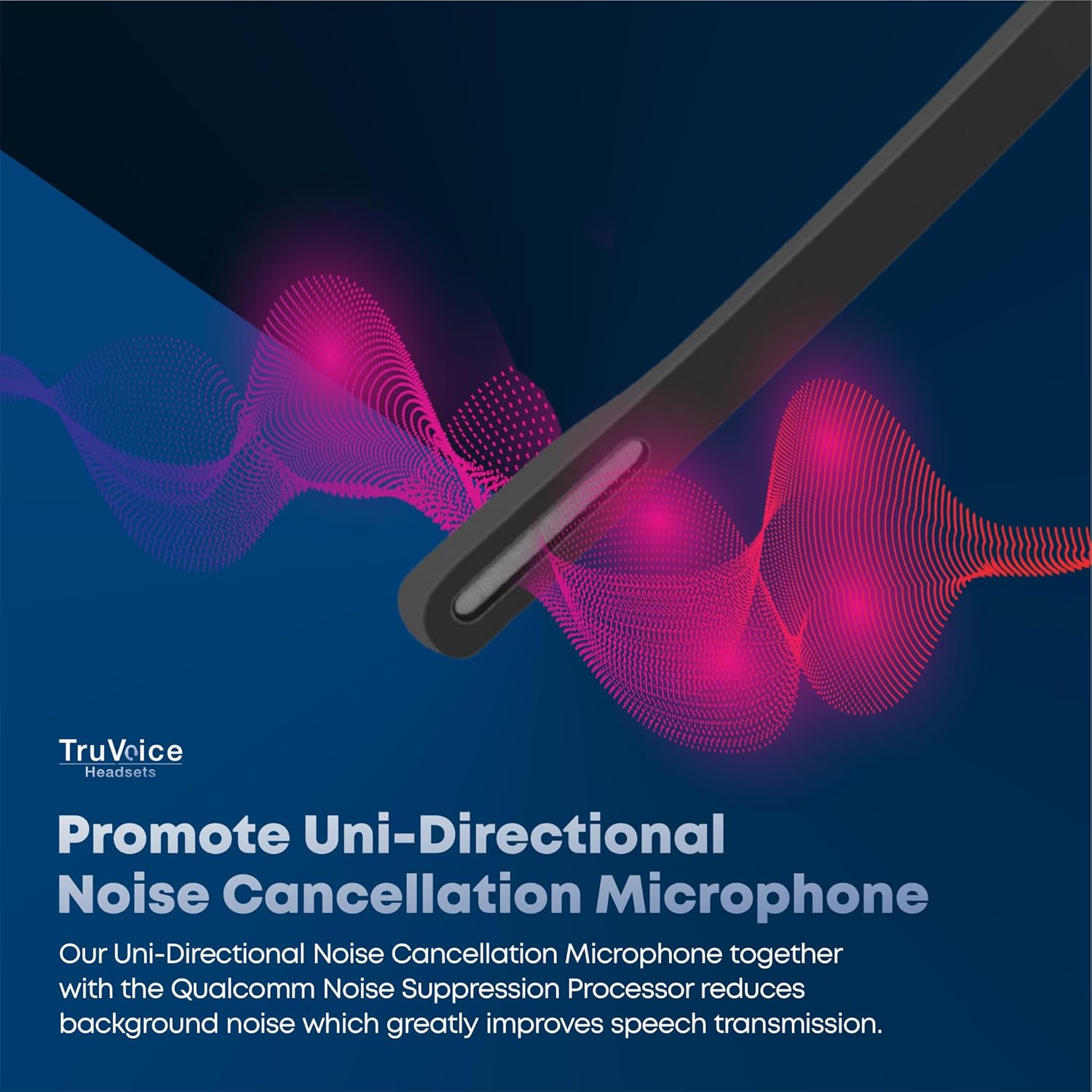
This image visually represents how the headset's uni-directional microphone and Qualcomm noise suppression processor work to minimize ambient noise for clearer conversations.
6. باتری و شارژ
The BT75 headset is equipped with a powerful battery offering up to 500 hours of standby time, 22 hours of talk time, and 19 hours of media playing time. A full charge is achieved in approximately 90 minutes using the provided USB charging cable, which can be connected to a PC or a standard wall charger.
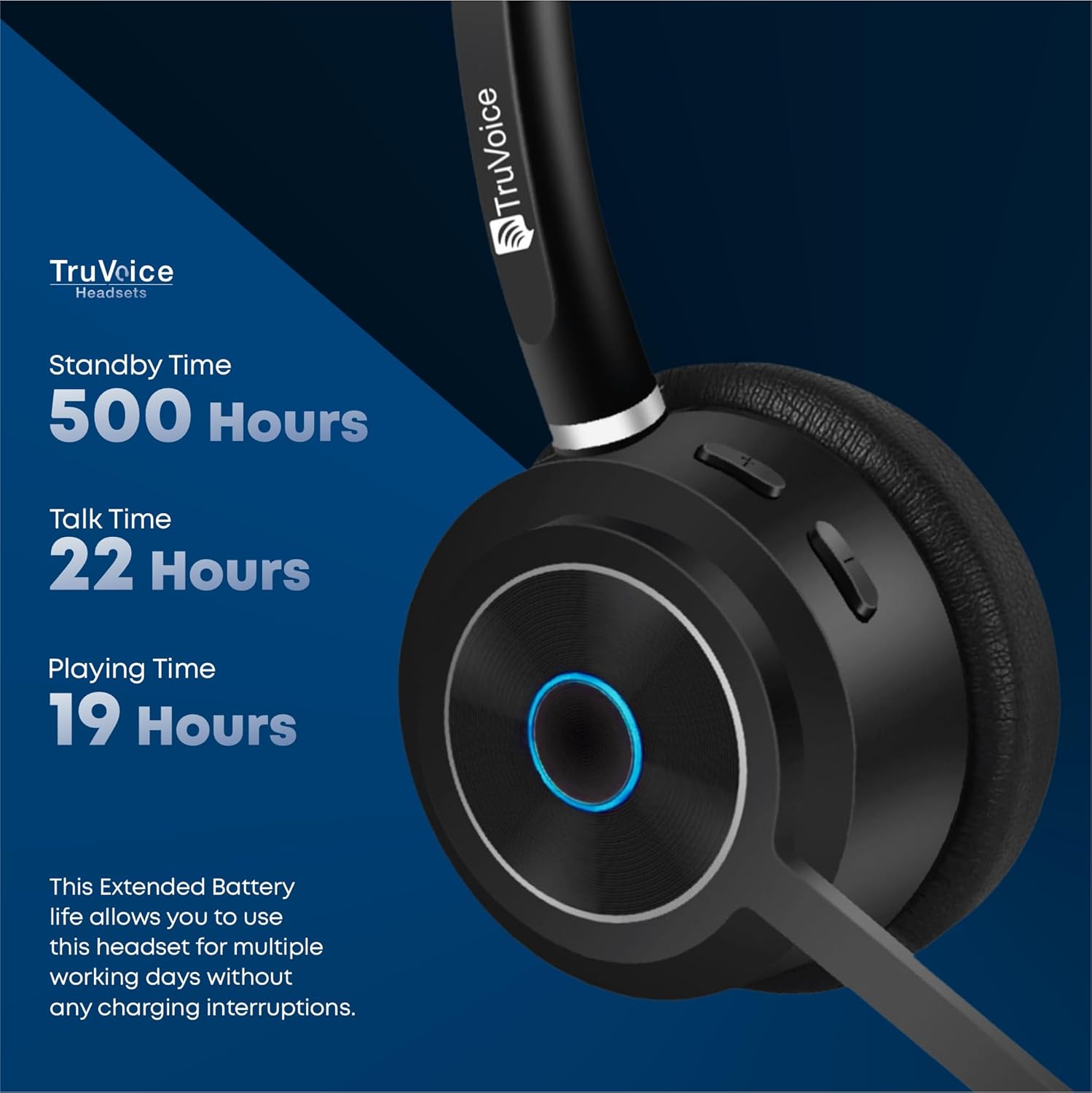
The image highlights the impressive battery life of the BT75 headset, detailing its standby, talk, and media playback durations, ensuring extended use without frequent recharging.
7. تعمیر و نگهداری
- هدست را مرتباً با یک پارچه نرم و خشک تمیز کنید. از استفاده از مواد شیمیایی قوی یا مواد ساینده خودداری کنید.
- Store the headset in its protective case when not in use to prevent damage.
- از قرار دادن هدست در معرض دمای شدید، رطوبت یا نور مستقیم خورشید خودداری کنید.
- سعی نکنید هدست را جدا یا تغییر دهید، زیرا این کار گارانتی را باطل میکند.
8 عیب یابی
| مشکل | علت احتمالی | راه حل |
|---|---|---|
| بدون صدا یا صدای کم | Headset not connected, volume too low, incorrect audio output selected. | Ensure headset is paired. Increase volume on headset and device. Check device's audio settings to select BT75 as output. |
| Cannot connect to device | Headset not in pairing mode, device's Bluetooth off, out of range. | Put headset in pairing mode. Enable Bluetooth on device. Move headset closer to device (within 50 ft). Restart both devices. |
| میکروفون کار نمی کند | میکروفون بیصدا است، دستگاه ورودی نادرست انتخاب شده است. | Unmute microphone. Check device's audio input settings to select BT75 microphone. |
| عمر باتری کوتاه | باتری کاملاً شارژ نشده، باتری قدیمی است. | Ensure full 90-minute charge. If issue persists, contact customer support. |
9. مشخصات
| ویژگی | جزئیات |
|---|---|
| نام مدل | هدست های بی سیم بلوتوث |
| فناوری اتصال | بیسیم (بلوتوث نسخه ۵.۰) |
| محدوده بلوتوث | تا 50 فوت |
| عمر باتری (زمان مکالمه) | 22 ساعت |
| عمر باتری (زمان پخش موسیقی) | 19 ساعت |
| زمان آماده به کار | تا 500 ساعت |
| زمان شارژ | 90 Minutes (Full Charge) |
| میکروفون | Uni-Directional Noise Cancellation |
| کنترل نویز | Qualcomm cVc Echo Canceling Noise Suppression Technology |
| وزن | 85 grams (headset only) |
| دستگاه های سازگار | Communication Platforms (PC, Cell, Desk Phones with Bluetooth) |
| اجزای شامل | Cable, User Manual, Ear Cushions, Protective Case, Headband |
10. گارانتی و پشتیبانی
For warranty information and technical support, please refer to the official TruVoice webبه سایت مراجعه کنید یا مستقیماً با خدمات مشتریان آنها تماس بگیرید. رسید خرید خود را برای هرگونه ادعای گارانتی نگه دارید.
اطلاعات تماس:
- بازدید کنید TruVoice Store on Amazon برای اطلاعات بیشتر و منابع پشتیبانی
Ask a question about this manual
Ask about setup, troubleshooting, compatibility, parts, safety, or missing instructions. Manuals+ will review the question and use this page’s manual context to help answer it.