
مقدمه
This manual provides detailed instructions for the setup, operation, and maintenance of your VTech CS2000 DECT Cordless Home Phone. Please read this manual thoroughly before using your new phone to ensure proper functionality and to take full advantage از ویژگی های آن
The VTech CS2000 is designed for home use, offering reliable long-range communication, essential call management features, and user-friendly design.

Figure 1: VTech CS2000 DECT Cordless Home Phone, showing the handset docked in its base unit.
راه اندازی
محتویات بسته
مطمئن شوید که همه اقلام در بسته شما موجود است:
- گوشی VTech CS2000
- VTech CS2000 Base Unit
- آداپتور برق برای واحد پایه
- سیم خط تلفن
- Rechargeable NiMH Battery (1 included)
نصب و شارژ باتری
The VTech CS2000 uses a rechargeable NiMH battery. Proper installation and initial charging are crucial for optimal performance.
- محفظه باتری را در پشت گوشی قرار دهید.
- Insert the supplied NiMH battery, ensuring the polarity matches the diagram inside the compartment.
- درپوش محفظه باتری را محکم ببندید.
- Place the handset on the base unit. The charging indicator on the handset should illuminate.
- Allow the handset to charge for at least 16 hours before initial use, even if the display indicates a full charge sooner. This ensures maximum battery capacity.
اتصال واحد پایه
- یک سر سیم خط تلفن را به جک TEL LINE در پشت دستگاه پایه وصل کنید.
- سر دیگر سیم خط تلفن را به پریز دیواری تلفن وصل کنید.
- سر کوچک آداپتور برق را به جک POWER در پشت دستگاه پایه وصل کنید.
- سر بزرگ آداپتور برق را به یک پریز برق استاندارد وصل کنید.
- اطمینان حاصل کنید که همه اتصالات امن هستند.
راه اندازی تلفن شما
برقراری و دریافت تماس
برقراری تماس:
- را فشار دهید صحبت کنید button (green receiver icon) or lift the handset from the base.
- شماره تلفن مورد نظر را شماره گیری کنید.
- را فشار دهید پایان button (red receiver icon) or place the handset back on the base to end the call.
دریافت تماس:
وقتی تلفن زنگ میخورد، دکمه صحبت کنید button or lift the handset from the base to answer.
بلندگوی هندزفری
The VTech CS2000 features a hands-free speakerphone function, allowing you to talk without holding the handset.
- در طول تماس ، دکمه را فشار دهید SPEAKER button (speaker icon).
- To switch back to the handset, press the صحبت کنید دوباره دکمه
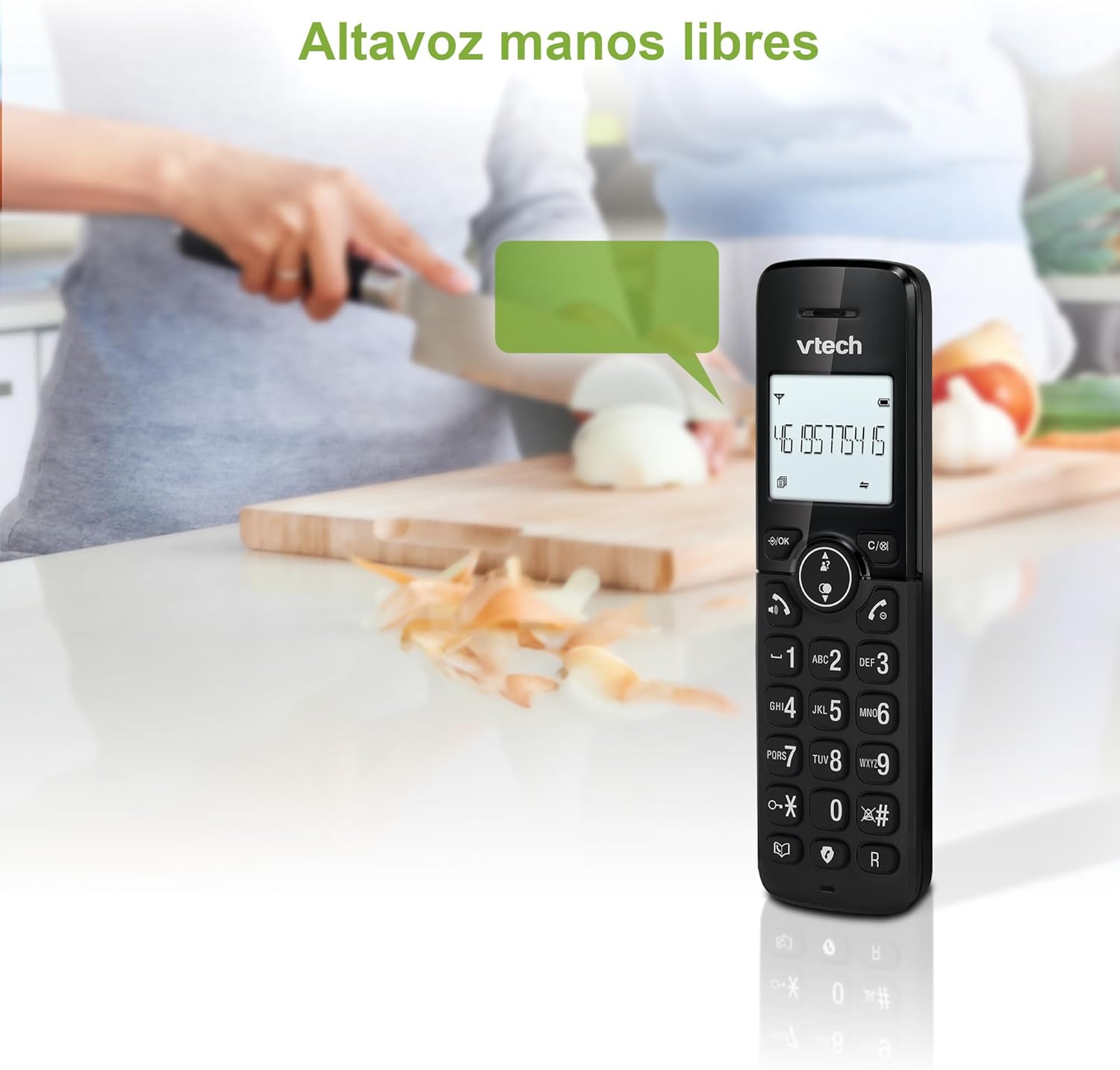
Figure 2: Using the hands-free speakerphone function.
مسدود کردن تماس
The call blocking feature allows you to prevent unwanted calls. You can block up to 30 numbers.
- برای مسدود کردن یک شماره در حین تماس، دکمه تماس بگیرید بلوک دکمه
- To add a number to the block list manually, navigate to the Call Block menu in the phone settings.
- Follow the on-screen prompts to add or remove numbers from the block list.
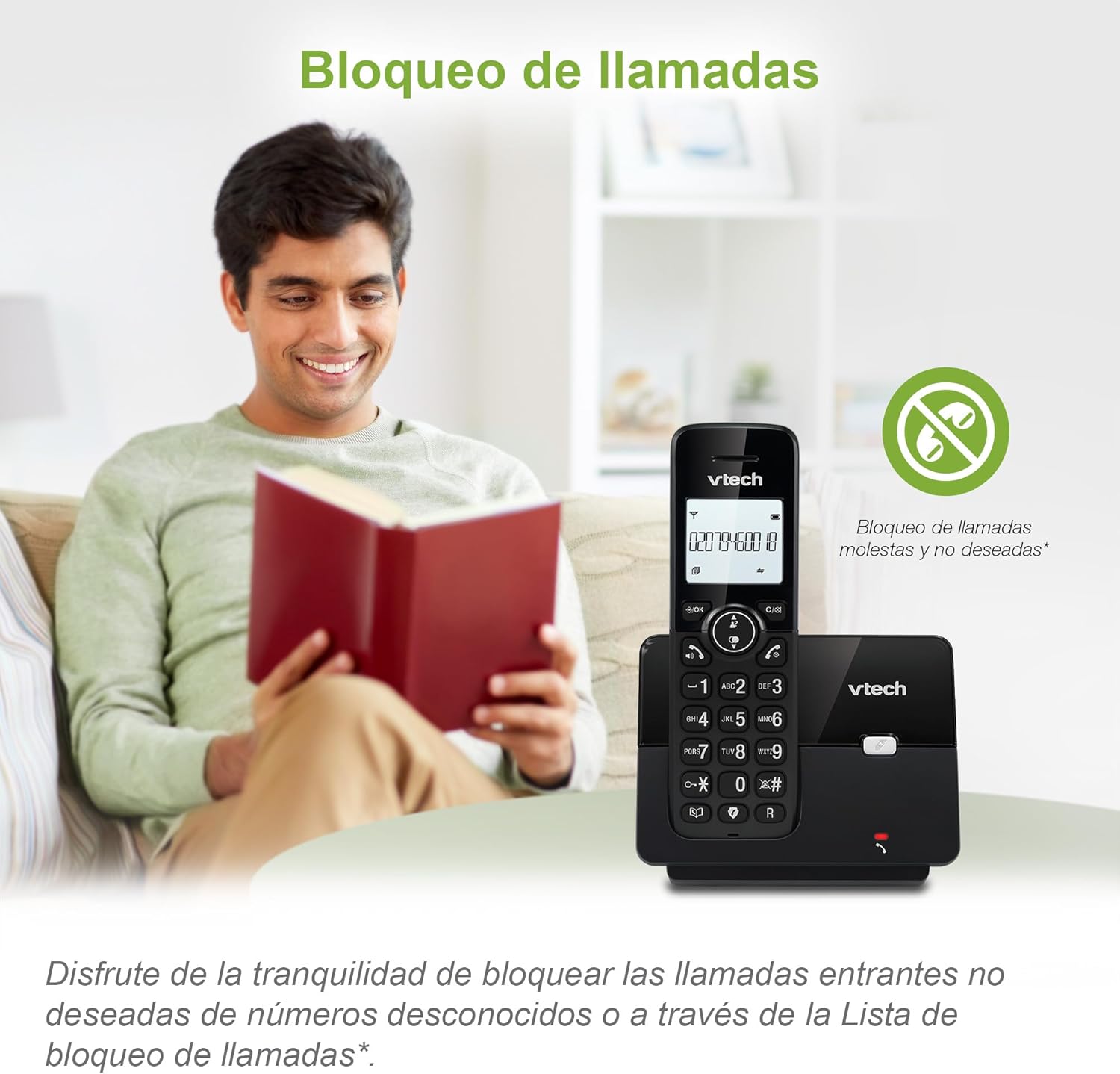
Figure 3: The call blocking feature helps manage unwanted calls.
دفترچه تلفن (دایرکتوری)
امکان ذخیره حداکثر ۵۰ نام و شماره تلفن در دفترچه تلفن برای شماره گیری سریع
- را فشار دهید MENU/OK دکمه
- Navigate to the "Phonebook" or "Directory" option.
- Select "Add New Entry" and follow the prompts to enter the name and number.
- To dial from the phonebook, press the دایرکتوری button and scroll to the desired entry, then press صحبت کنید.

Figure 4: Managing contacts in the phonebook.
شناسه تماس گیرنده و انتظار تماس
The phone stores up to 20 caller ID records with name and number (service subscription may be required).
When a new call comes in while you are on another call, the call waiting feature alerts you (service subscription may be required).
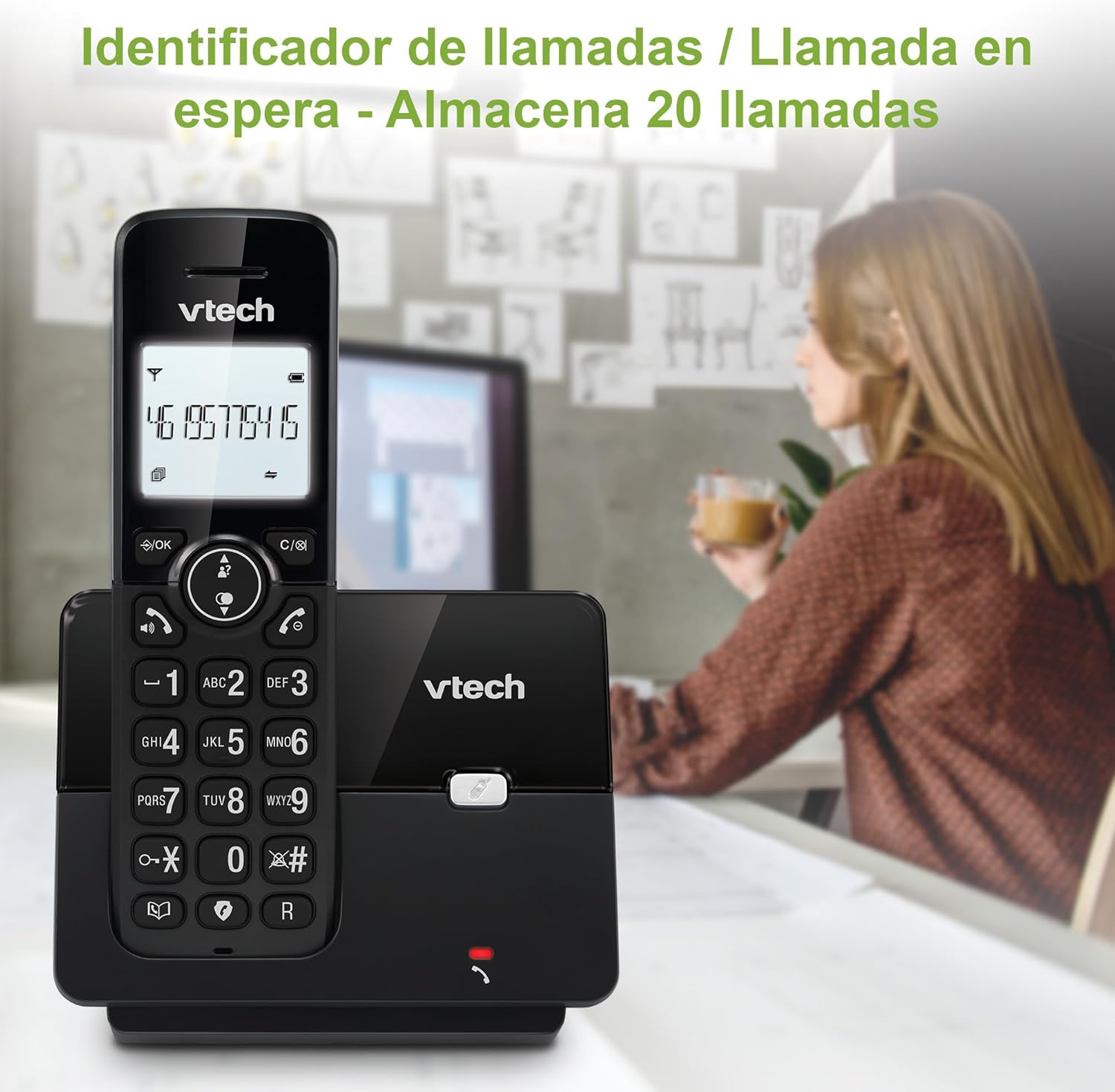
شکل ۳: نمایش شناسه تماس گیرنده روی گوشی.
لیست شماره گیری مجدد
این گوشی 10 شماره آخر گرفته شده را برای شماره گیری مجدد سریع ذخیره می کند.
- را فشار دهید اصلاح کننده دکمه
- Scroll through the list using the navigation keys.
- را فشار دهید صحبت کنید to redial the selected number.

Figure 6: Accessing the redial list.
حالت ECO
The ECO mode automatically adjusts the radio frequency power based on the distance between the handset and the base unit, helping to conserve energy.
Adjusting Ring Volume and Melody
You can customize the ring volume and melody of your handset.
- را فشار دهید MENU/OK دکمه
- Navigate to "Settings" or "Ring Settings".
- Select "Ring Volume" or "Ring Melody" and choose your preference.
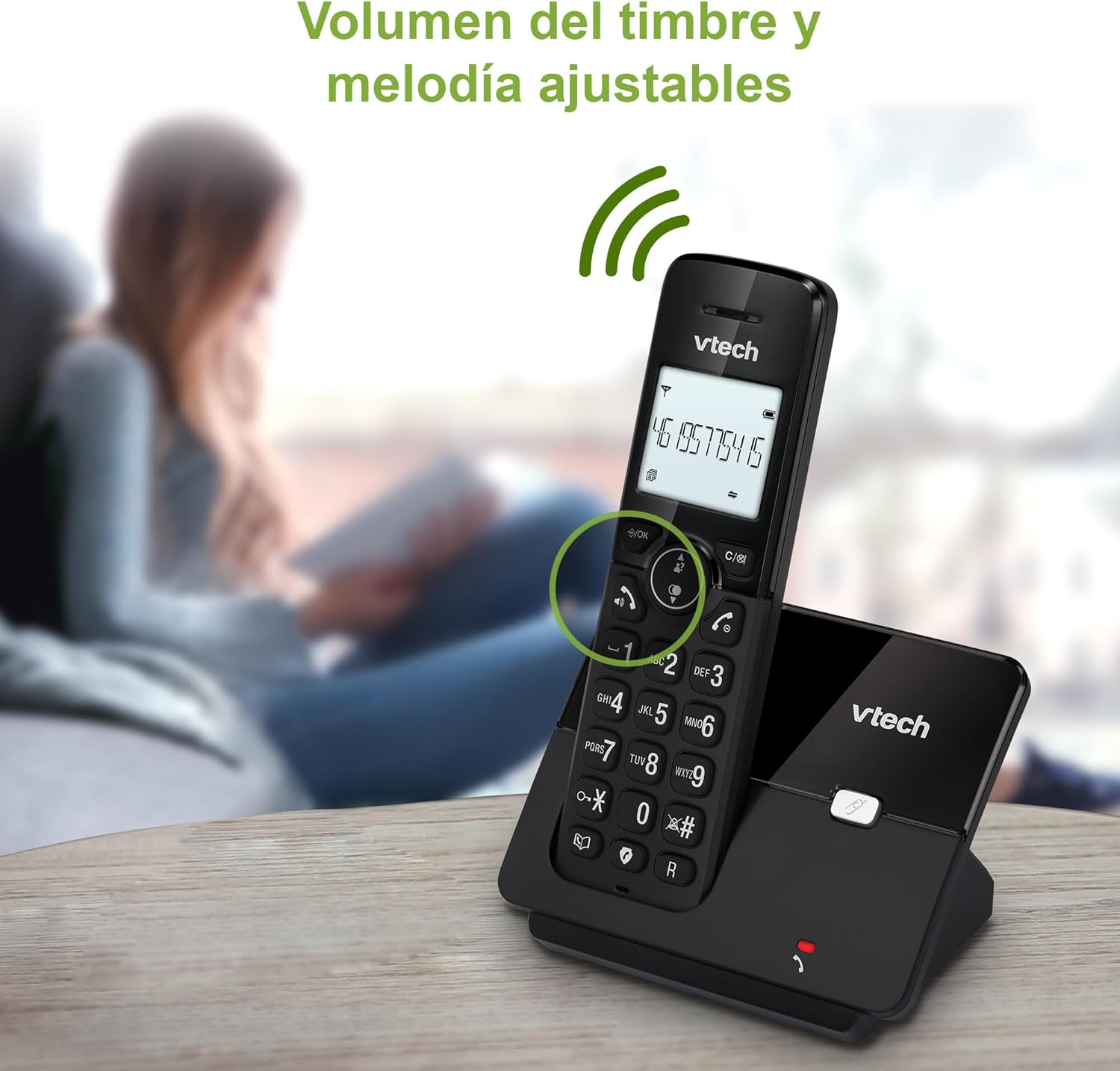
Figure 7: Adjusting ring volume and melody.
Alarm and Silence Function
The phone includes an alarm function and a silence mode for convenience.
- To set an alarm, navigate to the "Alarm" option in the menu and follow the prompts.
- To activate silence mode, typically press and hold the خاموش button or access the "Silence" option in the settings.

Figure 8: Alarm and silence functions.
نمایشگر نور پس زمینه
The 1.8-inch backlit display provides clear visibility, especially in low-light conditions.

Figure 9: The 1.8-inch backlit display for clear viewing.
Long Range Capability
The VTech CS2000 utilizes DECT technology to provide a stable operating range of up to 300 meters outdoors, ensuring clear communication throughout your home and property.

Figure 10: The phone offers reliable long-range coverage.
تعمیر و نگهداری
تمیز کردن
تلفن و پایه را با یک پارچه نرم و لطیف تمیز کنید.amp پارچه. از اسپریهای تمیزکننده یا پاککنندههای ساینده استفاده نکنید، زیرا میتوانند به روکش یا اجزای الکتریکی آسیب برسانند.
مراقبت از باتری
- Only use the supplied rechargeable NiMH battery or an approved replacement.
- اگر قرار است برای مدت طولانی از گوشی استفاده نکنید، باتری را خارج کنید تا از نشتی جلوگیری شود.
- باتریها را طبق مقررات محلی و به طور مسئولانه دور بیندازید.
عیب یابی
If you experience issues with your VTech CS2000 phone, try the following solutions:
| مشکل | راه حل |
|---|---|
| بدون شماره گیری | Ensure the telephone line cord is securely connected to both the base unit and the wall jack. Check if the power adapter is properly connected and plugged into a working outlet. |
| گوشی شارژ نمیشود. | Ensure the handset is correctly placed on the base unit. Clean the charging contacts on both the handset and base unit with a dry cloth. Verify the power adapter is connected. |
| کیفیت صدای پایین یا پارازیت. | به واحد پایه نزدیکتر شوید. مطمئن شوید که هیچ شیء فلزی بزرگ یا دستگاه الکترونیکی دیگری که با سیگنال تداخل داشته باشد، وجود ندارد. اتصالات شل خط تلفن را بررسی کنید. |
| امکان برقراری یا دریافت تماس وجود ندارد. | Check if the phone line is active. Ensure the handset is registered to the base unit (refer to the full manual for registration steps if needed). Temporarily unplug the base unit's power adapter, wait a few seconds, then plug it back in. |
| شناسه تماس گیرنده نمایش داده نمیشود. | مطمئن شوید که از طریق ارائه دهنده خدمات تلفن خود، مشترک سرویس شناسه تماس گیرنده شدهاید. |
مشخصات
| نام تجاری | VTech |
| شماره مدل | CS2000 |
| رنگ | مشکی |
| نوع تلفن | تلفن بیسیم DECT |
| اندازه صفحه نمایش | 1.8 اینچ |
| ترکیب باتری | NiMH |
| تعداد باتری | 1 (Product Specific - Included) |
| مواد | پلاستیک |
| منبع تغذیه | شارژ باتری |
| نوع شماره گیر | صفحه کلید تکی |
| نوع سیستم پاسخگویی | بی سیم |
| وزن مورد | 300 گرم |
| عملیات چند خطی | عملیات تک خطی |
| ویژگی های خاص | Cordless, Call Blocking, Hands-Free Speakerphone, Backlit Display, ECO Mode, Caller ID, Phonebook, Redial |
گارانتی و پشتیبانی
برای اطلاعات مربوط به گارانتی و پشتیبانی فنی، لطفاً به مستندات همراه خرید خود مراجعه کنید یا از وبسایت رسمی VTech دیدن کنید. webرسید خرید خود را به عنوان مدرک خرید نگه دارید.
سازنده: VTECH TELECOMMUNICATIONS LTD
کشور مبدا: چین