
VTech CS2051
دفترچه راهنمای تلفن بیسیم VTech CS2051
مدل: CS2051 | برند: VTech
مقدمه
This user manual provides comprehensive instructions for the setup, operation, maintenance, and troubleshooting of your VTech CS2051 Cordless Phone system. Please read this manual thoroughly before using your new phone to ensure proper functionality and to take full advantage از ویژگی های آن
The VTech CS2051 is a DECT cordless phone system designed for home and office use, featuring two handsets and an integrated answering machine. It offers advanced features such as call blocking, ECO mode for energy efficiency, and a clear backlit display.
راه اندازی
محتویات بسته
مطمئن شوید که همه اقلام در بسته موجود هستند:
- 1 x Base Unit
- ۲ عدد گوشی بیسیم
- 2 x Handset Chargers (for additional handsets)
- ۲ عدد باتری قابل شارژ NiMH
- ۱ عدد آداپتور برق برای واحد پایه
- ۱ عدد سیم تلفن
- راهنمای کاربر (این سند)

Image: The VTech CS2051 cordless phone system, showing the main base unit with one handset docked, and a second standalone handset with its charger.
نصب باتری
- پوشش محفظه باتری را در پشت هر گوشی باز کنید.
- Insert the supplied NiMH rechargeable battery, observing the correct polarity (+ and -).
- درپوش محفظه باتری را ببندید.
اتصال واحد پایه
- یک سر سیم خط تلفن را به جک TEL LINE روی پایه وصل کنید.
- سر دیگر سیم خط تلفن را به پریز دیواری تلفن خود وصل کنید.
- Connect the small end of the power adapter to the POWER jack on the base unit.
- سر بزرگ آداپتور برق را به یک پریز برق استاندارد وصل کنید.
- Place the main handset on the base unit to charge.
Connecting Additional Handset Chargers
- Connect the power adapter for each additional charger to the POWER jack on the charger.
- آداپتور برق را به یک پریز برق استاندارد وصل کنید.
- Place the additional handset(s) on their respective chargers to charge.
برای اطمینان از عملکرد بهینه باتری، اجازه دهید گوشیها قبل از اولین استفاده حداقل ۱۶ ساعت شارژ شوند.
دستورالعمل های عملیاتی
برقراری و دریافت تماس
- برای برقراری تماس: گوشی را بردارید، شماره را بگیرید و دکمه ... را فشار دهید تماس بگیرید دکمه
- برای دریافت تماس: وقتی تلفن زنگ میخورد، دکمه تماس بگیرید دکمه
- Hands-Free (Speakerphone): در طول تماس ، دکمه را فشار دهید بلندگو دکمه برای فعال کردن بلندگوی تلفن.

Image: A VTech CS2051 handset with a speech bubble indicating hands-free communication, demonstrating the ease of making or receiving calls without holding the handset.
تنظیم صدا و آهنگهای زنگ
You can adjust the handset's earpiece volume during a call using the navigation buttons. Ringtone volume and melody can be customized through the handset's menu settings.

Image: A VTech CS2051 handset on its base, with a visual representation of sound waves emanating from it, indicating adjustable ringtone volume and melody settings.
مسدود کردن تماس
The VTech CS2051 allows you to block unwanted and intimidating calls. You can block up to 30 numbers by adding them to a blacklist. Refer to the handset menu for instructions on adding numbers to the call block list.
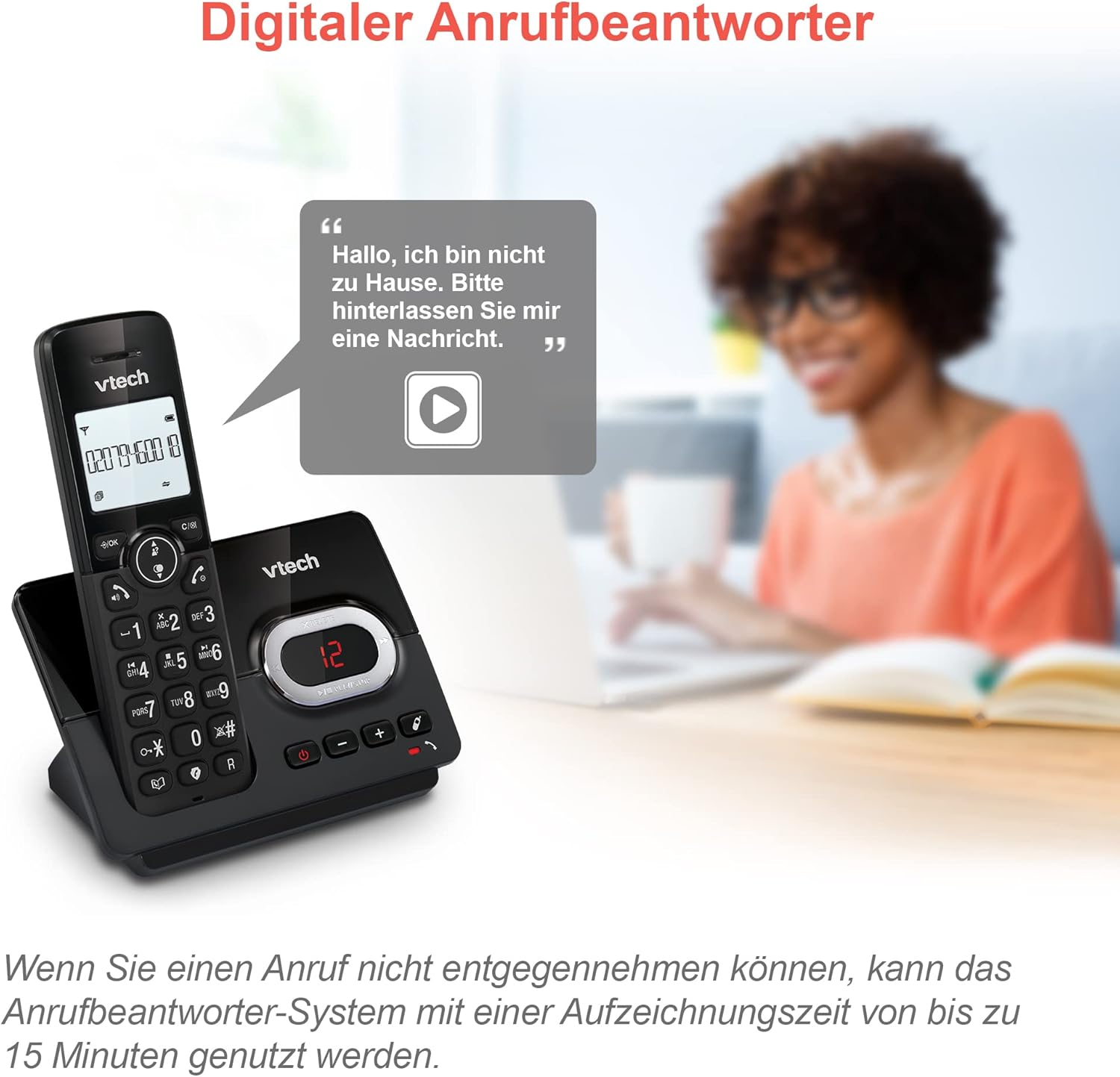
Image: A VTech CS2051 handset next to a television screen, with a "No Entry" symbol over a phone icon, illustrating the call blocking feature for unwanted and unknown calls.
منشی تلفنی
The integrated answering machine offers up to 15 minutes of recording time. It will automatically answer calls when you are unavailable. The digital message counter on the base unit indicates the number of new messages.
- پخش پیامها: را فشار دهید PLAY/STOP دکمه روی واحد پایه.
- ضبط پیام خروجی: Access the answering machine settings via the handset menu.

Image: A VTech CS2051 handset on its base, with a speech bubble showing a voicemail message, highlighting the digital answering machine function with up to 15 minutes of recording time.
Phonebook and Redial
- دفترچه تلفن: Store up to 30 names and numbers in the integrated phonebook for quick dialing.
- شماره گیری مجدد: Easily redial the last 10 numbers called by pressing the Redial button.
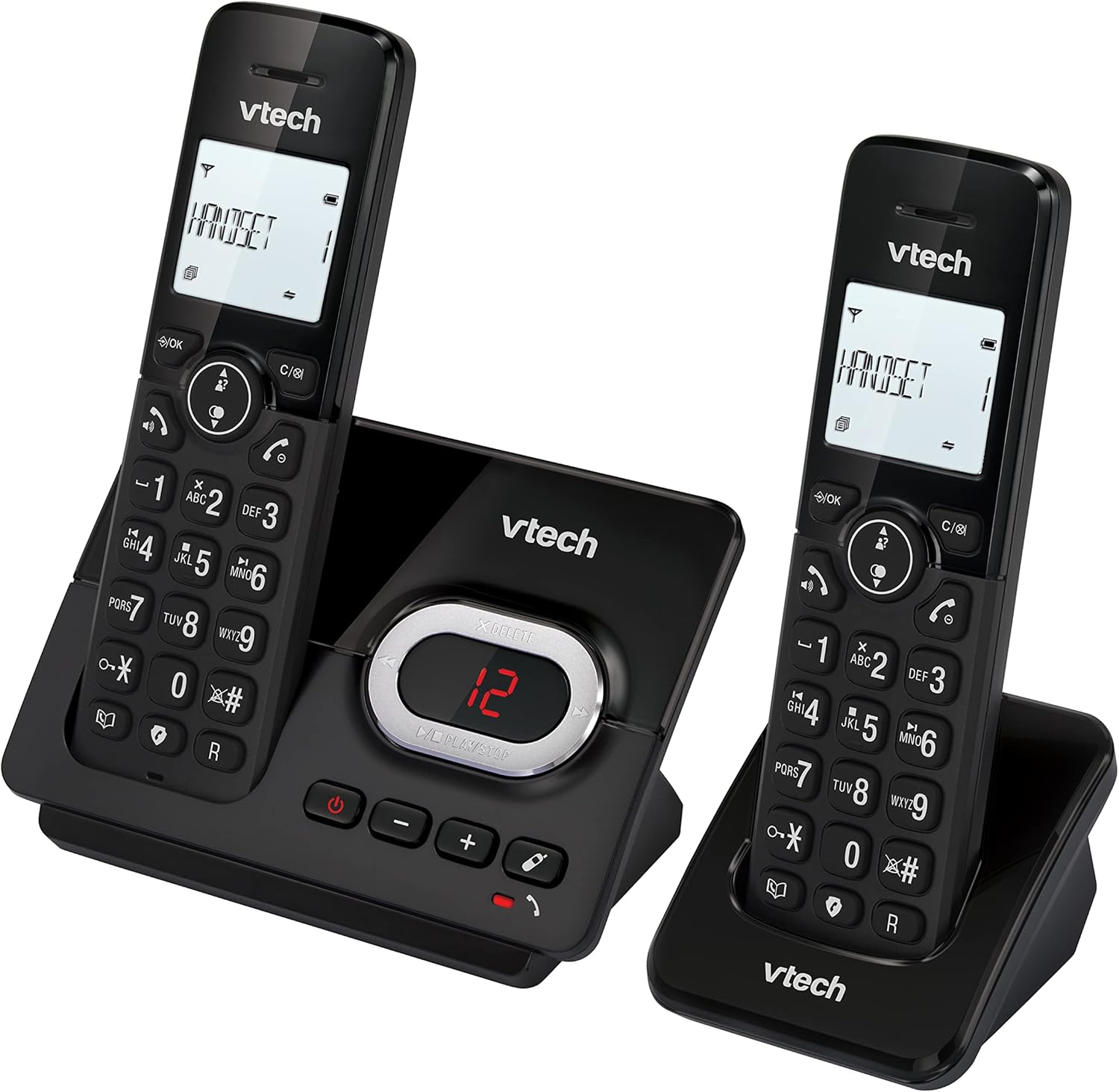
Image: A VTech CS2051 handset on its base, with an overlay showing a phonebook interface, indicating the ability to store up to 30 names and numbers.
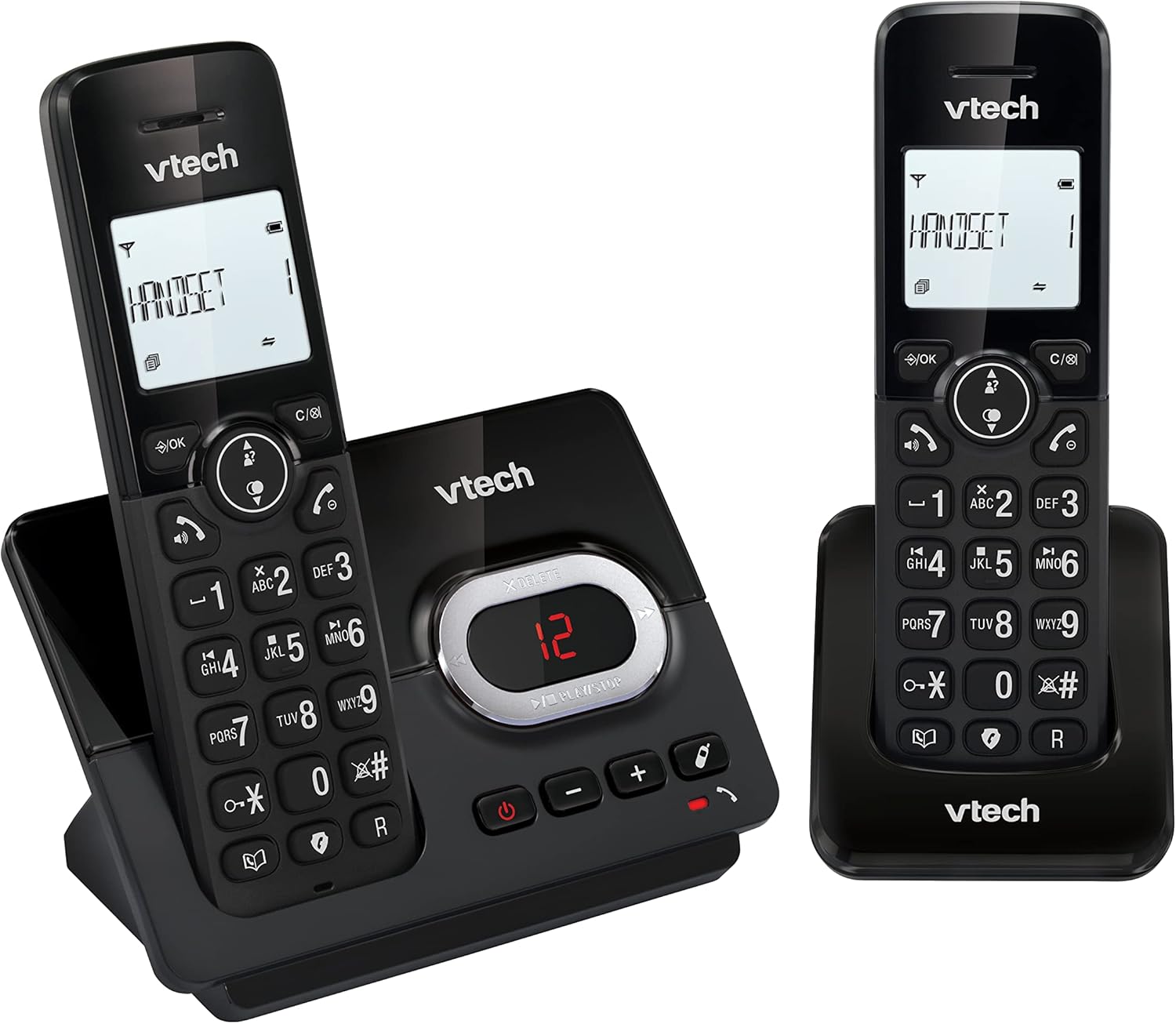
Image: A close-up of the VTech CS2051 handset's navigation buttons, with a circle highlighting the redial button, indicating the ability to redial the last 10 numbers.
شناسه تماس گیرنده و انتظار تماس
With Caller ID and Call Waiting features, you can see who is calling before you answer. The handset display shows the caller's name, number, time, and date of incoming calls.

Image: A VTech CS2051 handset on its base, with the screen displaying caller information, illustrating the Caller ID and Call Waiting features that show who is calling.
حالت ECO
The handset automatically adjusts the radio frequency power based on its distance from the base unit. In full ECO mode, there is no transmission power in standby mode, contributing to energy saving.
تعمیر و نگهداری
- تمیز کردن: تلفن و پایه را با یک پارچه نرم و لطیف تمیز کنید.amp از اسپریهای تمیزکننده یا مواد شیمیایی قوی استفاده نکنید.
- مراقبت از باتری: Use only the supplied rechargeable NiMH batteries. If the phone will not be used for an extended period, remove the batteries from the handsets.
- قرار دادن: Place the base unit and chargers in a dry, stable location away from direct sunlight, heat sources, and moisture. Ensure adequate ventilation.
عیب یابی
| مشکل | علت / راه حل احتمالی |
|---|---|
| بدون صدای شماره گیری |
|
| شارژ نشدن گوشی |
|
| کیفیت تماس ضعیف / ایستا |
|
| منشی تلفنی ضبط نمیکند |
|
مشخصات
- مدل: CS2051
- تکنولوژی: DECT 6.0
- نمایش: ال سی دی ۲ اینچی با نور پس زمینه
- ماشین پاسخگو: دیجیتال، تا ۲۲ دقیقه زمان ضبط
- ظرفیت دفترچه تلفن: 30 entries (names and numbers)
- ظرفیت بلوک تماس: حداکثر تا 30 شماره
- حافظه تماس گیرنده: Stores last 20 calls
- نوع باتری: NiMH rechargeable battery (included)
- محدوده: تا ۱۰۰ متر (زمین باز)
- رنگ: مشکی
- وزن: 660 Grams (approximate, for the system)
- دستگاه های سازگار: Analog telephone networks, router with analog connection
گارانتی و پشتیبانی
VTech products are manufactured to high quality standards. For warranty information, please refer to the warranty card included in your product packaging or visit the official VTech webسایت مربوط به منطقه شما. رسید خرید خود را به عنوان مدرک خرید نگه دارید.
For technical support or service inquiries, please contact VTech customer support. Contact details can typically be found on the VTech webسایت یا در بسته بندی محصول
منابع آنلاین: For the latest information, FAQs, and support, please visit the official VTech support webسایت