
VTech 80-507103
VTech Kidizoom Duo Camera 5.0
راهنمای دستورالعمل
مقدمه
The VTech Kidizoom Duo Camera 5.0 is a durable and feature-rich digital camera designed specifically for children aged 3 and up. It allows young users to capture photos and videos, apply fun effects, and even record their voices. With its dual-lens design, it makes taking selfies and group photos effortless. This manual provides detailed instructions for setting up, operating, maintaining, and troubleshooting your Kidizoom Duo Camera.
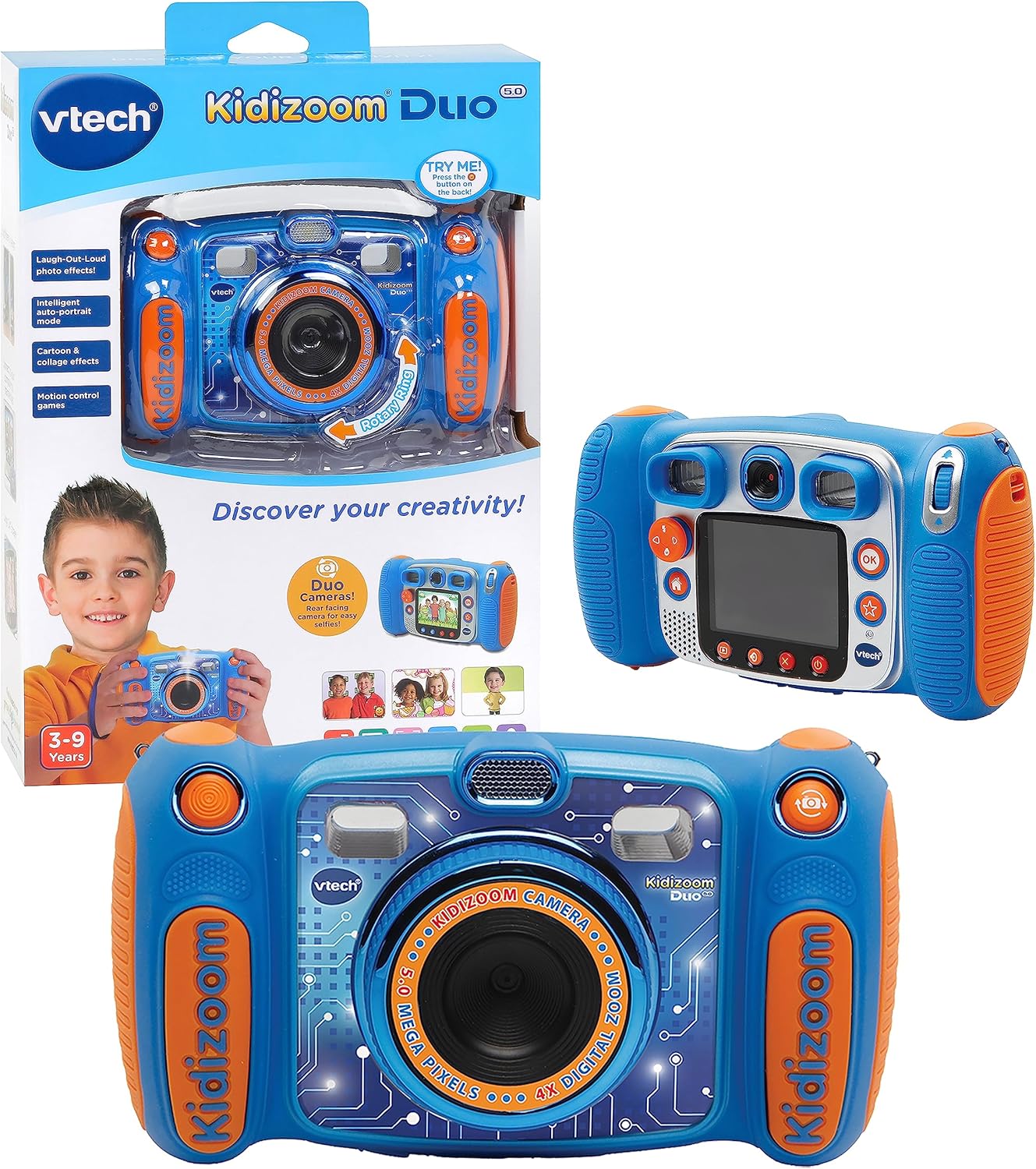
Image: The VTech Kidizoom Duo Camera 5.0, shown both in its retail packaging and as the standalone blue and orange camera unit, highlighting its design and presentation.
ویژگی های کلیدی:
- لنزهای دوتایی: Easily switch between front and rear lenses for photos and videos.
- دوربین ۱۰ مگاپیکسلی: Capture high-quality photos and videos.
- جلوه های خلاقانه: Add fun effects, stamps, and frames to photos and videos.
- دستگاه ضبط صدا: Record voices and apply funny effects.
- طراحی بادوام: Built to withstand drops and rough handling.
- 2.4-Inch Color LCD Screen: Large screen for easy viewing و ناوبری
- بازیهای آموزشی: Includes fun, educational games.
- زوم دیجیتال 4X: Zoom in on subjects for closer shots.
راه اندازی
۳.۱. جعبهگشایی و محتویات
Carefully remove all contents from the packaging. Ensure all components are present. The package should contain the VTech Kidizoom Duo Camera 5.0 and 4 AA batteries (included).
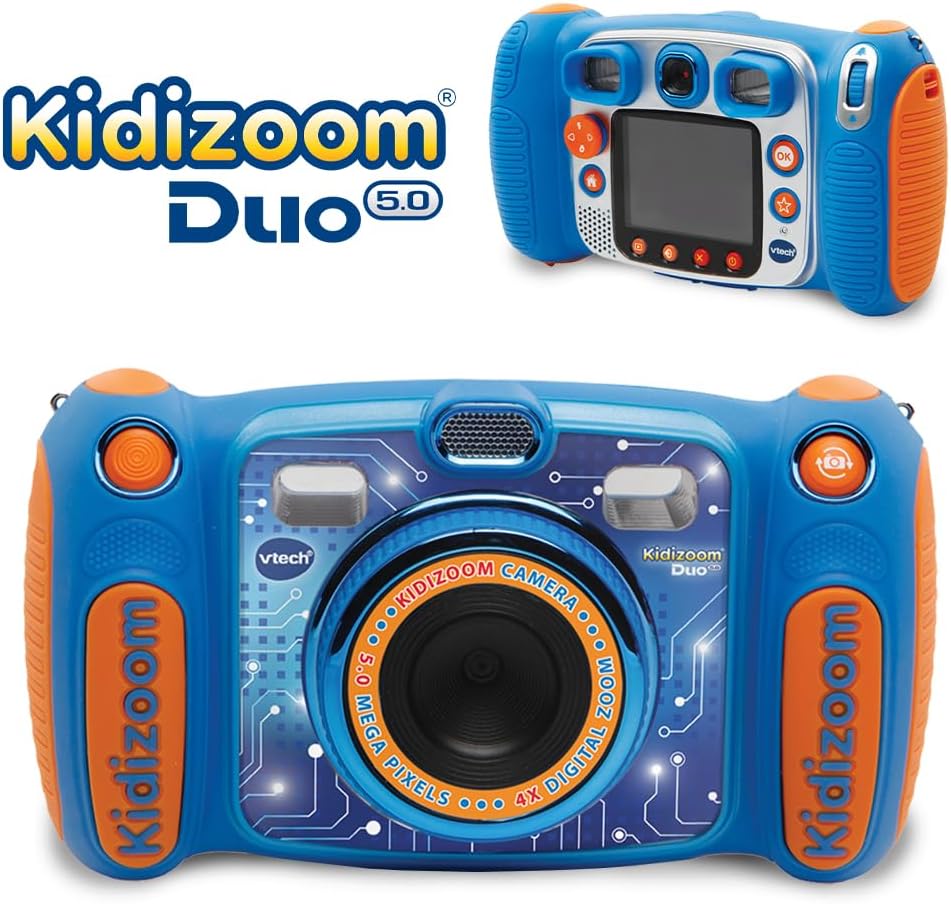
Image: The VTech Kidizoom Duo Camera 5.0 displayed within its retail packaging, ready for unboxing.
2. نصب باتری
- محفظه باتری را روی دوربین قرار دهید.
- با استفاده از یک پیچ گوشتی کوچک فیلیپس، پیچ روی پوشش محفظه باتری را شل کنید.
- پوشش را بردارید.
- دو باتری قلمی جدید را وارد کنید و از قطبیت صحیح (+/-) مطابق آنچه در داخل محفظه نشان داده شده است، اطمینان حاصل کنید.
- درپوش را تعویض کرده و پیچ را محکم کنید.
توجه: For optimal performance and to save on replacement costs, rechargeable AA batteries are recommended.
۲.۲. قرار دادن کارت حافظه (اختیاری)
The Kidizoom Duo Camera has internal memory, but for extended storage of photos and videos, a microSD card (not included) can be inserted. Locate the microSD card slot, typically near the battery compartment, and gently insert the card until it clicks into place.
کار با دوربین
1. روشن/خاموش
Press and hold the Power button (usually marked with a circle and a line) to turn the camera on or off. The 2.4-inch color LCD screen will illuminate.

تصویر: نمای عقب با جزئیات view of the VTech Kidizoom Duo Camera 5.0, highlighting its LCD screen and the various control buttons for navigation and operation.
2. Navigating the Menus
Use the directional pad (D-pad) and the OK button to navigate through the camera's menus and select options displayed on the LCD screen.
3. گرفتن عکس
- تعویض لنزها: The Kidizoom Duo features two lenses. Use the dedicated lens switch button (often a rotating ring or a button near the lens) to toggle between the front-facing lens and the rear-facing lens. This is ideal for selfies or taking photos of others.
- کادربندی عکس شما: از طریق آن نگاه کنید viewfinder or use the LCD screen to compose your picture.
- Capturing the Photo: Press the Shutter button (usually a large, prominent button) to take a picture.

تصویر: نمای نزدیک view of the VTech Kidizoom Duo Camera 5.0, illustrating the large 2.4-inch color LCD screen, the 5-megapixel lens with 4X digital zoom, and the mechanism for switching between the two lenses.
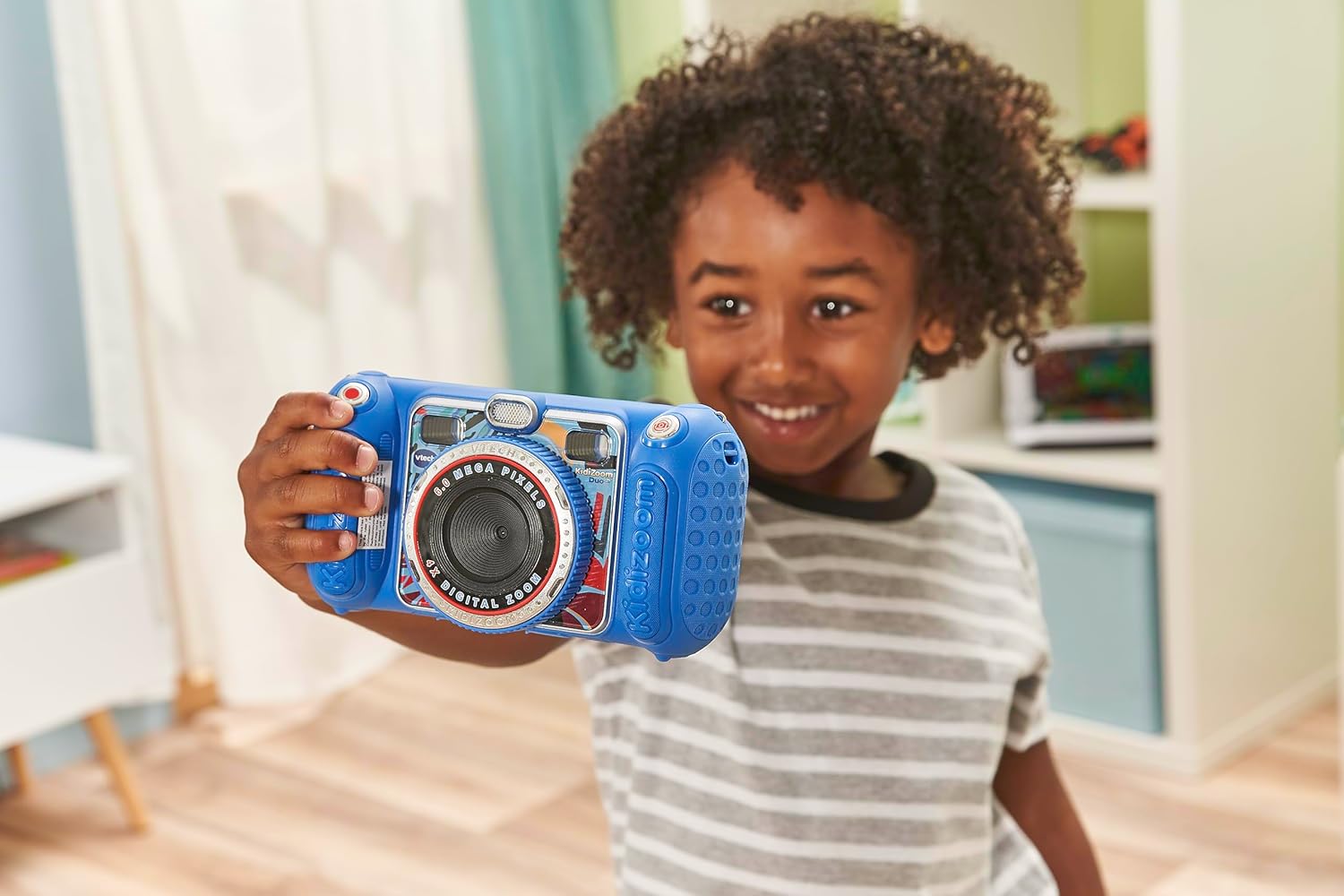
Image: A child holding the VTech Kidizoom Duo Camera 5.0, demonstrating its use for taking a selfie with the front-facing lens.
4. ضبط فیلم ها
Select the video recording mode from the main menu. Press the Record button to start and stop recording. The camera will capture both video and audio.
5. Applying Effects and Editing
The camera offers various built-in effects, stamps, and frames to personalize your photos and videos. Access these features through the editing menu. You can also use the auto-portrait feature for automatic photo capture.

تصویر: یک نمایش کلاژasing various fun effects, stamps, and frames that can be added to photos using the VTech Kidizoom Duo Camera 5.0, demonstrating creative possibilities.
6. ضبط صدا
Navigate to the voice recorder function to record your voice. You can then apply funny effects to the recorded audio.
۴.۲ بازی کردن
The Kidizoom Duo Camera includes several pre-loaded learning games. Select the Games icon from the main menu to access and play them.
تعمیر و نگهداری
۶.۳ تمیز کردن دوربین
- برای تمیز کردن بدنه دوربین از یک پارچه نرم و خشک استفاده کنید.
- For the screen and lenses, use a microfiber cloth specifically designed for electronics. Do not use abrasive cleaners or solvents.
- از ورود رطوبت به داخل هرگونه روزنه و شکاف جلوگیری کنید.
2. مراقبت از باتری
- اگر قرار است برای مدت طولانی از دوربین استفاده نشود، باتریها را خارج کنید تا از نشتی جلوگیری شود.
- Always use fresh, high-quality batteries.
- اگر از باتریهای قابل شارژ استفاده میکنید، قبل از استفاده مطمئن شوید که کاملاً شارژ شدهاند.
3. ذخیره سازی
Store the camera in a cool, dry place away from direct sunlight and extreme temperatures. Consider using a protective case to prevent scratches and damage.
عیب یابی
| مشکل | علت احتمالی | راه حل |
|---|---|---|
| دوربین روشن نمیشود. | باتریها ضعیف هستند یا به درستی نصب نشدهاند. | باتریها را با باتریهای نو تعویض کنید یا از قطب صحیح اطمینان حاصل کنید. |
| Pictures/Videos are blurry. | Lens is dirty; insufficient lighting; subject too close/far. | Clean the lens; ensure adequate lighting; adjust distance to subject. |
| Cannot save more photos/videos. | Internal memory is full; no microSD card inserted or card is full. | حذف قدیمی files; insert a microSD card; transfer fileبه کامپیوتر. |
| دوربین هنگ میکند یا از کار میافتد. | نقص نرمافزاری. | برای انجام تنظیم مجدد سخت، باتریها را خارج کرده و دوباره وارد کنید. |
مشخصات
| ویژگی | جزئیات |
|---|---|
| ابعاد محصول | 1.57 x 4.49 x 3.35 اینچ |
| وزن مورد | 7.1 اونس |
| شماره مدل مورد | 80-507103 |
| سن توصیه شده سازنده | 3 سال به بالا |
| باتری ها | 4 باتری قلمی مورد نیاز (شامل) |
| تاریخ انتشار | 31 اکتبر 2019 |
| سازنده | الکترونیک ویتک |
| فناوری حسگر عکس | MOS |
| پشتیبانی می شود File قالب | JPEG ، RAW |
| تثبیت تصویر | دیجیتال |
| زوم اپتیکال | 4X |
گارانتی و پشتیبانی
VTech products are manufactured to high standards and are designed to provide a fun and enriching experience. For information regarding warranty coverage, please refer to the warranty card included with your product or visit the official VTech webسایت
For technical support, frequently asked questions, or to purchase accessories, please visit the VTech support section on their official website or contact their customer service department. Keep your model number (80-507103) handy when contacting support.
منابع آنلاین:
- رسمی VTech Webسایت: www.vtechkids.com
- Product Support Page: (Check VTech webسایت برای صفحه پشتیبانی محصول خاص)