
1. مقدمه
This manual provides instructions for the installation, operation, and maintenance of the Leviton PJ26-E 1-Gang Decora/GFCI Wallplate. This wallplate is designed to cover a single Decora or GFCI device, offering a clean and finished appearance. Its midway size provides additional wall coverage, which can help conceal minor wall surface irregularities.
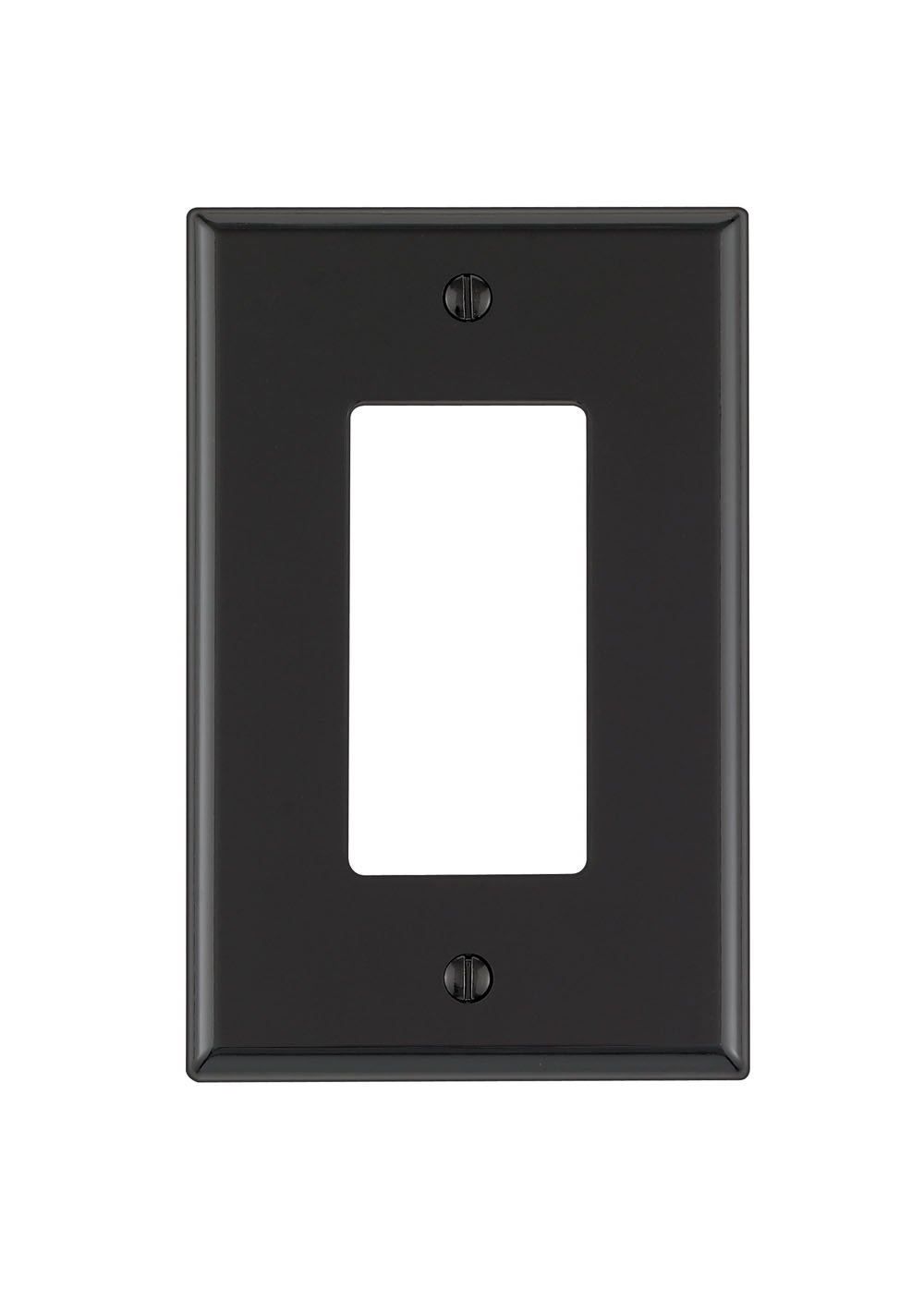
Image 1.1: Leviton PJ26-E 1-Gang Decora/GFCI Wallplate in Black. This image shows the front view of the wallplate, designed to accommodate one Decora-style electrical device or GFCI outlet.
ویژگی های کلیدی:
- 1-Gang Configuration: Designed for a single electrical device.
- Midway Size: Provides slightly larger coverage than standard wallplates, ideal for concealing wall imperfections.
- Thermoplastic Nylon Construction: Ensures durability and resistance to impact, abrasion, fading, and discoloration.
- درجه تجاری: Built for robust performance and longevity.
- رنگ: Black finish for a sleek aesthetic.
2. اطلاعات ایمنی
هشدار: برای جلوگیری از آتشسوزی، برق گرفتگی یا مرگ، برق را از طریق کلید قطع مدار یا جعبه فیوز قطع کنید و قبل از سیمکشی، از قطع بودن برق مطمئن شوید. هنگام کار با قطعات الکتریکی همیشه احتیاط کنید.
- Ensure all electrical work is performed by a qualified electrician or in accordance with local electrical codes.
- Do not install if the wallplate or device appears damaged.
- این محصول فقط برای استفاده در فضای داخلی در نظر گرفته شده است.
- دور از کودکان نگهداری شود.
3. محتویات بسته
- 1 x Leviton PJ26-E 1-Gang Decora/GFCI Wallplate (Black)
- Mounting Screws (matching color)
4. مشخصات
| صفت | جزئیات |
|---|---|
| شماره مدل | PJ26-E |
| نام تجاری | لویتون |
| پیکربندی | 1-باند |
| اندازه | میدوی |
| رنگ | مشکی |
| مواد | Thermoplastic Nylon |
| نوع پایان | نایلون |
| ابعاد محصول | ۶.۳ اینچ عرض × ۲.۷۲ اینچ ارتفاع |
| نوع نصب | Screw-In (Device Mount) |
| وزن مورد | 0.704 اونس |
| UPC | 078477205846 |
5. نصب و راه اندازی
Follow these steps to properly install your Leviton wallplate:
- خاموش کردن برق: Locate the circuit breaker or fuse box that controls the power to the outlet or switch you are working on. Turn off the power completely. Verify the power is off using a voltagتستر الکترونیکی
- Remove Old Wallplate: Carefully unscrew and remove the existing wallplate from the electrical device.
- Position New Wallplate: Place the Leviton PJ26-E wallplate over the electrical device, aligning the screw holes.
- Secure Wallplate: Insert the provided mounting screws into the wallplate holes and gently tighten them until the wallplate is snug against the wall. Do not overtighten, as this can crack the wallplate.
- بازیابی برق: پس از نصب ایمن صفحه دیواری، به سراغ فیوز یا قطع کننده مدار بروید و برق را دوباره وصل کنید.
6. عملیات
The Leviton PJ26-E wallplate is a passive component designed to cover and protect electrical devices. Once installed, no further operational steps are required. It provides a finished look and helps prevent accidental contact with wiring behind the device.
7. تعمیر و نگهداری
- تمیز کردن: To clean the wallplate, use a soft, damp پارچه. از پاککنندههای ساینده، حلالها یا مواد شیمیایی قوی خودداری کنید، زیرا این مواد میتوانند به روکش آسیب بزنند.
- بازرسی: Periodically check the wallplate for any signs of damage, cracks, or discoloration. If damage is observed, replace the wallplate to maintain safety and appearance.
- تنگی: Ensure the mounting screws remain tight. If the wallplate becomes loose, gently retighten the screws.
8 عیب یابی
- Wallplate does not fit: Ensure you have the correct size and configuration (1-gang Decora/GFCI) for your electrical device.
- Wallplate appears loose: Gently tighten the mounting screws. If the problem persists, check if the electrical device itself is securely mounted to the electrical box.
- Wallplate is damaged: If the wallplate is cracked or broken, it should be replaced immediately to ensure safety and aesthetics.
9. گارانتی و پشتیبانی
This Leviton product comes with a standard warranty. For specific warranty details, claims, or technical support, please refer to the official Leviton website or contact Leviton customer service directly. Keep your purchase receipt as proof of purchase.
Leviton Customer Service: برای کمک بیشتر، لطفا مراجعه کنید www.leviton.com یا با خط پشتیبانی آنها تماس بگیرید.