
Sissejuhatus
The RayNeo HDMI Adapter (Model XRAC-ADA01OS) is designed to connect various HDMI-enabled devices and iPhones (up to iPhone 14) to RayNeo AR glasses, including the Air 3s, Air 2s, and Air 2 models. This adapter facilitates video output at resolutions up to 4K@30Hz or 1080P@120Hz, while also providing simultaneous charging capabilities. This manual provides instructions for setup, operation, maintenance, and troubleshooting to ensure optimal use of your adapter.
Mis on karbis
Palun veenduge, et kõik allpool loetletud esemed on teie pakendis olemas:
- RayNeo HDMI to Glasses and Charging Adapter x 1
- Lightning to C Adapter (MFI Certified) x 1
- HDMI pikenduskaabel x 1
- Silicone Rubber Cap x 3
- Kasutusjuhend x 1

Toode läbiview
The RayNeo HDMI Adapter is designed for portability and durability. It features a compact form factor with dimensions of approximately 70mm (0.22 ft) in height and 55mm (0.18 ft) in width. The adapter incorporates features for efficient heat dissipation and anti-scratching properties, ensuring reliable performance during extended use.
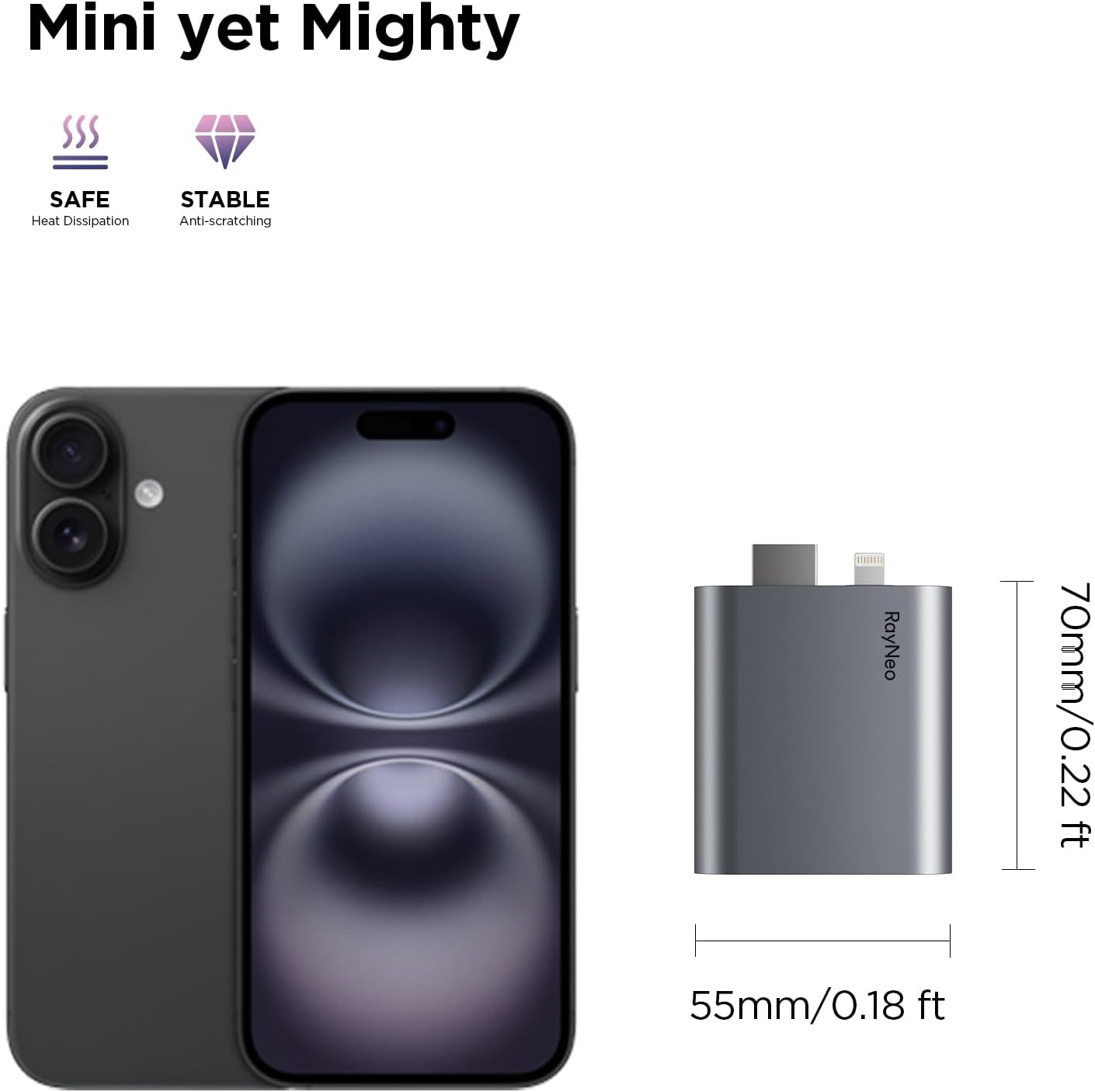
Seadistusjuhised
The RayNeo HDMI Adapter offers a plug-and-play experience, requiring no additional software installations or complex configurations.
- Connect to RayNeo AR Glasses: Plug the USB-C connector of the adapter into your RayNeo Air 3s, Air 2s, or Air 2 AR glasses.
- Ühenda allikaseadmega:
- For HDMI devices (e.g., game consoles, laptops): Use the provided HDMI extension cable to connect the adapter's HDMI port to your source device's HDMI output.
- For iPhone (up to iPhone 14) and other Lightning devices: Connect the Lightning to C Adapter (MFI Certified) to your iPhone, then connect the adapter's USB-C input to the Lightning to C Adapter. Note: An Apple Digital AV Adapter (sold separately) may be required for some Lightning devices.
- Power Connection (Optional, for charging): Connect a USB-C power source (e.g., power bank, wall adapter) to the adapter's power input port to enable simultaneous charging of your AR glasses and source device.
- Adjust AR Glasses: Ensure your RayNeo AR glasses are properly adjusted for the best viewnurk.

Kasutusjuhised
Once connected, the RayNeo HDMI Adapter will automatically project the display from your source device onto your RayNeo AR glasses. The adapter supports a large virtual display experience, projecting content onto a 201-inch equivalent screen for an immersive viewkogemusi.
Gaming with RayNeo AR Glasses
The adapter is ideal for connecting gaming consoles to your AR glasses, providing a personal and expansive gaming display.
Ühilduvus
The RayNeo HDMI Adapter is designed for wide compatibility with various devices and RayNeo AR glasses:
- RayNeo AR Glasses: RayNeo Air 3s, RayNeo Air 2s, RayNeo Air 2.
- HDMI-seadmed: Gaming Consoles (e.g., Xbox, PlayStation 4/5, Nintendo Switch, Steam Deck), Laptops, and other devices with HDMI output.
- Lightning Devices: iPhones (up to iPhone 14) and other devices with a Lightning port. Note: An Apple Digital AV Adapter (sold separately) is required for Lightning devices.
The adapter supports video output at 4K@30Hz, 2K@30Hz, and 1080P@120Hz. It does not support HDR10 and is not compatible with Air 4 Pro glasses.
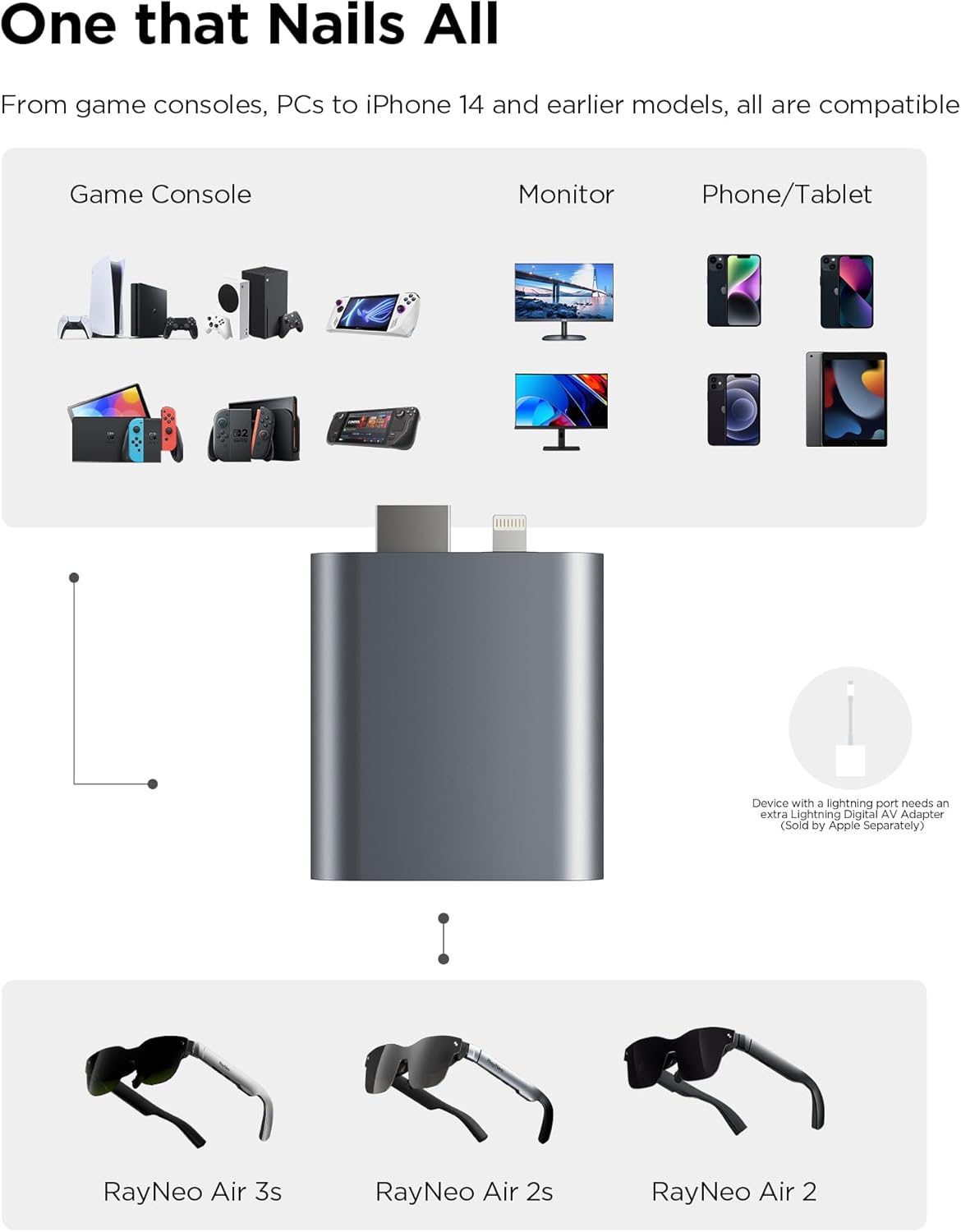
Laadimine
The RayNeo HDMI Adapter features a built-in battery and supports simultaneous charging. This allows you to power your connected AR glasses and source device (e.g., iPhone, game console) while actively using the adapter, ensuring uninterrupted entertainment or productivity.
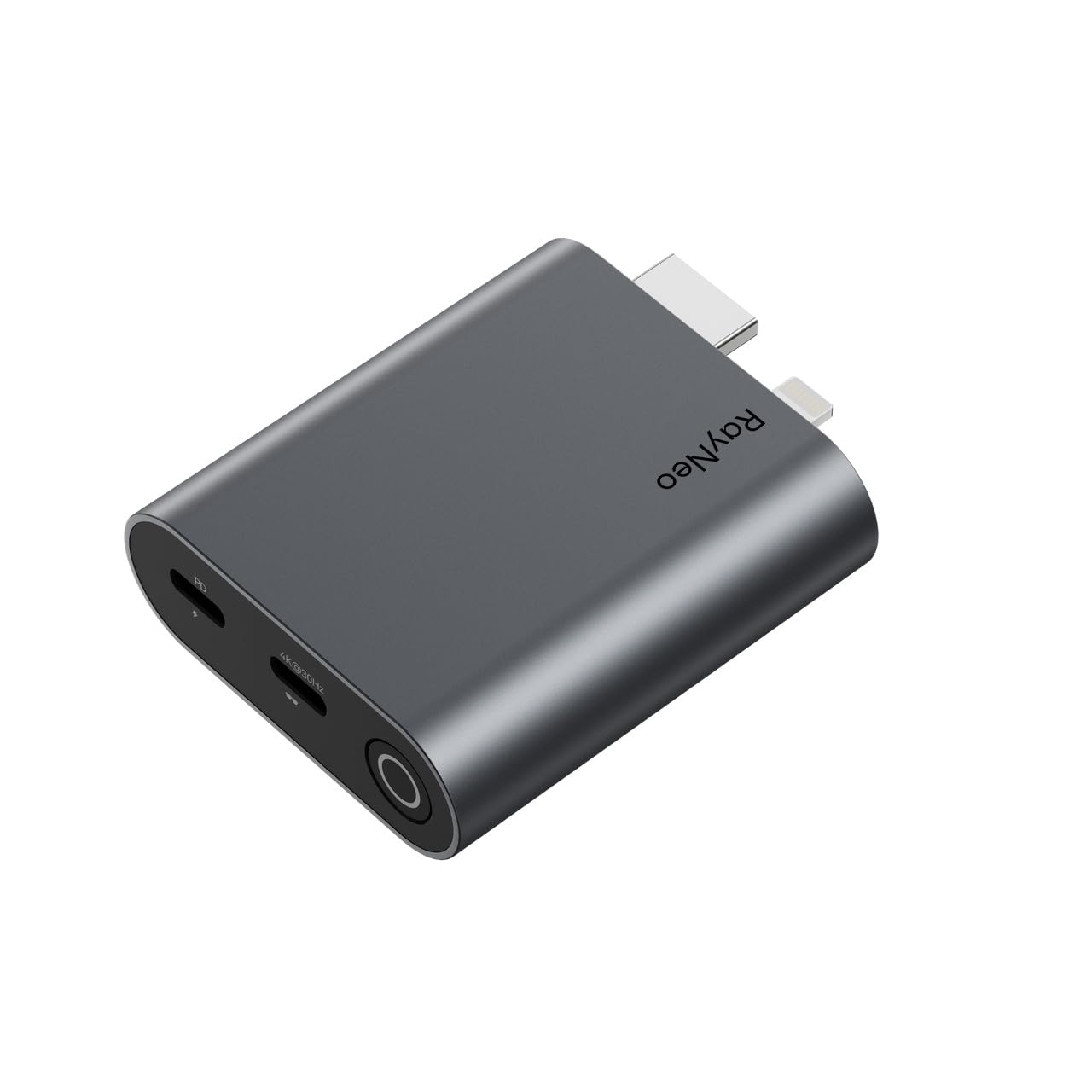
Hooldus
To ensure the longevity and optimal performance of your RayNeo HDMI Adapter, follow these maintenance guidelines:
- Keep the adapter clean by wiping it with a soft, dry cloth. Avoid using abrasive cleaners or solvents.
- Hoidke adapterit jahedas ja kuivas kohas, eemal otsesest päikesevalgusest ja äärmuslikest temperatuuridest.
- Avoid exposing the adapter to water or excessive moisture.
- Handle the adapter and its connectors with care to prevent physical damage.
Veaotsing
If you encounter issues with your RayNeo HDMI Adapter, please refer to the following common troubleshooting steps:
- No Display on AR Glasses:
- Ensure all cables are securely connected to the adapter, AR glasses, and source device.
- Veenduge, et allikaseade on sisse lülitatud ja väljastab signaali.
- Check the compatibility of your source device and AR glasses with the adapter (refer to the Compatibility section).
- If using an iPhone/Lightning device, confirm that an Apple Digital AV Adapter is correctly connected and functioning.
- Katkendlik ühendus:
- Ensure cables are not bent or damaged. Try using different cables if available.
- Avoid placing the adapter near strong electromagnetic interference.
- Laadimisprobleemid:
- Confirm that the power source is functional and providing sufficient power.
- Check the USB-C power cable for damage.
- Kehv videokvaliteet:
- Ensure your source device is configured to output at a resolution and refresh rate supported by the adapter (e.g., 4K@30Hz, 1080P@120Hz).
- Verify that the AR glasses are clean and properly adjusted.
If problems persist after following these steps, please contact RayNeo customer support.
Tehnilised andmed
| Funktsioon | Detail |
|---|---|
| Kaubamärk | RayNeo |
| Mudeli number | XRAC-ADA01OS |
| Ühilduvad seadmed | Gaming Console, Laptop, iPhone (up to 14), RayNeo Air 3s/Air 2s/Air 2 AR Glasses |
| Ühenduse tüüp | HDMI, Lightning (via adapter) |
| Videoväljund | 4K@30Hz, 2K@30Hz, 1080P@120Hz |
| Samaaegne laadimine | Jah |
| Kauba kaal | 0.17 naela |
| Portide arv | 2 (HDMI input, USB-C output to glasses, USB-C for power) |
| Värv | Hall |
Garantii ja tugi
The RayNeo HDMI Adapter (Model XRAC-ADA01OS) is covered by a 1-aastane tootjagarantii provided by RayNeo Co., Ltd. This warranty covers defects in materials and workmanship under normal use.
For warranty claims, technical assistance, or further inquiries, please refer to the contact information provided on the official RayNeo website or the product packaging. Please retain your proof of purchase for warranty validation.