
1. Sissejuhatus
The Quick Sense QS-EM02 is a versatile 7-in-1 digital energy meter designed for comprehensive electrical parameter monitoring. It accurately measures voltage, current, power, energy, power factor, temperature, and usage time. This device features a smart ARM processor for reliable data and stable performance, making it suitable for various applications from homes to industrial settings. This manual provides essential information for the safe and effective installation, operation, and maintenance of your QS-EM02 energy meter.

Image 1.1: Quick Sense QS-EM02 Digital Energy Meter. This image shows the front view of the meter with its LCD display showing various electrical readings and an external current sensor.
2. Ohutusalane teave
- Elektrioht: Installation and wiring must be performed by qualified personnel. Ensure power is disconnected before installation or maintenance.
- Voltage Vahemik: Ärge ületage ettenähtud töömahtutage vahemik 50-300V AC.
- Praegune vahemik: Do not exceed the specified operating current range of 0-100A.
- AC Only: This meter is designed for 50/60Hz AC electricity measurement only. Do not use with square waves, inverter outputs, or non-standard sine waves.
- Temperatuur: Kasutage ettenähtud temperatuurivahemikus (-9 °C kuni 99 °C).
- Materjal: The device is constructed from flame-retardant material for enhanced safety.
- Andur: Use the provided non-contact interactive sensor for current measurement. Ensure it is securely buckled.
3. Pakendi sisu
Veenduge, et kõik allpool loetletud esemed on teie pakendis olemas. Kui mõni ese on puudu või kahjustatud, võtke ühendust klienditoega.
- Quick Sense QS-EM02 Digital Energy Meter (Main Unit)
- External Current Sensor (100A)
- Mounting Clips (for DIN rail installation)
- Kasutusjuhend / Juhend

Image 3.1: Package Contents. This image displays the Quick Sense QS-EM02 meter, its external current sensor, and the included instruction manual.
4. Omadused
The Quick Sense QS-EM02 Digital Energy Meter offers a range of advanced features for comprehensive power monitoring:
- 7-ühes mõõtmine: Monitors Voltage (V), Current (A), Power (W), Energy (kWh), Power Factor (PF), Temperature (°C), and Usage Time (h).
- Lai töövahemik: Supports 50-300V AC voltage ja 0–100 A voolutugevus.
- Smart ARM Processor: Ensures reliable data acquisition and stable performance.
- Non-Contact Sensor: Features a secure buckle design for precise and safe current measurement, eliminating heating issues.
- Flame-Retardant Material: Constructed from high-quality PC flame-retardant material for enhanced safety and temperature resistance.
- Taustvalgustusega LCD -ekraan: Provides clear visibility of readings even in low-light conditions.
- DIN-liistude paigaldamine: Designed for easy and straightforward installation.

Image 4.1: Key Measurement Parameters. This diagram illustrates the various parameters measured by the QS-EM02 meter, including Voltage, Current, Power, Energy, Power Factor, Temperature, and Time.

Image 4.2: Core Technologies. This image highlights the meter's ARM processor, flame-retardant construction, and overload protection features.
5. Tehnilised andmed
| Parameeter | Väärtus |
|---|---|
| Mudeli number | QS-EM02 |
| Operation Voltage | 50-300V AC |
| Töövool | 0-100A |
| Elektrienergia | 0-30000 W |
| Energiatarbimine | 0.01-19999 kWh |
| Võimsustegur | 0–1 PF |
| Temperatuurivahemik | -9°C kuni 99°C |
| Kasutusaeg | 0-200h |
| Ekraan | Taustvalgustusega LCD |
| Paigaldustüüp | DIN-raudtee |
| Mõõdud (P x L x K) | 8.45 x 3.73 x 2.21 cm |
| Kaal | 500 g |
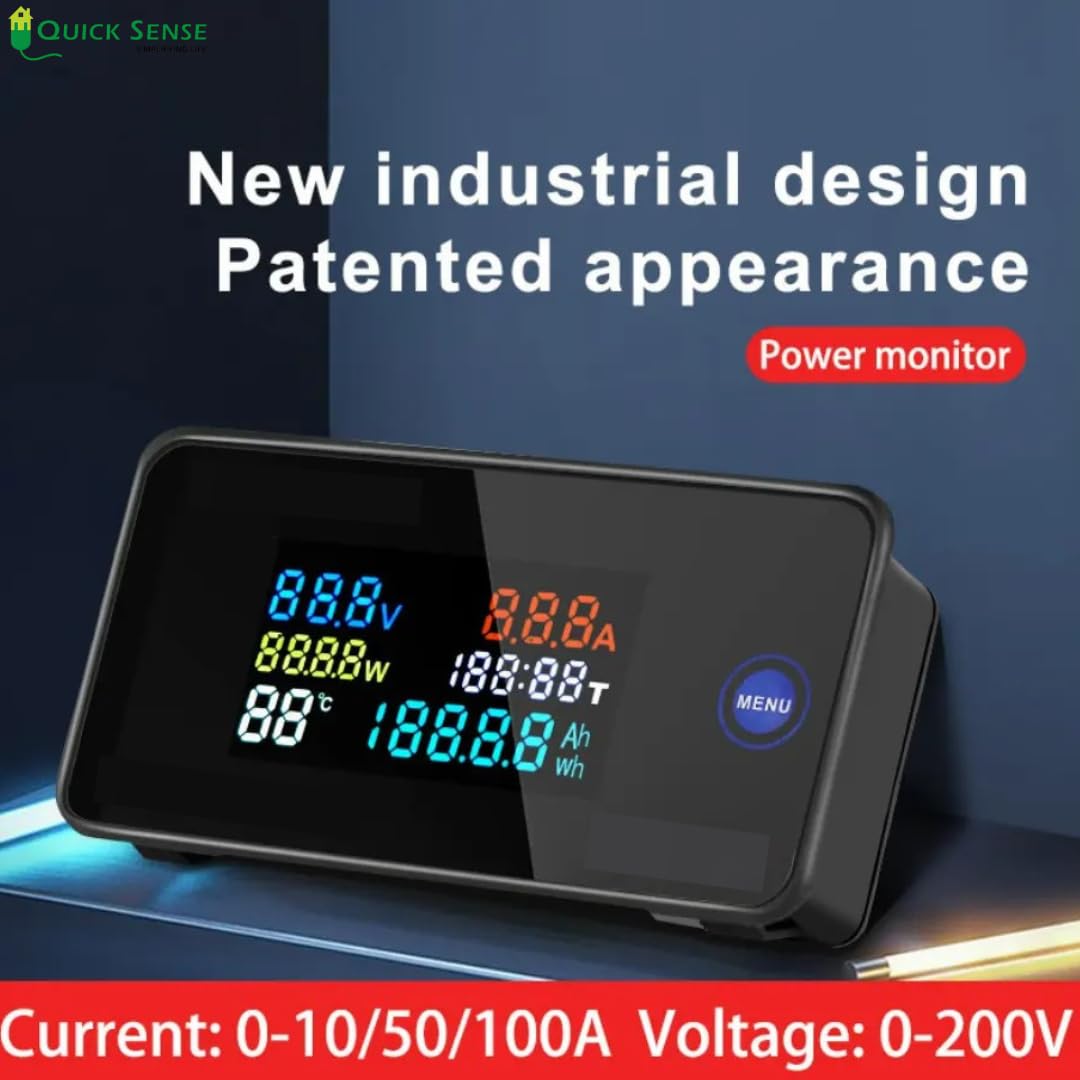
Image 5.1: Product Dimensions. This image provides a detailed view of the physical dimensions of the QS-EM02 meter.
6. Seadistamine ja installimine
The Quick Sense QS-EM02 is designed for DIN rail mounting. Ensure all power is disconnected before proceeding with installation.
- Paigaldamine: Securely attach the meter to a standard DIN rail using the provided mounting clips.
- Toiteühendus: Connect the main AC power supply (50-300V AC) to the designated terminals on the meter. Refer to the wiring diagram in the included instruction guide for correct polarity and connections.
- Current Sensor Installation:
- Identify the load wire (live wire) for which you want to measure current.
- Open the external current sensor (CT clamp).
- Pass the load wire through the center of the CT clamp. Ensure only one wire passes through the clamp.
- Securely close the CT clamp kuni see oma kohale klõpsab.
- Ühendage CT klamp's output wires to the corresponding input terminals on the QS-EM02 meter. Observe polarity if indicated.
- Ühenduste kinnitamine: Double-check all wiring connections for tightness and correctness to prevent electrical hazards and ensure accurate readings.
- Toide sisse: Once all connections are verified, restore power to the circuit. The meter's LCD display should illuminate and begin showing readings.

Pilt 6.1: Näideample Installation. This image shows the QS-EM02 meter installed within an electrical distribution panel, demonstrating its typical mounting environment.

Image 6.2: Appliance Monitoring. This image illustrates the meter being used to monitor the power consumption of an individual appliance, such as a washing machine.
7. Kasutusjuhised
After successful installation and power-up, the QS-EM02 meter will automatically display various electrical parameters on its backlit LCD.
- Ekraaninäidud: The LCD simultaneously shows Voltage (V), Current (A), Power (W), Energy (kWh), Power Factor (PF), Temperature (°C), and Usage Time (h).
- Menüünupp: The "MENU" button (if present, typically on the right side of the display) allows you to cycle through different display modes or reset certain parameters. Refer to the detailed instruction guide for specific menu functions.
- Energy Reset: To reset the accumulated energy (kWh) reading, typically press and hold the "MENU" button for a few seconds until the kWh value resets. Consult the specific instructions in your included manual for exact steps.
- Taustvalgus: The LCD backlight is designed for continuous visibility.
8. Veaotsing
If you encounter issues with your Quick Sense QS-EM02 meter, refer to the following troubleshooting guide:
| Probleem | Võimalik põhjus | Lahendus |
|---|---|---|
| Kuvarit pole | No power supply or voltagväljaspool 50–300 V vahemikku. | Check power connections. Verify input voltage is within 50-300V AC. |
| Display Issues (Flickering, incomplete) | Loose connections, dirty screen, or internal fault. | Ensure all connections are secure. Clean the screen gently. If issue persists, contact support. |
| Wrong Current Reading | Current sensor (CT clamp) incorrectly installed or faulty. | Recheck CT clamp installation; ensure only one load wire passes through and it's securely closed. Verify CT clamp wires are correctly connected to the meter. |
| Energy Errors (Incorrect kWh accumulation) | Incorrect wiring, sensor issue, or need for reset. | Verify all wiring. Reset the energy reading (refer to Operating Instructions). Ensure the load is correctly connected. |
| Mõõtur ei reageeri | Ajutine tarkvaratõrge või toiteprobleem. | Disconnect power for 30 seconds, then reconnect. If the problem persists, contact customer support. |

Image 8.1: Quick Troubleshooting Guide. This visual guide provides solutions for common issues like no display, display problems, wrong readings, and energy errors.
9. Hooldus
The Quick Sense QS-EM02 Digital Energy Meter requires minimal maintenance.
- Puhastamine: Use a soft, dry cloth to clean the display and exterior of the meter. Do not use abrasive cleaners or solvents.
- Ülevaatus: Kontrollige perioodiliselt kõiki juhtmestiku ühendusi, et need oleksid kindlalt paigas ja korrosioonivabad.
- Keskkond: Ensure the meter is operated within its specified temperature and humidity ranges to prolong its lifespan. Avoid exposure to direct sunlight or extreme conditions.
10. Garantii ja tugi
For warranty information or technical support regarding your Quick Sense QS-EM02 Digital Energy Meter, please refer to the warranty card included in your package or contact Quick Sense customer service directly.
Kontaktandmed:
Manufacturer: Quick Sense
Contact number: 095602 48290
For further assistance, visit the official Quick Sense websaidil või ostukohas.