
1. Toote lõppview
The Amazon Echo Show 8 (3rd Generation) is a smart display designed to enhance your daily life with immersive entertainment, smart home control, and seamless communication. Featuring an 8-inch HD touchscreen and spatial audio, it offers a rich visual and auditory experience. The device integrates a built-in smart home hub for simplified control of compatible devices and a 13 MP camera for clear video calls.
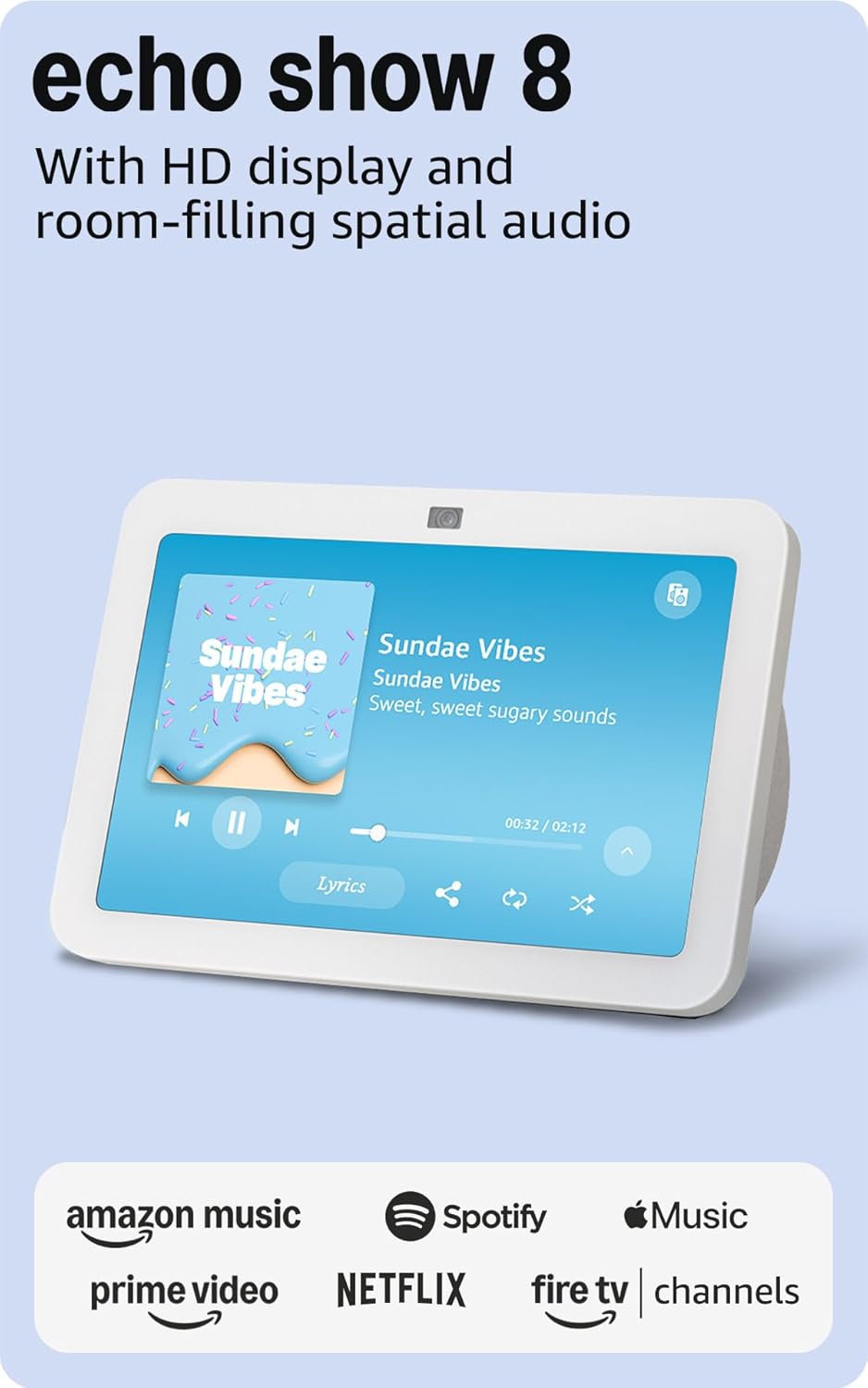
Pilt: Esikülg view of the Amazon Echo Show 8 (3rd Gen) in Glacier White, displaying a music interface.
2. Mis on karbis
- Echo Show 8 (3. põlvkonna) seade
- Glacier White power adapter (30W) with 4.9 ft. cable
- Kiirjuhend
3. Seadistusjuhend
3.1 Esmane sisselülitamine
- Connect the power adapter to the Echo Show 8 and plug it into a wall outlet.
- The device will power on automatically and display the Amazon logo.
3.2 Võrguühendus
- Follow the on-screen instructions to select your language and connect to your Wi-Fi network. The Echo Show 8 supports dual-band Wi-Fi (802.11a/b/g/n/ac).
- For simplified setup, Amazon Wi-Fi simple setup allows compatible devices to connect to your Wi-Fi network in a few easy steps.
3.3 Amazon Account Login
- Sign in with your Amazon account credentials. An Amazon account is required for full functionality.
- If you do not have an Amazon account, you can create one at amazon.com.
MITTE isikupärastamine
Follow the prompts to personalize your device, including setting up Visual ID for personalized greetings and content display based on who is near the device. Alexa processes images on the device to recognize you.
4. Kasutusjuhised
4.1 Häälkäsklused Alexaga
The Echo Show 8 is primarily voice-controlled. Simply say "Alexa" followed by your command or question. Exampsisaldab:
- "Alexa, mängi muusikat."
- "Alexa, mis ilm on?"
- "Alexa, pane taimer kümneks minutiks peale."
- "Alexa, show me the front door camera."
4.2 Puutetundliku ekraaniga navigeerimine
The 8-inch HD touchscreen allows for intuitive navigation and control:
- Swipe down from the top: Access quick settings like Home, Settings, Do Not Disturb, Brightness, Notifications, Alarms, Photo Frame, Communicate, Music, Smart Home, Video, and Routines.
- Swipe left from the right edge: View adaptive content such as calendar, reminders, news, and suggested activities.
- Tap icons: Interact with on-screen elements, select options, or open applications.

Image: Amazon Echo Show 8 (3rd Gen) on a kitchen counter, displaying weather information.
4.3 Žestid
The Echo Show 8 supports gestures for quick actions:
- Hold your palm towards the camera: Dismiss timers and alarms.
5. Põhiomadused
5.1 Spatial Audio and HD Display
Experience immersive entertainment with room-filling spatial audio and an 8-inch HD touchscreen. The device features 2 x 2" full range neodymium drivers with a passive bass radiator for rich sound. Room adaptation technology automatically analyzes acoustics for optimal sound.
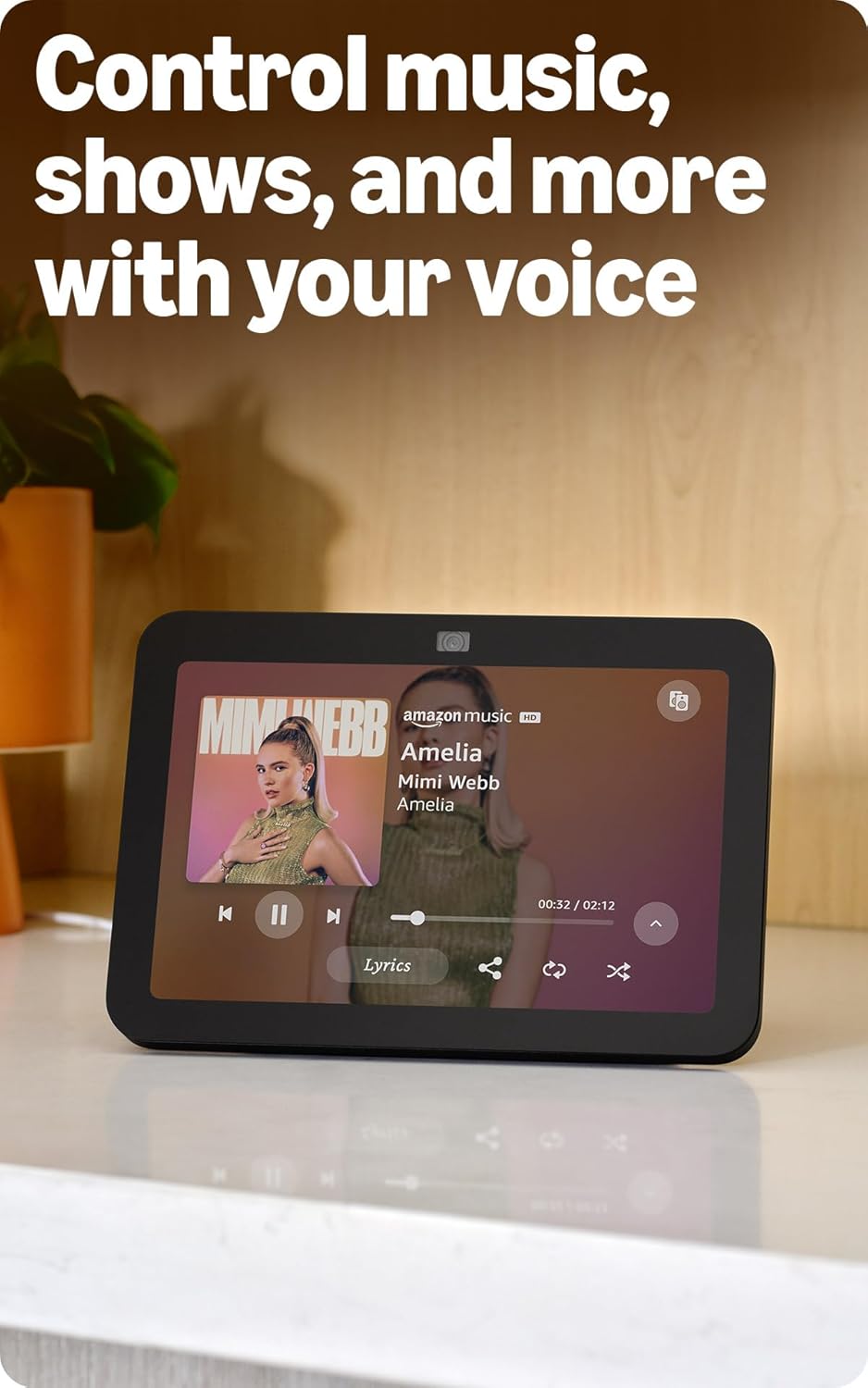
Image: Amazon Echo Show 8 (3rd Gen) showing music playback with lyrics on screen.
5.2 Enhanced Camera for Video Calls
The 13 MP centered camera with auto-framing and noise reduction technology ensures crisper video calls. The camera can keep you centered in the frame as you move. A built-in camera shutter provides privacy when needed.
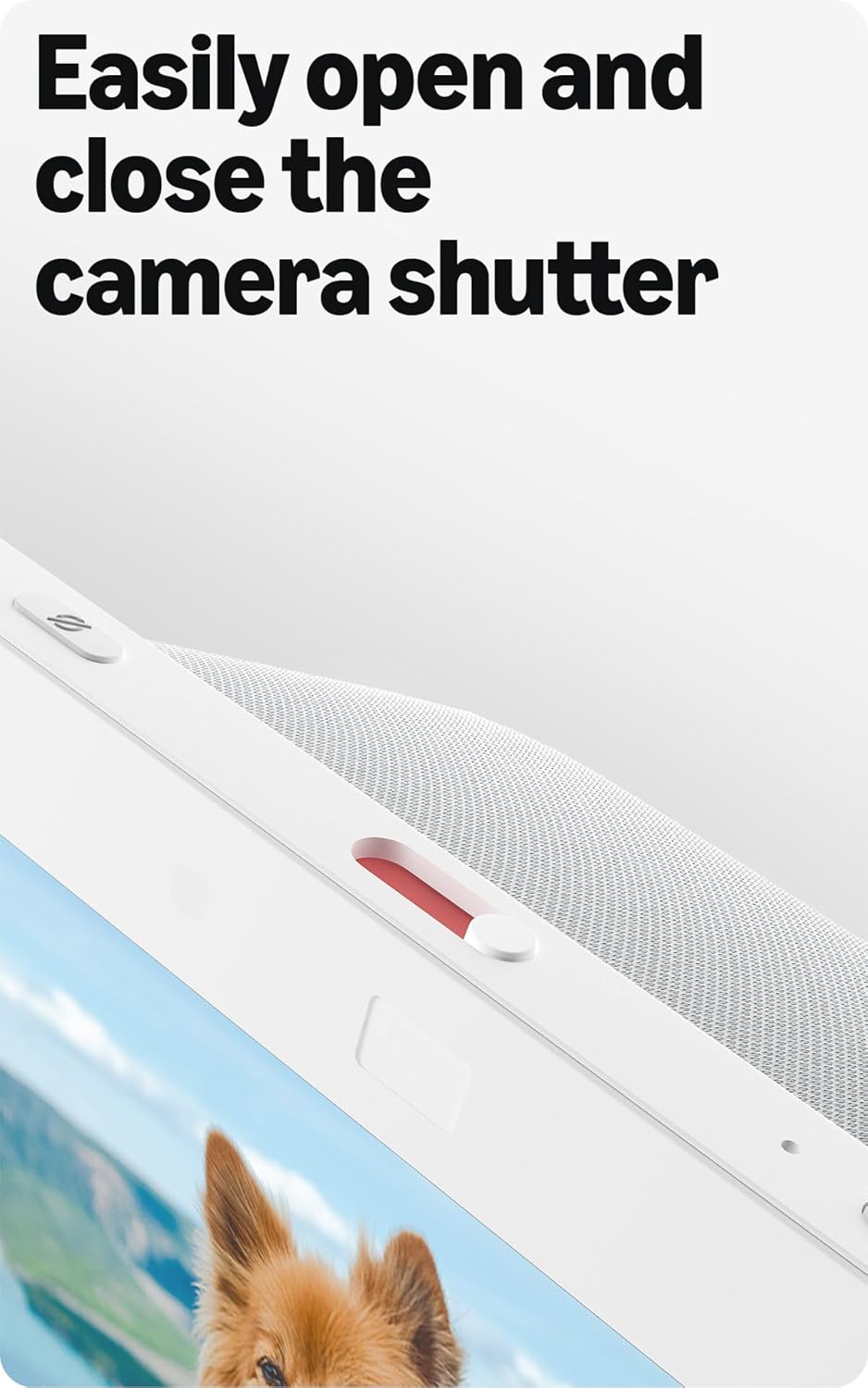
Image: Close-up of the top of the Echo Show 8 (3rd Gen) showing the physical camera shutter control.
5.3 Built-in Smart Home Hub
The Echo Show 8 includes a built-in smart home hub compatible with Zigbee, Matter, and Thread Border Router protocols. This allows you to pair and control a wide range of smart devices directly from your Echo Show 8 without needing a separate hub. Manage cameras, lights, and more using the display or your voice.
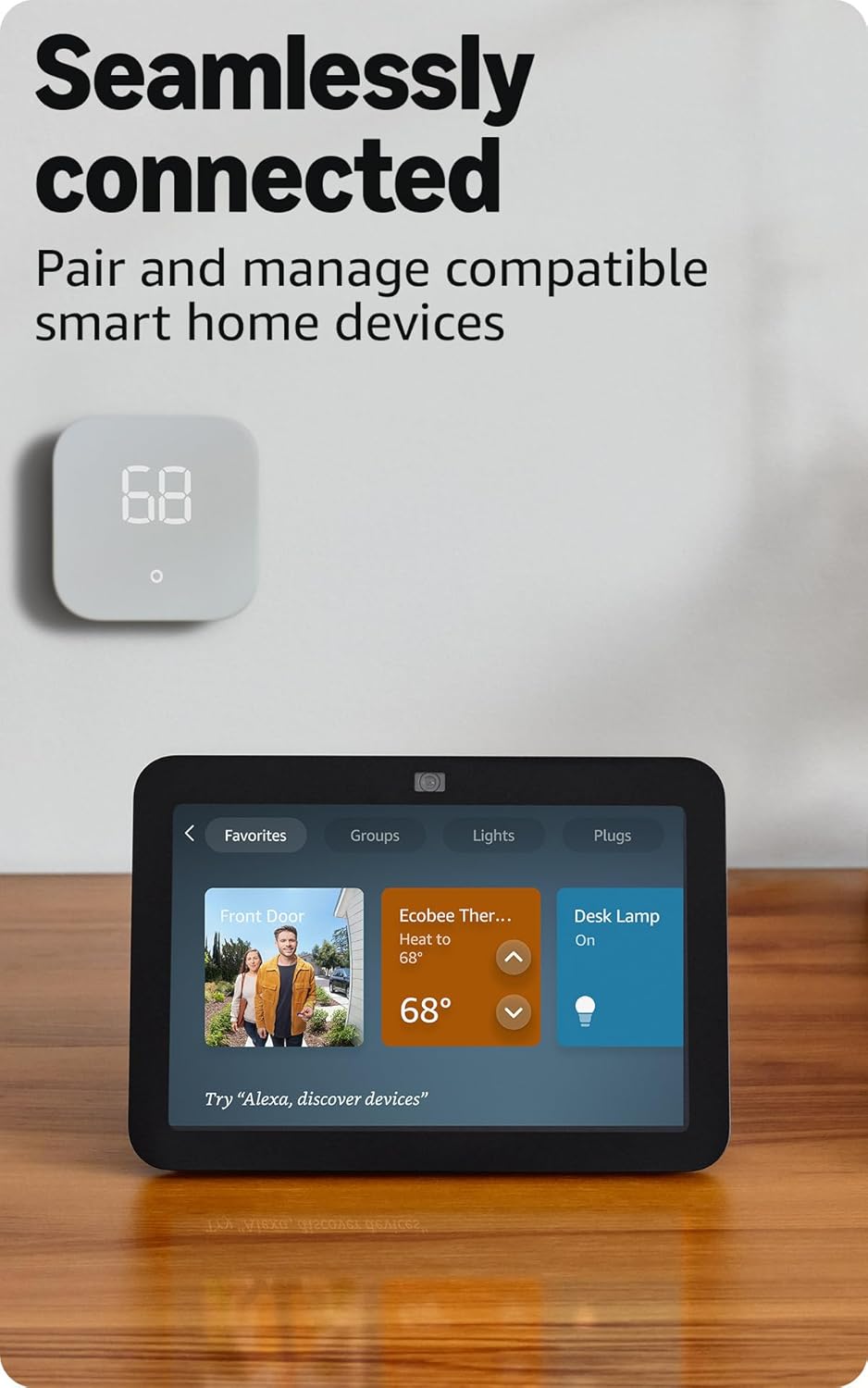
Image: Amazon Echo Show 8 (3rd Gen) screen showing smart home device controls for lights and thermostats.
5.4 Adaptive Content
Adaptive Content adjusts the information displayed on the screen based on your proximity. Glance at your calendar or reminders from afar, or see more detailed content when you're nearby. Shortcut icons on the home screen provide easy access to frequently used widgets.
6. Privaatsusfunktsioonid
Amazon Echo Show 8 is designed with multiple layers of privacy controls:
- Wake Wordi tehnoloogia: Seade hakkab kuulama alles pärast äratussõna ("Alexa") tuvastamist.
- Voogedastuse indikaatorid: Visual indicators confirm when audio or video is being streamed to the cloud.
- Mikrofoni/kaamera väljalülitusnupp: A physical button allows you to electronically disconnect the microphones and camera.
- Sisseehitatud kaamera katik: A physical slider covers the camera lens for complete visual privacy.
- Häälsalvestised: Sul on võime view ja kustutage oma helisalvestised.
7. Tehnilised andmed
| Funktsioon | Detail |
|---|---|
| Suurus | 7.9 x 5.5 x 4.2 tolli (200 mm x 139 mm x 106 mm) |
| Kaal | 36.6 untsi (1034 grammi) |
| Ekraan | 8.0” HD touch screen |
| Kaamera | 13 MP centered camera with built-in shutter |
| Wi-Fi ühenduvus | Kahe sagedusribaga WiFi (802.11a/b/g/n/ac) |
| Smart Home Hub | Zigbee + Matter + niidipiiri ruuter |
| Bluetooth-ühenduvus | A2DP, AVRCP support |
| Heli | 2 x 2” full range neodymium drivers with passive bass radiator |
| Protsessor | Octa-Core SoC with Amazon AZ2 Neural Network Engine |
| Põlvkond | Echo Show 8 (3rd Gen) - 2023 release |
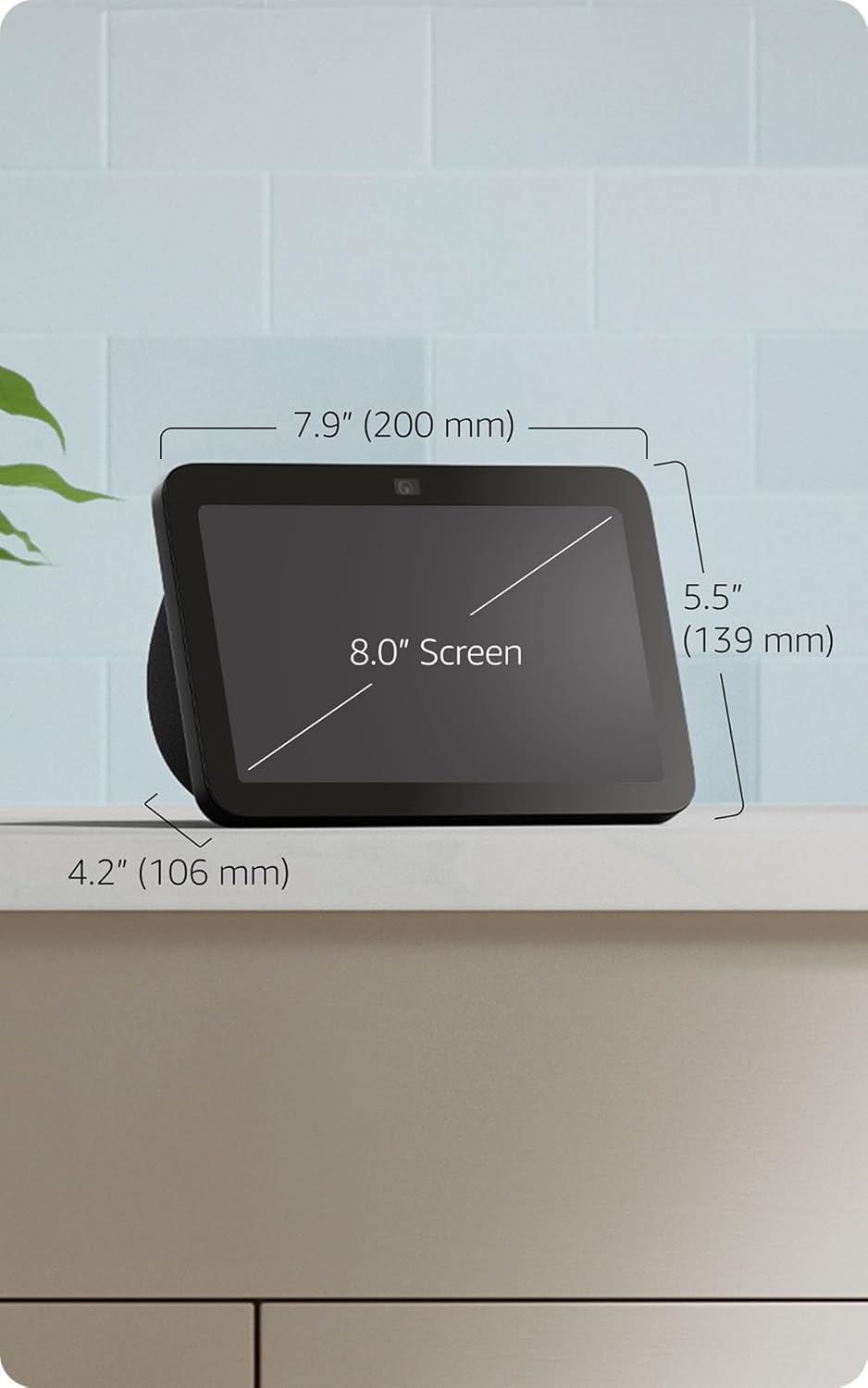
Image: Amazon Echo Show 8 (3rd Gen) with key dimensions labeled.
8. Veaotsing
8.1 Seade ei reageeri
- Ensure the device is plugged in and the power adapter is securely connected.
- Kontrollige oma Interneti-ühendust.
- Verify that the microphone is not muted (red light on top indicates mute).
- Restart the device by unplugging it for 30 seconds and plugging it back in.
8.2 WiFi-ühenduse probleemid
- Confirm your Wi-Fi password is correct.
- Liiguta Echo Show 8 oma WiFi-ruuterile lähemale.
- Taaskäivitage oma WiFi-ruuter ja modem.
8.3 Kaamera ei tööta
- Ensure the camera shutter is open.
- Check that the camera is not disabled in the device settings or Alexa app.
9. Hooldus
- Puhastamine: Use a soft, lint-free cloth to clean the screen and device exterior. Avoid abrasive cleaners or sprays.
- Tarkvaravärskendused: The device automatically receives software security updates. Ensure it is connected to Wi-Fi for updates.
- Paigutus: Place the device on a stable surface, away from heat sources, direct sunlight, and liquids.
10. Ligipääsetavuse funktsioonid
The Echo Show 8 includes various accessibility features:
- Puuduta Alexa kasutamiseks: Juurdepääs Alexale puutetundliku ekraanipaanide või klaviatuuri kaudu.
- Adaptiivne kuulamine: Annab Alexale rohkem aega rääkimise lõpetamiseks enne, kui ta vastab.
- Eelistatud kõnetempo: Kontrolli, kui kiiresti või aeglaselt Alexa räägib.
- Alexa subtiitrid, kõnede subtiitrid, suletud subtiitrid: Lisage toetatud sisule tekstiallkirjad.
- Näita ja räägi: Helps blind or visually impaired users identify products by saying "Alexa, what am I holding."
- HäälView Ekraanilugeja: Enables access for blind or visually impaired users.
- Ekraani suurendaja: Suumi sisse/välja ja panoraami ekraanil.
- Teavita, kui läheduses: Esitab seadme lähedal tuvastamisel teavitushelisid.
- Kindle'i ettelugemine: Alexa reads Kindle books aloud.
- Reaalajas tekst: Tippige videokõnes reaalajas teksti.
- Additional settings for Color Inversion, Color Correction, Request Sound, and more.
To enable these features, go to Seaded → Ligipääsetavus teie seadmes.
11. Garantii ja tugi
The Amazon Echo Show 8 (3rd Gen) includes a 1-year limited warranty and service. Optional 1-year, 2-year, and 3-year extended warranties are available for U.S. customers and sold separately. Use of Echo Show 8 is subject to these terms.
Lisateabe saamiseks külastage Amazoni tugilehte websaidil või võtke ühendust klienditeenindusega.