
Introducción
This manual provides essential information for setting up, operating, maintaining, and troubleshooting your Samsung Galaxy S26 5G Ai smartphone. Please read this guide carefully to ensure proper use and to maximize the device's capabilities.
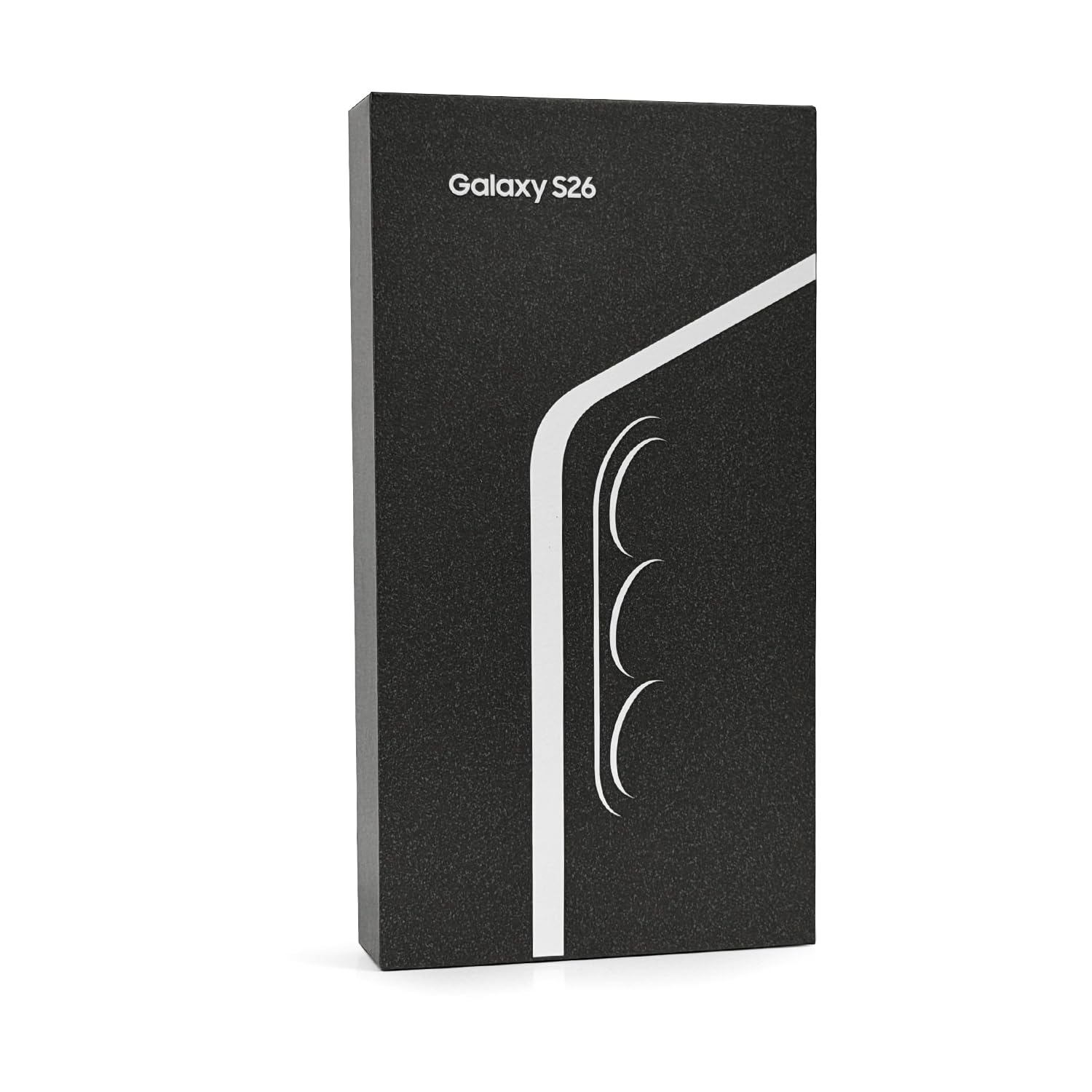
Image: Samsung Galaxy S26 5G Ai smartphone. This image shows the device's front and side profile, highlighting its display and overall form factor.
Configuración
1. Instalación de la tarjeta SIM
Your Samsung Galaxy S26 supports Nano-SIM cards and eSIM functionality, allowing for up to two active SIMs simultaneously (Nano-SIM + Nano-SIM + eSIM + eSIM, max 2 at a time).
- Localice la bandeja de la tarjeta SIM en el costado de su dispositivo.
- Inserte la herramienta de expulsión de SIM (no incluida) en el pequeño orificio al lado de la bandeja para abrirla.
- Coloque la(s) tarjeta(s) Nano-SIM en la bandeja con los contactos dorados hacia abajo.
- Vuelva a insertar con cuidado la bandeja en el teléfono.
- For eSIM activation, follow the on-screen instructions during initial setup or navigate to the device settings.
2. Encendido inicial y carga
To power on your device, press and hold the Power/Side key until the Samsung logo appears. For initial charging, connect the included USB cable to your phone and a compatible USB power adapter (charger not included). The device supports fast wired charging, reaching up to 69% charge in approximately 30 minutes.
Operar su dispositivo
1. Visualización y navegación
The Galaxy S26 features a 6.3-inch Dynamic LTPO AMOLED 2X display with a 120Hz refresh rate, HDR10+, and a peak brightness of 2600 nits. Navigate the interface using touch gestures. The display resolution is 1080 x 2340 pixels, providing a clear and vibrant viewExperiencia de aprendizaje.
2. Características de la cámara
Su dispositivo está equipado con un sistema de cámara avanzado:
- Cámara principal: 50 MP, f/1.8, 24mm (wide), with OIS and dual pixel PDAF.
- Cámara telefoto: 10 MP, f/2.4, 67mm, with OIS, PDAF, and 3x optical zoom.
- Cámara ultra ancha: 12 MP, f/2.2, 13mm, 120° field of view.
- Cámara frontal: 12 MP, f/2.2, 26mm (wide), with dual pixel PDAF.
Video recording supports 8K@24/30fps, 4K@30/60fps, and 1080p up to 240fps, with features like 10-bit HDR, HDR10+, stereo sound recording, and gyro-EIS for stable footage. Nightography features enhance low-light photography.
3. Rendimiento y conectividad
The device is powered by a Qualcomm SM8850-AC Snapdragon 8 Elite Gen 5 (3 nm) processor, coupled with 12GB of RAM, ensuring smooth performance for demanding applications and multitasking. It supports worldwide 5G connectivity across various bands. Other connectivity options include Wi-Fi, Bluetooth, and GPS.
4. Sistema operativo
The Samsung Galaxy S26 runs on Android 16 with Samsung's One UI 8.5 interface. It is designed to receive up to 7 major Android upgrades, ensuring long-term software support and access to the latest features.
5. Sensores
Integrated sensors include an under-display ultrasonic fingerprint sensor, accelerometer, barometer, gyro sensor, geomagnetic sensor, Hall sensor, light sensor, and proximity sensor.
Mantenimiento
1. Cuidados generales
The display is protected by Corning Gorilla Glass Victus 2. To maintain the device's condition, avoid exposing it to extreme temperatures, direct sunlight for prolonged periods, or harsh chemicals. Clean the screen with a soft, lint-free cloth. While the device has a degree of water and dust resistance, it is not waterproof; avoid submersion.
2. Actualizaciones de software
Regularly check for and install software updates to ensure your device has the latest security patches, features, and performance enhancements. Updates can be found in the device's settings menu under 'Software update'.
Solución de problemas
Si tiene problemas con su dispositivo, considere los siguientes pasos básicos de solución de problemas:
- El dispositivo no responde: Mantenga presionada la tecla de Encendido/Lateral y la tecla Bajar volumen simultáneamente durante aproximadamente 7 segundos para forzar el reinicio del dispositivo.
- La batería se agota rápidamente: Check background app usage, reduce screen brightness, disable unnecessary features like Wi-Fi or Bluetooth when not in use, and ensure software is up to date.
- Problemas de conectividad de red: Toggle Airplane Mode on and off, restart the device, check SIM card insertion, or contact your network provider.
- La aplicación no funciona: Try clearing the app's cache and data in Settings > Apps, or uninstall and reinstall the app.
- Problemas con el sensor de huellas dactilares: Ensure your finger and the sensor are clean and dry. Re-register your fingerprints if problems persist.
Para problemas más complejos, consulte el soporte de Samsung. websitio o póngase en contacto con el servicio de atención al cliente.
Presupuesto
| Característica | Detalle |
|---|---|
| Número de modelo | SM-S942B |
| Sistema operativo | Android 16, One UI 8.5 (hasta 7 actualizaciones importantes de Android) |
| Procesador | Qualcomm SM8850-AC Snapdragon 8 Elite Gen 5 (3 nm) |
| RAM | 12 GB |
| Almacenamiento interno | 256GB (variant specific) |
| Mostrar | 6.3 inches Dynamic LTPO AMOLED 2X, 120Hz, HDR10+, 2600 nits (peak) |
| Resolución de pantalla | 1080 x 2340 píxeles (densidad de ~411 ppp) |
| Protección de pantalla | Corning Gorilla Glass Victus 2 |
| Cámara principal | 50 MP (wide), 10 MP (telephoto, 3x optical zoom), 12 MP (ultrawide) |
| Cámara frontal | 12 MP (gran angular) |
| Grabación de vídeo | 8K@24/30fps, 4K@30/60fps, 1080p@30/60/120/240fps |
| Tarjeta SIM | Nano-SIM + Nano-SIM + eSIM + eSIM (max 2 at a time) |
| Tecnología celular | 5G (Unlocked Worldwide) |
| Capacidad de la batería | 4300 miliamp Hours (Nonstandard Battery, included) |
| Cargando | Fast wired charging (charger not included) |
| Sensores | Fingerprint (under display, ultrasonic), accelerometer, gyro, proximity, compass, barometer, geomagnetic, Hall, light |
| Dimensiones (paquete) | 7 x 4 x 2 pulgadas |
| Peso del artículo | 14 onzas |
| ¿Qué hay en la caja? | Cable USB |
Garantía y soporte
1. Información de garantía
This is a Latin American Version device and comes with a 1-year warranty valid in South, Central, Latin America, and the Caribbean. Please verify your phone's model number (SM-S942B) to ensure local warranty coverage in these regions. If the model differs, local warranty may not apply.
2. Atención al cliente
For further assistance, technical support, or to explore additional accessories and services, please visit the official Tienda Samsung o el soporte de Samsung websitio para su región.