
Introducción
This comprehensive guide is designed to help you understand and utilize all the features, settings, and functionalities of your Moto G Power 2026 smartphone. Whether you are a new user or looking to explore advanced capabilities, this manual provides clear, step-by-step instructions to enhance your device experience.
The Moto G Power 2026 is a versatile smartphone designed for everyday use. This manual covers essential topics from initial setup to advanced features, ensuring you can make the most of your device.
1. Configuración inicial
Follow these steps to power on and configure your Moto G Power 2026 for the first time.
- Encendido: Press and hold the power button located on the side of the device until the Motorola logo appears.
- Selección de idioma: Elige tu idioma preferido de la lista.
- Conectarse a Wi-Fi: Select your Wi-Fi network and enter the password to connect to the internet. This is crucial for initial setup and updates.
- Configuración de la cuenta de Google: Sign in with your existing Google account or create a new one. This is necessary for accessing the Google Play Store, Gmail, and other Google services.
- Transferencia de datos (opcional): If you are upgrading from another device, follow the on-screen prompts to transfer your data.
- Configuración de seguridad: Set up a screen lock (PIN, pattern, password, or fingerprint) to protect your device.
- Personalizar configuración: Adjust settings such as date and time, display preferences, and notification sounds.
Once these steps are completed, your Moto G Power 2026 is ready for use.
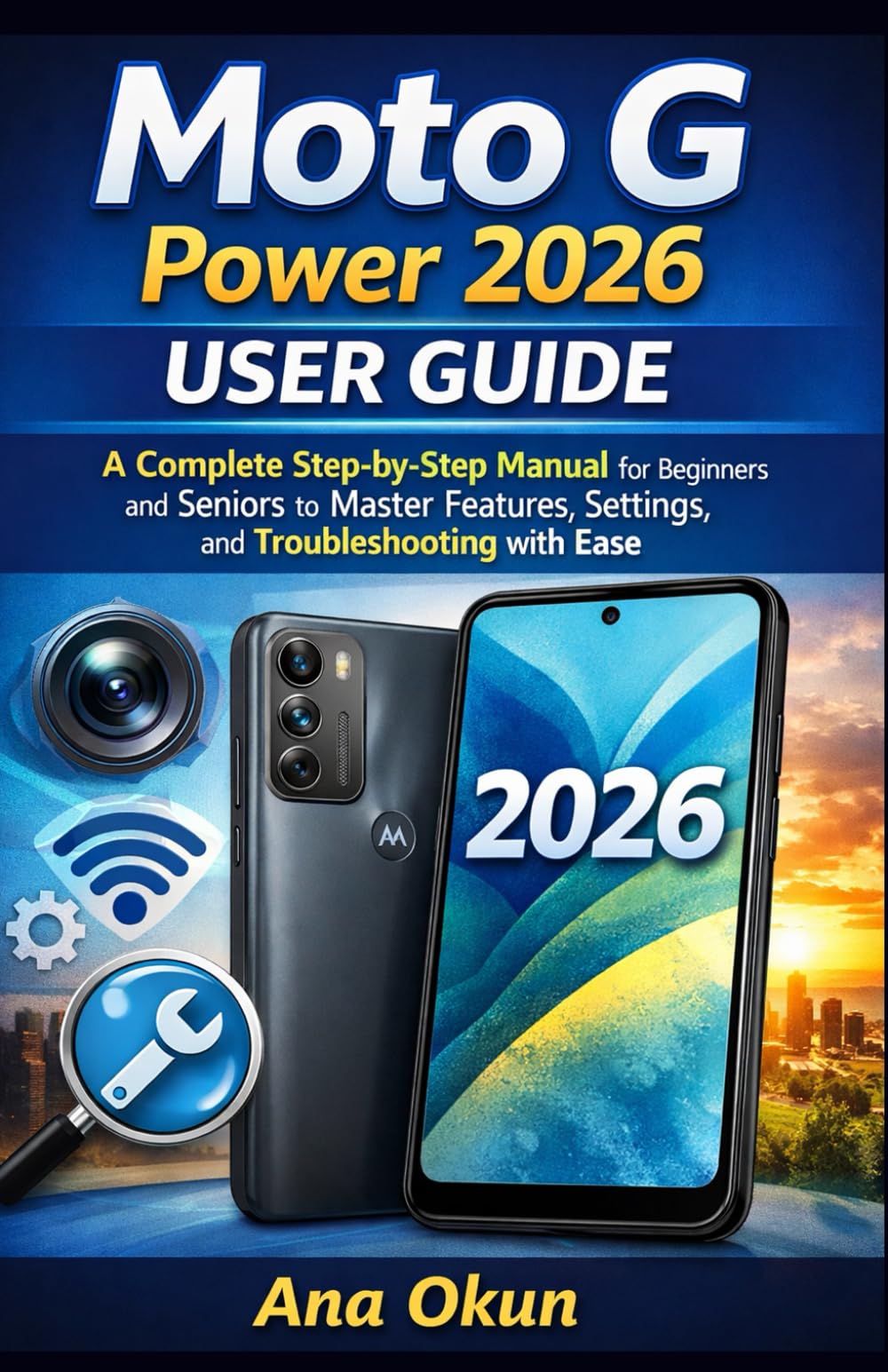
Image 1.1: Front cover of the Moto G Power 2026 User Guide. This image shows the book's title and overall design.
2. Operar su dispositivo
2.1 Navigating the Home Screen
The home screen is your central hub for accessing applications and information. Swipe left or right to view additional home screens. Swipe down from the top of the screen to access quick settings and notifications.
- Cajón de aplicaciones: Swipe up from the bottom of the home screen to open the app drawer, which contains all installed applications.
- Widgets: Long-press on an empty area of the home screen to add widgets for quick access to information like weather, calendar, or music controls.
- Carpetas: Drag one app icon over another to create a folder, helping you organize your applications.
2.2 Llamadas y mensajes
Staying connected is a primary function of your Moto G Power 2026.
- Haciendo llamadas: Toque el Teléfono icon, enter the number, and tap the call button. You can also select a contact from your address book.
- Gestión de contactos: Utilice el Contactos app to add, edit, or delete contacts. You can sync contacts from your Google account.
- Envío de mensajes: Abrir el Mensajes app, tap the new message icon, enter the recipient's number or select from contacts, and type your message.
2.3 Internet Connectivity and Apps
Your device supports both Wi-Fi and mobile data for internet access.
- Wifi: Ir a Configuración > Red e Internet > Wi-Fi para conectarse a redes disponibles.
- Datos móviles: Ensure your SIM card is inserted and mobile data is enabled in Ajustes > Red e Internet > Red móvil.
- Asistente de Google: Activate Google Assistant by saying "Hey Google" or long-pressing the power button (if configured). Use voice commands for tasks, information, and device control.
- Gestión de aplicaciones: Download new apps from the Google Play Store. Manage installed apps in Configuración> Aplicaciones y notificaciones to adjust permissions, clear cache, or uninstall.
3. Características de la cámara
The Moto G Power 2026 camera allows you to capture high-quality photos and videos. Open the Cámara app to begin.
- Tomando fotos: Toque el botón del obturador para tomar una fotografía.
- Grabación de videos: Cambie al modo de video y toque el botón de grabación para iniciar/detener la grabación.
- Modos de cámara: Explore various modes such as Portrait, Night Vision, Panorama, and Pro Mode for different photographic effects.
- Ajustes: Access camera settings to adjust resolution, aspect ratio, timer, and other preferences.
4. Solución de problemas comunes
This section addresses common problems you might encounter with your Moto G Power 2026.
- El dispositivo no responde: If your device freezes, press and hold the power button for about 10-15 seconds to force a restart.
- La batería se agota rápidamente: Comprobar el uso de la batería en Configuración> Batería to identify power-hungry apps. Reduce screen brightness, disable unnecessary features like GPS or Bluetooth when not in use, and close background apps.
- Connectivity Problems (Wi-Fi/Mobile Data):
- Toggle Wi-Fi or mobile data off and on.
- Reinicie su enrutador para problemas de Wi-Fi.
- Ensure your mobile data plan is active and you have signal coverage.
- Bloqueo de la aplicación: Borrar el caché y los datos de la aplicación en Configuración > Aplicaciones y notificaciones > [Nombre de la aplicación] > Almacenamiento y cachéSi el problema persiste, desinstale y vuelva a instalar la aplicación.
- Almacenamiento bajo: Eliminar innecesario files, photos, and videos. Uninstall unused apps. Move large files to cloud storage or an external SD card (if supported). Check storage usage in Configuración > Almacenamiento.
5. Mantenimiento y cuidado
Proper maintenance ensures the longevity and optimal performance of your Moto G Power 2026.
- Actualizaciones de software: Regularly check for and install system updates in Configuración> Sistema> Actualizaciones del sistema. Updates often include performance improvements and security patches.
- Limpieza: Utilice un paño suave y sin pelusa para limpiar la pantalla y el cuerpo del dispositivo. Evite productos químicos agresivos o materiales abrasivos.
- Estado de la batería: Avoid extreme temperatures. Do not leave the device charging for extended periods after it reaches 100%.
- Copia de seguridad de datos: Regularly back up your important data to a cloud service (like Google Drive) or a computer to prevent data loss.
- Protección física: Considere usar una funda protectora y un protector de pantalla para protegerlo contra caídas y rayones.
6. Especificaciones
Key technical specifications for the Moto G Power 2026:
| Característica | Detalle |
|---|---|
| ASIN | B0GP71KXZ1 |
| Editor | Publicado de forma independiente |
| Fecha de publicación | 18 de febrero de 2026 |
| Idioma | Inglés |
| Longitud de impresión | 144 páginas |
| ISBN-13 | 979-8248918850 |
| Peso del artículo | 8.6 onzas |
| Edad de lectura | 12 - 18 años |
| Dimensiones | 5.5 x 0.33 x 8.5 pulgadas |

Image 6.1: Back cover of the Moto G Power 2026 User Guide. This image displays the ISBN barcode and other publication information.
7. Garantía y soporte
Para obtener información sobre la garantía y la asistencia al cliente, consulte el sitio web oficial de Motorola. website or the documentation included with your device at the time of purchase. This manual provides general operational guidance and does not replace official warranty statements or specific support channels.
- Oficial Websitio: Visit the Motorola official webSitio para obtener los últimos recursos de soporte, preguntas frecuentes e información de contacto.
- Servicio al cliente: Contact Motorola customer service for technical assistance or warranty claims.
- Recursos en línea: Many common issues can be resolved by consulting online forums or support communities.