
Introducción
The Monster S180 Bluetooth Speaker is designed to deliver high-quality audio with portability and durability. This manual provides detailed instructions for setting up, operating, and maintaining your speaker to ensure optimal performance.
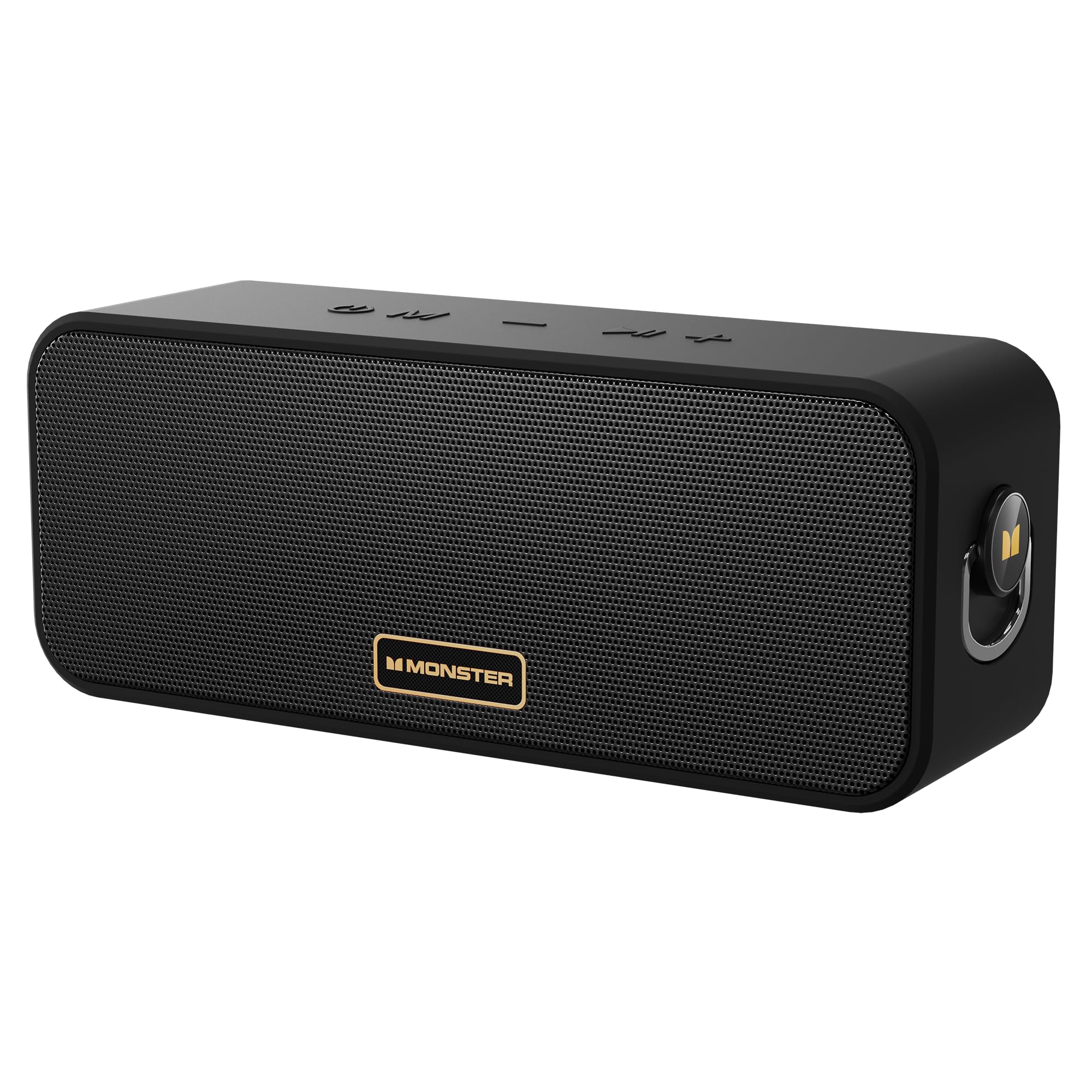
Image: The Monster S180 Bluetooth Speaker, showcasing its key features: 40W output, 28-hour playtime, and IPX6 waterproof rating.
¿Qué hay en la caja?
Por favor, compruebe el contenido del paquete al desembalarlo:
- Altavoz Bluetooth Monster S180 ×1
- Cable de carga × 1
- Guía de inicio rápido ×1
Producto terminadoview
Controles

Imagen: Arriba view of the Monster S180 speaker, indicating the function of each button: Power On/Off, Mode Switch, Previous Song/Volume Down, Play/Pause, Next Song/Volume Up.
- Botón de encendido (⏻):Mantenga presionado para encender/apagar.
- Botón de modo (M): Press to switch between Bluetooth, AUX, and TF card modes.
- Bajar volumen / Canción anterior (−): Short press for volume down; long press for previous song.
- Play/Pause / TWS (⏸): Short press to play/pause; double click to enter/exit True Wireless Stereo (TWS) mode.
- Subir volumen / Siguiente canción (+): Short press for volume up; long press for next song.
Puertos

Imagen: Lateral view of the Monster S180 speaker, showing the USB-C charging port, AUX input, and TF card slot.
- Puerto de carga USB-C:Para cargar el altavoz.
- Entrada auxiliar:Para conectar dispositivos de audio externos mediante un cable de audio de 3.5 mm.
- Ranura para tarjetas TF:Para reproducir música directamente desde una tarjeta TF (MicroSD).
Configuración
Carga inicial
Before first use, fully charge the speaker using the provided USB-C cable and a compatible power adapter (not included). The charging indicator light will show charging status.
Emparejamiento Bluetooth
- Encienda el altavoz manteniendo pulsado el botón de encendido. El indicador de Bluetooth parpadeará para indicar que está en modo de emparejamiento.
- En tu dispositivo (teléfono inteligente, tableta, etc.), activa el Bluetooth y busca dispositivos disponibles.
- Seleccione "Monster S180" de la lista.
- Una vez conectado, el indicador de Bluetooth permanecerá fijo y escuchará un tono de confirmación.

Image: The Monster S180 speaker highlighting its advanced Bluetooth 6.0 connectivity, offering lower latency, lower power consumption, more stable connection, and longer transmission range.
Instrucciones de funcionamiento
Encendido/apagado
Press and hold the Power button for approximately 2-3 seconds to turn the speaker on or off.
Control de volumen y pista
- Subir volumen: Short press the "+" button.
- Bajar volumen: Short press the "-" button.
- Pista siguiente: Long press the "+" button.
- Pista anterior: Long press the "-" button.
Cambio de modo
Press the "M" (Mode) button to cycle through available input modes: Bluetooth, AUX, and TF Card.
Verdadero emparejamiento estéreo inalámbrico (TWS)
To pair two Monster S180 speakers for a stereo sound experience:
- Asegúrese de que ambos altavoces estén encendidos y no conectados a ningún dispositivo Bluetooth.
- On one speaker, double-click the Play/Pause button. It will enter TWS pairing mode.
- The speakers will automatically connect to each other. Once connected, one speaker will act as the left channel and the other as the right channel.
- Connect your device to the primary speaker via Bluetooth as described in the Bluetooth Pairing section.

Image: Two Monster S180 speakers wirelessly connected, demonstrating the True Wireless Stereo (TWS) pairing feature for synchronized stereo music playback.
Entrada auxiliar
Connect an external audio device to the speaker's AUX port using a 3.5mm audio cable. The speaker will automatically switch to AUX mode or can be manually selected using the Mode button.
Reproducción de tarjeta TF
Inserte una tarjeta TF (MicroSD) con música files into the TF card slot. The speaker will automatically switch to TF card mode and begin playback, or you can select it using the Mode button.
Mantenimiento
To ensure the longevity and performance of your Monster S180 speaker:
- LimpiezaUtilice un paño suave y seco para limpiar el altavoz. No utilice limpiadores abrasivos ni disolventes.
- Resistencia al agua: The speaker has an IPX6 waterproof rating, meaning it is protected against powerful water jets. It can withstand splashes and rain but should not be fully submerged in water for extended periods. Ensure the port cover is securely closed to maintain water resistance.
- Almacenamiento:Guarde el altavoz en un lugar fresco y seco, alejado de temperaturas extremas y de la luz solar directa.
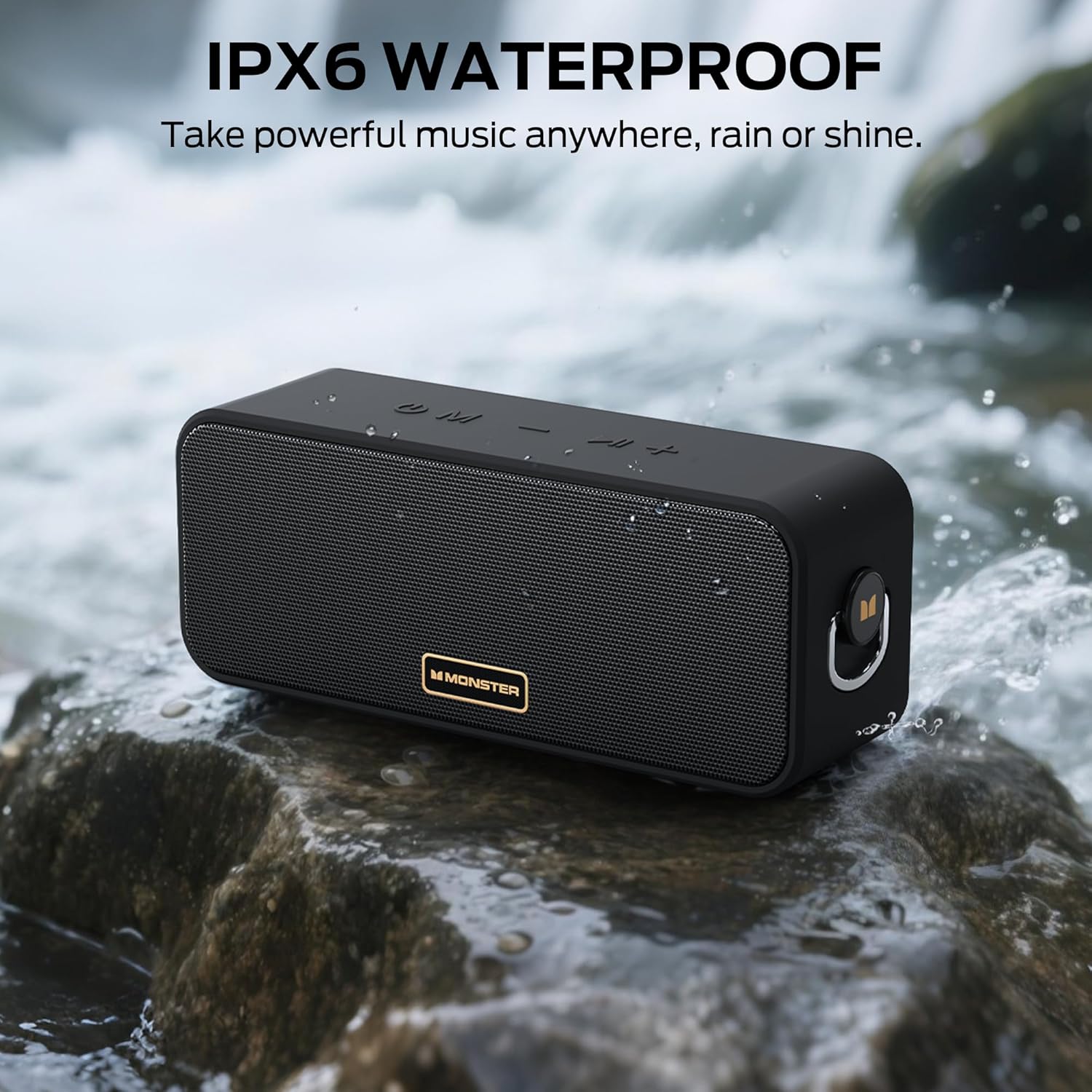
Image: The Monster S180 speaker positioned near a flowing stream, illustrating its IPX6 waterproof capability, suitable for outdoor use in various weather conditions.
Solución de problemas
| Problema | Posible causa | Solución |
|---|---|---|
| El altavoz no se enciende | Batería baja; el botón de encendido no se presionó el tiempo suficiente | Cargue el altavoz; mantenga presionado el botón de encendido durante 2 o 3 segundos. |
| No se puede emparejar a través de Bluetooth | El altavoz no está en modo de emparejamiento; el Bluetooth del dispositivo está desactivado; está demasiado lejos del dispositivo | Ensure speaker is flashing its Bluetooth indicator; Enable Bluetooth on your device; Move speaker closer to device (within 20 meters). |
| Sin sonido | Volumen demasiado bajo; Modo de entrada incorrecto; El dispositivo no reproduce audio | Increase speaker and device volume; Press 'M' button to select correct mode; Ensure audio is playing on your connected device. |
| El emparejamiento de TWS falla | Altavoces ya conectados a otros dispositivos; No en modo de emparejamiento TWS | Disconnect speakers from any Bluetooth devices; Double-click Play/Pause button on one speaker to initiate TWS pairing. |
Presupuesto
| Característica | Detalle |
|---|---|
| Marca | Monstruo |
| Número de modelo | MS62117 |
| Potencia máxima de salida del altavoz | 40 vatios |
| Tecnología de conectividad | Bluetooth 6.0 |
| Modo de salida de audio | Estéreo |
| Duración media de la batería | 28 horas |
| Nivel de resistencia al agua | IPX6 (resistente al agua) |
| Alcance máximo de Bluetooth | 20 metros |
| Método de control | Botón pulsador |
| Dispositivos compatibles | Computadora de escritorio, teléfono inteligente, televisión, iPhone |
| Fuente de poder | Funciona con pilas |
| Dimensiones del artículo (Pr. x An. x Al.) | 3" de profundidad x 8" de ancho x 4" de alto |
| Material del recinto | Metal, Plástico |
| Características adicionales | Portable, Stereo Pairing, Waterproof |
Garantía y soporte
The Monster S180 Bluetooth Speaker comes with a Garantía limitada de 1 año from the manufacturer, Monster.
For technical support, warranty claims, or further assistance, please refer to the contact information provided in the Quick Start Guide included with your product or visit the official Monster websitio.