
1. Introducción
Thank you for choosing the Vieta Pro Party 220 Portable Bluetooth Speaker. This powerful and versatile speaker is designed to deliver high-quality audio for various occasions, including parties, events, and karaoke sessions. This manual provides essential information for setting up, operating, and maintaining your speaker to ensure optimal performance and longevity.
2. Producto terminadoview
The Vieta Pro Party 220 is a self-amplified portable speaker featuring advanced audio technology. It boasts 500W of powerful sound, Bluetooth 5.3 connectivity, Auracast technology, and a long-lasting 10-hour battery. Designed for portability, it includes an integrated handle and trolley-style wheels. Key features include:
- Salida de sonido RMS de 500 W: Delivers robust and clear stereo sound with 2" tweeters and 8" woofers.
- Bluetooth 5.3 with Auracast: Ensures stable and fast wireless connections, allowing multiple Auracast-compatible speakers to connect simultaneously.
- Karaoke Compatibility: Includes a wireless microphone and supports additional microphones. Features LED lights that synchronize with music.
- Duración de la batería de 10 horas: Enjoy extended music playback with the rechargeable battery.
- Múltiples opciones de conectividad: Mini Jack 3.5mm, AUX, Micro USB, USB MP3 player, and SD card slot.
- Estéreo inalámbrico verdadero (TWS): Connect two Party 220 speakers for an immersive stereo experience.
- Diseño portátil: Integrated handle and wheels for easy transport.
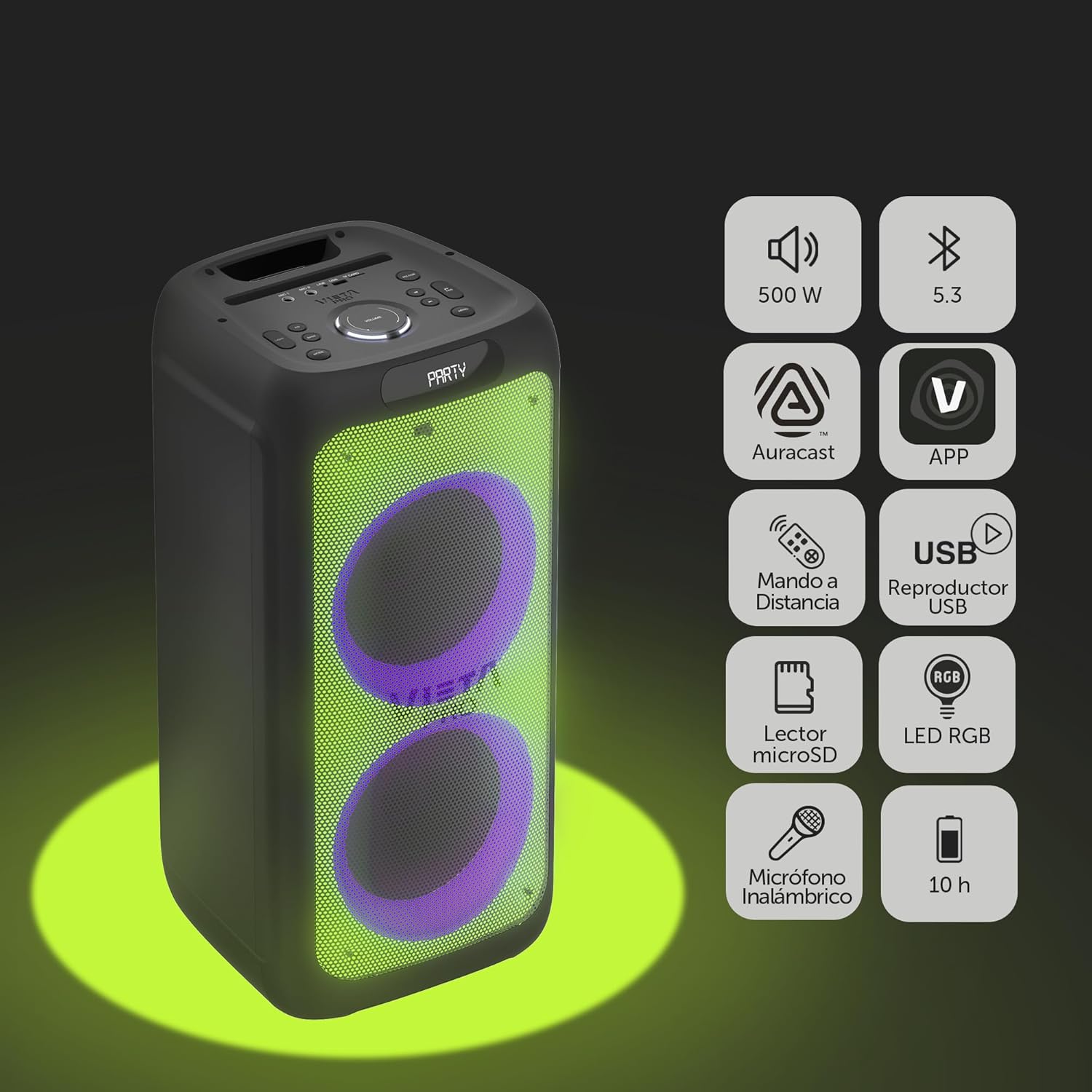
Image 2.1: The Vieta Pro Party 220 speaker highlighting its main features such as 500W power, Bluetooth 5.3, Auracast, app control, remote control, USB player, RGB LED lights, MicroSD reader, wireless microphone, and 10-hour battery life.
3. ¿Qué hay en la caja?
Al desembalar, asegúrese de que todos los artículos estén presentes y en buenas condiciones:
- Vieta Pro Party 220 Portable Bluetooth Speaker
- Cable de alimentación
- Micrófono inalámbrico
- Mando a distancia
- Manual de usuario (este documento)
4. Configuración
4.1. Carga del altavoz
Before first use, fully charge the speaker. Connect the provided power cable to the speaker's power input and then to a suitable power outlet. The charging indicator will illuminate. Once fully charged, the indicator may change color or turn off, depending on the model.
Una carga completa proporciona hasta 10 horas de reproducción continua.

Image 4.1: The Vieta Pro Party 220 speaker in a home environment, illustrating its long battery life of up to 10 hours.
4.2. Encendido / apagado
Locate the Power button on the speaker's control panel. Press and hold the Power button for a few seconds to turn the speaker ON or OFF.
5. Instrucciones de funcionamiento
5.1. Emparejamiento Bluetooth
- Turn on the Vieta Pro Party 220 speaker. It will automatically enter Bluetooth pairing mode, indicated by a flashing LED light (usually blue).
- Habilite Bluetooth en su dispositivo de audio (teléfono inteligente, tableta, computadora).
- Buscar "Vieta Pro Party 220" in the list of available Bluetooth devices.
- Select the speaker to pair. Once connected, the LED indicator will stop flashing and remain solid.
5.2. Auracast Technology
The Party 220 supports Auracast, allowing you to connect multiple compatible speakers (including other Party 220 units or different brands supporting Auracast) for a synchronized audio experience. Refer to the specific instructions for Auracast pairing, usually initiated via a dedicated button or through the Vieta Pro app (if available).
5.3. Emparejamiento estéreo inalámbrico verdadero (TWS)
To achieve a true stereo sound experience, you can pair two Vieta Pro Party 220 speakers:
- Ensure both Party 220 speakers are turned on and not connected to any Bluetooth device.
- On one speaker (this will be the primary speaker), press and hold the TWS button (if available) or follow the TWS pairing instructions in the speaker's specific controls.
- The primary speaker will search for the secondary speaker. Once connected, you will hear an audible confirmation, and the LED indicators will reflect the TWS connection status.
- Now, connect your audio device to the primary speaker via Bluetooth as described in section 5.1. Audio will play in stereo across both speakers.
5.4. Wired Connections (AUX, USB, MicroSD)
- Entrada auxiliar: Connect an external audio device using a 3.5mm audio cable to the AUX input port. The speaker will automatically switch to AUX mode or require manual selection via the Mode button.
- Reproducción USB: Inserte una unidad flash USB que contenga audio MP3 files en el puerto USB. El altavoz detectará y reproducirá automáticamente el files. Use the control panel or remote to navigate tracks.
- Reproducción de tarjeta MicroSD: Insert a MicroSD card with MP3 audio files into the MicroSD slot. The speaker will automatically detect and play the files.
5.5. Karaoke Function and Wireless Microphone
The Party 220 comes with a wireless microphone for karaoke. Simply turn on the microphone, and it should automatically connect to the speaker. Adjust microphone volume using the dedicated controls on the speaker or remote control. The speaker also has inputs for additional wired microphones.

Imagen 5.5: Un primer plano view of the wireless microphone included with the Vieta Pro Party 220 speaker, ready for karaoke use.
5.6. LED RGB Lights
The speaker features dynamic RGB LED lights that can enhance your audio experience. Use the dedicated button on the control panel or the remote control to cycle through different light modes, synchronize them with the music, or turn them off.

Image 5.6: The Vieta Pro Party 220 speaker showcasing its vibrant RGB LED lighting feature.
5.7. Control remoto
The included remote control allows for convenient operation of the speaker from a distance. Functions typically include power, volume, track navigation, mode selection, EQ settings, and LED light control.
6. Mantenimiento
- Limpieza: Utilice un paño suave y seco para limpiar el exterior del altavoz. No utilice limpiadores abrasivos, ceras ni disolventes.
- Almacenamiento: Guarde el altavoz en un lugar fresco y seco, alejado de la luz solar directa y de temperaturas extremas.
- Cuidado de la batería: Para prolongar la vida útil de la batería, evite descargarla por completo con frecuencia. Cargue el altavoz regularmente, incluso si no lo usa durante períodos prolongados.
- Exposición al agua: While the speaker may have some resistance, avoid direct exposure to water or excessive moisture unless explicitly stated as waterproof.
7. Solución de problemas
| Problema | Posible causa | Solución |
|---|---|---|
| Sin poder | La batería está agotada; el cable de alimentación no está conectado correctamente. | Cargue el altavoz; asegúrese de que el cable de alimentación esté conectado de forma segura. |
| Sin sonido | Volumen demasiado bajo; Modo de entrada incorrecto; Dispositivo no emparejado. | Increase volume on speaker and source device; Select correct input mode (Bluetooth, AUX, USB); Re-pair Bluetooth device. |
| El emparejamiento de Bluetooth falla | El altavoz no está en modo de emparejamiento; Dispositivo demasiado lejos; Interferencia. | Asegúrese de que el altavoz esté en modo de emparejamiento; acerque el dispositivo; apague otros dispositivos Bluetooth. |
| El micrófono no funciona | Microphone off; Battery low in microphone; Volume too low. | Turn on microphone; Replace microphone batteries; Increase microphone volume. |
| El emparejamiento de TWS falla | Los altavoces no están en modo de emparejamiento TWS; están demasiado separados. | Ensure both speakers are in TWS pairing mode; Place speakers closer together. |
8. Especificaciones
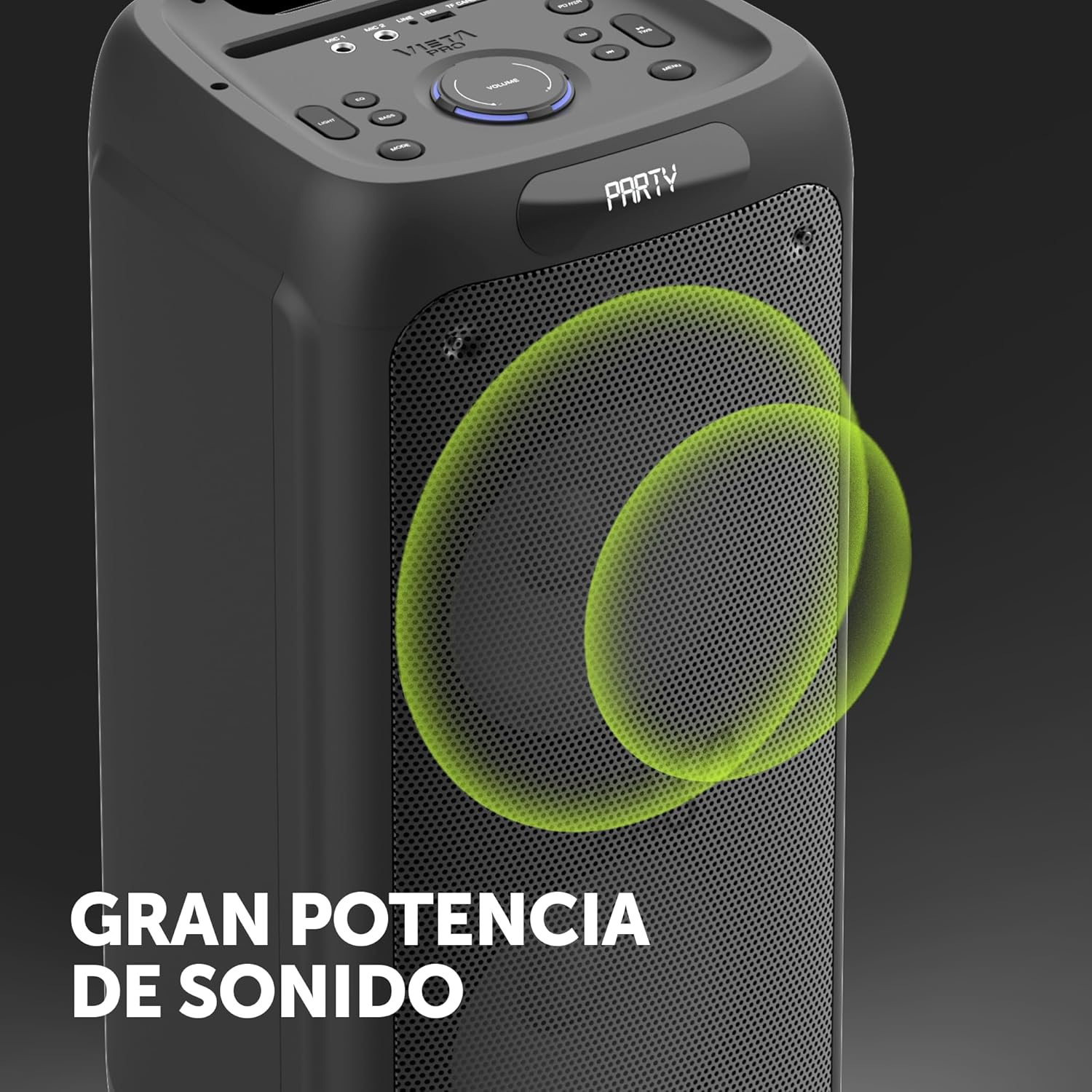
Image 8.1: The Vieta Pro Party 220 speaker, highlighting its powerful sound output.
| Característica | Detalle |
|---|---|
| Nombre del modelo | Fiesta 220 |
| Número de modelo | VM-HW455BK |
| Marca | Vieta Pro |
| Tipo de altavoz | Outdoor, Portable, Self-amplificado |
| Tecnología de conectividad | Bluetooth 5.3, AUX, USB, MicroSD |
| Comunicación inalámbrica | Bluetooth |
| Potencia máxima de salida del altavoz | 500 vatios (RMS) |
| Modo de salida de audio | Estéreo (con TWS) |
| Respuesta de frecuencia | 20 MHz |
| Fuente de poder | Funciona con pilas |
| Duración de la batería | Hasta 10 horas |
| Método de control | Control remoto, botones en el dispositivo |
| Características especiales | Anti-shock, USB Port, Shock resistant, Wireless speakers, Auracast, Karaoke, LED RGB lights |
| Dispositivos compatibles | MP3 Player, Mobile, PC, DJ Mixer, Tablet, Television |
| Dimensiones del producto | 33.7 cm de profundidad x 30 cm de ancho x 70.5 cm de alto |
| Peso del artículo | 5 kilogramos |
| Material | Plástico |
| Color | Negro |
9. Garantía y soporte
The Vieta Pro Party 220 speaker comes with a limited warranty. Please refer to the warranty card included in your packaging for detailed terms and conditions. For technical support, troubleshooting assistance beyond this manual, or warranty claims, please contact Vieta Pro customer service through their official websitio o la información de contacto proporcionada con la documentación de su producto.
Conserve su comprobante de compra para fines de garantía.


